Cloud storage
Cloud storage security: risks, principles and best practices
Last updated 08 June, 2026
8 mins

Cloud storage makes storing, accessing and sharing your data and files much simpler.
But with this convenience comes an important question: just how secure is cloud storage?
Easy access is great, but only if it's controlled. Ultimately, the goal is giving your approved collaborators fast access to what they need, while no one else can see a thing.
With the right security measures in place from both the provider and the user, cloud storage can be extremely secure. Without them, the risks compound quickly.
We’ve pulled together our cloud storage security best practices to help you protect your data. Read on for advice on how to give your IT team peace of mind, while freeing teams to work without security concerns or cumbersome workflows.
Cloud storage security building blocks
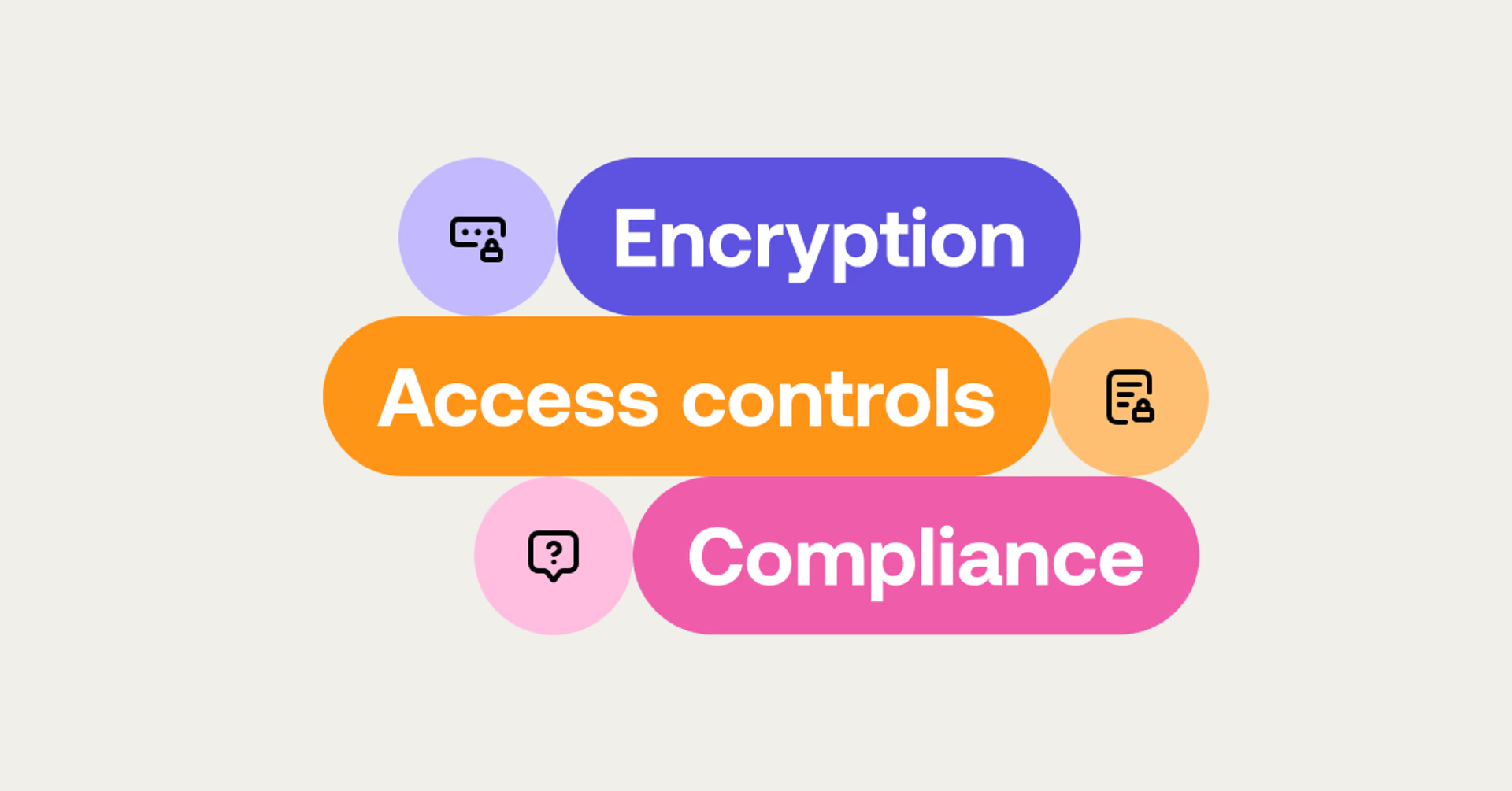
Cloud storage security combines a number of measures to protect data stored online from unauthorized access, breaches and loss. These measures include:
Encryption: converting data into a coded format, readable only with the correct credentials.
Access controls: ensuring only authorized users can access your data.
Compliance: adhering to industry standards and regulations to safeguard your sensitive information.
These steps are a solid basis for cloud security, but as we’ll see, there’s plenty more to consider when safeguarding your cloud data.
The cloud storage risk landscape

Today, data security has to be a core consideration in your workflows to combat ever-present and growing cyber threats:
Costly breaches: IBM puts the average cost of a data breach at $4.4 million. One in three breaches now involve shadow data stored in unmanaged environments. Those incidents take 26% longer to identify and 20% longer to contain than those that don't.
Industry-specific threats: while cybercriminals often target financial and healthcare data, no industry is immune. For example, the media and entertainment sector is frequently targeted by attackers seeking to leak valuable content ahead of release.
Meanwhile, cloud adoption keeps growing. As more teams transition from on-premise to cloud storage, the attack surface expands. And security is frequently an afterthought in that transition.
While cloud storage providers often provide robust security features, customers must remain aware of potential risks and proactively implement security measures to protect their own data.
In other words, it’s a shared responsibility. AWS Shared Responsibility Model is a solid framework to understand which responsibilities fall to the customer and which fall to the service provider. (We’ll run through the measures you should take in more detail shortly.)
5 common cloud storage security risks

Here’s a rundown of some of the common risks you want to avoid:
Data breaches: unauthorized access to sensitive information can lead to data breaches, compromising confidential data. Cybercriminals continually evolve their methods, making breaches a persistent threat. This can result in significant financial loss, reputational damage and legal consequences.
Insufficient authentication: weak or insufficient authentication methods, such as poor passwords or lack of multi-factor authentication (MFA), make it easier for unauthorized users to access data. Robust authentication protocols are essential to ensure only authorized personnel can access sensitive information.
Misconfigurations: incorrectly configured cloud storage can inadvertently expose data to unauthorized access. Misconfigurations are usually down to human error or a lack of expertise. Regular audits and automated tools can help identify and rectify these vulnerabilities.
Insider threats: employees or contractors with access to sensitive data can pose significant risks, whether intentionally or accidentally. Insider threats are challenging to detect and can result from malicious intent, negligence or just a lack of awareness. Implementing strict access controls, monitoring and training can mitigate these risks.
Shadow IT: it’s never been simpler to sign up to a new tool. But, in terms of security, this convenience is a curse. Your employees can easily use file sharing and cloud storage solutions outside of your secure environment, increasing risk.
This unapproved technology can lead to data leakage, security breaches and compliance issues. To combat Shadow IT, you need to provide easy-to-use but secure alternatives and monitor network activity to identify unauthorized applications.
Understanding these risks is the first step to mitigating them with the right measures.
Cloud storage security principles
Exploring best practices advocated by third parties helps businesses stay on top of gold standards for safeguarding your data and workflows.
In this section, we’ll look at the security principles outlined by industry body MovieLabs and the Trust Services Criteria outlined by SOC2, a compliance framework.
MovieLabs Security Principles
MovieLabs Vision 2030 proposes a north star vision for the adoption of new technologies to aid in content production, post production and VFX media creation and distribution. The security section outlines three key areas:
1. Verified access: every individual on a project is identified, verified and their access permissions efficiently managed. Each person involved has a unique identity for determining control, access or editing permissions. This minimizes unauthorized access by restricting permissions to necessary assets only.
2. Adaptive security environments: all media creation happens in highly secure environments that adapt rapidly to changing threats. Workflow security must use the latest cybersecurity technologies and continuously adapt to emerging threats, emphasizing zero trust models to verify everything at each step.
3. Universal linking system: individual media elements are referenced, accessed, tracked and interrelated using a universal linking system.
Media components will be in the cloud, linked similarly to URLs, supporting non-destructive workflows where changes are tracked in metadata, without altering source media. Links between elements ensure consistent and accessible relationships across storage locations.
SOC2 Trust Services Criteria
Service Organization Controls (SOC) 2 is a widely recognized compliance framework designed to guarantee the effectiveness of a company’s security policies and procedures. The SOC2 framework underpins cloud service provider trust through five critical criteria:
Security: ensures data is protected from unauthorized access, alteration and destruction. It is the foundation of trust for cloud service providers.
Availability: guarantees that no downtime occurs and cloud-based tools are reliable and accessible when required.
Confidentiality: affirms the privacy of sensitive data such as personal and financial information, which can cause severe harm if compromised.
Integrity: maintains data quality while accurately processing large amounts of data, critical for making informed decisions.
Privacy: certifies that data is used and managed in accordance with applicable privacy regulations, and users’ privacy rights are respected.
Considering MovieLabs’ security principles and SOC2’s comprehensive criteria is a smart way to establish a robust cloud security roadmap.
These frameworks both emphasize the importance of secure environments, verified access and meticulous data management to counteract potential threats effectively.
Next, we’ll look at how we approach cloud storage security here at LucidLink.
Cloud storage security: LucidLink’s approach
Full disclosure, we have skin in the game. LucidLink is a file streaming platform that frees teams to work together on huge files in real time from anywhere. Along with fast access, we designed LucidLink with a focus on security for sensitive data.
Even if you’re not in the market for our product, it’s worth reading about our approach to cloud security to see if there are any practical applications for your cloud storage security.
Zero-knowledge encryption
LucidLink employs a zero-knowledge security model where neither LucidLink nor the storage provider can access your data. All data is encrypted on your device and remains encrypted both in transit and at rest.
Only you hold the encryption keys, ensuring maximum data confidentiality. This approach means your data is always secure. You don’t need to trust the network infrastructure, cloud storage providers or even LucidLink.
Stream data on-demand
Our platform streams data on-demand, transferring only the necessary data in real time. This removes the need to store unprotected copies of files on multiple devices, massively reducing data sprawl. Each file has its own unique encryption key, providing isolation and minimizing any attack surface.
This method ensures that any malicious tampering or data integrity issues are immediately detected upon access.
Advanced encryption standards
Using the strongest AES-256 encryption in GCM mode, LucidLink ensures data is protected with authenticated encryption. This provides a high degree of assurance that accessed data is genuine. Additionally, LucidLink uses RSA key pairs for each user to maintain isolation and control over access to your filespace.
Granular access controls
With LucidLink's access controls, you have complete control over who can view and edit data. Tailor folder permissions to suit your organization's needs, ensuring sensitive information remains secure. Administrators can grant and revoke access as needed, promoting users from read-only to read-write or removing access entirely.
Immediate access revocation ensures that once access is removed, the data disappears with it, as files aren’t stored locally. You can also manage access for large user groups using built-in SSO integrations with industry-standard providers.
Compliance and auditability
We meet stringent security and compliance requirements, including SOC2, TPN and GDPR, making our platform suitable for industries with high regulatory standards.
By implementing these advanced security measures, LucidLink provides unparalleled protection for your data, making it a secure and reliable solution for cloud storage.
You can try out LucidLink free here.
Secure cloud storage checklist
As we’ve mentioned, cloud storage security is a joint responsibility. On top of the measures taken by your provider, your business should look to implement these key practices for secure cloud storage.
Use strong encryption: encrypt data both in transit and at rest to protect it from unauthorized access. This ensures that even if data is intercepted, it cannot be read without the decryption key.
Implement multi-factor authentication (MFA): adding an extra layer of security ensures that even if credentials are compromised, unauthorized access is prevented.
Regularly update and patch systems: keeping software and systems up-to-date reduces vulnerabilities that attackers can exploit. Ensure that all applications and systems are regularly updated to protect against known threats.
Monitor and audit access: continuously monitor access logs and conduct regular audits to detect and respond to suspicious activities. This helps in identifying and mitigating potential security breaches promptly.
Read how Torti Gallas + Partner’s CTO uses LucidLink to protect the architecture innovator’s data.
Educate employees: train staff on security best practices and the importance of safeguarding sensitive information. Educated employees are less likely to fall victim to phishing attacks or other security threats.
Use single sign-on (SSO): SSO simplifies user authentication across multiple applications, reducing the number of passwords users need to remember and manage, while maintaining strong security protocols.
Backup your data: regularly backup your data to prevent data loss in case of accidental deletions, hardware failures, or cyberattacks. Having a reliable backup strategy ensures data recovery during unforeseen incidents. Read more about data backup best practices here.
Cloud security is a partnership

Cloud storage security is ultimately a partnership.
Do your due diligence on any provider by checking their security procedures against the principles we've discussed. Then play your part by implementing best practices and educating your employees.
With these measures in place, cloud storage will keep your data and projects secure, give your IT team peace of mind and let your people get on with their work.
We’re always keen to talk security. If you have any questions feel free to get in touch with our team. If you’d like to give LucidLink a test run, you can get a 30-day free trial here.
Keep reading

Cloud storage
New research: what your storage bill doesn’t tell you
New research from Situation Publishing explores the hidden costs around file infrastructure, from egress and duplication to lost time and manual work.
14 October 2026, 4 mins read
Cloud storage
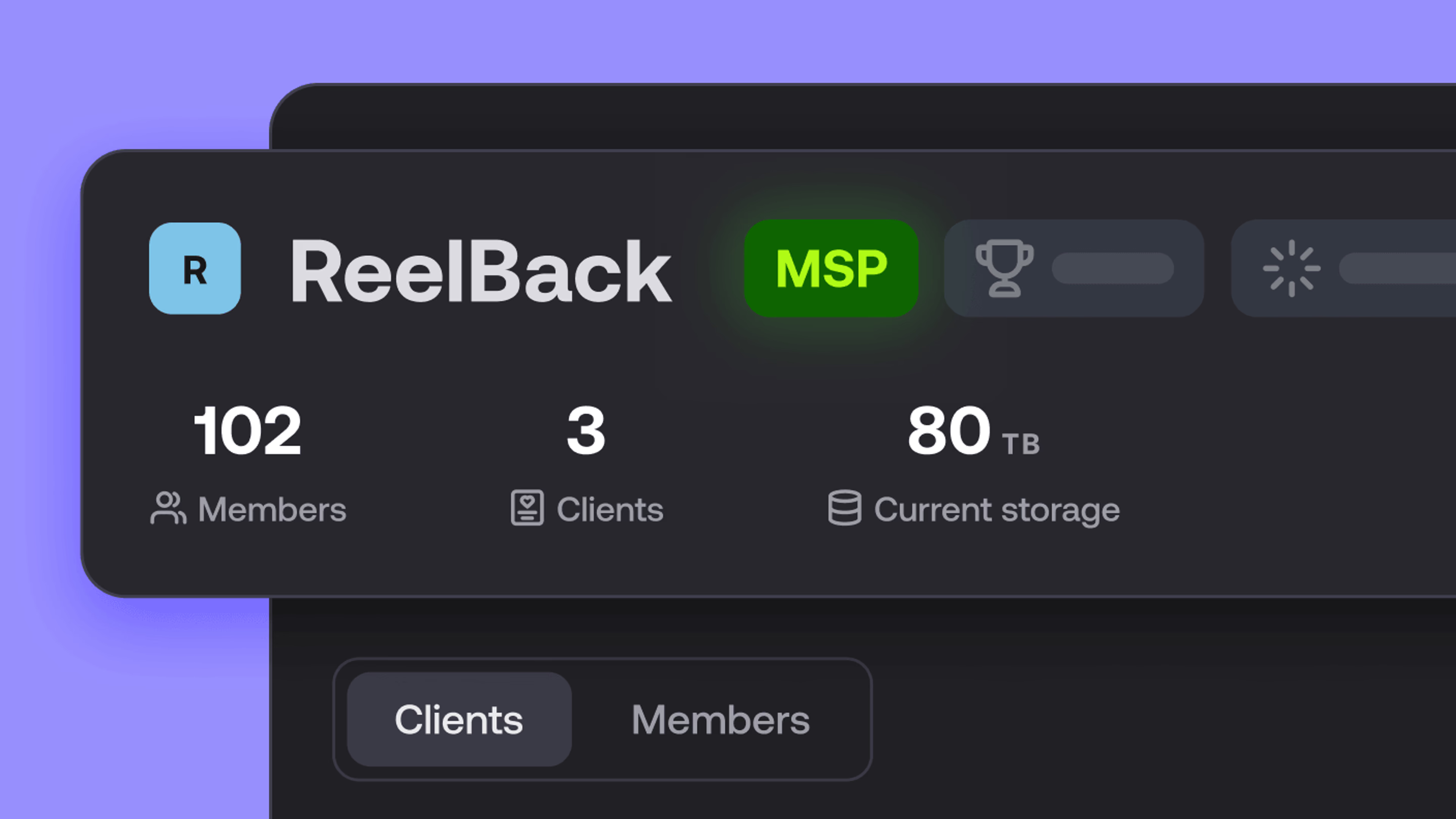
Introducing the new LucidLink MSP: one platform for your whole book
LucidLink MSP runs on the LucidLink Management Platform, giving MSPs centralized deployment management and pricing that scales with growth.
09 September 2026, 2 mins read

Product & news
Cloud storage
Beyond headline speeds: what cloud file streaming needs to succeed
Block-level streaming, smart prefetching and metadata coordination: here's the architecture behind how LucidLink performs on standard internet connections.
05 August 2026, 6 mins read
Join our newsletter
Get all our latest news and creative tips
Want the details? Read our privacy policy. Not loving our emails?
Unsubscribe anytime or drop us a note at support@lucidlink.com.