Cloud storage
Best secure file sharing software for business in 2026
Last updated 19 May, 2026
12 mins

Every day, your business shares sensitive data, from customer information and financial records to product designs and creative assets.
But how secure are your file transfers?
With the average data breach costing $4.4 million, secure file sharing for business is a non-negotiable to protect your data from growing threats like ransomware, insider leaks and IP theft.
In this guide, we’ll break down the 10 best secure file sharing solutions for business in 2026, helping you find the right balance of security, performance and ease of use.
Why secure file sharing for business matters
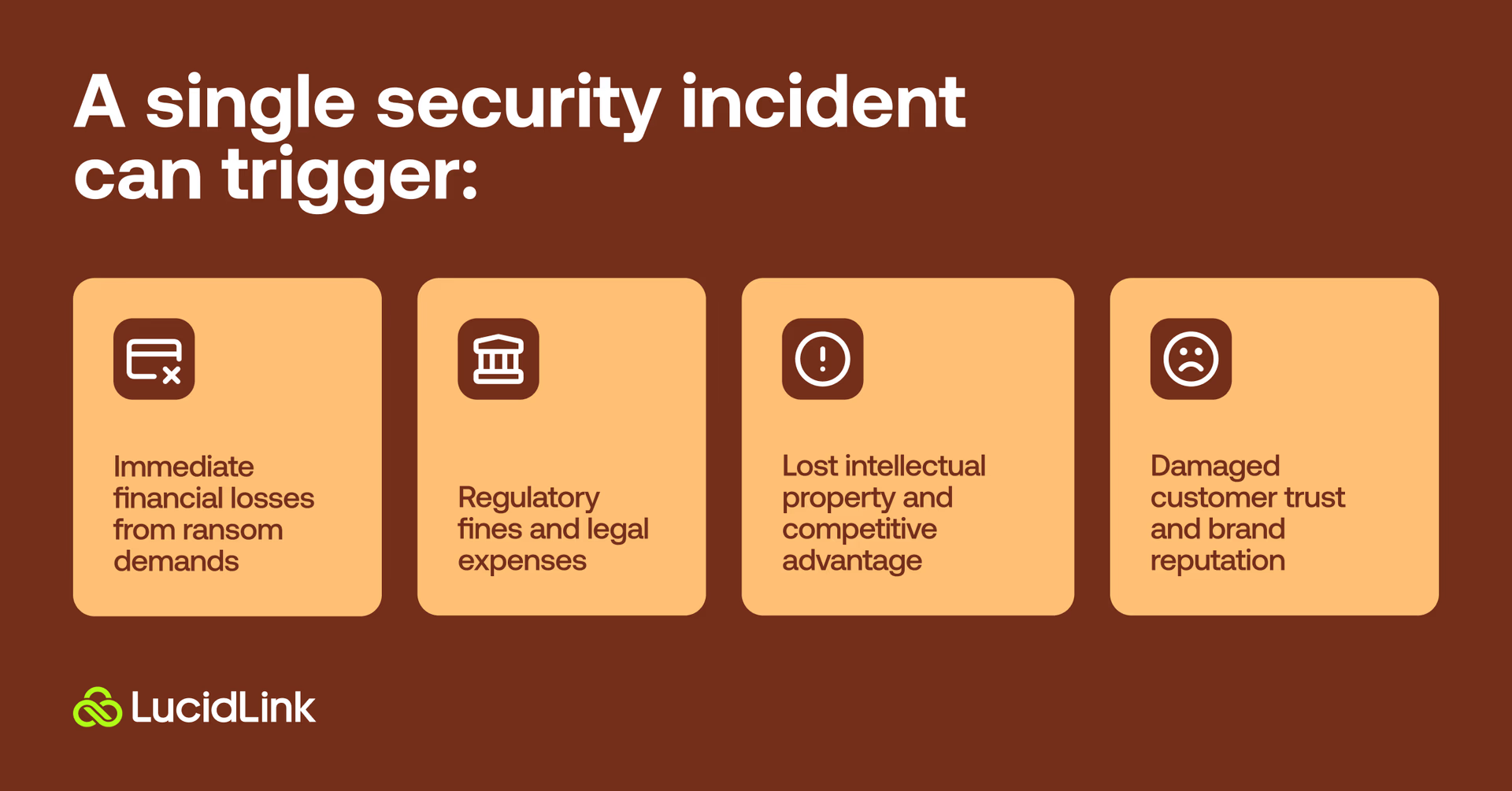
Data breaches aren’t just a hypothetical threat. Today, a single security incident can quickly trigger numerous issues, including:
Immediate financial losses from ransom demands
Regulatory fines and legal expenses
Damaged customer trust and brand reputation
Lost intellectual property and competitive advantage
For industries like media production, healthcare or finance certified secure file sharing platforms are a compliance requirement. Outside regulated industries, the stakes may seem lower, but the risks of getting it wrong are still real.
Most teams are already working in ways that make this harder to manage:
Remote collaboration across time zones
Freelancers and external partners coming in and out of projects
Critical files stored in the cloud so teams can access them easily
Part of the problem is that access is only one part of the puzzle. Teams also need to make sure everyone is working from the same, up-to-date files to help avoid mistakes, or file duplication and unmanaged file sprawl.
The right secure file sharing platform can do all of the above.
For teams managing remote staff and external contractors, VPN-based file access creates its own security risks. Here's how to provide secure file access without VPNs.
How to choose secure file sharing software for business
So what should you look for in secure file sharing software and tools for business?
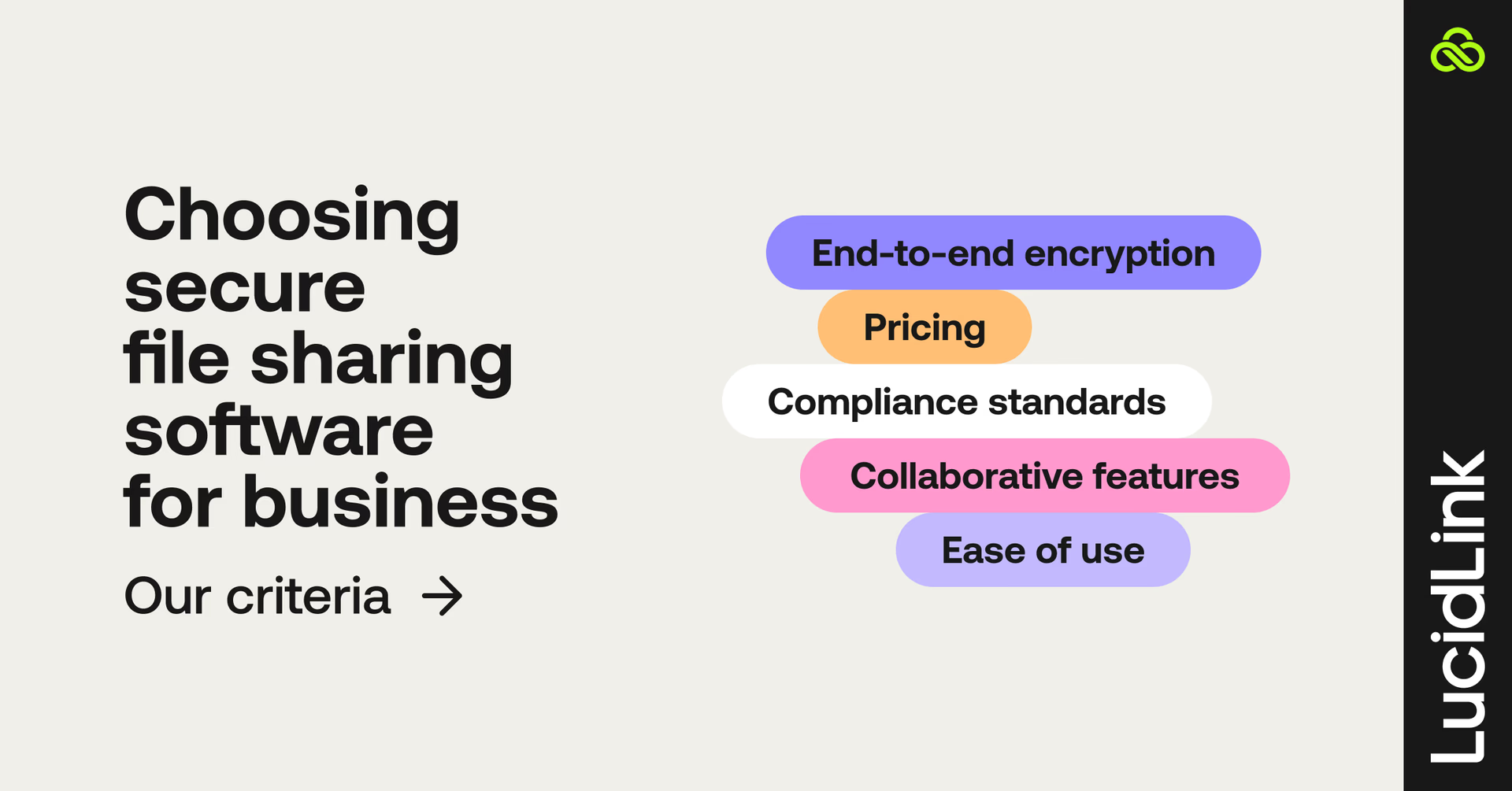
Here are the criteria we used for examining each of the business file sharing solutions in our top 10 list, plus a quick explanation of the technical terms.
End-to-end encryption: the files are encrypted on your device and remain that way in transit until they are decrypted on the recipient's device. This is one of the most secure methods, especially compared to TLS (Transport Layer Security) which only encrypts the data between the client and the server.
Compliance standards: does the service comply with common security standards and best practices?
Collaborative features: what features does the platform offer to make collaboration easy, efficient and manageable? For example, password-protected sharing links or automated file syncing.
Ease of use: how easy is the secure file sharing software to use, especially for less technically savvy users?
Pricing: how affordable is the cheapest plan or the price per user in a team tier?
For more on the principles and best practices to consider when picking a file sharing solution, our piece on cloud storage security is worth a browse.
10 best secure file sharing solutions for business
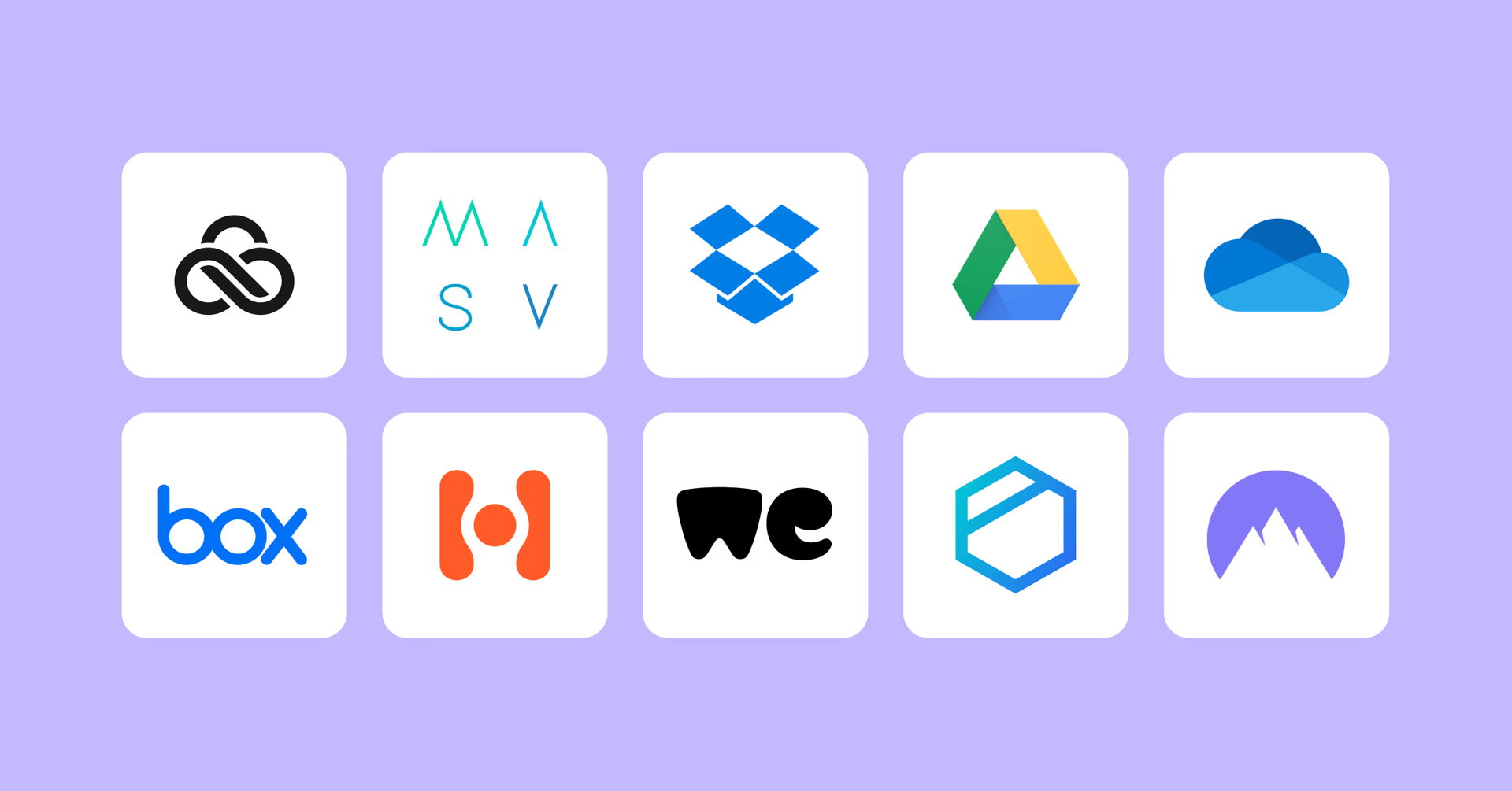
Here’s the shortlist of the best secure file sharing platforms for business users:
LucidLink: best for large files and real-time collaboration
MASV: best for one-off large file transfers
Dropbox for Business: best for simple file sync
Google Drive: best for business teams using Google Apps
Microsoft One Drive: best for Microsoft/Windows business
Box.com: best for high-compliance businesses
Hightail: best for file sharing for review and approval
WeTransfer: best for small files and frequent transfers
Tesorit: best for secure business cloud storage
NordLocker: best for client-side encryption
Now let’s dive into the details of each one to give you a better understanding of the merits of each option.
#1 LucidLink: best file-sharing software for large files and real-time collaboration

Overview: LucidLink is a cloud-native file streaming platform that lets teams work together in real time on any file, from anywhere. All without downloads, syncing or VPN bottlenecks.
It replaces traditional file sharing and cloud storage with a single, always-up-to-date filespace, where teams can instantly access and edit even the largest assets as if they were stored locally.
Built with zero-knowledge security, LucidLink ensures your data is encrypted on your device and accessible only to your chosen collaborators, not even LucidLink can access your files.
Key features
On-demand file streaming for instant access to massive files
Zero-knowledge encryption: only you and approved collaborators can ever see your data
Immediate access revocation
One unified cloud-native filespace (single source of truth)
Guest Access for secure external sharing without accounts or installs
Real-time collaboration without overwrites or version chaos
Smart local caching for local-drive-like performance
Enterprise-grade user management, SSO and permissions
File locking support for tools like Adobe Premiere Pro
Snapshots and version history for fast recovery
Optional on-site acceleration with TeamCache
Pricing: the business tier is $27/month per team member for 400GB of shared space. Each member’s storage capacity is always shared within a team, e.g. 5 members = 2TB shared storage.
Pros
Zero-knowledge security and enterprise access controls keep data protected without slowing teams down.
Feels like a local drive, but powered by the cloud
Instant access to even extremely large files (video, CAD, design assets)
Real-time collaboration with no sync conflicts or versioning issues
Strong integrations across creative and technical workflows
Fast onboarding for freelancers and external contributors
Cons
Business tier capped at 25 users
Best for: LucidLink is built for teams that work with large, complex files and fast-moving collaboration workflows, especially in creative, media, production, architecture and marketing environments.
Instead of waiting for downloads or managing fragile sync systems, teams can open and edit massive files instantly, stream only the data they need and stay perfectly aligned in a single shared workspace.
This eliminates the classic friction points of file-based collaboration (version chaos, transfer delays and broken workflows) replacing them with a real-time, cloud-native experience that behaves like a local drive but scales globally.
Great for distributed teams and external collaborators, where fast onboarding and controlled access can make or break delivery timelines. Security is built into the model. Zero-knowledge encryption means only your team holds the keys, and when a collaborator's access ends, nothing lingers on their device.
You can give LucidLink a free 30-day test run here.
#2 MASV: best for very large file transfers

Overview: MASV can handle very large file transfers, up to 15 TB in a single file, whilst maintaining strict security standards at all times.
Key features
Massive file size capabilities
Maintains folder structures and metadata during transfers
Automated workflows for ingest, transfer and egress
Integrations with other file sharing platforms such as LucidLink
Pricing: pay As You Go pricing model, starting at $215/month for 1TB of transfers.
Pros
MASV can handle the biggest files with ease
Cloud-to-Cloud workflow automations and browser tools save time and effort
Cons
Transfer costs can add up with multiple download recipients
Not designed to keep files in sync or for long-term storage
Best for: MASV does one thing better than anyone else. Send very large files, quickly and securely. This is why it makes for an ideal solution for businesses that must transfer very large files at pace.
Many businesses would benefit from using MASV as a secondary service for sending large amounts of data, as and when they need to, and their Pay As You Go pricing model makes that a simple process.
MASV is designed for one-off large file delivery rather than ongoing collaboration. If you want to take a more detailed look at the difference between file transfer and file streaming, this breakdown of file streaming vs file acceleration is worth a read.
#3 Dropbox for Business: best for simple file sync
Overview: Dropbox is one of the most popular ‘sync and share’ style file sharing platforms. It makes it incredibly easy to keep your files in sync on any device, in any location, across large teams.
Key features:
Very easy to set up and use.
Link-based single file sharing.
180-day version history and file recovery.
Extra features: video editing, PDF signing, comments etc.
Pricing: the business tier is $15/per user/month.
Pros
Easy to set up on multiple devices.
MFA, password management and granular permissions
Cons
Easy to accidentally delete shared files
Requires constant uploading and downloading to maintain sync
100GB file transfer limit.
Best for: Dropbox for Business is the best secure file sharing software for small teams who require a simple but effective way to keep all their shared files in sync.
While the very highest security features are restricted to the more expensive Business Plus tier, the normal Business tier does provide a secure and manageable way to share files within a team and to external users. This includes setting passwords and expiry dates.
The extra productivity tools such as PDF signing and video editing could offer a real boost to some teams, while others won’t touch them.
Dropbox and the sync-and-share tools that follow (Google Drive, OneDrive, Box) all rely on the same underlying model: files download and sync to your device before you can work on them.
For documents that's fine. For large files like video, CAD or design assets, the underlying model creates real workflow friction. Take a closer look at why file streaming is a better fit for large-file workflows.
#4 Google Drive: best file sharing for teams using Google Apps
Overview: Google Drive excels at providing an integrated cloud storage platform for business teams using the Google Workspace apps such as Google Docs, Sheets or Calendar and Gmail.
Key features
Cloud-native browser-based software
Robust security features and encryption
Gemini AI tools built-in
All apps and Google Drive storage integrate seamlessly
Pricing: starting at $7/per user/month with limited storage. Business Standard tier is $14/month per user with 2TB of pooled storage.
Pros
Easy to use and AI feature-rich tools
Entirely reliable solution from teams of any size
Cons
Complicated pricing structure
Cloud storage is not designed for high-performance users
Best for: for businesses that live and breathe their daily work on Google Workspace apps, such as Google Docs or Google Sheets, having access to large amounts of seamlessly integrated cloud storage is a huge win.
Google’s AI features like Gemini or the research tool NotebookLMl, also make Google a great choice for your email and docs.
But, if you’re working with larger files or media assets, Google Drive can become frustrating to work with. Read more about Google Drive alternatives here.
#5 Microsoft OneDrive: best file sharing for Microsoft/Windows platforms

Overview: Microsoft OneDrive is the best Windows-native Cloud storage and file sharing platform that can support businesses of any scale. Tightly integrated with Microsoft 365 applications and featuring an increasing number of CoPilot AI enhancements.
Key features
Secure sharing and sync across devices
Desktop, web and mobile business software integrations
1TB of OneDrive cloud storage per user
Part of Microsoft 365 package
Pricing: the Microsoft 365 Business Standard tier starts at $12.50 per user/month.
Pros
Generous cloud storage capacity
Works perfectly with Microsoft business software
Cons
Not built for large media files or media file types
Limited third-party app integrations compared to personal OneDrive
Best for: if you’re running on Windows and using Microsoft’s suite of productivity software (and Microsoft’s site claims that 85% of Fortune 500 companies use OneDrive), using their cloud storage and secure file sharing service makes sense.
That said, many creative teams in all kinds of businesses prefer to work on Apple Mac computers, which can make working with OneDrive a more cumbersome experience.
Microsoft’s ownership in OpenAI gives it the advantage of having access to some of the leading AI developments to harness for its CoPilot toolset.
#6 Box.com: best file sharing for high-compliance businesses

Overview: like OneDrive, Google Drive and Dropbox, Box.com offers a secure cloud content management and file sharing platform for businesses of all sizes, particularly those with a need for stringent compliance standards.
Key features
Enterprise-grade security features (SOC 1-3, AES 256 encryption)
Comprehensive collaboration tools
Unlimited storage on all Business plans
Pricing: the basic Business tier starts at $15/month per user.
Pros
Real-time collaboration tools
Workflow automation, No-code apps and API access
Cons
External collaborators require paid accounts
Single file uploads are limited to 5GB on basic Business tier
AI features are limited to Enterprise Plus paid plans
Best for: if you’re working in high-compliance industries like finance, legal and government Box.com’s security credentials are excellent. This includes SSO and MFA support, information rights management and vector-based watermarking.
With their FIPS 140-2 certification and use of AES 256-bit encryption at rest and in transit your files and their contents are well looked after.
That said, the limits on single file upload sizes and less-than-perfect search functionality mean that it is not an ideal tool for media-centric businesses.
#7 Hightail: best for review and approval

Overview: HighTail might be better known to you as YouSendIt, but it offers the usual collection of cloud storage, collaboration and security features.
Key features
Real-time collaboration features
Strong project management tools for organizing jobs
Add files from other cloud storage providers directly
Pricing: teams pricing starts at $24/per user/per month.
Pros
Project management, task assignments etc are built in
Unlimited file storage
Cons
Limited native integrations with business software
Pricing plans offer less value for money
Best for: one of Hightail’s strengths is its file sharing dashboard which makes it easy to send the files you want, along with a custom message, to the intended recipient without having to copy and paste links into your email.
Furthermore, by allowing multiple contributors to comment on file previews in their browser without downloading anything or signing up for an account, Hightail makes the review and approval of large media assets a straightforward affair.
#8 WeTransfer: best for small files and frequent transfers

Overview: designed for creatives but used by many businesses for simple file transfers, WeTransfer offers a simple way to send files that are too big to email.
Key features
Drag and drop file sharing
Option to request payment before downloading
Collaboration features and custom branding
Pricing: the ‘Ultimate’ team tier starts at $25/month per user. Enterprise tier access requires a sales call.
Pros
Easy to use with custom branding for download pages
Unique payment gateway for selling files on transfer
Cons
No synchronization or asset management tools
No real-time access to files
Best for: WeTransfer serves business users who need to regularly transfer batches of files and even receive payment for them on delivery. Photographers and other visual creative artists would find WeTransfer an ideal secure file sharing solution.
While WeTransfer offers password-protected links and encryption at rest and in transit, the limited functionality and integrations compared to other platforms make it a less attractive option for larger teams and businesses.
#9 Tesorit: best for secure business cloud storage

Tesorit
Overview: Swiss-based Tesorit offers strong end-to-end encryption for its secure file sharing platform for businesses whose top priority is data integrity and protection.
Key features
Enterprise-grade data security and privacy
Audit logs and administration tools
Choose where the servers you use are located
EU qualified eSignatures
Pricing: Business plans start at $19/per user per month with a minimum of 3 users.
Pros
Very high standard of compliance and security testing
Microsoft, Google and Okta integrations
Cons
15GB maximum file size is very small
No collaboration or asset management features
Best for: businesses in high-compliance, high-privacy industries such as finance, healthcare, legal and insurance will appreciate Tesorit’s investment in Enterprise-level security features that any business can afford.
While other platforms might be more focused on productivity and secure file sharing as part of that offering, security is Tesorit’s central focus.
#10 NordLocker: best for client-side encryption

Overview: NordLocker offers cross-platform secure synchronization and file sharing but with end-to-end encryption for the highest level of security. Files are encrypted on your device (client-side) before they are uploaded to the cloud.
Key features
End-to-end encryption across devices and platforms
Private Cloud storage
Client-side encryption workflow
Encrypted sharing links.
Pricing: Business tier starts at $6.99/month for 2TB of secure storage.
Pros
Encryption combines AES-256, xChaCha20-Poly1305 and Ed25519 algorithms
Easy to use across all desktop and mobile operating systems
Cons
Limited to 2TB of cloud storage
No collaboration or asset management tools
Best for: NordLocker offers a unique combination of simplicity of use and high-grade client-side encryption to ensure your files are never accessed by anyone else while stored in the cloud or in transit to your intended recipient.
That said, the low cloud storage capacity of 2TBs and the relatively high price may deter business users who need a more comprehensive solution that includes collaboration and team management features.
Finding the best secure file sharing solution for your business
There’s no single ‘right’ solution for secure file sharing. The best platform depends on how your team works, what you're protecting and how fast you need to move.
For teams handling large files with distributed collaborators, LucidLink combines instant access with a security model that keeps data centralized and controlled.
Start your free LucidLink trial today to see how simple secure collaboration can be.
FAQs
The best secure file sharing platform for business depends on your needs, but top solutions combine strong encryption, easy collaboration and fast file access. Platforms like LucidLink stand out for teams that need real-time access to large files without waiting for downloads.
Keep reading
Cloud storage
Introducing the new LucidLink MSP: one platform for your whole book
LucidLink MSP runs on the LucidLink Management Platform, giving MSPs centralized deployment management and pricing that scales with growth.
09 September 2026, 2 mins read

Product & news
Cloud storage
Beyond headline speeds: what cloud file streaming needs to succeed
Block-level streaming, smart prefetching and metadata coordination: here's the architecture behind how LucidLink performs on standard internet connections.
05 August 2026, 6 mins read

Product & news
Cloud storage
Why cloud storage speed claims don't reflect reality
Many cloud storage vendors promise 20Gbps+ speeds. Here's why those numbers rarely match real-world performance, and what to look for instead.
30 July 2026, 5 mins read
Join our newsletter
Get all our latest news and creative tips
Want the details? Read our privacy policy. Not loving our emails?
Unsubscribe anytime or drop us a note at support@lucidlink.com.