LucidLink Classic
vs. the new LucidLink
Explore the key differences between Classic and the new LucidLink to find the right fit for your team.
Both will eventually come together into a single, unified platform.
Made for collaboration
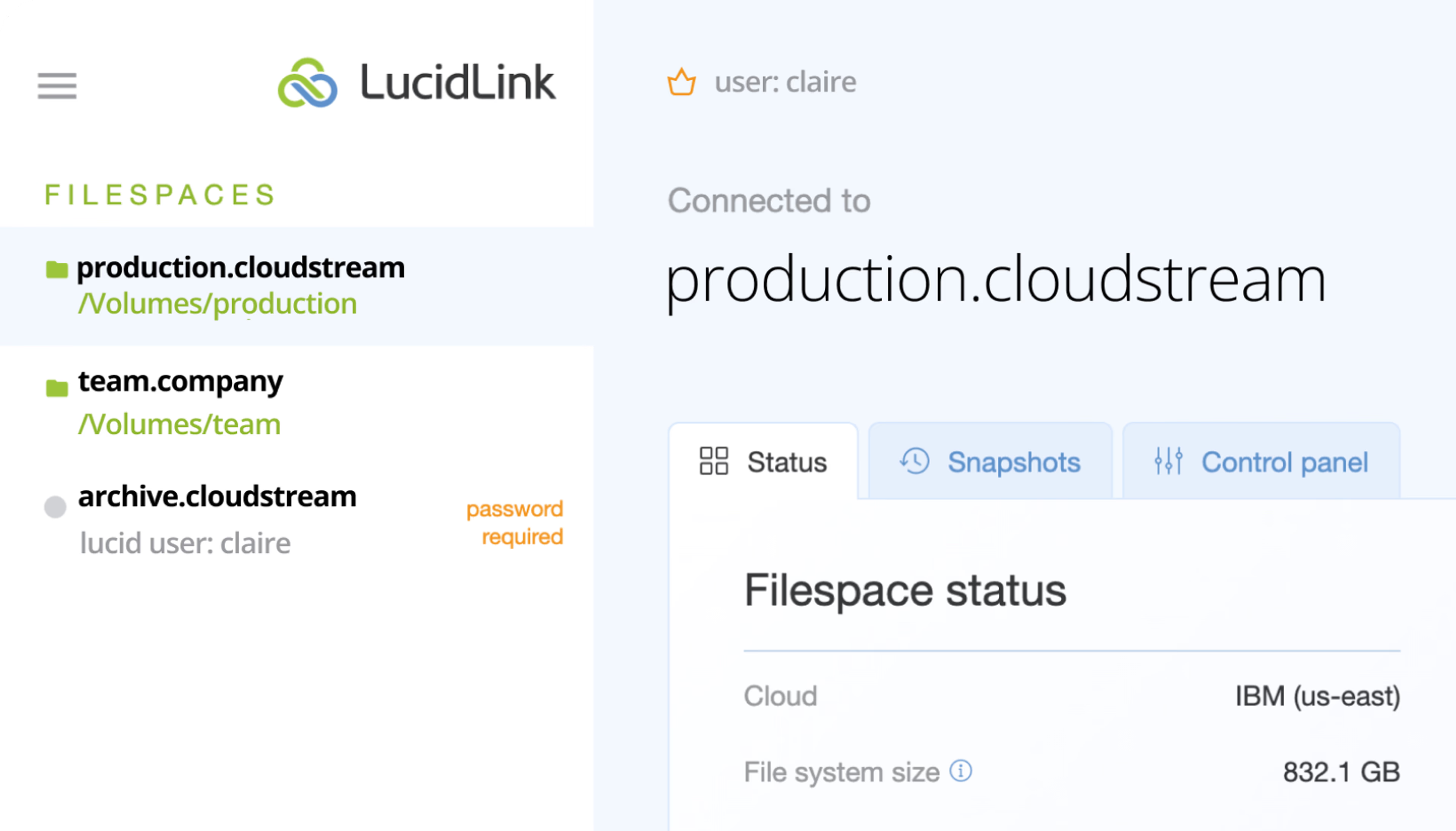
LucidLink Classic
AWS-backed, zero-egress and built for a seamless path to the new LucidLink.
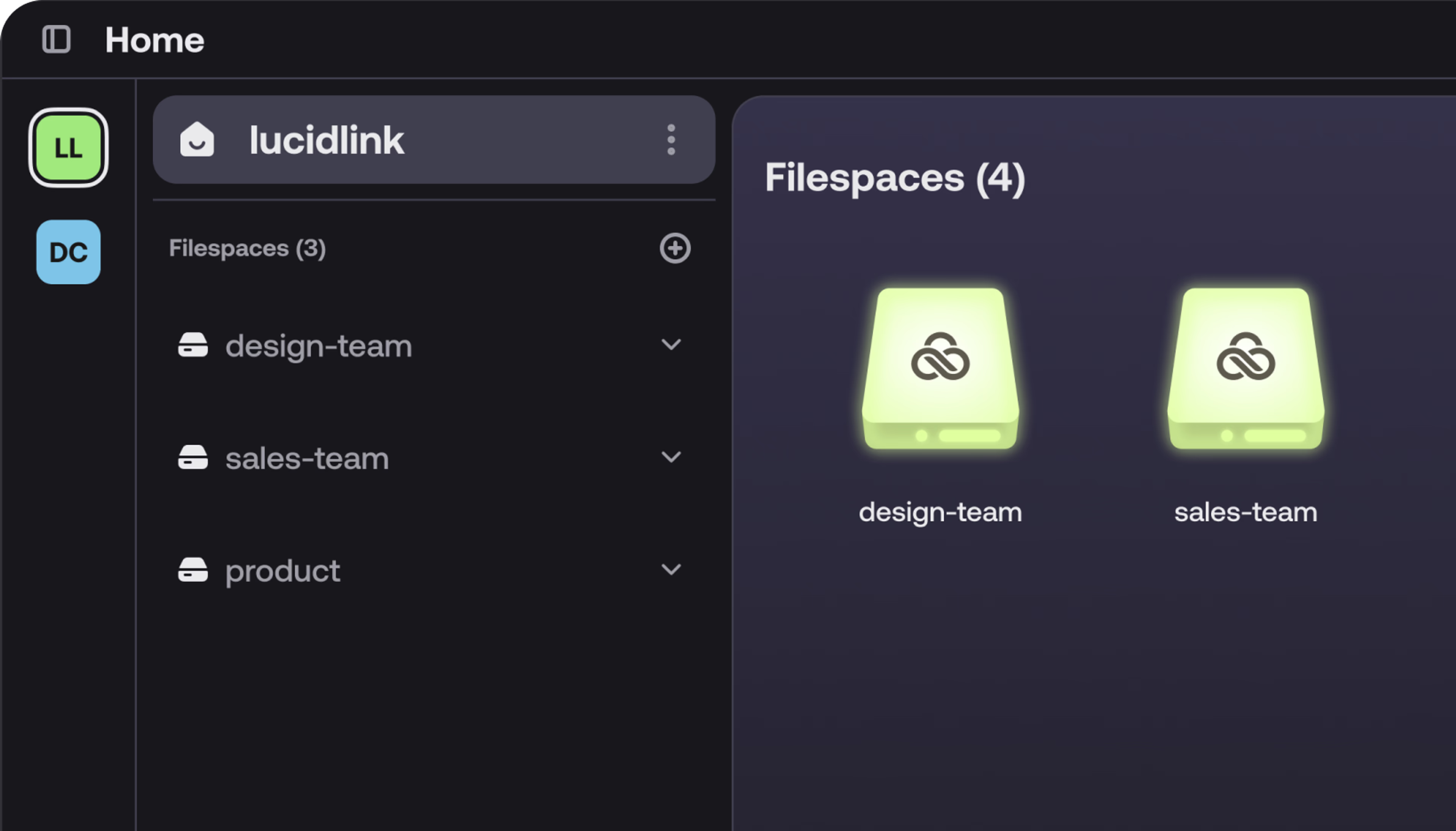
New LucidLink
The next step in our platform’s evolution, delivering streamlined collaboration.
Feature comparison
LucidLink Classic
New LucidLink
Features
Bundled storage providers
Integrated cloud storage makes getting started fast and easy.
AWS or IBM
AWS
Bring your own storage
Use your preferred S3 object storage provider
Egress fees included
A single price with no hidden fees for accessing your data.
Multiple admins
Multiple admin accounts offer greater administrative flexibility.
Local settings
Customizable user settings for a more personalized experience.
Global settings
Administrators can manage workspace and filespace settings for all members.
SSO integration
Streamline user management and security with centralized authentication for your organization.
Snapshot customization
Set up a snapshot schedule that matches your needs.
Filespace-specific users
Each filespace has a unique user, simplifying management for standard users while placing the work of user administration on the admin. This is replaced by the global user model in the new LucidLink.
Replaced by global user model
Global user model
An all-new user architecture, tied to a unique email address, that delivers a seamless LucidLink experience across web, mobile and desktop.
With upgrade tool*
Native macOS app
Install and go on macOS – no reboot required
With upgrade tool*
Browser-based administration
A complete administrative experience from a browser, no desktop client needed.
With upgrade tool*
In-app plan upgrades
Self-serve plan upgrades directly within the browser app.
—
Link-based invitations
Scale your team quickly by sharing an invite link in any messaging app.
With upgrade tool*
One-click direct links
Based on the HTTPS protocol, LucidLink links can be shared internally in messaging apps and office tools like spreadsheets and text documents.
With upgrade tool*
* This feature isn’t available in Classic, but our upgrade tool makes it easy for Classic users to transition to the new LucidLink and access it
FAQ
Yes! All Classic customers will have the option to upgrade once we achieve feature parity and the upgrade tool is available.
It’s time to LucidLink
No barriers to entry. Nothing new to learn. Known and familiar user interfaces that you choose for your team.