From camera to timeline, faster
Bring Frame.io footage and all your supporting assets into a unified production workflow with LucidLink Connect. Start editing the moment footage lands.
Extend your Frame.io workflow
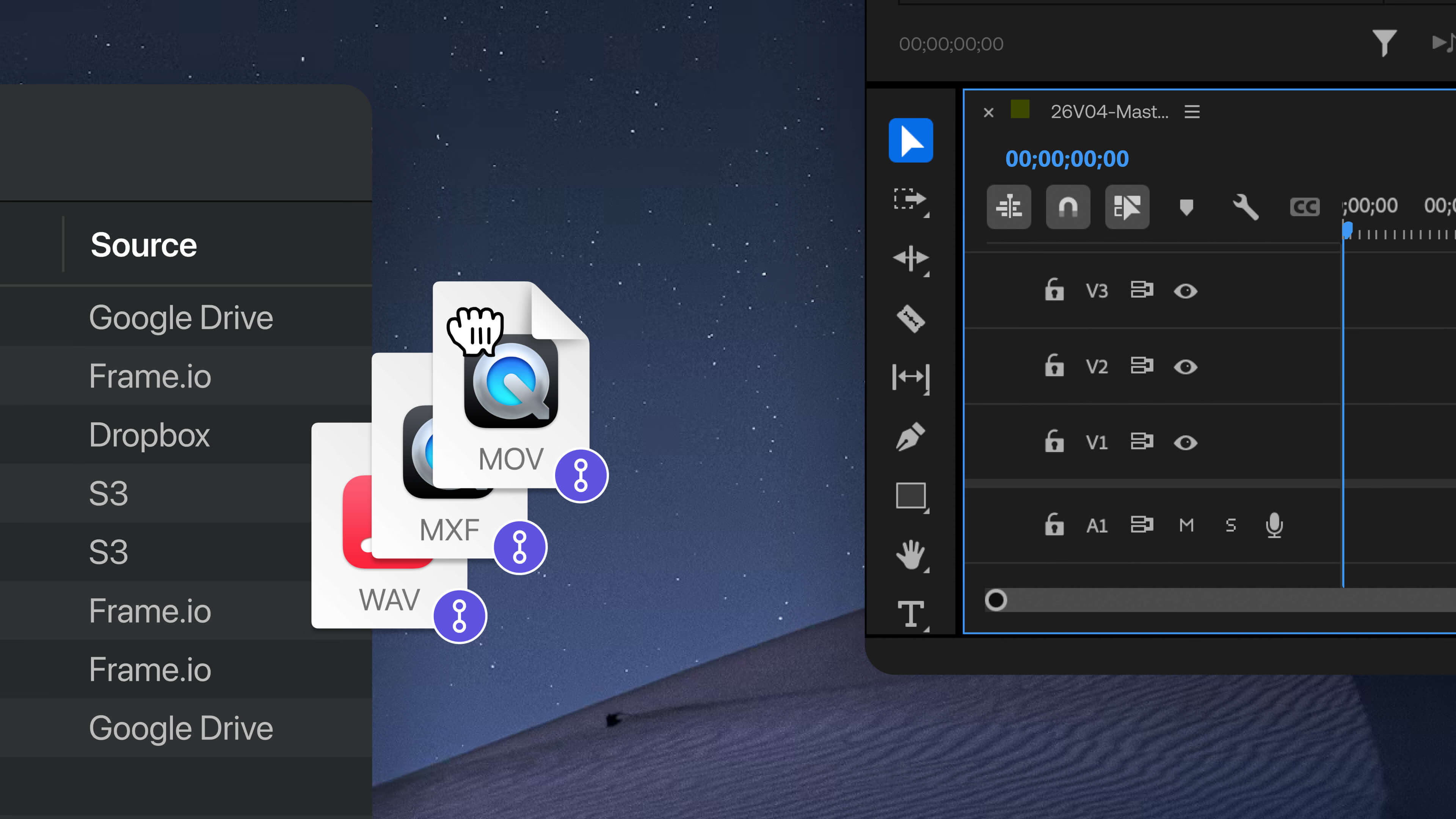
Frame.io takes care of camera-to-cloud, dailies and review and approval. But a complete production pipeline relies on assets that live across multiple platforms. B-roll and archives might be in S3, graphics in Dropbox, audio libraries in OneDrive. And that’s before MAM, DAM and other systems come into play.
Assets have to be tracked down, downloaded, synced and pieced together before you can cut. The edit hasn't started and you're already behind.
Unify your entire production pipeline
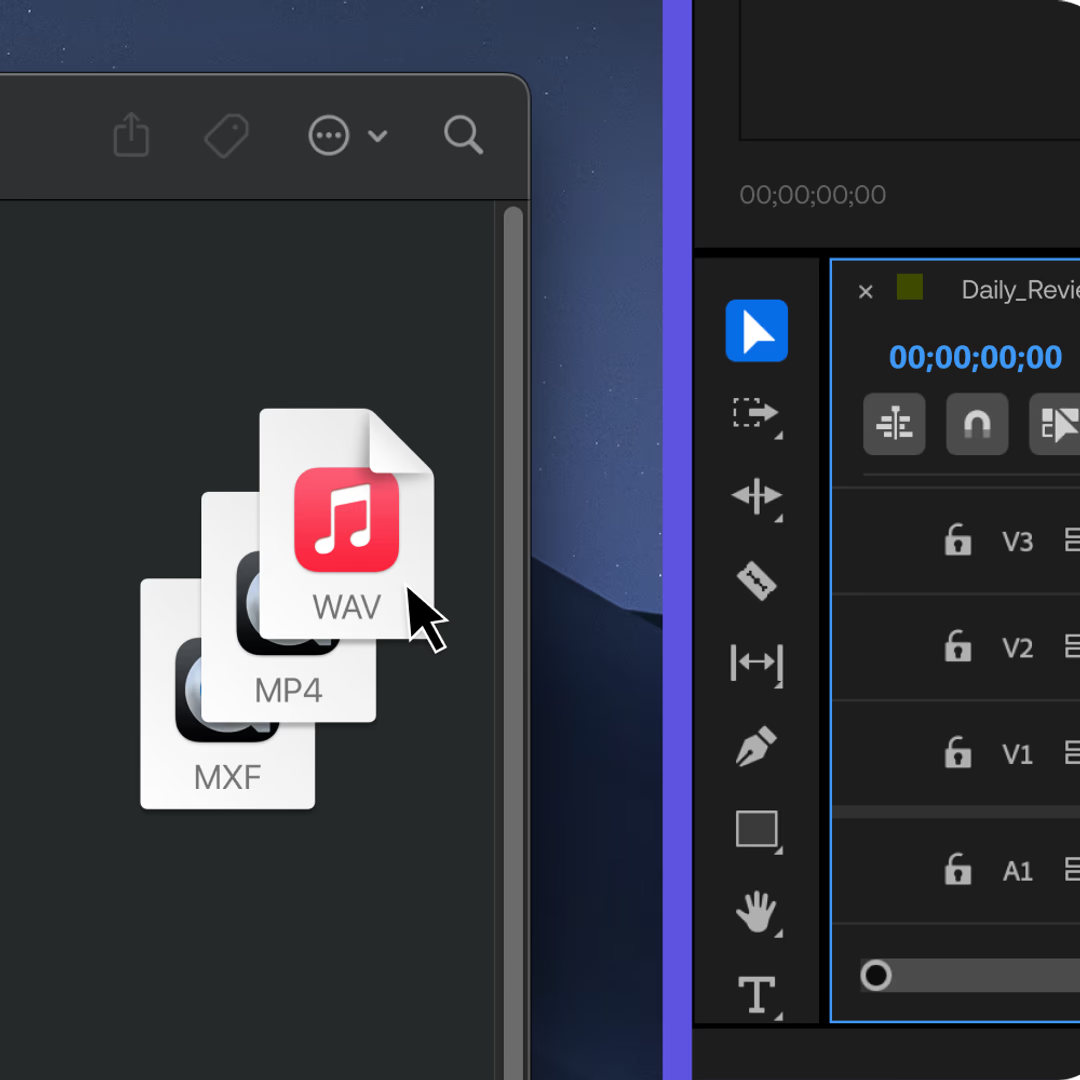
LucidLink Connect makes all your production assets available in one real-time filespace, without moving or duplicating a single file.
Camera to timeline
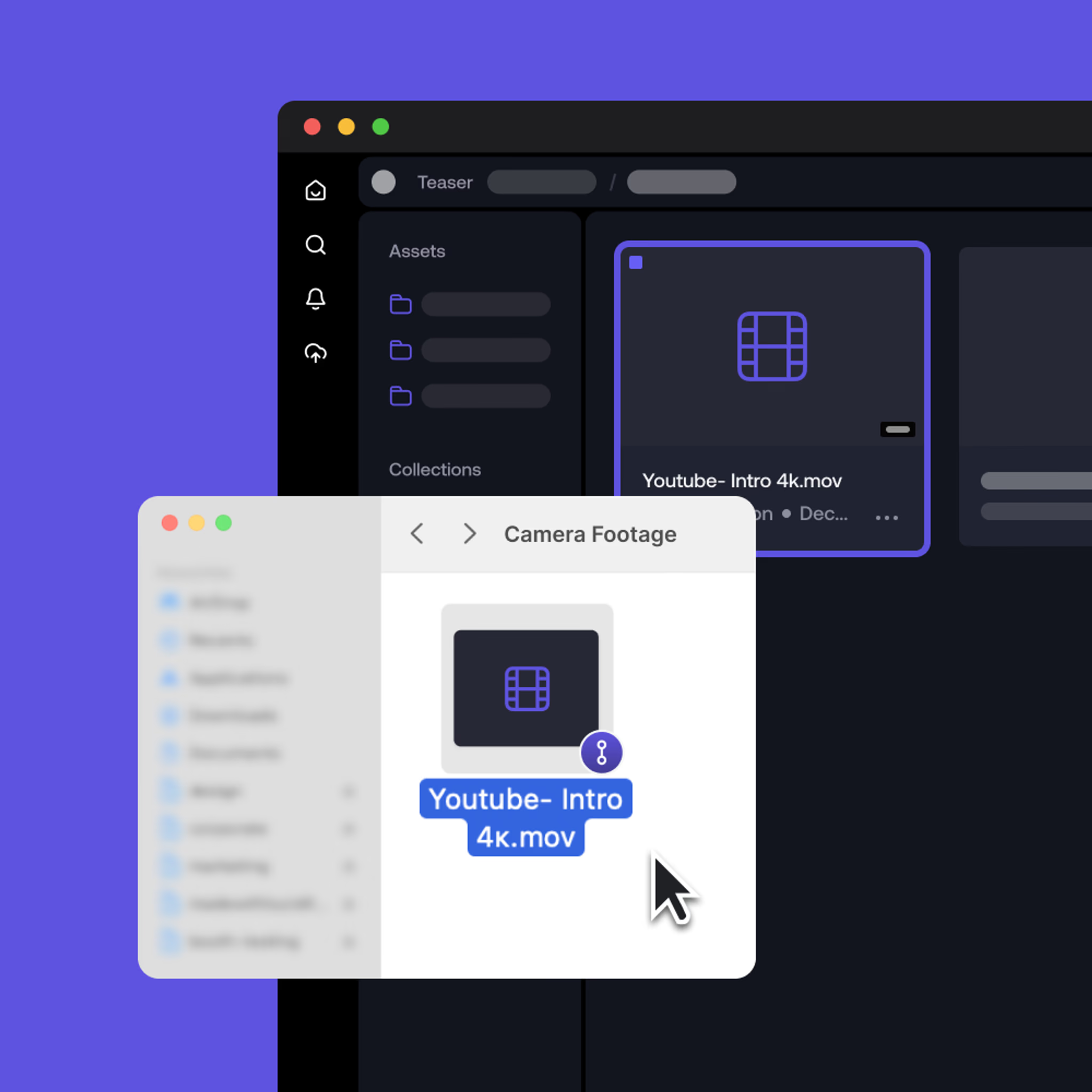
Footage uploaded through Frame.io appears instantly in LucidLink, ready to edit in Premiere Pro, Resolve and Avid. No download step or relinking.
Everything your project needs, together
Work with footage, B-roll, audio, graphics and more without tracking assets across systems. Your whole production, accessible in one filespace.
Files stay where they are
Edit large media directly from your existing cloud storage with instant scrubbing and playback. Nothing gets copied or duplicated.
Built for production at scale
Use APIs and SDKs to automate workflows and connect your entire media stack.
One workspace for Frame.io (аnd everything else)
Other solutions connect you to a single platform, bucket or even project. LucidLink Connect unifies your entire production workflow.
Curate custom data views from Frame.io, S3, Dropbox, OneDrive, Google Drive and many other cloud sources in one workspace. Stream the assets you need to review, edit, collaborate and deliver, without moving media between systems.
How it works

Connect your Frame.io source
Add Frame.io and other production storage in LucidLink. Unify footage and supporting assets in one filespace.

Stream on demand
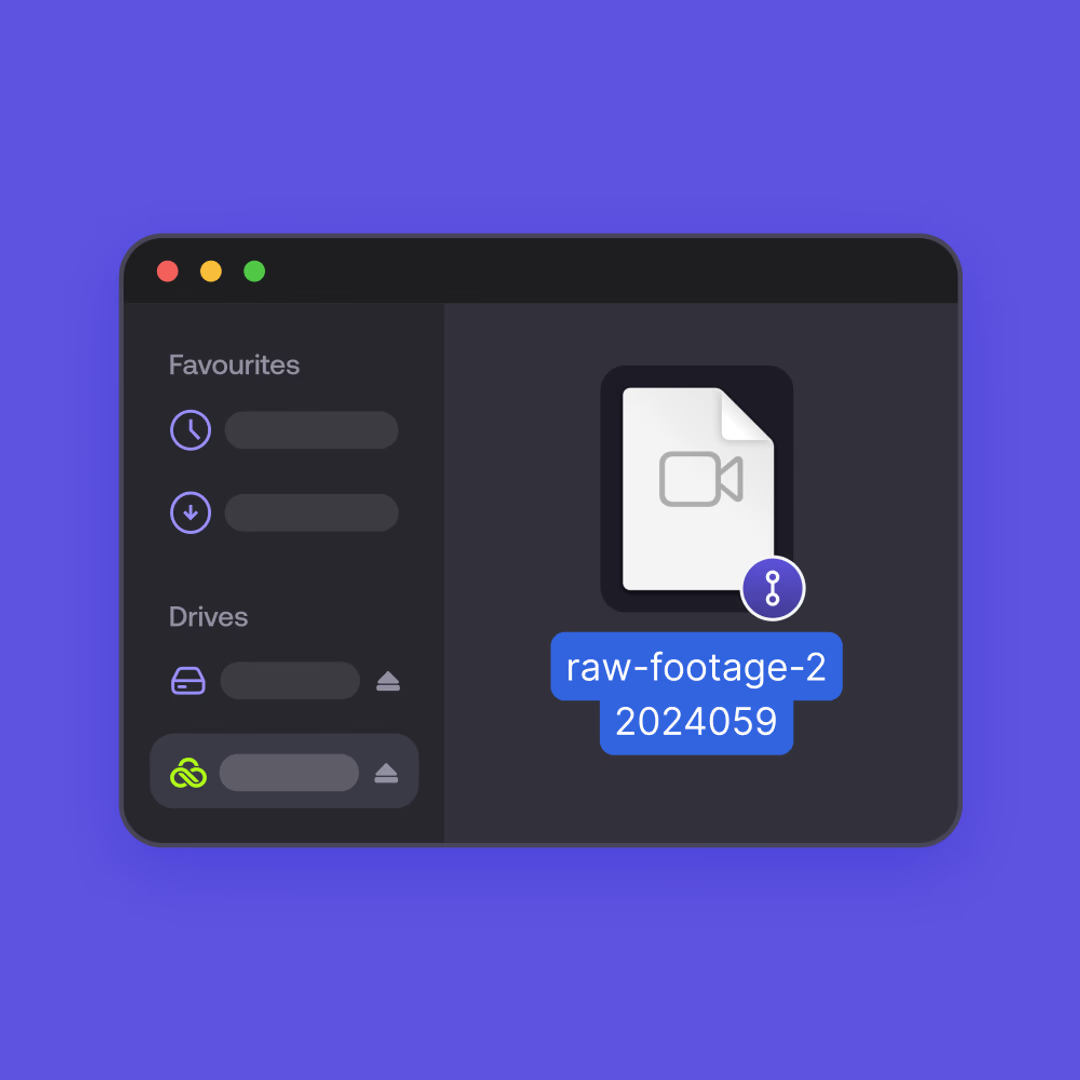
Access the data you need, when you need it. Files stay in their original storage systems. No downloads, syncing or migration.

Start editing & collaborating
Work from the same files in real time and go from camera to timeline faster.
See it in action
Watch how LucidLink Connect brings Frame.io footage and your other production assets together in one filespace.
This is an example workflow and customers must follow Frame.io's documentation, terms and best practices.
Built for the reality of video productions

Unified filespace
Access Frame.io and all supporting assets in one place. Footage, B-roll, audio, graphics and archives, all accessible without consolidating your storage.

Streamed file access
Go from capture to cut without touching local storage. Instant scrubbing and responsive playback on large media files, with no downloads or duplication.

Works with your existing tools
Edit in Premiere Pro, DaVinci Resolve, Avid Media Composer, After Effects, Final Cut Pro. If it works with a local drive, it works with LucidLink.

Real-time collaboration
Whether you’re in-office or remote, your team works from the same files with instant access to everything needed to move from ingest to edit and delivery.
FAQs
Frame.io Drive focuses on accessing assets stored in Frame.io. LucidLink Connect is a broader production orchestration platform. It unifies your entire data stack — Frame.io, Amazon S3, Dropbox, Google Drive, Microsoft OneDrive and other cloud sources — into one real-time filespace without forcing you into rigid project syncs or folder structures.
Put your existing data to work
Instant access, no migrations, no downloads.
Available now on LucidLink Enterprise plans.