DEVELOPER TOOLS
Build, automate and integrate with LucidLink
Our Developer Tools put LucidLink to work inside your systems, workflows and applications. All in code, no manual setup required.
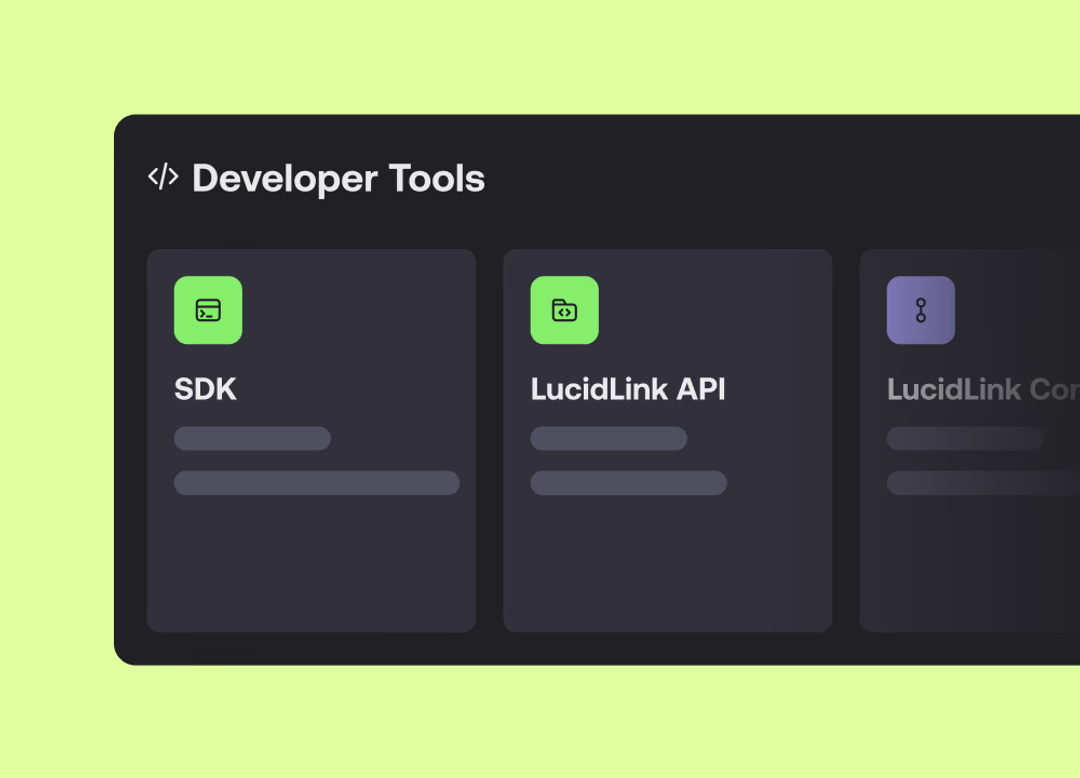
DEVELOPER TOOLS
Our Developer Tools put LucidLink to work inside your systems, workflows and applications. All in code, no manual setup required.
Automate provisioning, permissions and filespace management at scale.
Integrate LucidLink into your infrastructure, pipelines and internal systems.
Build workflows, backend processes and applications directly in code.
Build applications, automations and embedded integrations around LucidLink.

Work with LucidLink directly in Python for backend, media, automation and AI workflows.
Automate operations and integrate LucidLink into your systems.
Connect your existing cloud storage ecosystem and tools to your filespace.
Give MCP-compatible agents a shared filespace to read, write and work from.
Setting up users, assigning permissions and configuring workspaces manually doesn’t scale. Explore the types of workflows teams now run in code.
Automatically provision users, groups and permissions when teams or projects are created.
Apply consistent folder structures and access controls across every filespace.
Connect LucidLink to internal systems, pipelines or orchestration tools and trigger actions programmatically.
Build backend processes and media workflows that interact directly with LucidLink. No UI required.

A 30-day free trial gives you everything you need to get started.
Stream data directly from the platforms and storage your team already uses. No migration required.
LucidLink has always been the layer your team works from. Developer Tools turn it into infrastructure your systems run on and your team can build on.
Applications, scripts and automated systems can work with LucidLink directly in code, giving emerging AI systems and automations a more direct way to power your workflows.
Get inspired with a few examples of how teams automate and run LucidLink in real workflows.
Go from zero to a working Python script that reads and writes files on a LucidLink filespace.

New to LucidLink? Start a 30-day Business trial.
On Business or Enterprise? Create a service account and follow the Developer Portal guides.
On Starter? Upgrade to Business for access.