Let AI work where your files live
Your files live in LucidLink. Now agents, scripts and elastic compute can work there too, reading and writing the same files your team works from. No export, copy or new silo for every tool you try.
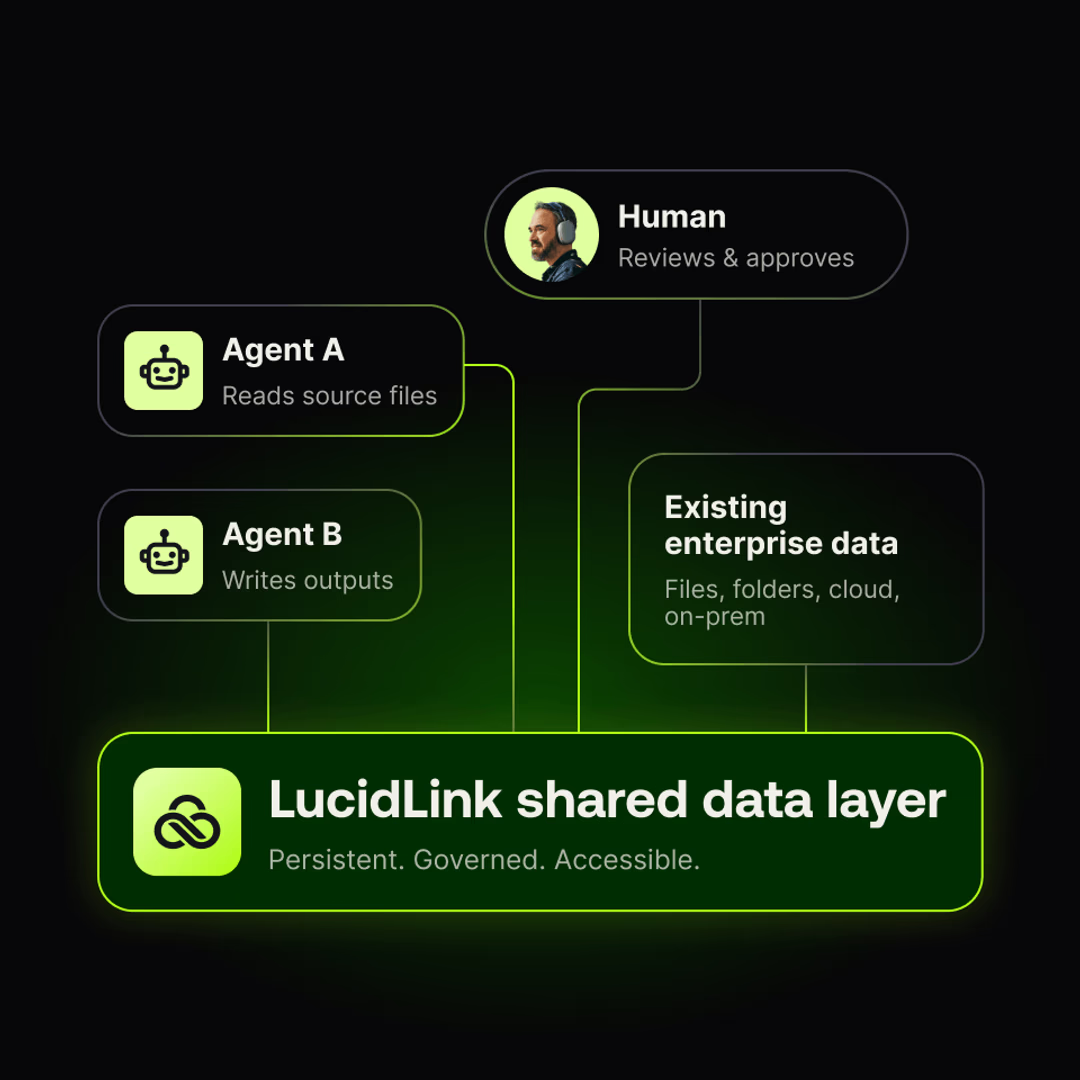
How agents work with LucidLink
AI is easy to demo on a single file. It’s harder inside a live workflow, with active files already being worked on by distributed teams and applications.
These agent workflows already run in a live filespace, today. None of them asks LucidLink to run a model.

Agents work in the files your team works in
Point an agent client at your filespace and it can list, read, search, edit and write the same production files your team has open. The results land where people already look for them, not in a chat window or inside a vendor's index.

Enrichment lands beside the source
Run the transcription, keyframing, tagging or description tools you choose, and write the result next to the asset it describes. Derived context stays with the media instead of living inside someone else's catalog.

Compute scales, the dataset stays put
Workers connect through the Python SDK with no mount, do their piece, and leave. One dataset serves two workers or five hundred without staging a copy per machine.

State outlives the worker
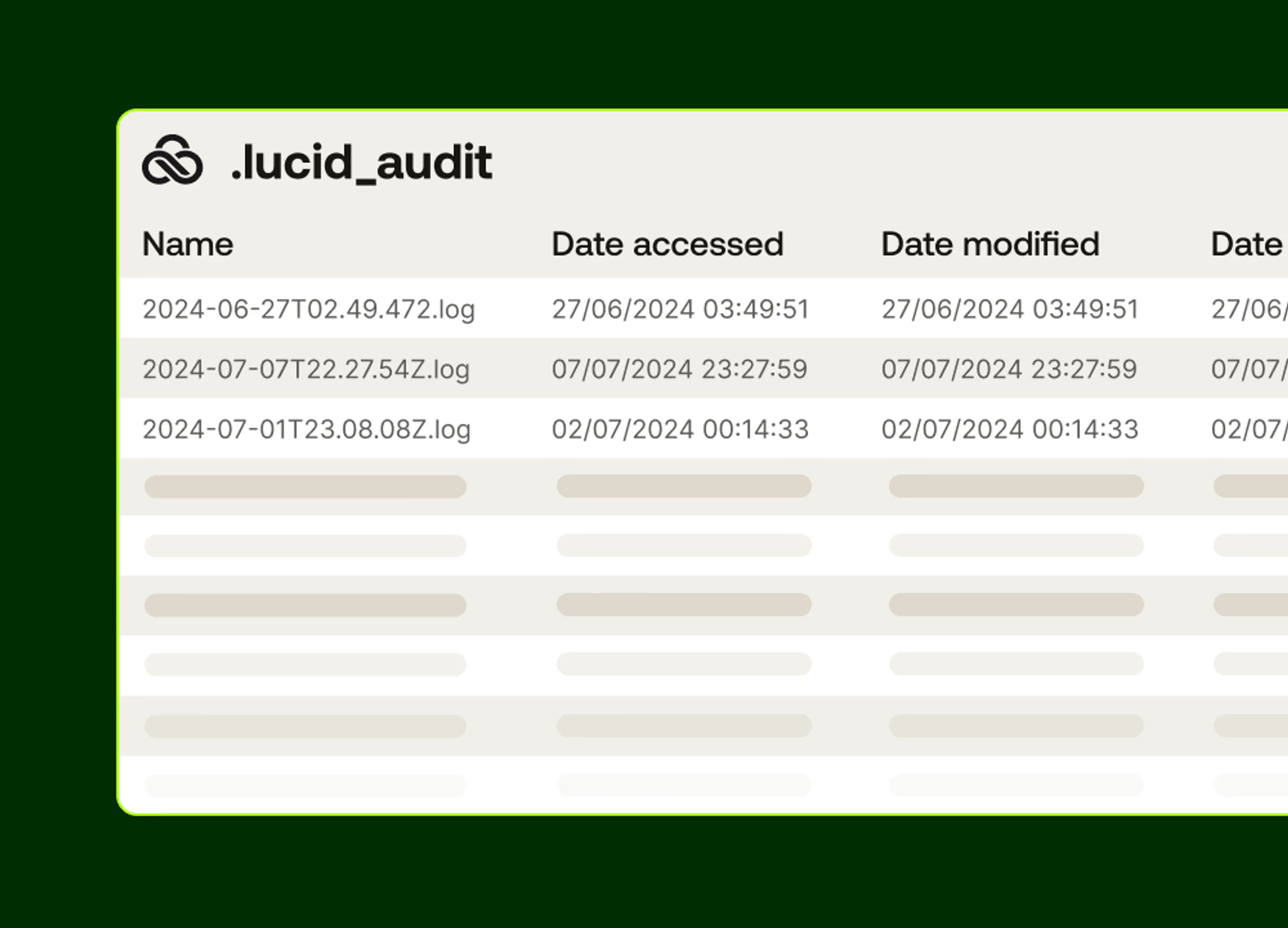
A lease names its holder in the audit trail and releases itself when that holder dies. Long-running agents checkpoint to the filespace and resume from where they left off.
One workspace for your agents, team and tools
LucidLink is the shared data layer teams and tools work from. Now agents, scripts or cloud compute can work from the same workspace, with the same permissions.
Dailies that describe themselves before you open them
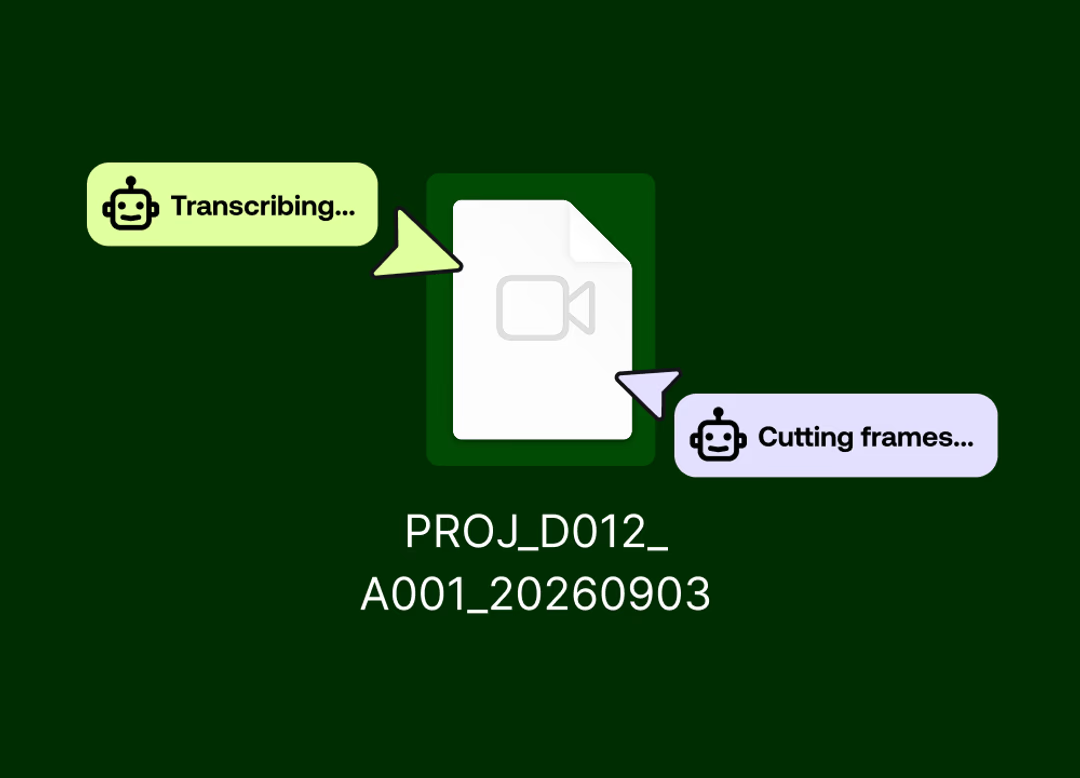
Footage lands in the filespace. A watcher notices it and writes job files beside it. Small single-purpose workers pick those jobs up: one cuts keyframes with FFmpeg, one runs transcription, one writes scene descriptions.
By the time an editor opens the folder, the transcript, the keyframes and the descriptions are already sitting next to the clip.
Ask your filespace a question, get a straight answer
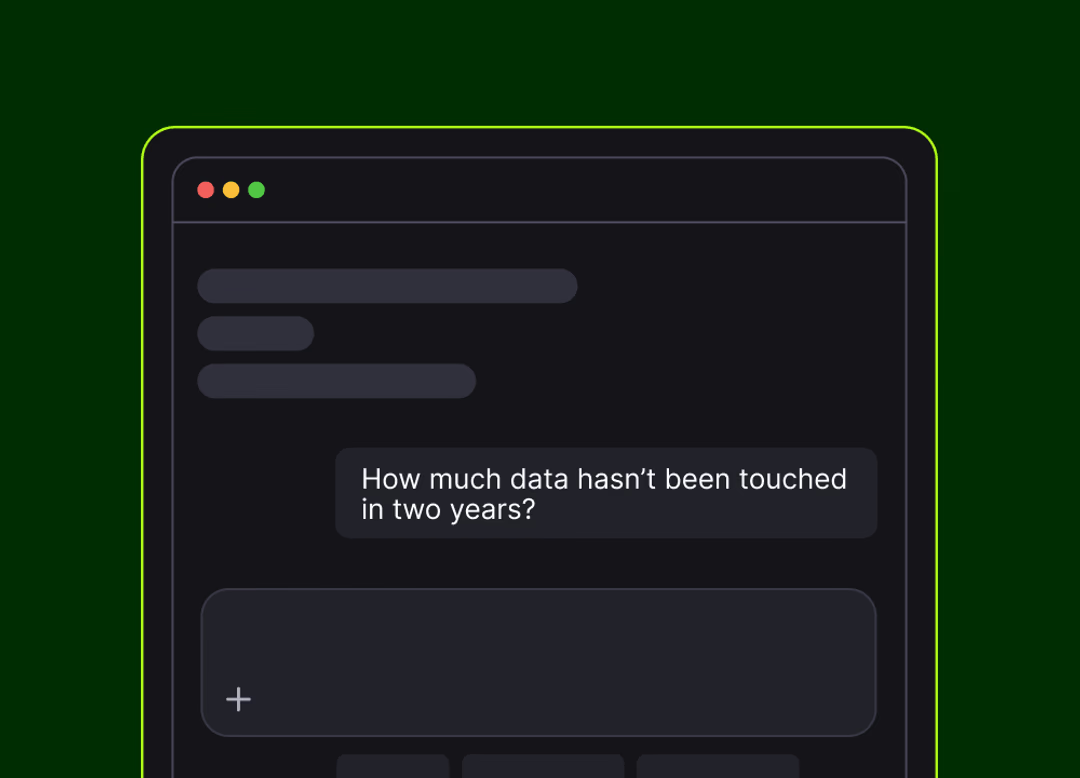
Most teams don’t have a fast way to answer what’s in their filespace.
Point an agent at a project tree and ask how much data hasn't been touched in two years. It walks the folder, reads the timestamps and hands back an answer in seconds with dormant projects ranked and dated.
Pick up where the last worker stopped
A worker dies mid-task and the queue doesn't stall. Another one takes over its lease and carries on. The audit trail records who held what and when, so if a run goes wrong, you can trace it back afterwards.
Nobody restarts the whole job to recover from one bad machine.
Instant access. Works everywhere. Always secure.
Built for agent workflows
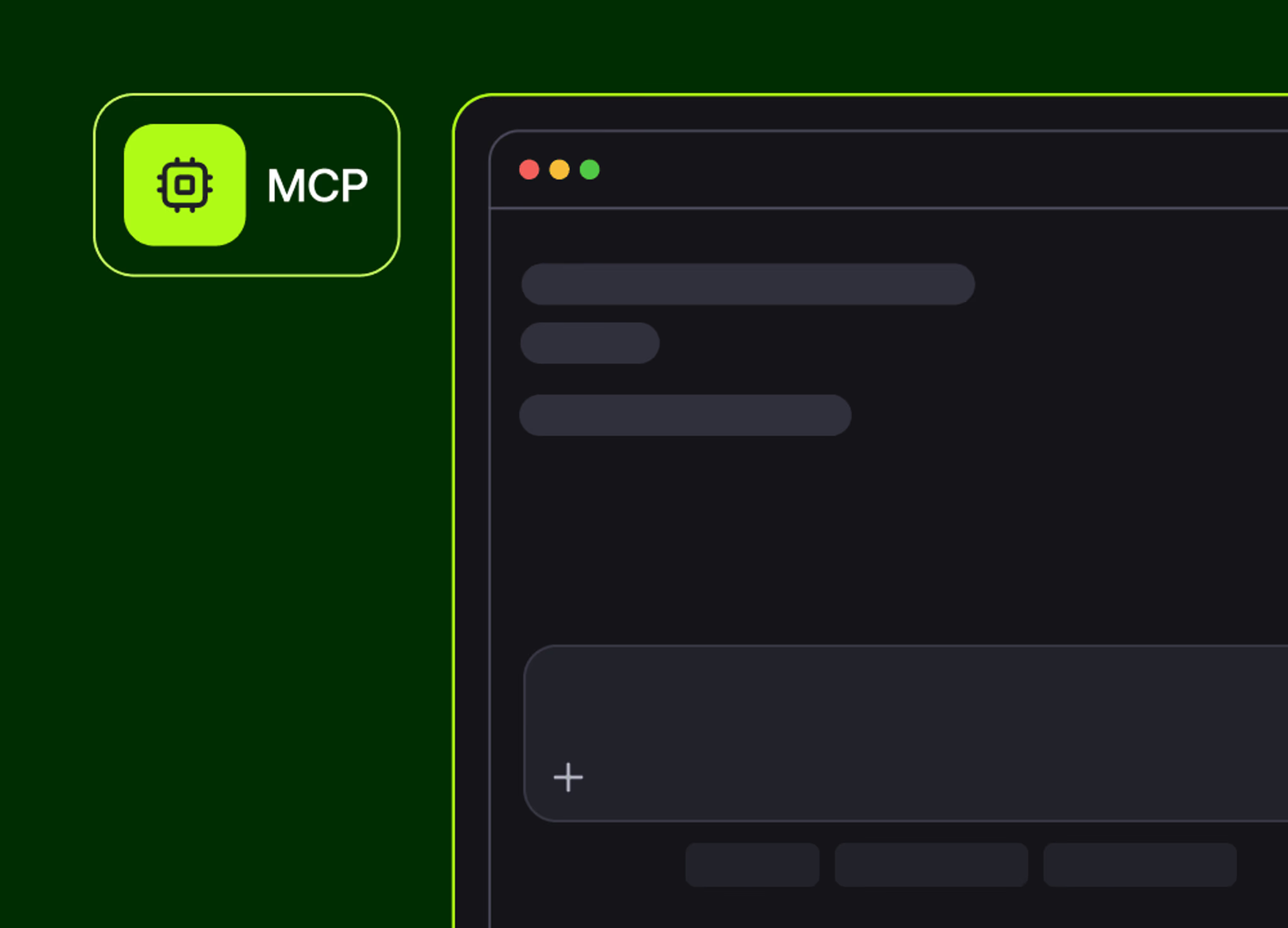
Named tools for reading, searching, editing, locking and auditing files.

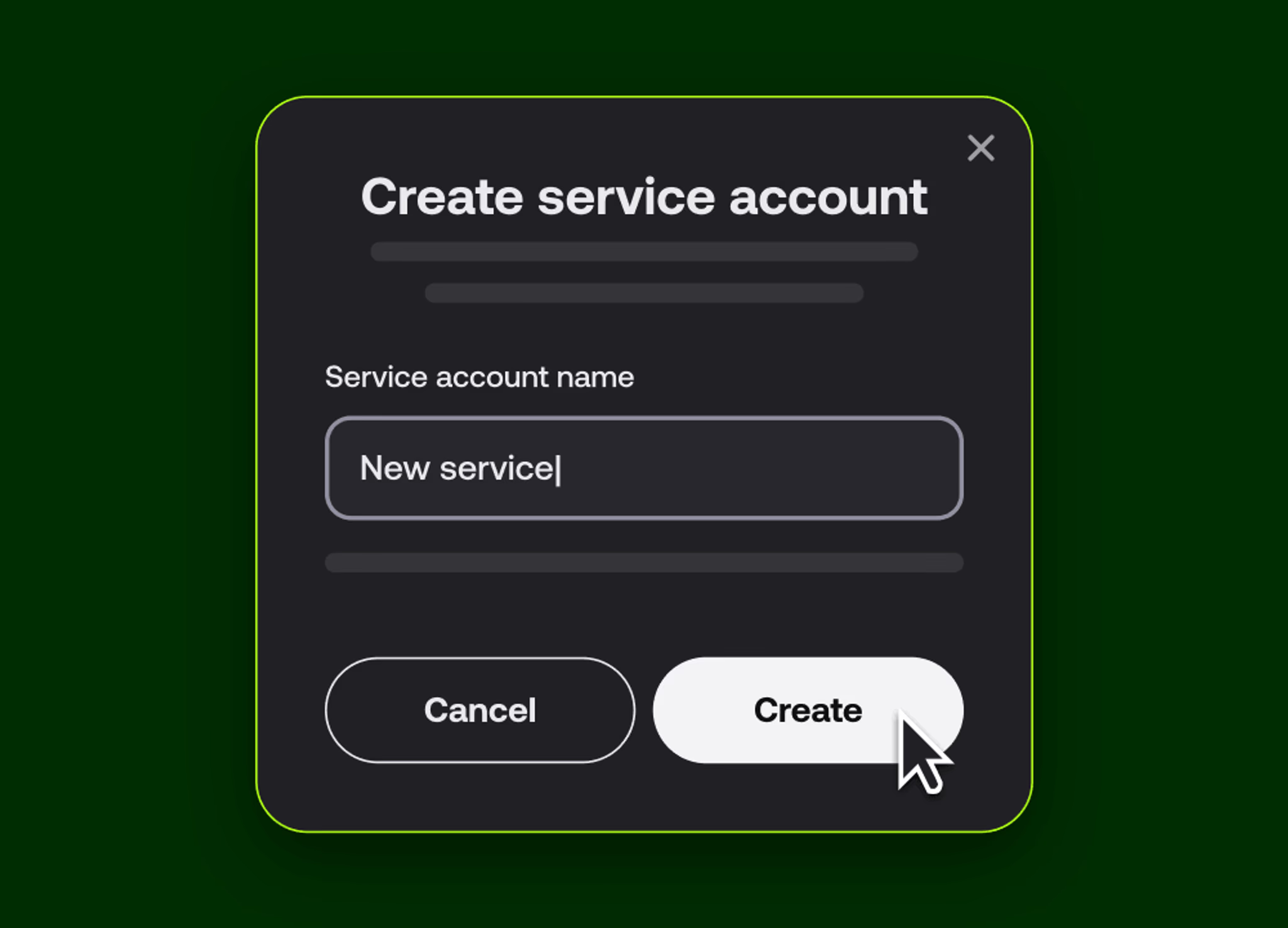
A provisioned identity for each agent, with keys you rotate or revoke.

DEVELOPER TOOLS
Three ways to build on your filespace
If you can describe the workflow, you can build it with the AI coding tools your team already uses.
MCP Server
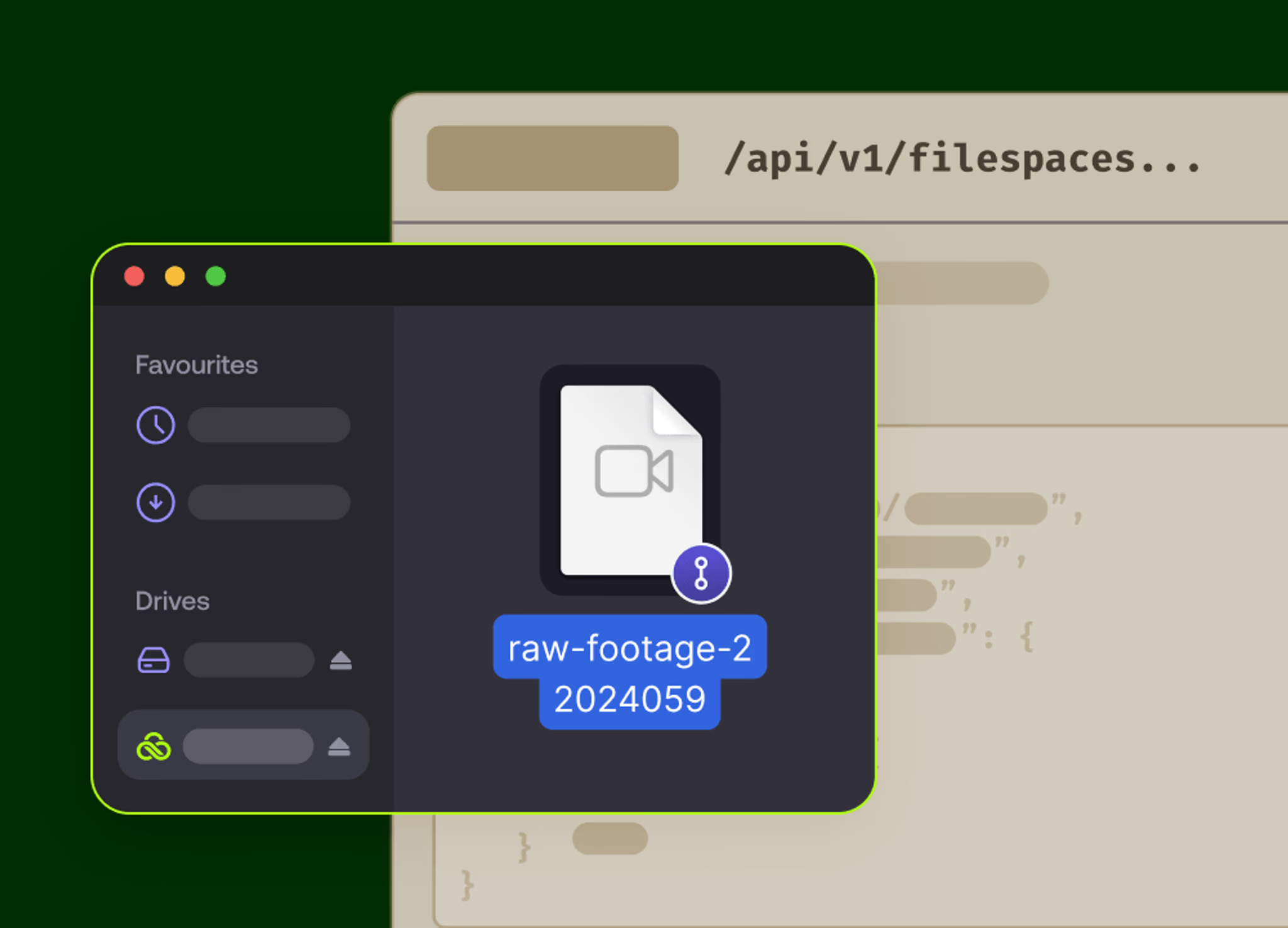
Agent clients get named tools for reading, searching, editing, locking and auditing files in the filespace.
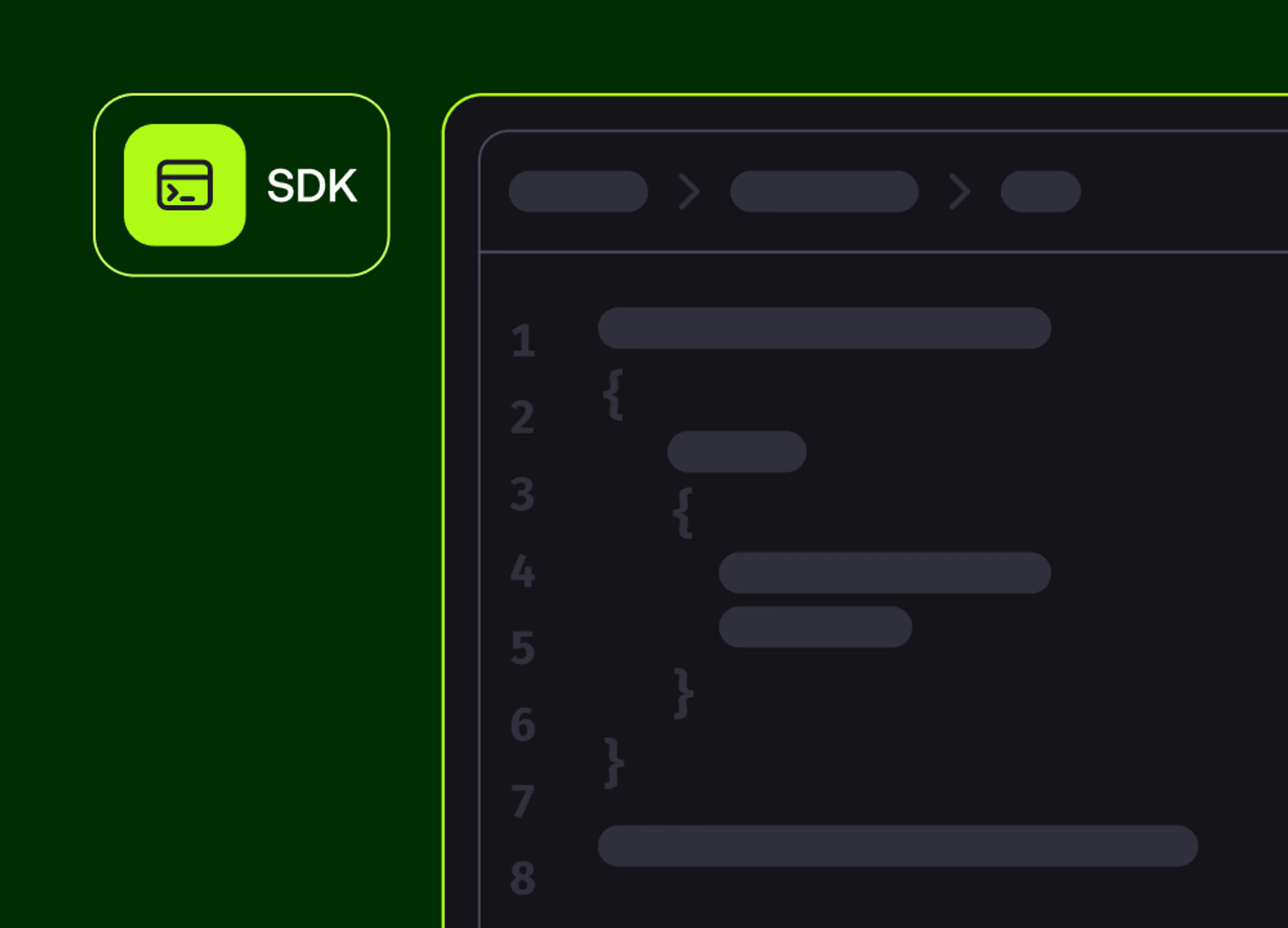
Python SDK
Connect workers in a few lines and work against the filespace with no desktop mount. Runs anywhere your code runs.
Developer Portal
Docs, examples and API references in one place.
Work alongside agents in your favorite tools
LucidLink works with any creative, technical or enterprise tool that works with a local drive. Agents reach the same filespace through the MCP Server or the Python SDK, so your agent and team work from the same files.
You bring intelligence. We bring context.
You choose the models and tools. LucidLink holds what they read, what they produce and the record of what they did.
You bring
Models: transcription, classification, embedding, generation. Inference runs in your tools, not ours.
Orchestration: scheduling, scaling, retries and observability from your automation stack.
Workflow logic: what happens when a file lands, and what good looks like.
LucidLink brings
Shared data layer: one filespace your people, workers and agents all reach.
Coordination: leases, claims and an audit trail that stays answerable long after the worker’s gone.
Guardrails: your service account, your permissions, on infrastructure you control.
FAQs
Two ways. Agent clients like Claude Code, Cursor and Codex connect through the LucidLink MCP Server, which gives them named tools for reading, searching, editing and locking files. Backend workers connect through the Python SDK in a few lines of code, with no desktop mount, so they can run anywhere.
Start read-only and see what it finds
Point the MCP Server at your filespace, give it read access and ask it something about your files.