LUCIDLINK MOBILE
Your filespace,
in your pocket
LucidLink Mobile extends your shared filespace to iOS and Android. Capture on site, upload on the move and collaborate without the wait.
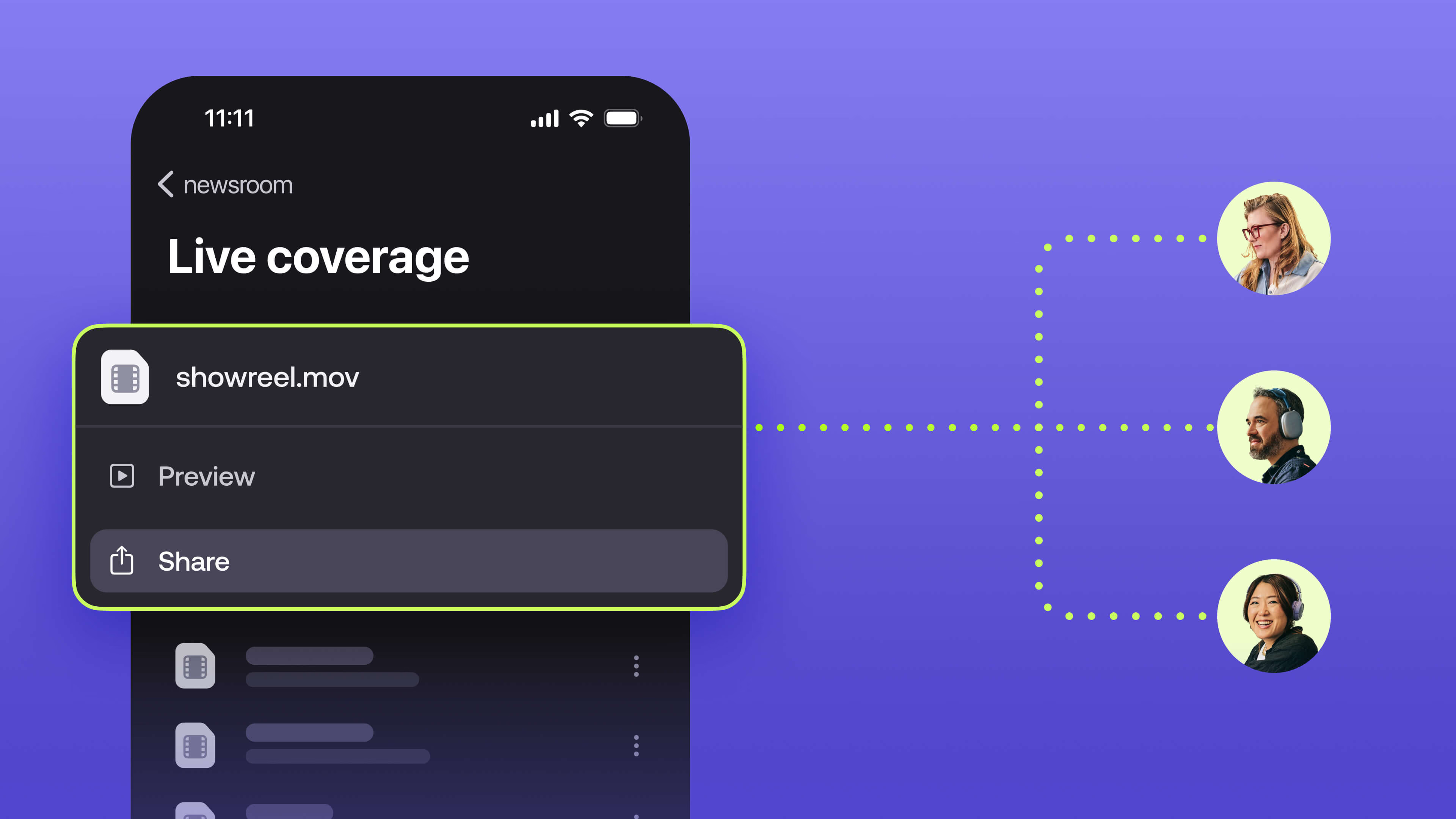
Keep projects moving everywhere
Your team works from everywhere. Your filespace should move with them.
LucidLink Mobile extends your team’s filespace to iOS and Android, so you can upload, access and immediately collaborate on large projects, even when you’re on the go.
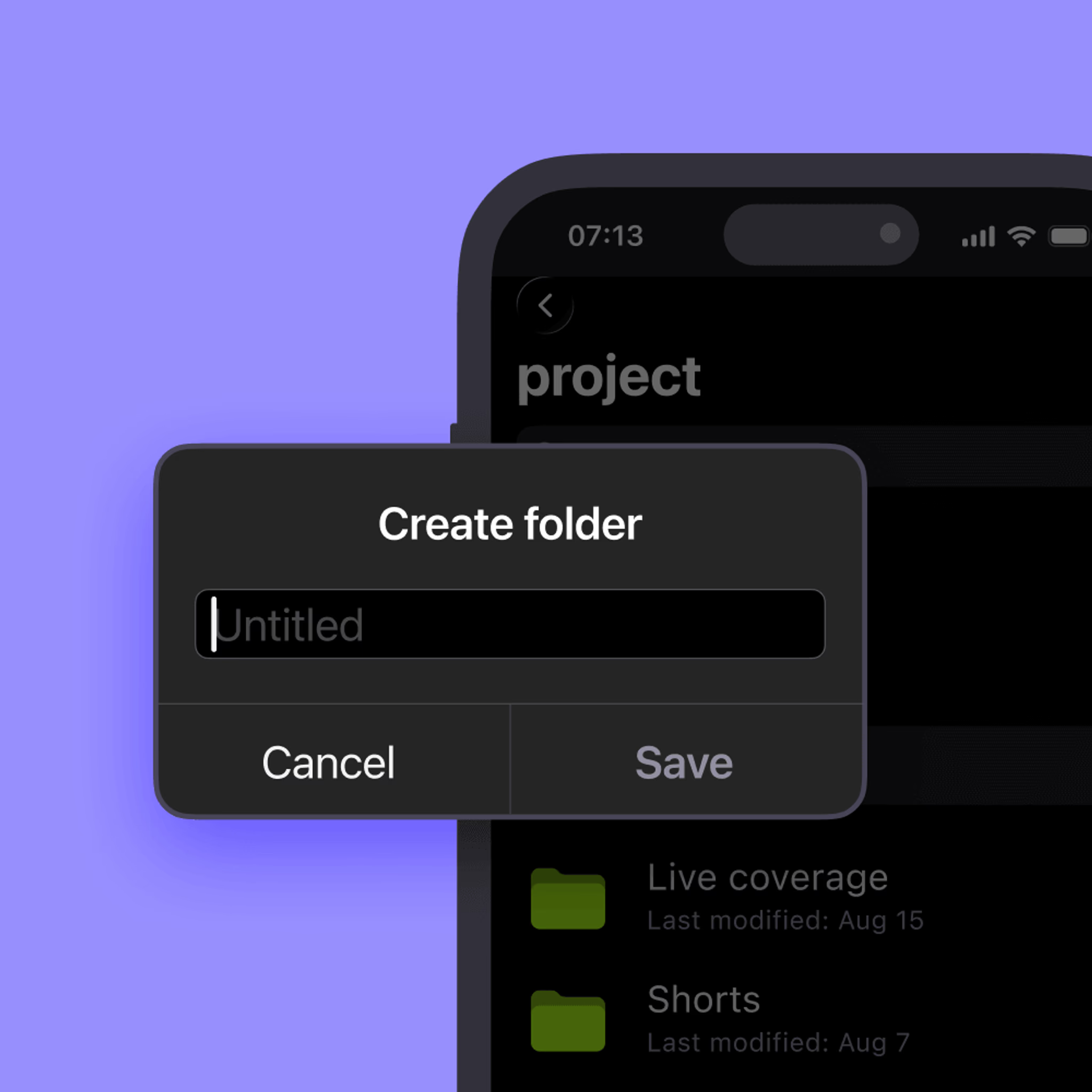
Upload large files the moment they’re captured. No transfers, emails or waiting. Your team gets access right away.
Enterprise-grade security & governance
Made for on-the-go workflows
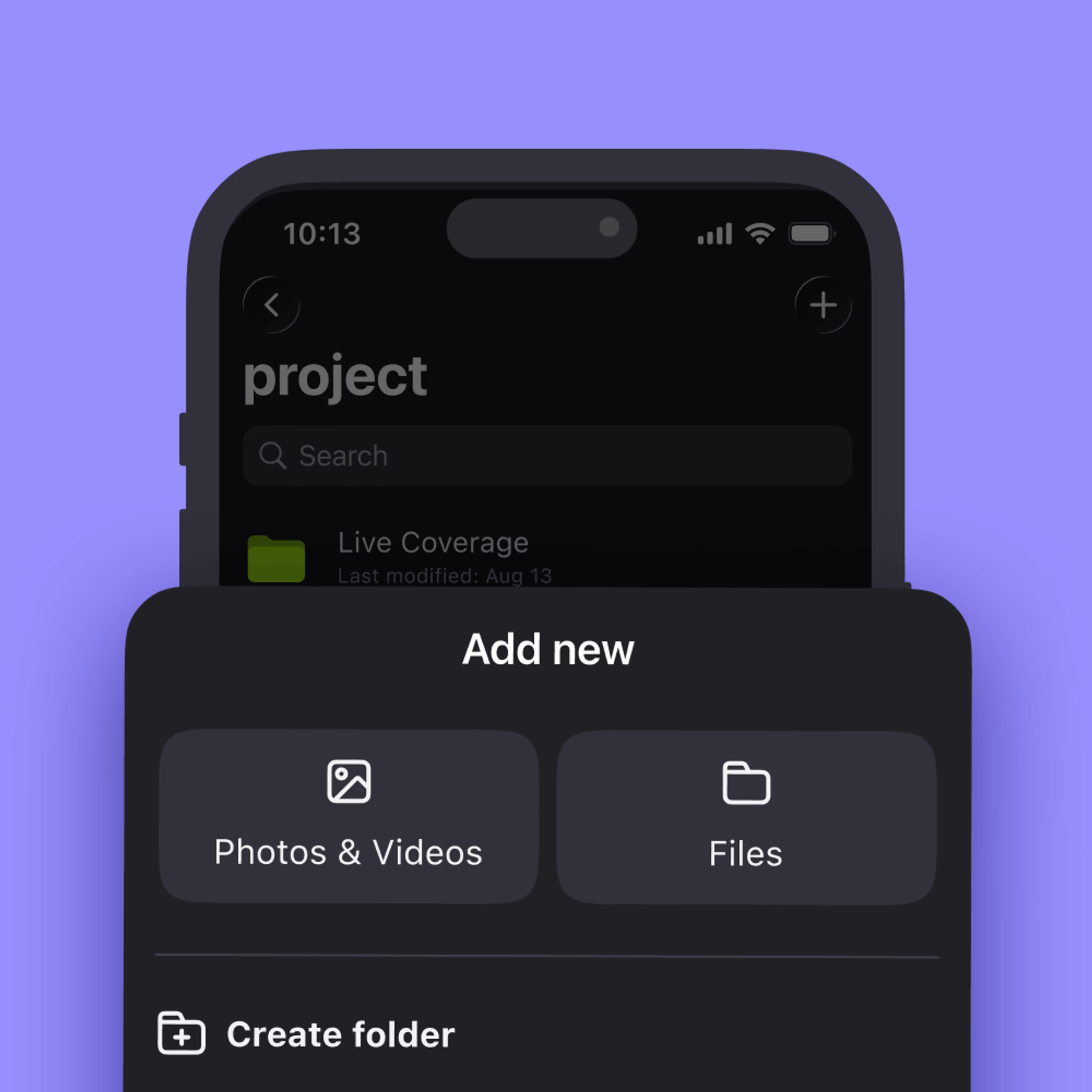
LucidLink Mobile extends your filespace to iOS and Android with powerful features designed for real-world field use.
iOS
Android
Capability
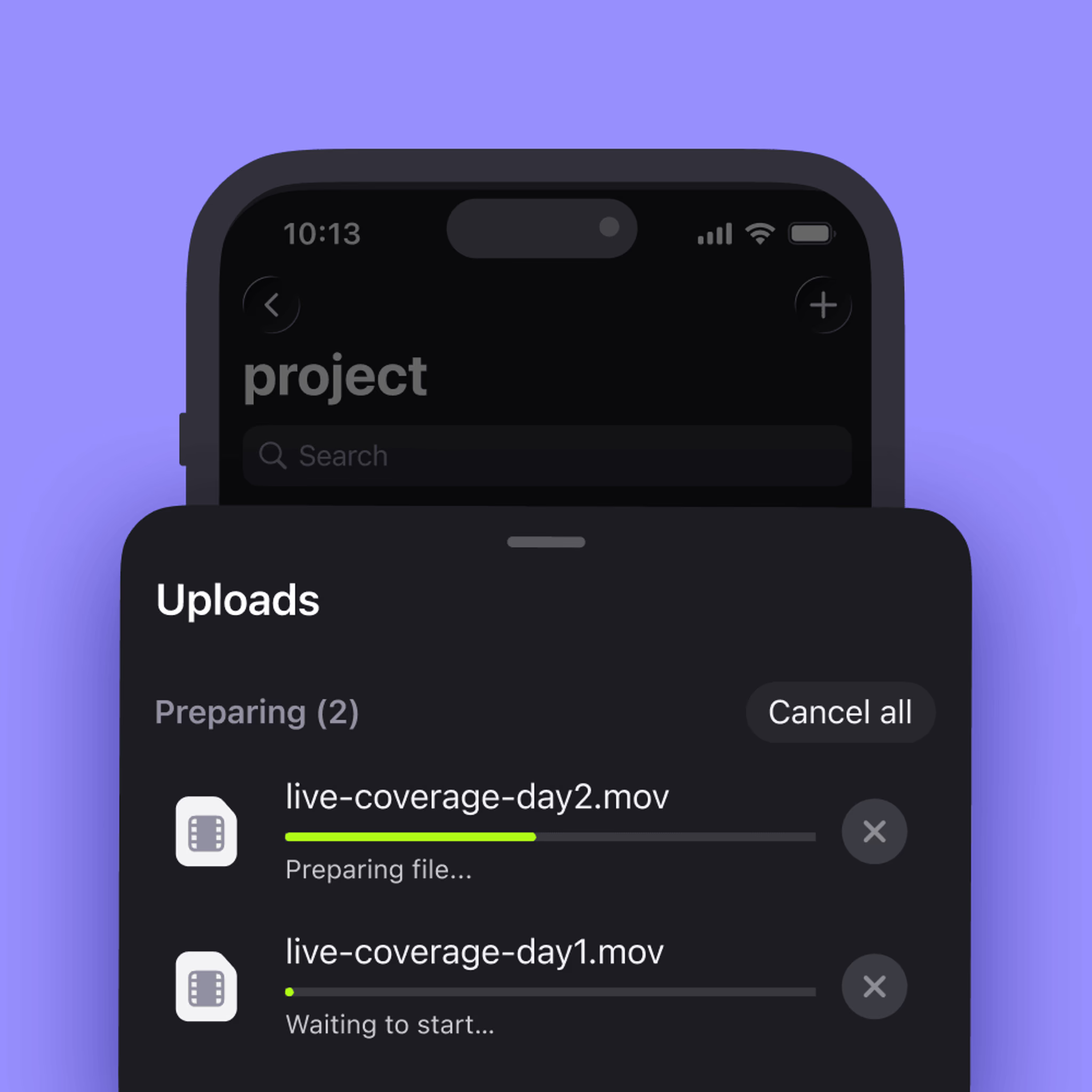
Multi-file upload
iOS
Yes
Android
Yes
Background upload
iOS
Yes (iOS 26+)
Android
Yes
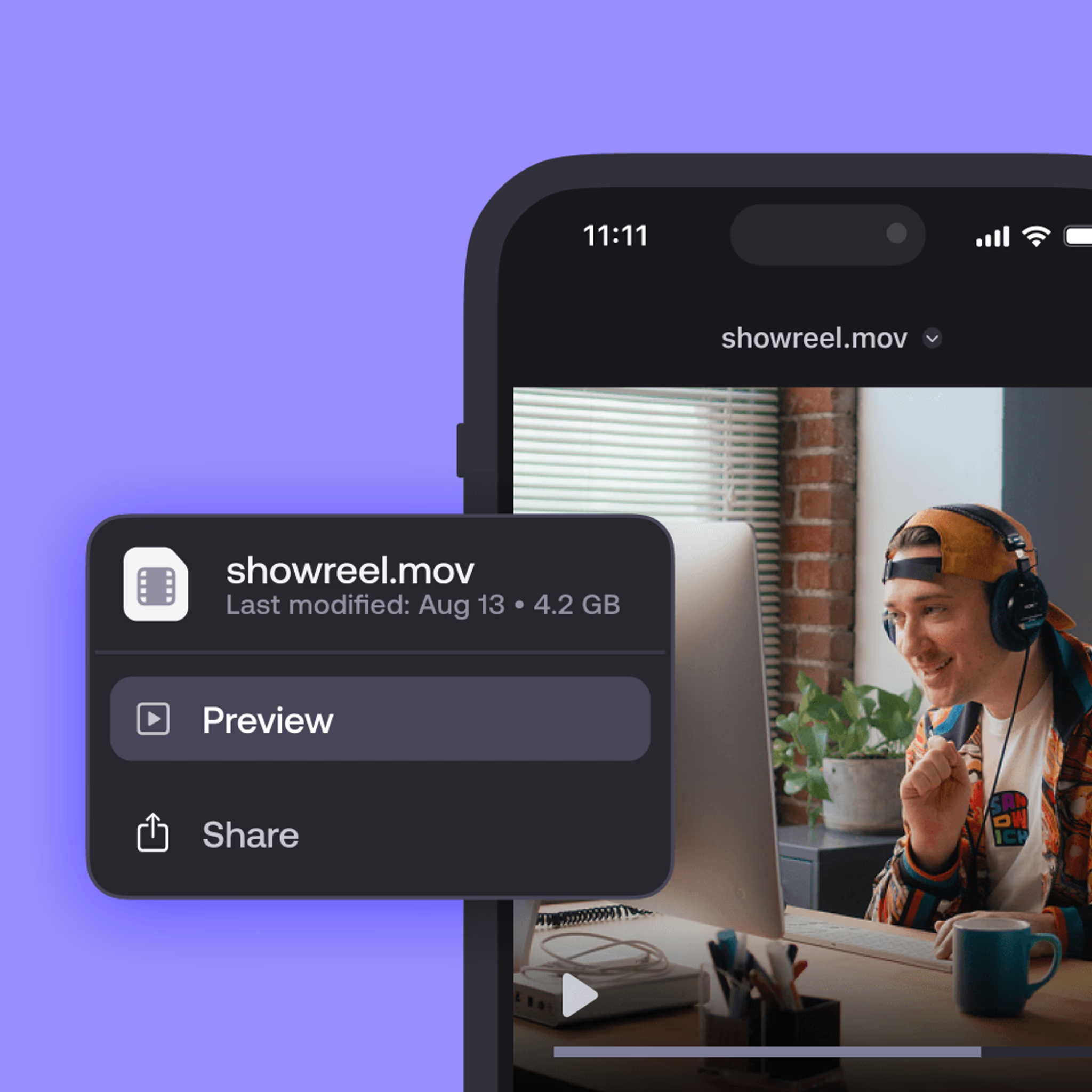
In-app media preview
iOS
Video and audio streamed in-app
Android
Video, images and PDFs in-app
Open in third-party apps
iOS
Via share sheet
Android
Via Document Picker
File operations (move, rename, delete, new folder)
iOS
Yes
Android
Yes
Download and share
iOS
Yes
Android
Yes
Direct Links (permission-aware)
iOS
Yes
Android
Yes
SSO (SAML)
iOS
Yes
Android
Yes
MFA
iOS
Yes
Android
Yes
Capture on site. Upload on the move. Collaborate without the wait.
For teams that work everywhere
Content and social teams
Shoot on mobile, upload straight to your filespace and let your editors get to work immediately.
Journalists and news teams
Record on location, upload during transit and have your newsroom start the cut before you're back at base.
Field and site crews
Upload site photos and footage directly to your project folder. Your office team has them instantly.
Collaborators
Review assets, drop files into project folders and share direct links, wherever you’re working.
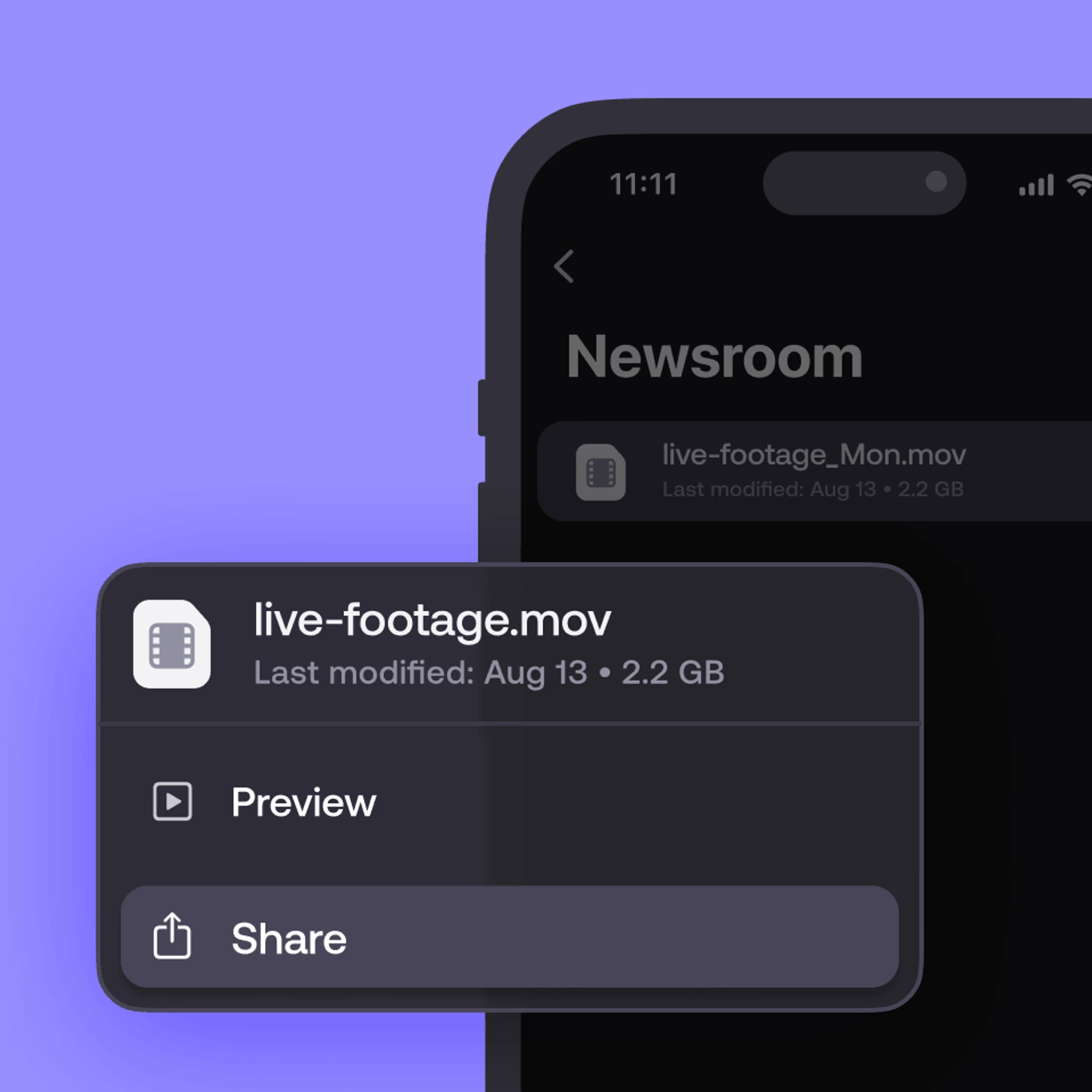
From field to desktop, instantly
LucidLink Mobile feeds directly into your existing desktop workflows. Upload to your shared filespace on mobile and get to work immediately in your team’s favorite desktop apps.
Work together any time, any place
FAQs
No. Files appear in your shared filespace the moment they upload. Your desktop team can start work while you're still in the field.
Ready to see the difference?
Capture on site. Upload on the move. Collaborate without the wait.