LucidLink vs Dropbox
The best Dropbox alternative for real-time collaboration
Large-file teamwork without the wait
Dropbox syncs files. LucidLink streams them directly from the cloud so teams can work together on large files instantly, without waiting for downloads, creating duplicates or hitting storage limits.

Why teams look for a Dropbox alternative
Dropbox syncs files to every device to keep teams aligned. For documents and small assets, that works. But as projects grow, so do workflow bottlenecks.
LucidLink takes a different approach, streaming files directly from the cloud so teams can get to work right away, without downloads or duplication.

Work waits for downloads
Dropbox needs full downloads before work can start. LucidLink streams files instantly.

Local storage fills up fast
Dropbox copies files to every device. LucidLink keeps files in the cloud.

Conflicts derail collaboration
Dropbox creates duplicate versions. LucidLink gives teams one live source of truth.

Performance degrades at scale
Dropbox struggles with large files and distributed teams. LucidLink streams only what’s needed.
Why LucidLink is the best Dropbox alternative
Open massive files, collaborate in real time and scale securely — all without changing how your team works.
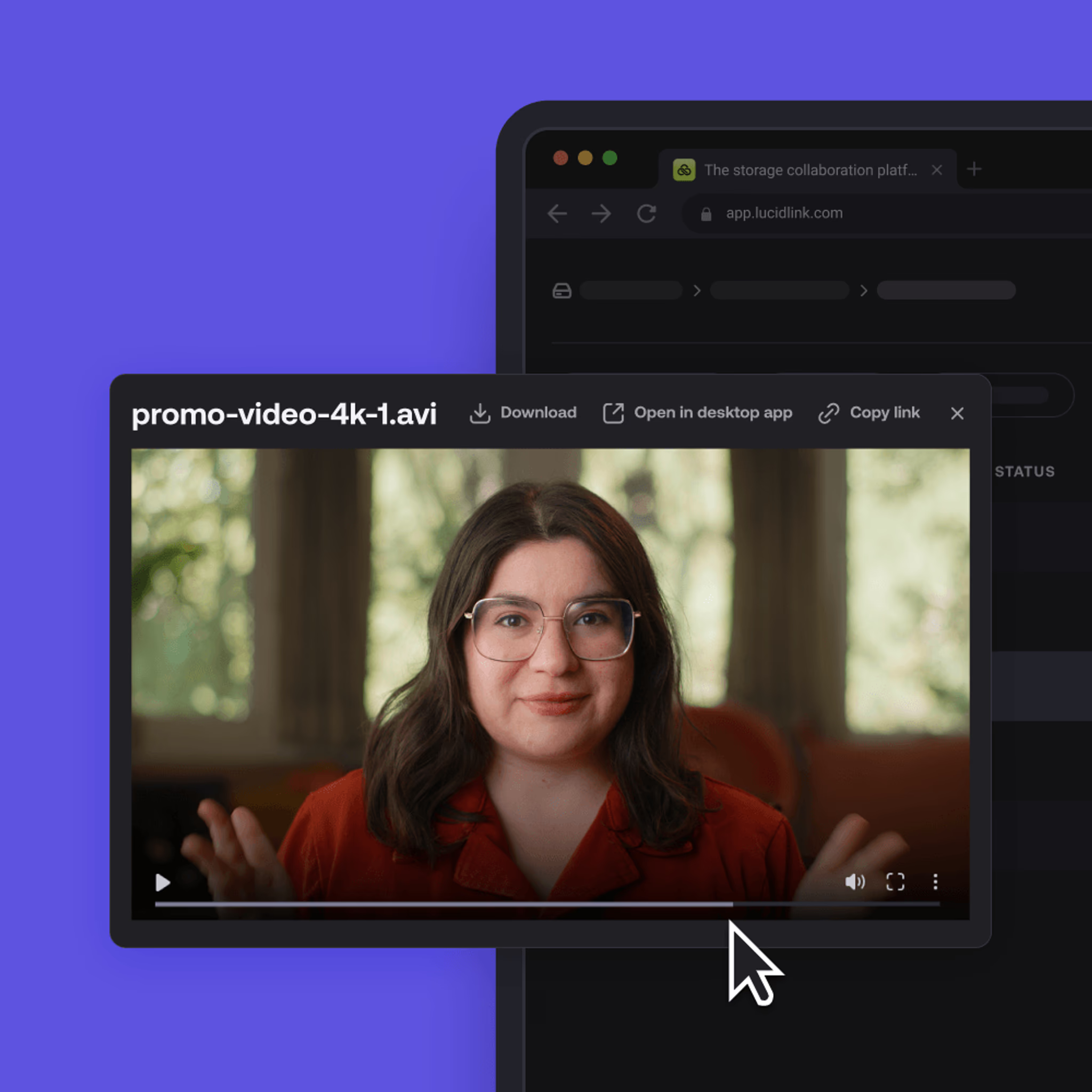
Open massive 4K video, engineering files or terabytes of data in seconds, no downloads or waiting.


LucidLink vs Dropbox feature comparison
LucidLink
Dropbox
FEATURE
Architecture
LucidLink
Stream files directly from the cloud
Dropbox
Sync files to every device
Large file collaboration
LucidLink
Access and edit files immediately in the cloud
Dropbox
Requires full download
Local storage
LucidLink
Optional (files stay in the cloud)
Dropbox
Required (files downloaded)
File access speed
LucidLink
Instant streaming access
Dropbox
Wait for sync/download
Collaboration
LucidLink
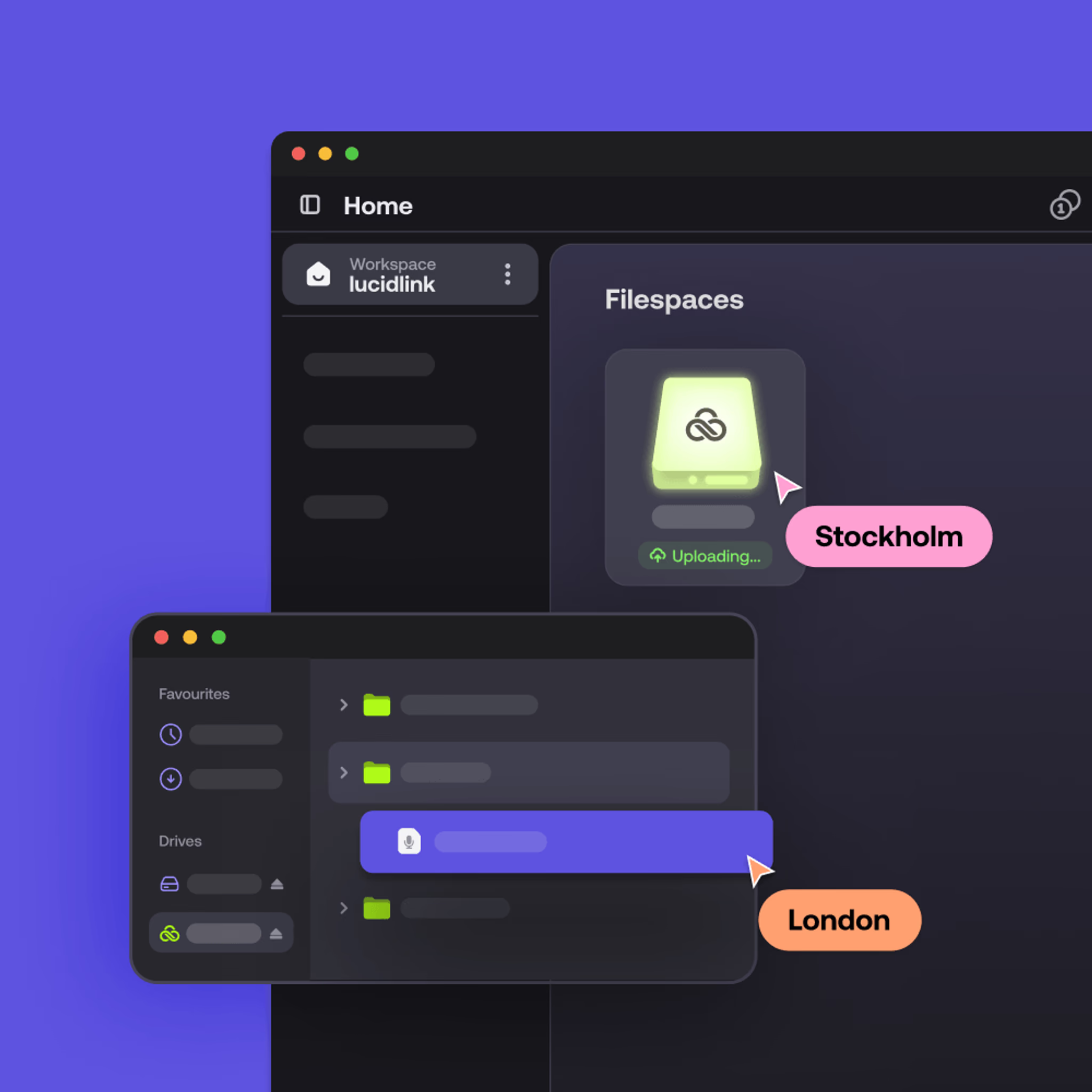
Single shared filespace
Dropbox
Copies across devices common
Storage limits
LucidLink
Scales to petabytes
Dropbox
Constrained by device capacity
Works with existing tools
LucidLink
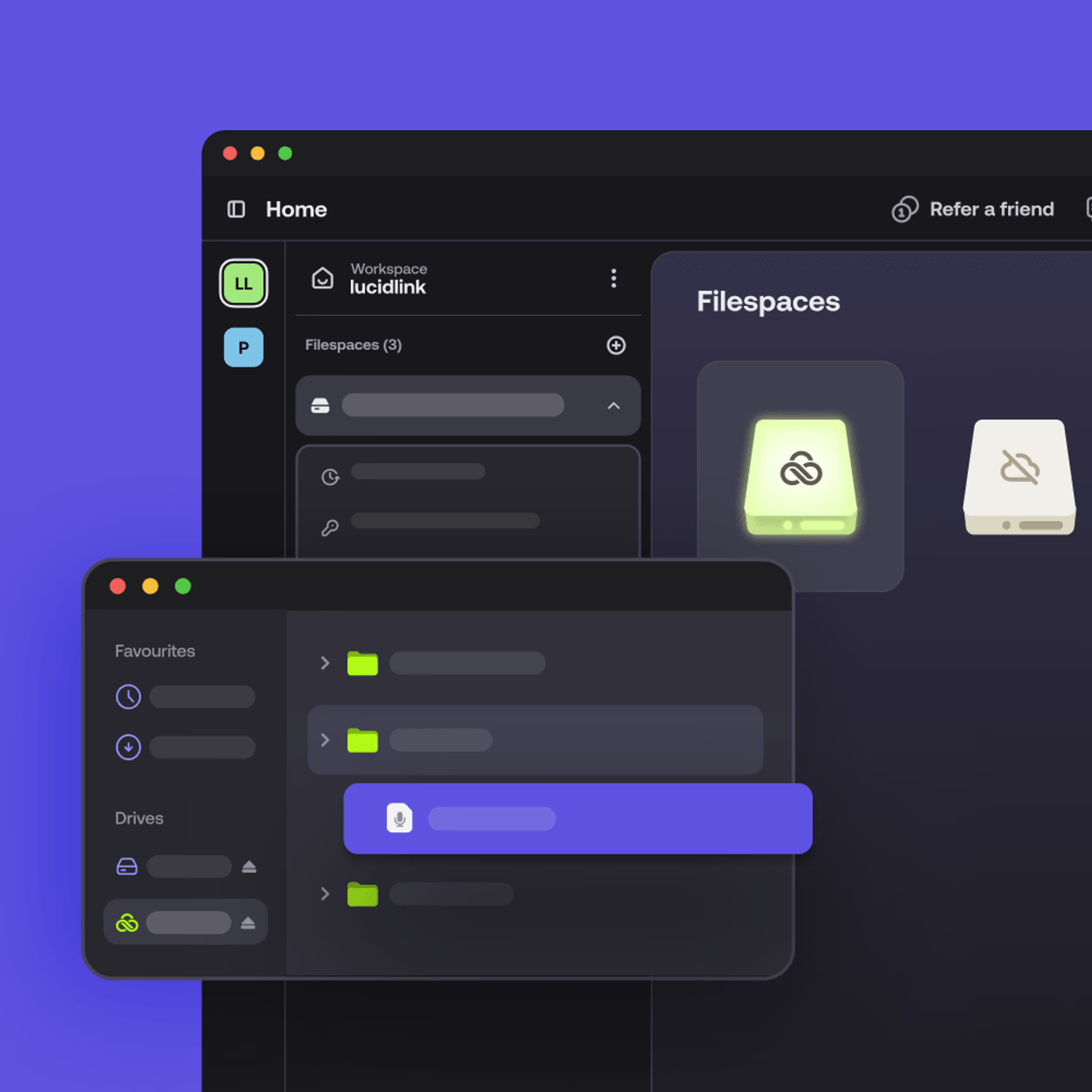
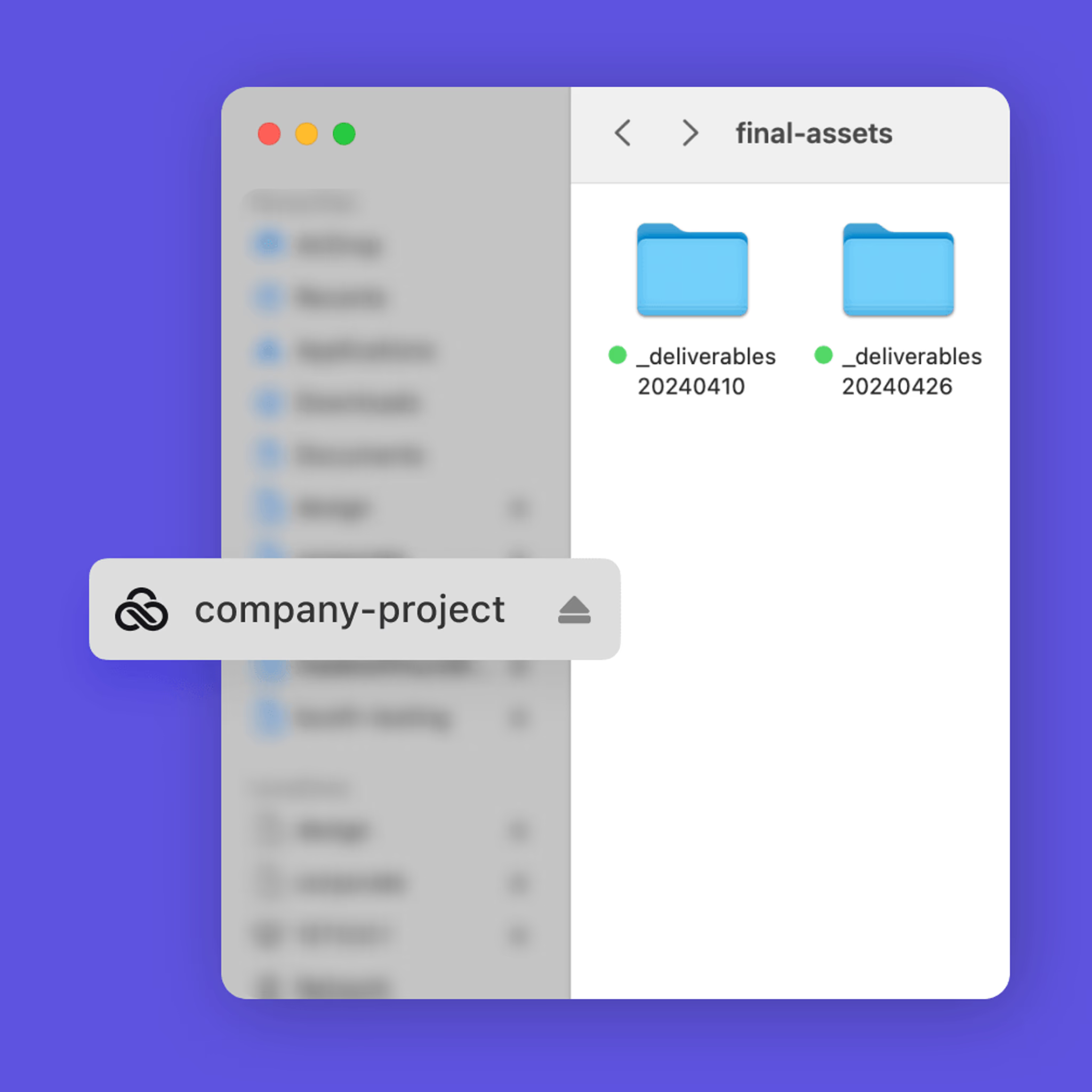
Mounts as a local drive, works natively with your apps
Dropbox
Works with many tools, but requires sync workflows
Remote team performance
LucidLink
Consistent globally
Dropbox
Degrades with large files
Version control
LucidLink
Automatic (single source of truth)
Dropbox
Manual, error-prone
Security model
LucidLink
Zero-knowledge
Dropbox
Provider-managed encryption
Best for
LucidLink
Large files, real-time collaboration
Dropbox
Documents, small files
No downloads. No duplicates. No delays.
When Dropbox works well
Dropbox is good for documents, small files and lightweight sharing. For teams that don't need real-time collaboration on large files, it does the job well.
If you're working with large media, CAD, datasets or distributed teams on tight deadlines, that's where it starts to show its limits. If you’re struggling with workflow delays, it’s worth looking at a Dropbox alternative made for real-time teamwork on heavy files.

The “no-brainer” Dropbox alternative
LucidLink pricing
Predictable pricing that scales with your team, no surprise storage costs.
Starter
Effortless file collaboration for small projects and teams getting started.
$7
member/month
Business
Instant access to shared projects of any size for distributed teams.
$27
member/month
Enterprise
Flexible plans for large teams and complex datasets.
customized to your needs
No downloads. No duplicates. No delays.
How to switch from Dropbox to LucidLink
Goodbye syncing. Hello file streaming.
No need to start from scratch. You can use LucidLink alongside Dropbox, letting your team start streaming large files instantly while getting comfortable with the new workflow.

Pilot with a real project
No test folders or throwaway data, start with real work.

Run alongside Dropbox
Use LucidLink in parallel with Dropbox while your team gets comfortable.

Scale gradually
Add users and files as adoption grows.

Keep your existing tools
No retraining, no workflow overhaul.
Want to skip the migration entirely?
Keep your data in Dropbox. Get the LucidLink experience.
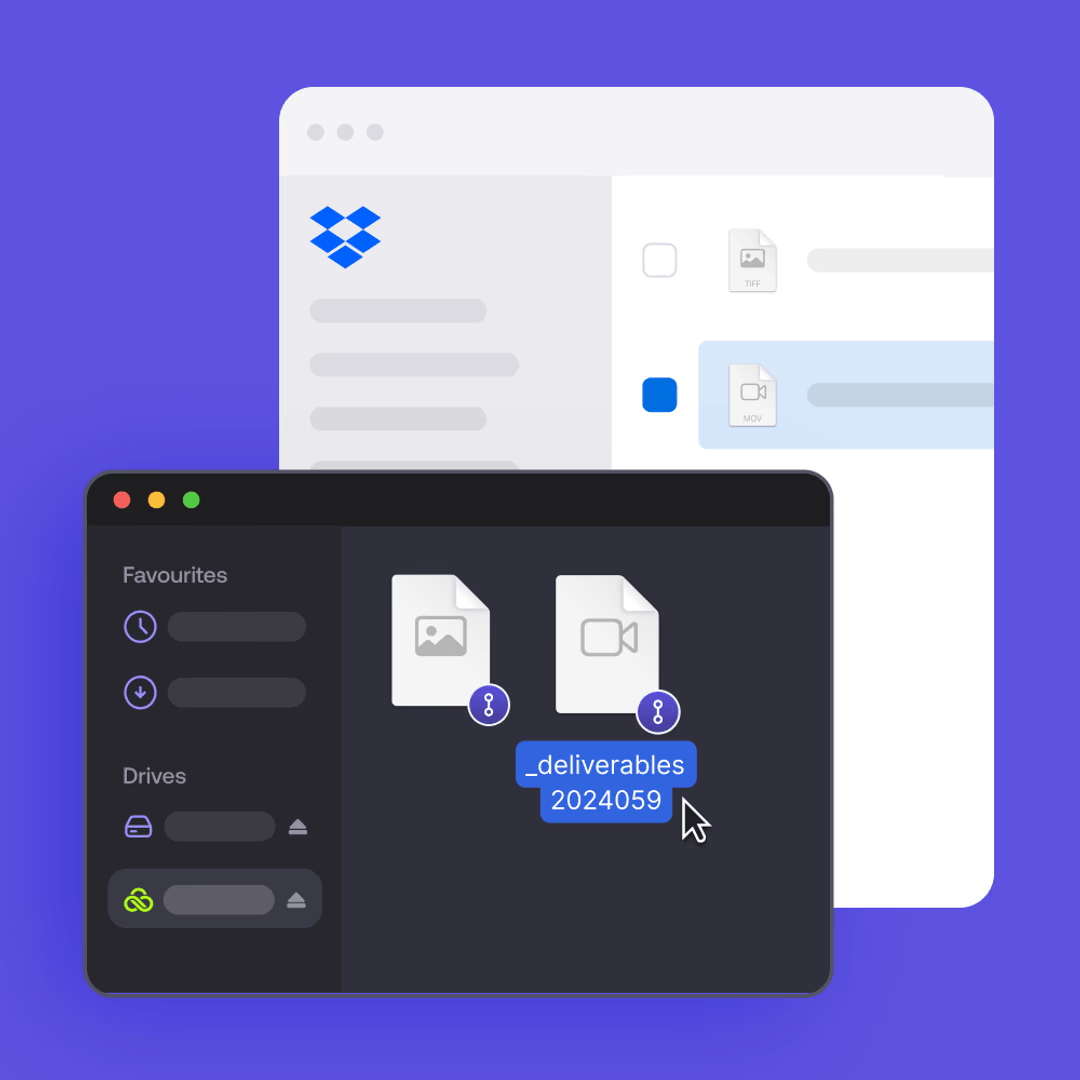
LucidLink Connect gives enterprise teams real-time streaming access to your existing Dropbox storage — without migration, data duplication or disruption to your workflows.
FAQs
The best Dropbox alternative depends on your use case, LucidLink is purpose-built for collaborative large-file workflows. It streams files directly from the cloud instead of syncing them, giving teams instant access without downloads, storage limits or version conflicts. For document-heavy teams, other tools may be a better fit.
Ready to see the difference?
Stop syncing. Start streaming files instantly.