Collaboration
Creative production
17 best creative collaboration tools in 2026
Last updated 22 May, 2026
9 mins
Creative work is chaos. Fast-moving, format-juggling, version-losing chaos.
If you spend more time syncing, searching and circling back than actually creating, you’re not alone.
The good news? The right creative collaboration tools can cut through the mess, streamline your workflows and give your creative workflow and give your team back their time (and sanity).
Before we dive into the tools helping creative teams be more collaborative, let’s cover what creative collaboration actually is — and why it’s so hard to get right.
What is creative collaboration?
Creative collaboration is the magic that happens when your team builds, tweaks and launches ideas.
It's part inspiration, part execution. Thriving on fast feedback, iteration and timing.
Today’s creative teams face tighter deadlines, larger files and hybrid workflows. Real-time collaboration is more critical (and more complex) than ever.
But too often, the process breaks down.
Feedback gets buried, files go missing, tools don’t sync — and precious time slips away.
That’s where creative collaboration software comes in.
Why collaboration software matters to creative teams
The best collaboration software streamlines teamwork by centralizing communication, organizing assets and simplifying version control. It also plays a big role in creative asset management, making it easy to find what you need, use it quickly and reuse it across projects without the usual hassle. It keeps your team aligned, moving faster and focused on what matters most: the creative.
Workflow time wasters aren’t just frustrating — they kill creative momentum.
Constantly searching for files, managing confusing feedback loops and dealing with version chaos slows everything down. It leads to duplicated effort, missed deadlines and ultimately, lost revenue.
Collaboration software breaks down bottlenecks, enabling teams to deliver quality work on time, boost transparency and keep everyone aligned from start to finish.
17 best creative collaboration tools
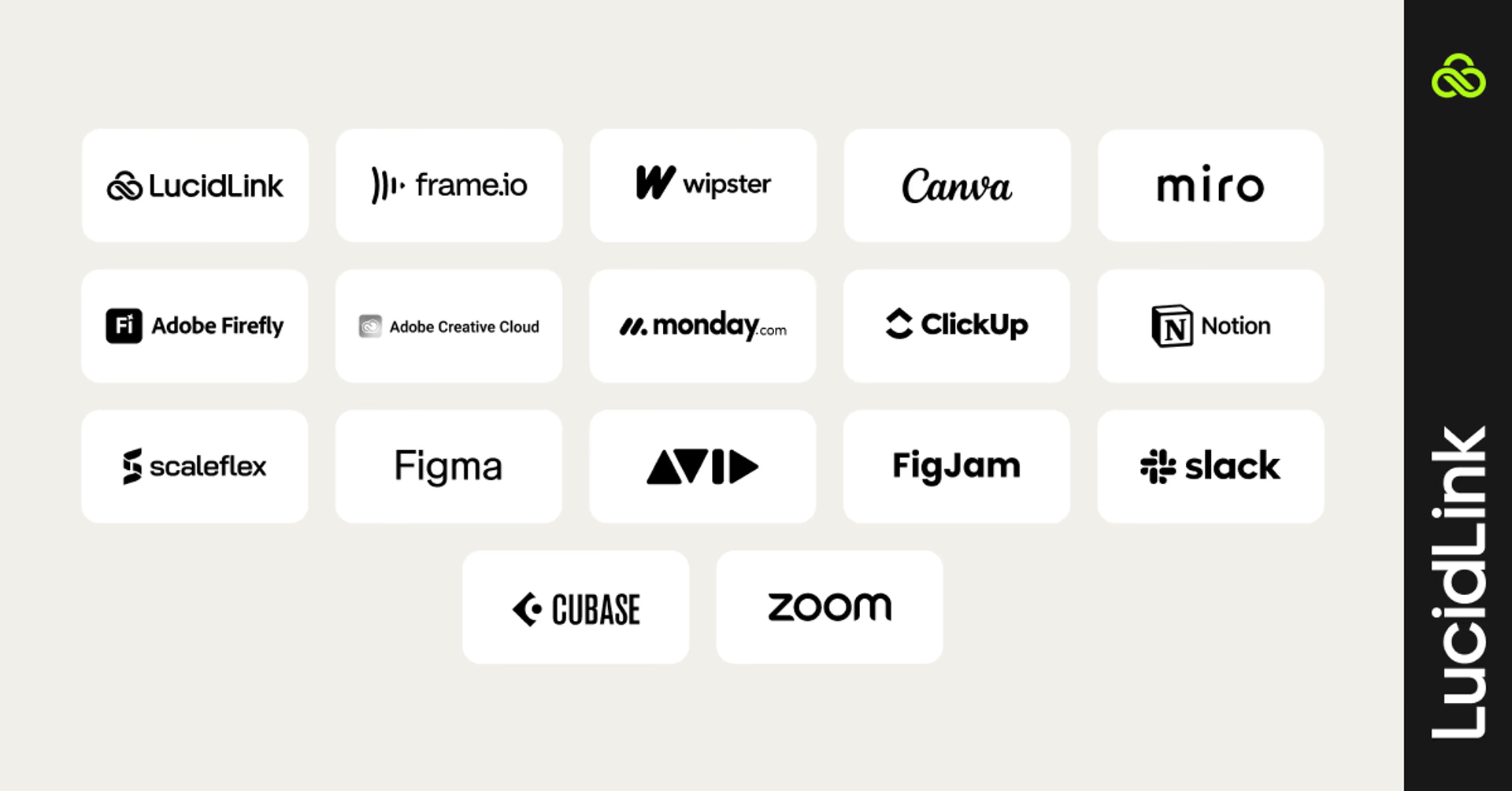
From advertising agencies to teams in media and entertainment, most creatives rely on a combination of tools to support everything from content collaboration to creative asset management — all working together to power a more efficient creative workflow.
The reality is, no single tool does it all. Most teams rely on a mix of platforms to keep things moving. The key is to identify where your workflow slows down. Are files hard to access? Is feedback scattered across threads? Does version control cause delays?
Start with the pain point, and build your stack from there.
Best software for real-time creative collaboration
Every project kicks off with one thing: access. If your team can’t open the right file right when they need it, you’re already playing catch-up. Making sure everyone has instant, easy access to files is the first step to faster, smoother collaboration.
1. LucidLink
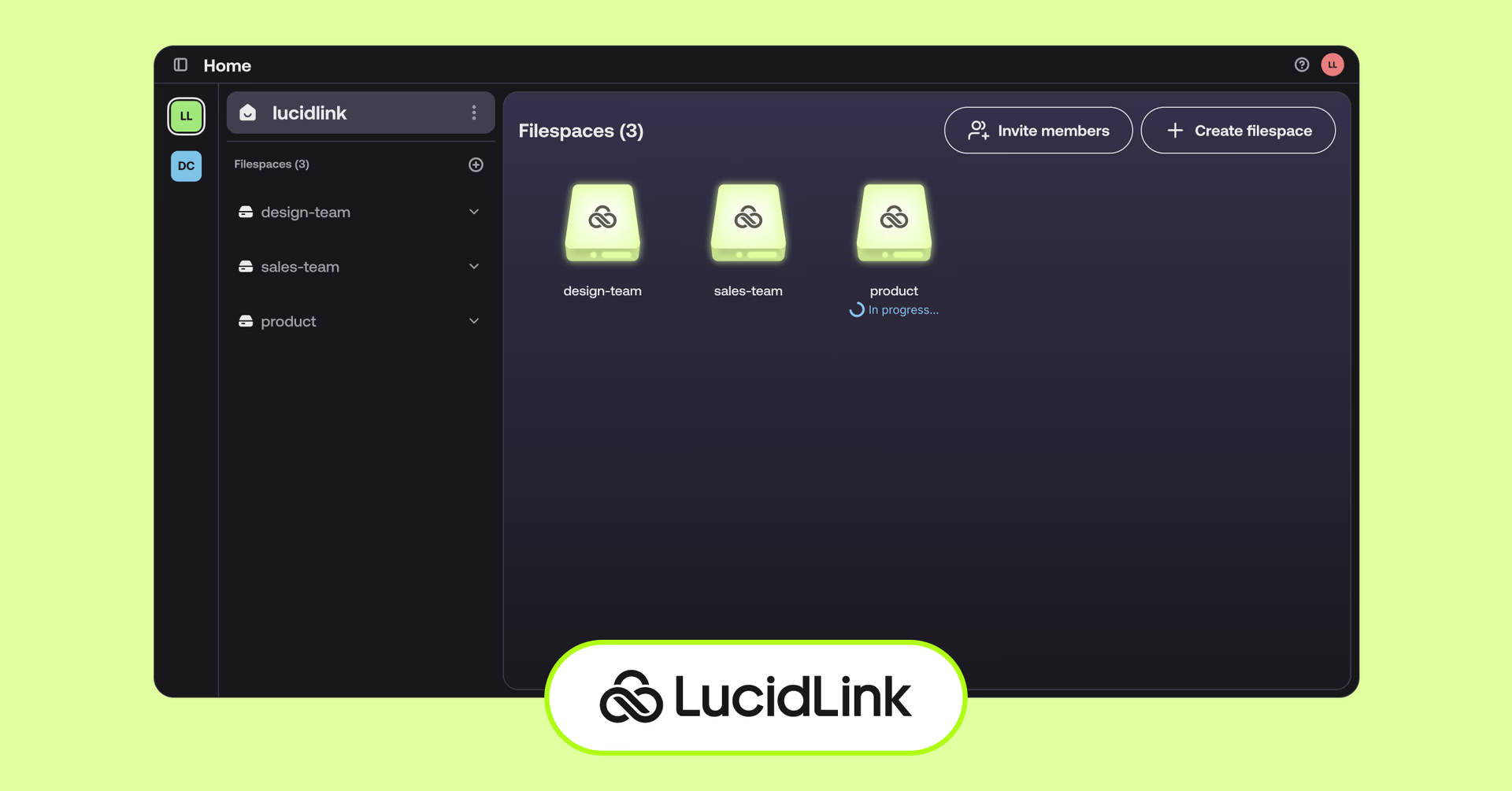
LucidLink is the connective tissue for distributed teams working with large files. It acts like a local drive — but it’s powered by the cloud. That means your team can instantly access and edit files of any size from anywhere without downloads, syncing or relinking.
Best features:
Stream massive files in real time — no downloads or delays
Looks and feels like a local drive on Mac/PC
Always up-to-date single source of truth for your team
Enterprise-grade security with zero-knowledge encryption and role-based access
Integrates seamlessly with tools like Adobe Premiere Pro and DaVinci Resolve
Ideal for video, audio, design and hybrid teams.
Video review and collaboration tools
As projects evolve, feedback loops can either speed you up — or drag you down. These video collaboration tools keep input clear, relevant and easy to act on.
2. Frame.io
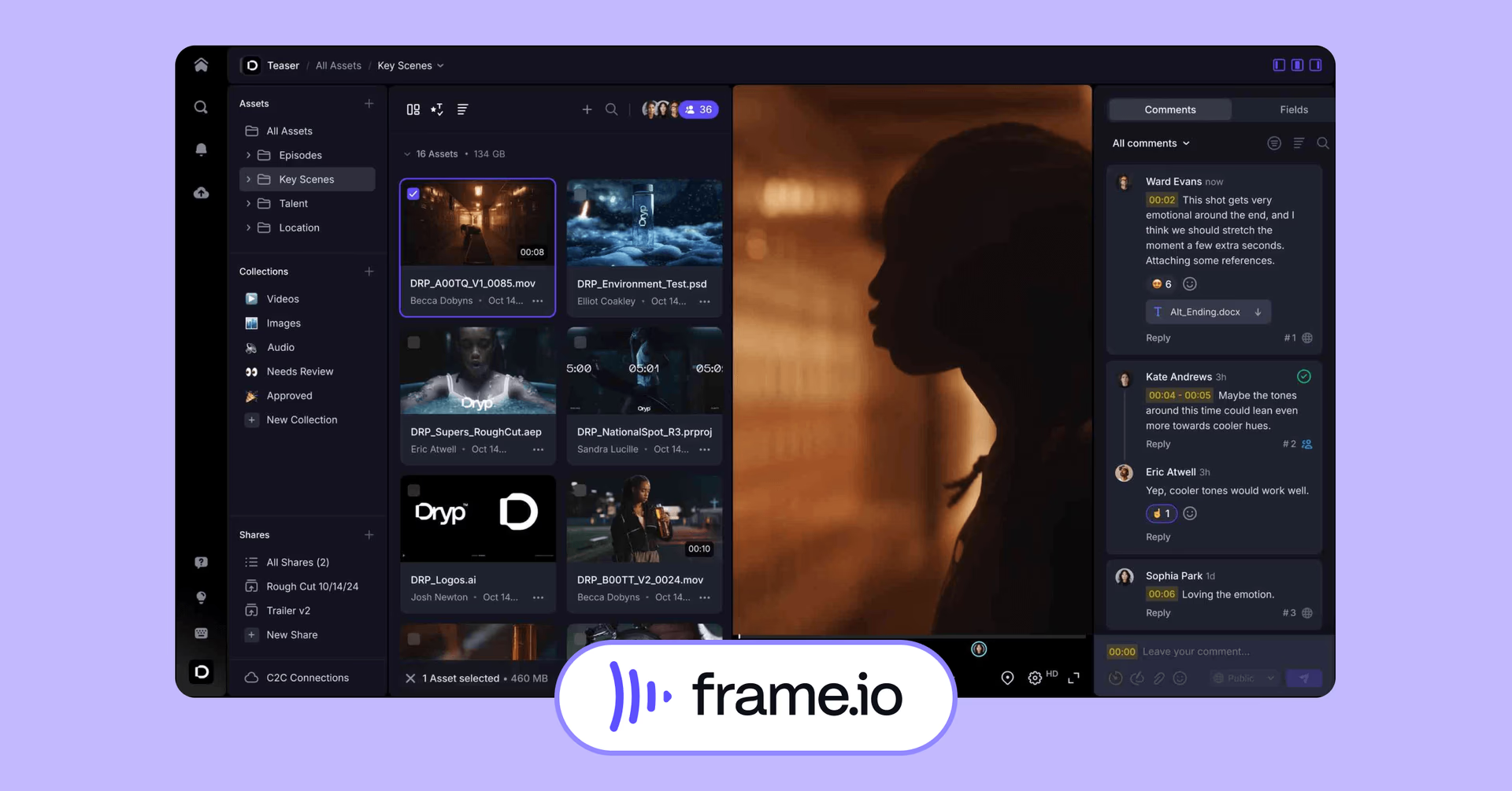
Video feedback, minus the mess. Frame.io helps teams review, comment and stay in sync — all in one spot.
Pros
Frame-accurate comments with on-screen annotations
Camera to Cloud support for real-time dailies
Easy versioning and comparison tools
Cons
Geared toward professional video teams — may be overkill for lighter marketing use
Higher cost for premium features
Commonly used for post-production teams, video editors or producers working on high-volume projects.
3. Wipster
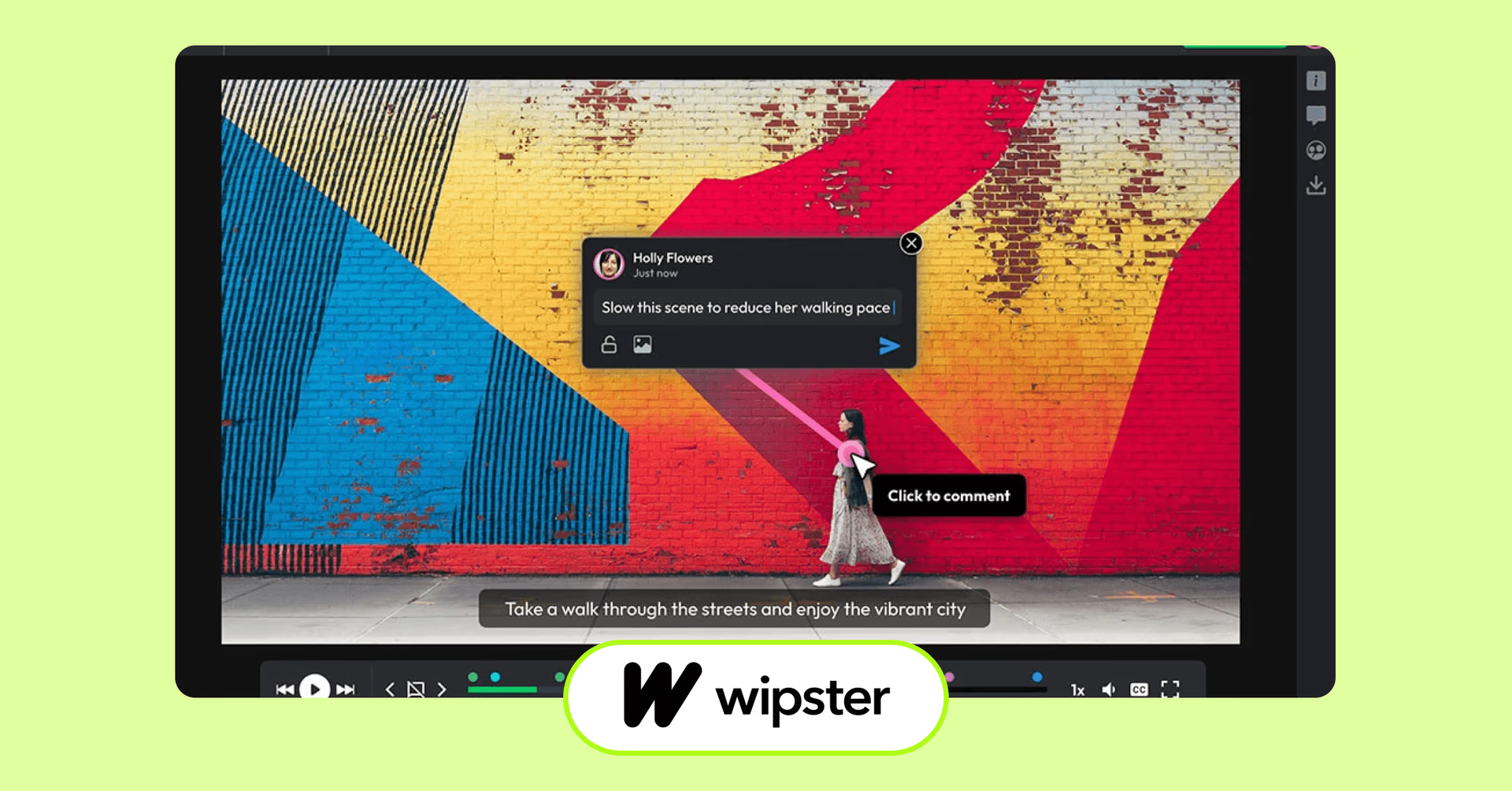
Wipster makes creative review feel approachable and fast. It’s designed for teams that need to share video content with stakeholders — not just editors — and get feedback without needing technical training.
Pros
Intuitive interface for non-creatives
Auto-versioning with simple file sharing
Integrates with Adobe Premiere Pro and After Effects
Cons
Fewer enterprise features than Frame.io
Limited offline support
Most often used for in-house brand teams, agencies and content marketers.
4. Canva Teams
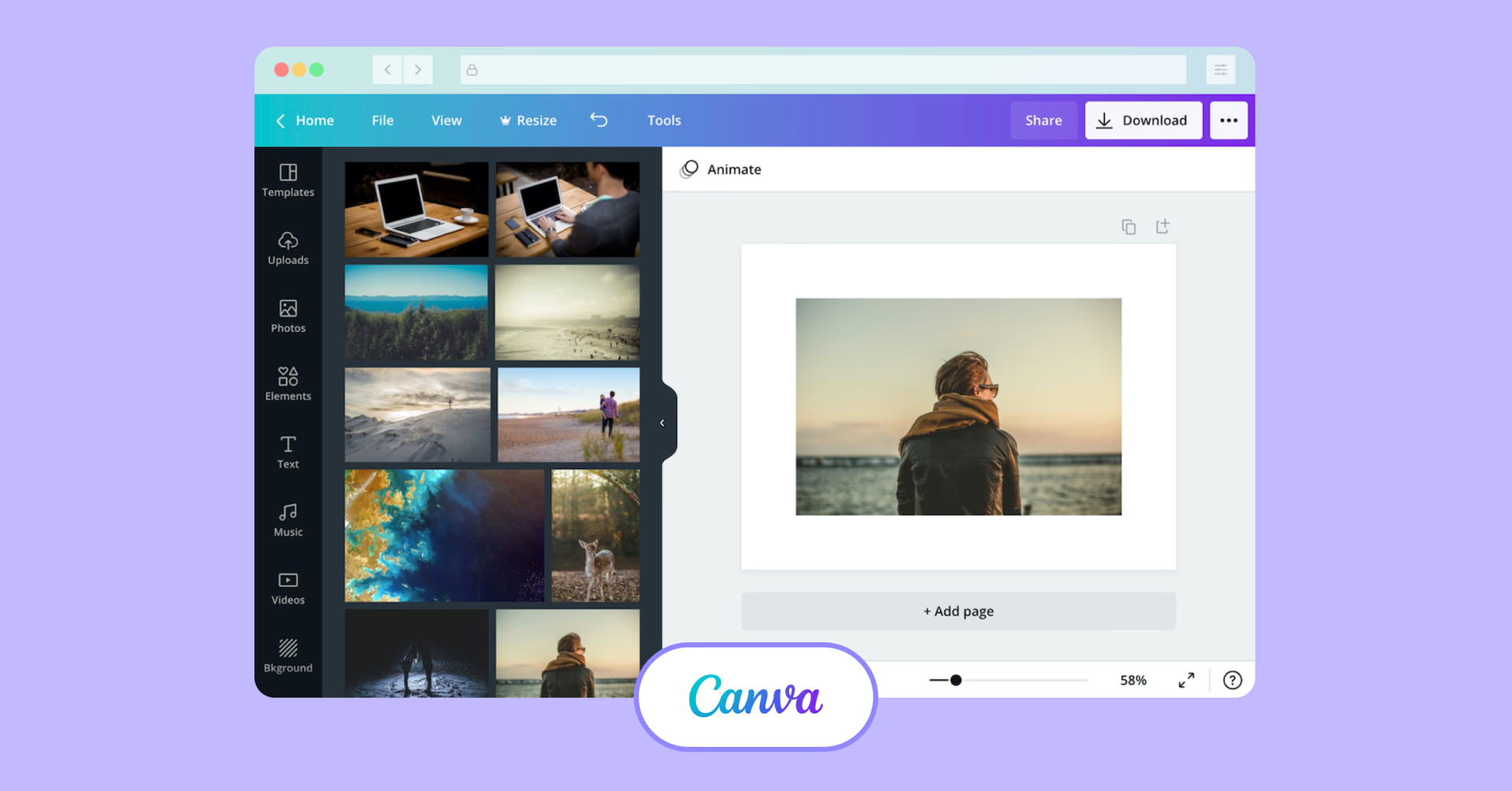
Canva Teams isn’t a full post-production platform, but for quick-turn creative assets — social videos, promos, ads — it’s hard to beat. Fast, accessible and collaborative by default.
Pros
Real-time design and video editing
Built-in templates and stock assets
Easy sharing and commenting
Cons
Limited timeline and editing controls
Not suited for high-end video workflows
Ideal for marketing teams, social media managers and small businesses.
Brainstorming and ideation for creative collaboration
Once your assets are ready to go, it’s time to think big. Whether you’re pitching ideas or putting together moodboards, the right ideation tools help your team spark creativity and stay on the same page.
5. Miro
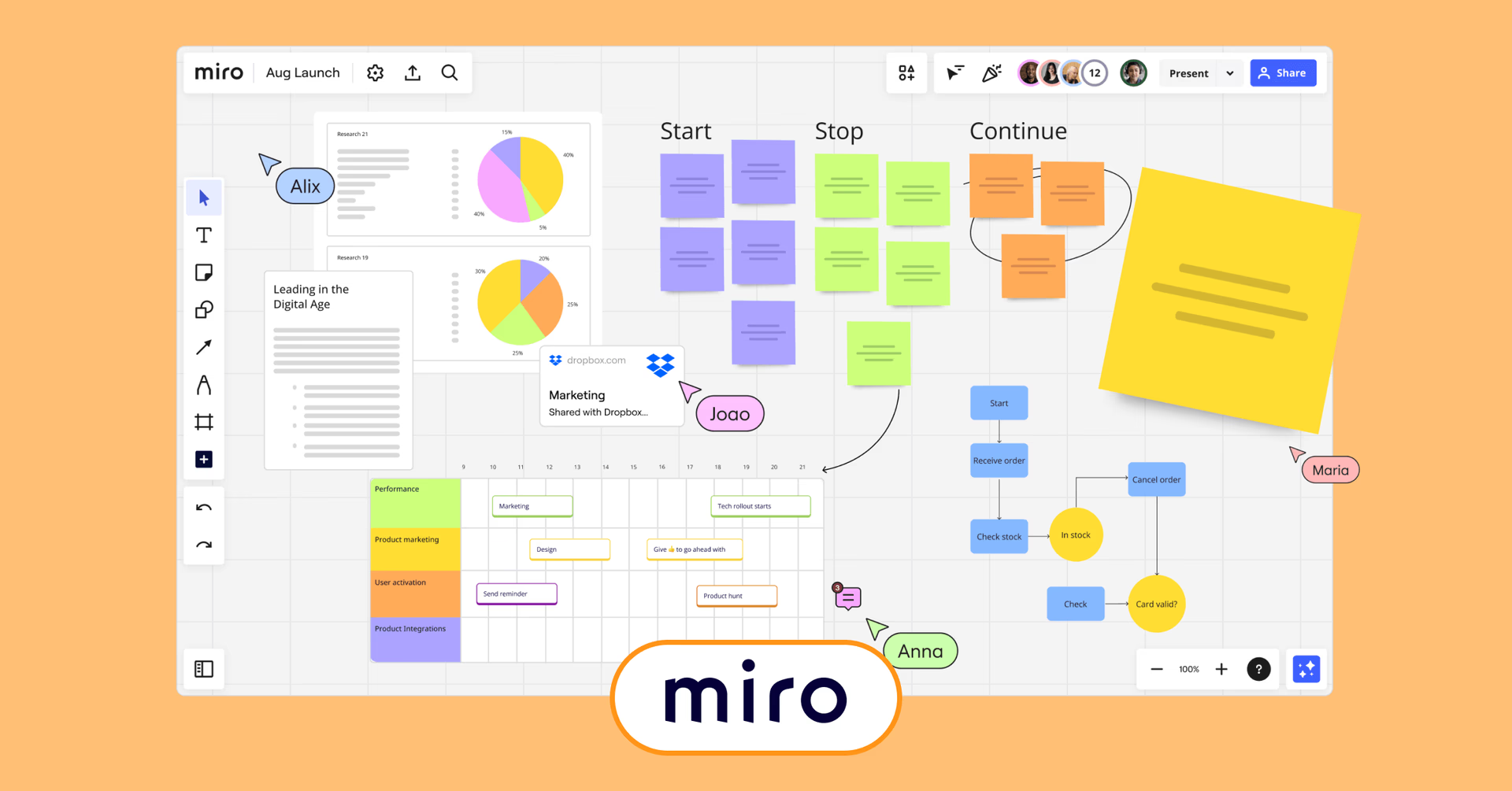
Miro is a flexible virtual whiteboard built for real-time or async brainstorming, planning and collaboration.
Pros:
Real-time collaboration with infinite canvas
Extensive template library for various use cases
Integrates with tools like Slack, Jira and Google Drive
Cons:
Can become cluttered with large teams if not managed properly
Some advanced features require a paid plan
Mostly used for remote teams, educators and product managers.
6. FigJam
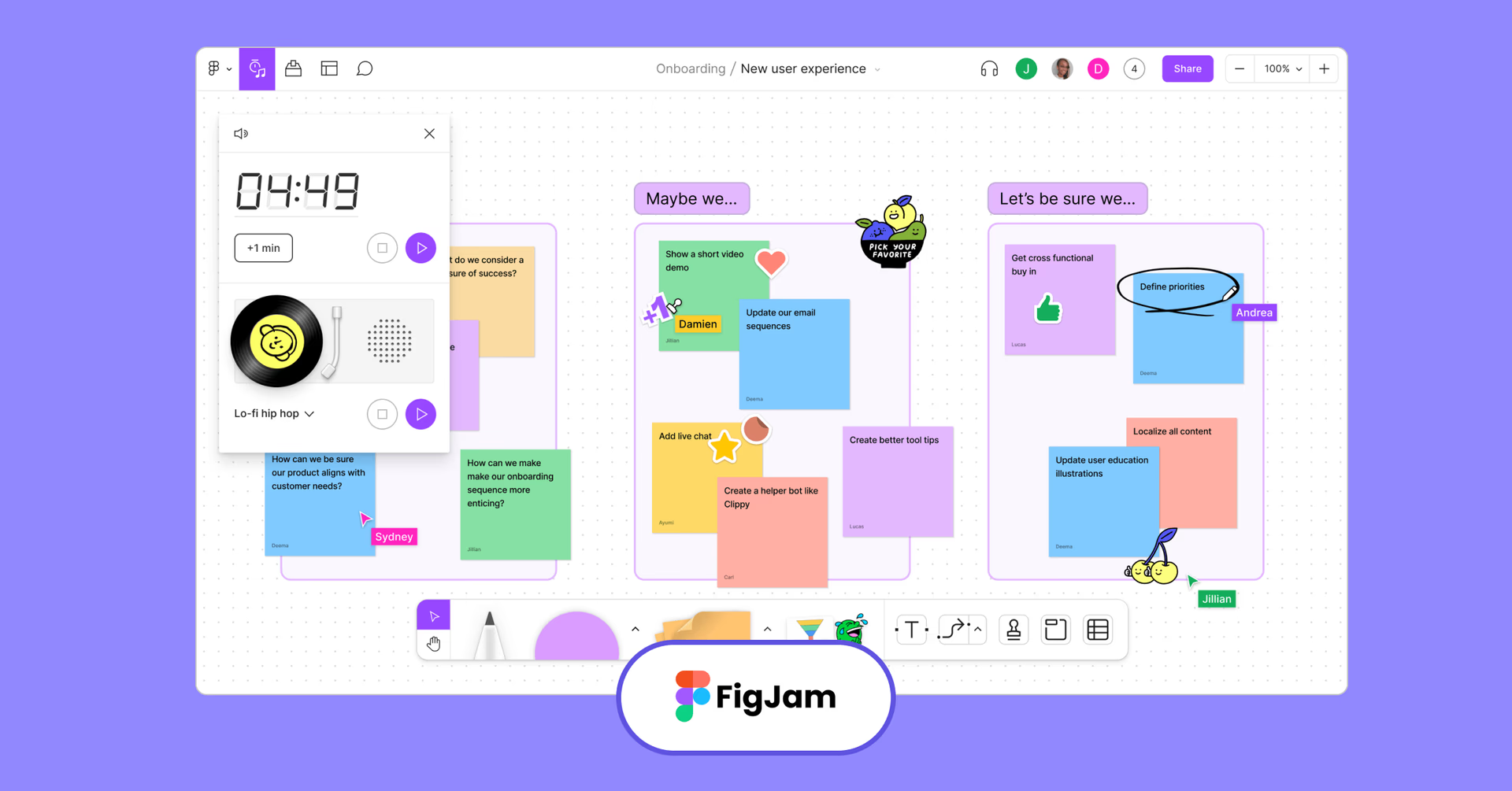
FigJam, Figma’s collaborative whiteboard, is built for designers to brainstorm, wireframe and workshop with ease.
Pros:
Seamless integration with Figma
User-friendly interface with design-centric features
Supports sticky notes, emojis and drawing tools for engagement
Cons:
Limited features compared to more robust whiteboarding tools
Best suited for teams already using Figma
Often used by design teams, UX/UI designers and creative workshops.
7. Adobe Firefly Boards
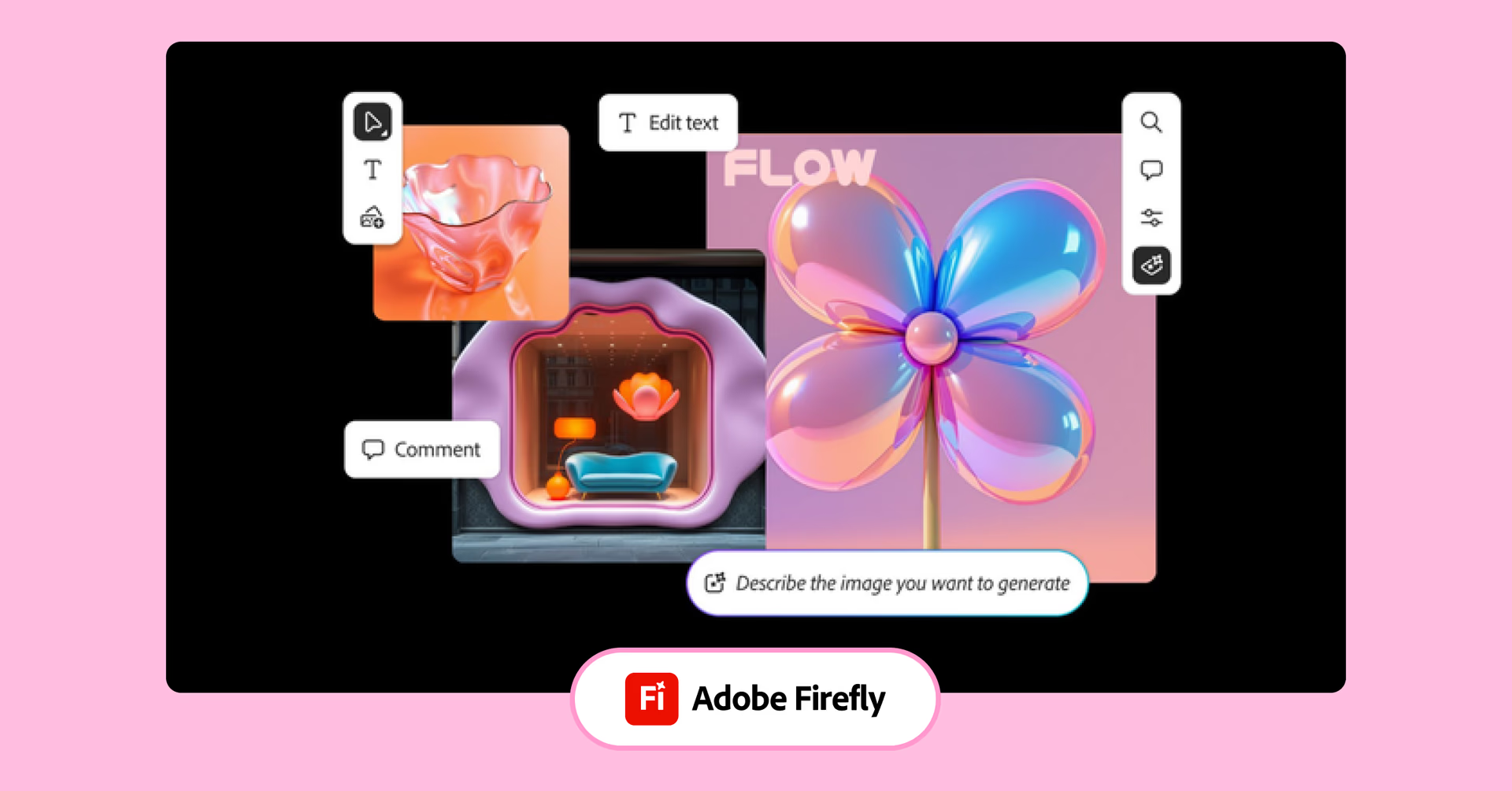
Adobe Firefly Boards brings generative AI to moodboarding, helping teams quickly create and organize visual ideas. It’s a fresh, fast way to kickstart the creative process.
Pros:
AI-generated visuals based on prompts
Integration with Adobe Creative Cloud
Facilitates rapid ideation and concept development
Cons:
Currently in beta; features may evolve
Requires Adobe account and familiarity with Adobe ecosystem
Commonly used by creative directors, marketing teams and content creators.
Project and task management tools
Ideas are nothing without execution. The right task and creative project management tools help you keep creative work on track — without getting dragged down by rigid systems.
8. Monday.com
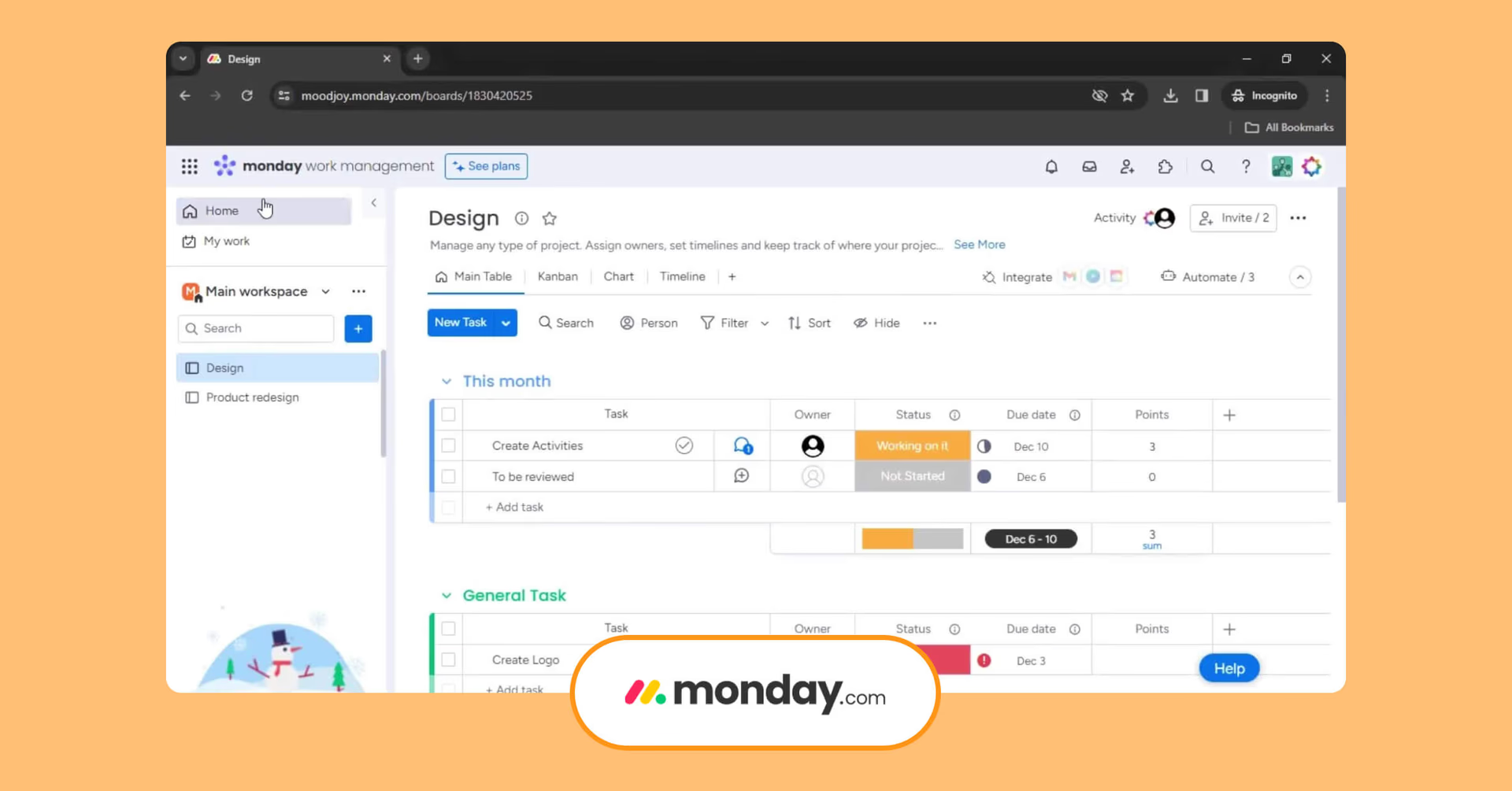
Monday.com lets teams build custom workflows, track projects and collaborate — all in one visual platform.
Pros:
Highly customizable workflows and templates
Visual project tracking with timelines and calendars
Automation features reduce manual tasks
Cons:
Can be overwhelming for new users due to its flexibility
Some features are locked behind higher-tier plans
Ideal for creative operations managers, marketing teams and agencies.
9. ClickUp
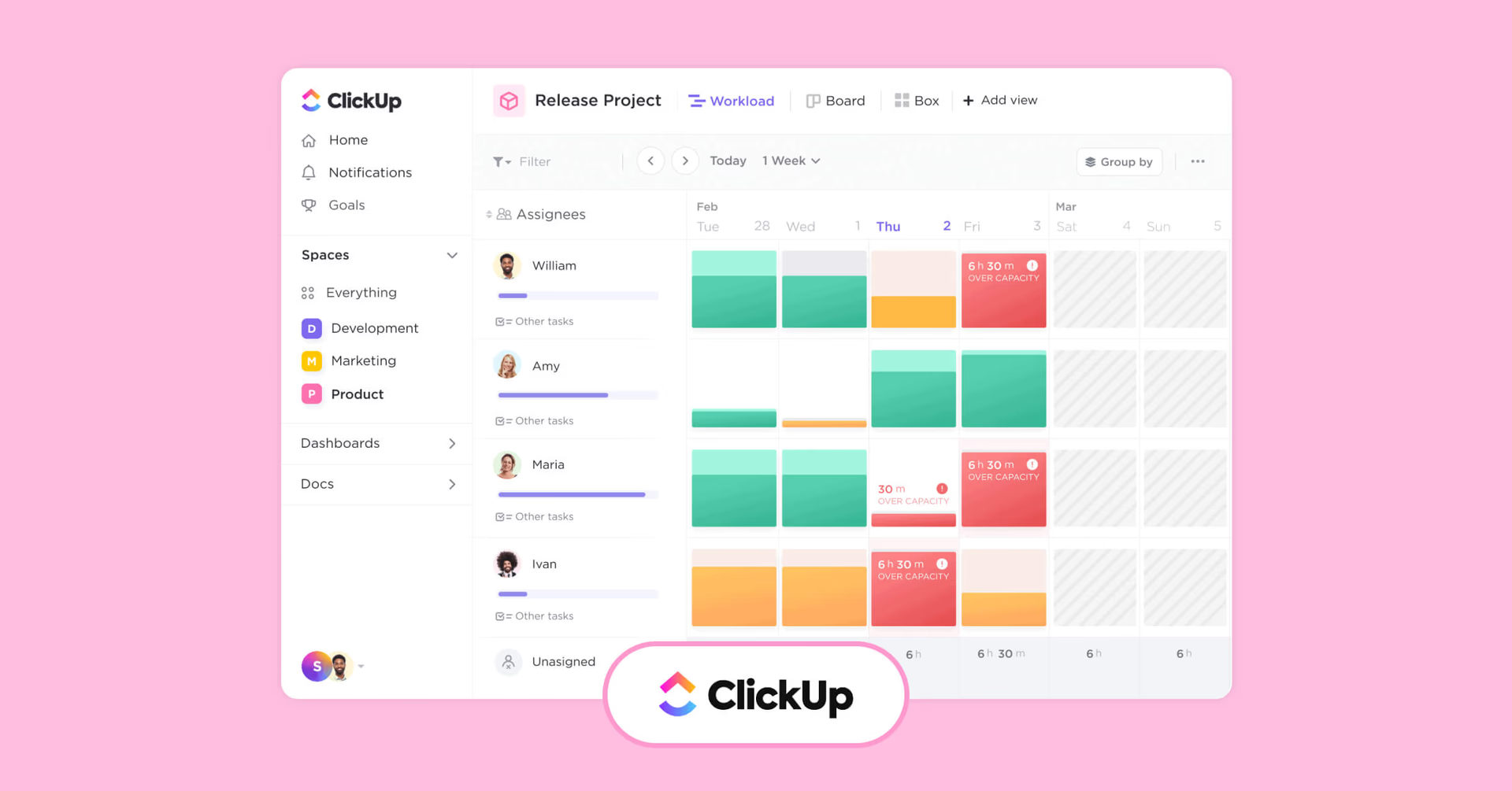
ClickUp brings tasks, docs, goals, and chat into one place — so your team can work together without bouncing between tools. It’s built for cross-functional collaboration and serious productivity.
Pros:
Combines multiple tools into one platform
Customizable views (list, board, calendar)
Robust integration options
Cons:
Steeper learning curve due to feature richness
Interface can feel cluttered with too many features
Commonly used by product teams, startups and cross-departmental projects.
10. Notion
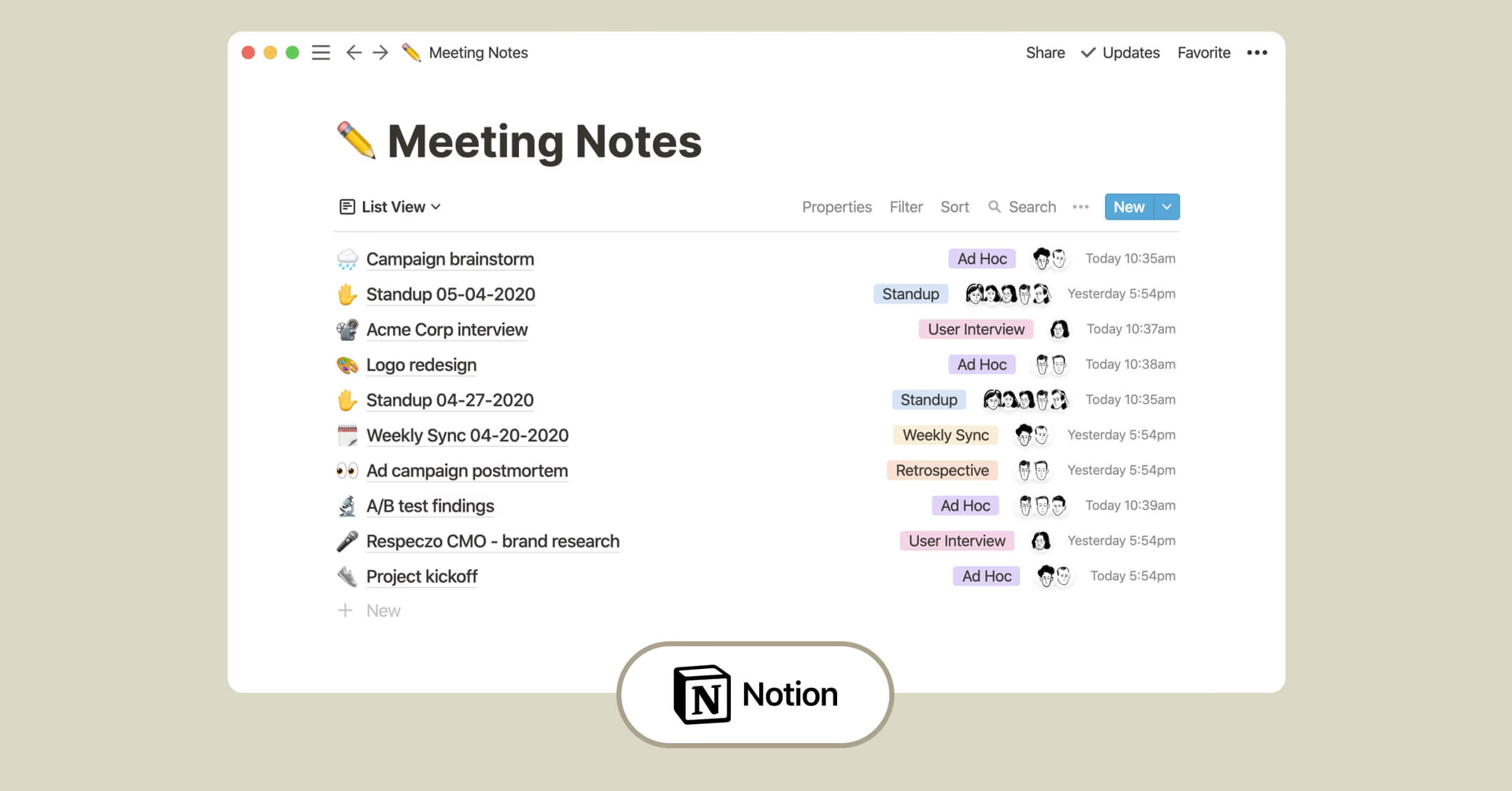
Notion gives your team one flexible space for notes, tasks, wikis, and more. It’s ideal for teams that want to build workflows their way.
Pros:
Highly customizable pages and databases
Combines documentation and task management
Clean, minimalist interface
Cons:
Lacks some advanced project management features
Offline access is limited
Favored by content teams, small businesses and remote teams.
Collaboration tools for designers
Designers need space to create — but they also need structure, feedback and version control. Design collaboration software helps visual teams stay synced, from style guides to final exports.
11. Figma
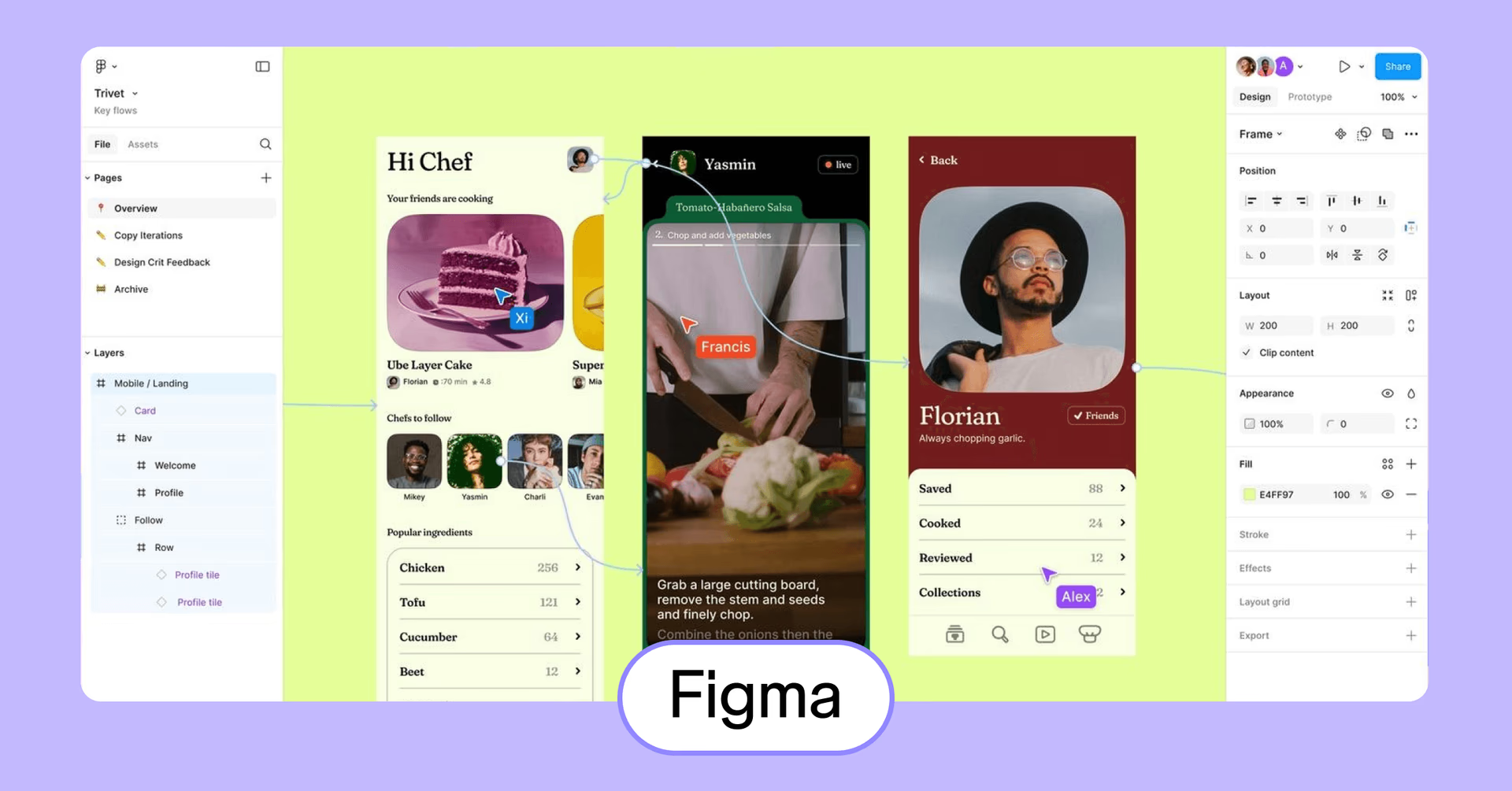
Figma lets your whole team design together in real time — right in the browser. It’s perfect for UI/UX work and keeping design systems in sync across teams.
Pros:
Real-time collaboration on design files
Browser-based with no installations required
Extensive plugin ecosystem
Cons:
Performance can lag with very large files
Requires continuous internet connection
Often used by UI/UX designers, product teams and design agencies.
12. Adobe Creative Cloud
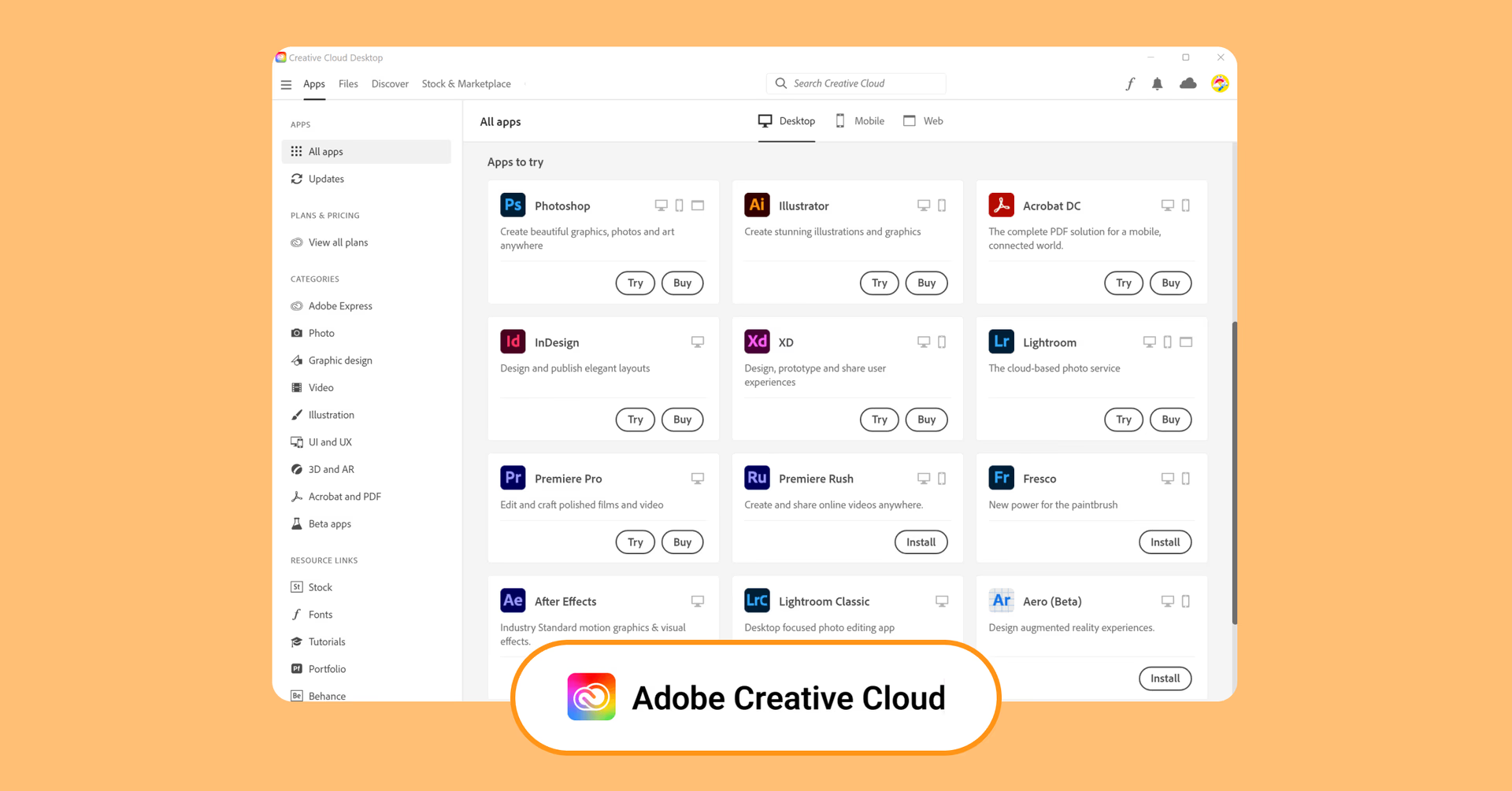
Adobe Creative Cloud is the gold standard for design pros — with powerful tools like Photoshop, Illustrator, and InDesign for everything from branding to layouts.
Pros:
Comprehensive suite covering all design needs
Regular updates with new features
Extensive community and learning resources
Cons:
Subscription-based pricing can be costly
Steeper learning curve for beginners
Mostly used by professional designers, creative agencies and freelancers.
Collaboration tools for audio teams and music production
From podcasts to post-production, audio projects are rich, complex and often collaborative. Managing large audio files and sharing them efficiently is key to keeping teams in sync — especially across time zones.
13. Avid Pro Tools
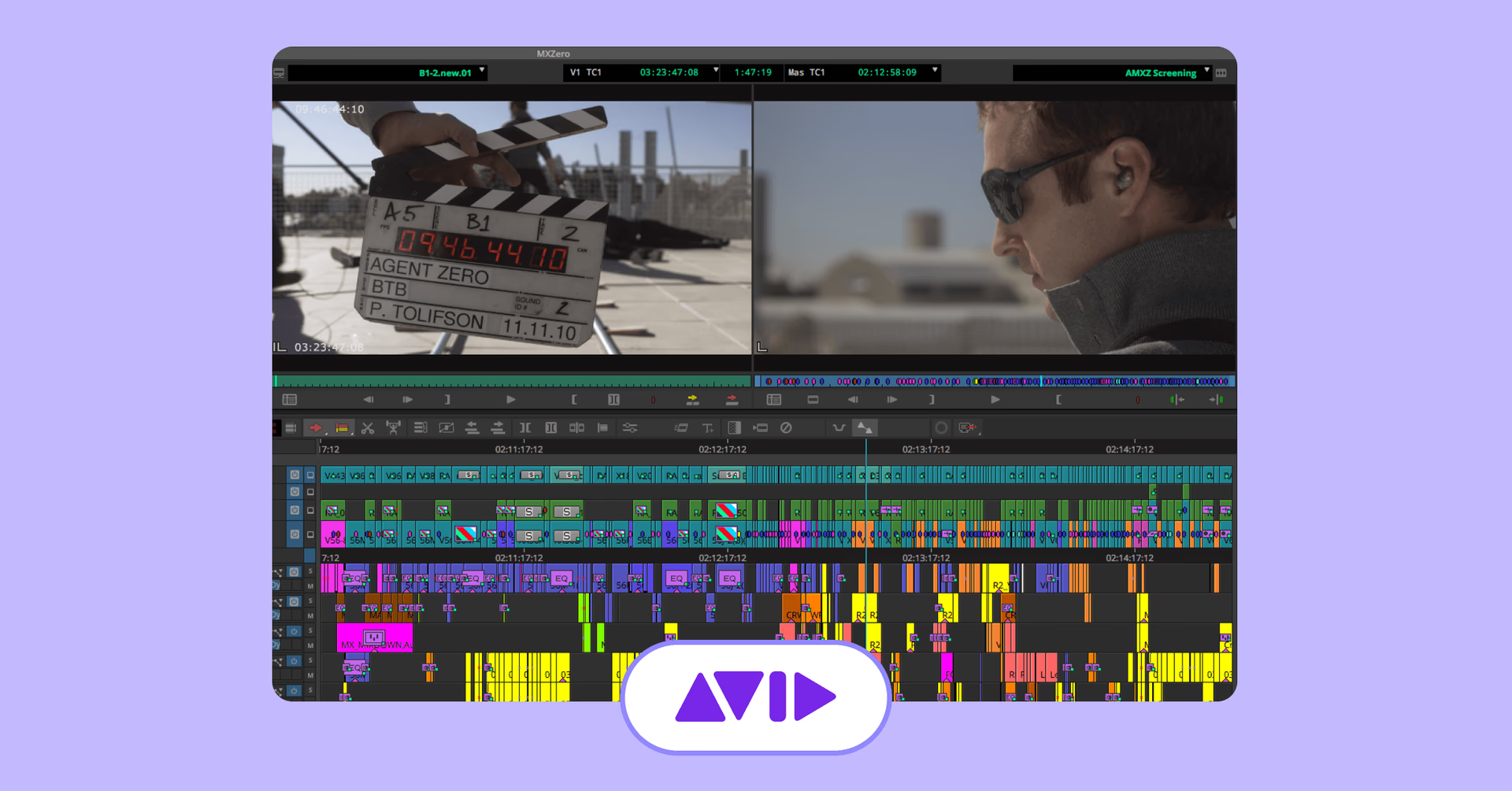
Avid Pro Tools is a professional digital audio workstation (DAW) widely used in the music and film industry. It offers advanced recording, editing and mixing capabilities.
Pros:
Industry-standard for audio production
High-quality sound processing
Extensive plugin support
Cons:
Expensive licensing
Requires powerful hardware for optimal performance
Often used by audio engineers, music producers and post-production teams.
14. Cubase
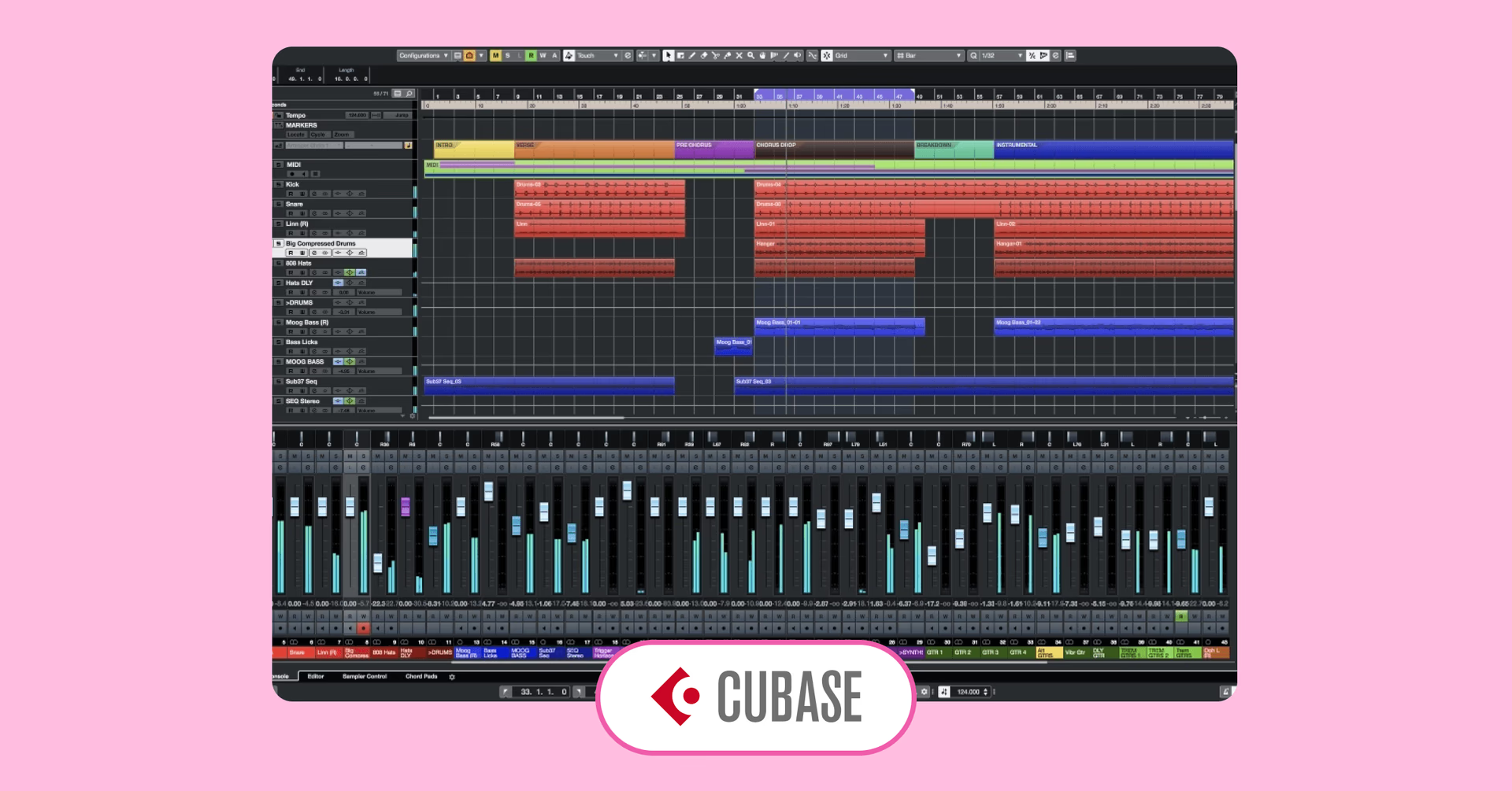
Cubase is a DAW known for its MIDI capabilities and scoring features, making it suitable for composers and musicians working on complex arrangements.
Pros:
Advanced MIDI editing tools
Comprehensive scoring features
High-quality virtual instruments
Cons:
Interface can be complex for new users
Premium features come at a higher cost
Ideal for composers, arrangers and music producers.
Real-time team communication
No matter how great your tools are, it all comes down to clear communication. These platforms keep the conversations flowing — whether you’re chatting live or catching up later — so your team stays on the same page.
15. Slack
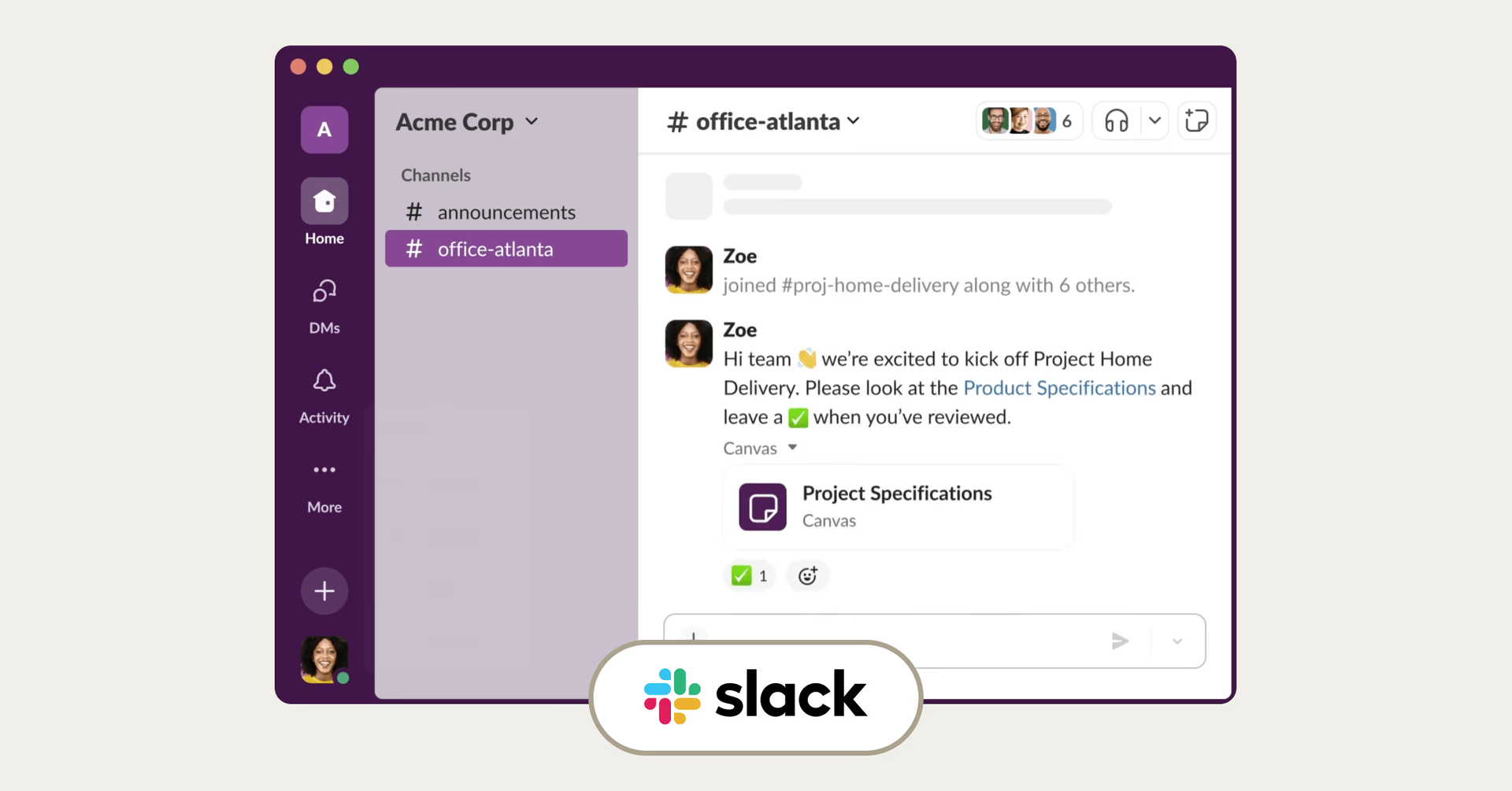
Yes, everyone uses Slack — and for good reason. It keeps creative conversations moving fast, without the clutter of email chains or missed messages. With channels, threads and integrations galore, it’s the glue that holds distributed teams together.
Pros:
Organized communication channels
Extensive integration options
Supports file sharing and video calls
Cons:
Can become noisy with excessive channels
Free version has limited message history
A go-to for remote teams, startups and organizations of all sizes.
16. Discord
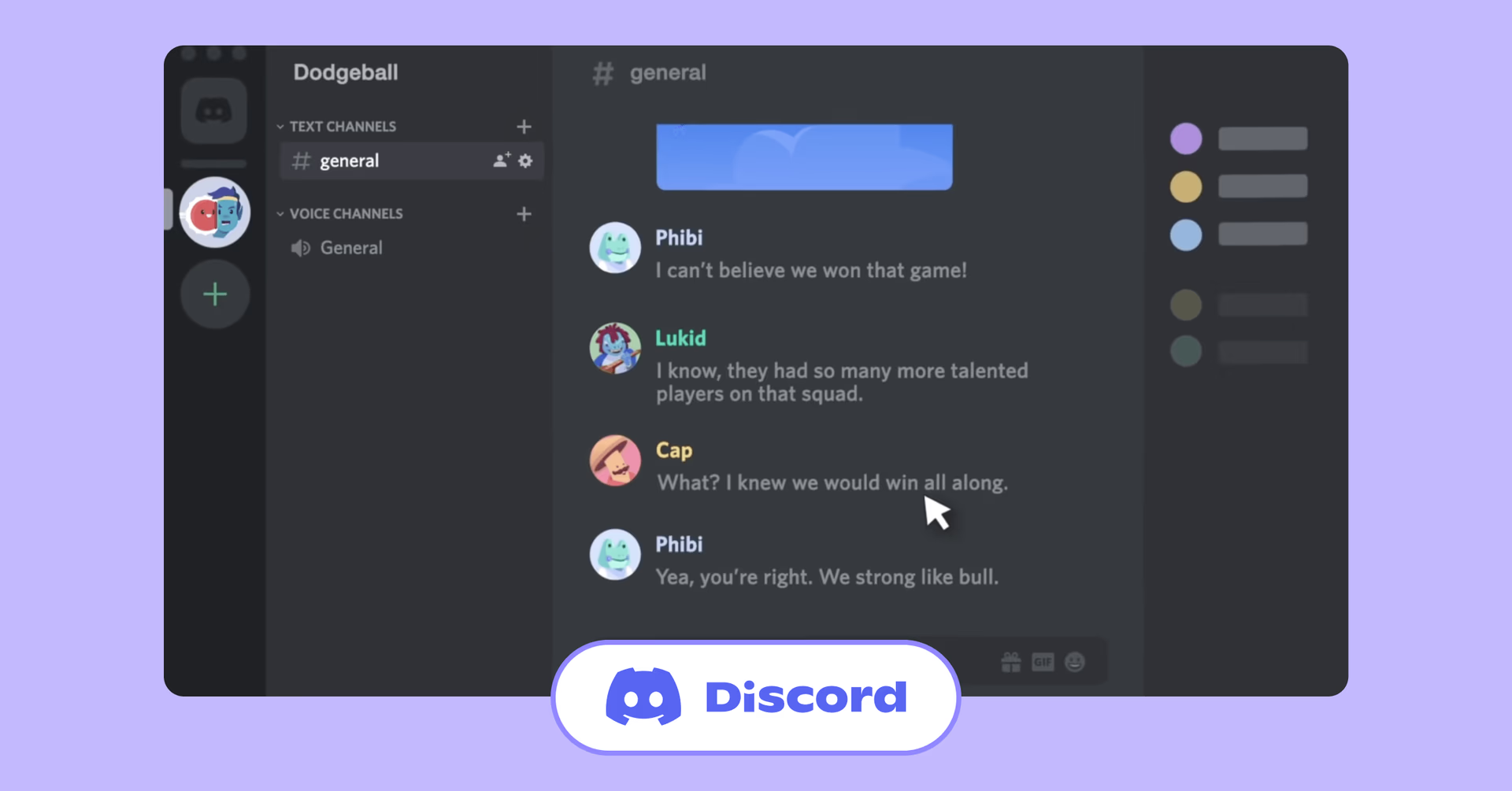
Originally designed for gamers, Discord has evolved into a platform for communities, offering voice, video and text communication, making it popular among creatives.
Pros:
High-quality voice channels
Community-building features
Free to use with robust capabilities
Cons:
Less formal; may not suit corporate environments
Limited productivity integrations
Ideal for creative communities, hobbyist groups and informal teams.
17. Zoom
Zoom is the go-to platform for virtual meetings, webinars and real-time collaboration — perfect for teams that rely on face-to-face interaction, no matter where they are.
Pros:
Reliable video and audio quality
Features like breakout rooms and screen sharing
Easy to use across devices
Cons:
Free plan has time limits on group meetings
Security concerns have been raised in the past
Mostly used by remote teams, educators and businesses requiring virtual meetings.
How to choose the right creative collaboration software: a quick checklist
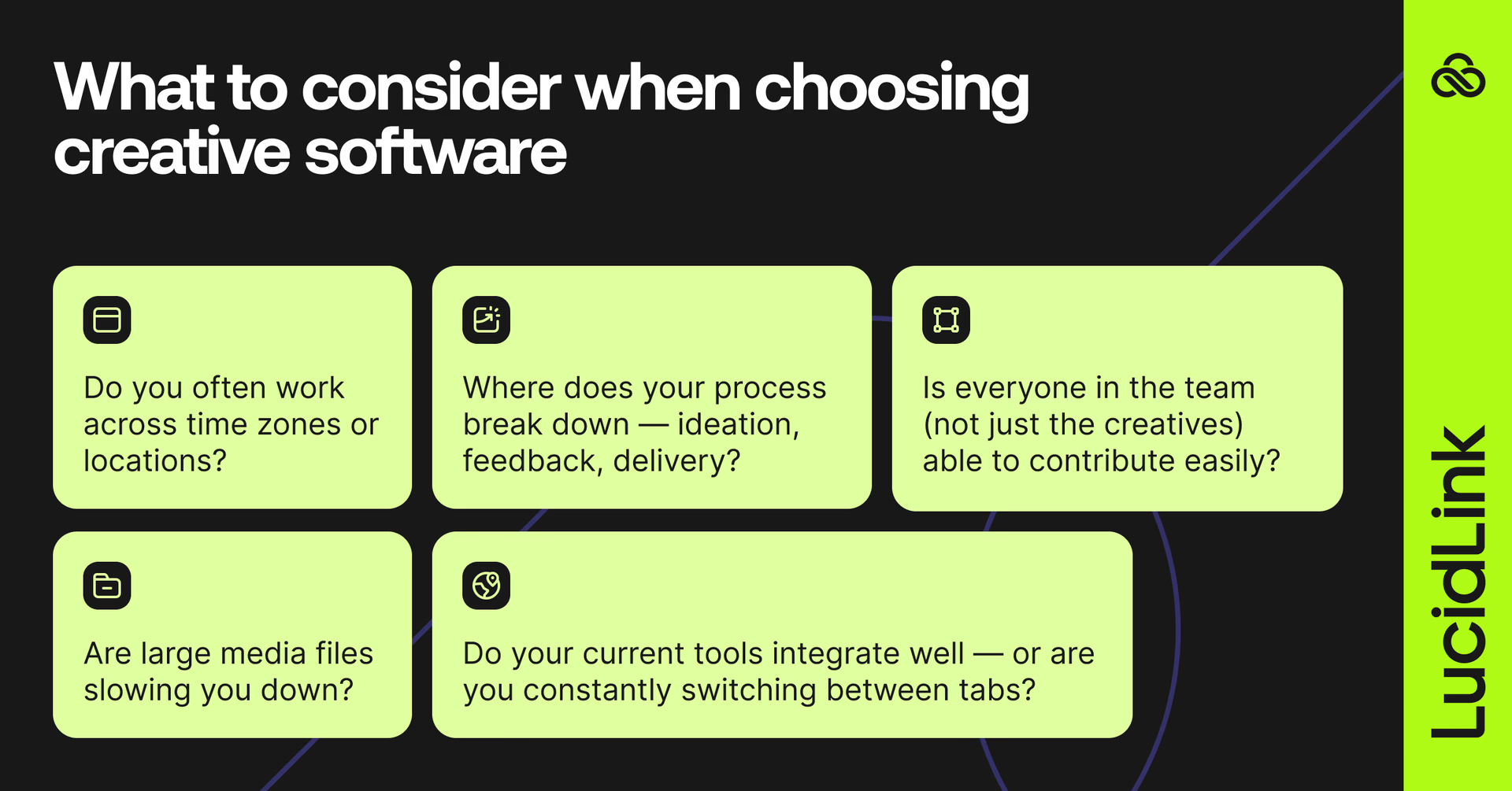
How to choose the right creative collaboration software:
Do you often work across time zones or locations?
Prioritize tools with real-time access and strong version control.
Are large media files slowing you down?
Look for cloud-native platforms like LucidLink that remove the need to download and sync.
Where does your process break down — ideation, feedback, delivery?
Choose tools that fill those specific gaps, rather than adding complexity.He adds,
Do your current tools integrate well — or are you constantly switching between tabs?
Pick platforms that play well with each other.
Is everyone in the team (not just the creatives) able to contribute easily?
Choose intuitive tools that don’t require training or licenses for every stakeholder.
Real-time creative collaboration in action
Just ask TEAM LEWIS. With creatives across 14 countries, this global marketing agency needed a way to move faster — without the drag of constant file transfers. With LucidLink, their team collaborates directly in the cloud, eliminating downloads, duplicates and delays.
“It is hard to quantify its benefits except to say that it has made us a lot more efficient,” says Kelly Redding, IT Director at TEAM LEWIS. “When the team in London finishes at 17:30, our team on the East Coast of the US can pick it up and carry on. We follow the sun.”
He adds,
“We are very impressed with the speed at which we are turning things around. Quick access to media by groups of creatives working on a project ensures we can get back to the client in record time — all because of LucidLink.”
The best collaboration tools give time back to creatives
Every minute spent chasing files or waiting on feedback is a minute lost from creating. The right collaboration tools don’t just speed things up — they make the whole process smoother, smarter and easier to manage.
Want to free your team from download delays, version chaos and creative bottlenecks?
Start with LucidLink — the foundation for fast, flexible collaboration.
Keep reading
In the field
Collaboration
Setting up AI agents for reality capture in AEC
How Diorama.studio used an AI agent connected to LucidLink to organize field data in real time, during a two-week deadline drone survey.
16 September 2026, 6 mins read
Collaboration
In the field
Access over movement: rethinking media infrastructure for distributed teams
Tim Burton from 7fivefive explores why the future of media infrastructure is less about moving data and more about making it accessible where it already lives.
08 September 2026, 6 mins read
Collaboration
Creative production
Video editing workflow: a guide for collaborative teams
Discover how to create a collaborative video editing workflow. Get tips on how to turn your editing process into a seamless, team-based experience.
31 August 2026, 14 mins read
Join our newsletter
Get all our latest news and creative tips
Want the details? Read our privacy policy. Not loving our emails?
Unsubscribe anytime or drop us a note at support@lucidlink.com.