Product & news
Collaboration
Cloud storage
File streaming vs file acceleration: stop moving files
Last updated 11 December, 2025
7 mins

For years, file acceleration tools like IBM Aspera, Signiant, FileCatalyst and MASV have solved the problem of moving massive files in record time.
But even the fastest transfer is a bottleneck when teams need to collaborate in real time.
File acceleration is a fix for yesterday's workflow. You still have to move data. And you still have to wait.
File streaming offers a fundamentally different approach where your team works on files directly from the cloud. That means no transfers, no waiting and no copies to manage.
This piece explores areas file acceleration falls short for modern collaboration and how file streaming eliminates the transfer step entirely, letting teams get to work faster.
What is file acceleration?
File acceleration software was designed to move big files quickly across long distances. Instead of relying on standard internet transfer protocols, it uses methods like compression, file chunking and parallel connections to overcome latency and packet loss.
Pros
These tools excel at what they were built for; the fast delivery of large files:
Fast and reliable transfers, even across continents
Secure delivery for enterprise-grade protection
Supports moving terabytes in hours instead of days
Cons
But acceleration only fixes one stage of the workflow — getting the file from A to B:
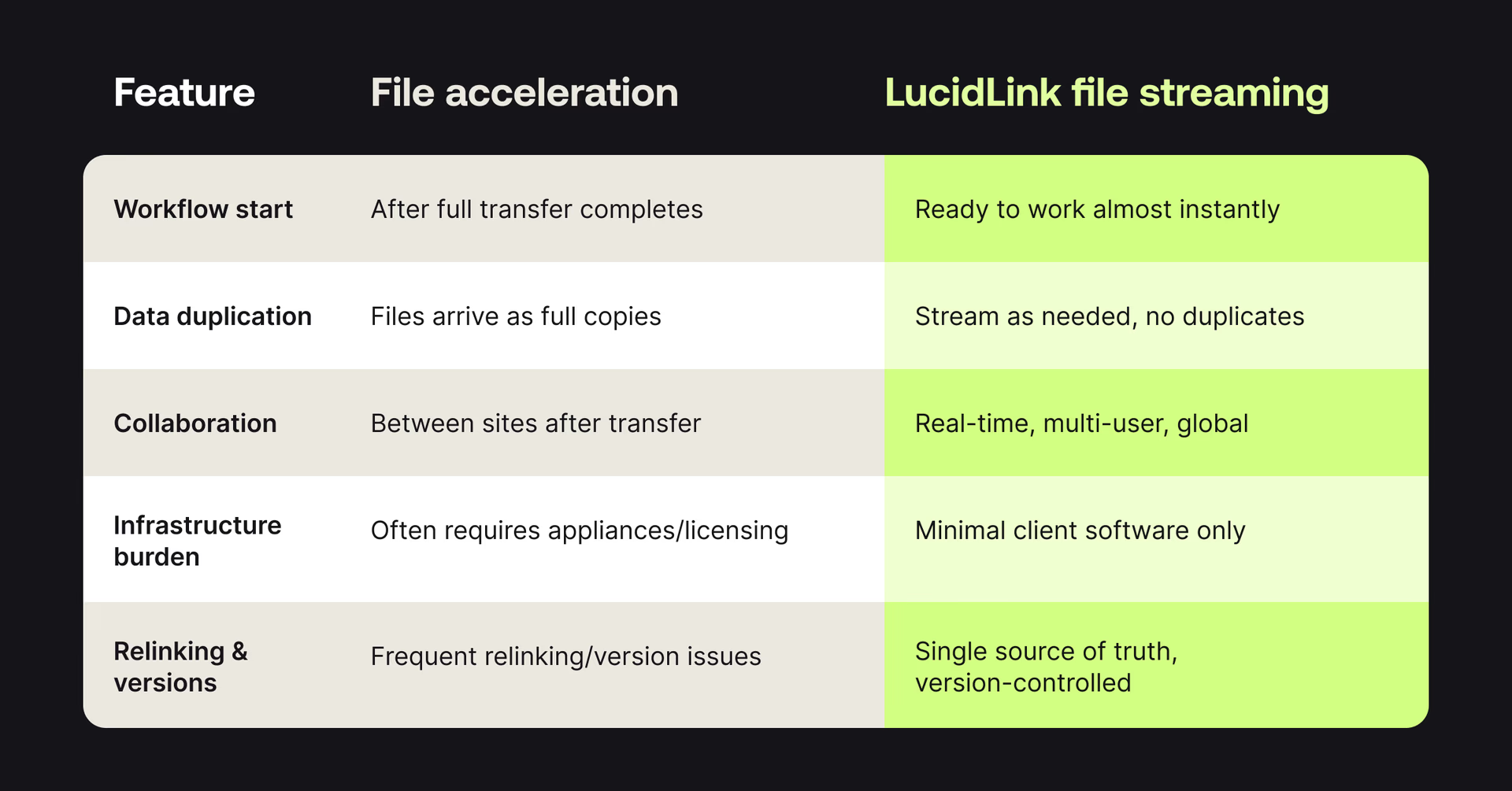
You still have to wait until the transfer finishes before work can begin
Files often require manual relinking for editing or CAD software
Duplication across sites can create version confusion
High cost and IT complexity due to specialized software or appliances
In other words, acceleration speeds up the transfer, not the work.
Transfer-then-work: where file acceleration falls short
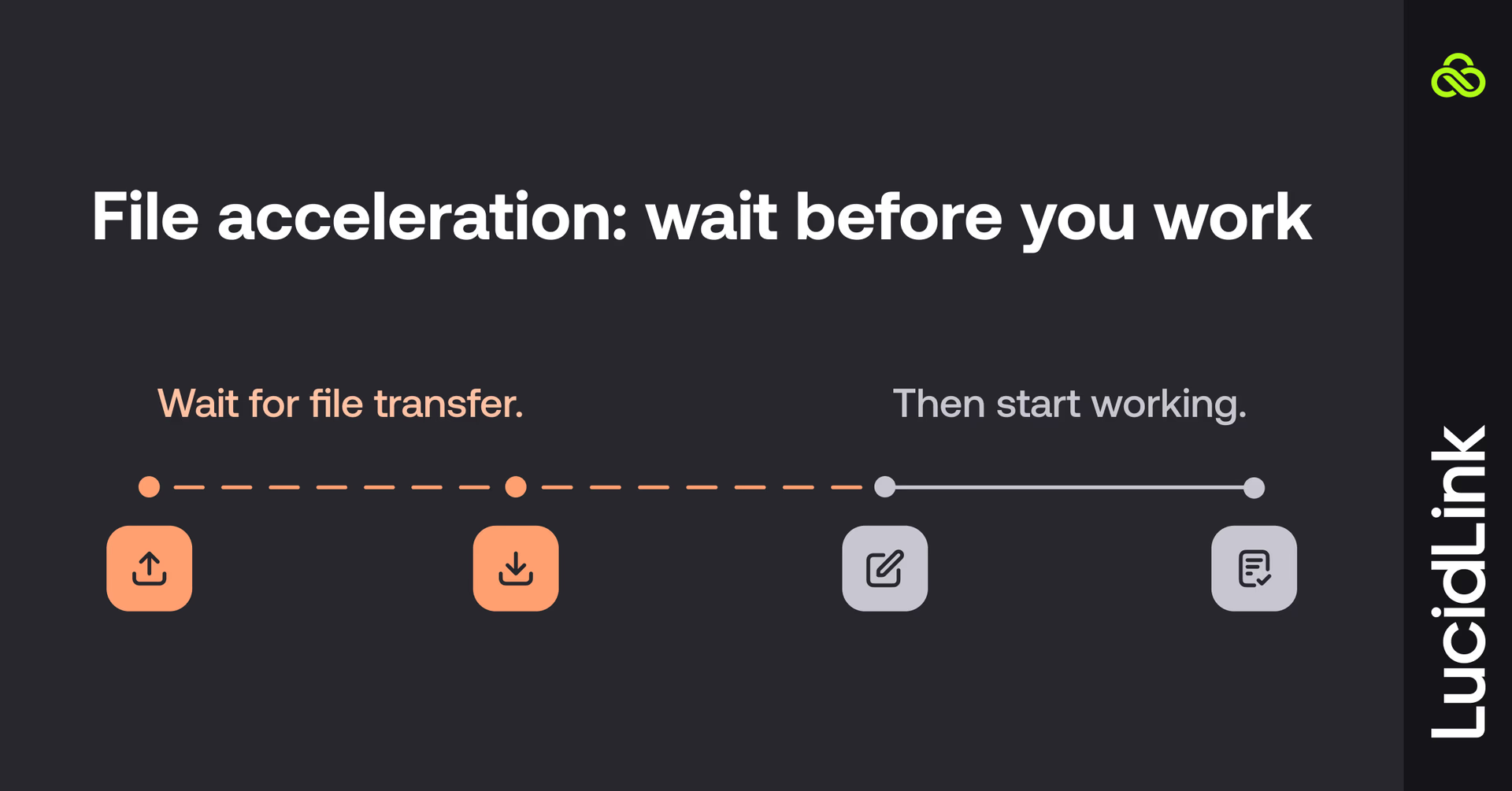
So, file acceleration offers a simple but limited workflow. Transfer the file, then start working.
But let’s break down where the solution tends to struggle in today’s collaborative workflows.
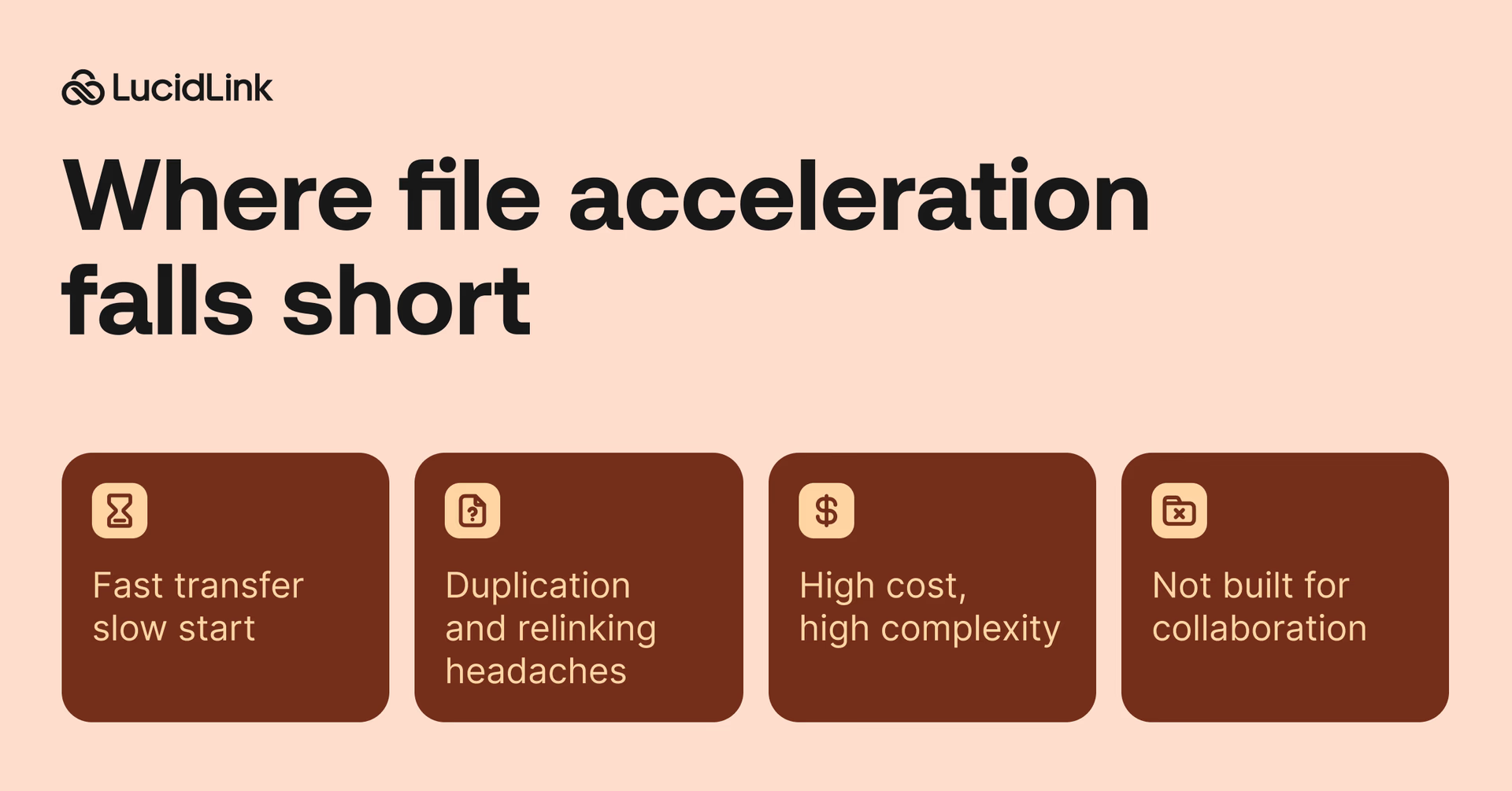
Fast transfer, slow start
Even at peak speed, work can’t begin until the file arrives.
A post-production studio in New York can use Signiant to move 4K footage to London in a few minutes rather than hours. But editors still can't touch those files until the transfer completes. Then they spend more time relinking sequences before work can actually start.
Why it matters: your team loses hours waiting. Deadlines slip, and creativity is put on hold while files “catch up.”
Duplication and relinking headaches
Every transfer creates a new copy of the same data. Editors spend time relinking media, engineers rebuild file paths and designers struggle to identify the latest version.
Why it matters: productivity drops and mistakes increase. Teams waste energy managing files instead of working on the project and version confusion can lead to costly rework.
High cost, high complexity
Acceleration tools often require specialized appliances, per-gigabyte fees and constant IT support. Faster transfers come with bigger bills and more moving parts.
Why it matters: your IT team is tied up managing infrastructure instead of supporting vital work and budgets balloon with hidden costs that don’t directly improve output.
Not built for collaboration
File acceleration is perfect for “send once” workflows, like delivering a finished master to a distributor. But it’s not built for live projects where multiple people edit, update and share files simultaneously.
Sure, a global engineering team can accelerate CAD file transfers with Aspera. But now there are copies scattered across offices and no single source of truth, creating file admin and rework.
The impact: teams can’t work in real time. Collaboration slows, remote contributors are blocked and global projects lose the agility that modern workflows demand.
Enter file streaming: a new way to work

File streaming takes a fundamentally different approach. Instead of moving entire files, it lets you work with them directly in the cloud, as if they’re stored locally.
You don’t download. You don’t wait. You just open the file and go.
With LucidLink’s file streaming platform, your data stays securely in the cloud, encrypted in transit and at rest, while your team streams only the parts of a file they need, when they need them.
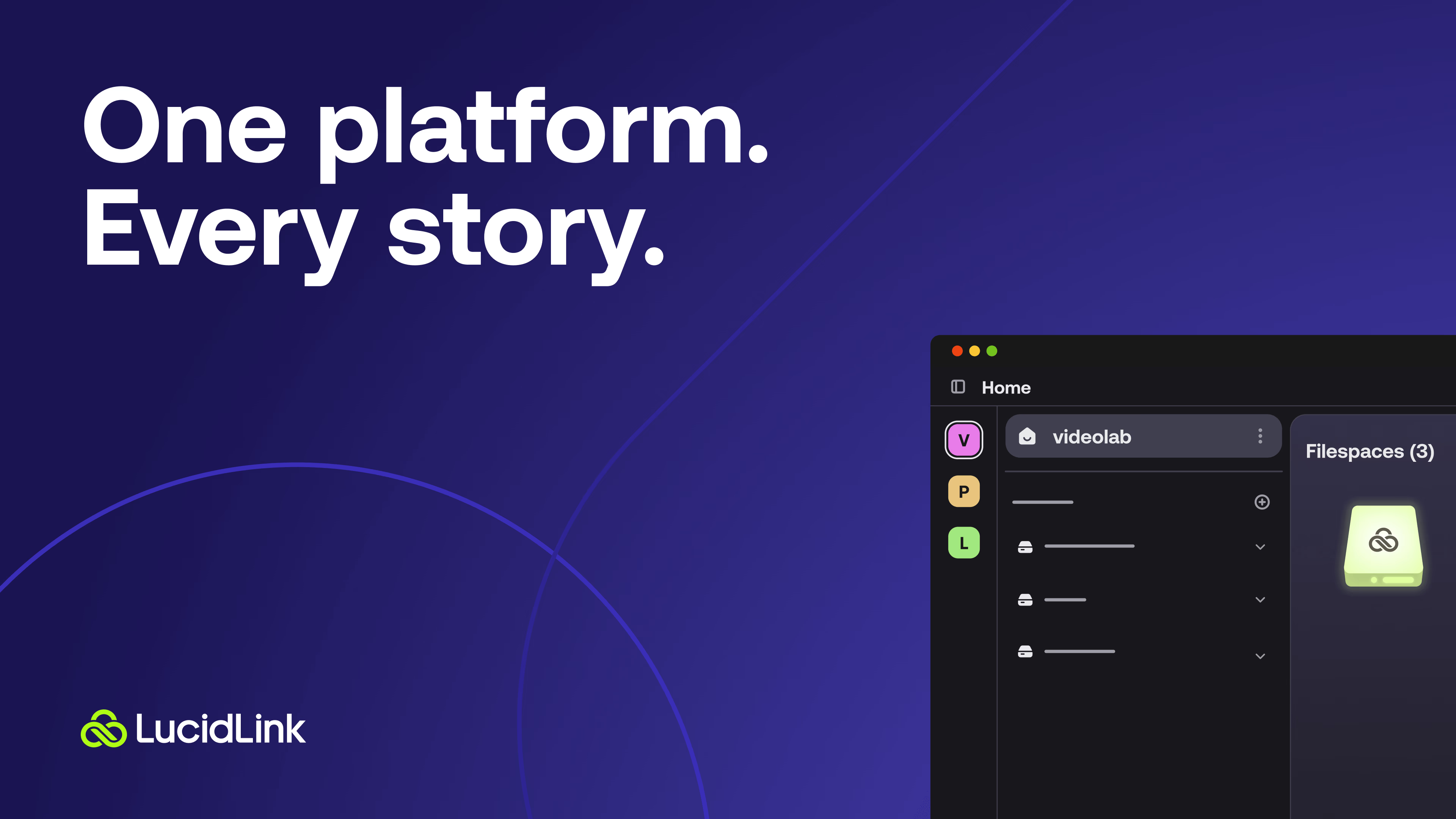
LucidLink: real-time collaboration without transfers
Think of LucidLink as a high-performance drive that lives in the cloud, always on and always in sync. It turns cloud storage into something your team actually works from, not just stores files in. Here’s how:
Instant access
Open and work on massive files right away. Only the portions you need stream on demand, no waiting for full transfers. This is true for any type or size of file, including:
Multi-gig 4K video timelines
Complex CAD/BIM models
Layered design assets
Your tools, exactly as you use them
LucidLink connects to your desktop like a local drive. That means every creative or technical application you already rely on — Adobe Premiere Pro, Avid, AutoCAD, Revit, GIS and more — just works. No relinking, retraining or workflow rewiring.
One shared workspace, everywhere
Instead of juggling copies and syncs, everyone works from the same live filespace in the cloud. Updates appear instantly for every collaborator, wherever they are. No version drift. No “which file is final?” debates. Just one single source of truth.
It's my favorite cloud solution. It's stable, consistent and there's no learning curve.
Aubrey Shamel,Production Manager, Bridge Digital
Set up once, scale effortlessly
No appliances or no complex setups, giving your team instant access and the ability to scale projects, users and locations without friction.
How your team wins with LucidLink
With LucidLink, your team spends time creating, not waiting, syncing or relinking files.
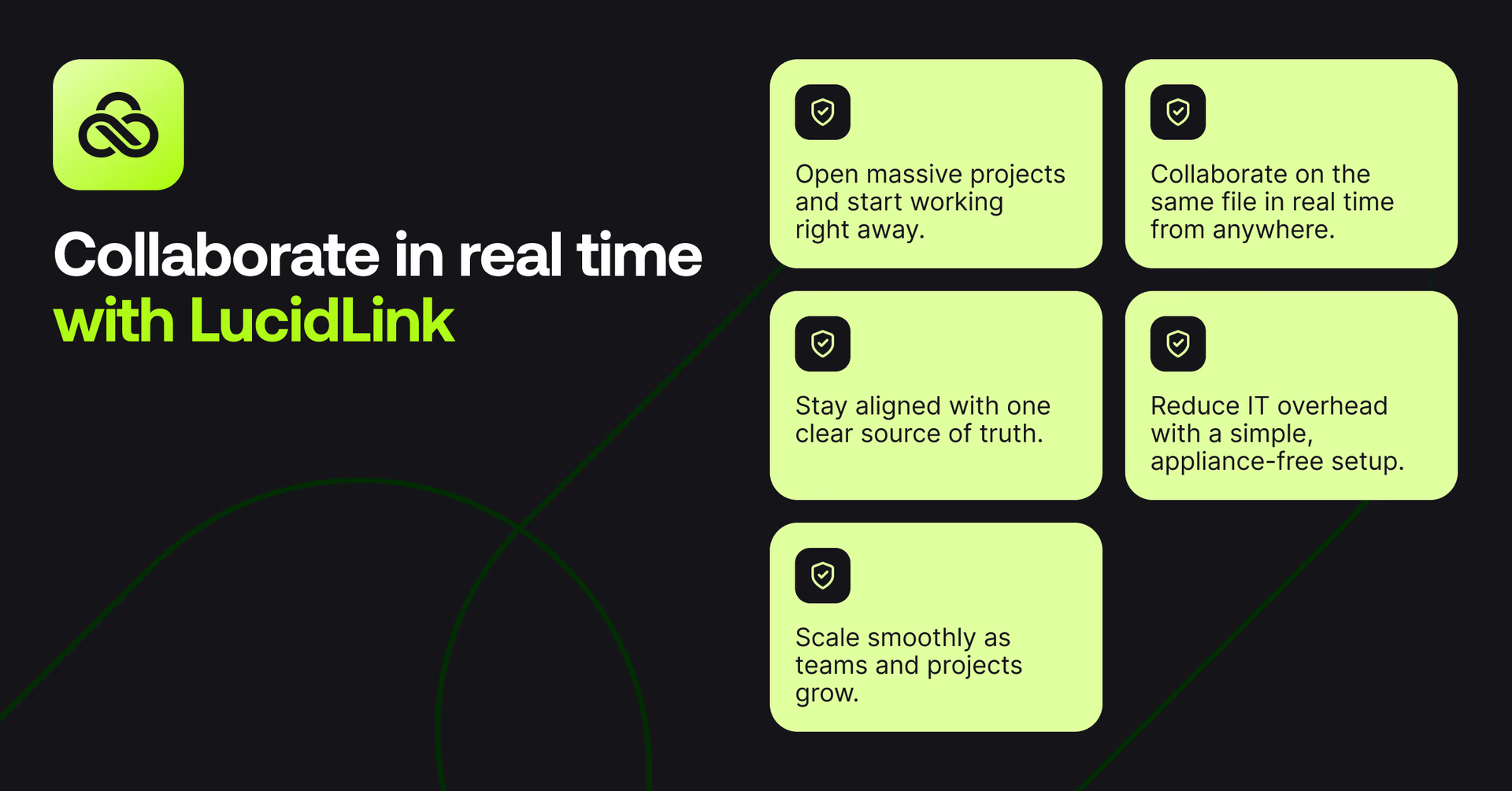
Work instantly: open massive projects and start working immediately.
Collaborate seamlessly: multiple team members edit the same file in real time, from anywhere.
Stay aligned: one single source of truth eliminates version confusion and errors.
Simplify IT: no appliances or constant oversight — just plug in and go.
Scale effortlessly: add users, projects or offices without disrupting workflows.
The result: faster project delivery, smoother collaboration and more time for the work that matters.
File acceleration vs. LucidLink file streaming
File streaming in action: WebMD
During the pandemic, WebMD faced a challenge: 37 editors and producers worldwide were producing 200+ videos per month, often in 4K, VR and 3D formats.
Traditional transfer methods, including Aspera, Media Shuttle, Dropbox, WeTransfer and even FedEx couldn’t keep up.
After moving to LucidLink:
Editors could access massive video files instantly from anywhere
Producers could stream only the parts they needed, no full downloads
Collaboration across New York, Atlanta, Paris, Munich and more became seamless
Workflows stayed the same — no retraining, no relinking
There was no way we would have been able to keep up with this work without LucidLink. It did save us. I tried so many systems. It was so easy, not only to start using, but our workflow didn’t have to change at all, and the LucidLink team has been so supportive in getting us up to speed and taking our concerns into consideration.
Zachary Bennett,Executive Director, WebMD.
LucidLink turned a global, remote and high-volume workflow from friction and waiting into real-time productivity.
When to use file acceleration vs file streaming
Both have their place, it just depends on how your team works.
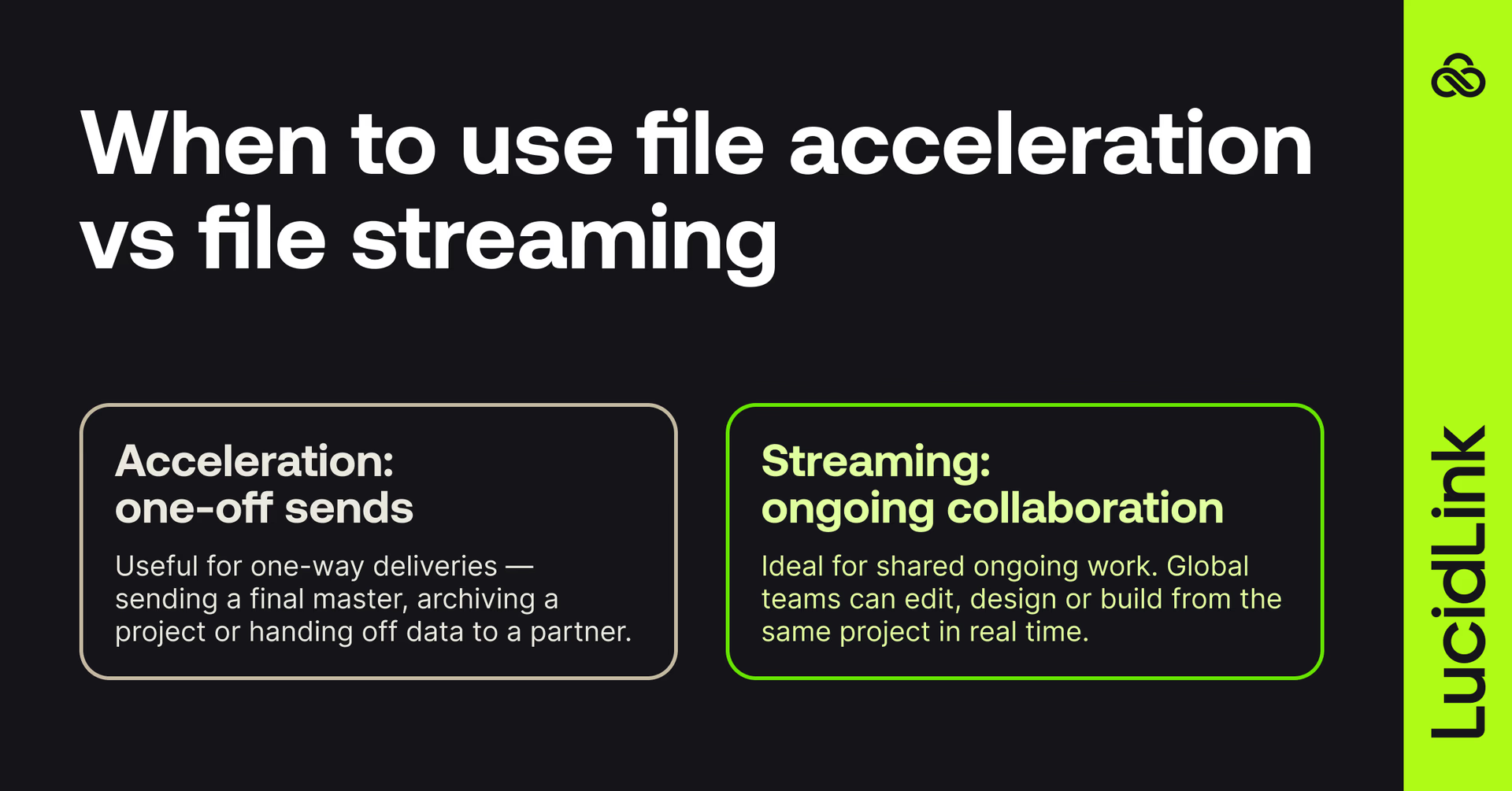
Use file acceleration for one-off deliveries
File acceleration is great for one-time, one-way transfers.
Think of it as overnight shipping for data: fast, reliable and done once it’s delivered.
Use it for:
Sending a final master to a broadcaster or client
Archiving projects offsite
Transferring data to a partner for review or backup
Use file streaming when you’re collaborating
File streaming shines when work is ongoing, shared and global.
Instead of waiting for transfers, everyone connects to the same project instantly and works in real time. That could be:
Video teams editing across multiple cities
Architects or engineers co-developing CAD and BIM files
Global design or VFX teams collaborating on large media assets
When multiple people need simultaneous access to actively changing files, streaming is the only approach that makes sense:
“When you’re working so fast and collaboratively it can be hard to keep track of it all, especially if you’re receiving material from different sources. You are at risk of duplicating files and duplicating effort by not working on the most up-to-date version."
“LucidLink changed our workflow overnight by unifying all our inputs and outputs, and because the process is so intuitive, the file directory remains centralized so that everyone can join in from anywhere and always be in sync with the workflow,” Julian Crespi, Owner and Colorist at Vuela.
The natural evolution: from acceleration to streaming
Most teams start with file acceleration because it’s the obvious fix for slow transfers. But as they grow, they realize that the real challenge isn’t speed, it’s workflow friction.
When collaboration becomes constant and projects never really “stop,” waiting for transfers just doesn’t make sense anymore.
That’s when teams evolve from acceleration to streaming. From moving files to working instantly.
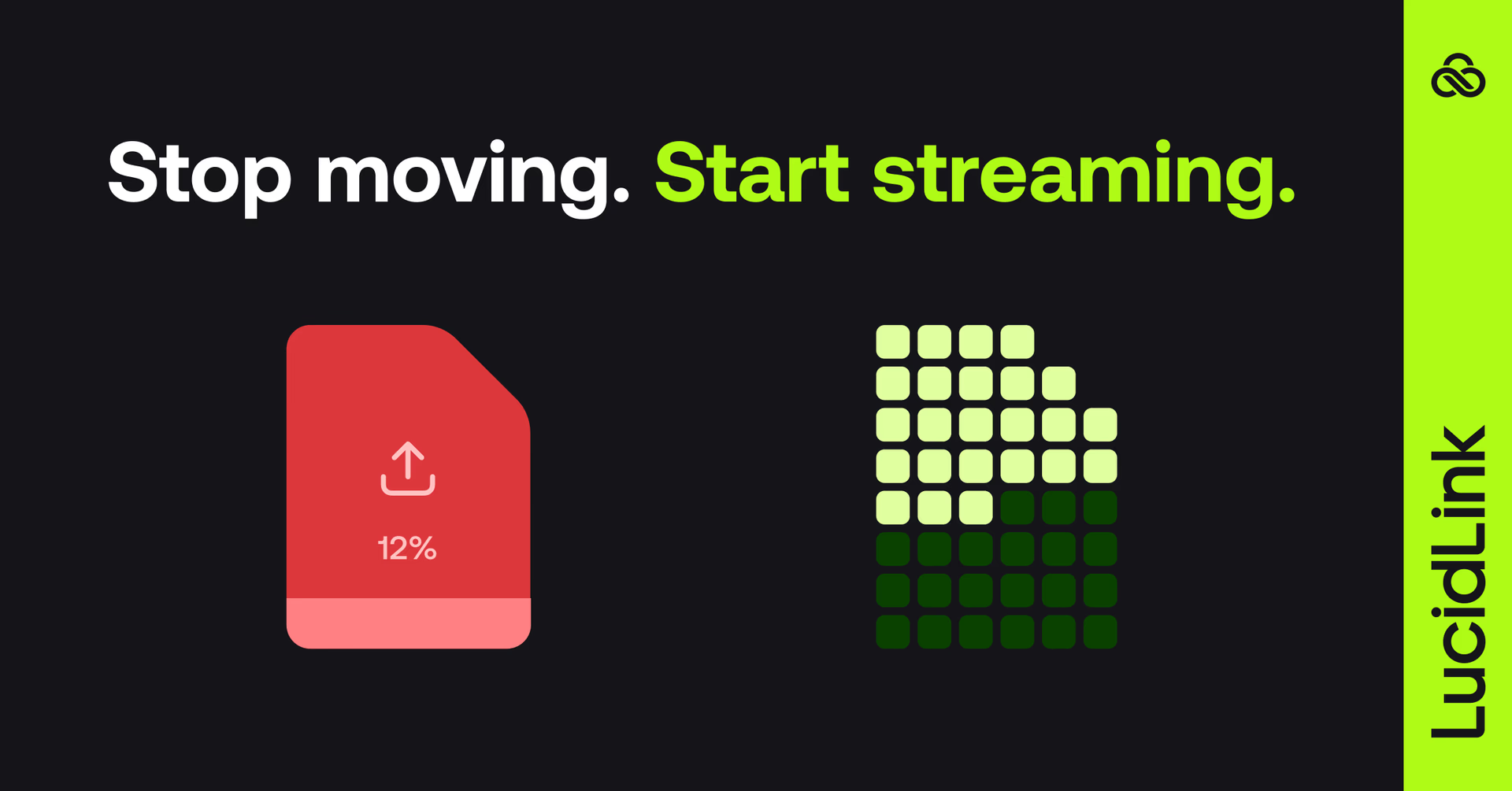
Stop moving files. Start streaming them.
File acceleration solved a problem of its time: moving data faster.
But the future of collaboration isn't moving files faster. It's not moving them at all.
Teams need instant access everywhere, seamless collaboration and zero duplication.
That’s exactly what LucidLink delivers.
Work on massive files instantly, from anywhere
Collaborate in real time, across tools and time zones
Keep your data secure, centralized and always up to date
Ready to see the difference? Try LucidLink free for 30 days, or book a demo with our team.
Keep reading
Product & news
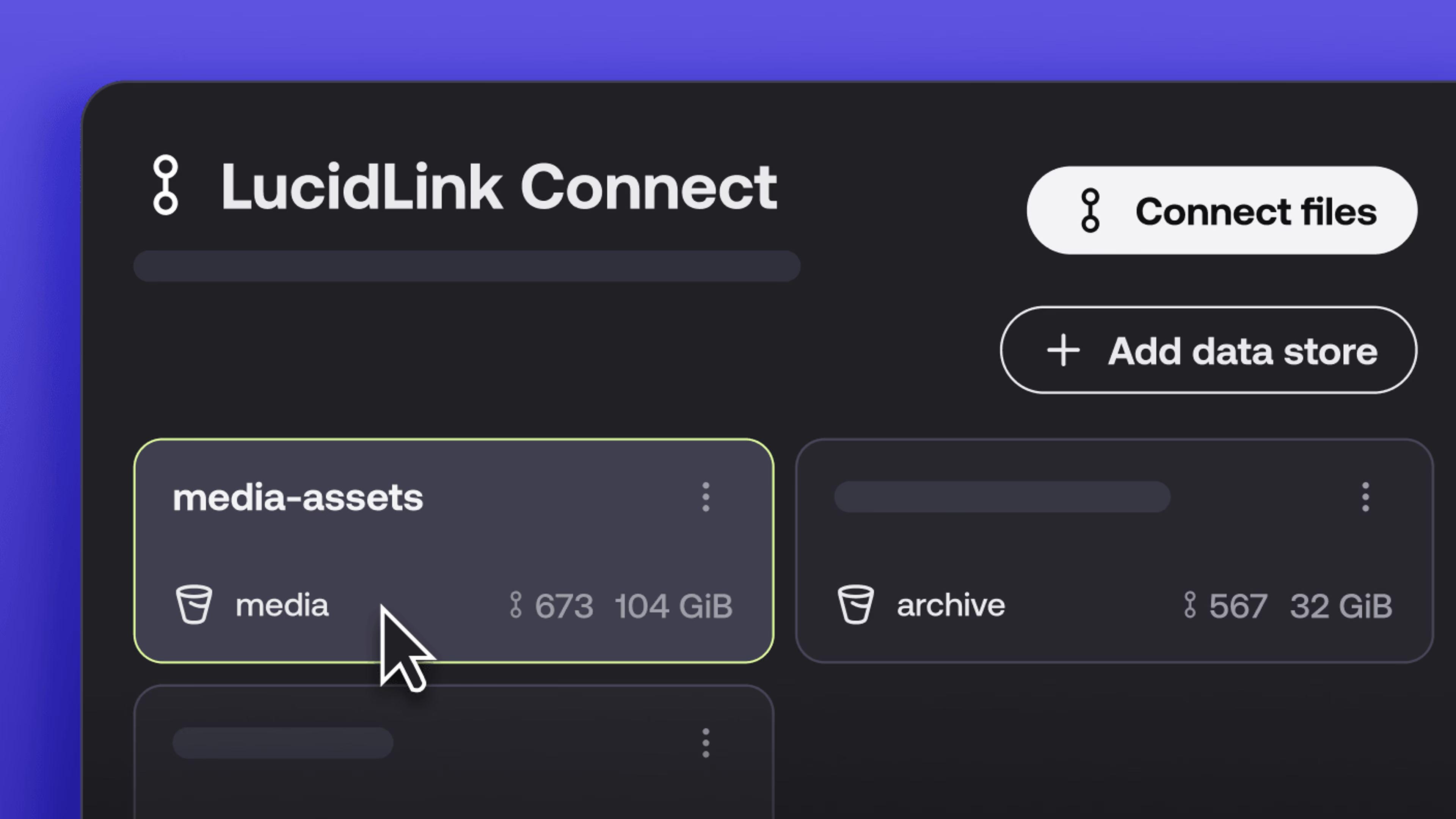
What’s new in LucidLink Connect: simpler storage management
LucidLink Connect makes distributed storage easier to manage, with a new UI for connecting and managing data available through LucidLink.
06 October 2026, 2 mins read
In the field
Collaboration
Setting up AI agents for reality capture in AEC
How Diorama.studio used an AI agent connected to LucidLink to organize field data in real time, during a two-week deadline drone survey.
16 September 2026, 6 mins read
Cloud storage
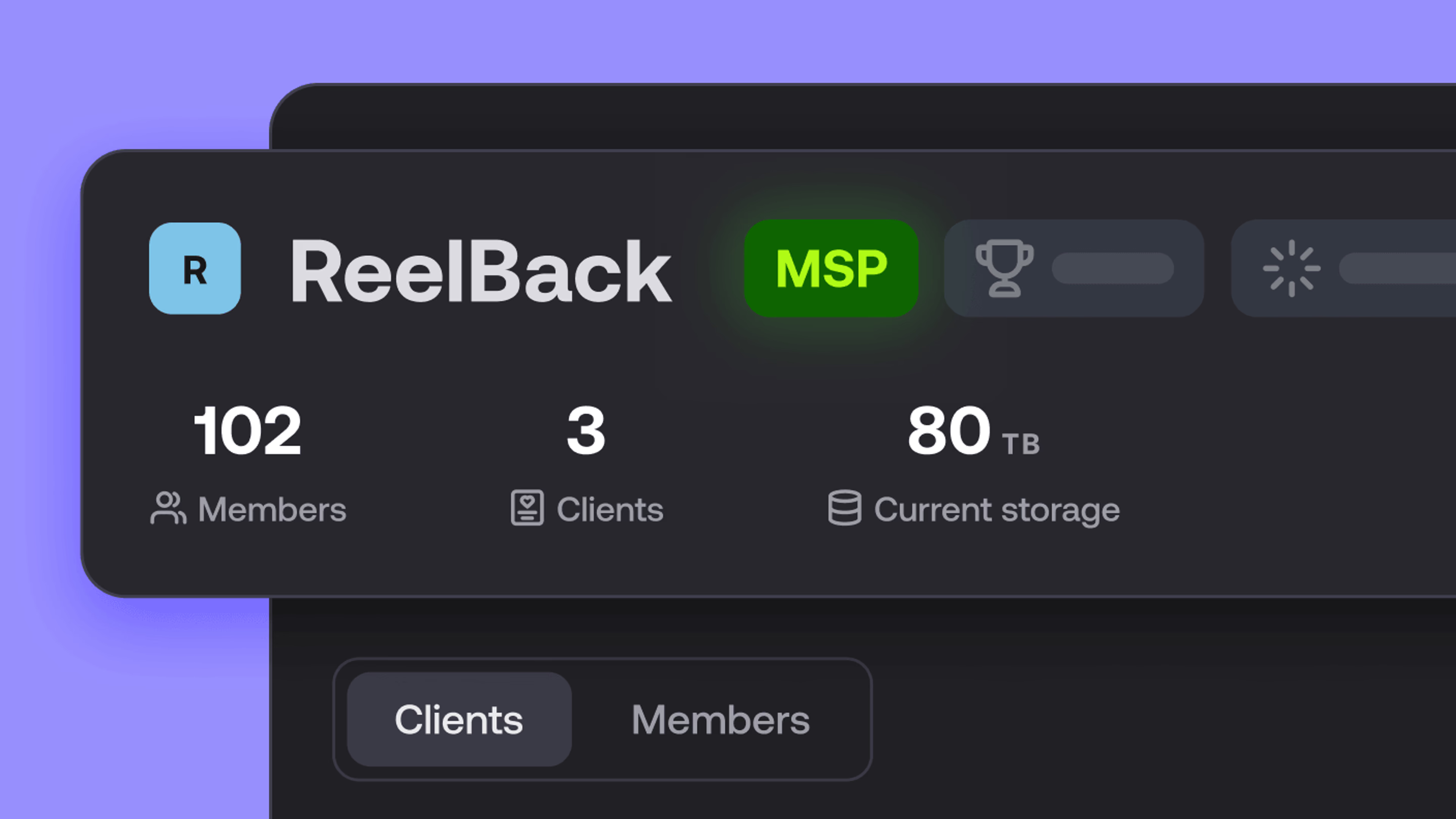
Introducing the new LucidLink MSP: one platform for your whole book
LucidLink MSP runs on the LucidLink Management Platform, giving MSPs centralized deployment management and pricing that scales with growth.
09 September 2026, 2 mins read
Join our newsletter
Get all our latest news and creative tips
Want the details? Read our privacy policy. Not loving our emails?
Unsubscribe anytime or drop us a note at support@lucidlink.com.