LucidLink vs Google Drive
Built for large-file collaboration
Stop syncing files. Start streaming instantly.
Google Drive is great for docs, but larger files mean slow downloads, duplicate copies and version confusion. LucidLink streams files directly from the cloud, so teams can open and work on large files instantly
Why teams switch from Google Drive to LucidLink
Google Drive is built around docs and browser-based access. That works well for native docs and sheets, but large files have to sync or download in full before anyone can use them. As teams get more distributed and files get bigger, that model slows everything down.
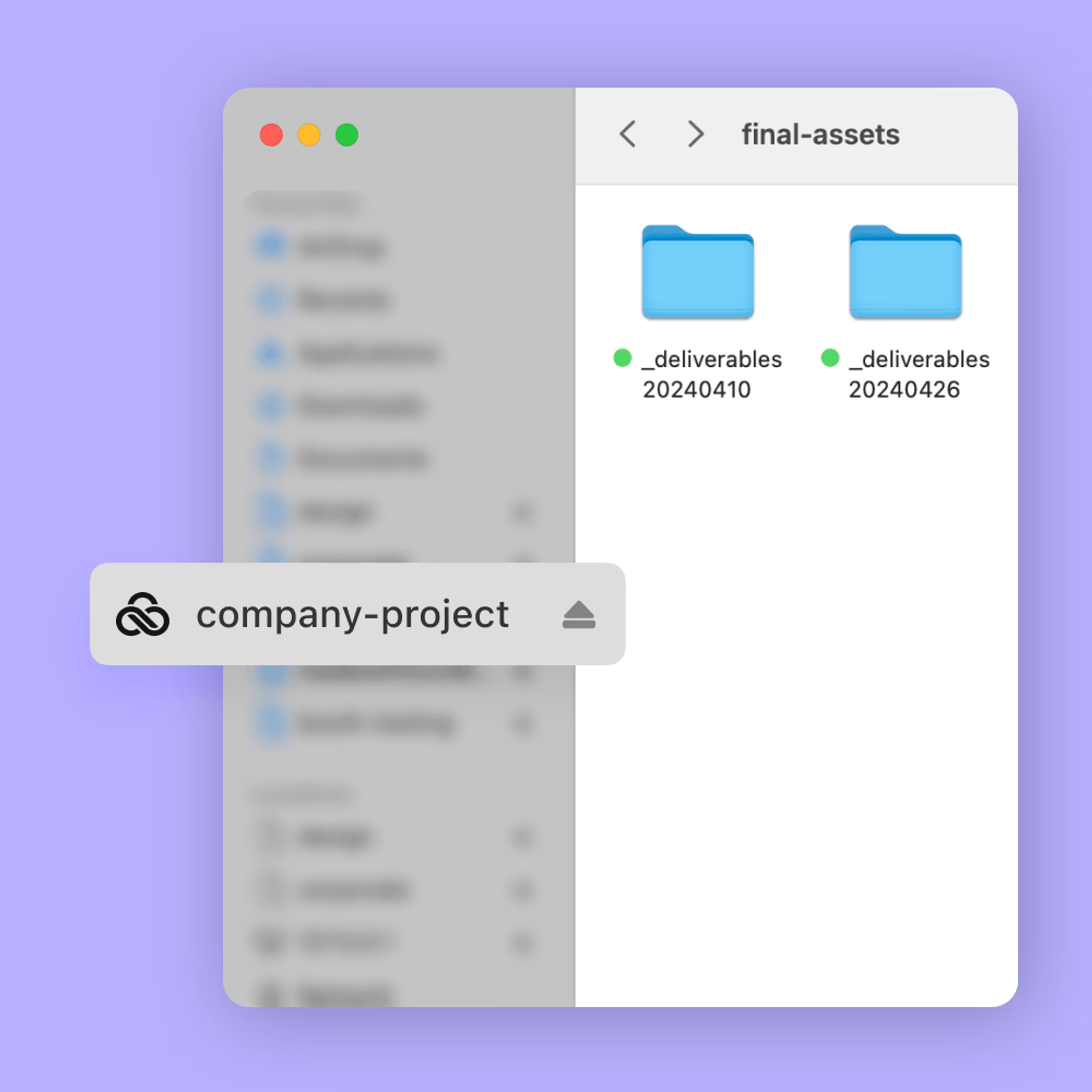
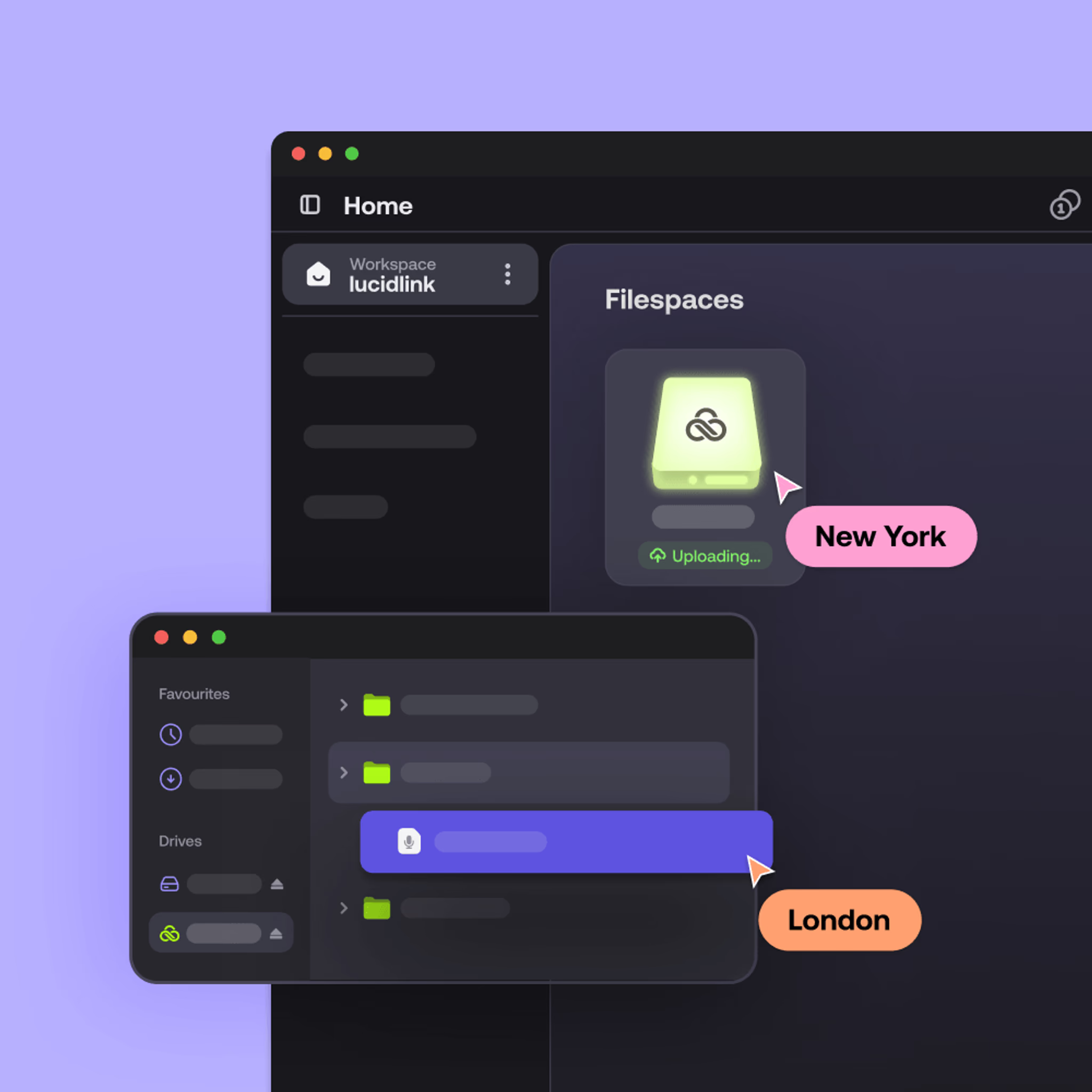
LucidLink replaces sync with streaming, so teams can work on huge files directly from the cloud without downloads or local copies.

Start work instantly
Open large files the moment your app needs them. No downloads or waiting.

Work without storage limits
Files live in the cloud, not on your device. Work with terabytes of files without juggling disk space.

Collaborate without conflict
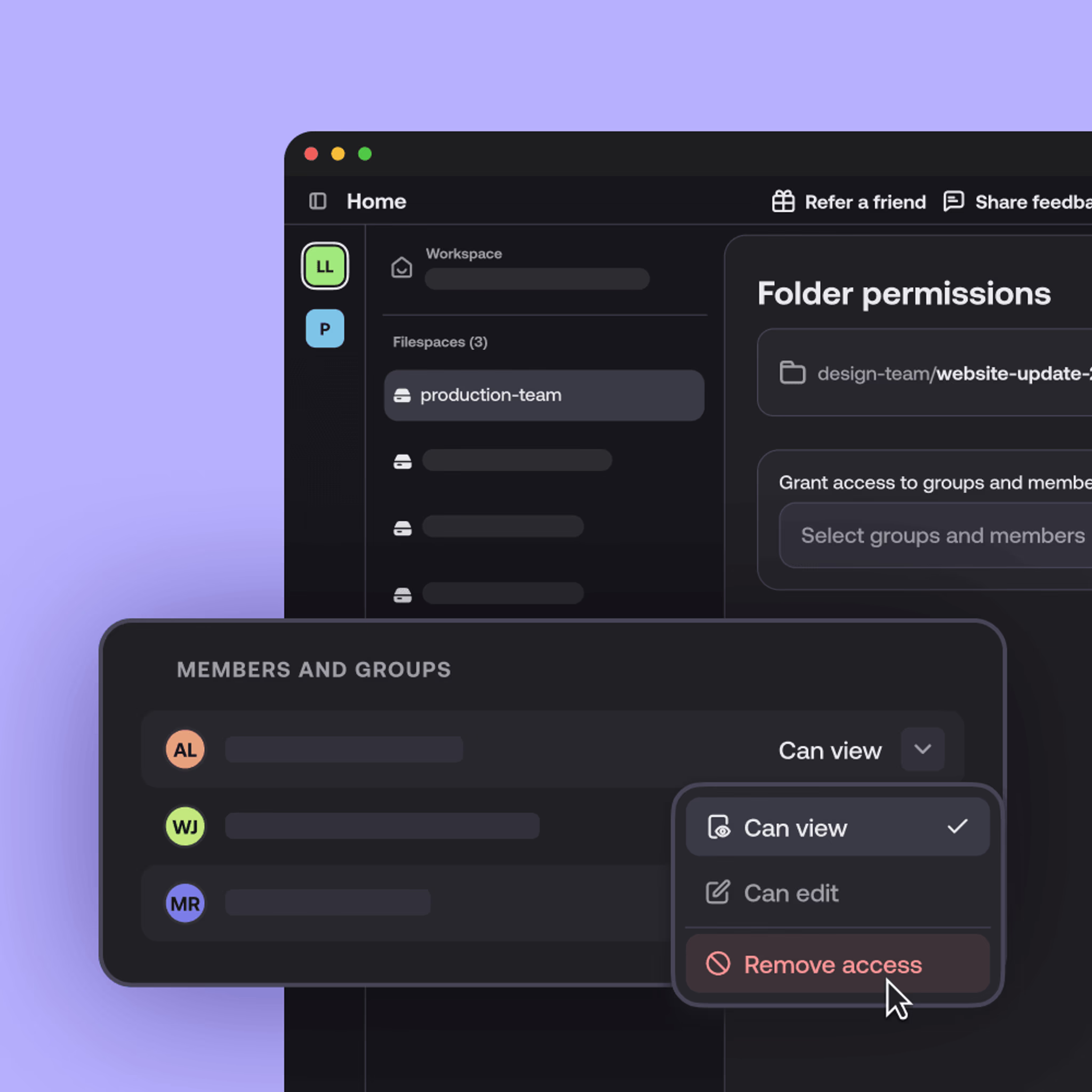
Everyone works from the same live filespace. No version confusion, relinking or duplicate folders.

Consistent performance, everywhere
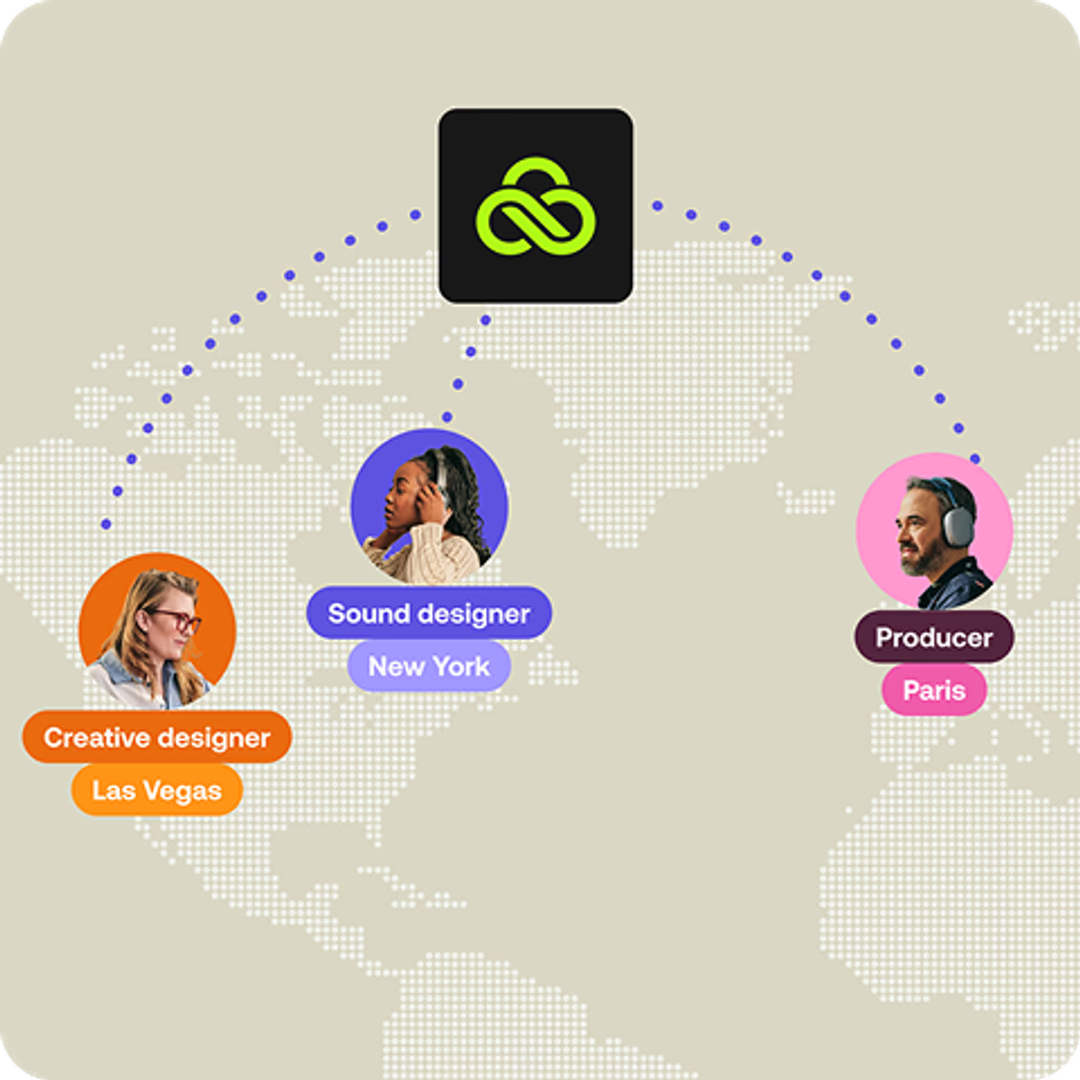
LucidLink streams only what’s needed and caches intelligently, so performance stays fast globally.
Why collaborative teams choose LucidLink
Open massive files, collaborate in real time and scale securely — all without changing how your team works.
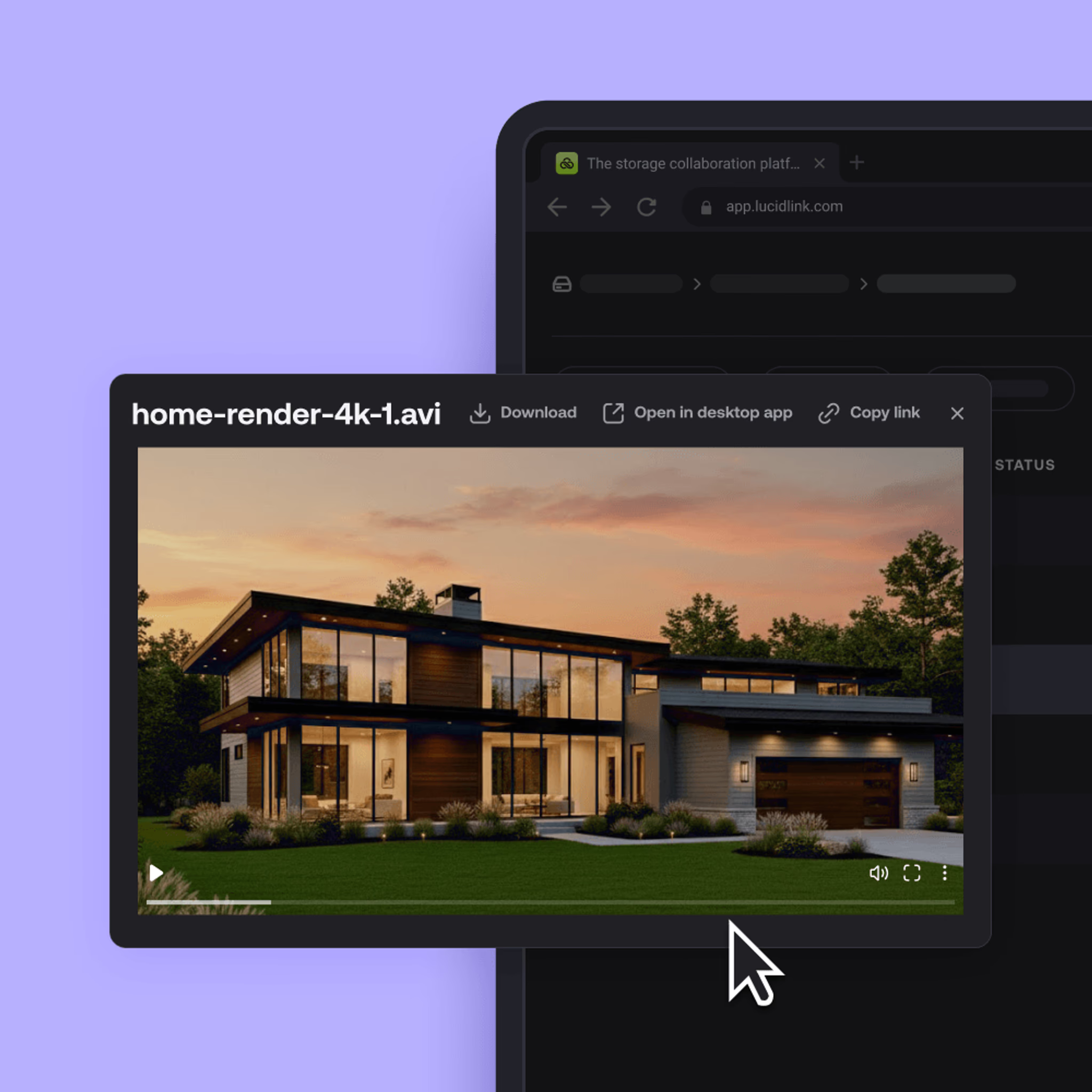
Оpen massive engineering files, 4K video or terabytes of data in seconds, no downloads or waiting.
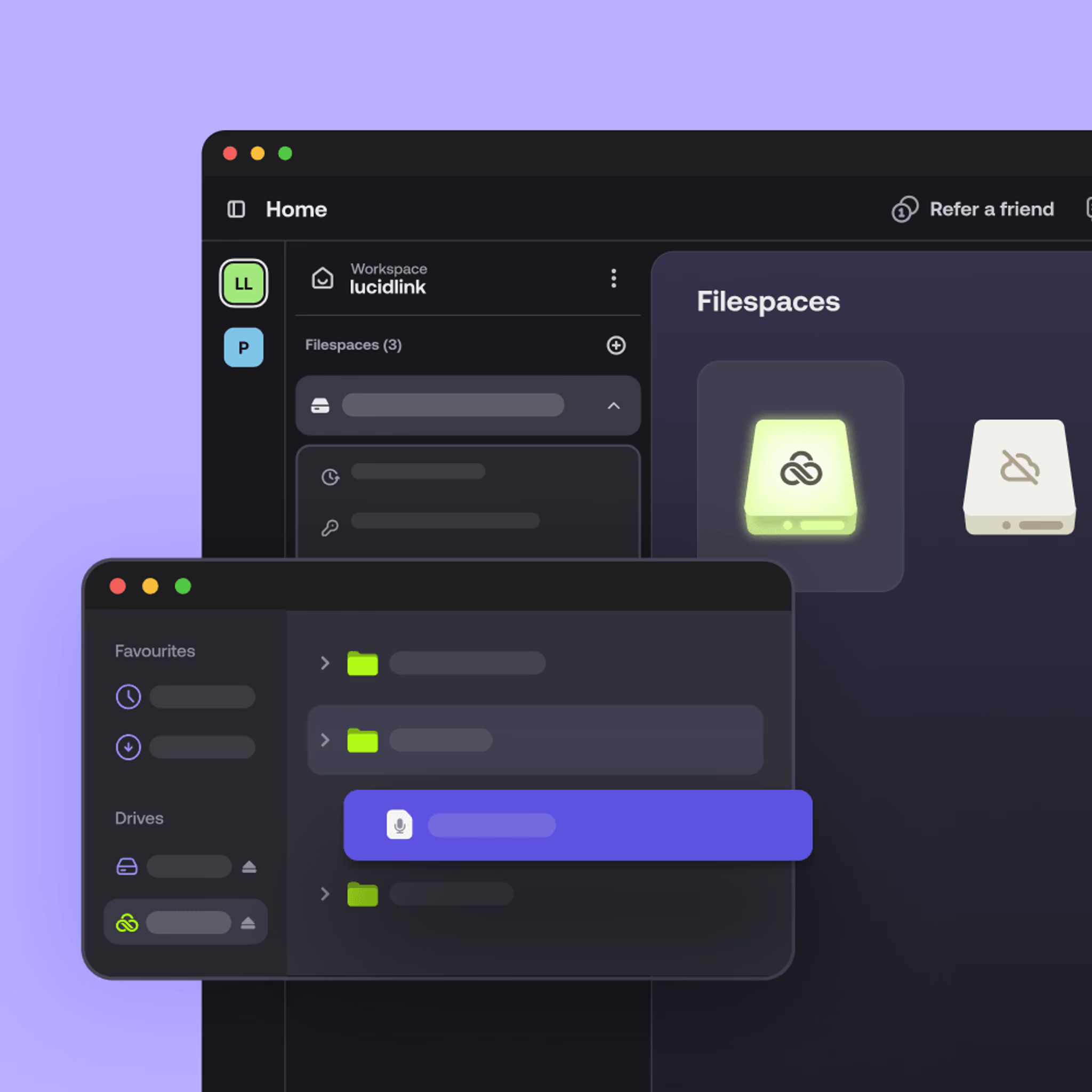
Mounts as a standard drive. Your existing tools work as-is — no retraining or workflow changes.

LucidLink vs Google Drive feature comparison
LucidLink
Google Drive
FEATURE
Architecture
LucidLink
Cloud streaming
Google Drive
Download & sync
Large-file handling
LucidLink
Optimized for terabytes
Google Drive
Unreliable at scale
File access speed
LucidLink
Instant streaming access
Google Drive
Wait for upload/download
Collaboration
LucidLink
Live shared workspace
Google Drive
File-based handoffs
Version control
LucidLink
Automatic, single source of truth
Google Drive
Manual, prone to conflicts
Local storage required
LucidLink
No
Google Drive
Yes
Best for
LucidLink
Large files, real-time teamwork
Google Drive
Documents, sheets, small files
No downloads. No duplicates. No delays.
When Google Drive works well
Google Drive is brilliant for docs, spreadsheets and quick collaboration.
But as files get bigger or teams spread out, things get messy. Sync slows you down, duplicates pile up and it’s hard to tell which version is right. Add storage limits, and it quickly becomes more frustrating than helpful.
If that sounds familiar, you’ve probably outgrown Google Drive for this kind of work and it’s time for something built for large-file workflows.

Teams that switched from Google Drive to LucidLink
LucidLink pricing
Predictable pricing that scales with your team, no surprise storage costs.
Starter
Effortless file collaboration for small projects and teams getting started.
$7
member/month
Business
Instant access to shared projects of any size for distributed teams.
$27
member/month
Enterprise
Flexible plans for large teams and complex datasets.
customized to your needs
No downloads. No duplicates. No delays.
How to switch from Google Drive to LucidLink
Goodbye syncing. Hello file streaming.
No need to start from scratch. You can try LucidLink alongside Google Drive, letting your team start streaming large files instantly while getting comfortable with the new workflow.

Pilot with a real project
No test folders or throwaway data, start with real work.

Run alongside Google Drive
Use LucidLink in parallel with Google Drive while your team gets comfortable.

Scale gradually
Add users and files as adoption grows.

Keep your existing tools
No retraining, no workflow overhaul.
Want to skip the migration entirely?
Keep your data in Google Drive. Get the LucidLink experience.
LucidLink Connect gives enterprise teams real-time streaming access to your existing Google Drive storage — without migration, data duplication or disruption to your workflows
FAQs
The best Google Drive alternative for large files is a platform that lets teams work directly from the cloud without waiting for downloads or syncing. Solutions like LucidLink stream files on demand, support multi-GB and TB-scale projects, and keep one live version so collaborators are always in sync.
Ready to see the difference?
Stop syncing. Start streaming files instantly.