LucidLink vs SharePoint
Built for large-file collaboration
Stop syncing files. Start streaming instantly.
SharePoint works well for documents. But with large files, uploads slow, access lags and versioning gets messy. LucidLink streams files from the cloud so teams can work on huge files instantly.

Why teams switch from SharePoint to LucidLink
SharePoint was built for documents and structured Microsoft workflows. But once files get large, uploads slow down, sync delays creep in and opening files remotely can take minutes. Check-in/check-out workflows add friction, and versioning large files becomes harder to manage. As teams spread out, delays compound.
LucidLink removes that friction, letting teams work together instantly from the cloud, without syncing or local copies.

Start work instantly
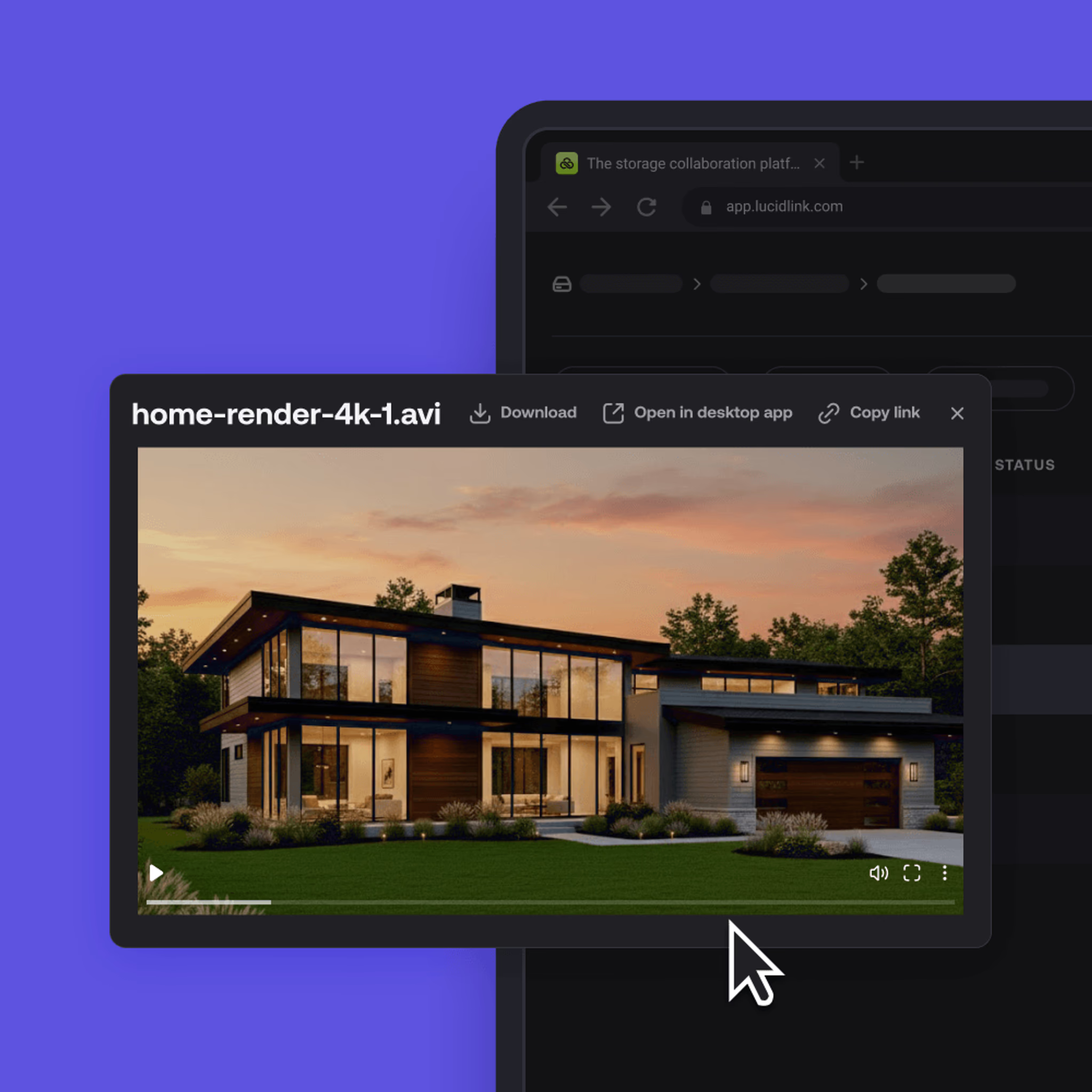
Open large files the moment your app requests them. No uploads, no progress bars, no waiting.

Work without storage limits
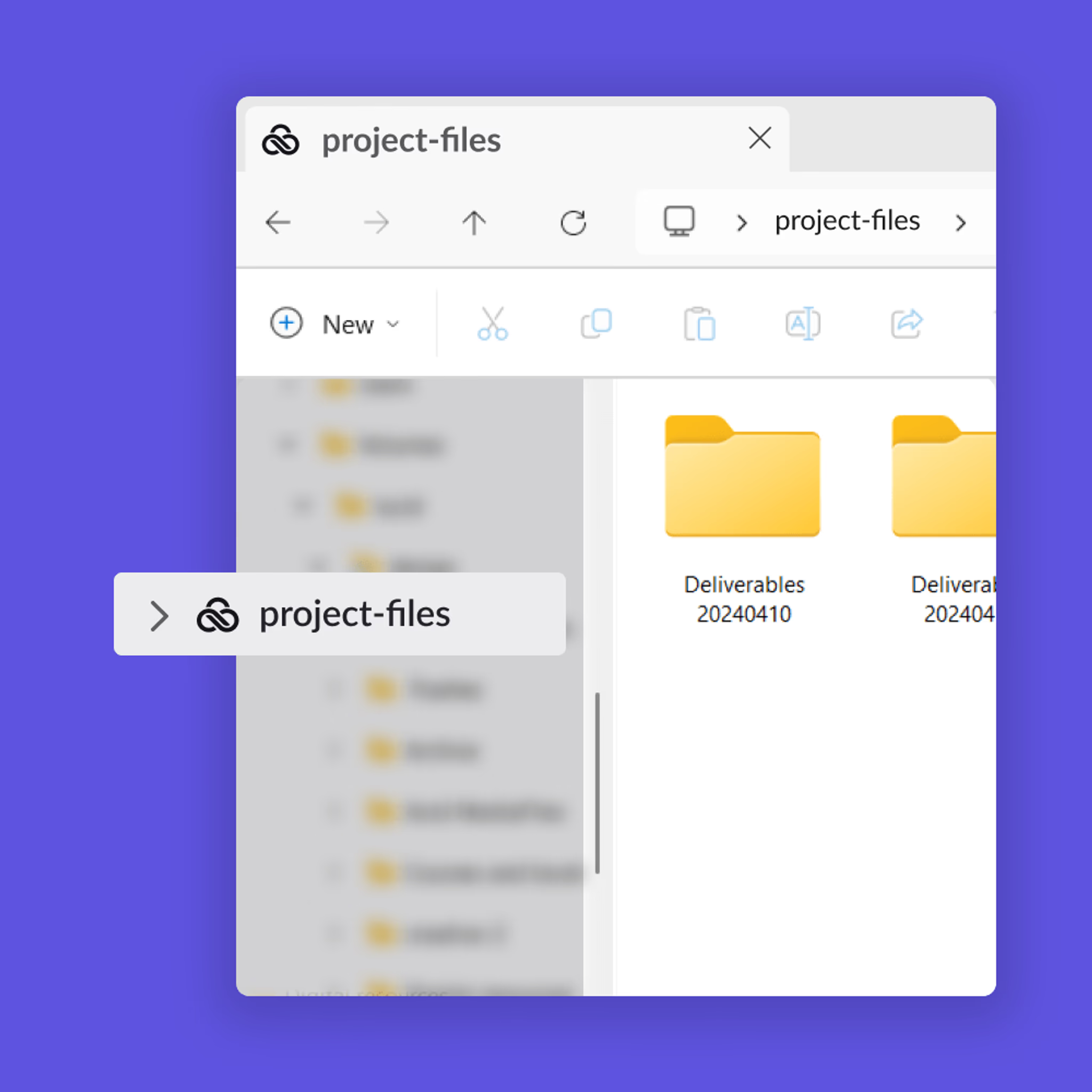
Files live in the cloud, so you can work with terabytes (or more) without worrying about local storage.

Collaborate without conflict
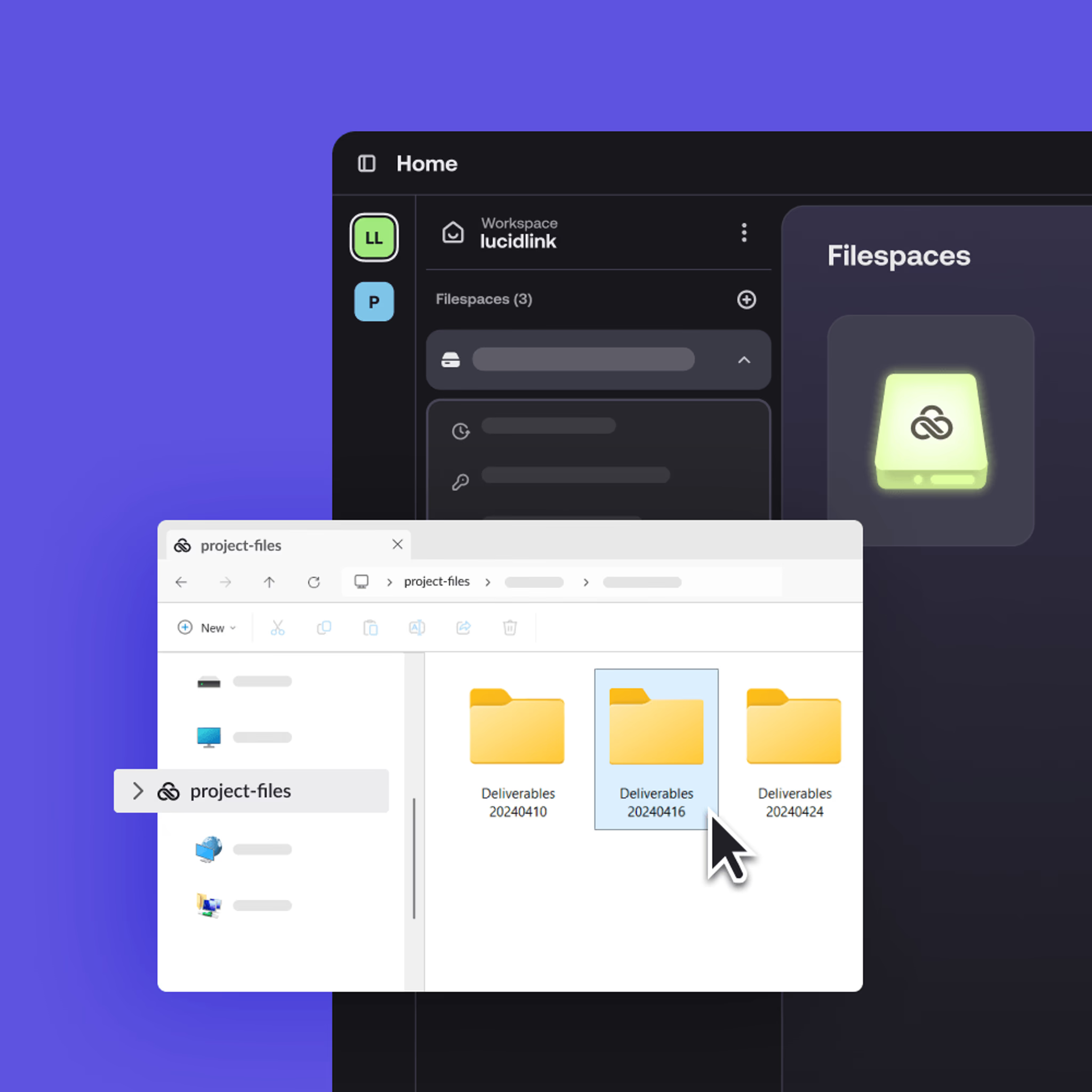
Everyone works from the same live filespace with no local copies. Native Windows file locking removes check-in/check-out confusion.

Consistent performance, everywhere
LucidLink streams only what your app needs and caches intelligently, so performance stays fast whether your team works.
Why collaborative teams choose LucidLink
Open massive files, collaborate in real time and scale securely — all without changing how your team works.
Оpen massive engineering files, 4K video or terabytes of data in seconds, no downloads or waiting.
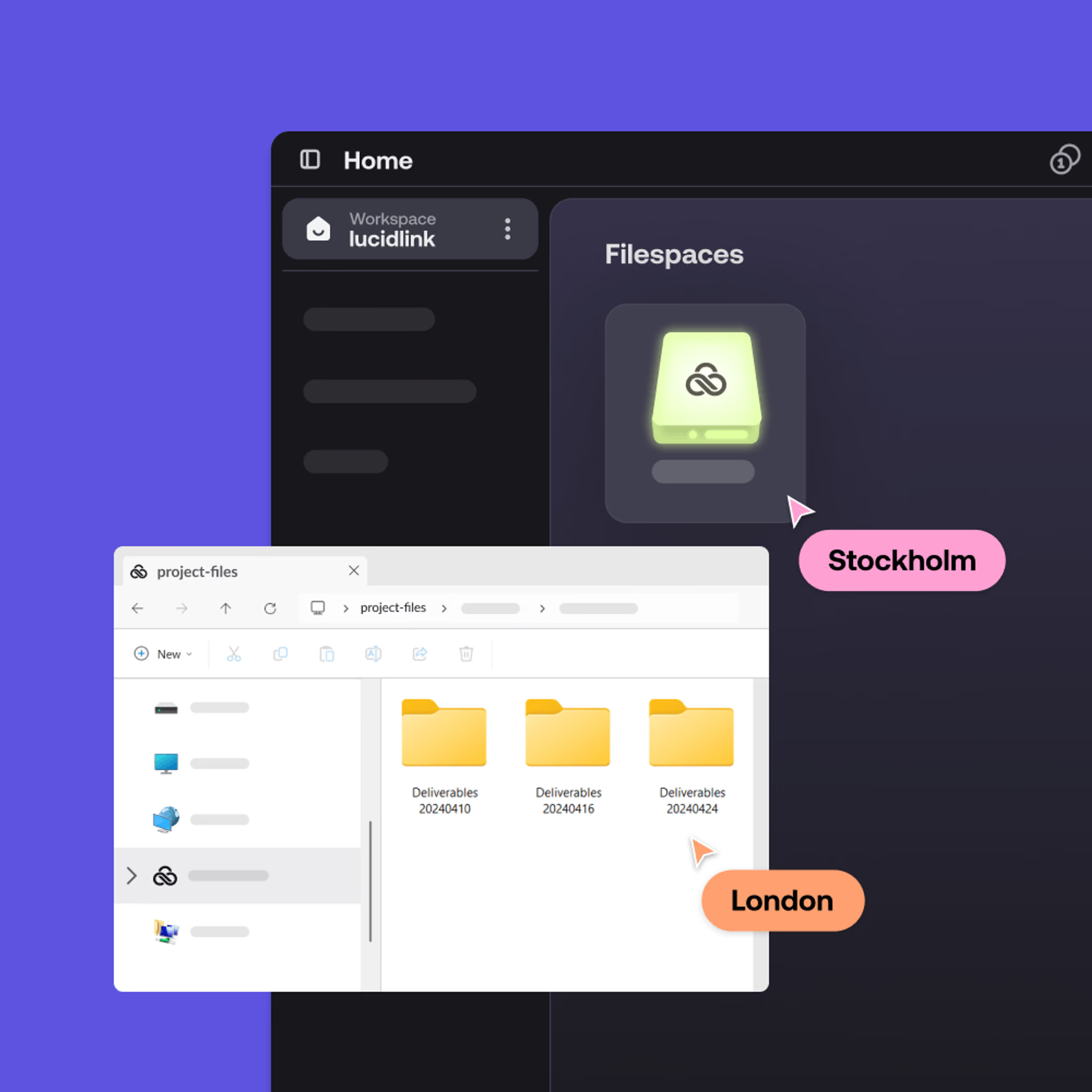

LucidLink vs SharePoint feature comparison
LucidLink
SharePoint
FEATURE
Architecture
LucidLink
Stream on demand
SharePoint
Sync and download
Large-file handling
LucidLink
Built for huge files
SharePoint
Limited
Upload limits
LucidLink
No practical cap
SharePoint
Typically capped
Local storage required
LucidLink
No, stays in the cloud
SharePoint
Yes, creates local copies
Real-time collaboration
LucidLink
No conflicts
SharePoint
Conflicts common
Version control
LucidLink
Single source of truth
SharePoint
Check-in / check-out confusion
File locking
LucidLink
Native Windows file locking
SharePoint
Manual check-in/check-out
Remote performance
LucidLink
Global streaming
SharePoint
Sync lag
Best fit
LucidLink
Video, AEC, design, big datasets
SharePoint
Docs and intranet
No downloads. No duplicates. No delays.
When SharePoint works well
SharePoint is effective for documents, spreadsheets and internal collaboration within Microsoft workflows.
It struggles with large files, creative assets and distributed teams. If you’re dealing with slow uploads, file locks and version confusion, it’s worth exploring a SharePoint alternative built for large-file workflows.

Teams that switched from SharePoint to LucidLink
LucidLink pricing
Predictable pricing that scales with your team, no surprise storage costs.
Starter
Effortless file collaboration for small projects and teams getting started.
$7
member/month
Business
Instant access to shared projects of any size for distributed teams.
$27
member/month
Enterprise
Flexible plans for large teams and complex datasets.
customized to your needs
No downloads. No duplicates. No delays.
How to switch from SharePoint to LucidLink
Goodbye syncing. Hello file streaming.
No need to start from scratch. You can use LucidLink alongside SharePoint, letting your team start streaming large files instantly while getting comfortable with the new workflow.

Pilot with a real project
No test folders or throwaway data, start with real work.

Run alongside SharePoint
Use LucidLink in parallel with SharePoint while your team gets comfortable.

Scale gradually
Add users and files as adoption grows.

Keep your existing tools
No retraining, no workflow overhaul.
Want to skip the migration entirely?
Keep your data in SharePoint. Get the LucidLink experience.
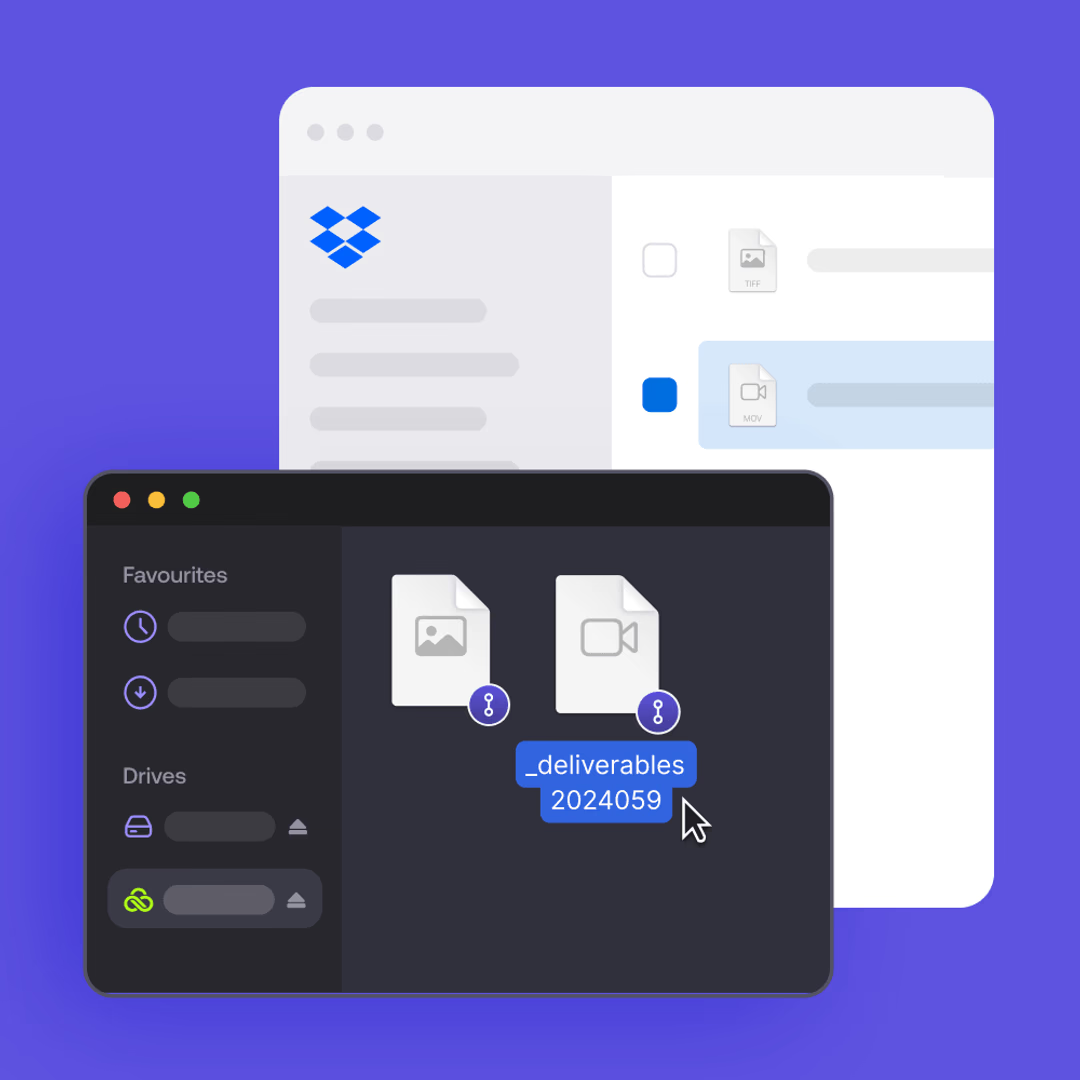
LucidLink Connect gives enterprise teams real-time streaming access to your existing SharePoint storage — without migration, data duplication or disruption to your workflows.
FAQs
The best SharePoint alternative for large files is one that lets teams open and work on big assets instantly, without syncing or long downloads. Many teams choose file streaming platforms like LucidLink because they handle multi-gigabyte files, real-time collaboration and remote access far better than traditional sync-based tools.
Ready to see the difference?
Stop syncing. Start streaming files instantly.