Collaboration
Cloud storage
The best SharePoint alternative for large files
Last updated 12 March, 2026
5 mins

SharePoint works well for documents and spreadsheets. But once files get bigger, everything slows down.
You click a file, it starts syncing. Someone else opens it, it locks.
A few minutes later, you’re still staring at a progress bar instead of getting work done.
If you work with video footage, AEC files or giant datasets, you already know the problem: SharePoint wasn’t built for large-file workflows. And it shows.
That’s why teams tired of slow uploads, sync delays and version confusion are switching to SharePoint alternatives built for modern, large-file collaboration.
Why SharePoint struggles with large files
SharePoint was optimized for Microsoft Office workflows — Word docs, PDFs, spreadsheets and intranet content.
Many teams don’t work that way. A single file might be:
A 7GB point cloud model
A 12GB research dataset
A 30GB video file
A massive machine learning training file
Thousands of high-resolution images in a single folder
That’s where the cracks show.
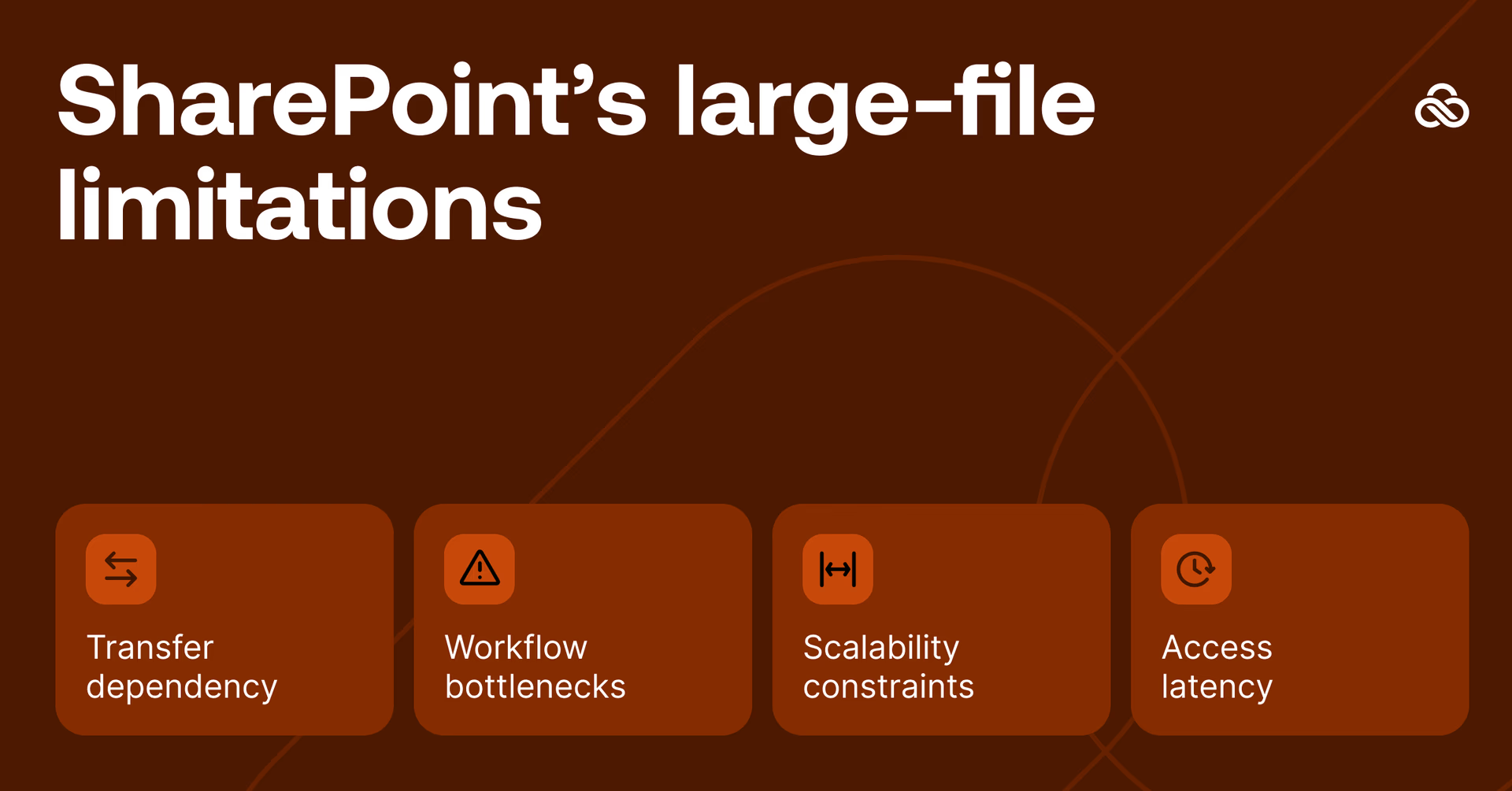
Common SharePoint pain points with large files:
Files must fully upload or sync before anyone can work
Check-out and check-in slow teams down
Versioning struggles with large binary files
Opening big files remotely can take minutes (or longer)
If your work depends on speed, iteration or shared access, SharePoint becomes a blocker instead of the backbone of your workflow.
For a deeper dive, read our breakdown on sync and share vs file streaming.
What to look for in a SharePoint alternative
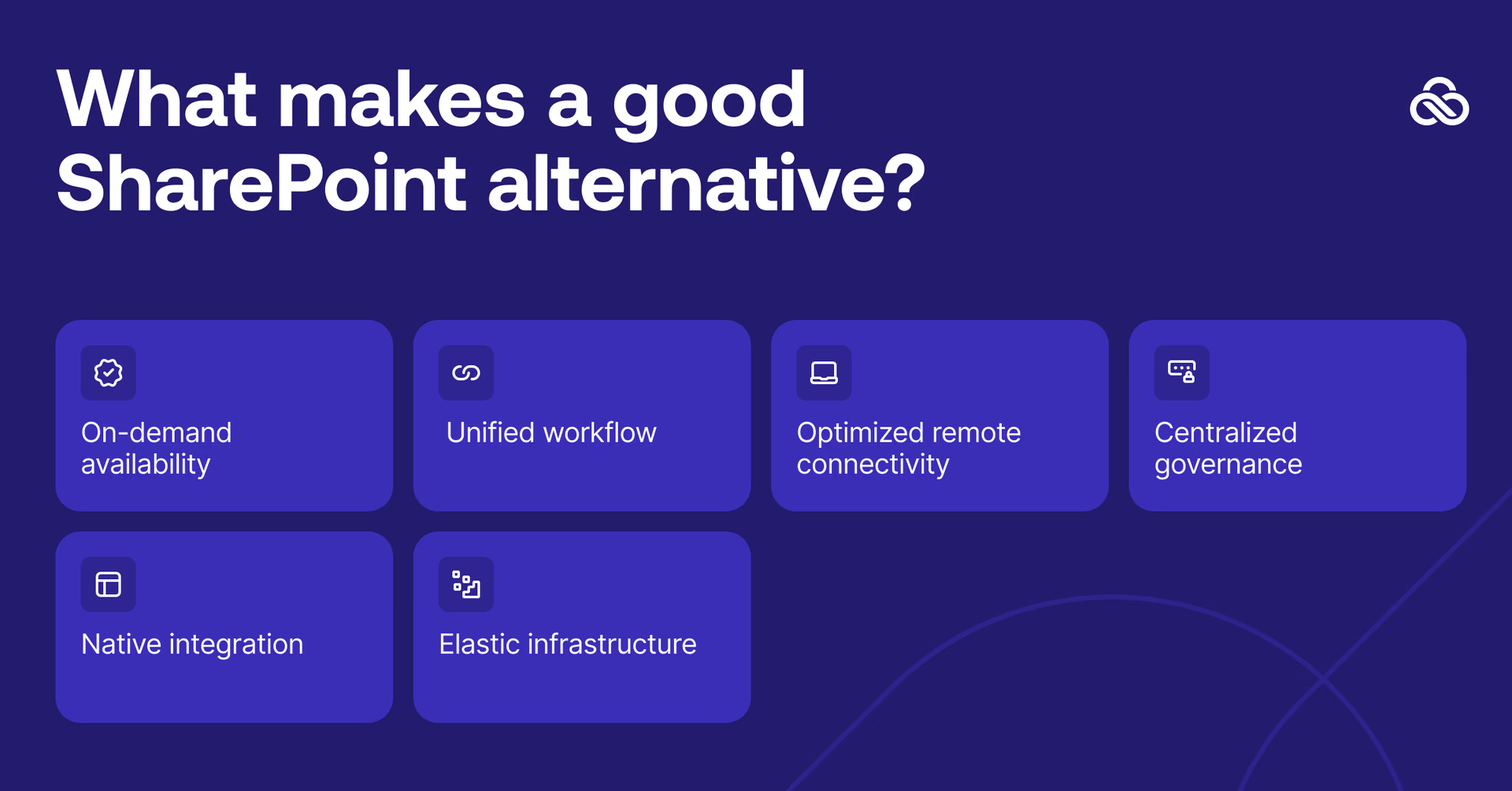
A true large-file storage alternative must solve the core pain points:
Instant access: open huge files without downloading or syncing
Real-time collaboration: no duplicate copies, lost changes or version conflicts
High-performance remote work: collaborate in real time anywhere, on files of any size
Secure enterprise-grade controls: encryption, permissions, audit logs
Compatibility with existing tools: Premiere, Resolve, Revit, AutoCAD, Unreal, Figma
Scalability: support terabytes or petabytes of shared data
Most importantly, it removes the gap between I need this file and I can actually start working.
How LucidLink handles large files differently
LucidLink was built for large files and distributed teams from day one.
Instead of syncing entire files, LucidLink streams data from the cloud on demand, more like Netflix than traditional storage.
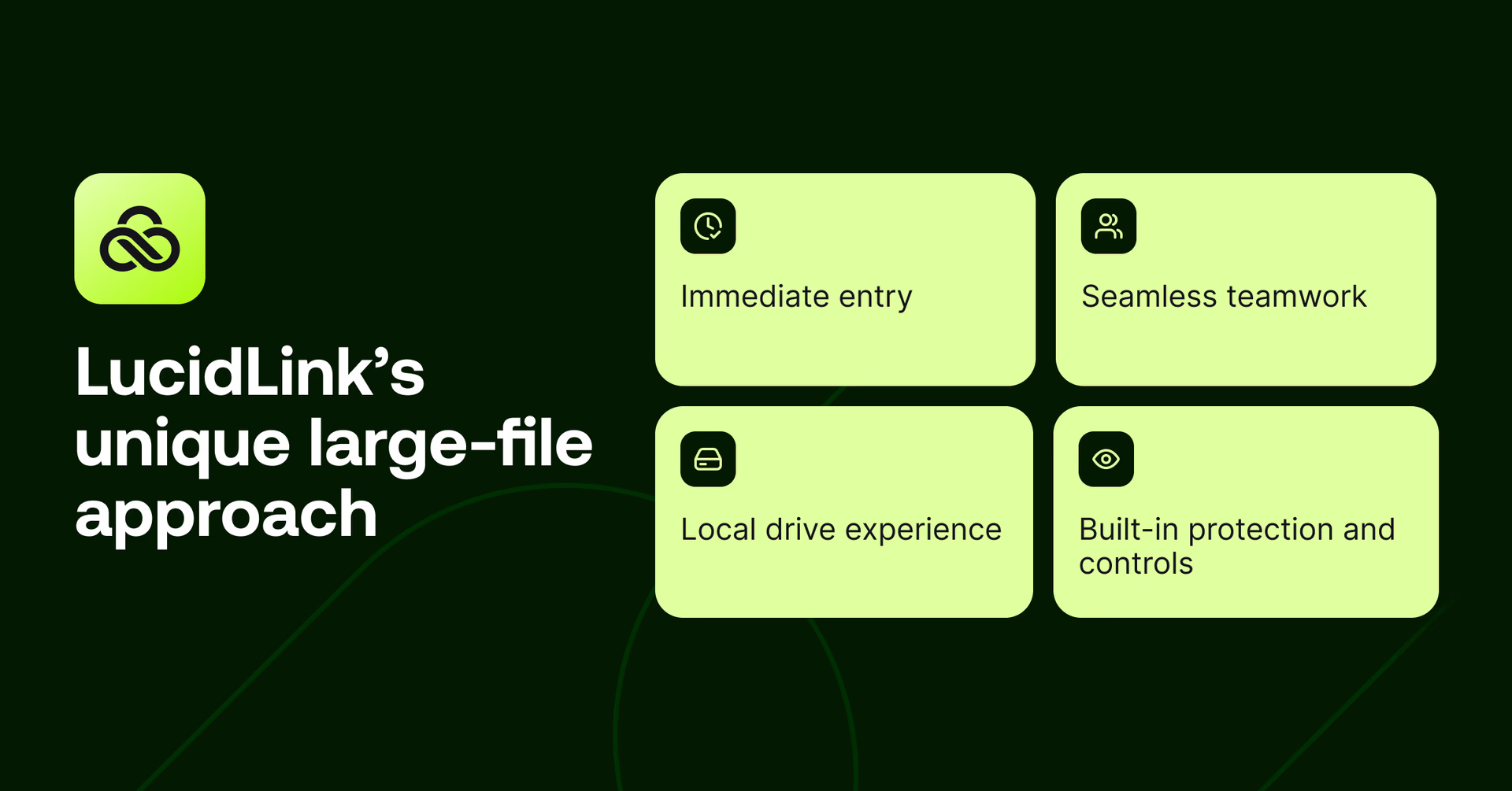
Instant access, no waiting
Teams open multi-gigabyte files instantly and start working right away. Only the data an application needs is streamed, so there’s no waiting for full downloads to finish.
Files appear exactly where people expect them, without filling up local drives.
Real-time collaboration, minus the conflicts
Everyone works in the same shared filespace at the same time. Changes appear instantly and there’s one source of truth.
Conflicted copies disappear, version confusion goes away and manual merges don’t derail work at the worst possible moment.
Works like a local drive
LucidLink mounts as a standard drive on Mac, Windows and Linux. Existing tools just work.
Premiere Pro. DaVinci Resolve. After Effects. AutoCAD. Revit. Unreal. Figma… If it works with a local drive, it works with LucidLink, no retraining required.
Built-in security and governance
LucidLink brings enterprise-grade controls to large-file workflows:
Zero-knowledge encryption, only you hold the keys
Granular file and folder permissions
SSO and identity integration
Audit trails and compliance support
This level of control is essential for enterprise large file storage, where access, compliance and IP protection matter as much as performance.
SharePoint handles structured content well. But LucidLink extends the same level of control to massive, shared assets.
SharePoint vs LucidLink for large files
Here’s how SharePoint vs LucidLink compare when it comes to large-file workflows.

Who benefits from a SharePoint alternative
LucidLink is used across industries where files are large and teams are distributed:
Engineering teams working with complex CAD assemblies
Architecture and construction firms sharing BIM models
Video teams collaborating across locations
Product design groups managing heavy 3D assets
Research labs handling large datasets
Corporate and marketing teams running global brand libraries
Manufacturing teams sharing tooling designs
Creative agencies juggling multi-client asset libraries
If SharePoint is slowing you down, it’s not down to the way you’re using it. It’s a workflow fit problem.
7 tips for fast, secure large-file workflows
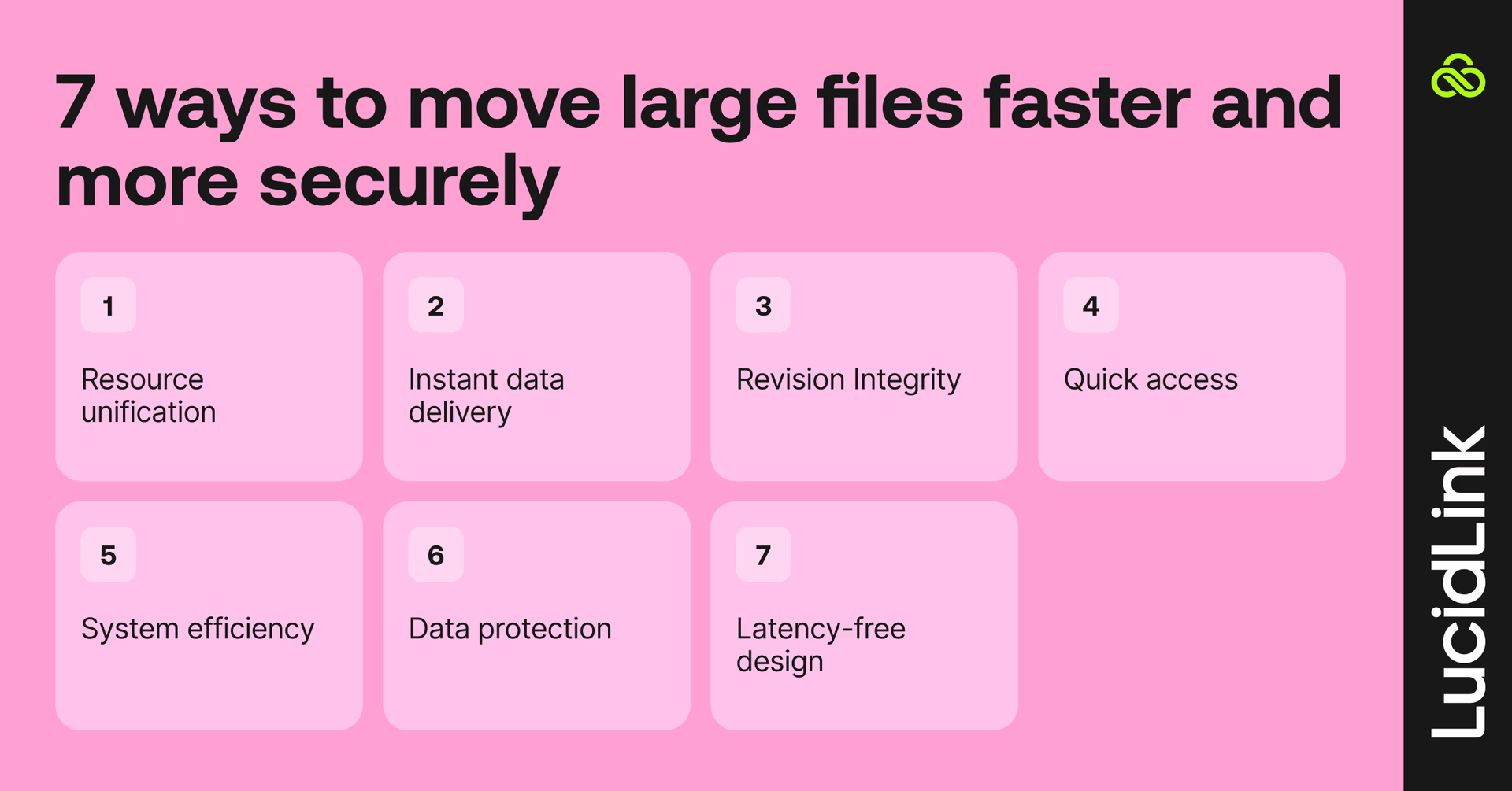
Centralize shared assets
Keep large files in one accessible location. Fewer duplicates, less confusion and clearer ownership. IT gets better visibility and simpler storage management.
Stream files instead of syncing them
Waiting hours for transfers kills momentum. Streaming delivers only what’s needed, when it’s needed — faster access, less local storage and fewer failures.
Set clear versioning rules
Define what’s “in progress” versus “final,” and how handoffs work. Clear expectations prevent lost changes and last-minute chaos.
Use permissions
Not everyone needs access to everything. File- and folder-level controls reduce risk and simplify audits, especially with contractors or partners.
Reduce tool sprawl
Too many platforms slow teams down and complicate onboarding. Stick to tools that fit naturally into existing workflows so new collaborators can contribute on day one.
Prioritize encryption and compliance
Protect sensitive content with encryption in transit and at rest. Maintain audit logs. Meet industry requirements without bolting on extra tools.
Design workflows around access, not transfer
Stop moving copies of large files around. Enable teams to work directly where the files live, in real time. Immediate access improves speed, reduces errors and keeps everyone aligned.
Edit123 saves hours with LucidLink
For Edit123, fast-turnaround sports coverage left no room for slow file transfers. With crews filming across Europe and editors split between Munich and Glasgow, traditional file sharing meant delays, duplicated storage and rising costs.

Challenge: hundreds of gigabytes of live sports footage, same-day broadcast deadlines and teams spread across multiple locations.
After switching to LucidLink, Edit123 gained:
Instant access to footage as it was captured — no waiting for uploads
Real-time collaboration between field crews and editors in different cities
A single shared filespace with no duplicate versions
The results:
Nine episodes delivered on time during UEFA Euro 2024
Near-live clips published within minutes, driving 3–5× higher fan engagement
Over £20k saved by eliminating couriers and duplicate storage
It’s basically like we’re all working off the same server, even though we were in Munich and the rest of the staff were in Glasgow.
Lewis Holleran,Technical Operations Manager
Read the full story here.
SharePoint organizes your work, LucidLink keeps it moving
Traditional sync tools, including SharePoint, weren’t built for collaborative, large-file workflows. Among SharePoint alternatives for large files, LucidLink stands out by removing sync delays entirely.
LucidLink delivers instant access, real-time collaboration, predictable performance and enterprise-grade security — without forcing teams to change how they work.
If dealing with large files is part of your day-to-day, LucidLink is the SharePoint alternative that actually works.
Try LucidLink free for 30 days to work with large files without the delays.
FAQs
The best SharePoint alternative for large files is one that lets teams open and work on big assets instantly, without syncing or long downloads. Many teams choose file streaming platforms like LucidLink because they handle multi-gigabyte files, real-time collaboration and remote access far better than traditional sync-based tools.
Keep reading

Cloud storage
New research: what your storage bill doesn’t tell you
New research from Situation Publishing explores the hidden costs around file infrastructure, from egress and duplication to lost time and manual work.
14 October 2026, 4 mins read
In the field
Collaboration
Setting up AI agents for reality capture in AEC
How Diorama.studio used an AI agent connected to LucidLink to organize field data in real time, during a two-week deadline drone survey.
16 September 2026, 6 mins read
Cloud storage
Introducing the new LucidLink MSP: one platform for your whole book
LucidLink MSP runs on the LucidLink Management Platform, giving MSPs centralized deployment management and pricing that scales with growth.
09 September 2026, 2 mins read
Join our newsletter
Get all our latest news and creative tips
Want the details? Read our privacy policy. Not loving our emails?
Unsubscribe anytime or drop us a note at support@lucidlink.com.