Product & news
Admin power up: new controls for security, access and SSO
Last updated 15 June, 2026
2 mins

Admins are the unsung heroes who keep every LucidLink filespace moving.
You grant access, sort permissions and update accounts, usually before anyone else notices there was a problem.
Over the last few months, we've shipped several improvements built specifically for you: tighter security controls, more granular permission management and long-overdue SSO flexibility for enterprise teams. Here's what's new.
2FA for all password-based accounts
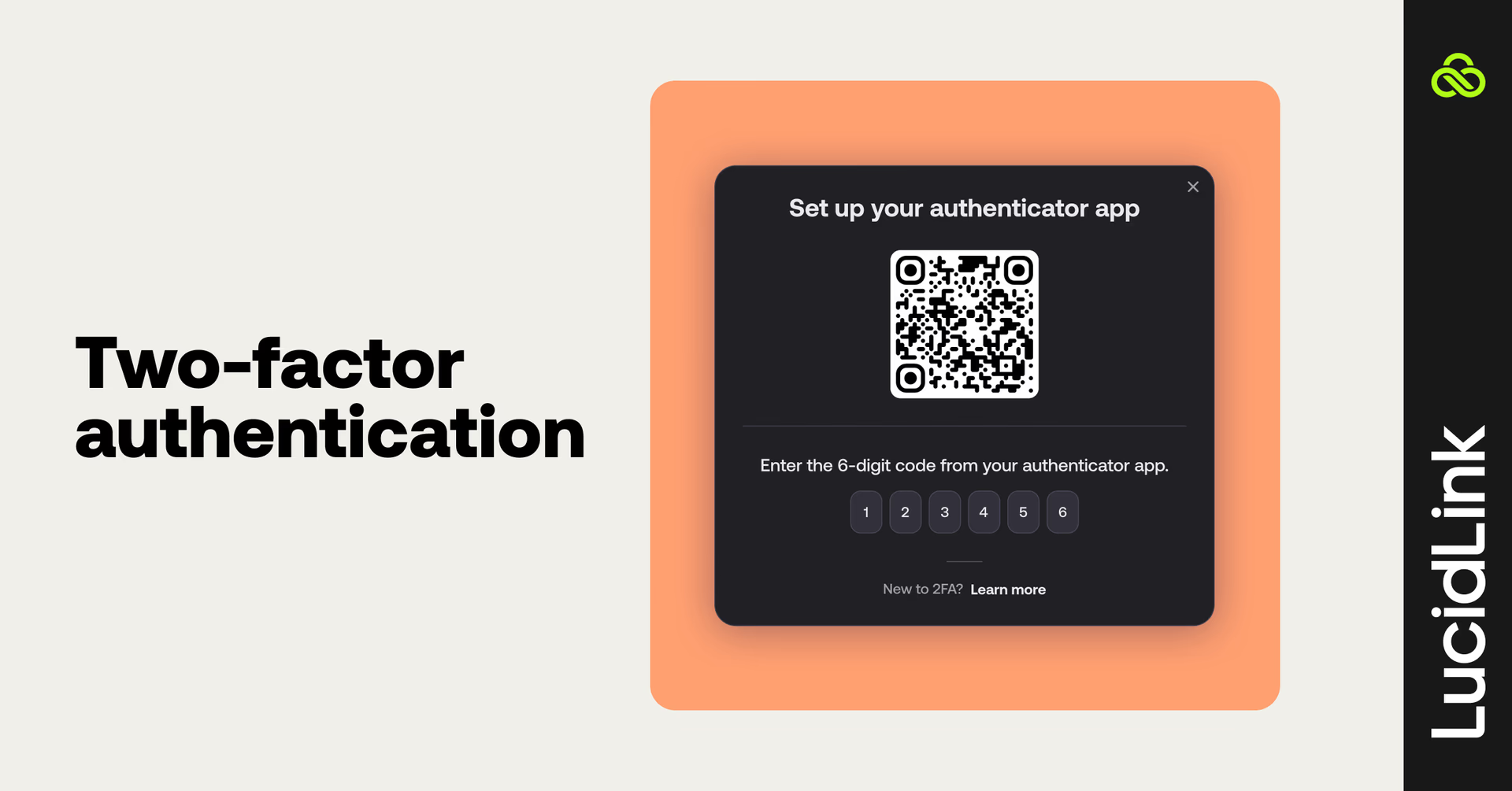
Two-factor authentication is now available for all non-SSO, password-based accounts. Admins have full control over how it rolls out.
You can configure 2FA at the workspace level with three modes:
Optional: users enroll when they're ready
At next login: users are prompted on their next session without disrupting active work
Enforced immediately: access is blocked until 2FA is configured
One thing worth knowing: users only need to set up their authenticator app once, keeping things simple even for teams running multiple filespaces.
2FA is supported across desktop and web, and will prompt for verification when logging into mobile. Full 2FA setup for mobile is coming soon.
Password reset without a support ticket
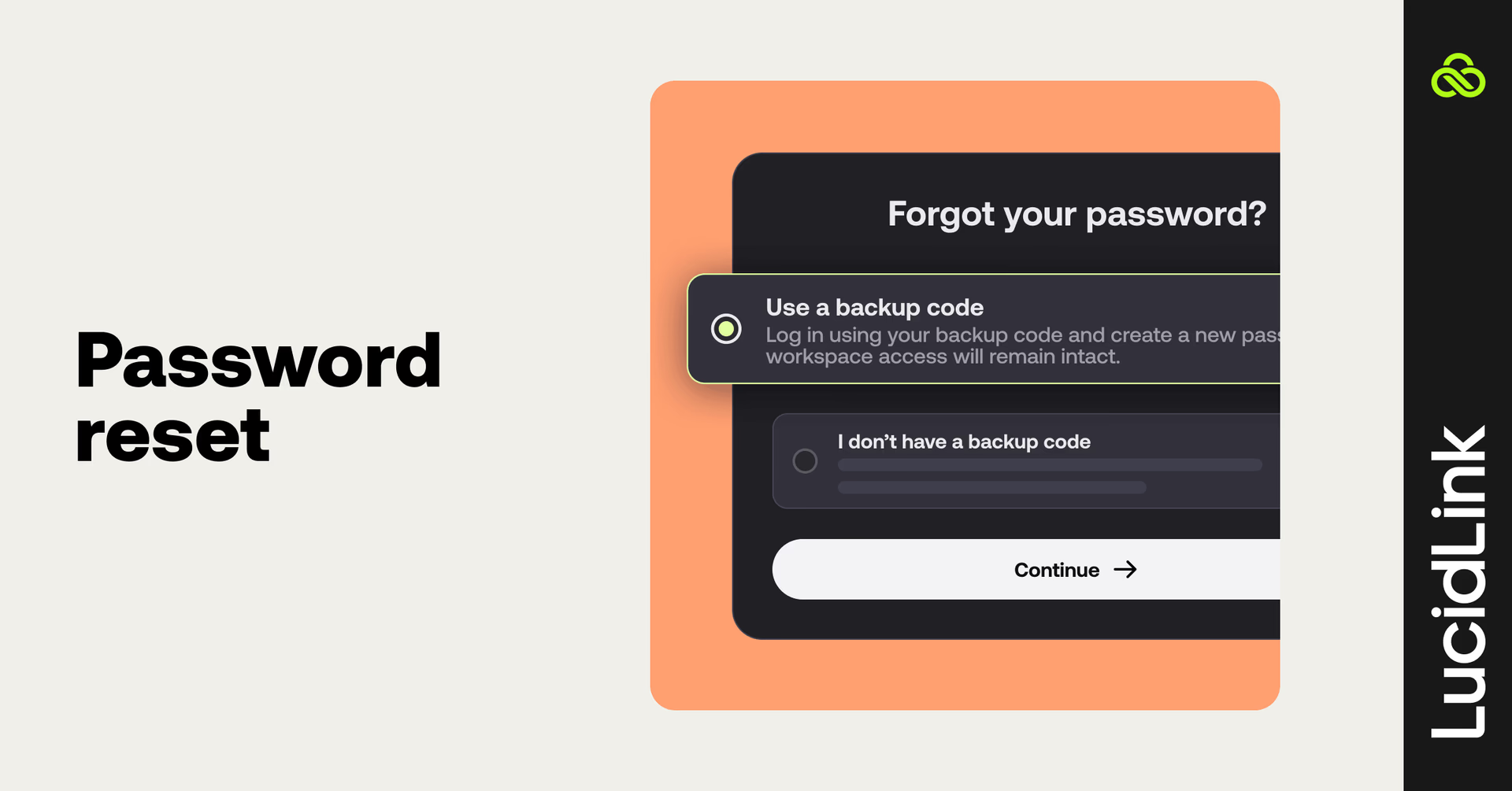
Users can now quickly reset their own password by verifying email ownership. There’s no ticket or manual intervention from your team and users can get back to work in minutes.
Filespace admin role
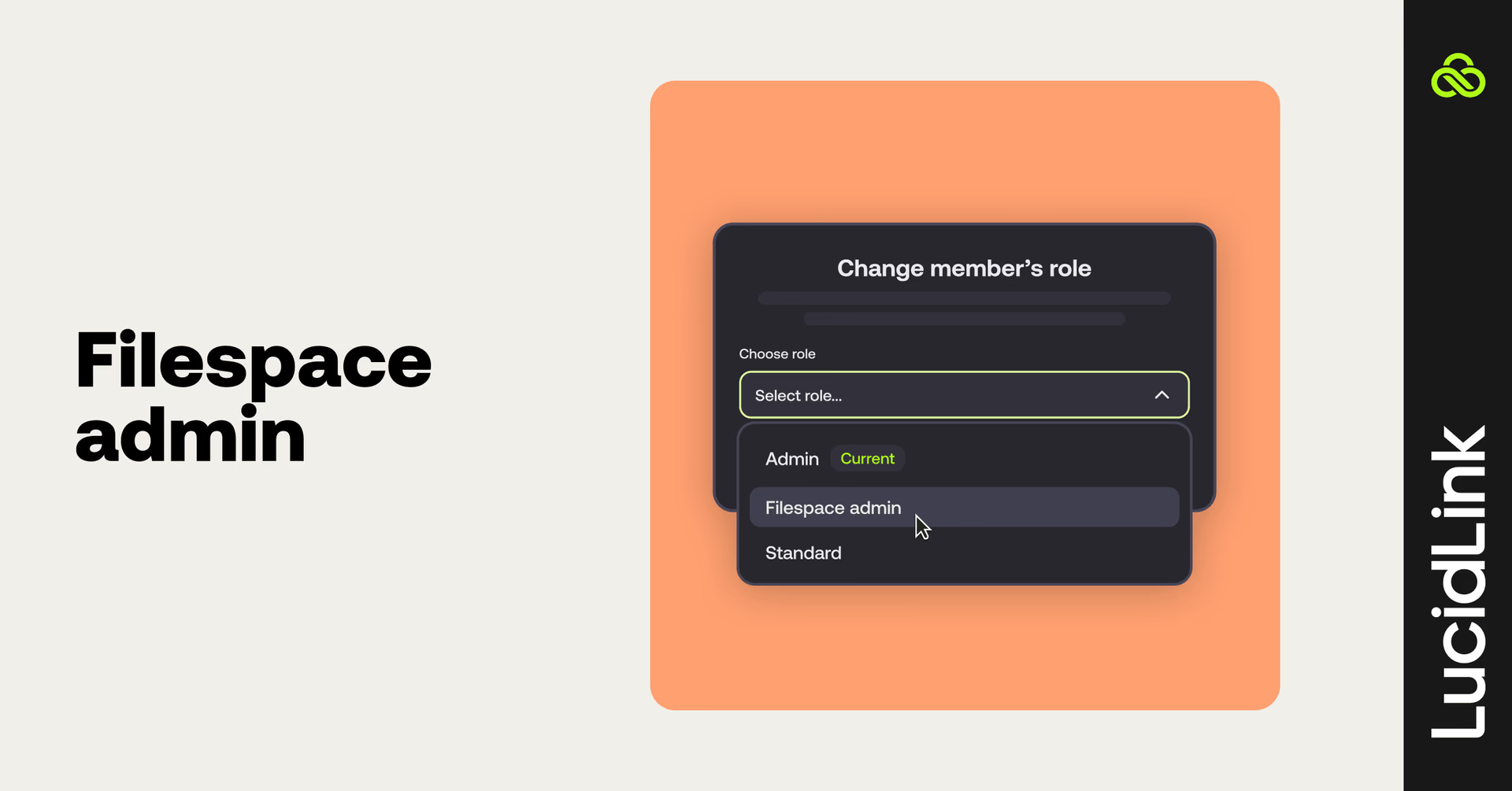
Large workspaces often hit the same wall: workspace admins end up managing day-to-day permissions across every filespace, even when department leads could handle their own areas.
The filespace admin role changes that. You can now designate trusted users to manage specific filespaces, including permissions, settings and access, without giving them full workspace admin rights.
A practical way to share the load without losing oversight.
SSO improvements for enterprise teams
Two changes enterprise admins have been waiting on.
Multiple domains in one workspace
You can now assign and manage multiple email domains within a single workspace using one SSO identity provider. Useful for organizations running subsidiaries, merged entities or regional business units that share workspaces but operate under different domains.
Same domain across multiple workspaces
Previously, a single domain could only be verified in one workspace. Large enterprises running multiple workspaces under the same domain can now associate their SSO with the same domain across each, without the previous restrictions.
Both changes remove friction that was forcing workarounds for enterprise teams.
What's next
These features are live now. Log in to configure 2FA, set up filespace admin roles and review your SSO settings.
Have feedback or want to flag what we should prioritize next? Use the share feedback button in your LucidLink dashboard. We're actively looking at the admin experience and your input shapes what comes next.
Keep reading
Product & news
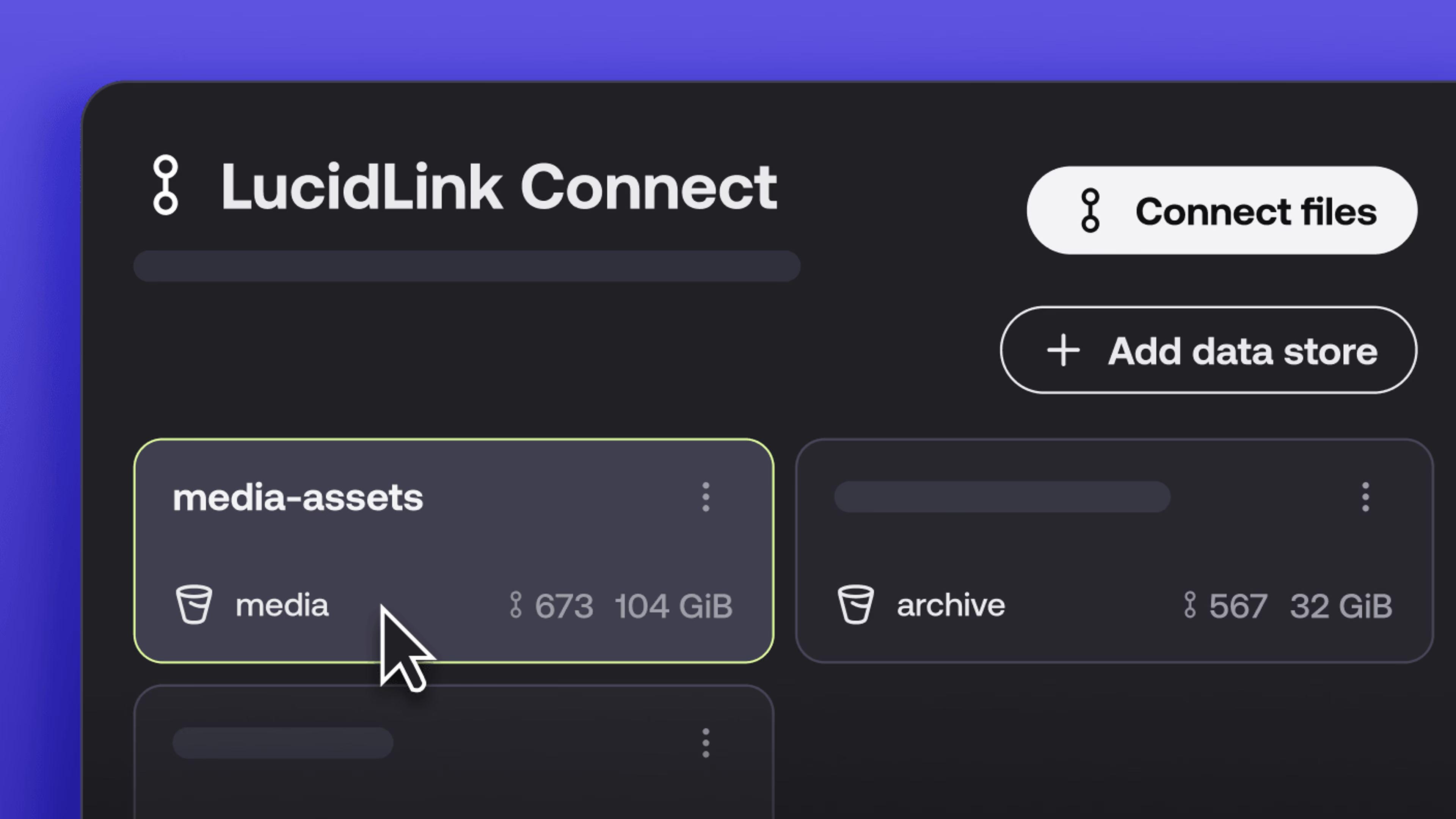
New in LucidLink Connect: simpler storage management
LucidLink Connect makes distributed storage easier to manage, with a new UI for connecting and managing data available through LucidLink.
06 October 2026, 2 mins read

Product & news
LucidLink named Leader in G2's Cloud File Storage report: here’s what customers say
See why LucidLink is a leader and rated #1 for customer satisfaction on G2’s Cloud File Storage report.
03 September 2026, 3 mins read
Product & news
Hard links: one file, multiple paths, no duplication
Hard links let VFX teams reference the same file across multiple paths without duplicating data. Available now at no additional cost.
02 September 2026, 4 mins read
Join our newsletter
Get all our latest news and creative tips
Want the details? Read our privacy policy. Not loving our emails?
Unsubscribe anytime or drop us a note at support@lucidlink.com.