Product & news
New on LucidLink Mobile: controls, sharing and more
Last updated 02 November, 2026
2 mins
Not every feature gets its own big launch, but that doesn’t mean they’re any less useful.
This roundup covers some of the latest updates to LucidLink’s mobile apps, from new iOS controls and easier sharing to better file browsing and transfer visibility.
More control and convenience on mobile
We’ve made a series of upgrades across iOS and Android to make it easier to browse files, manage device resources and work across LucidLink Mobile.
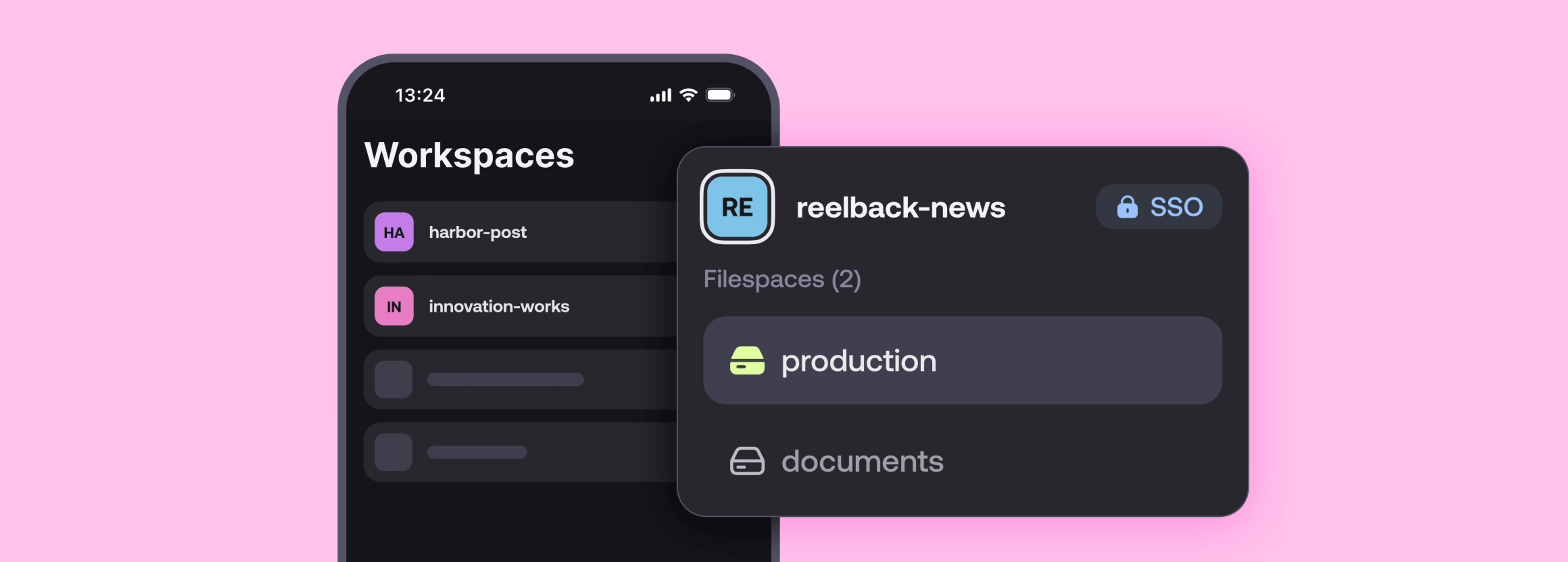
Easier SSO sign-in on mobile
LucidLink Mobile now remembers your SSO domain key, so you don’t have to upload it again every time you start a new session. That makes signing back in quicker, particularly for teams that rely on SSO for mobile access.
Improved gallery view and thumbnails on Android
Android now gets gallery view and thumbnails, making it easier to browse and identify files visually.
Mobile-specific filespace settings on iOS
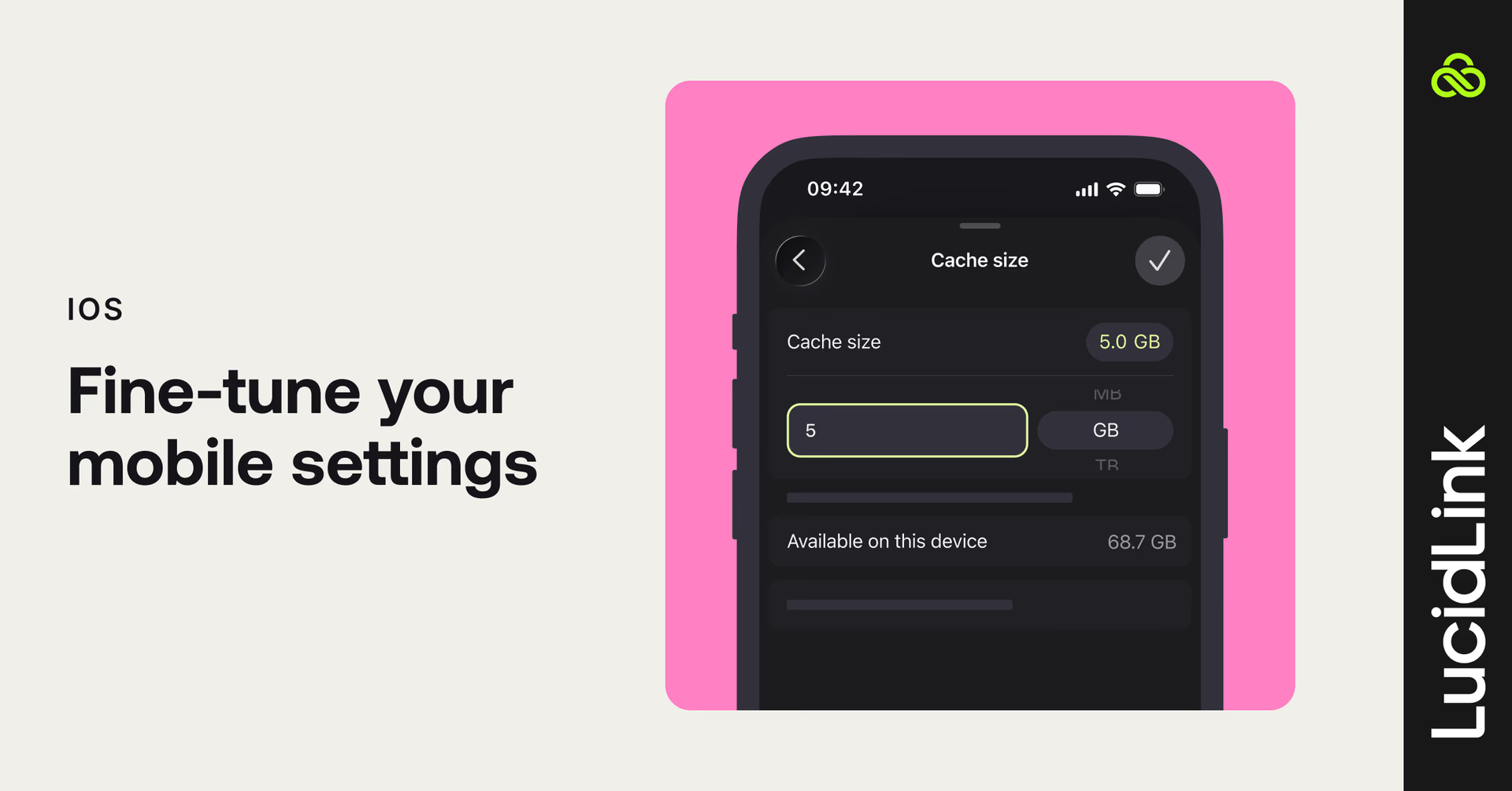
Two new settings give you more control over how LucidLink behaves on your iPhone or iPad.
Mobile devices often have less storage to spare than desktop.
Cache size lets you set a limit that fits the space available on your device, so the filespace cache doesn’t grow beyond what you want to give it.
Mobile work also means moving between very different network conditions. You might be on fast Wi-Fi one moment and a constrained or metered connection the next.
Parallel connections lets you control how many concurrent connections are used for file streaming. Reduce the number on a weaker connection for more stability and less data use, or increase it on a faster connection for better throughput.
Share to LucidLink from other apps on Android
You can now share files to your filespace from another mobile app using the native Share menu.
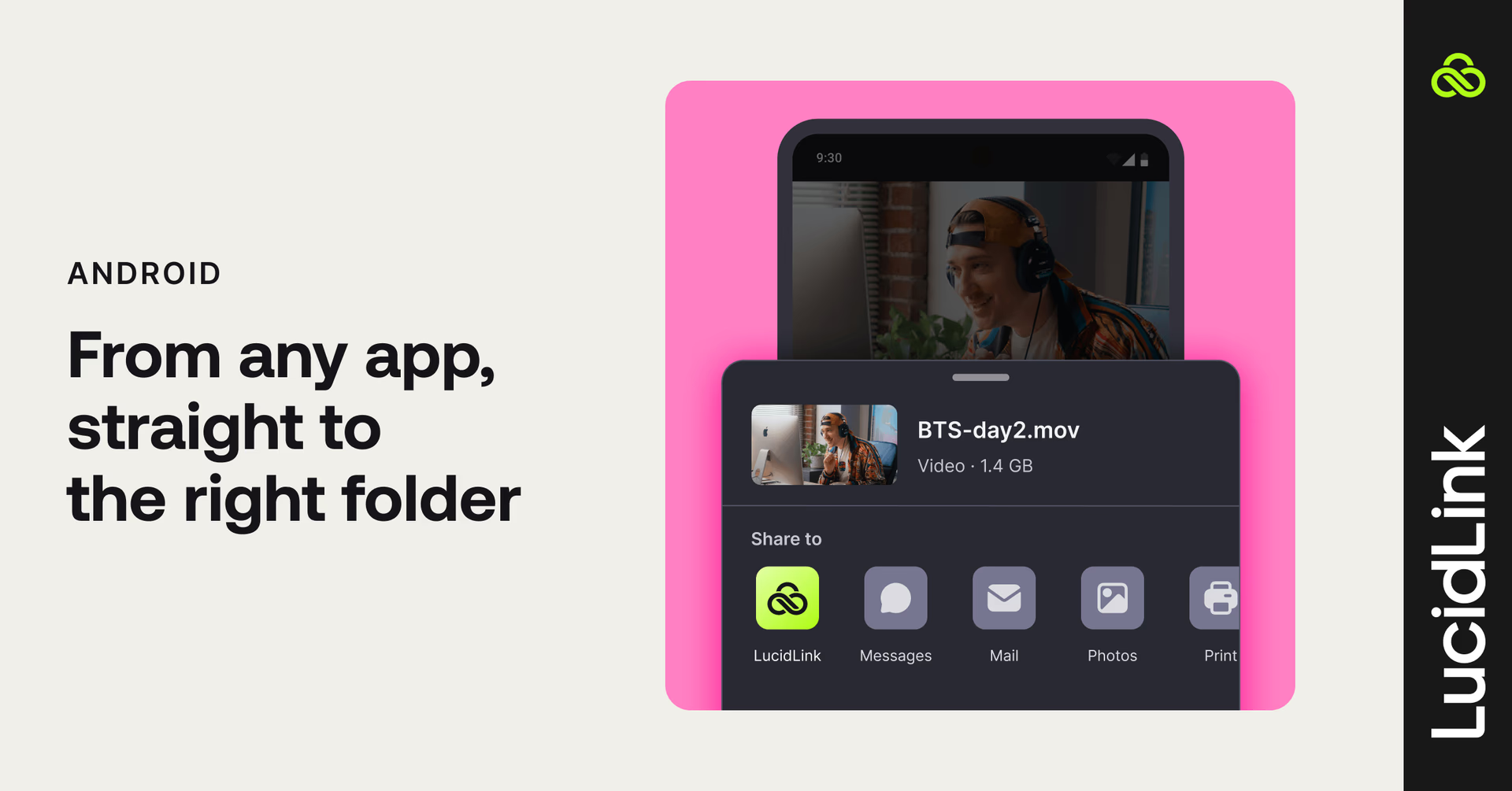
For example, if you’re working in Google Drive, LucidLink can appear as a destination alongside your other sharing options, making it easy to add a file to your filespace from mobile.
Better visibility into uploads and downloads on Android
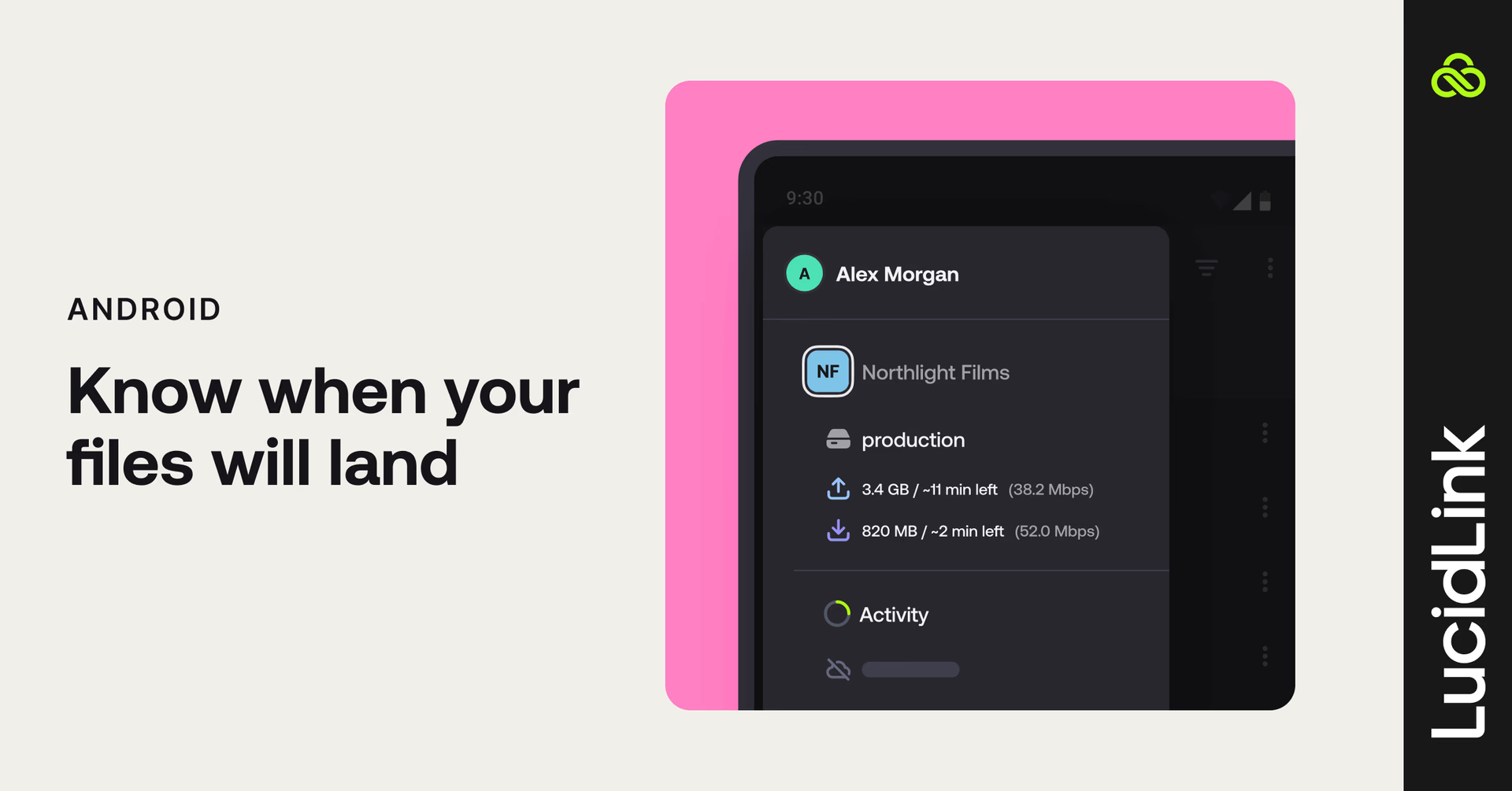
Uploads and downloads now show more information inside the app, including:
Time remaining
Transfer speed
Remaining size
That gives you a clearer view of what’s happening during a transfer and how long it’s likely to take.
If you’re already using LucidLink on mobile, open the app and try the new controls for yourself. Don’t have it yet? Get LucidLink Mobile here.
Tell us what you think
Small improvements make a big difference to the way you work day to day.
We’d love to hear what you think about these mobile updates and where we can make your workflow smoother.
If there’s a mobile workflow or everyday feature you’d like us to improve, share your feedback using the button in your dashboard.
Keep reading

Product & news
LucidLink wins 2026 Inc. Power Partner Award in AI, Technology & Development
LucidLink has been named a 2026 Inc. Power Partner in AI, Technology & Development, recognizing the results we deliver with customers and partners.
23 October 2026, 3 mins read

For developers
Product & news
A dashboard for your filespace, built where your keys are
Build a dashboard for your LucidLink Filespace from its audit trail with an agent skill for Claude Code and Codex, without touching zero-knowledge encryption.
19 October 2026, 4 mins read
Product & news
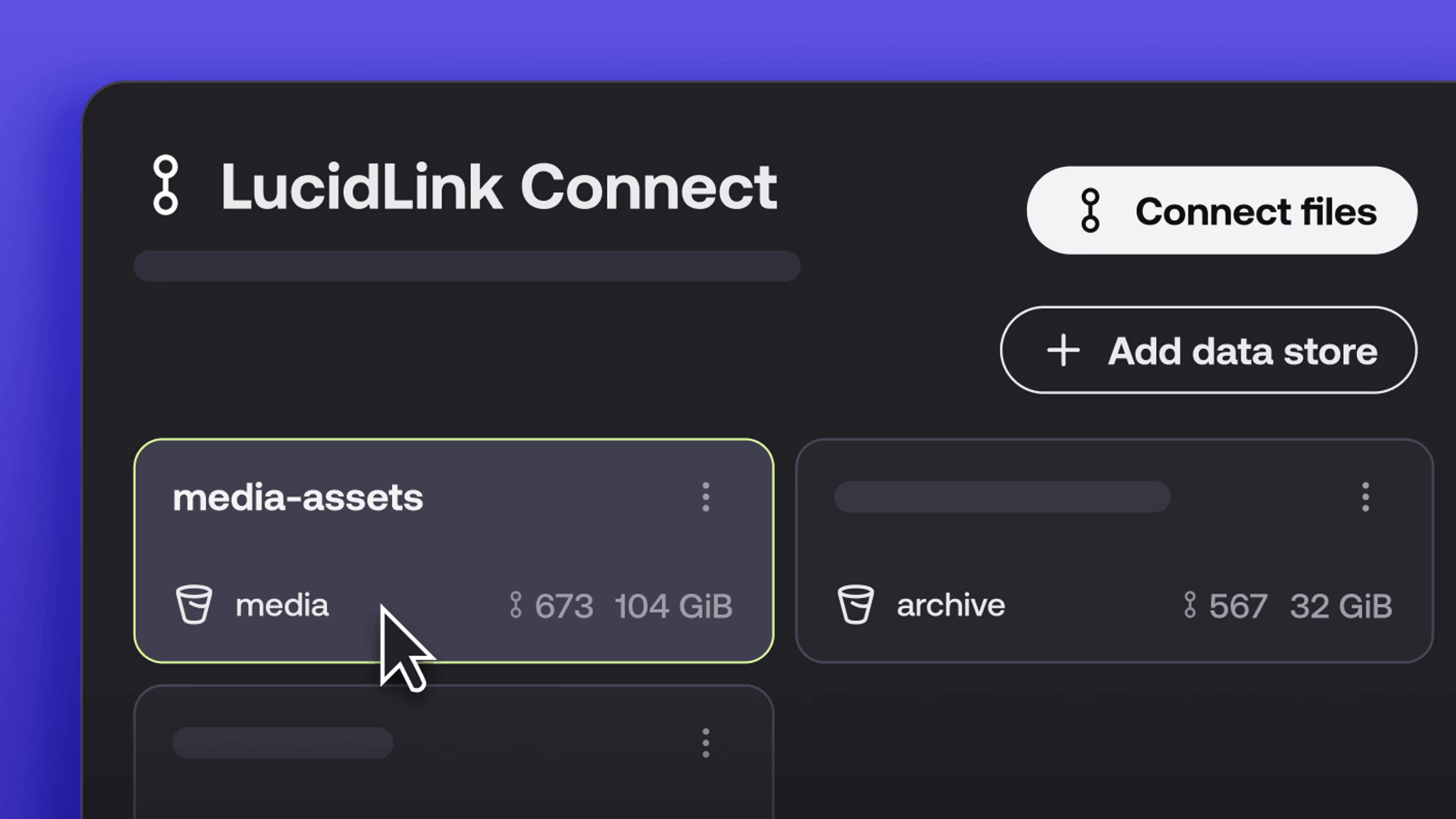
New in LucidLink Connect: simpler storage management
LucidLink Connect makes distributed storage easier to manage, with a new UI for connecting and managing data available through LucidLink.
06 October 2026, 2 mins read
Join our newsletter
Get all our latest news and creative tips
Want the details? Read our privacy policy. Not loving our emails?
Unsubscribe anytime or drop us a note at support@lucidlink.com.