Product & news
LucidLink Python SDK and MCP Server are now generally available
Last updated 17 November, 2026
4 mins

People already work from shared files in LucidLink. Now code and AI agents can work from those same files too.
During the beta, customers pointed the Python SDK and MCP Server at real filespaces and workflows, and their feedback helped us shape 1.0.
Both are now generally available. The SDK lets developers read, write and stream files directly from code. The MCP Server gives tools like Claude Code, Cursor and Codex access to the same files through MCP.
Together, they extend LucidLink from a shared filespace for teams into a shared access layer for people, applications and agents.
Let AI and code work where your files live
AI agents and automated workflows often need their own copy of the data before they can do anything useful with it.
That means exporting files, staging them somewhere else and then managing another version.
Now, with LucidLink, files can stay where they are.
People keep working in the same filespace. Code connects through the Python SDK and AI agents connect through the MCP Server. All three work from the same shared files, using the access you give them.
That means fewer copies to manage and fewer disconnected data paths to keep in sync. Zero-knowledge encryption stays intact, and nothing changes for your team in the desktop client.

Give AI agents access through the MCP Server
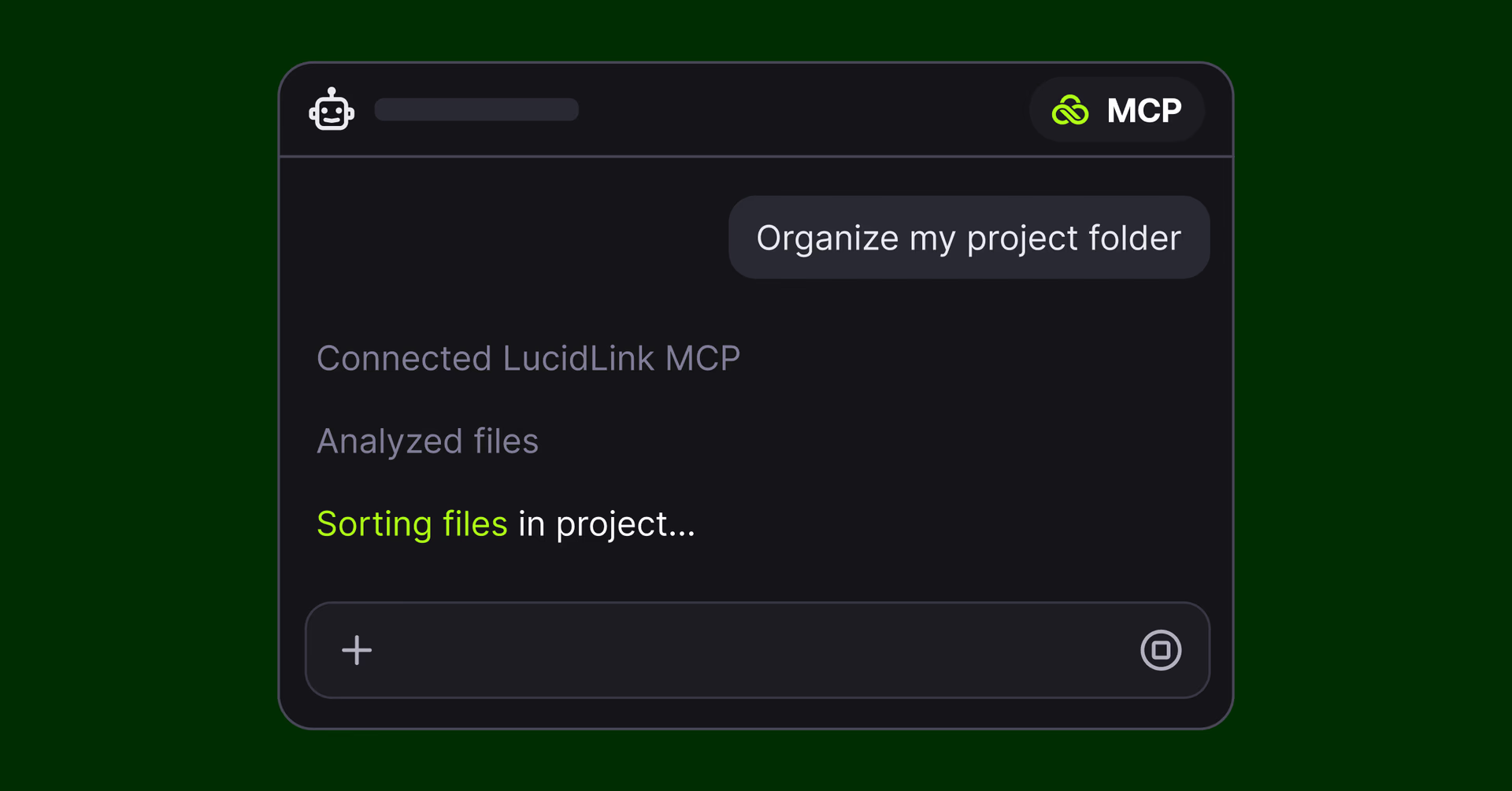
The LucidLink MCP Server connects MCP-compatible tools like Claude Code, Cursor and Codex directly to a filespace.
AI agents can search, read and write files, inspect metadata and check file activity using LucidLink tools.
You might ask an agent to:
Read and search files across a filespace
Create and update files alongside the source content
Lock files before making changes
Inspect metadata and file activity
Check the audit trail to see what changed and who changed it
Each agent can use its own service account with scoped permissions, so you control what it can access and change.
Start in read-only mode and the write tools never reach the agent. Destructive actions need explicit confirmation, while locks help stop two agents from editing the same file at once. The AI itself runs the tools you choose. LucidLink gives it controlled access to the files.
Connect your code directly with the Python SDK
The Python SDK gives your code and applications direct access to a filespace without a desktop mount.
Authenticate with a service-account token, open a path and read or write files from a container, CI job, render node, cloud VM or backend service.
The SDK streams the data your application needs on demand, rather than staging the whole file first. So code can work against large files without first copying them onto a local disk.
It also supports common Python workflows through fsspec, so tools such as pandas can work directly with lucidlink:// paths.
Explore in conversation, then codify in Python
A pattern we saw during beta was how teams used the MCP Server and Python SDK together.
They often started with a question about their own data:
What have we got?
What hasn’t been touched in two years?
Which files don’t follow our naming convention?
The MCP Server makes it quick to explore those questions in conversation. Once you know what you want to automate, the Python SDK lets you turn that logic into code you control and run repeatedly without keeping a model in the loop.
We run through this workflow in the demo below.
An agent checks a day’s dailies against the camera reports, flags anything missing and writes a shot log back to the filespace. Once the workflow works, the same logic becomes a Python script that runs automatically when the next shoot day lands.
Putting filespace metadata to work with the MCP Server walks through the same pattern in more detail.
A bigger Developer Portal and new tools in Labs
The Developer Portal now puts the API, Python SDK, MCP Server, LucidLink Connect and Management Platform API docs in one place, with examples on GitHub.
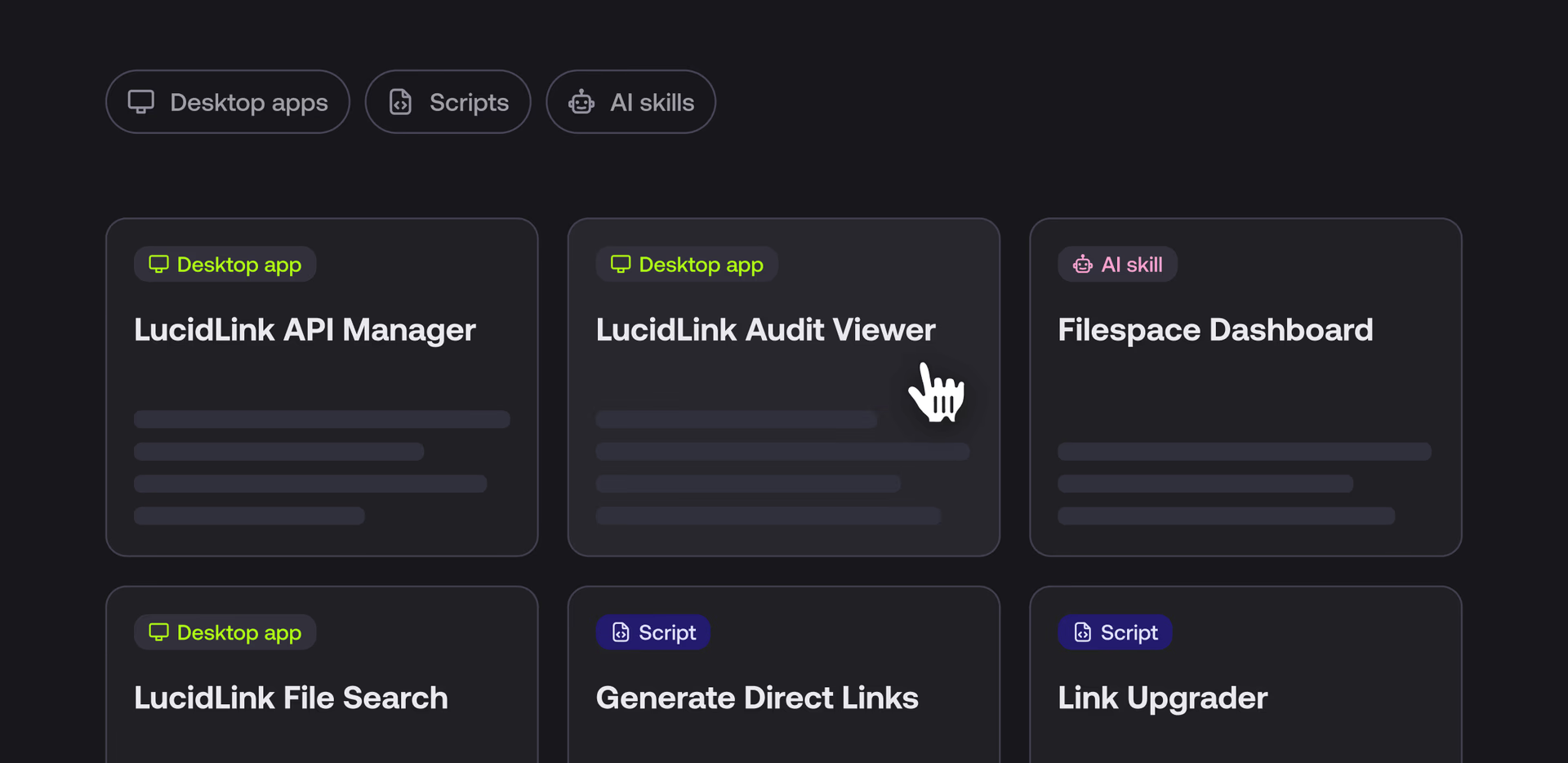
LucidLink Labs collects the tools we’ve built on top of those capabilities, including:
Admin Assistant: manage users, groups and permissions from a desktop app, and run your own Python scripts.
Audit Viewer: browse and filter audit logs without connecting directly to the API.
Filespace Dashboard: an agent skill that builds a shareable dashboard from your audit trail and directory tree, including activity from people and agents. Here’s how it works.
Start building now
The Python SDK and MCP Server are generally available across all LucidLink plans.
Both products are 1.0 releases. The SDK supports Python 3.11 and later on macOS, Linux and Windows.
Explore the docs, connect an agent to a filespace or start building directly in Python.
Let AI work where your files live. Explore Developer Tools or get the MCP Server.
Keep reading
Product & news
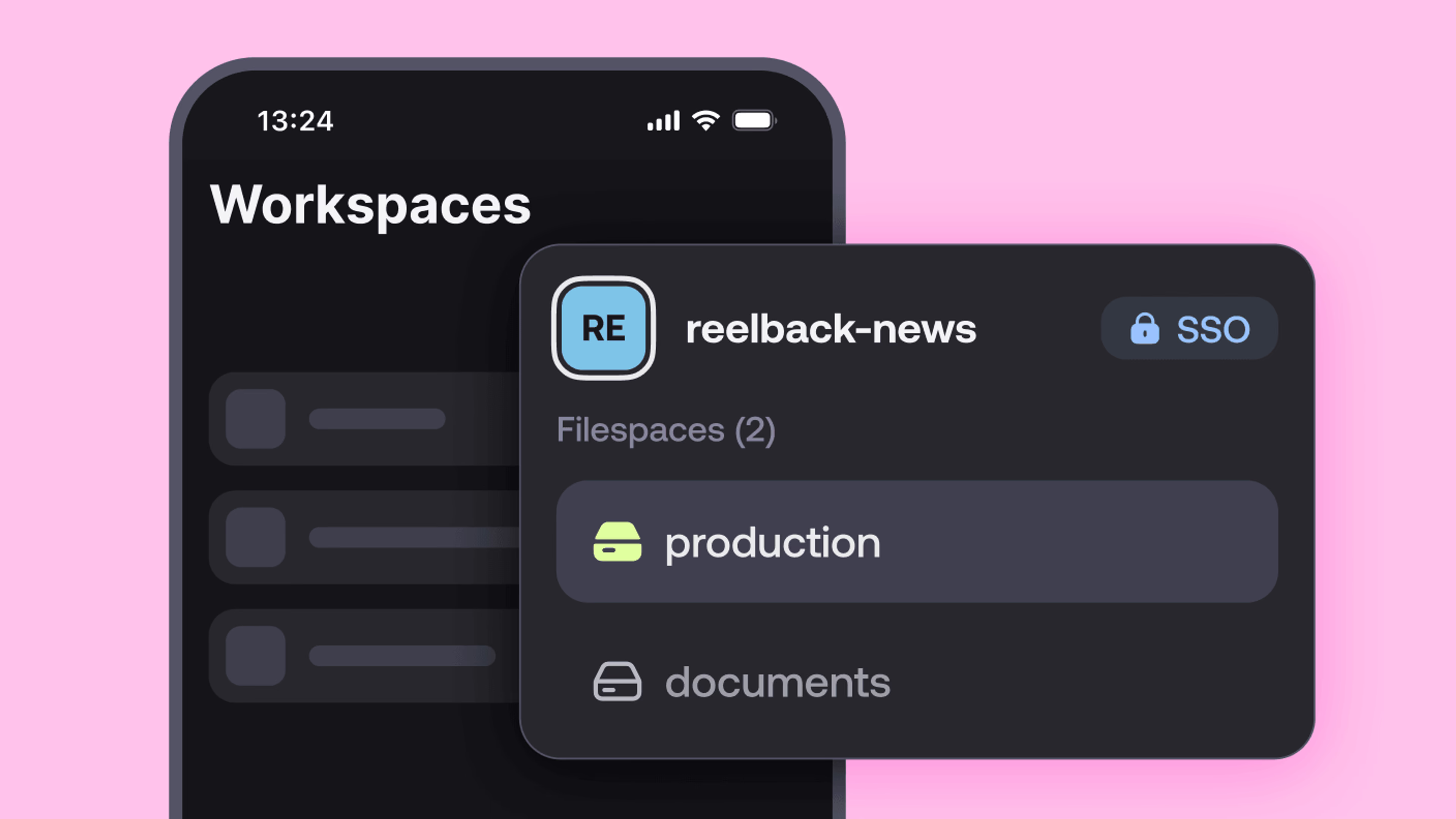
New on LucidLink Mobile: controls, sharing and more
Catch up on the latest LucidLink mobile app improvements, including new iOS controls, easier sharing and better transfer visibility.
02 November 2026, 2 mins read

Product & news
LucidLink wins 2026 Inc. Power Partner Award in AI, Technology & Development
LucidLink has been named a 2026 Inc. Power Partner in AI, Technology & Development, recognizing the results we deliver with customers and partners.
23 October 2026, 3 mins read

For developers
Product & news
A dashboard for your filespace, built where your keys are
Build a dashboard for your LucidLink Filespace from its audit trail with an agent skill for Claude Code and Codex, without touching zero-knowledge encryption.
19 October 2026, 4 mins read
Join our newsletter
Get all our latest news and creative tips
Want the details? Read our privacy policy. Not loving our emails?
Unsubscribe anytime or drop us a note at support@lucidlink.com.