Product & news
What’s new: Guest Access just got an upgrade
Last updated 31 August, 2026
2 mins

If you've been using Guest Access to share work with clients, contractors and vendors, this release is for you.
We've added new capabilities to give you more control over how you share content, and more visibility into the active shared links across your filespace.
Guest Access remains read-only. Guests can view and download but not edit, and links are generated by admins.
What's new with Guest Access
Auto-expiring guest links
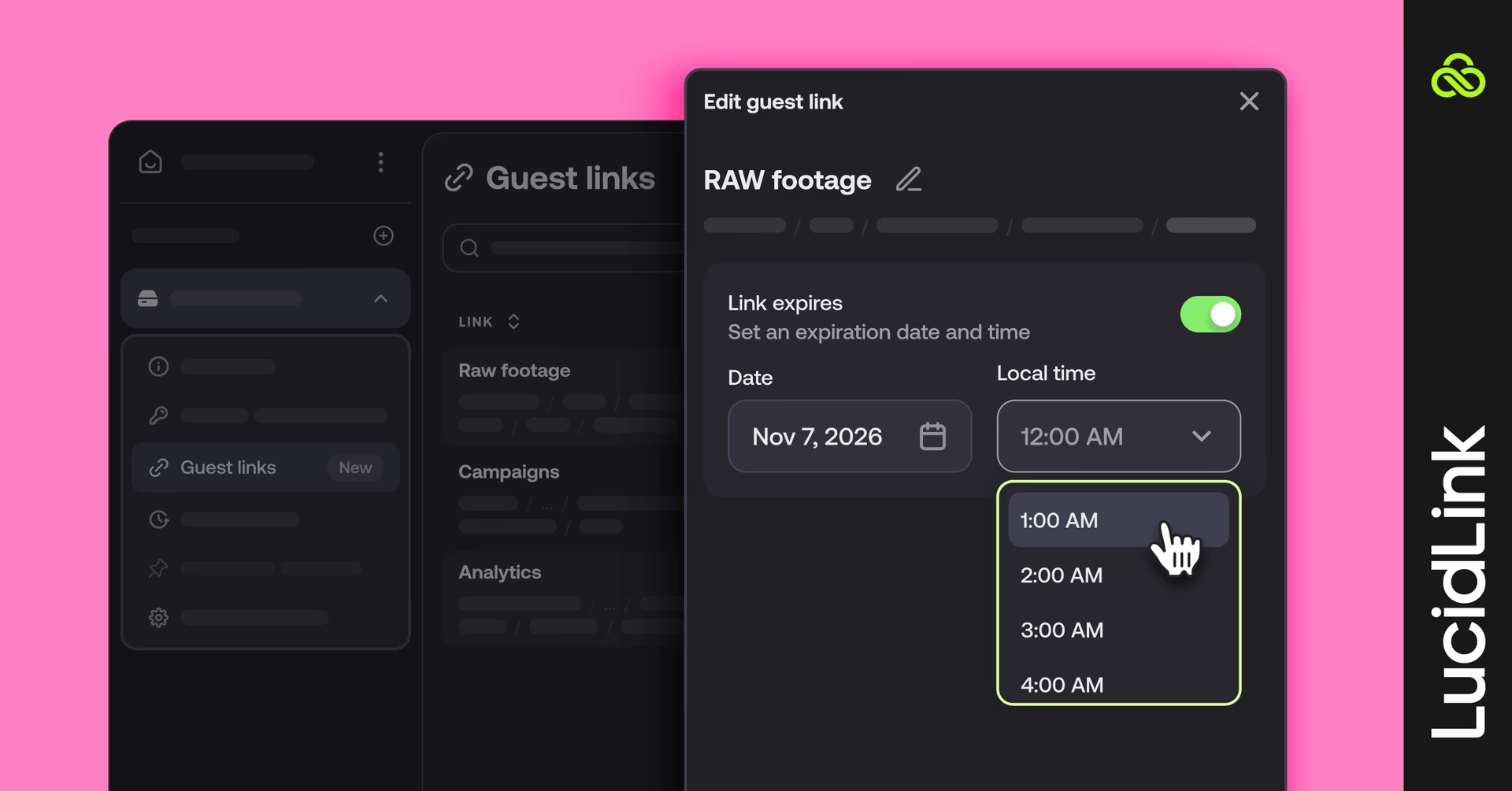
Guest links now support automatic expiration. Set a link to expire after a defined period and access cuts off automatically.
This is especially useful for contractor handoffs, client reviews and delivery workflows where content should be accessible for a defined window and no longer.
Auto-expiring links are available on Business and Enterprise plans.
Single file sharing
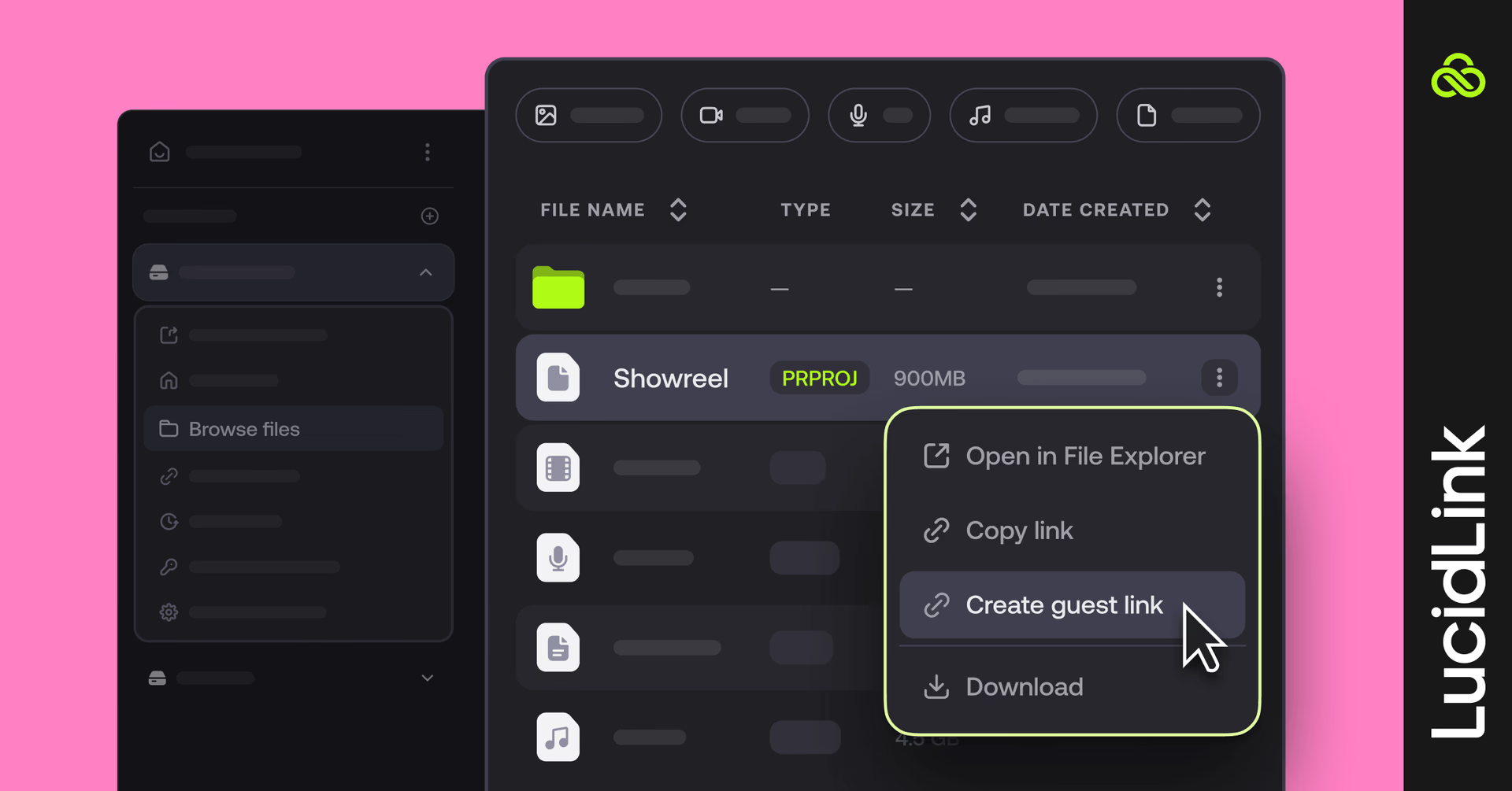
Previously, guest links could only be generated for folders. You can now share individual files, giving external collaborators access to exactly what they need (and nothing more).
Useful for sharing a single cut, a specific document or a final deliverable without exposing the broader project structure.
Guest Link Management Dashboard
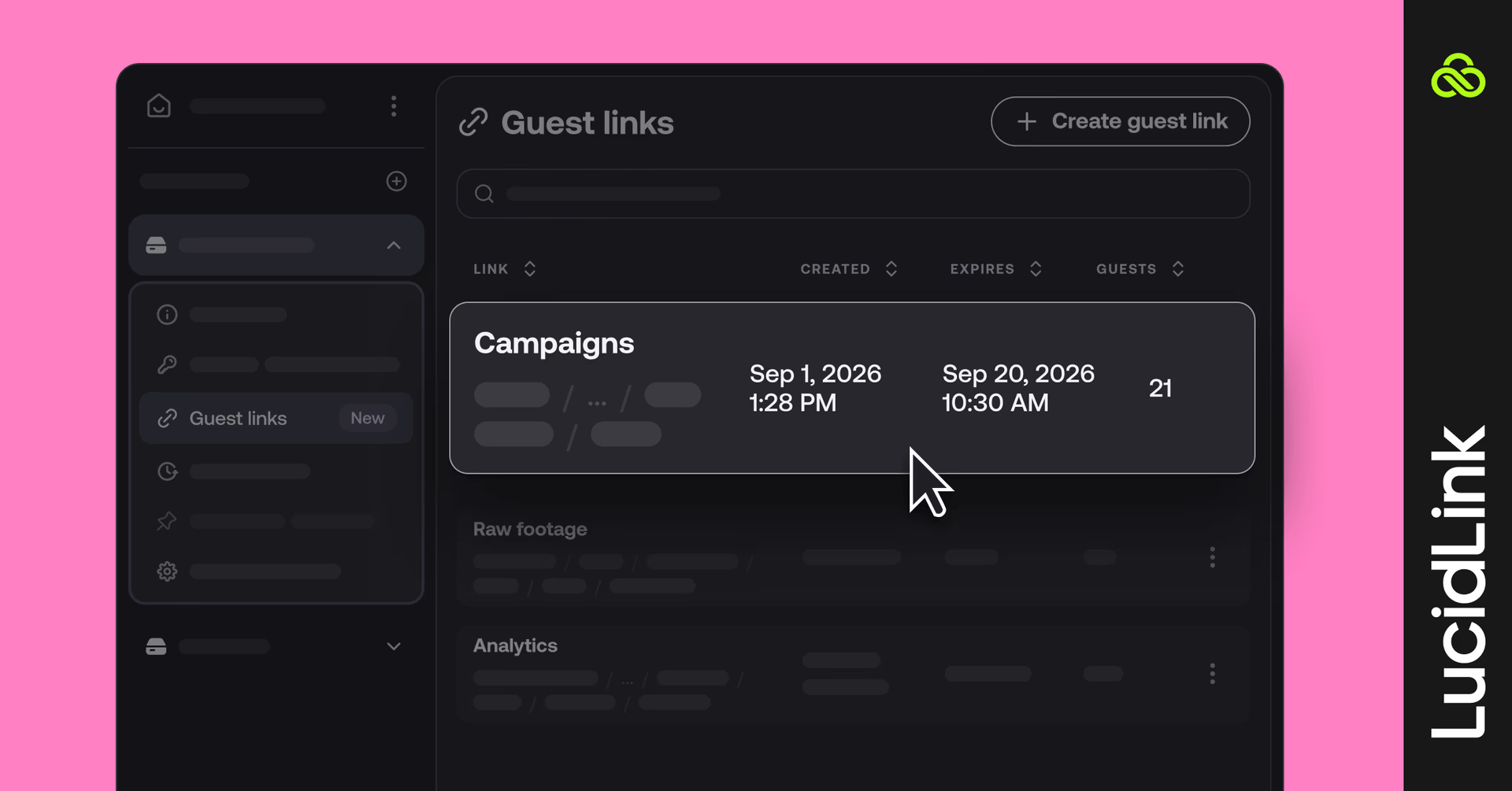
The new dashboard gives admins a single place to see every active guest link across your filespace: who created it, what it points to and when it expires.
From the dashboard you can:
View all active guest links in one place
Revoke access immediately when a project ends or a relationship changes
Monitor external sharing across your organization without relying on manual tracking
For teams with strict audit requirements or high contractor turnover, this replaces spreadsheet tracking and gives admins confidence that access is being managed consistently.
What this means for existing guest links
All guest links you've already generated will continue to work as before until they’re deactivated on December 1, 2026.
After that, you'll need to regenerate them using the new system to benefit from expiration controls and dashboard visibility.
If you'd like to re-share an existing link with expiration added, you can do so directly from the Guest Link Management Dashboard.
Plan availability
Guest link limits vary by plan. Starter plans will be able to generate up to 10 new guest links, Business up to 100 and unlimited for Enterprise. Limits apply per filespace.
Starter
Business
Enterprise
Feature
Guest Link Management Dashboard
Auto-expiring links
—
Guest links per filespace
Up to 10
Up to 100
Unlimited
File and folder sharing
Get started
Auto-expiring links, single file sharing and the Guest Link Management Dashboard are all available now.
Log in to your filespace to generate your first expiring link or review active guest links in the dashboard.
Keep reading

Product & news
LucidLink wins 2026 Inc. Power Partner Award in AI, Technology & Development
LucidLink has been named a 2026 Inc. Power Partner in AI, Technology & Development, recognizing the results we deliver with customers and partners.
23 October 2026, 3 mins read

For developers
Product & news
A dashboard for your filespace, built where your keys are
Build a dashboard for your LucidLink Filespace from its audit trail with an agent skill for Claude Code and Codex, without touching zero-knowledge encryption.
19 October 2026, 4 mins read
Product & news
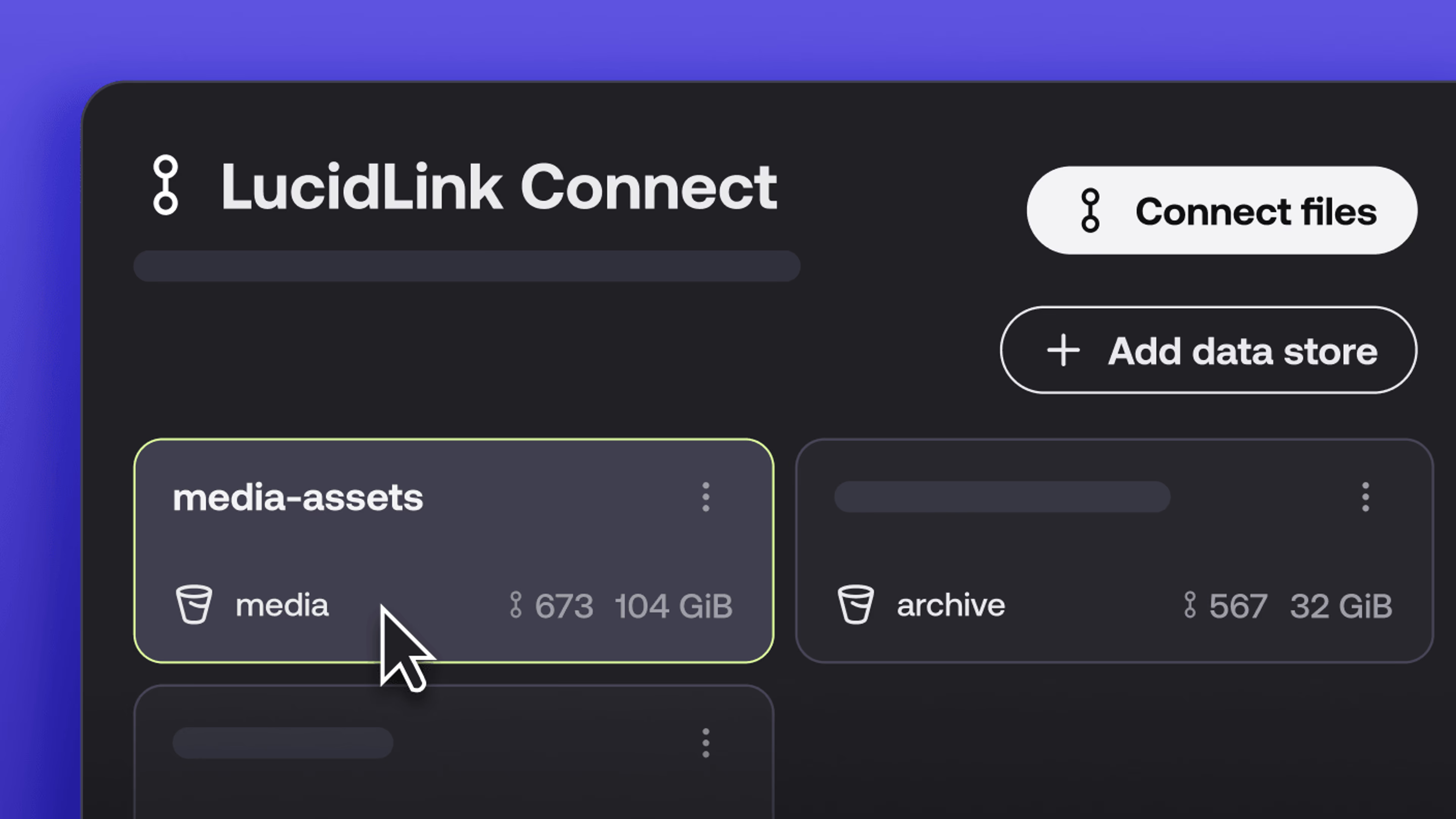
New in LucidLink Connect: simpler storage management
LucidLink Connect makes distributed storage easier to manage, with a new UI for connecting and managing data available through LucidLink.
06 October 2026, 2 mins read
Join our newsletter
Get all our latest news and creative tips
Want the details? Read our privacy policy. Not loving our emails?
Unsubscribe anytime or drop us a note at support@lucidlink.com.