Product & news
Hard links: one file, multiple paths, no duplication
Last updated 02 September, 2026
4 mins
VFX workflows run into the same problem.
The same file often needs to live in multiple places, across departments, pipeline stages and tool contexts. But duplicating it creates storage overhead, version confusion and broken references when something moves.
Hard links solve that. And they're now available in LucidLink at no additional cost.
What is a hard link?
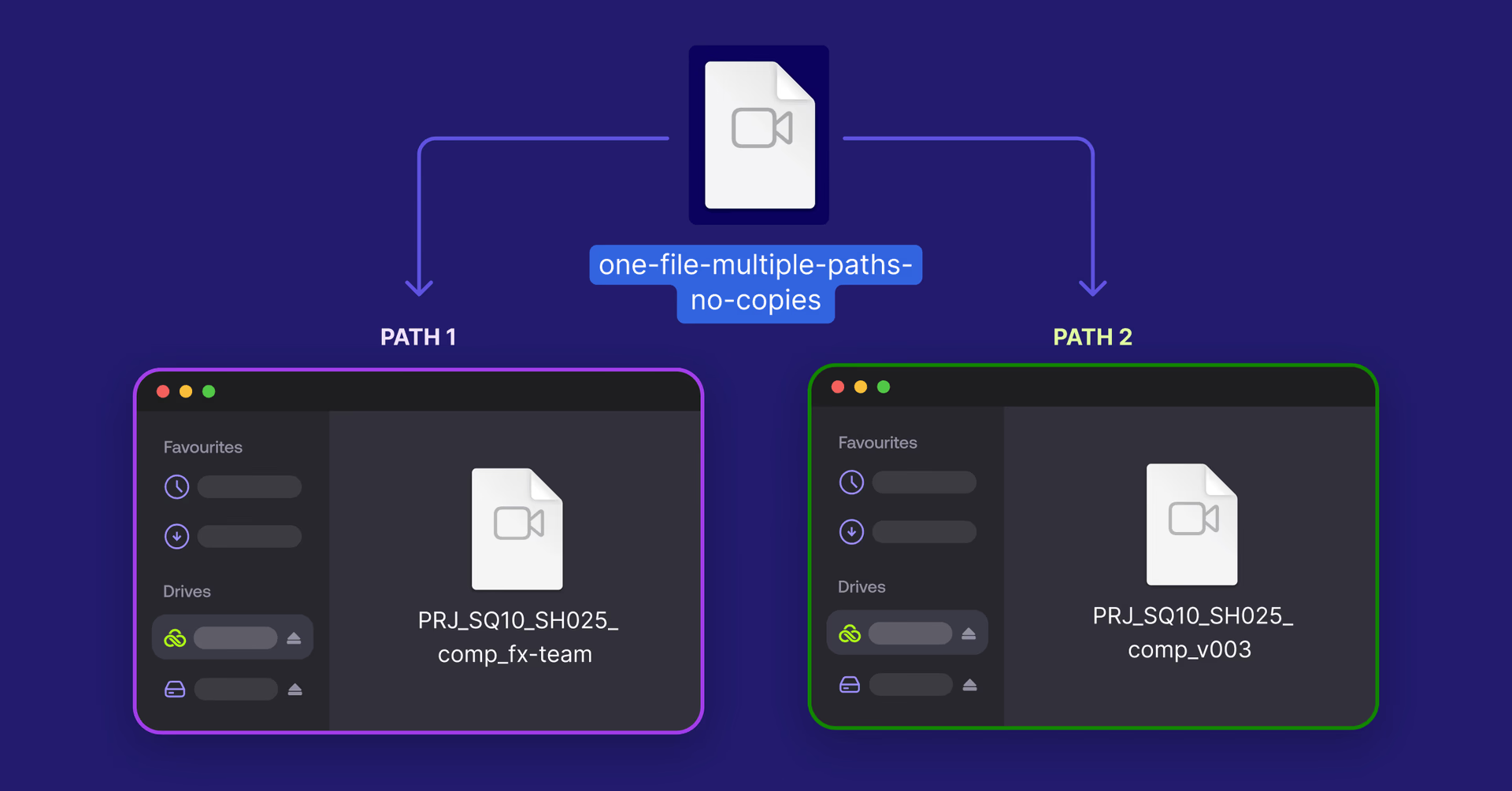
A hard link lets you have multiple paths pointing to the same underlying file without duplicating the data. Where a regular copy creates a second version of the file, a hard link creates a second reference to the same data.
In practice, that means users see the same content from any path that references the file. A change made through one link is immediately visible through all others. The file isn't deleted until every reference to it is removed. And renaming or moving a reference doesn't break anything, the underlying data stays exactly where it is.
Hard links in LucidLink
You can now create hard links with a single command. The link works at the filesystem level across your workspace. It’s compatible with the tools and pipelines your team already uses, with no additional configuration.
What this means in practice:
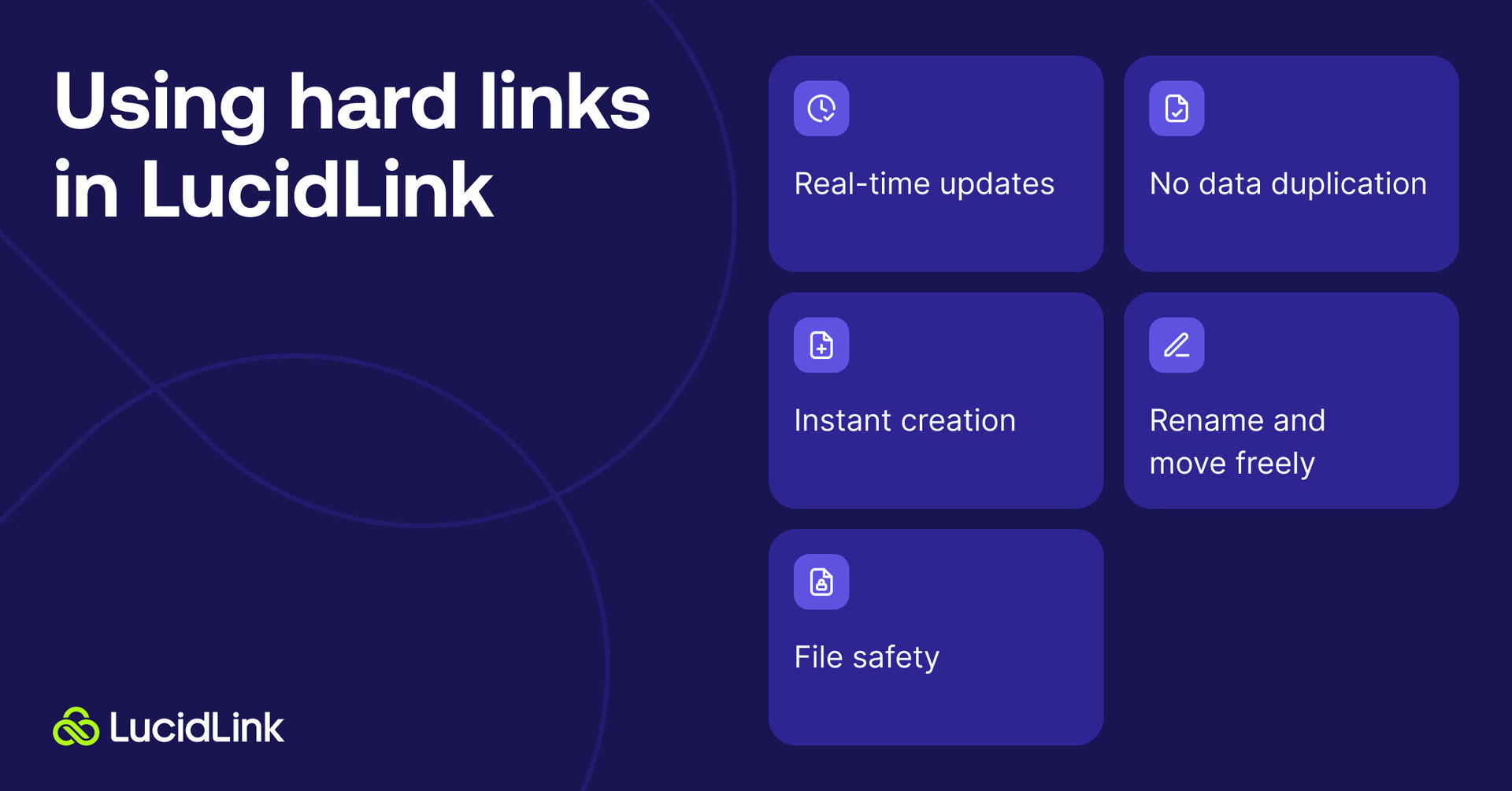
Real-time updates: a change made through any hard link updates the underlying file immediately. Every reference reflects the change in real time
No data duplication: the underlying file exists once. Hard links add paths, not copies
Instant creation: creating a hard link is immediate, regardless of file size
Rename and move freely: moving or renaming a hard link doesn't break other references or your pipeline. The connection to the underlying data stays intact
File safety: the file isn't deleted until every hard link pointing to it has been removed
Create hard links with the Python SDK
Hard links can be created through the LucidLink Python SDK on Windows, macOS and Linux.
That removes the dependency on operating system or mount type, so scripts, pipeline tools and partner integrations, including tools like Studio Monkey and Slingshot, can create hard links directly against the filespace.
Once created, hard links work as expected across LucidLink platforms. For VFX and post-production teams, that means the same integration can support artists working across Windows, macOS and Linux environments.
We’ll add native hard link creation from the desktop client on more platforms in future releases.
Why this matters for VFX teams
VFX pipelines are built around the same files being accessed from multiple contexts simultaneously.
A plate lives in the ingest folder, gets referenced in the comp and appears in the edit, and feeds the review session, often with different teams touching it at different stages.
The traditional workaround is duplication. Files get copied into each context, which means multiple versions in storage, no single source of truth and broken references whenever something moves.
With hard links, VFX pipelines run natively on LucidLink without any of that overhead. Tools like ShotGrid, Studio Monkey and Slingshot can reference the same underlying data from different paths (the way they expect to work), with integrations that work across Windows, macOS and Linux.
"LucidLink hard links perform just like hard links on local storage: nearly instant, with no duplicate data. In our tests, linking a full VFX delivery was about 500× faster than copying it on the filespace. For a Studio Monkey workflow, you can now reclaim months of copy time per project and use over 60% less disk space doing it. With support for hard links already integrated into Studio Monkey, our clients on LucidLink now get to reap the benefits, and hours become seconds."
Zach Tucker, Founder & Chief Architect, Studio Monkey
Hard links and LucidLink Connect
Hard links work alongside LucidLink Connect, which surfaces files from your external storage and cloud drives directly into your filespace, without downloads or migration.
Combined, that means you can reference external data from multiple pipeline contexts without duplicating it.
For example, footage lands in Frame.io via camera-to-cloud and LucidLink Connect makes it available in your filespace. Hard links let your ingest folder, comp environment and edit suite each have their own path to the same underlying frames, without any of them creating a copy.
Or for project templating: shared assets live in one location via Connect. New projects hard link to them rather than copying them. You update the asset once and it's current everywhere.
Plan availability
Hard links are available now at no extra cost across all LucidLink plans.
Hard links work at the filesystem level within a single filespace. Links can’t span across separate filespaces.
Get started
Hard links are available now, log in to your filespace to get started.
Keep reading

Product & news
LucidLink wins 2026 Inc. Power Partner Award in AI, Technology & Development
LucidLink has been named a 2026 Inc. Power Partner in AI, Technology & Development, recognizing the results we deliver with customers and partners.
23 October 2026, 3 mins read

For developers
Product & news
A dashboard for your filespace, built where your keys are
Build a dashboard for your LucidLink Filespace from its audit trail with an agent skill for Claude Code and Codex, without touching zero-knowledge encryption.
19 October 2026, 4 mins read
Product & news
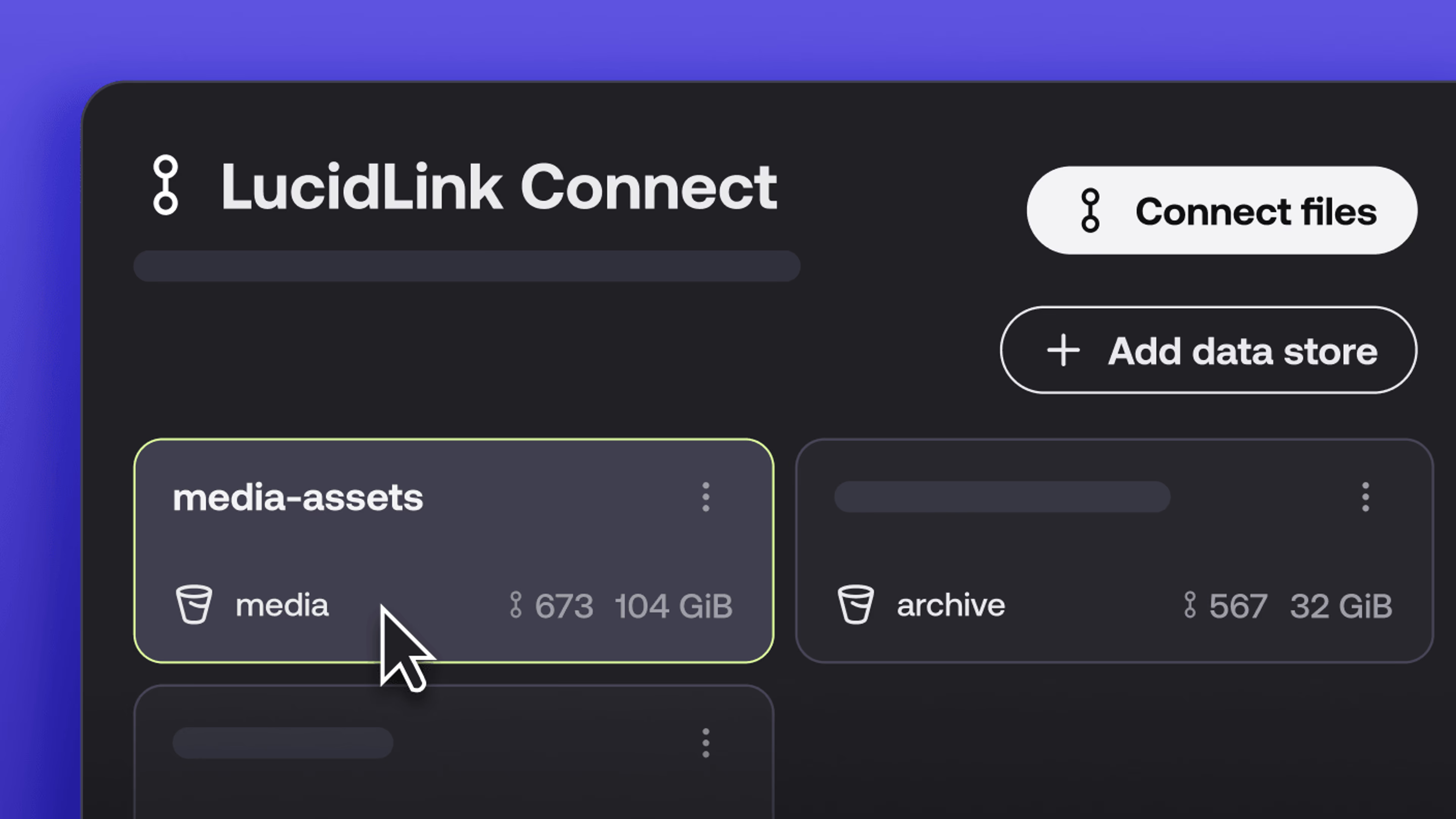
New in LucidLink Connect: simpler storage management
LucidLink Connect makes distributed storage easier to manage, with a new UI for connecting and managing data available through LucidLink.
06 October 2026, 2 mins read
Join our newsletter
Get all our latest news and creative tips
Want the details? Read our privacy policy. Not loving our emails?
Unsubscribe anytime or drop us a note at support@lucidlink.com.