Product & news
New in LucidLink Connect: simpler storage management
Last updated 06 October, 2026
2 mins
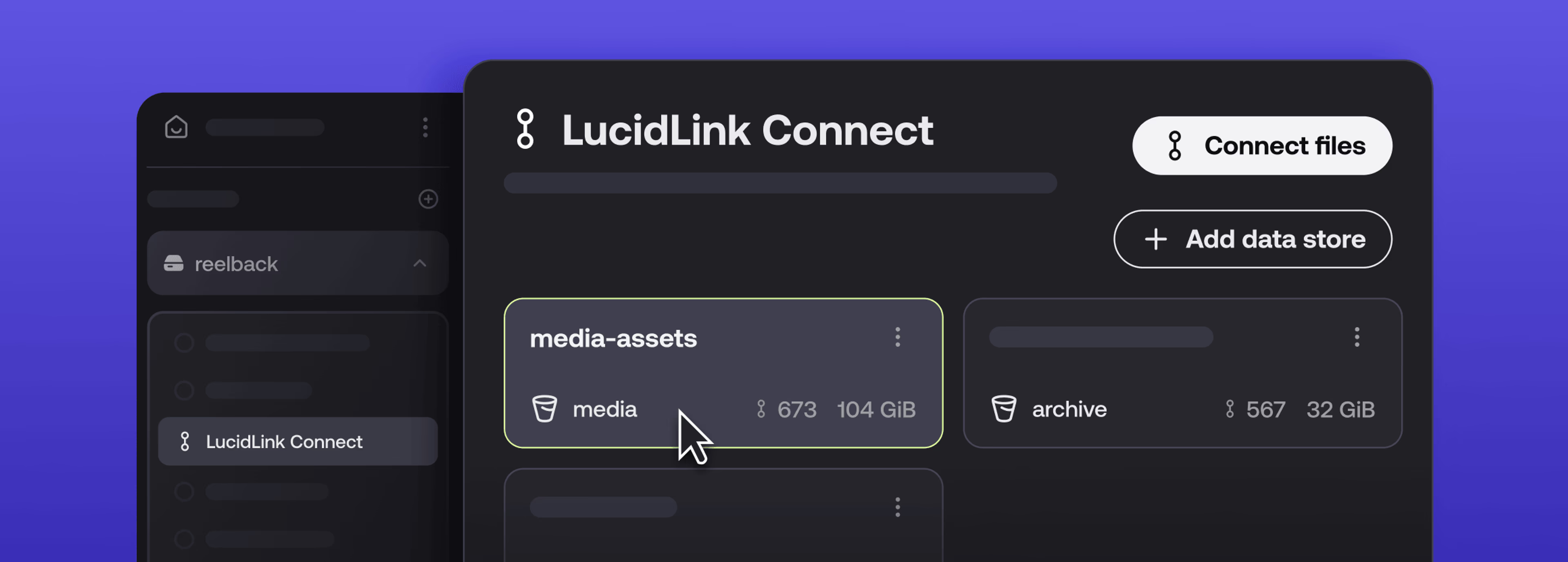
LucidLink Connect launched earlier this year to let teams browse and stream files from existing storage without migrating them first.
Now managing Connect is much simpler.
A new management UI makes it easy for IT admins to connect, monitor and manage existing storage.
Work with data wherever it lives
Enterprise data doesn’t live in one place.
Teams might have active data in AWS, archives in S3-compatible storage and project files in SharePoint, Dropbox, Frame.io and more. The files within these systems often need to remain in place to maintain workflows, governance and automations already built around them.
For many businesses this creates a difficult choice: migrate everything to make it easier to work with, or leave data where it is and accept a more limited experience.
LucidLink Connect removes this trade-off by giving you a single access layer across the storage you already use. Files remain where they already live, while your team can find and work with them through the same LucidLink Filespace.
You keep storage, policies and automations in place while accessing connected files through LucidLink.
A simpler way to manage distributed storage
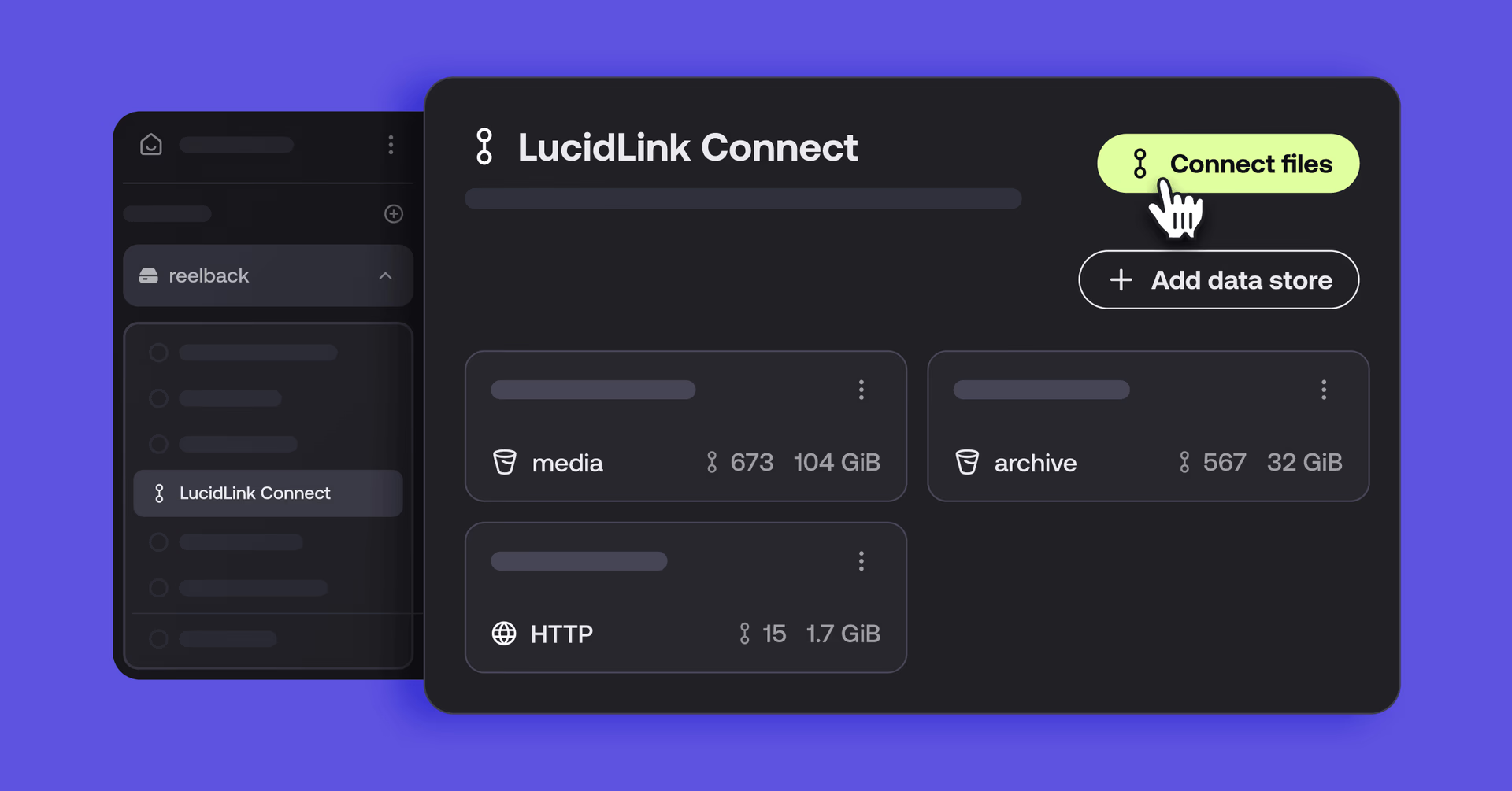
The new management UI gives IT admins point-and-click controls over the connected storage you manage day to day.
Filespace Admins can now:
Add a new storage connection in a few clicks
See every connected source and what each supports
Browse S3 buckets before deciding what to connect
Connect specific files or collections of files
See how much data you’ve connected
IT admins get one place to connect, monitor and manage existing storage, without scripts, data duplication or risk to source files.
As your storage footprint and tools evolve, this makes it much easier to keep access manageable without changing the systems, governance and workflows already underneath.
What this changes for teams
The latest Connect updates make distributed storage easier to manage and easier to work with.
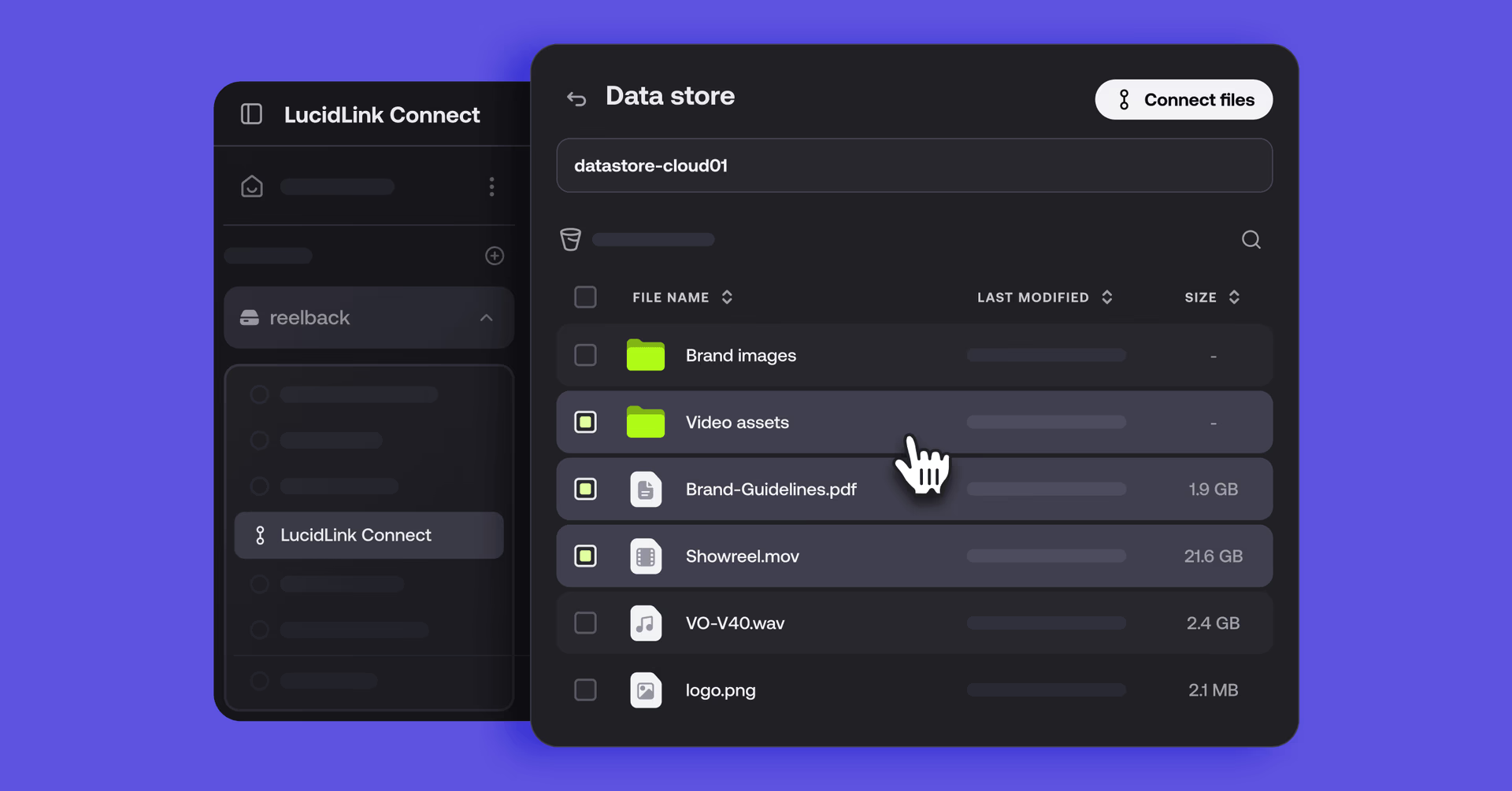
You get a universal access layer across your data, whether files live in LucidLink or across the storage systems you already use.
Storage admins can configure connected storage and control what becomes available.
For end users, the experience stays familiar. Connected files appear in the same LucidLink Filespace, ready to open and work with in the apps you already use.
Your business can make the most of your existing content and storage investments, without rebuilding the systems around them.
Available now (with more to come)
The new Connect management UI is available now for Connect customers. If you're already using Connect, log in to your filespace to get started.
Coming soon: Publish will let you send finished work to supported destinations across your workflow without a separate transfer step.
To find out more, explore the Connect page or talk to our team.
Keep reading

Product & news
LucidLink wins 2026 Inc. Power Partner Award in AI, Technology & Development
LucidLink has been named a 2026 Inc. Power Partner in AI, Technology & Development, recognizing the results we deliver with customers and partners.
23 October 2026, 3 mins read

For developers
Product & news
A dashboard for your filespace, built where your keys are
Build a dashboard for your LucidLink Filespace from its audit trail with an agent skill for Claude Code and Codex, without touching zero-knowledge encryption.
19 October 2026, 4 mins read

Product & news
LucidLink named Leader in G2's Cloud File Storage report: here’s what customers say
See why LucidLink is a leader and rated #1 for customer satisfaction on G2’s Cloud File Storage report.
03 September 2026, 3 mins read
Join our newsletter
Get all our latest news and creative tips
Want the details? Read our privacy policy. Not loving our emails?
Unsubscribe anytime or drop us a note at support@lucidlink.com.