Product & news
LucidLink Mobile: your filespace, in your pocket
Last updated 02 June, 2026
3 mins
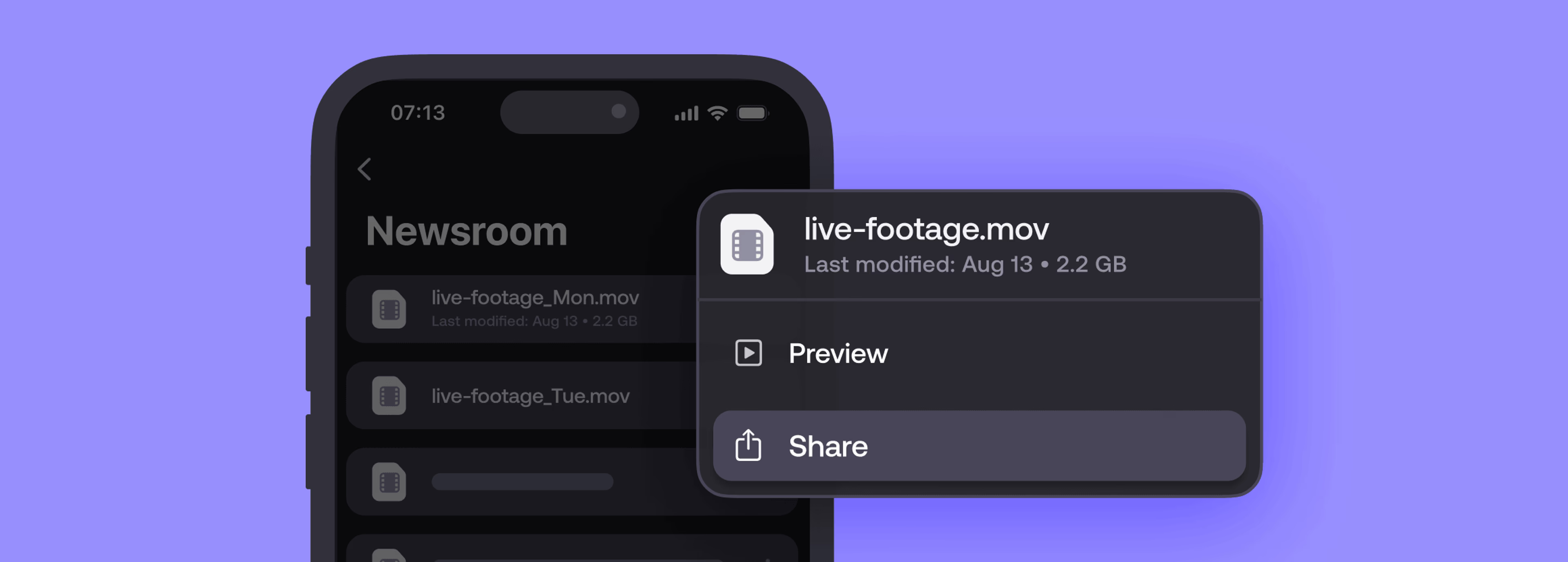
Capturing quality content in the field is easier than ever.
But getting that content into your workflow so teammates can use it? Not so simple.
LucidLink Mobile changes that.
It extends your shared LucidLink filespace to iOS and Android, so you can upload from the field, preview files on the go and keep projects moving, wherever you’re working.
Some work can’t wait until you’re back at base
For journalists, field crews and distributed teams, the gap between content capture and your team getting access has always been frustrating.
Upload, wait, share a link, download, relink. Or just wait until you're back at base.
For fast-moving workflows, it simply doesn't work.
LucidLink Mobile removes those steps entirely by connecting field capture to desktop workflows in real time.
We've got all these reporters out at events, sports matches, breaking news. The best camera is the one you have with you. But we need to make it so easy they can capture video, hit send and then get back to writing their story.
Mark Asquith,Head of AV, DC Thomson
Upload from the field and your team can access the files immediately in the same shared filespace they already work from.
What’s new in LucidLink Mobile
We’ve upgraded our mobile capabilities across capture, navigation, collaboration and security so now your LucidLink filespace really feels like it’s in your pocket.
Faster capture and upload
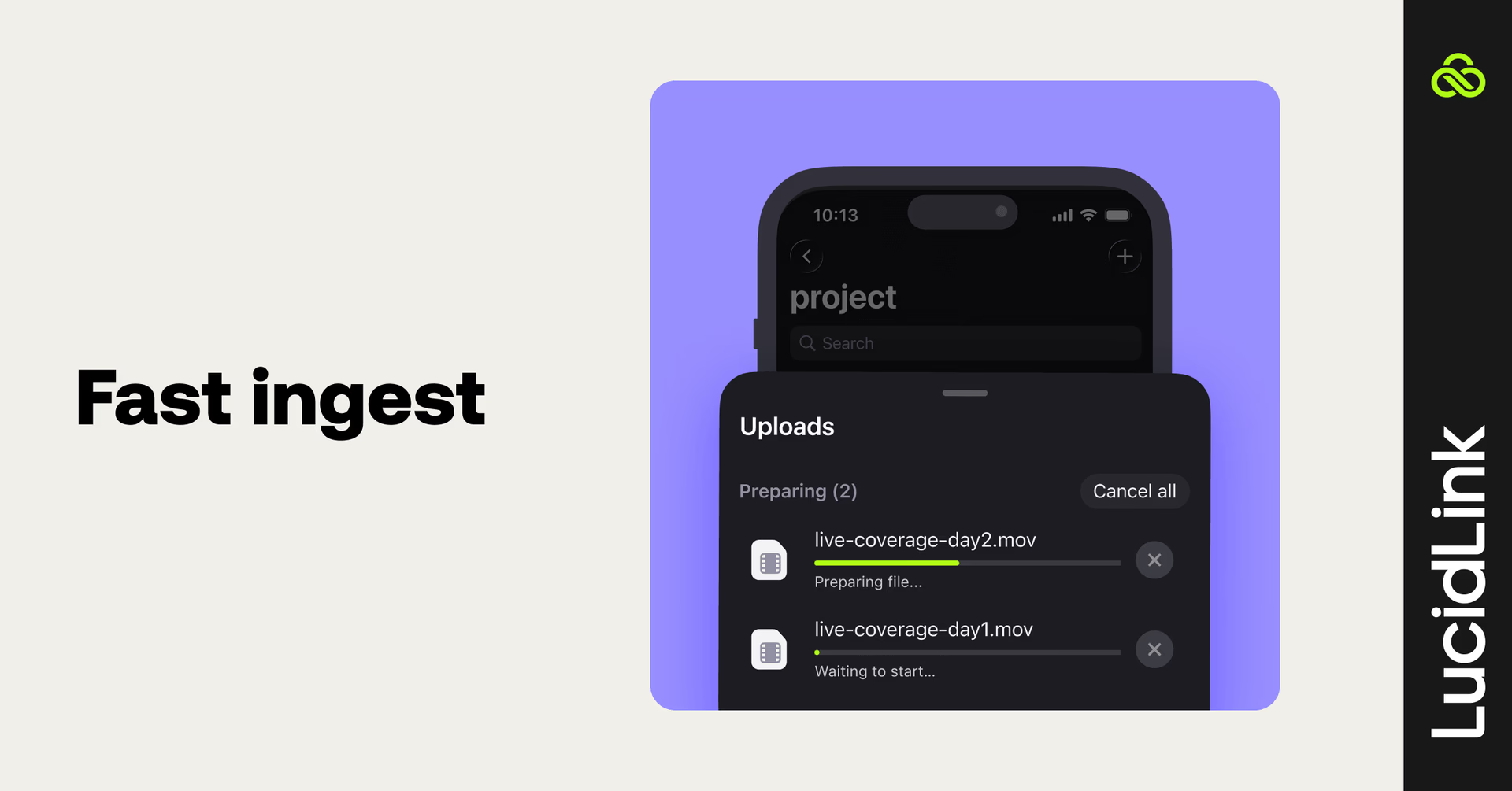
You can upload multiple files at once on iOS and Android, with uploads continuing in the background while you keep working. Your files keep moving, even if you switch apps or lock your screen.
And if your connection drops, our mobile app automatically pauses and resumes your upload when connectivity returns. No lost progress or starting over.
Browse and preview without downloading (coming soon)
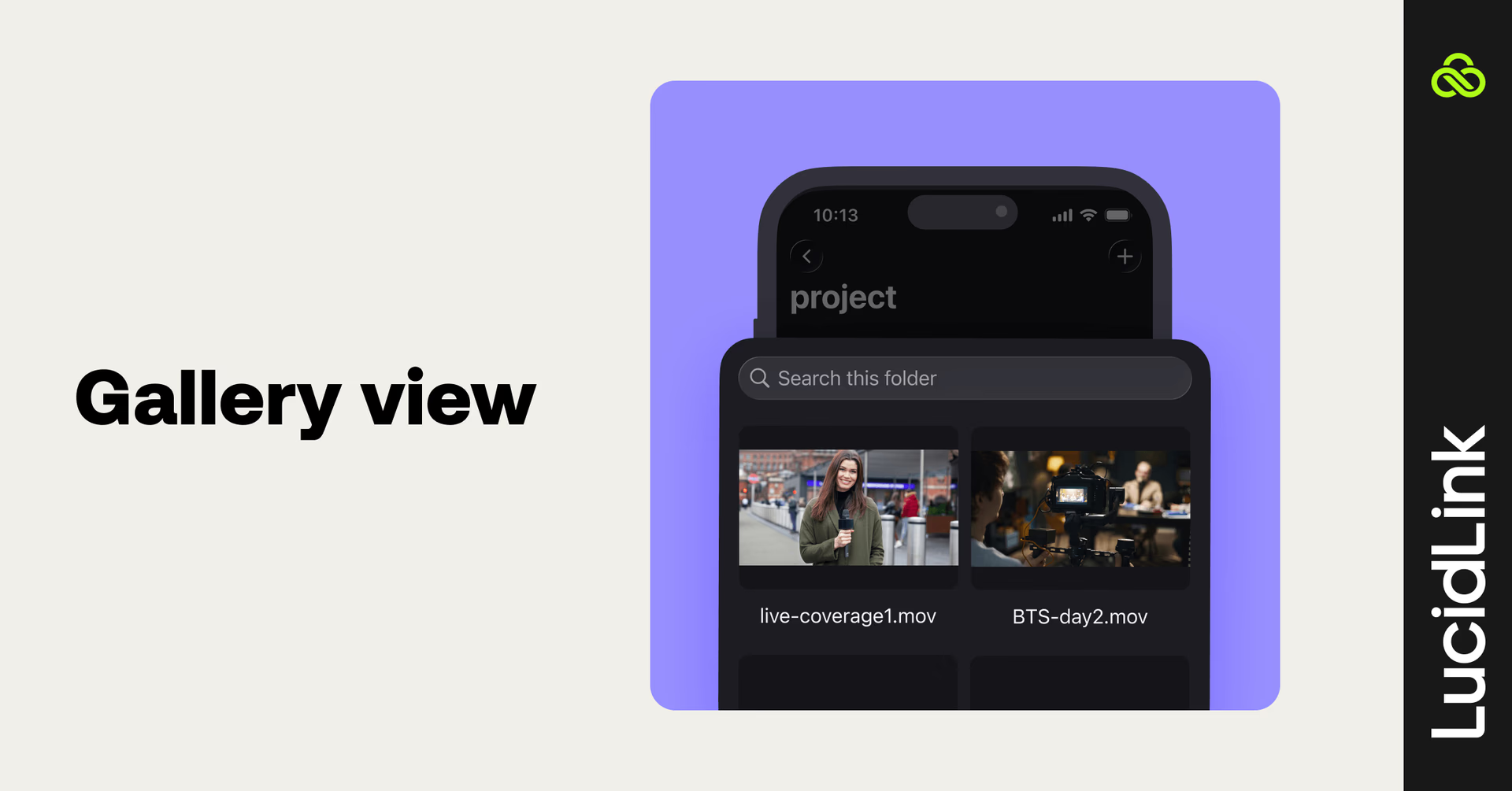
New thumbnail previews and gallery-style browsing make it faster to scan and verify content without opening individual files. Stream video and audio directly in the app, review and approve from wherever you are.
More control from mobile
Mobile is no longer view-only. Keep projects tidy without waiting to get back to your desk.
Rename, move and delete files, create folders and manage your project structure directly from your phone. Batch operations make bulk organizing faster.
Find what you need, faster
In-folder search, direct links to files and folders and permission-aware share links mean less time navigating and more time working.
Security and access
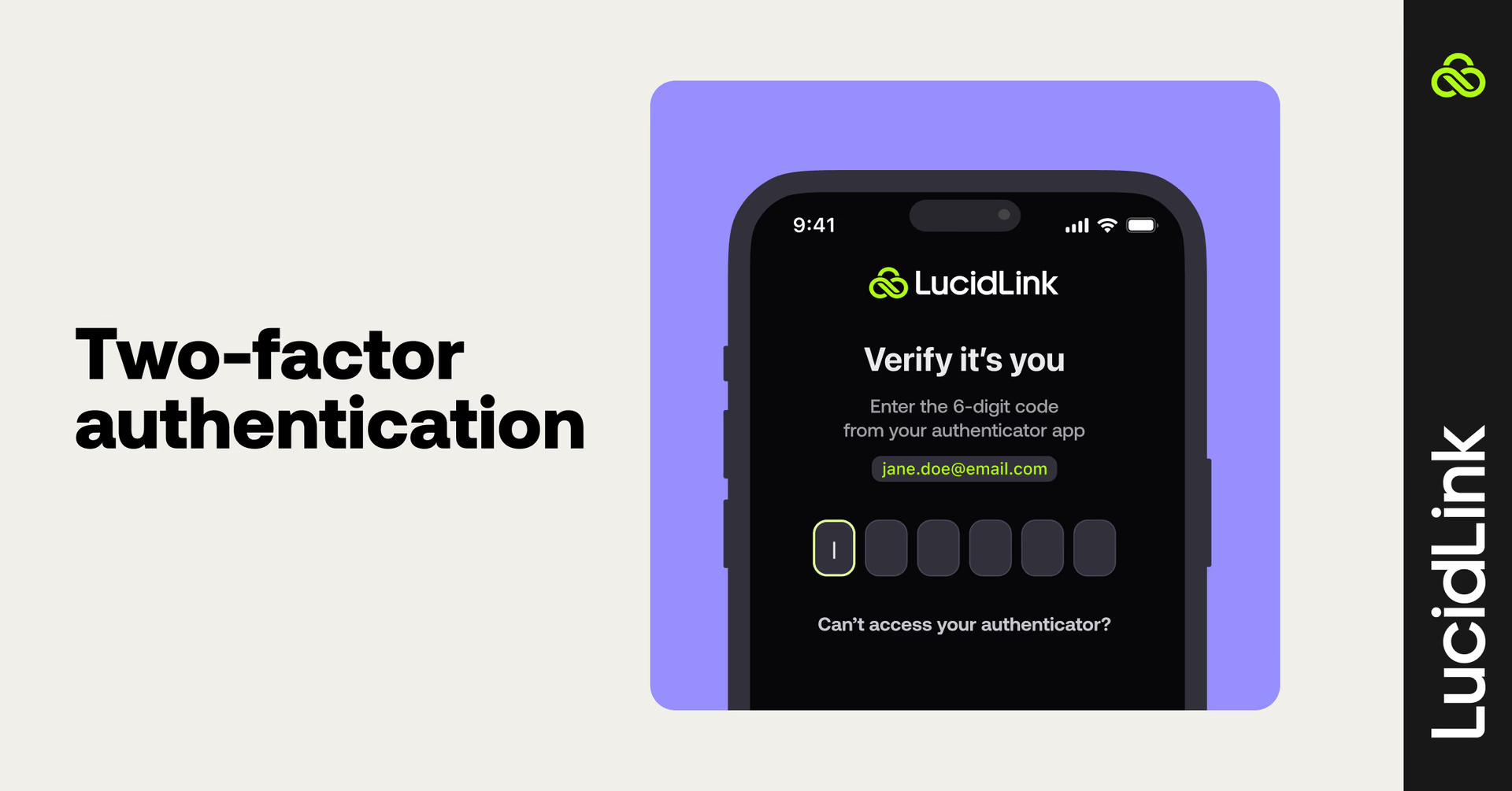
SSO (SAML), two-factor authentication and MDM deployment support mean teams can securely onboard and access LucidLink from any device. Multi-workspace support and permission-aware access controls keep everything locked down without slowing anyone down.
From mobile to desktop, without the wait
Everything you capture on mobile lands directly in your shared filespace.
This means your desktop team can pick up content from the field immediately and work as they normally would in the tools you use every day. There are no extra steps. Your team just works from one filespace, accessible everywhere.
I’ve been able to make progress on edits even when I was on the go — running errands or traveling.
Katie Wade,US Head of Post Production, Casual
Built for teams that work everywhere
Content and social teams
Capture on mobile, upload instantly and move straight into editing workflows.
"We had editors and a social team working side by side. As soon as we exported content, it was instantly available to the social team. They could review, approve and post within minutes — sometimes under ten minutes," Samer Abou-Zaki, Senior Director of Production and Creative, ZakiRose.
Journalists and news teams
Report from the field and make content available to your newsroom in real time. No waiting until you're back at base.
Field and site teams
Upload site photos and footage directly into shared project folders. Your office team has them the moment you hit upload.
Collaborators
Review, share and contribute from anywhere. Mobile is now a full part of the workflow, not a workaround.
Explore our mobile workflows to see how teams are using LucidLink Mobile in the field.
Get started on LucidLink Mobile
LucidLink Mobile is available now on iOS and Android.
Sign in with your existing credentials or SSO and your filespace is right there, ready to go.
Keep reading

For developers
Product & news
A dashboard for your filespace, built where your keys are
Build a dashboard for your LucidLink Filespace from its audit trail with an agent skill for Claude Code and Codex, without touching zero-knowledge encryption.
19 October 2026, 4 mins read
Product & news
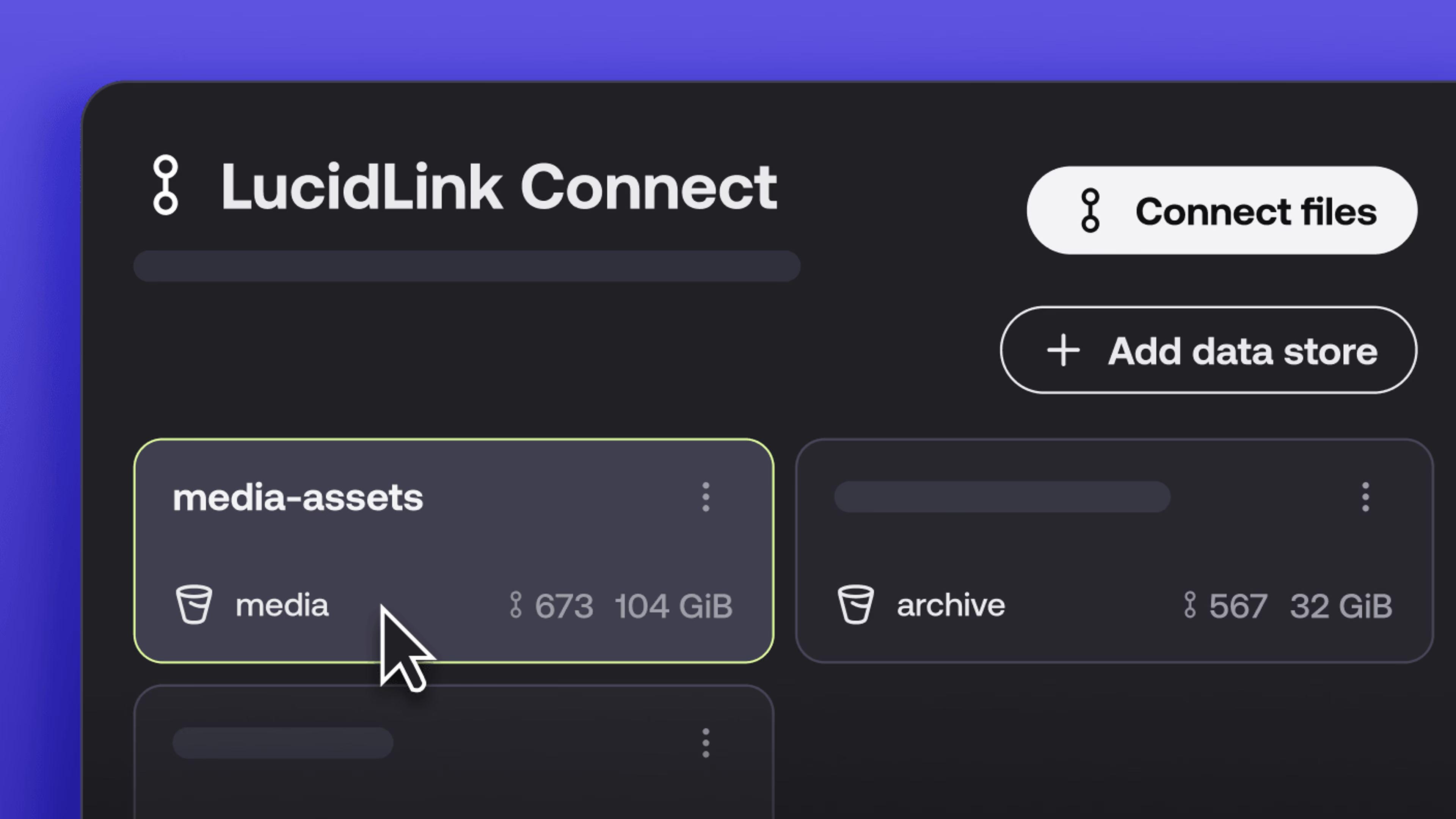
New in LucidLink Connect: simpler storage management
LucidLink Connect makes distributed storage easier to manage, with a new UI for connecting and managing data available through LucidLink.
06 October 2026, 2 mins read

Product & news
LucidLink named Leader in G2's Cloud File Storage report: here’s what customers say
See why LucidLink is a leader and rated #1 for customer satisfaction on G2’s Cloud File Storage report.
03 September 2026, 3 mins read
Join our newsletter
Get all our latest news and creative tips
Want the details? Read our privacy policy. Not loving our emails?
Unsubscribe anytime or drop us a note at support@lucidlink.com.