Creative production
14 best motion graphics software & tools
Last updated 20 May, 2026
11 mins
Motion graphics have come a long way since 1955.
That’s when Saul and Elaine Bass used bold geometric stripes and striking animation to liven up the film credits for The Man With The Golden Arm. Their combination of text, color and motion set a new standard and laid the foundation for modern motion graphics.
Fast forward to today and motion graphics are everywhere: from social media and ads, to fast-food menu screens and news banners.
But with so many applications there’s also a wide range of motion graphics software, each with its own strengths and learning curve.
We’ve rounded up the best motion graphics software to help you find the right tool for your next project.
How to choose the best motion graphics software
Creating motion graphics by manually photographing sequential images — like animators did back in the day — might have a certain charm, but it’s pretty time-consuming.
Motion graphics software streamlines that process and gives you considerably more control over the elements and complexity of your design. Before picking a tool, consider the following questions.
What’s your primary use case? Are you looking to specialize in 2D animations, 3D animations or both? Will you be producing material for film, websites, games or commercial work? Different tool sets are built to accommodate these types of work.
What’s your experience level? Some tools are well known for being beginner-friendly, with robust online tutorials and communities to help you grow. Others are more like flying a fighter jet. Pick the right one for where you are right now.
What other tools will you be using? If you’re already well versed with software like Photoshop or Illustrator, you will want something that integrates with those tools. If you have clients that only use DaVinci Resolve, make sure your work will export appropriately. Make sure your tools fit in with your existing workflow.
What’s your budget? Some professional-grade motion graphics software can be used for free. Others cost thousands of dollars per year. Take your current and future budget into account when evaluating software.
How important is community support? Some modern creatives are almost entirely self-taught, relying on robust online communities to problem-solve. Poke around any given motion graphics software community to see which will provide the sort of network and support you need.
How will you collaborate? Motion graphics notoriously produce huge files, which can disrupt workflows and slow down collaboration, especially within a fast-moving VFX pipeline. For projects that demand seamless collaboration, LucidLink makes it easy to work with large files in real time. That means no more waiting for uploads or downloads, just fast access and teamwork, no matter where you're working.

The 14 best motion graphics software
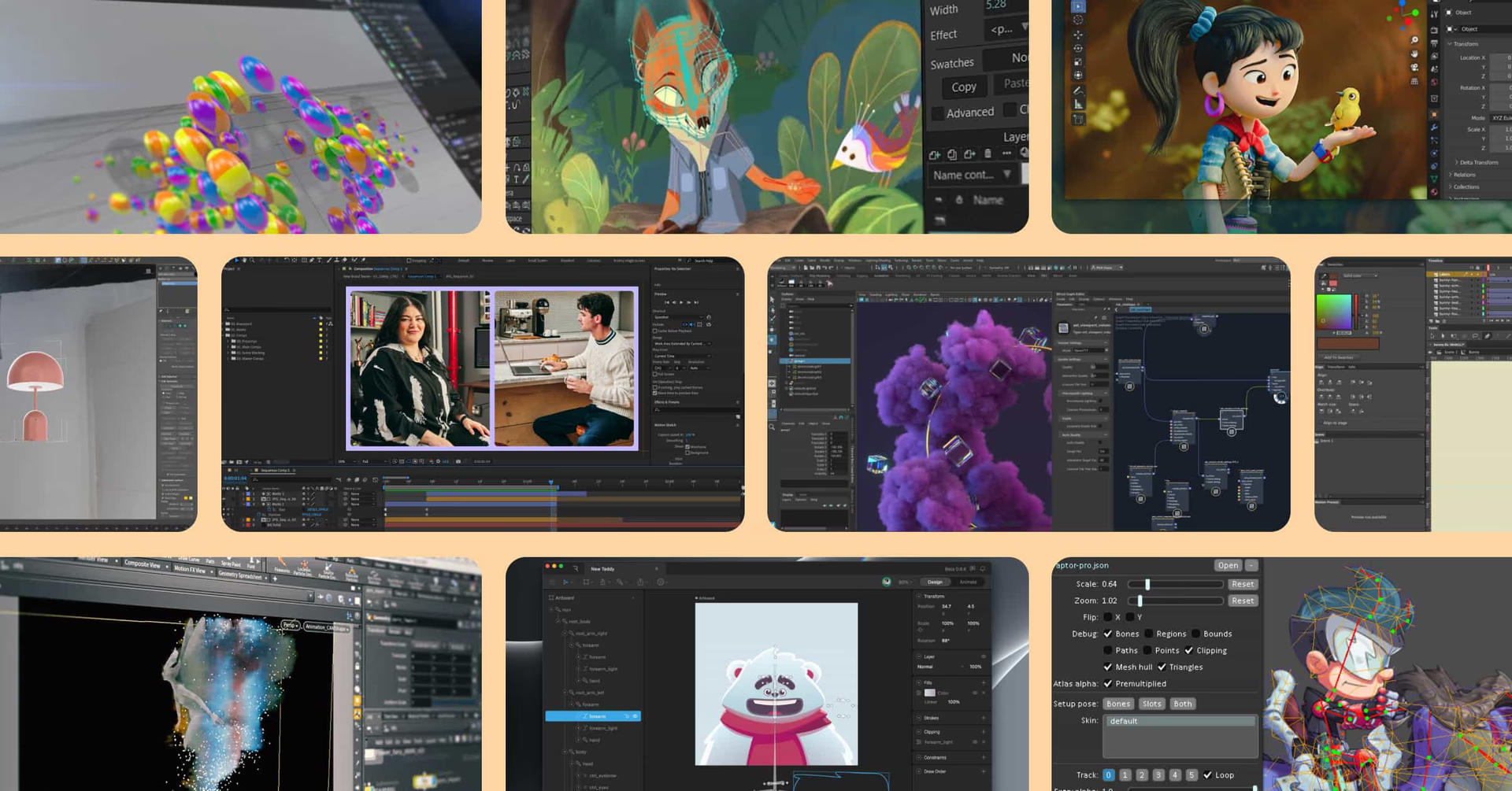
Now that we’ve considered some of the key questions to ask before picking a piece of motion graphics software, let’s look at some of the top tools available today.
Whether you're working on 2D animations, 3D visuals or complex motion graphics, these tools are widely used by media and entertainment teams and offer something for every project and skill level.
After Effects
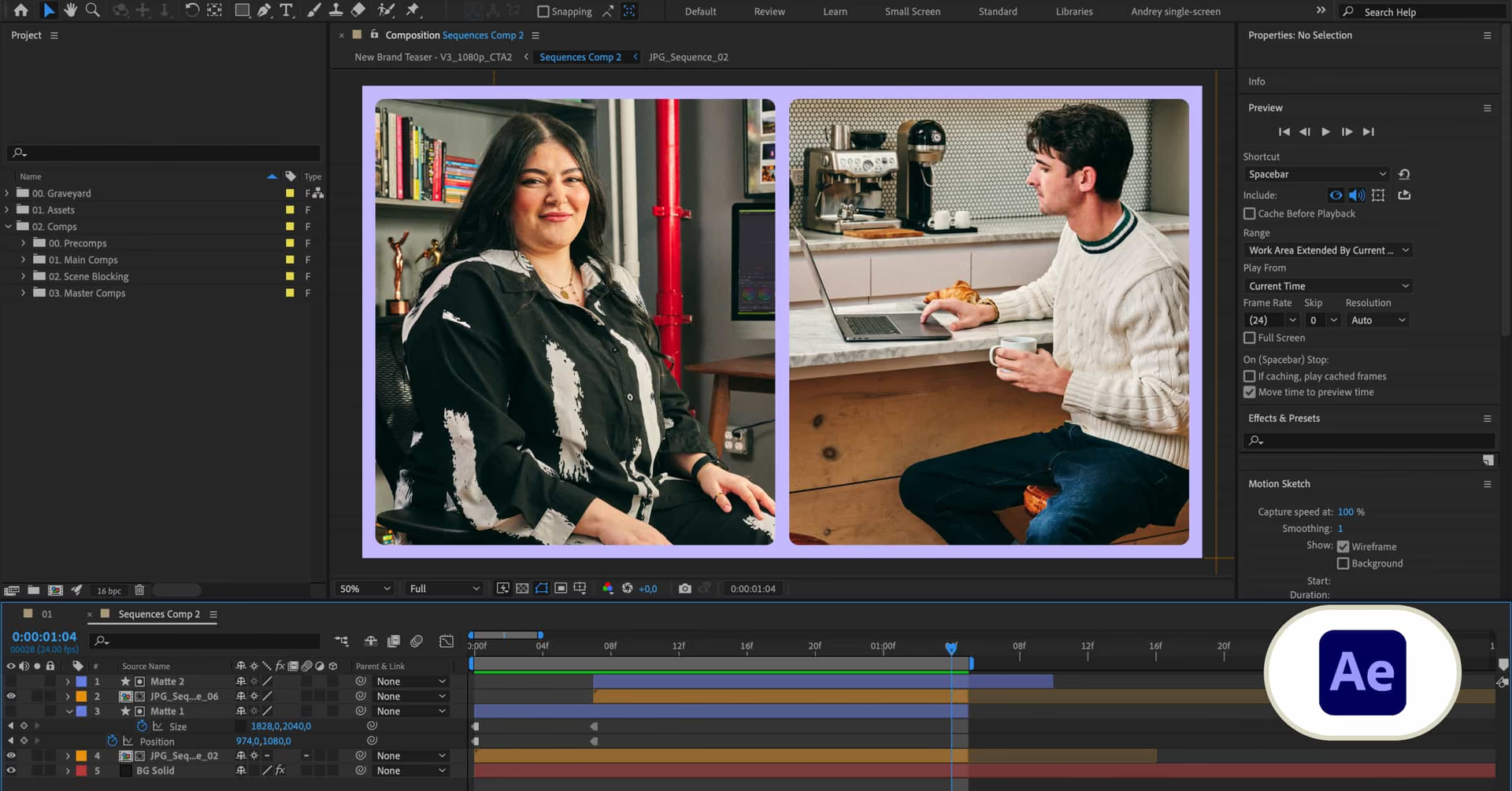
After Effects is one of the go-to tools in motion graphics. It syncs neatly with the rest of Adobe’s Creative Cloud, including Illustrator and Photoshop, allowing you to animate still images and illustrations, add motion to your text, create 3D animations or even layer special effects over preexisting video footage. That means it’s a good do-everything tool right out of the box for many designers.
Key features:
Layer-based compositing lets you configure video, text and imagery in sequence
Set keyframes for properties including position, scale and rotation
Vast library of presets and effects
Huge user base means lots of online tutorials and support
Pricing: After Effects is available for individuals for $22.99/month or as part of the entire Creative Cloud of apps for $59.99 per month. For teams and businesses, the costs increase to $37.99 per month per user for just After Effects and $89.99 per month per user for the entire Creative Cloud.
Pencil2D
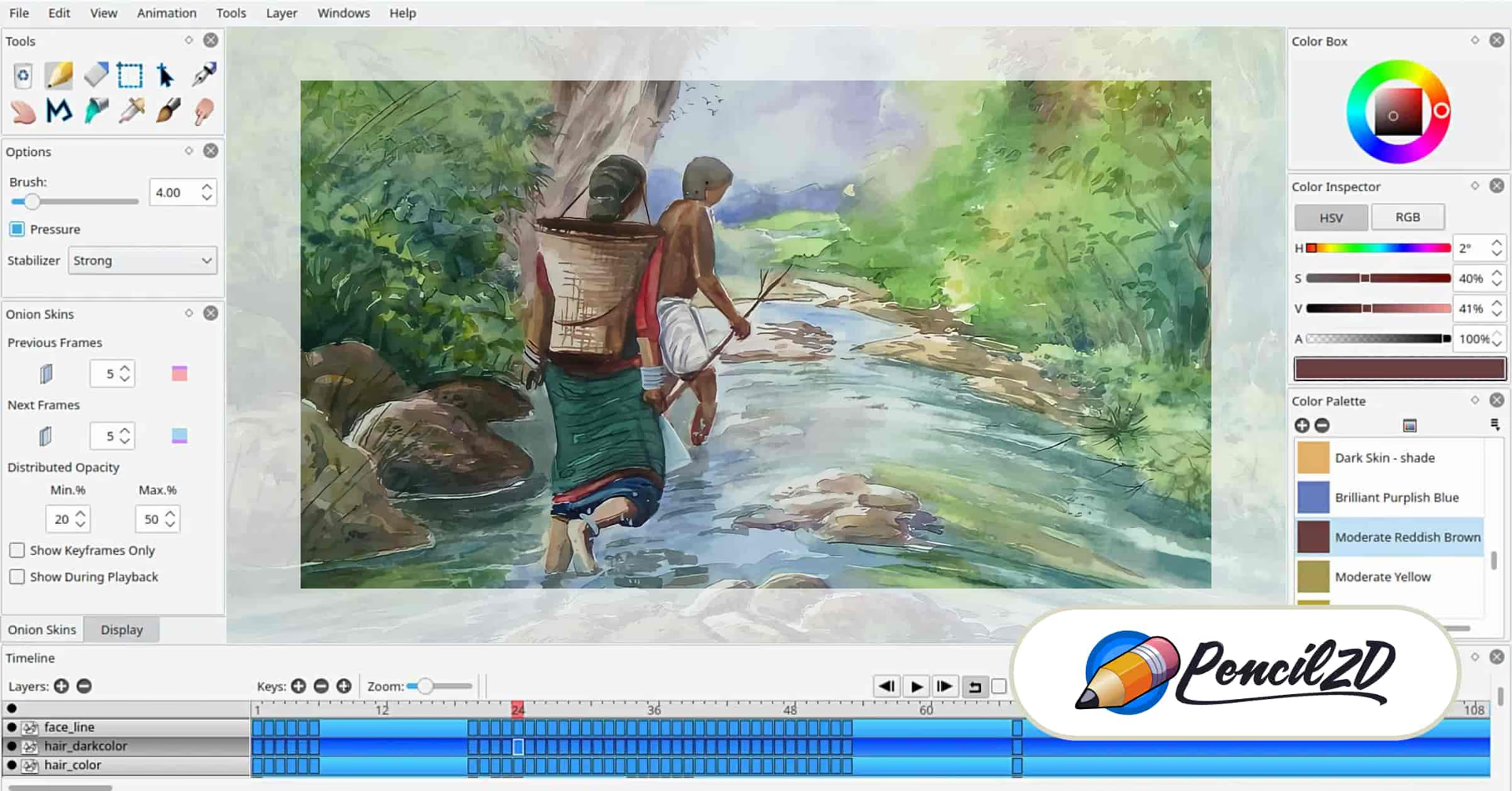
Pencil2D is as minimal and straight-forward as it comes. As its name implies, it specializes in traditional, hand-drawn 2D animations, although it works just as well with computer illustrations that will be animated using a similar workflow. It’s highly specialized but beloved by its community.
Key features:
Open source and completely free
Massive online community, including official Discord, YouTube and even Tumblr channels
Supports both raster and vector workflows within the same project
“Onion skinning” helps animators see multiple frames at once to streamline transitions
Pricing: Pencil2D is completely free. As a community-driven initiative, it thrives on community contributions and donations.
Cinema4D
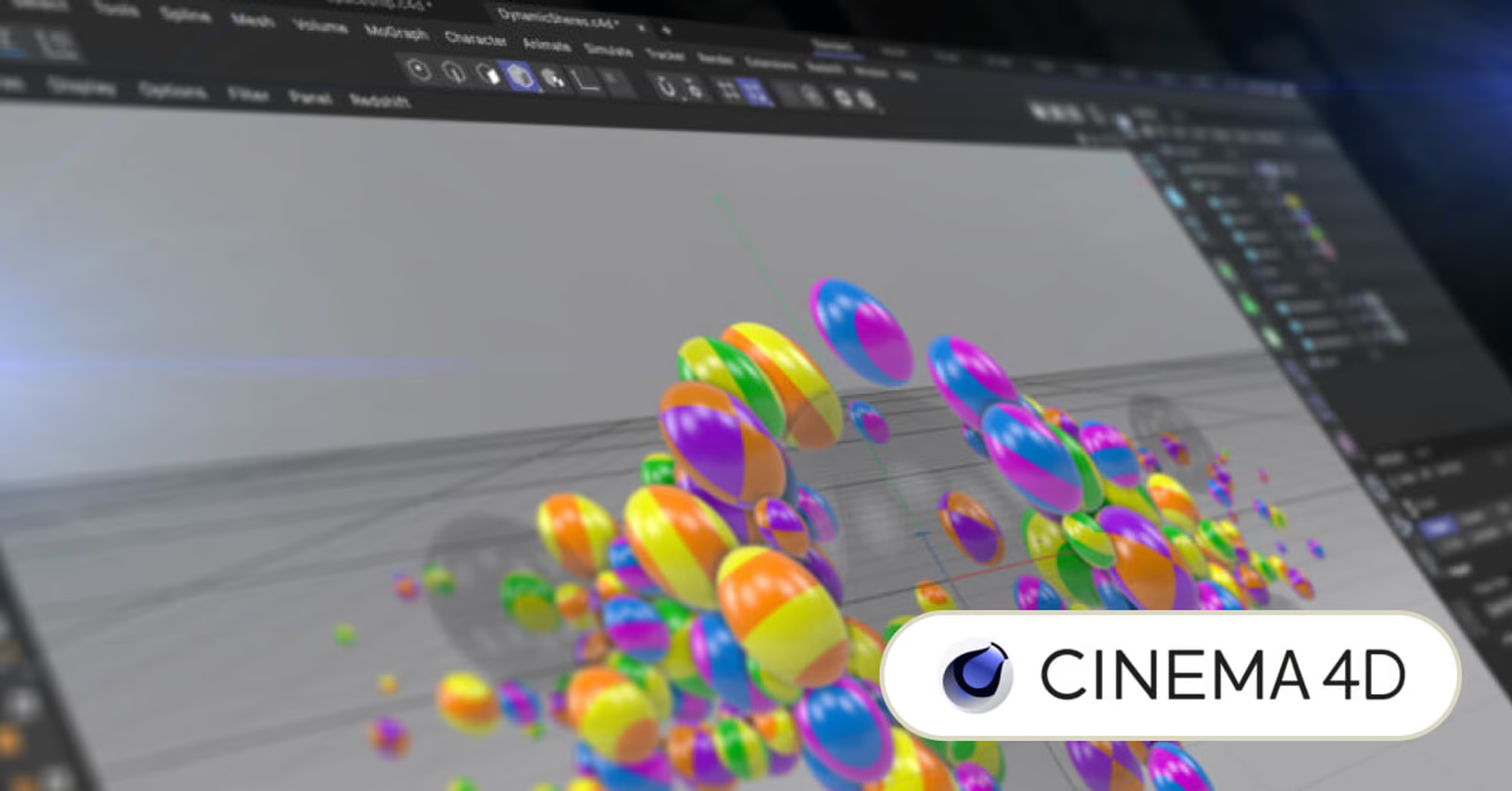
On the other end of the spectrum from Pencil2D is Cinema4D, a very advanced tool for 3D computer animation, modeling, simulation and rendering. Whether you’re looking to create realistic bodies, cloth physics, particles or pretty much any other flashy visual effect, Cinema4D has you covered — provided you’re up to the task of learning to properly use it.
Key features:
Motion graphics-specific tools include cloners and effectors
Supports advanced rendering via third-party engines like Redshift and Octane
Rigging, keyframing and dynamics simulations procedurally create realistic 3D animations
“Sound Effector” turns audio input into animation
Pricing: Cinema4D costs $109 per month per user when paid monthly or $69.91 per month per user when billed annually.
3DS Max
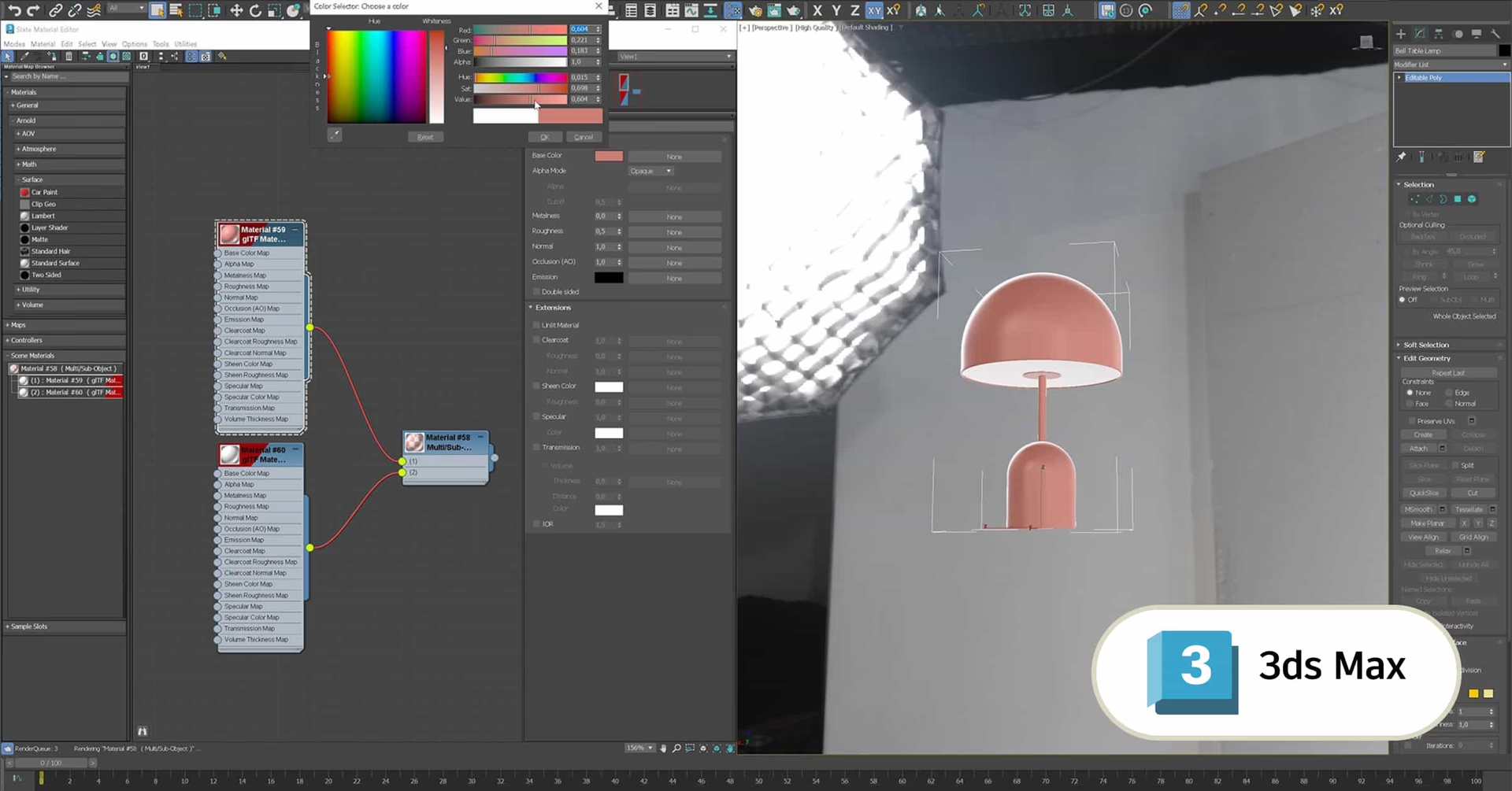
3DS Max is a professional-grade tool for creating 3D models, rendering and animating. It’s particularly well-liked for its worldbuilding capabilities: creating original environments and landscapes, as well as the people and creatures who inhabit them.
Key features:
High-quality materials lead to realistic objects, complete with physically based rendering and bake-to-texture
Interactive viewports allow teammates and stakeholders to review render-quality previews
Retopology tools create accurate topologies based on polygonal mesh data
Procedural character animations and previewable motion paths lead to more finely tuned animation
Pricing: 3DS max costs $1,875 per year or $235 per month.
Blender
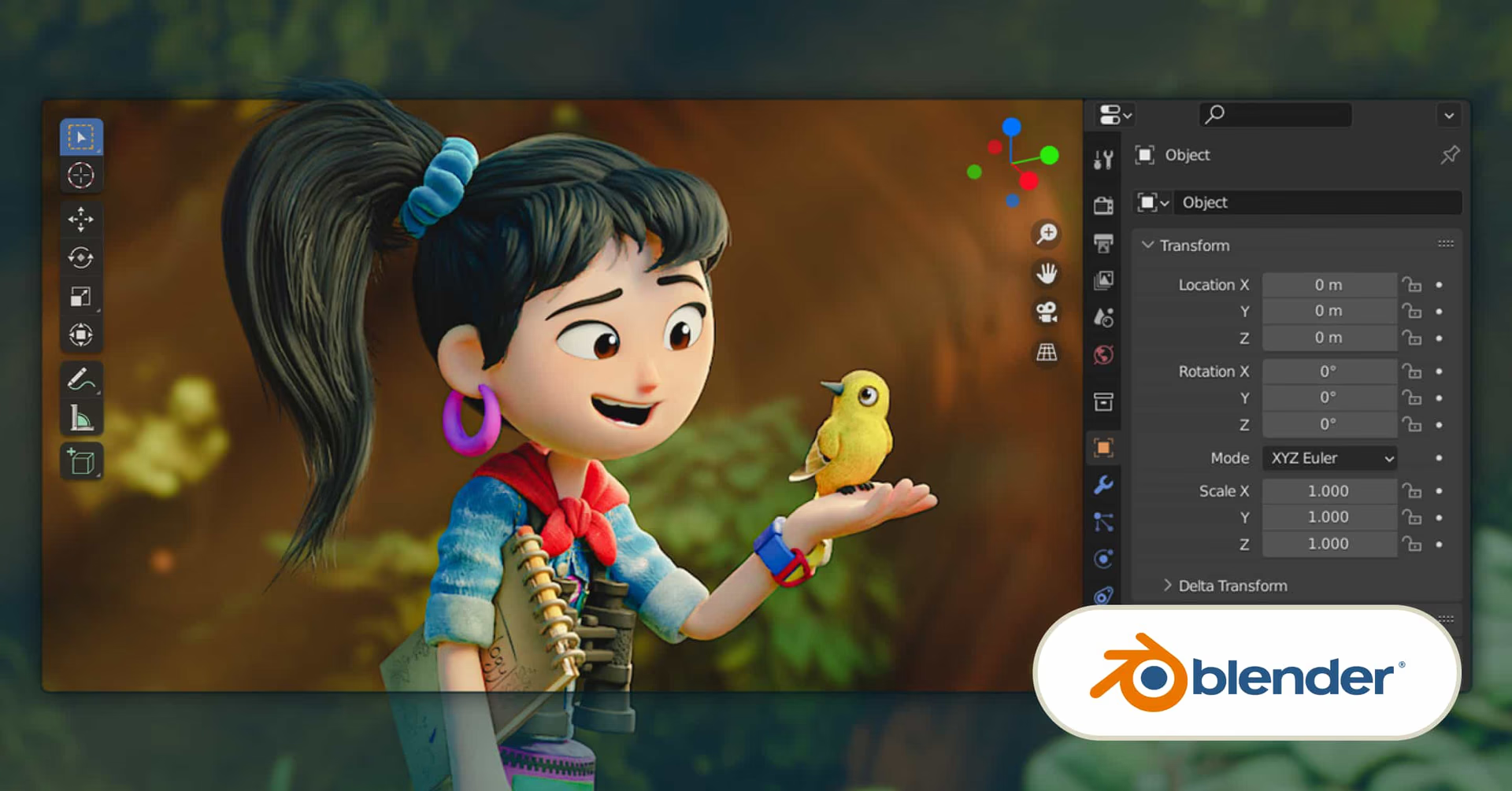
Blender is a piece of software with a mission: making the tools for 3D art free. As such, it’s widely beloved, with a huge community of passionate supporters that use its many tools to model, sculpt, animate, render, composit and even video edit. You’re likely to find folks using Blender for everything from 3D animation to 2D animation to video game development.
Key features:
Subdivision modeling, retopology and UV unwrapping tools generate highly detailed 3D models and sculptures
Comes with two powerful render engines: real-time Eevee and ray-tracer Cycles
Grease Pencil tool creates 2D animations within a 3D environment
Enormous, passionate community creates tutorials, add-ons and plugins that extend functionality even further
Pricing: Did we mention that it’s free? It’s also open source and able to be used for any commercial project without any restrictions in perpetuity.
Houdini
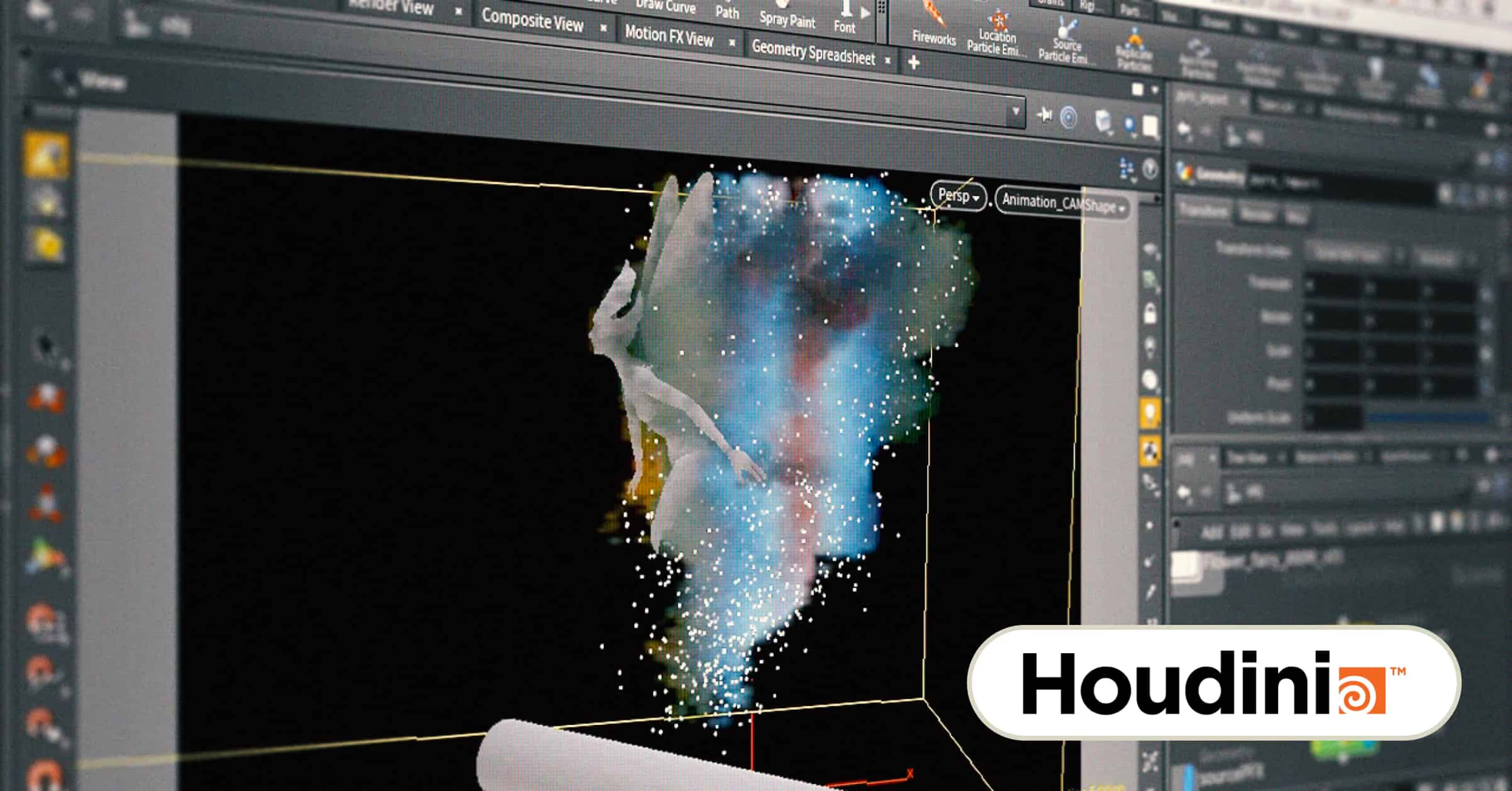
Houdini is a powerful piece of software that creates 3D graphics using procedural channel operators and a node-based workflow. This means that animations can be created dynamically based on properties you assign to the given nodes, resulting in realistic animations of things like smoke, fire, fluid and particles.
Key features:
Node-based workflow allows changes to cascade through production
Automate routine tasks with Python scripting
Large, open-source library of plug-ins and readymade assets
Unique pricing model tiers by functionality
Pricing: Houdini’s fully featured “Apprentice” tier is free to use. The “Indie” tier adds non-watermarked, commercial usage for $269 annually, while Houdini CORE adds more advanced functions, like procedural modeling and character rigging for $1,995 per year.
Maya
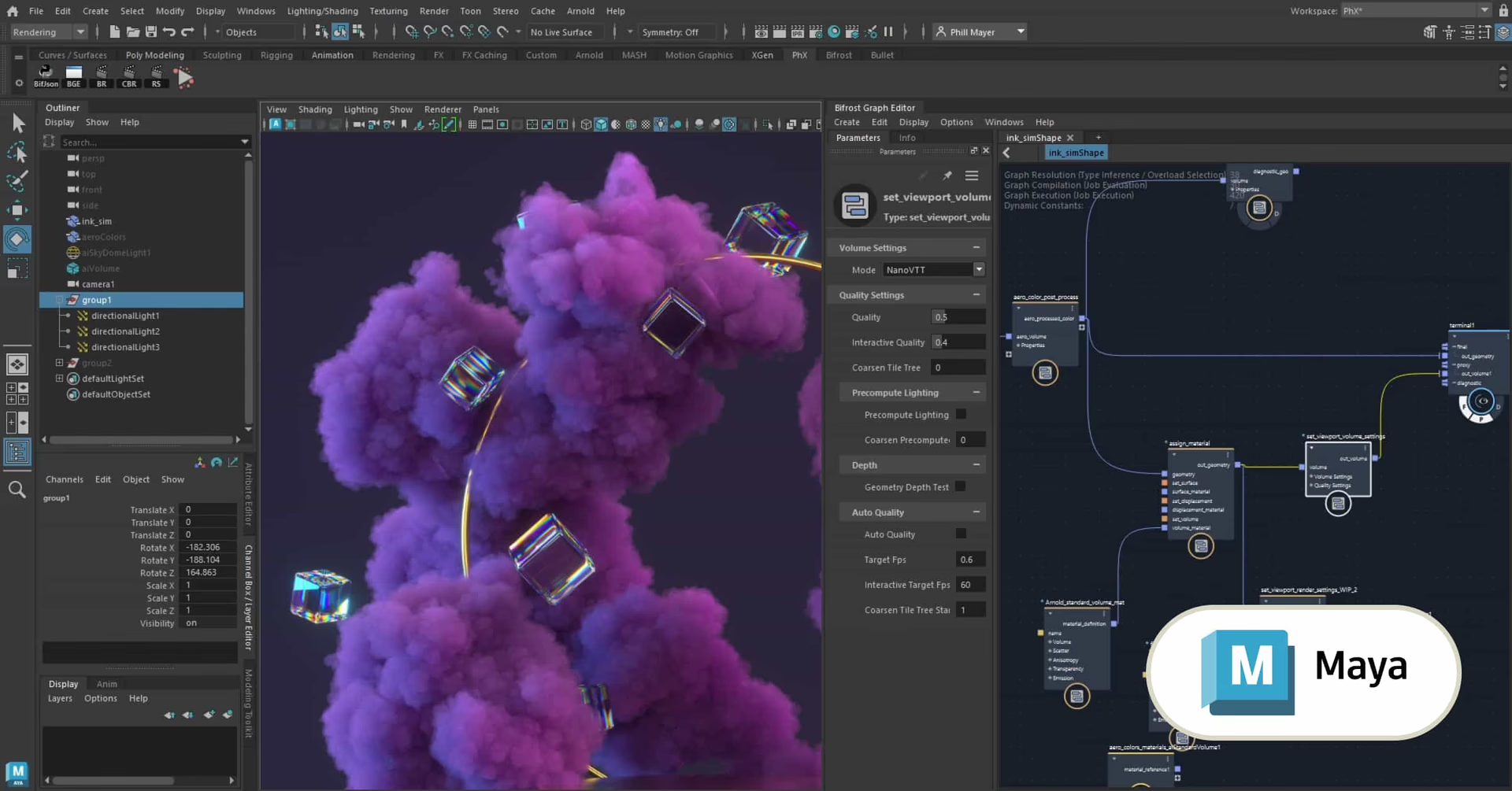
Chances are you’ve probably seen Maya’s capabilities in action: it’s widely used across video games and Hollywood movies to make computer-generated characters come to life. Those same tools can be used to model, rig and render animations and characters for motion graphics, as well, resulting in eye-poppingly life-like visuals.
Key features:
Workflow used by top artists in a variety of industries and disciplines
Advanced character animation allows for complex facial animations and muscle simulations
MASH toolkit creates complex animations using procedural node networks
Bifrost engine creates physically accurate simulations and environmental effects
Pricing: Maya costs $235 per year or $1,875 for an annual subscription.
Unreal Engine
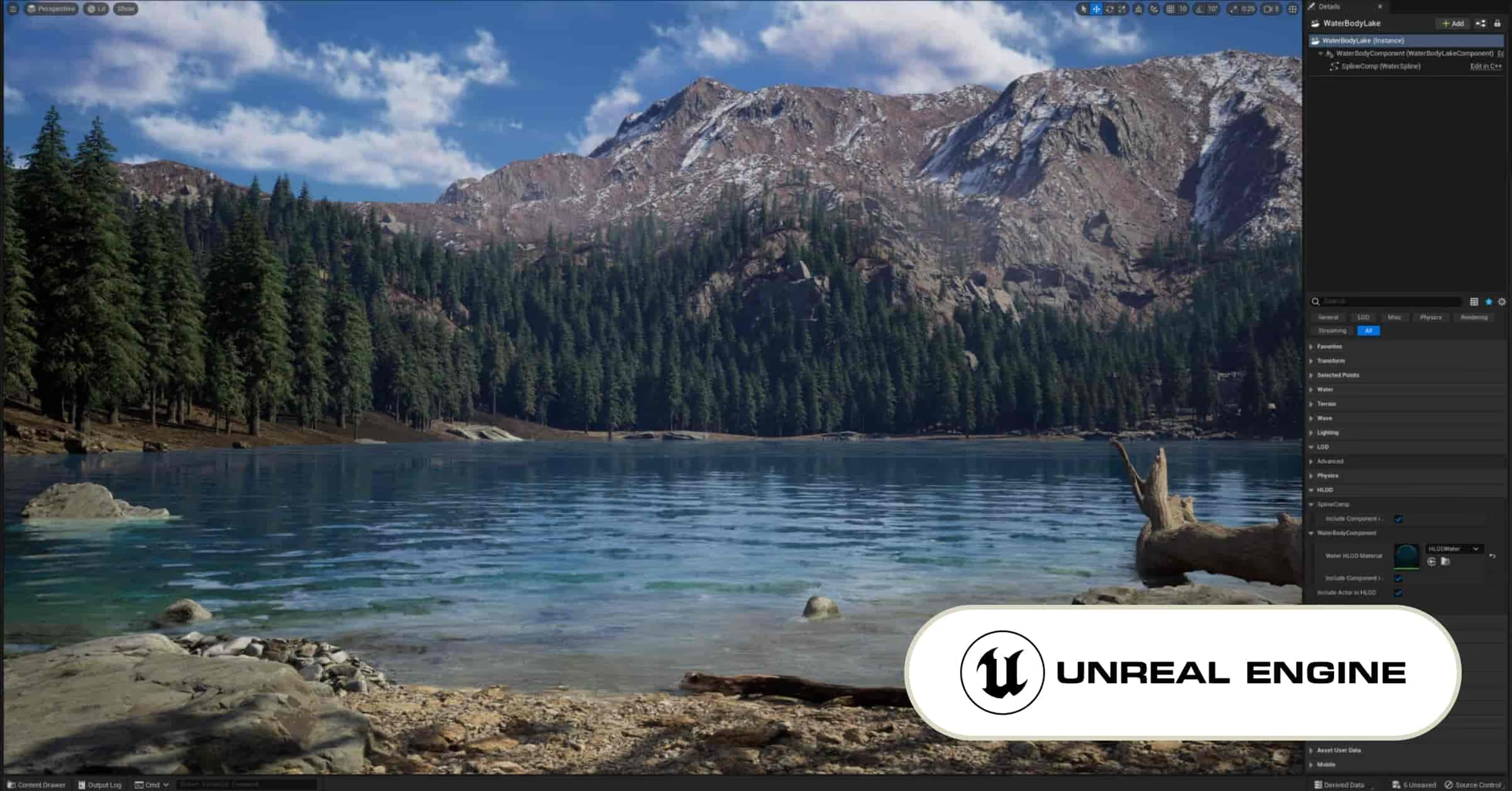
Unreal Engine was designed by Epic Games to power major video game releases, but the toolset has proven equally suited to film, TV production and motion graphics. Its roots in game design show through in its best-in-class worldbuilding capabilities, including interactive environments and real-time animations.
Key features:
Real-time rendering allows users to see visuals instantly
High-quality tutorials feature customized curriculums and sample projects
Virtual production framework lets you track cameras and change lighting like on a real movie set
Huge third-party marketplace extends functionality with plugins, tools and assets
Pricing: Unreal Engine is free in most use cases. If your product makes more than $1 million, Epic Games takes a 5% royalty fee. However, the royalty fee doesn’t apply for linear content like films and TV shows.
Nuke
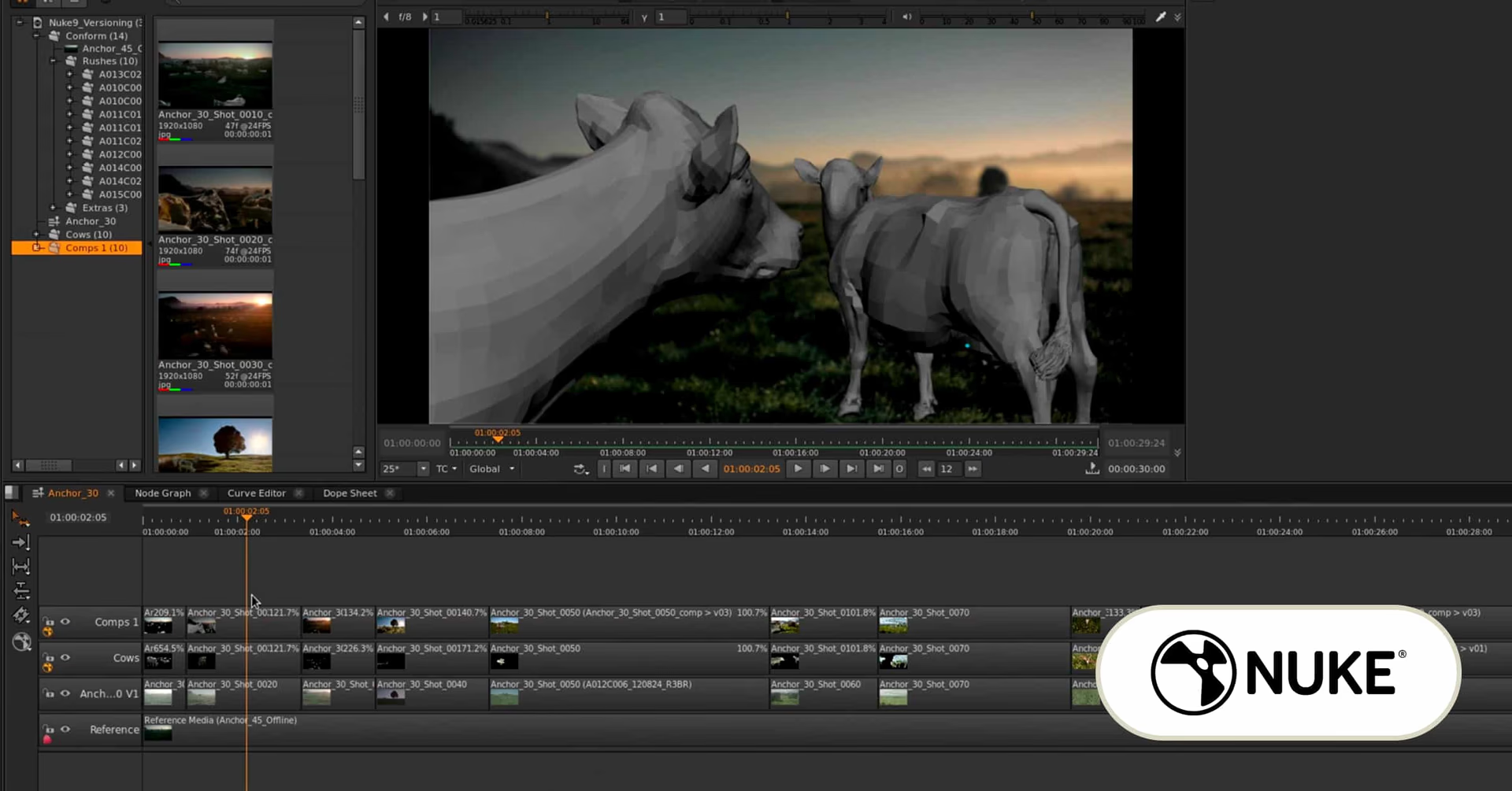
Nuke leans closer to the visual effects side of motion graphics software, meaning it’s frequently used to create Hollywood special effects. Specifically, it’s compositing software, in which precise control over every minute aspect of an image is able to be precision-tuned to match brand or creative specifications.
Key features:
Deep image compositing, with multiple samples per pixel
Import 3D models, apply textures and change camera positions in 3D workspace
Key, rotoscope, track and composite, ideal for combining CGI with live-action footage
Integrate editing, color correction and other tools with Nuke Studio
Pricing: Nuke costs $3,469 per year at its lowest tier. NukeX unlocks additional features, like 3D camera tracking and optical flow retiming, for $4,729 per year. For additional editing tools, Nuke Studio costs $5,779 per year.
Rive
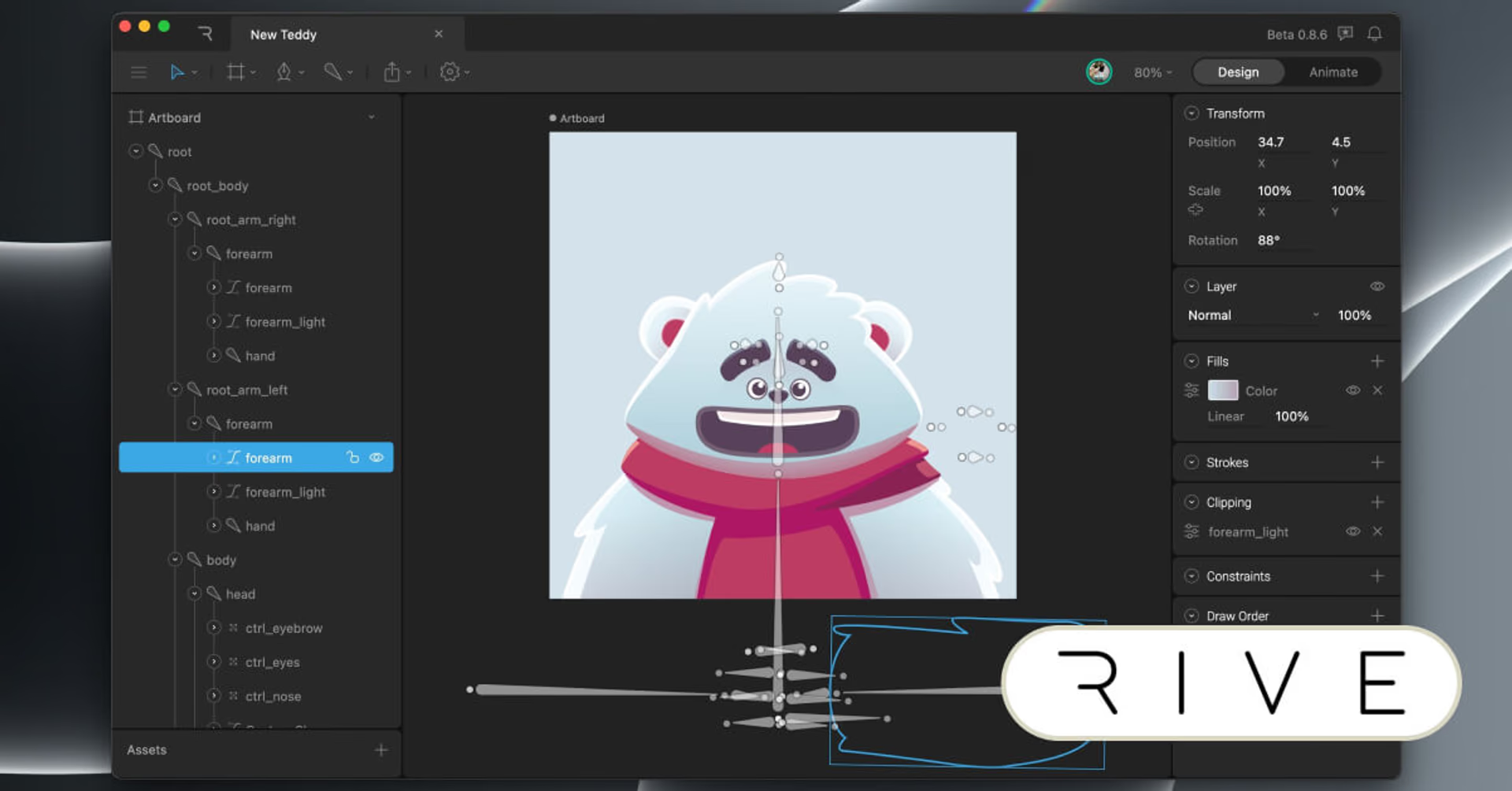
While many of the above tools were designed for use in video games and Hollywood, Rive is a motion graphics tool geared toward use in apps and user interfaces. It aims to empower designers to animate interactive elements in their designs, like animated menus, branded bumpers and button-completion animations.
Key features:
Focuses on vector animations, ideal for screens of any size
“State Machines” use complex logic to animate, without the need to write code
Animations can respond to user inputs like clicks and drags on websites and apps
Works with tons of game engines, operating systems and web environments
Pricing: Rive has a generous free tier to get started. If you’ve got more than 3 projects, the Voyager tier costs $32 per person per month. The Enterprise tier, which features additional editing and platform options, begins at $120 per person per month.
Moho
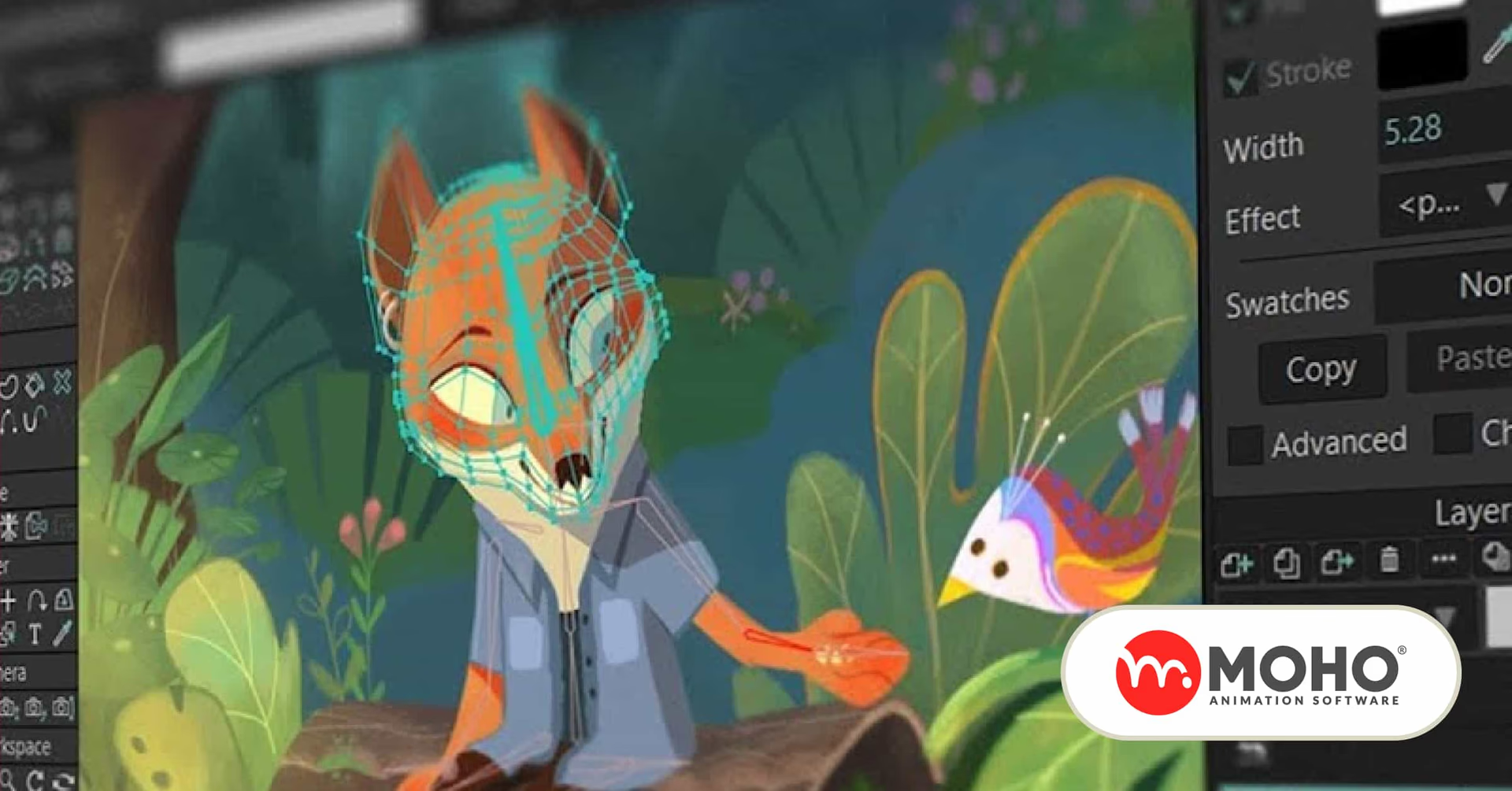
Moho was previously known as Anime Studio, a name which was a little narrow but makes sense. This software excels at creating the sort of flat but fluid animations commonly associated with anime, although it adapts well to any style of 2D animation.
Key features:
Create designs right in the software or import from Photoshop
“Smart bones” system leads to intuitive animations by body part
Add graphics such as blur, liquid shapes, shadow and gradients
Tweak everything from line thickness, opacity, curvature and more
Pricing: Moho is a one-time purchase. Moho Debut 14 costs $59.99, while the more deluxe Moho Pro 14 is $399.99.
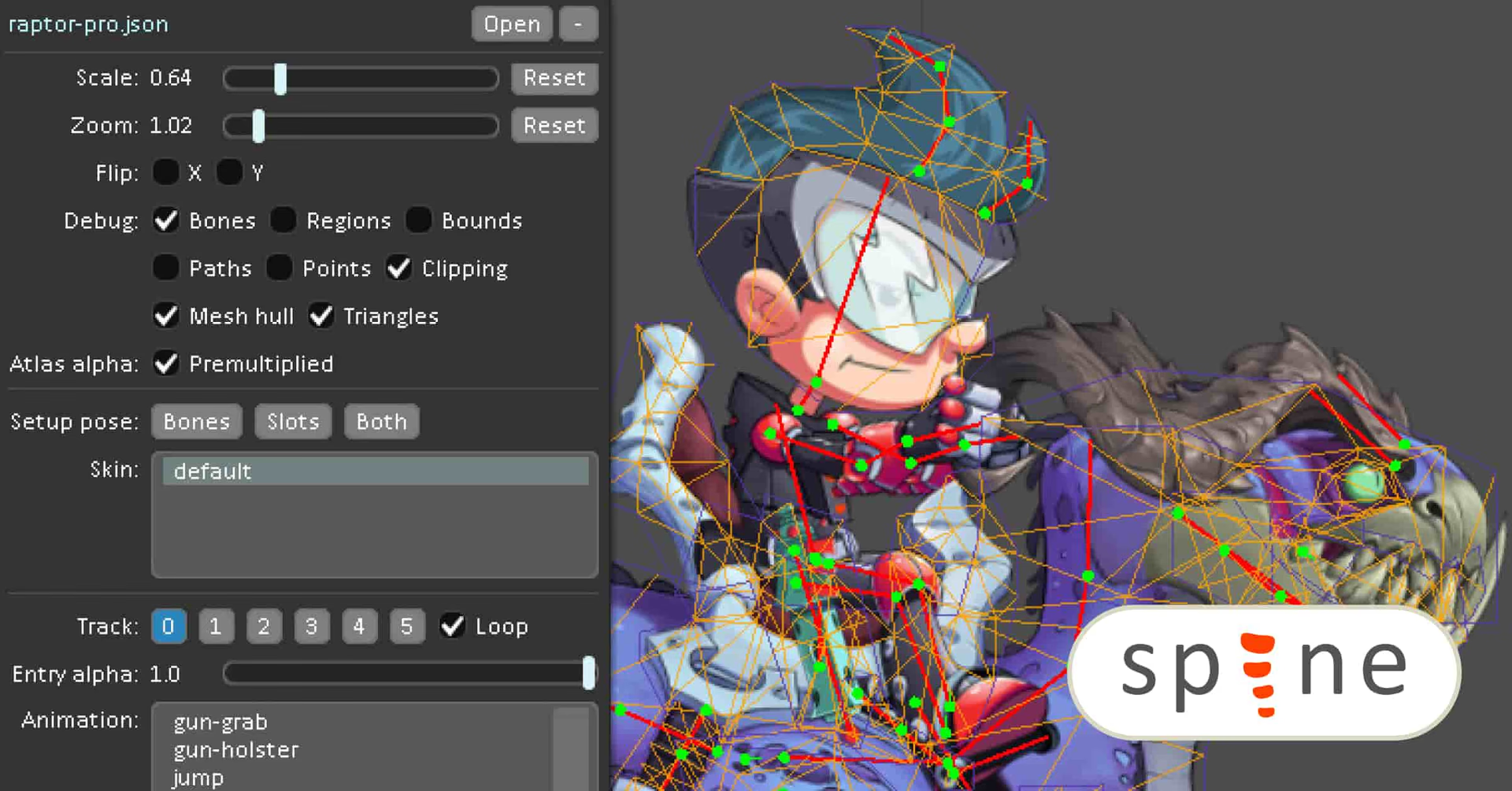
Animate
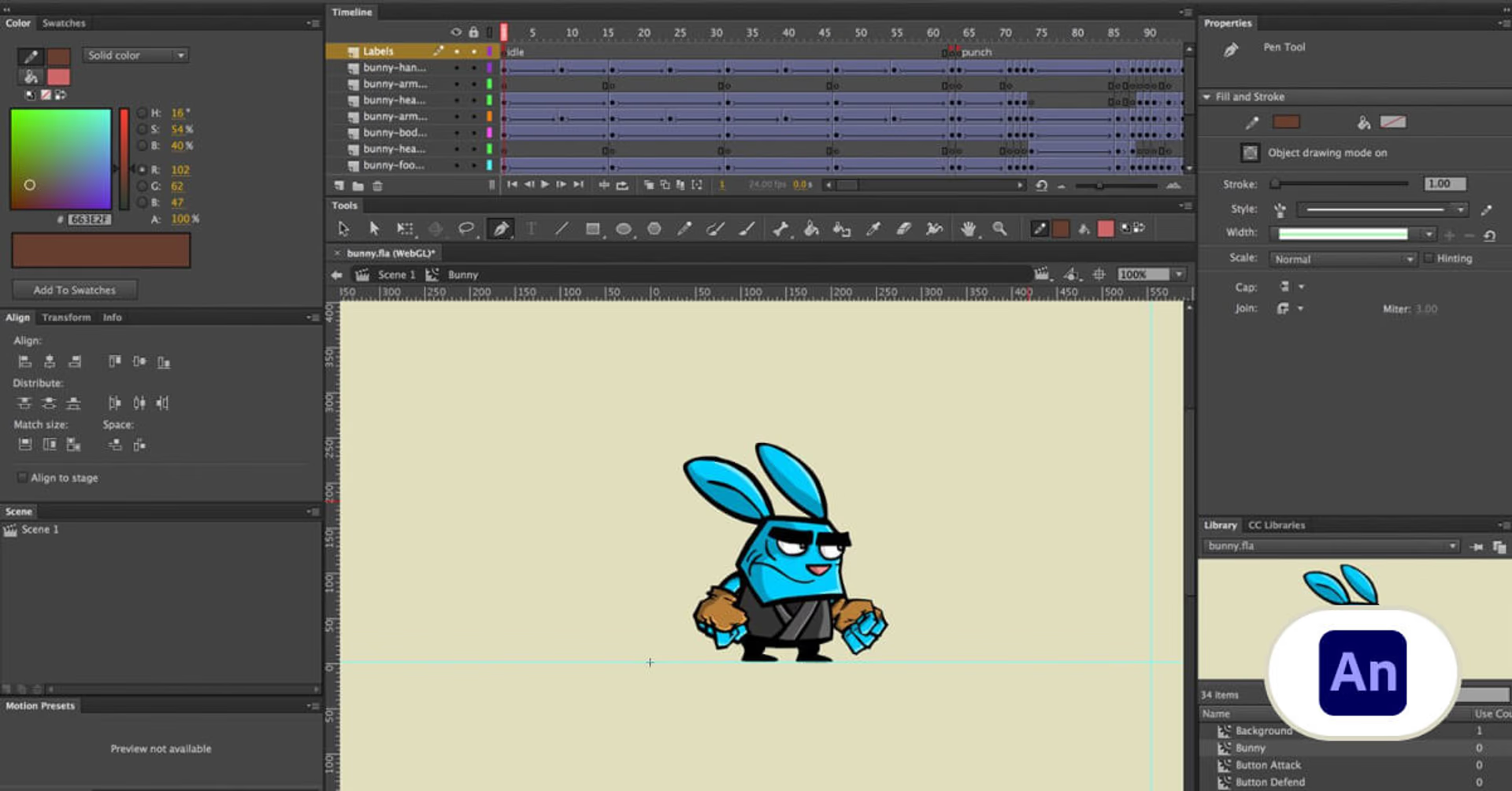
Spine specializes in 2D skeletal animation: making characters and creatures move as realistically as possible. Unlike traditional frame-by-frame animation, Spine relies on rigging and physics models that then dynamically create animations that are particularly well-suited for video games.
Key features:
In-depth tutorials detail iterative workflow for creating procedural animations
Export animations to nearly any game engine, including Unreal and Unity
Preview animations while designing
Game- and rigging-specific toolset means focused design
Pricing: Spine is a one-time purchase. Its Essential version costs $69, while a more advanced Professional version costs $369.
ToonBoom Harmony
ToonBoom Harmony aims to be an all-in-one pipeline for 2D animation. Draw right in the software with brushes and pencils, manage color palettes, sync voice acting with character’s mouths and do your final render without leaving the app.
Key features:
Everything you need to create 2D animation in one piece of software
3D workspace provides flexibility and dynamics to 2D animations
Supports both vector and bitmap drawing tools within the same project
Works for both traditional (paper-based) and completely digital animation workflows
Pricing: Harmony costs $28.50 per user per month at its Essentials tier, while more professional tools (including Bitmap and 4K functionality) become available at its $71 per month Advanced tier. The $129.50 Premium tier features tools engineered for game design.
The right tools can unlock incredible creative potential, but they also introduce a new set of challenges. As projects grow in complexity, file sizes balloon, teams expand and workflows become harder to manage. That’s where infrastructure starts to matter just as much as software.
Cloud storage for motion graphics and animation studios
Great as all the software we just covered is, it's only part of the story. Motion graphics and animation workflows live and die by how quickly you can access the files underneath them.
Between layered project files, high-res renders, simulations and constant version updates, storage can quietly become the biggest bottleneck in your pipeline. Especially for media and entertainment teams working across locations.
A modern storage setup needs to keep up with how creative work actually happens.
What motion graphics teams need from cloud storage
If you’re working in motion graphics or animation, a few things matter right away:
Instant access to large project files without waiting for downloads
Smooth collaboration between remote artists, editors and stakeholders
Reliable handling of heavy assets like 4K/8K footage, EXR sequences and 3D scenes
Version control that keeps everyone aligned on the latest iteration
Compatibility with tools like After Effects, Blender, Maya and Unreal Engine
Without that, even the best tools start to feel slow.
Where traditional storage falls short
Most cloud storage platforms were built for documents, not production workflows.
That’s why teams run into the same issues:
Long sync times before you can even open a file
Duplicate versions floating across drives and teams
Broken workflows when multiple artists touch the same asset
Delays when teams are spread across time zones
It adds friction in places where you need speed the most, right in the middle of your creative flow.
LucidLink: a better approach for motion graphics workflows
Cloud-native file streaming changes how teams work by removing the need to download or sync entire projects.
With LucidLink, files are streamed on demand. Artists can open and work on large motion graphics files instantly, as if everything is stored locally, even when it’s in the cloud.
That shift makes a real difference:
Designers can jump straight into After Effects comps without waiting
3D artists can access shared assets without duplicating files
Teams always work from a single, up-to-date source of truth
Remote collaboration feels as fast as working in the same studio
For IT and operations, it also simplifies infrastructure. No on-prem storage to maintain, predictable scaling as projects grow and built-in security with zero-knowledge encryption.
Why this matters
Motion graphics projects move fast. Deadlines tighten, feedback loops stack up and files only get bigger.
When storage keeps up, everything else flows. That means fewer delays, fewer workarounds and more time spent actually creating.
Ready to give LucidLink a go? Sign up for a free trial today.
Keep reading
Collaboration
Creative production
Video editing workflow: a guide for collaborative teams
Discover how to create a collaborative video editing workflow. Get tips on how to turn your editing process into a seamless, team-based experience.
31 August 2026, 14 mins read

Creative production
Collaboration
How to send videos without losing quality: 3 best ways
Learn how to send videos without losing quality with these three easy methods. Discover the best tools for fast, high-quality video collaboration.
15 July 2026, 6 mins read

Creative production
7 best ways to send large audio files
Distributed teams working on creative projects need to know how to send large audio files securely and efficiently. Read on to learn the best methods.
26 May 2026, 8 mins read
Join our newsletter
Get all our latest news and creative tips
Want the details? Read our privacy policy. Not loving our emails?
Unsubscribe anytime or drop us a note at support@lucidlink.com.