Creative production
Sports video editing: the complete guide for sports highlights and video editing
Last updated 20 November, 2025
7 mins
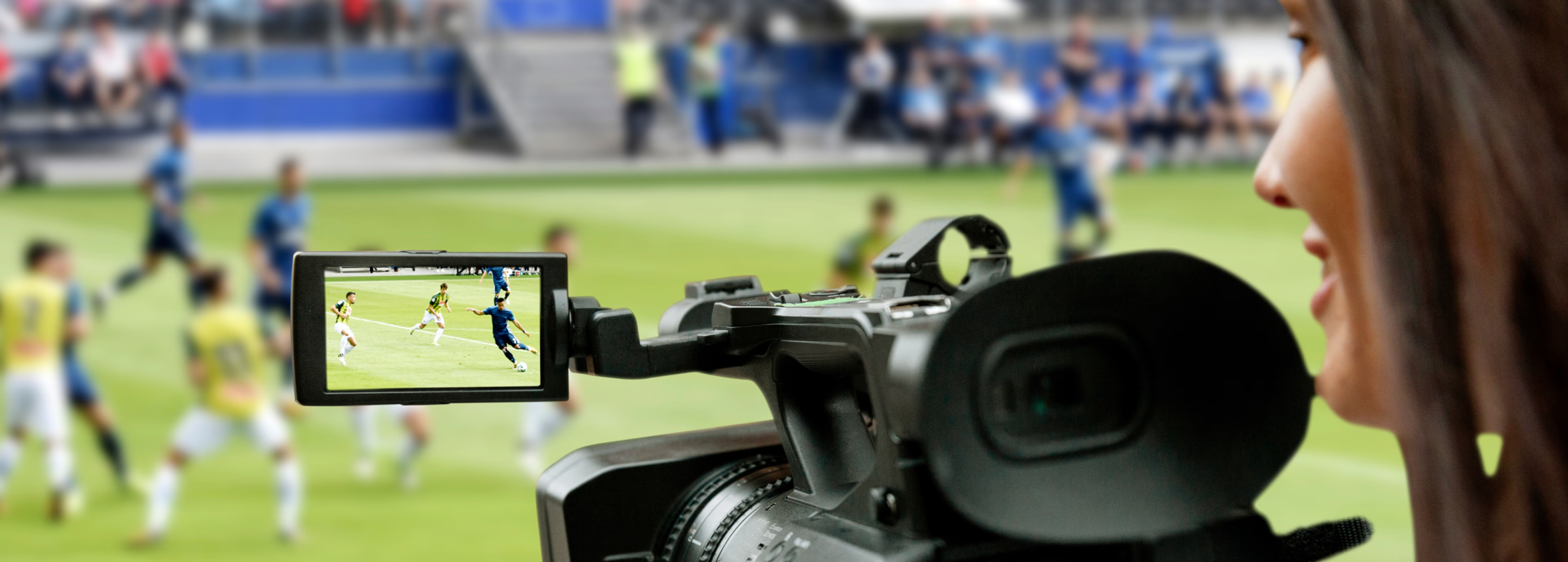
Live sports move fast. Your edits should too.
Fans expect highlights as soon as a game ends. Coaches rely on instant analysis. Players want clips ready to share on social.
That’s where great sports video editing software makes all the difference, turning raw footage into professional and unforgettable stories, fast.
Whether you’re cutting quick social clips, breaking down game tape or piecing together a full-season recap, knowing how to edit sports video makes all the difference.
Sports video editing is storytelling

At its core, sports video editing is about bringing the game to life. It’s the art of selecting, cutting and assembling footage to highlight key plays, players or events. Done well, it draws viewers in, builds excitement and keeps them engaged from start to finish.
Here’s where sports video editing shines:
Social promotion: athletes, teams and leagues use highlight clips to build hype on TikTok, Instagram and X.
In-venue entertainment: big screens at arenas feature sizzle reels, recaps and crowd-pleasing highlights.
Personal promo reels: players showcase skills for scholarships, recruitment or branding.
Analysis and coaching: coaches break down plays to improve team performance.
Sports journalism & documentaries: stories of games, seasons or athletes are made accessible to fans everywhere.
Great sports editing combines energy, rhythm and precision to create highlights that resonate with fans.
Sports video editing challenges
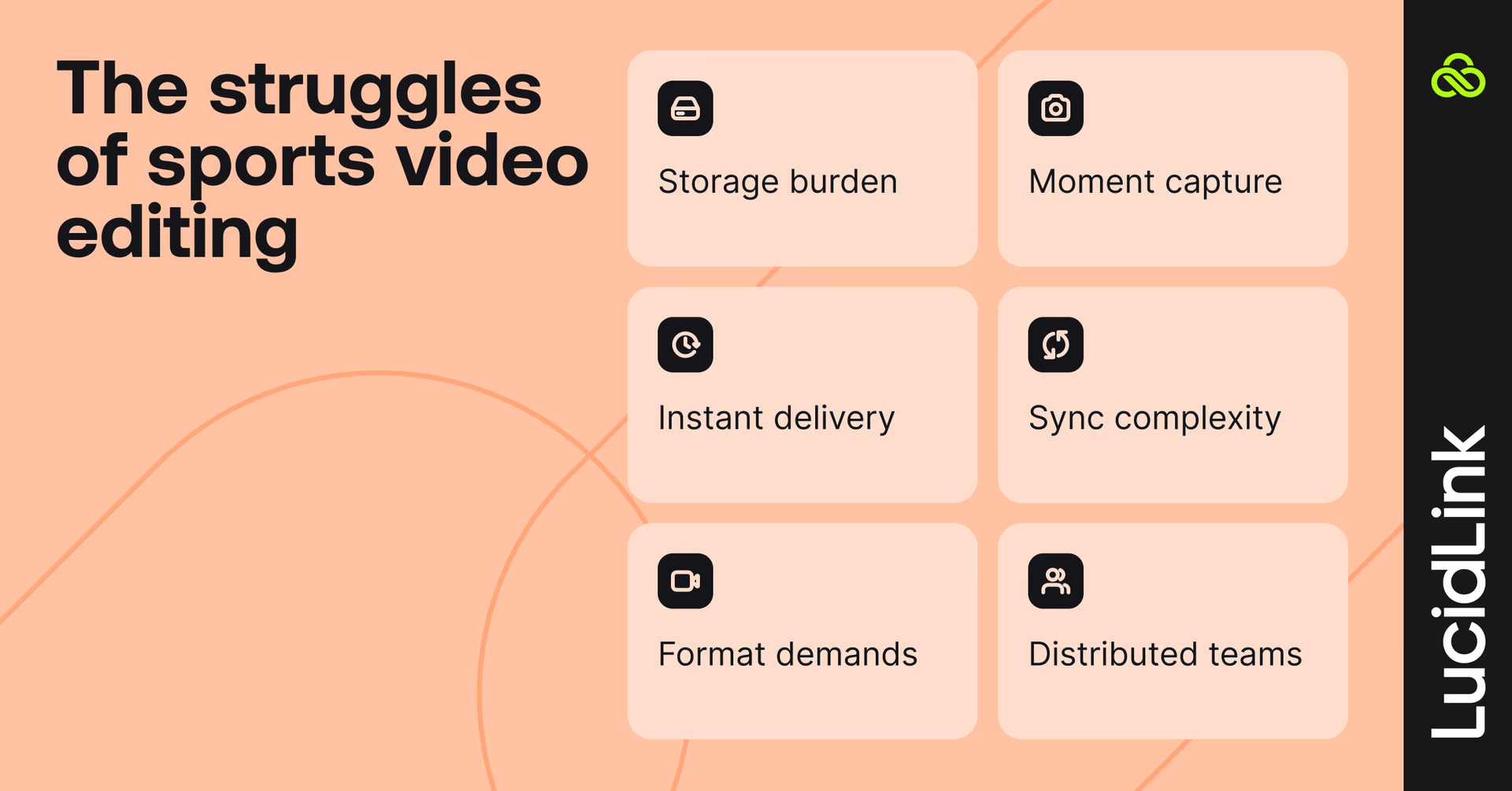
Editing sports footage captures the excitement of the game, but it comes with its own set of bottlenecks:
Massive file sizes
High-def footage can be massive (hundreds of gigabytes). Storing, sending or sharing large files without the right tools can feel like a full-time job.
Fast-paced action
Sports happen in a blink. Every goal, slam dunk or epic save matters, so missing a key moment is not an option.
Lightning-fast turnarounds
Fans want highlights yesterday. Coaches need analysis immediately. Waiting on slow transfers or juggling multiple editors can seriously slow you down.
Multi-angle madness
Showing a play from different angles, adding slow motion and syncing everything together is a juggling act that can get complicated fast.
Platform pressure
Instagram, TikTok, YouTube: each has its own format, aspect ratio and pacing. A clip that works on TikTok might flop on YouTube if it’s not adjusted.
Remote and hybrid workflows
Modern sports production rarely happens in one place. Camera crews capture footage on location while editors, producers and social teams work remotely.
Transferring massive files, managing multiple versions and keeping everyone synced across time zones can slow everything to a crawl.
Watch this interview where Tom Holmes, LucidLink’s Media and Entertainment Workflow Consultant, speaks with SVG Europe’s Jo Ruddock about the key challenges in modern sports production — including hybrid workflows, remote collaboration and file-sharing bottlenecks.
What makes a great sports video

The best sports videos start with the right moments on the field. Camera angles, slow motion and reactions all help, but the plays themselves drive engagement. Here’s how to do it effectively:
Show multiple angles: capture the full context of each play.
Use slow motion: highlight critical moments for maximum drama.
Include reactions: fans, players and coaches all add emotion to your story.
Tailor for the platform: Instagram, TikTok and YouTube all require different pacing and formats.
You can see this kind of storytelling in the NFL highlight reels produced through our workflow — editors and producers seamlessly cut between angles, reactions and slow motion to rebuild the drama of each play.
Social media plays by its own rules and that includes sports video.
Take Dude Perfect, for example. Their YouTube hits use classic sports-editing tricks — smart camera angles, fast cuts and dramatic pacing — to turn trick shots and challenges into viral moments. Their “Water Bottle Flip 2” video feels like a championship montage, even though it’s just pure fun and creativity.
Want to sharpen your own editing game? Keep an eye on creators and accounts that are leading the way, like:
ESPN’s TikTok, which nails short, punchy storytelling
Viral favorites like Dude Perfect, JxmyHighroller, F2, 433, House of Highlights and Overtime
Individual athletes like Jordan Kilganon (dunk legend) and William Spencer (skateboarder turned stunt performer)
Watching how these creators edit, pace and build energy is one of the best ways to stay on top of modern sports video trends.
What is the best sports video editing software?
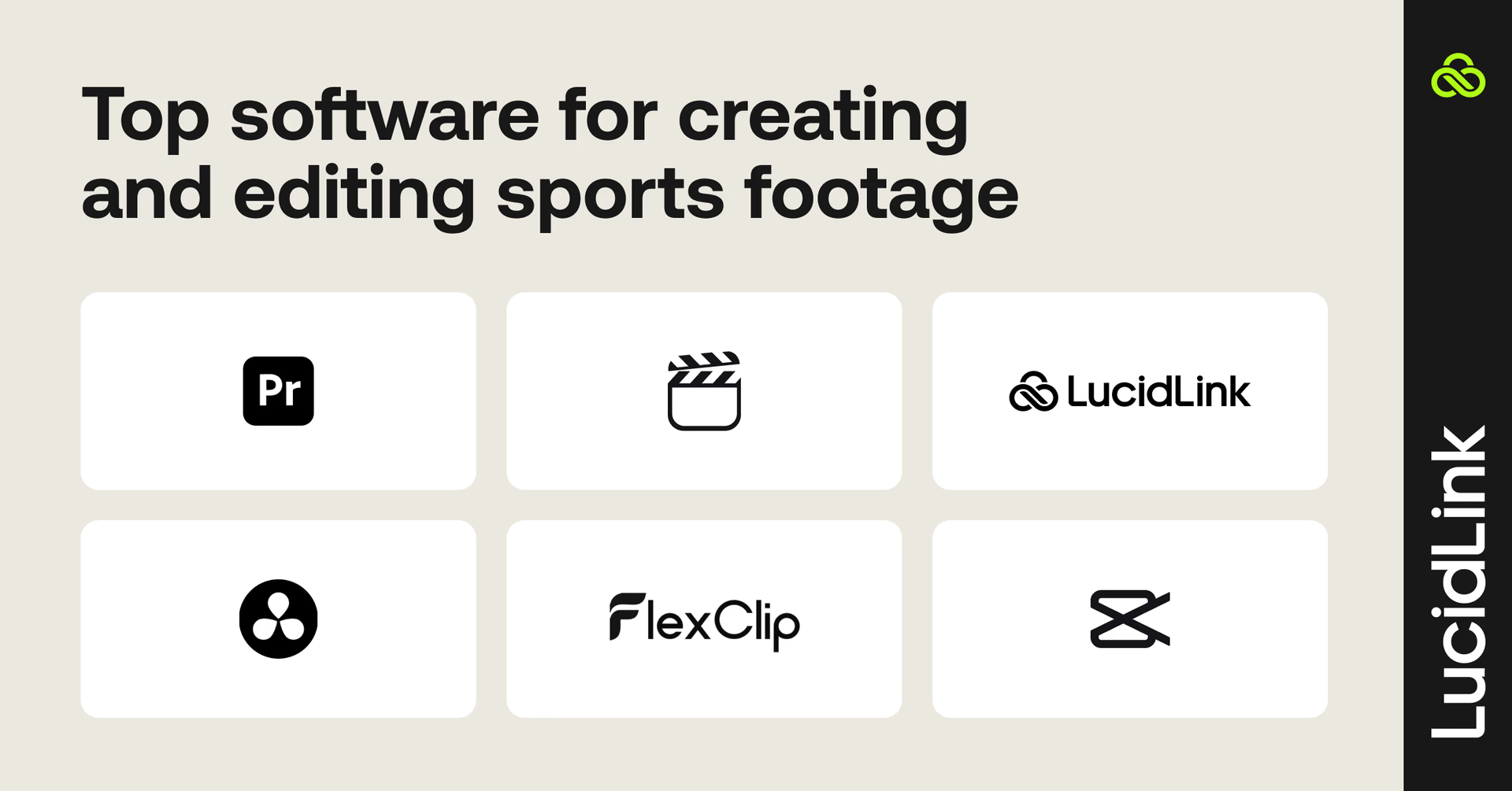
Whether you’re a hobbyist or a pro, there’s sports video editing software for every skill level:
Adobe Premiere Pro: industry standard with advanced tools like color grading, audio mixing, and transitions.
Final Cut Pro: professional-level features with a magnetic timeline for fast rearrangements.
LucidLink: bring your editing tools, files and team together in one cloud workspace with instant access to sports footage.
DaVinci Resolve: excellent for detailed sound design and motion graphics.
FlexClip: web-based, easy drag-and-drop editor — perfect for social highlights.
CapCut: mobile-friendly for TikTok and YouTube Shorts content.
How LucidLink helps with sports video editing
Editing sports videos is all about speed, but with massive file sizes, slow uploads or downloads can easily derail deadlines.
LucidLink changes the game:
Access massive files instantly, as if they were stored locally.
Real-time collaboration across multiple locations.
Works with Adobe Premiere Pro, Final Cut Pro, DaVinci Resolve and more.
Streamlines social clips, in-venue highlights and full-length recaps.
For live sports productions, LucidLink syncs perfectly with EVS, enabling distributed teams to edit in real time as the action happens. Footage captured on-site can be accessed instantly by remote editors, letting teams cut highlights, in-venue recaps and social clips before the final whistle even blows.
LucidLink fits effortlessly into any sports production workflow, helping teams move faster, collaborate better and deliver the kind of highlight-worthy content fans expect without the stress.
Sports editing in action: how Edit123 delivers same-day highlights with LucidLink
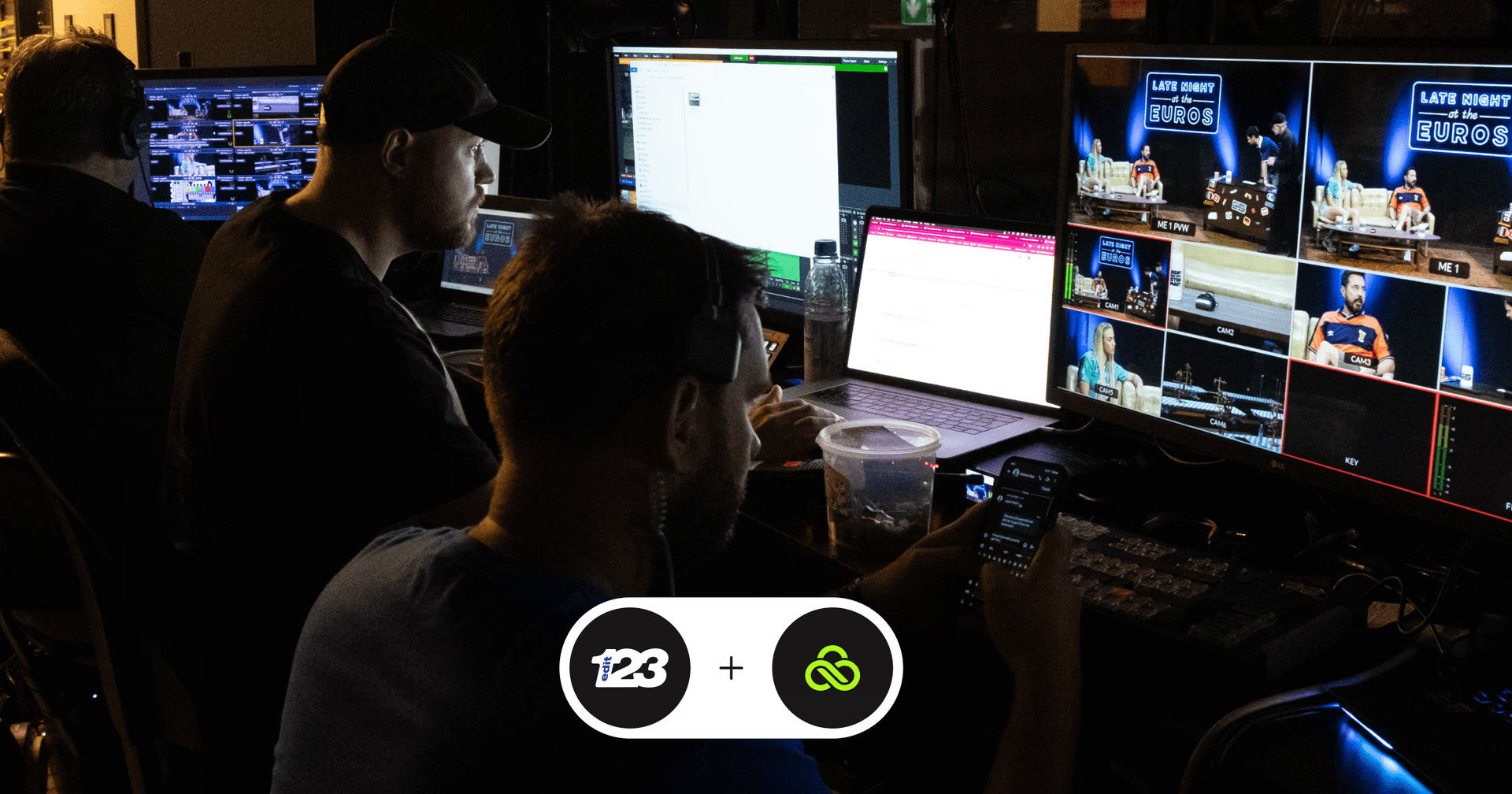
Imagine capturing fan footage on the streets of Munich at noon and having the footage ready to air in Scotland in a few hours, with zero delays and no courier costs. That’s exactly what Edit123, a Glasgow-based post-production powerhouse, achieved during UEFA Euro 2024 using LucidLink.
Traditionally, meeting such tight deadlines would mean either huge costs, shipping drives, duplicating storage or moving staff across countries (a logistical nightmare). But with LucidLink, fast-turnaround sports video editing was effortless.
Remote editing, real challenges
Before LucidLink, footage was scattered across drives, FTP servers and duplicate storage systems. Traditional workflows were too slow and expensive and tight deadlines left zero room for delays or lost files.
Smooth workflows, happy teams
LucidLink let the Edit123 team centralize all footage in a single cloud workspace, giving editors in Glasgow instant access to clips captured on location. Directors, graphics teams and dubbing mixers collaborated in real time, making last-minute changes without ever duplicating files or waiting for transfers.
“It’s basically like we’re all working off the same server, even though we were in Munich and the rest of the staff were in Glasgow,” says Lewis Holleran, Technical Operations Manager at Edit123.
Key takeaways for sports video editing workflows:
Centralize all footage in one cloud workspace.
Mirror folder structures for easy navigation and collaboration.
Enable real-time video editing to keep turnaround times under tight deadlines.
Keep workflows intuitive for all skill levels, from producers to social media editors.
Use cloud-first solutions to cut costs and minimize travel or hardware dependency.
Edit123 delivered every episode of Late Night at the Euros on time, pushed near-live clips to social media and saved thousands in storage and courier costs — all while keeping their teams productive and stress-free.
Read the full story here.
5 tips for editing sports video like a pro
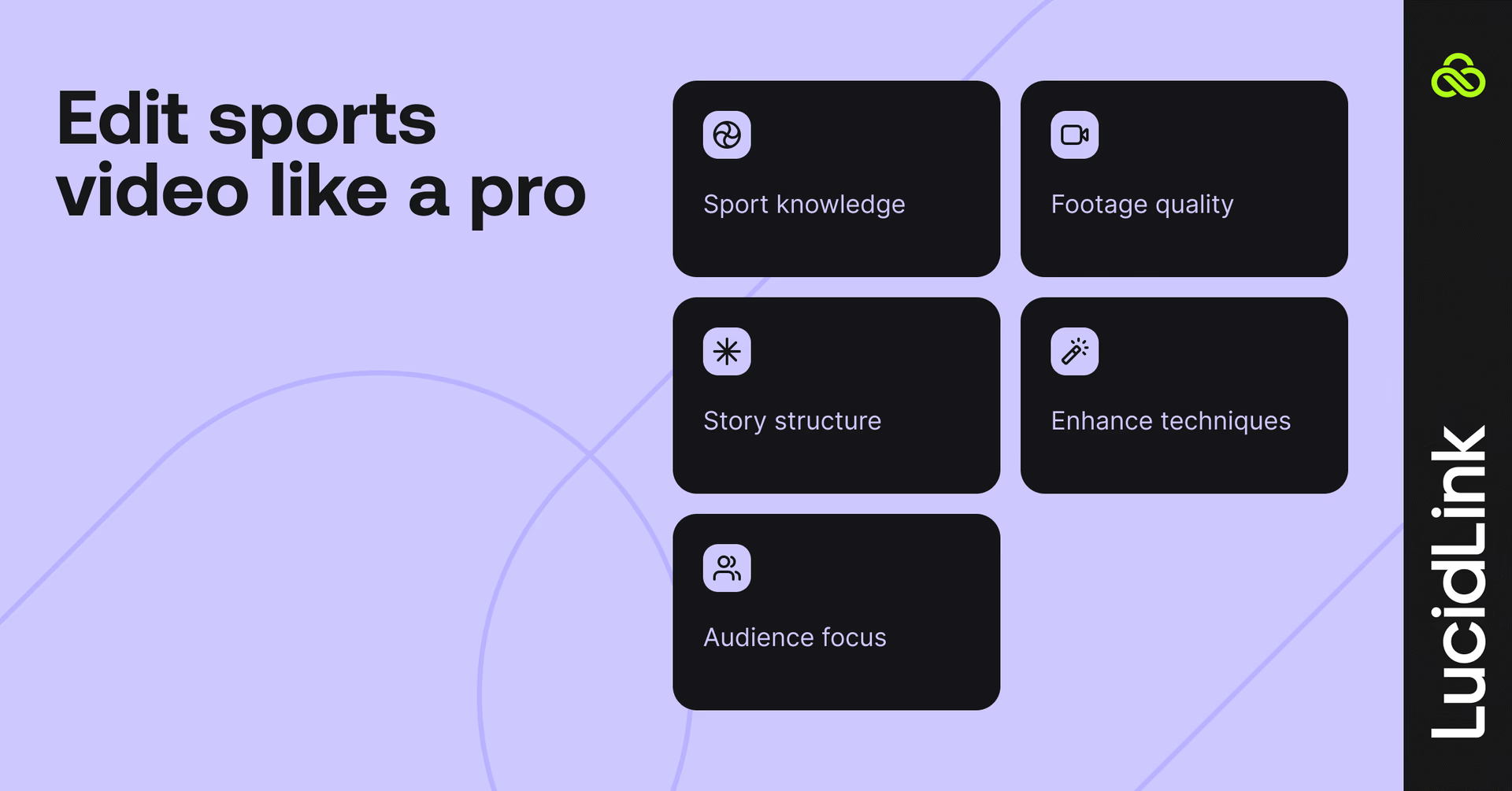
Learn the sport: know the rules, players and narratives back to front so you can craft compelling stories.
Capture great footage: use high shutter speeds, wide angles and high frame rates. Plan camera placement to cover key plays.
Build your narrative: decide which moments deserve emphasis. Structure content differently for short-form social vs. in-depth analysis.
Add advanced editing techniques: use transitions, color grading, sound effects and motion graphics to enhance excitement.
Tailor to your audience: optimize format, aspect ratio and tone for social, fan engagement or coaching purposes.
Edit at the speed of the game
Sports don’t wait, and neither should your edits. From fast-turnaround highlights to cinematic recaps, the best sports videos come from teams who can collaborate in real time and move as fast as the game itself.
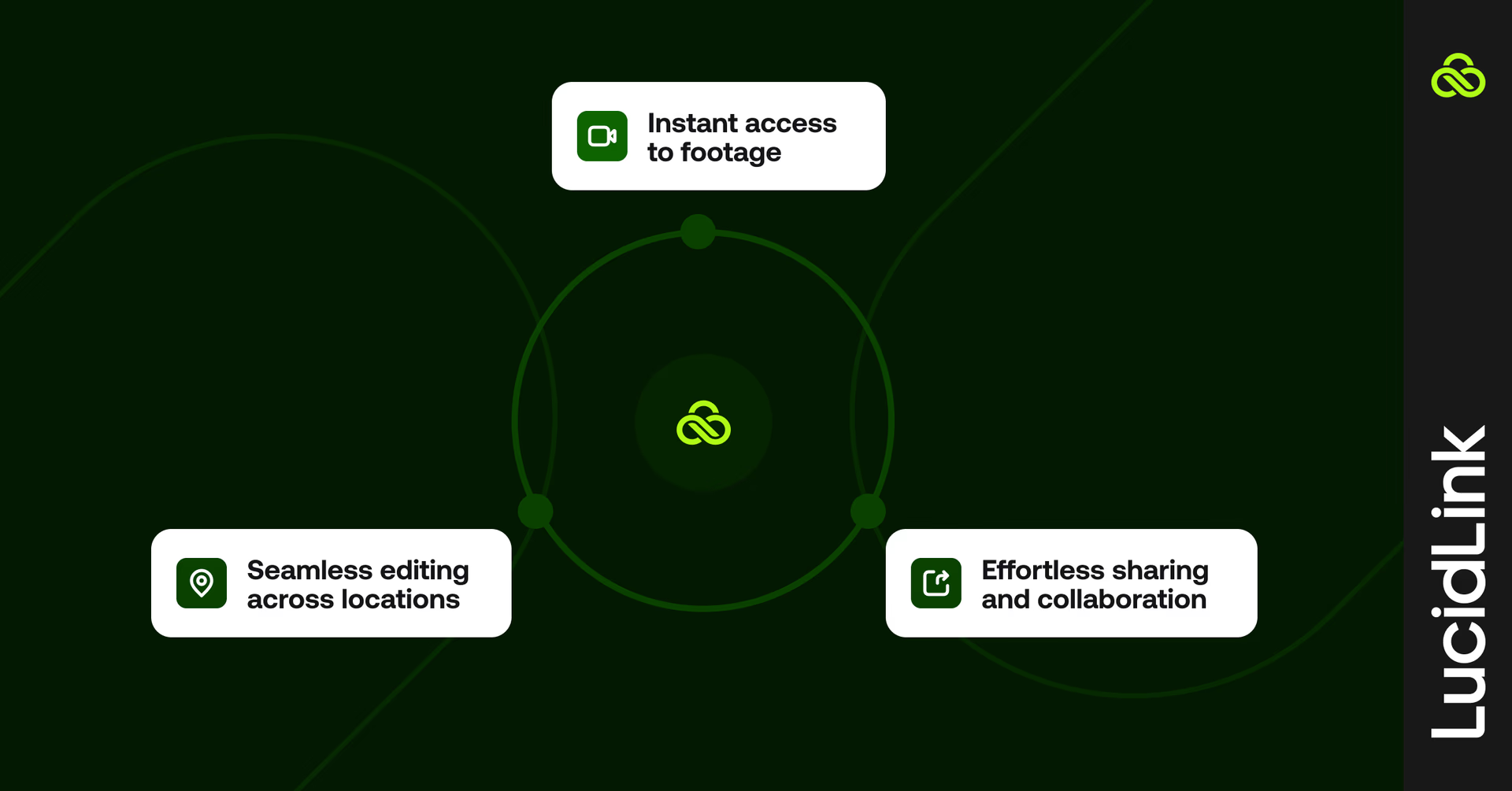
LucidLink enables:
Instant access to footage
Effortless sharing and collaboration
Seamless editing across locations
Whether you’re cutting, mixing or posting, LucidLink keeps your team in sync and your edits ahead of the clock.
Want to see how fast your workflow can go? Try LucidLink free today.
Keep reading
Collaboration
Creative production
Video editing workflow: a guide for collaborative teams
Discover how to create a collaborative video editing workflow. Get tips on how to turn your editing process into a seamless, team-based experience.
31 August 2026, 14 mins read

Creative production
Collaboration
How to send videos without losing quality: 3 best ways
Learn how to send videos without losing quality with these three easy methods. Discover the best tools for fast, high-quality video collaboration.
15 July 2026, 6 mins read

Creative production
7 best ways to send large audio files
Distributed teams working on creative projects need to know how to send large audio files securely and efficiently. Read on to learn the best methods.
26 May 2026, 8 mins read
Join our newsletter
Get all our latest news and creative tips
Want the details? Read our privacy policy. Not loving our emails?
Unsubscribe anytime or drop us a note at support@lucidlink.com.