Creative production
6 video editing tips for beginners, pros and team workflows
Last updated 30 January, 2026
7 mins
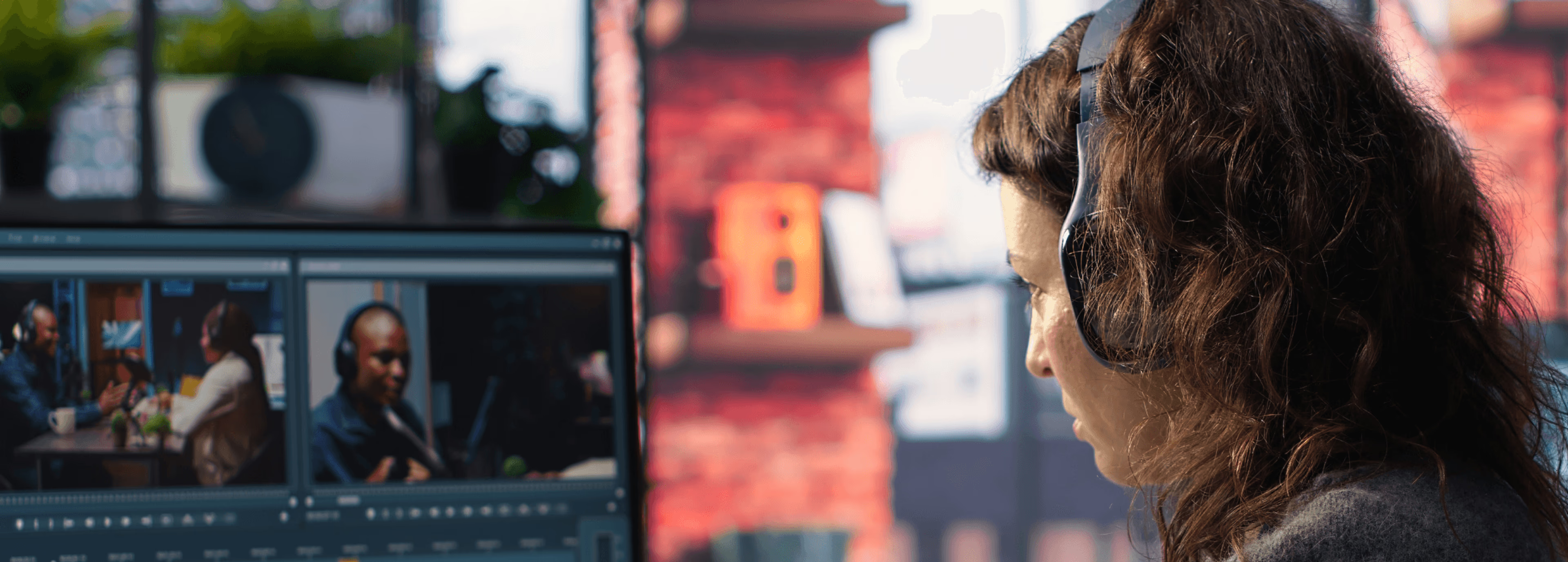
Video editing can be a lot. Messy timelines, lost files and slow workflows make it hard to maintain consistent quality.
Even talented editors sometimes struggle to keep projects organized, especially when juggling multiple types of footage, formats or collaborators.
The good news? There are simple, actionable video editing tips and tricks that can save hours, reduce stress and help you produce better videos, whether you’re editing solo, remote video editing or editing as part of a team.
We’ll start with key video editing tips for beginners, then explore how teams can level up efficiency and collaboration.
Why video editing can feel overwhelming

Video editing is a layered process that demands organization, patience and problem-solving. Here are some challenges most editors face:
Cluttered timelines and disorganized project files: jumping between folders and scattered assets wastes time and mental energy.
Slow editing due to large file sizes: high-resolution footage (4K, ProRes, multi-cam) can bog down even the fastest computers.
Difficulty collaborating with multiple editors or specialists: without a clear system, version confusion and duplicated work are common.
Risk of lost work or mistakes: missing files or accidental overwrites can derail a project.
Challenges with sending large video files: transferring massive footage to clients can be slow, unreliable or blocked by large file size limits.
Many of these headaches can be avoided with simple, practical video editing techniques and tricks.
Common video editing mistakes
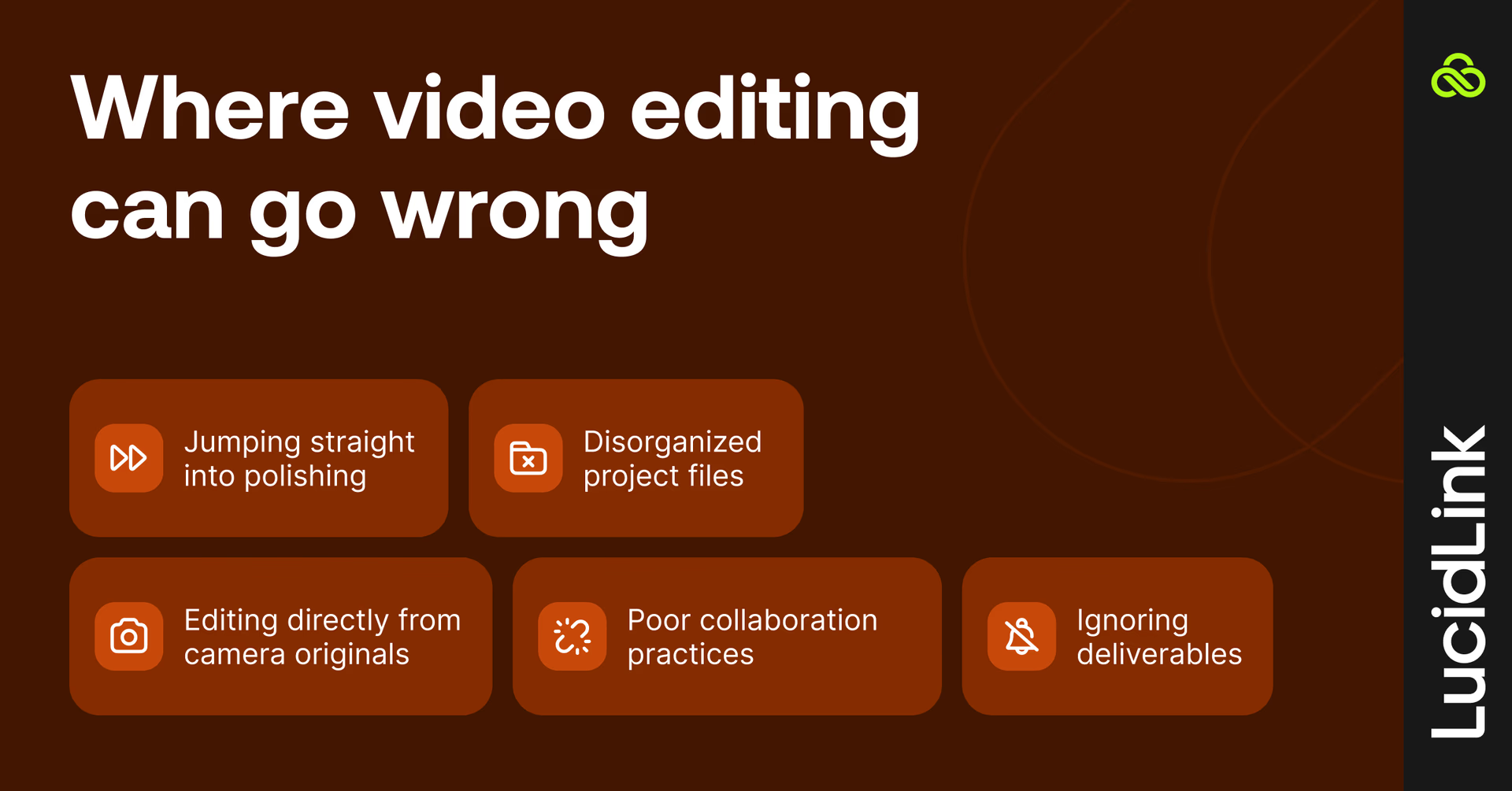
Even experienced editors fall into traps that slow projects down or reduce quality. Watch out for these:
Jumping straight into polishing: skipping rough cuts can waste hours fixing story or pacing issues later.
Disorganized project files: leads to lost footage, version confusion and rework.
Editing directly from camera originals: large files bog down your system. Use proxies or mezzanine formats.
Ignoring deliverables: not checking lengths, formats or branding requirements can create last-minute crises.
Poor collaboration practices: failing to standardize naming conventions and folder structures can frustrate teammates.
Even experienced editors slip up sometimes, but the good news? Most mistakes are totally avoidable. Building a few smart habits early on can save you hours of frustration and keep your workflow running smoothly.
6 video editing tips every editor should know
Video editing is an art, but some habits help almost any project reach its full potential. Follow these tips to work smarter, avoid common mistakes and create better videos.
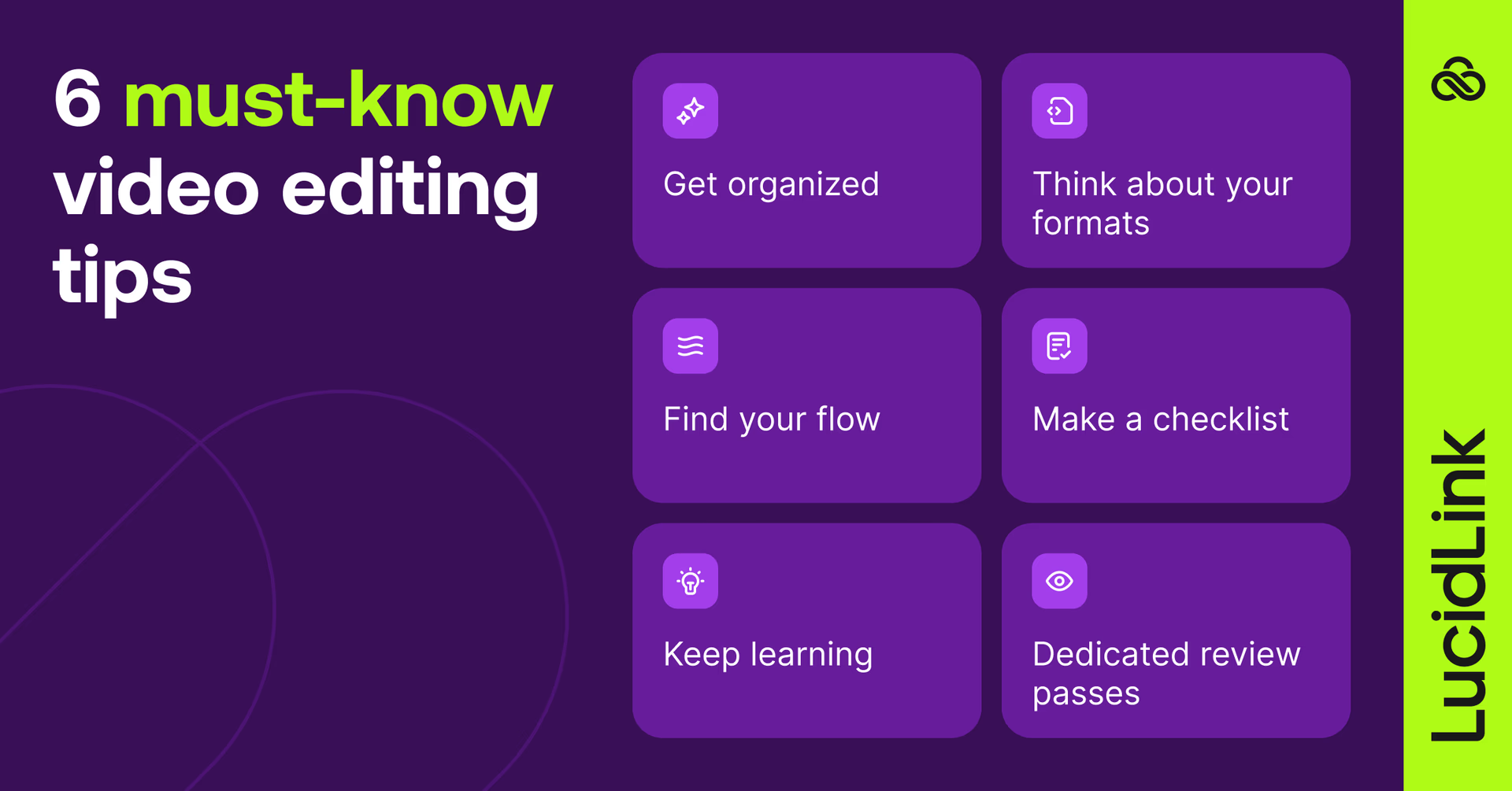
1. Get organized (and stick to it)
There’s no perfect system for naming files or organizing video files — but picking one and being consistent is a game-changer. It makes life easier for you and anyone else who jumps into your project later. No more hunting through random folders wondering, “where did I put that clip?”.
2. Think about your formats
Working straight from your camera originals can slow you down. Using proxies or a mezzanine format keeps your workflow fast without sacrificing quality. Little tweaks like this early on save tons of headaches later.
3. Find your flow
Don’t get stuck polishing color or adding fancy graphics too soon. Nail the story and pacing first — get the rough skeleton of your edit down, then layer in the details. Your future self will thank you.
4. Make a checklist
Know your deliverables before you start cutting. If you need a :60, :30 and :15 version, that changes how you edit from the start. A quick checklist keeps you on track and stops last-minute scrambling.
5. Keep learning
Editing software keeps getting smarter — think automated transcripts, AI-assisted tools and more. Staying up to date doesn’t just make editing faster; it sparks ideas you might not have thought of before.
6. Dedicated review passes
Instead of trying to catch everything in one go, watch your edit multiple times. Focus on one thing at a time: audio, graphics, pacing. You’ll catch mistakes more easily and end up with a cleaner final video.
But what if you’re not working alone? When you bring a team into the mix, you suddenly have more hands, more expertise and more moving parts.
To make it all work without chaos, you need a workflow that scales.
Video editing tips for teams: scaling your workflow
Working solo is one thing. Working with a team? More hands, more skills and more ideas can take your projects further, but only if your workflow keeps up.
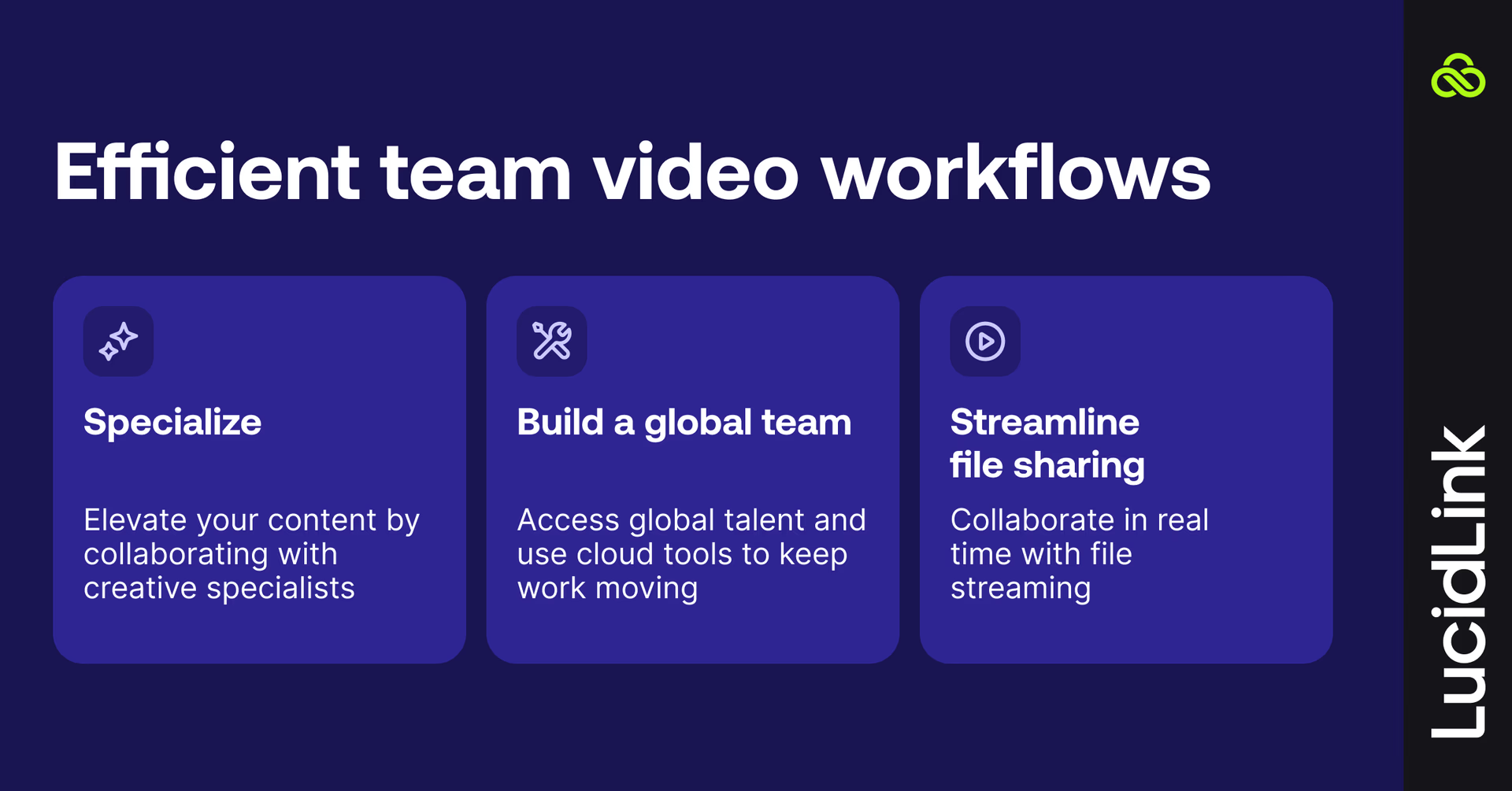
Specialize
One person can’t do everything. Bring in colorists, motion graphics artists and audio pros to elevate the quality of your videos.
Build a global team
Use time zones to your advantage to keep production moving nearly 24/7. Work can start in Europe and continue in North America without downtime.
Hire globally (including freelancers) to access the best talent anywhere, and use remote cloud video editing tools like LucidLink to keep everyone working seamlessly across locations.
Streamline file sharing
Sharing media and project files used to be a headache.
LucidLink makes it simple with video cloud storage that lets your team stream massive files instantly and collaborate in real time, without downloading or syncing. This means less time waiting and more time editing.
Collaborative video editing: Edit from a single cloud filespace with changes appearing instantly for everyone.
Instant media access: stream proxy, 4K, or RAW assets straight from media cloud storage.
Familiar workflows: works with Premiere Pro, DaVinci Resolve, Final Cut Pro and other NLEs.
Secure projects: zero-knowledge security, fine-grained permissions and SSO keep assets safe.
How organized video workflows help your team
A well-organized video editing workflow keeps everyone on the same page, reduces bottlenecks and ensures projects move smoothly from concept to final cut.
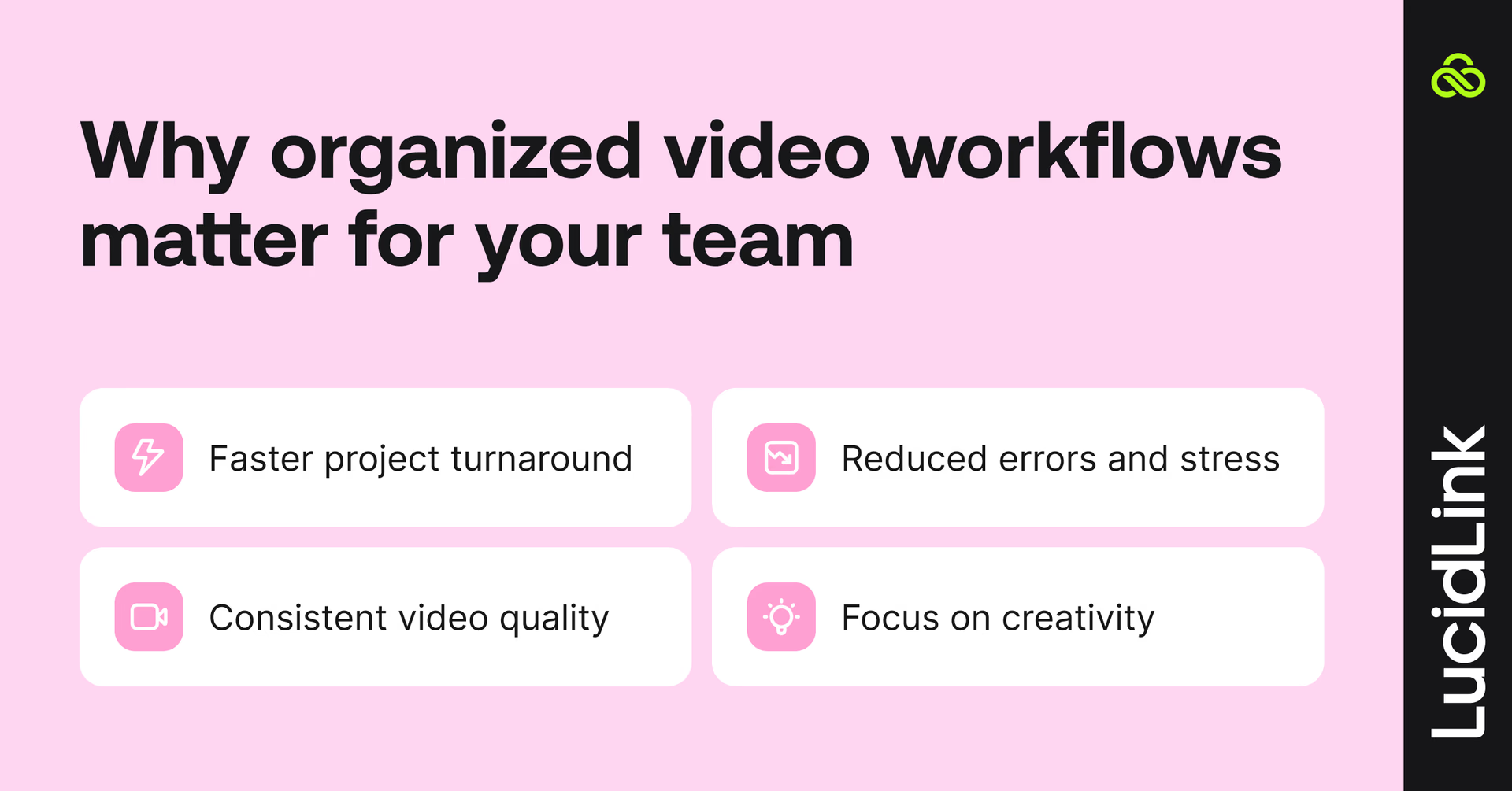
Faster project turnaround: clear folder structures, version control and streamlined processes let editors focus on crafting the story.
Reduced errors and stress: defined roles and workflows prevent miscommunication and accidental overwrites.
Consistent video quality: shared style guides, templates and real-time collaboration ensure your videos always meet standards.
Focus on creativity: less time managing files means more time editing, refining and storytelling.
When your team has a solid workflow in place, edits happen faster, mistakes are fewer and your final videos look polished and consistent.
Best video editing tools
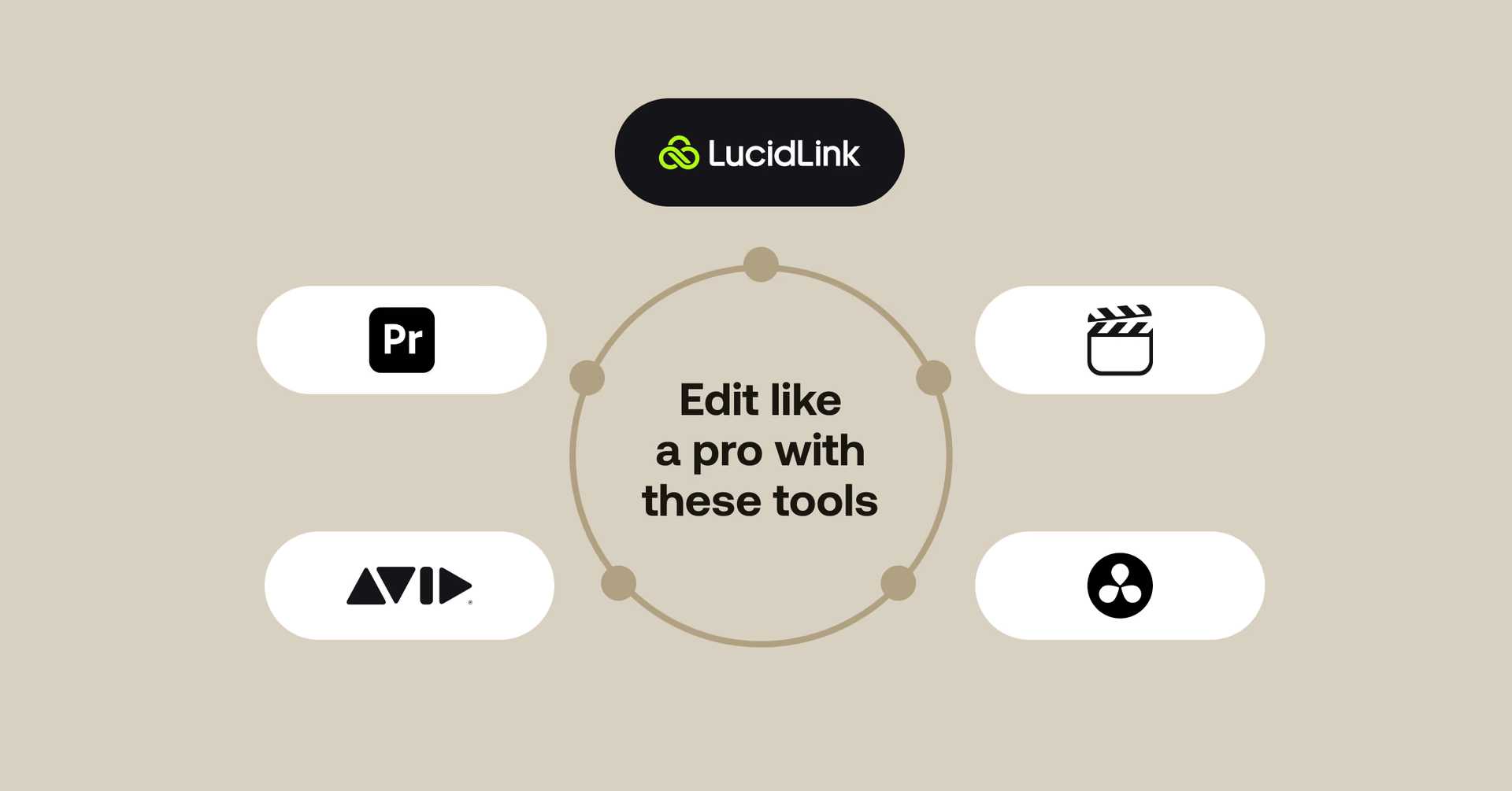
Now that you know how to streamline your workflow and avoid common mistakes, here are the tools that can help you edit more efficiently, whether you’re working solo or with a team.
Adobe Premiere Pro: turns your footage into polished videos with drag-and-drop editing and handy AI tools. Great for pros, but it can be a bit advanced if you’re just starting out.
Avid Media Composer: the go-to for studios and live broadcasts, handling footage from any camera, just don’t expect tons of built-in effects.
DaVinci Resolve: everything you need in one tool (editing, color, audio, VFX) plus real-time team collaboration. The free version is amazing, but beginners might feel overwhelmed.
Final Cut Pro: super fast on Macs with a magnetic timeline that makes editing a breeze; beginner-friendly, though Mac-only.
LucidLink: easily stream huge project files and do collaborative video editing with your team in real time — no downloading, syncing, or juggling drives needed.
If you’re a Premiere Pro devotee, check out this video for some great tips on speeding up your workflow.
Video editing in action: how Casual runs round-the-clock global production with LucidLink
When Casual, a leading global production agency needed a way to unify editors, producers and freelancers across eight offices and three continents, they reimagined their workflow with LucidLink at the center.
The result? A 24-hour global production pipeline that moves faster, stays perfectly in sync and eliminates traditional bottlenecks.
The challenge: producing 1,000+ projects a year across time zones
Casual’s teams were spread worldwide, but their files weren’t. Physical hard drives, slow transfers and scattered storage made real-time collaboration nearly impossible — especially with projects often exceeding 2TB of media.
Tracking versions, balancing workloads and scaling creative resources became a daily struggle.
How the workflow transformed
By centralizing everything in LucidLink, Casual created a single cloud-native filespace where editors, producers and freelancers can open projects instantly without syncing, downloading and shipping drives.
A shoot in Sydney can move to London overnight, then land with a colorist in New York or a mixer in LA before the client wakes up. Everyone works from the same structure, the same files, the same timeline.
I’ve been able to make progress on edits even when I was on the go — running errands or traveling. As long as I had my laptop handy, I could make progress on an edit mid-flight or waiting for an oil change at an auto body shop where the internet connection was spotty at best.
Katie Wad, US Head of Post Production, Casual
Read the full story here.
From messy timelines to magic moments

When your workflow is solid, whether you’re editing solo or with a global team, you free up the mental space to focus on what actually matters: creating great work.
The chaos of lost files and slow exports disappears, replaced by clarity, creativity and smoother collaboration.
With the right habits and video collaboration tools, editing stops feeling like a fight with your timeline and becomes the process of shaping the story you want to tell.
Ready to level up your editing workflow? Try LucidLink free today.
FAQs
The 80/20 rule means that 80% of your video’s impact comes from 20% of your content. Focus on the key shots and moments that matter most, instead of over-editing every clip.
Keep reading
Collaboration
Creative production
Video editing workflow: a guide for collaborative teams
Discover how to create a collaborative video editing workflow. Get tips on how to turn your editing process into a seamless, team-based experience.
31 August 2026, 14 mins read

Creative production
Collaboration
How to send videos without losing quality: 3 best ways
Learn how to send videos without losing quality with these three easy methods. Discover the best tools for fast, high-quality video collaboration.
15 July 2026, 6 mins read
Creative production
7 best ways to send large audio files
Distributed teams working on creative projects need to know how to send large audio files securely and efficiently. Read on to learn the best methods.
26 May 2026, 8 mins read
Join our newsletter
Get all our latest news and creative tips
Want the details? Read our privacy policy. Not loving our emails?
Unsubscribe anytime or drop us a note at support@lucidlink.com.