Collaboration
Creative production
How mobile collaboration ends the hard drive handoff
Last updated 21 January, 2026
5 mins
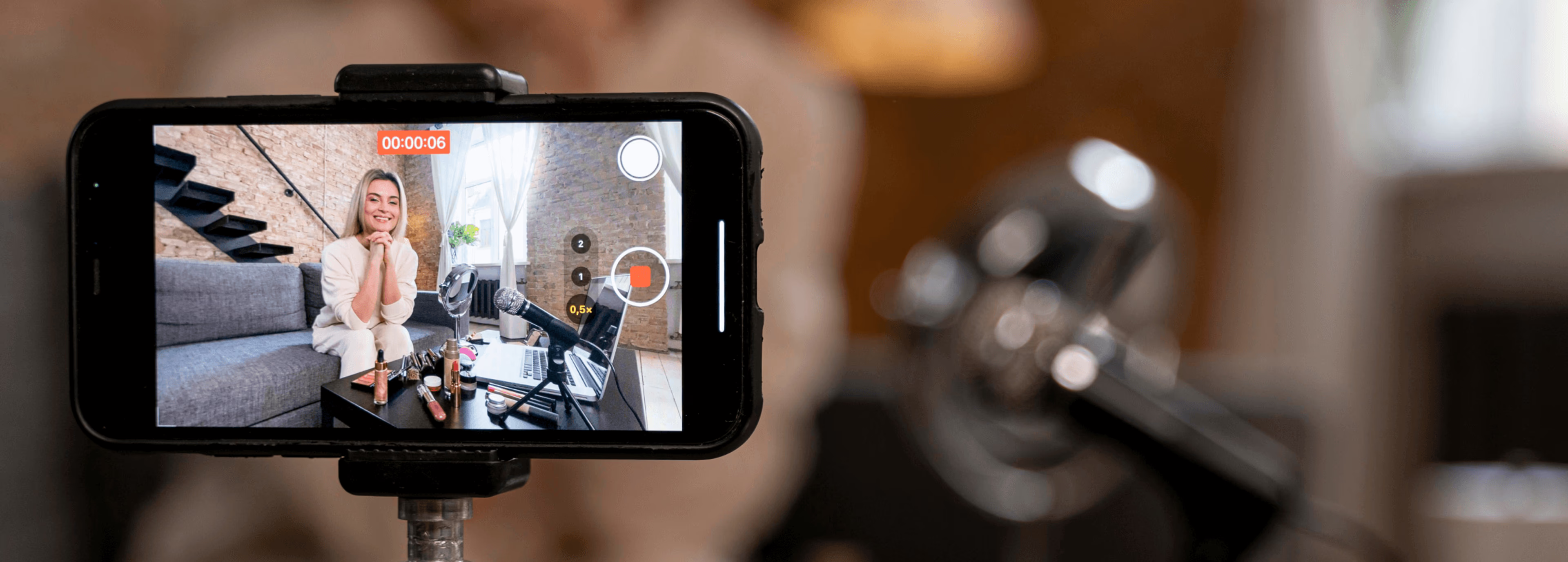
It always seems to happen at the worst possible time.
A field producer wraps a shoot at 9:30 pm, looks at the hotel Wi-Fi symbol blinking hopelessly and realizes:
There’s no way this footage is getting uploaded tonight.
If your team captures content in the field — sports, news, events, construction sites or client locations — you’ve probably been here too.
Sure it works… but it shouldn’t be the way teams move files today.
What if getting footage from the field to the desk didn’t require luck, patience or a tank of gas?
What if the moment you captured something on your phone, your editor already had it? That’s where mobile collaboration changes everything.
The modern mobile bottleneck
You’ve got field teams out capturing footage, photos, interviews, breaking news, match highlights, everything that can’t wait.
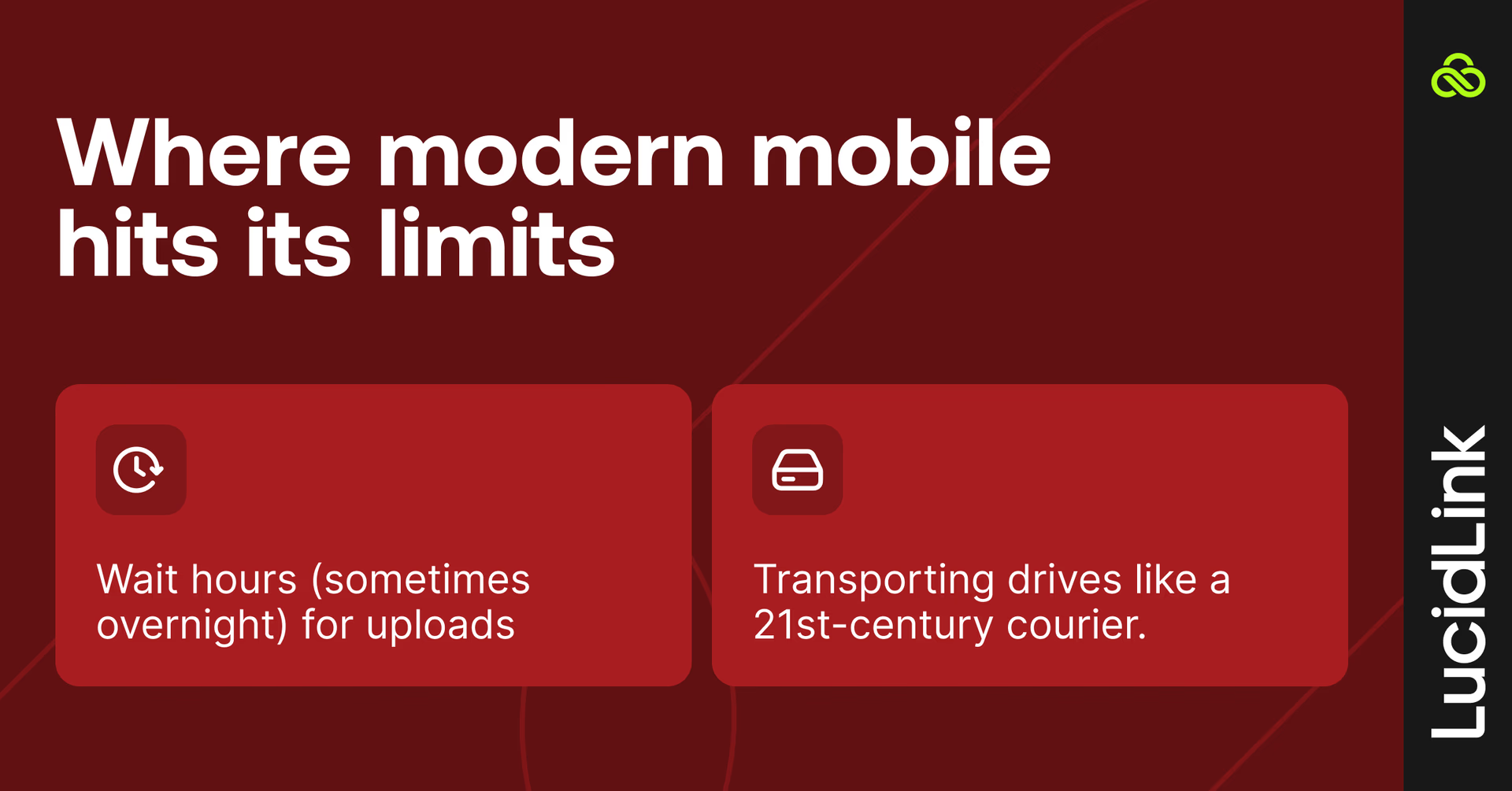
But the moment they hit “stop recording,” they’re stuck with two bad options:
Wait hours (sometimes overnight) for uploads
Physically transport the drive like a 21st-century courier
Meanwhile your desktop teams are twiddling their thumbs, refreshing folders and waiting for assets they needed yesterday.
We've got all these reporters out at events, sports matches, breaking news. The best camera is the one you have with you. But we need to make it so easy they can capture video, hit send and then get back to writing their story.
Mark Asquith,Head of AV, DC Thomson
Reporters are already shooting on mobile because it’s fast, it’s accessible and they’re already holding it. But capturing is easy.
Getting the footage where it needs to go? Not so much.
Why traditional solutions fail
By now, most teams have tried everything to move large media files around. And every “solution” comes with its own special kind of misery.
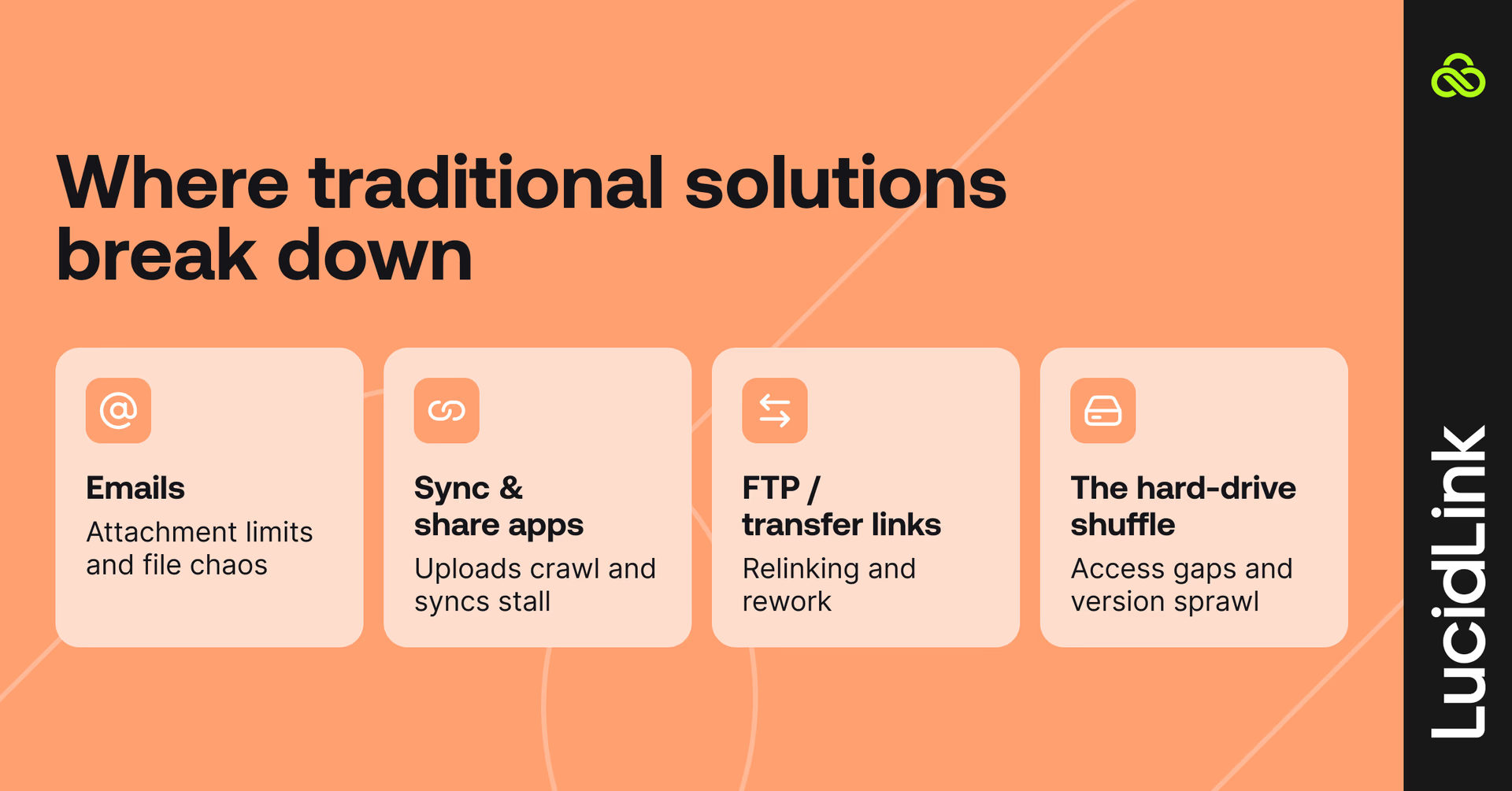
Attachment limits, corrupted files and confusing version histories.
At this point, emailing video files feels more like a workaround than a solution.
Sync & share apps (Dropbox, Drive, OneDrive)
Great for documents, a nightmare for media.
Uploads crawl
Sync delays stall teams
Conflicts multiply (“FINAL_final_v3? Really?”)
Traditional sync and share tools weren’t designed for fast, real-time collaboration, especially on mobile.
FTP / transfer links
Sure they work, but not without pain.
You upload the file, generate a link, send it, someone downloads it into a random “Downloads (4)” folder and then they still have to re-upload it into the actual project.
By the time everything’s relinked, someone could’ve driven the footage across the city and stopped for coffee on the way.
The hard-drive shuffle
From one office to another, across town or even just to a teammate’s desk at the end of the day.
It gets the job done, but it absolutely shouldn’t still be the answer.
“It sounds daft, but at the time the only solution was putting projects on hard drives and driving them around” — Drew Farrell, Group Video Editor, DC Thomson
Each of these solutions slows teams down, adds extra steps and makes fast access to large files almost impossible, which is why modern cloud collaboration tools are key to keeping work flowing.
How mobile collaboration should work (and can)
Mobile collaboration should be simple.
No waiting. No frantic “did anyone get the footage yet?” messages.
Just capture, upload and it’s already where it needs to be. Not stuck on your device. Not buried in a transfer link. Not halfway through a spinning upload bar.
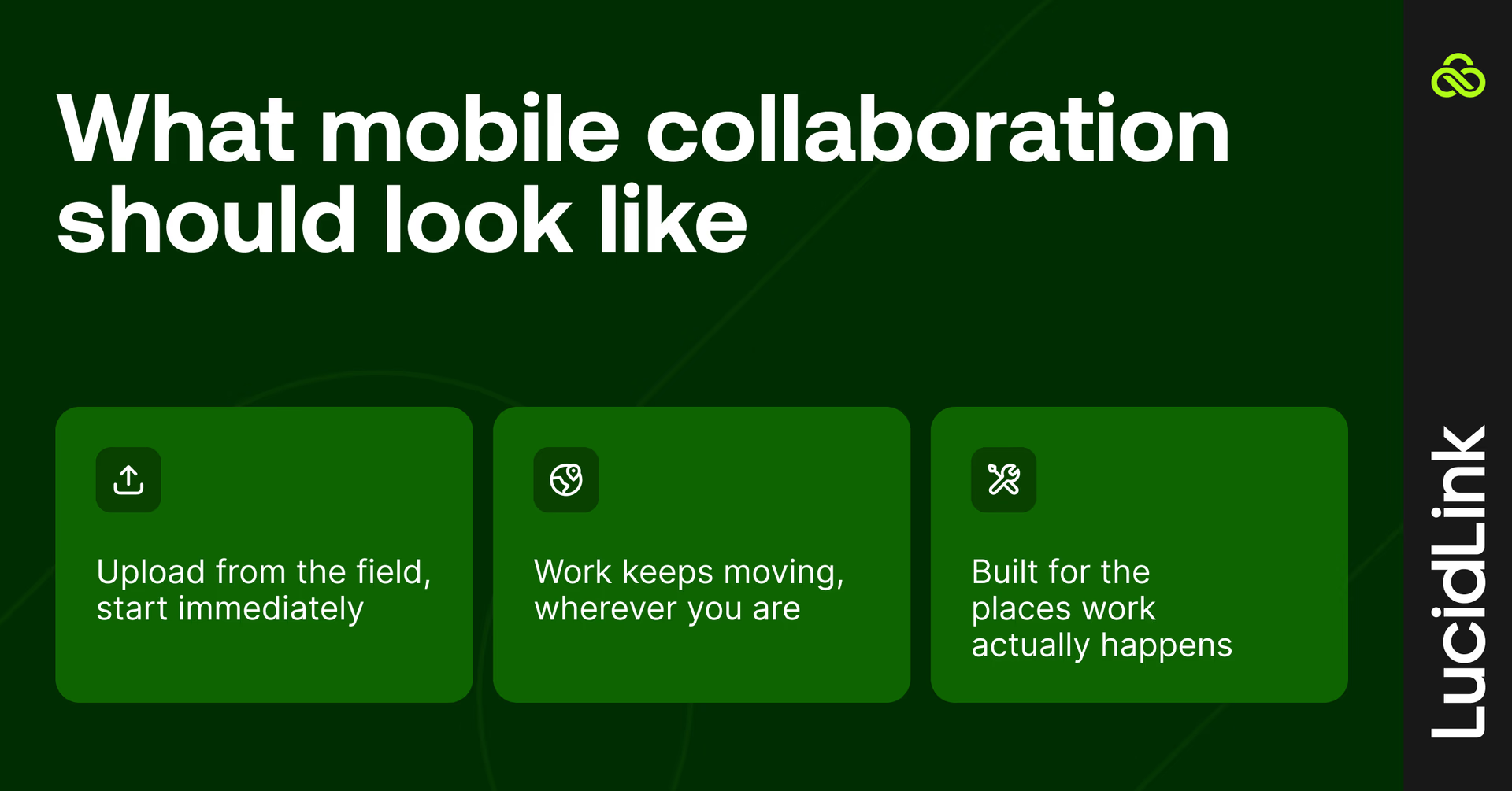
Upload from the field, get started immediately
Whether you’re on the sideline of a stadium or walking a construction site, record a clip and hit upload.
By the time your phone is back in your pocket, your editor is already working with the actual file in the right folder. No syncing roulette. No “is it done yet?” texts. Just real-time collaboration.
Work keeps moving, wherever you are
Sports footage, site photos or client assets — your team can review, annotate and make decisions in real time.
Quick checks, previews and minor edits are all possible from your phone, without a laptop, VPN or huge downloads.
Everything lands in one organized source of truth, ready for sharing instantly.
Built for the places work actually happens
Mobile work isn’t a perfect connection in a quiet office: it’s a stadium, trade show, train or hotel Wi-Fi that barely works.
LucidLink handles it all: smart caching, background uploads, auto-reconnect and enterprise-grade security.
Files stay predictable, organized and secure, no matter where work takes you.
LucidLink is built for exactly that:
Smart caching for files you’ve already opened
Background uploads (even when your screen shuts off)
Auto-reconnect when your signal dips
Enterprise-grade security: SSO, permissions, encryption travel with you from desktop to mobile
A modern video operation in action: DC Thomson
When DC Thomson set out to transform its newsroom into a professional, cloud-first video operation, they faced a classic modern media challenge: multiple teams across cities, creating timely, local content that needed to move fast.
The result? A seamless workflow where reporters, editors and AV teams can collaborate in real time without ever touching a couriered hard drive.
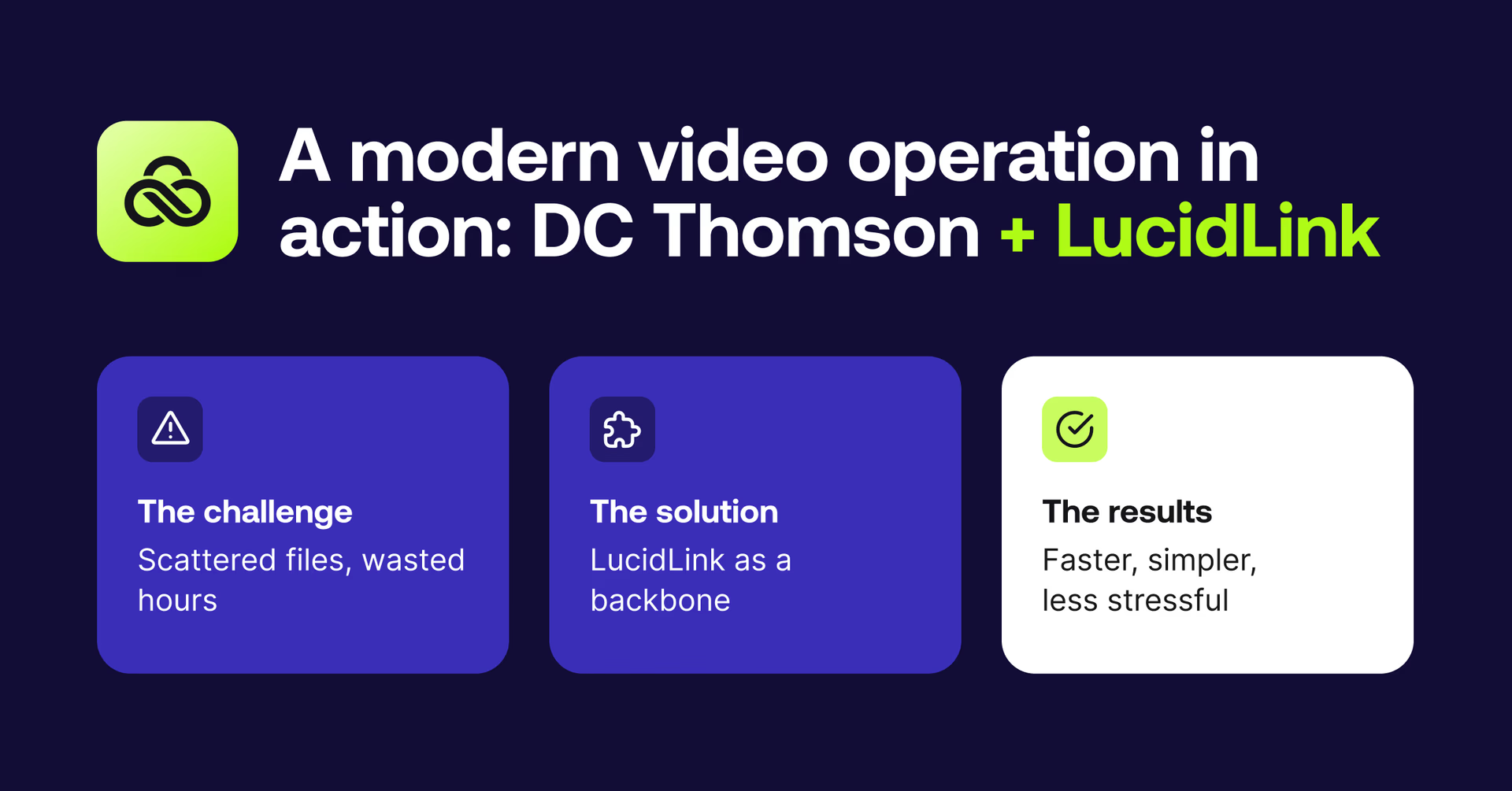
The challenge: scattered files, wasted hours
Before LucidLink, moving footage between cities was a constant headache. Uploads were capped at 2GB, drives were physically transported and editors struggled with full local storage and version chaos.
“If I filmed in Aberdeen, it could take longer to upload the footage than just drive it one and a half hours to Dundee.” — Callum Main, Video Editor
Meanwhile, reporters and shooters were already capturing on mobile, the best camera was in their hands, but getting that content where it needed to go was slow and frustrating. For breaking news, sports or live events, every delay mattered.
The solution: LucidLink as a backbone
Today, DC Thomson’s AV team runs a cloud-first workflow built around LucidLink.
All projects live in a single shared filespace, accessible across brands, cities and team members.
Editors can start working the moment footage is uploaded, no downloads, no syncing and no version headaches.
Even occasional contributors can jump into a project mid-edit.
70–80TB of active content is managed seamlessly, with older projects archived to AWS Glacier in just a few clicks.
“The fact that I can just drop a project and Drew or Callum can pick it up, that's superb. We can all work collaboratively and lean on each other” — Mark Asquith, Head of AV
The results: faster, simpler, less stressful
Hours reclaimed: weeks of waiting gone, no more stacks of hard drives.
Zero bottlenecks: multiple editors can pick up the same project mid-edit.
Cost savings: tens of thousands saved on drives, couriers, postage and NAS procurement.
Scalable storage: large projects are handled effortlessly, with easy archiving.
Peace of mind: “The biggest saving is our sanity. It just works.”
“We almost forget we’re using it — and that’s exactly how it should be,“ says Drew.
Read the full story here.
Goodbye hard-drive handoff, hello actual collaboration.
Remember that field producer at 9:30 pm, staring at hotel Wi-Fi? With LucidLink, they're already back at the hotel by the time their editor starts cutting.
The hard-drive era had its moment. But your team has outgrown it.
Mobile collaboration finally ends the hard-drive handoff and lets your stories, projects and your team move at the speed they were always meant to.
Ready to replace the hard-drive handoff for good? Try LucidLink for free today.
FAQs
Mobile collaboration lets teams capture, share and work on video files directly from mobile devices, without relying on physical drives or slow uploads. With tools like LucidLink, footage shot in the field appears instantly in your shared workspace, so desktop teams can start editing immediately.
Keep reading
In the field
Collaboration
Setting up AI agents for reality capture in AEC
How Diorama.studio used an AI agent connected to LucidLink to organize field data in real time, during a two-week deadline drone survey.
16 September 2026, 6 mins read
Collaboration
In the field
Access over movement: rethinking media infrastructure for distributed teams
Tim Burton from 7fivefive explores why the future of media infrastructure is less about moving data and more about making it accessible where it already lives.
08 September 2026, 6 mins read
Collaboration
Creative production
Video editing workflow: a guide for collaborative teams
Discover how to create a collaborative video editing workflow. Get tips on how to turn your editing process into a seamless, team-based experience.
31 August 2026, 14 mins read
Join our newsletter
Get all our latest news and creative tips
Want the details? Read our privacy policy. Not loving our emails?
Unsubscribe anytime or drop us a note at support@lucidlink.com.