Product & news
Introducing TeamCache: local-speed access for your whole office
Last updated 02 April, 2026
4 mins

It’s Tuesday morning, the office is full and everyone's hitting the network. Suddenly the same heavy files that streamed perfectly yesterday start crawling. Resolve timelines are stuttering. Autodesk ReCap files are stalling.
But there’s no issue with your filespace. The problem is bandwidth. The internet connection that comfortably handled yesterday’s lighter workload struggles when the whole office is opening the same large files at once.
Until now, your options were limited: upgrade your ISP contract, stagger workloads or accept the slowdown.
TeamCache changes that. After 6 months in early access testing with enterprise teams, it's now generally available as an add-on for all LucidLink 3.x Enterprise plans.
Why this matters now
Two things are happening at once. Teams are returning to offices, and the files you work with are bigger than ever.
Cloud workflows were designed for distributed teams accessing files from different locations. They weren't designed for several people in the same building all opening the same 50 GB file at 9am.
TeamCache fills that gap.
TeamCache: stream once, cache for everyone
Here’s how it works. When the first person at a site opens a large file, TeamCache streams it from the cloud once.
Every other person at that site who needs to access the same file gets it instantly from a local cache node at local-network speed, bypassing the internet entirely. Instead of twenty people hitting the cloud for the same footage or point cloud file, one hits the cloud and nineteen hit the cache.
Admins can also prehydrate critical project files before the day starts, so large Autodesk ReCap files or overnight renders are ready the moment the team arrives.
Whether prehydrated by an admin or triggered by the first user, everyone else reads at local-network speed. Your existing cloud setup doesn't change, your files stay where they are.
LucidLink streams your largest files on demand. TeamCache makes sure your whole office gets that experience regardless of bandwidth. Stream once, cache for all and get local-drive speed for even your heaviest files.
Watch TeamCache in action and see the performance gains here.
Simple to deploy
TeamCache installs on a local server or VM at your site and connects to your LucidLink filespace.
One node serves the whole site, removing the need for individual client pinning, SSD sprawl or cobbled-together NAS workarounds.
Because TeamCache is read-through only with zero-knowledge encryption, your existing LucidLink security model applies throughout. Nothing changes on the permissions or compliance side.
What TeamCache looks like in practice
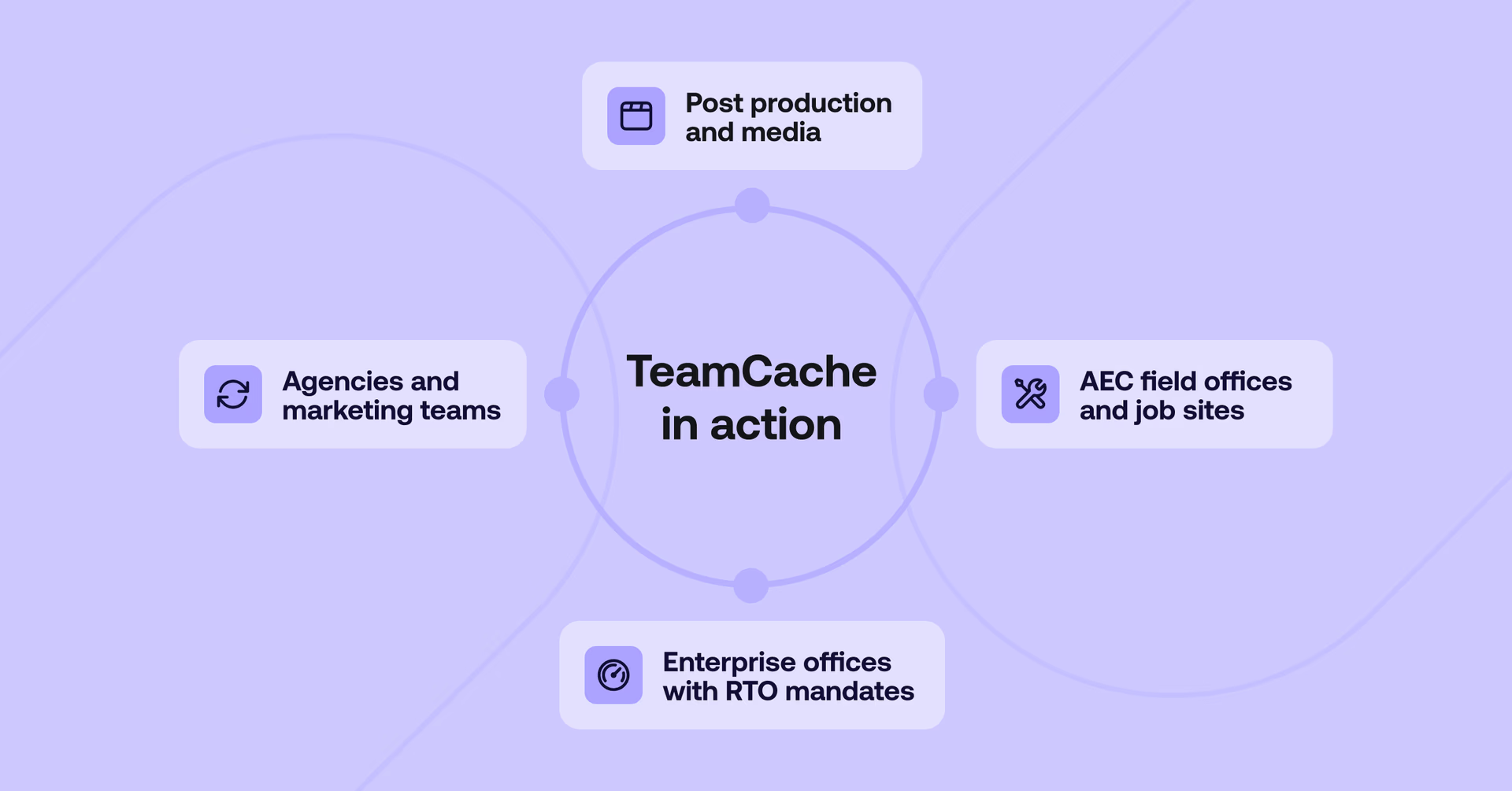
Post production and media
A post house has six editors cutting the same daily rushes. Every machine independently streams the same heavy footage from the cloud, hitting the office internet connection six times over.
With TeamCache, the footage streams once. Every editor reads from the local cache at the speed of their local network. The office pipe stays clear and nobody's waiting on anyone else.
AEC field offices and job sites
Field offices and construction site trailers often run on limited connectivity from LTE, Starlink or basic DSL.
That's workable for one or two people. It falls apart when several engineers need to pull the same 50GB+ Autodesk ReCap file or Leica Cyclone dataset simultaneously. TeamCache stretches that limited bandwidth, making a slow connection go a lot further. Stream the model once, and the cache serves everyone else right away.
Enterprise offices with RTO mandates
For larger organizations, the return to office created a new infrastructure challenge nobody had fully planned for. A spike in concurrent cloud access on busy office days can introduce lag precisely when people need to be productive.
TeamCache sets a performance floor. The files the team needs most are already cached and waiting, so the day starts fast regardless of how full the office is.
Agencies and marketing teams
An agency is finishing a global campaign. Art directors, motion designers and account leads are all reviewing the same master assets. Without a shared cache, every review triggers another download.
With TeamCache, the motion designer renders a change and the art director sees it right away without re-downloading or waiting. The result is an uninterrupted feedback loop and faster client delivery.
In all of these cases, the issue is how often the same data has to travel over the same connection.
That’s the problem TeamCache is designed to solve.
Getting started
As offices fill up and files get heavier, bandwidth becomes the bottleneck. TeamCache removes that bottleneck.
TeamCache is available now as an add-on for Enterprise 3.x plans.
See it in action: catch our webinar on how to eliminate the bandwidth bottleneck for a full demo and independent performance benchmarks.
Keep reading

For developers
Product & news
A dashboard for your filespace, built where your keys are
Build a dashboard for your LucidLink filespace from its audit trail with an agent skill for Claude Code and Codex, without touching zero-knowledge encryption.
19 October 2026, 4 mins read
Product & news
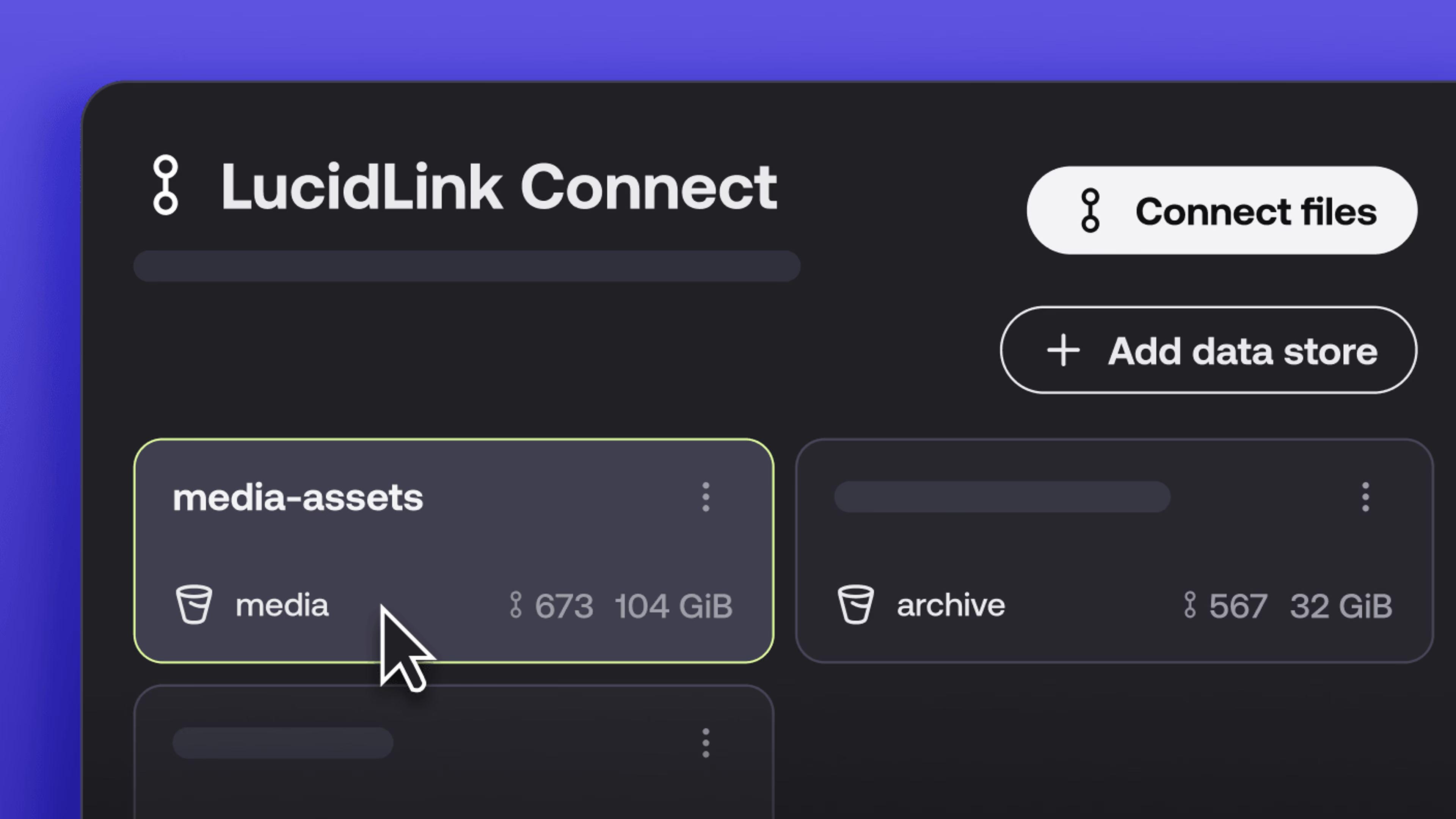
New in LucidLink Connect: simpler storage management
LucidLink Connect makes distributed storage easier to manage, with a new UI for connecting and managing data available through LucidLink.
06 October 2026, 2 mins read

Product & news
LucidLink named Leader in G2's Cloud File Storage report: here’s what customers say
See why LucidLink is a leader and rated #1 for customer satisfaction on G2’s Cloud File Storage report.
03 September 2026, 3 mins read
Join our newsletter
Get all our latest news and creative tips
Want the details? Read our privacy policy. Not loving our emails?
Unsubscribe anytime or drop us a note at support@lucidlink.com.