Cloud storage
Why enterprise file access fails without looking broken
Last updated 22 June, 2026
5 mins

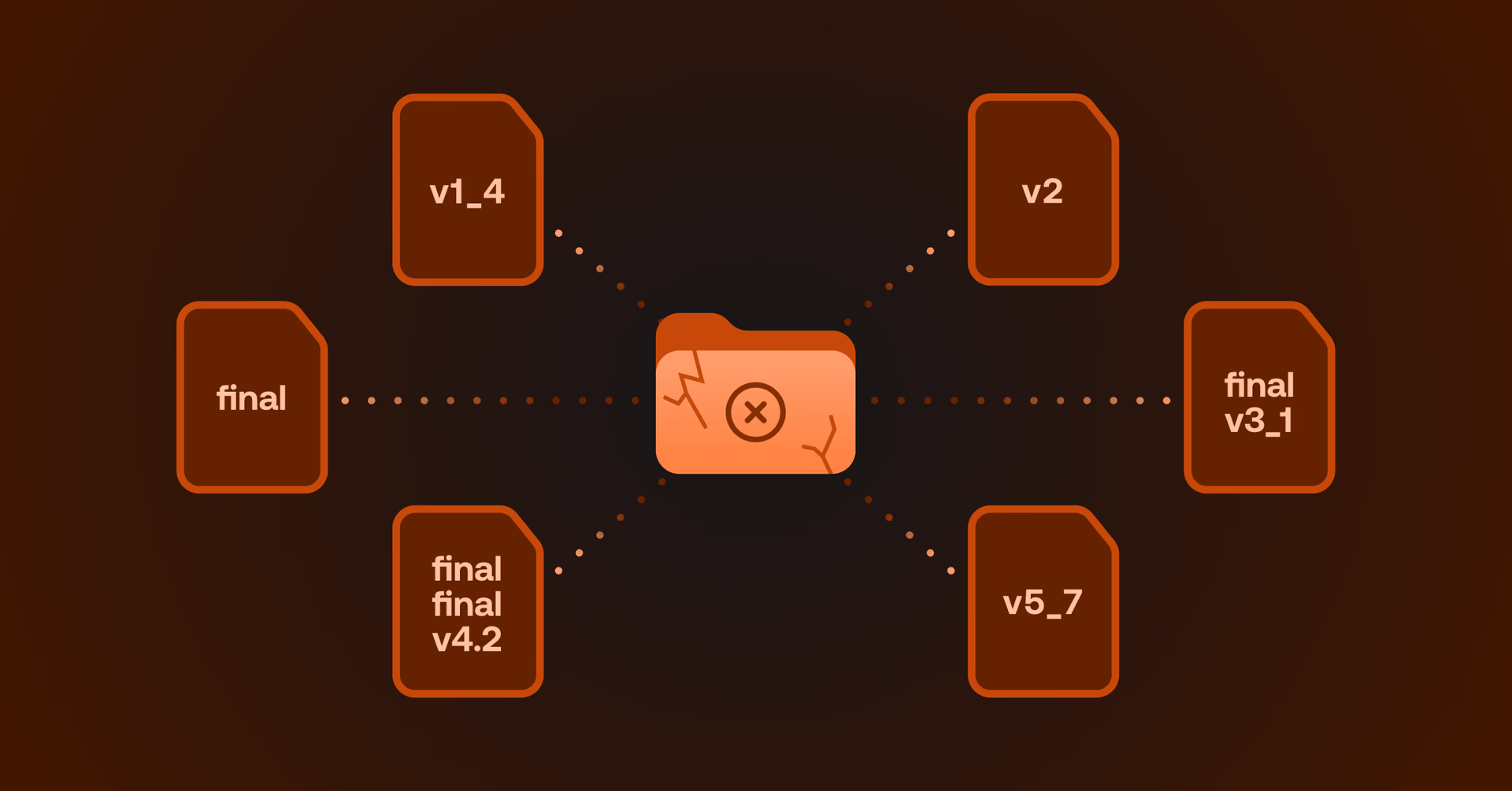
Most IT teams don’t uncover file access problems through an outage or major failure. You find them through habits.
When teams get tired of legacy file access infrastructure, they work around it:
They download local copies.
They create side-channel sharing processes.
They avoid changing live projects.
They rely on individuals to know where files live.
These are all signs teams have stopped trusting a system.
The danger is that broken systems create urgency. But systems that technically function tend to get carried. Through workarounds, tribal knowledge and a steady accumulation of IT overhead nobody has time to unwind.
That distinction matters.
File access technically works, so your organization quietly absorbs the cost. By the time the problem is pressing enough to act on, it's more expensive, more embedded and harder to unwind than it ever needed to be.
The risk of silent file access failure
According to Gartner, shadow IT now accounts for 30–40% of IT spending in large enterprises. Much of this spend exists because sanctioned systems no longer fully support the way teams actually work.
And where shadow IT grows, risk follows. IBM's 2024 Cost of a Data Breach Report found that one in three breaches involve shadow data stored in unmanaged environments, with longer detection and containment times than controlled systems.
The pattern is consistent: small compromises accumulate silently. As organizations scale, those compromises become operational norms.
By the time the problem is recognized, it’s embedded in how work gets done.
Five misconceptions that keep broken file systems alive
These patterns show up consistently across industries and technical maturity levels.
Individually they can be explained away. Together they reveal why so many infrastructure decisions break under scale.
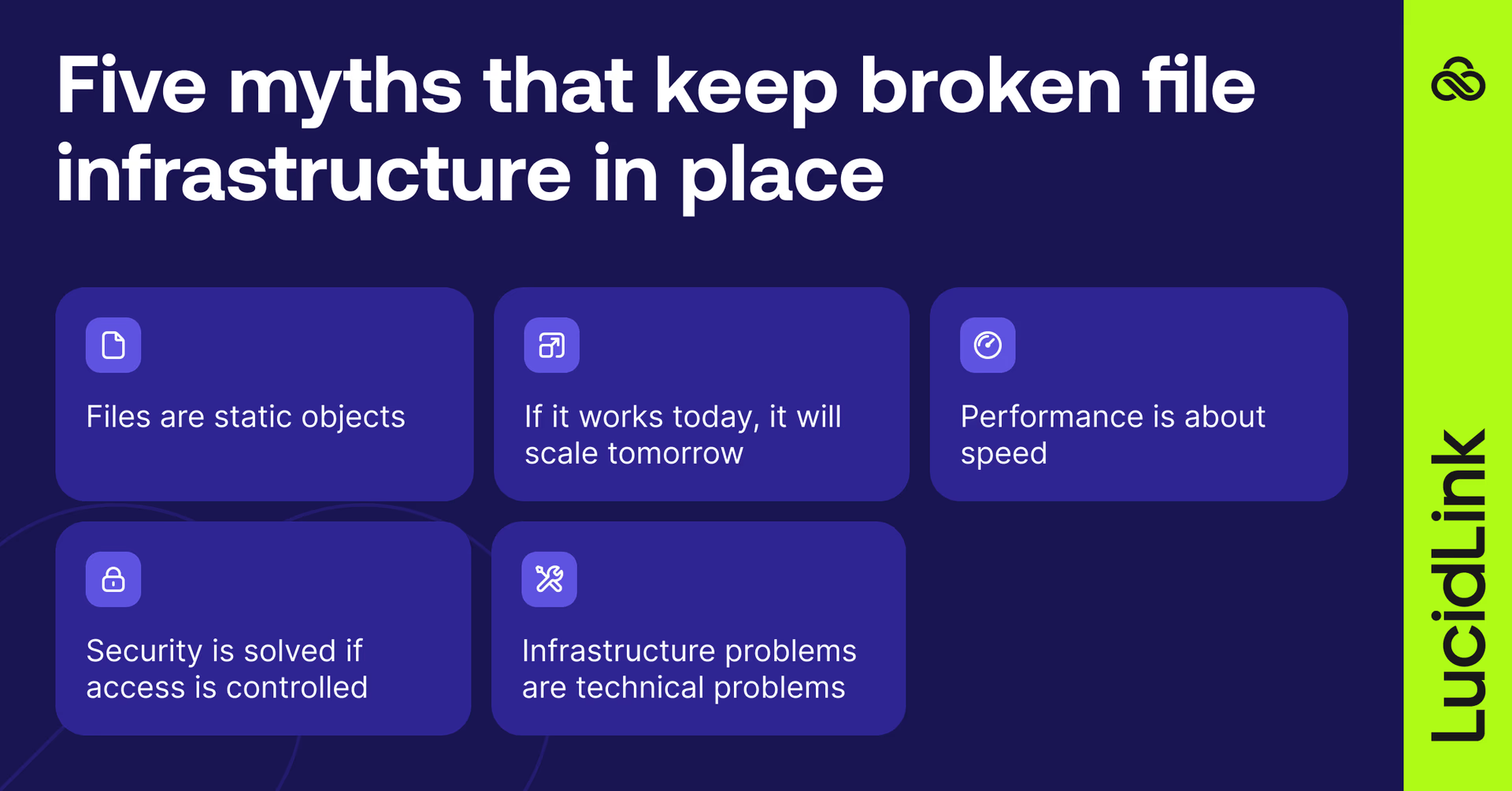
1. Files are static objects
Active files aren't static. They're shared, evolving states of work.
Architectures built on check-in/check-out models, or site-level caching appliances that hold a local copy per office, produce duplication, version conflicts and mistrust the moment multiple people need access simultaneously.
Teams stop working with the system and start working around it.
Go deeper:
2. If it works today, it will scale tomorrow
Small teams are forgiving.
Friction gets absorbed socially rather than technically. Someone knows where the file is, someone else knows the workaround.
As users, projects and locations multiply, that tolerance disappears. In reality, the system didn't scale, your tenured team members were just carrying it.
3. Performance is about speed
A system can be technically fast while operationally slow. Real performance shows up in predictability, collaboration efficiency and whether projects deliver on time. Peak benchmarks don't ship work. Consistent, reliable end-to-end workflows do.
4. Security is solved if access is controlled
When file security slows work, people bypass it. Files get copied locally, shared externally and moved into unmanaged systems. The infrastructure remains secure on paper while risk quietly accumulates in the gaps.
IBM's breach data is again instructive: incidents involving shadow data took 26% longer to identify and 20% longer to contain than those that didn't.
Security that adds constant friction to workflows will eventually be worked around.
5. Infrastructure problems are technical problems
The most damaging failures are behavioral, not technical. You hear them in conversations rather than see them in dashboards. When your team spends more time discussing friction than doing work, the infrastructure has already failed its purpose.

The signals of file infrastructure failure
If these phrases sound familiar, legacy file infrastructure is already shaping behavior:
“We copy files just in case”
“Try not to touch that during active projects”
“It’s not broken enough to fix yet”
“Ask them, they know where it is”
“Security matters, but sometimes we need to move fast”
Individually, these might sound reasonable enough to ignore for a busy team. Taken together, they point to a broader pattern where file storage is no longer the source of truth or stability and instead becomes something teams work around to get things done.
This tends to show up in a few consistent ways:
Trust has shifted from systems to people.
Teams rely on specific individuals rather than infrastructure.Workarounds have become workflows.
Copying, exporting, re-uploading and side-channel sharing are routine.Performance is tolerated, not trusted.
Teams plan around delays instead of expecting predictability.Security is technically enforced but practically bypassed.
Compliance exists on paper, not in daily behavior.Complexity is accumulating silently.
Each workaround adds a dependency no one has time to unwind.
The real cost of waiting
As an IT leader, you're managing several competing priorities at once:
Protecting high-value IP
Enabling distributed collaboration
Maintaining predictable costs
Meeting compliance obligations
Legacy file access architecture forces trade-offs between all of them.
Systems optimized for performance often sacrifice governance. Systems optimized for security introduce friction. And systems optimized for cost introduce complexity.
The end result is the same: your team spends increasing time managing infrastructure side effects instead of enabling the work the organization depends on.
Inaction compounds for IT
Because nothing looks visibly broken, action gets delayed.
Meanwhile:
Support tickets keep coming
Project timelines stretch
Shadow IT expands
Contractors are harder to govern
Key people become single points of failure
IT spends time maintaining friction instead of improving workflows
By the time modernization feels urgent, the business case has already written itself.
It doesn't have to compound that far. Here's what updating file access actually looked like for one IT team: what happened when Pushkin's IT team stopped babysitting sync issues
How to diagnose where you are
Recognizing the signals is the first step. Diagnosing the extent of the problem is the second.
The enterprise file infrastructure playbook includes a 20-question silent failure audit that covers performance, security, scalability and operations to help IT leaders identify where friction has become normalized and build the case for change before it compounds further.
It also covers:
The architectural patterns that produce these failure modes
The business case frameworks to get stakeholder sign-off
The evaluation criteria to assess any solution you're considering
Download the enterprise file infrastructure playbook here.
Keep reading

Cloud storage
New research: what your storage bill doesn’t tell you
New research from Situation Publishing explores the hidden costs around file infrastructure, from egress and duplication to lost time and manual work.
14 October 2026, 4 mins read
Cloud storage
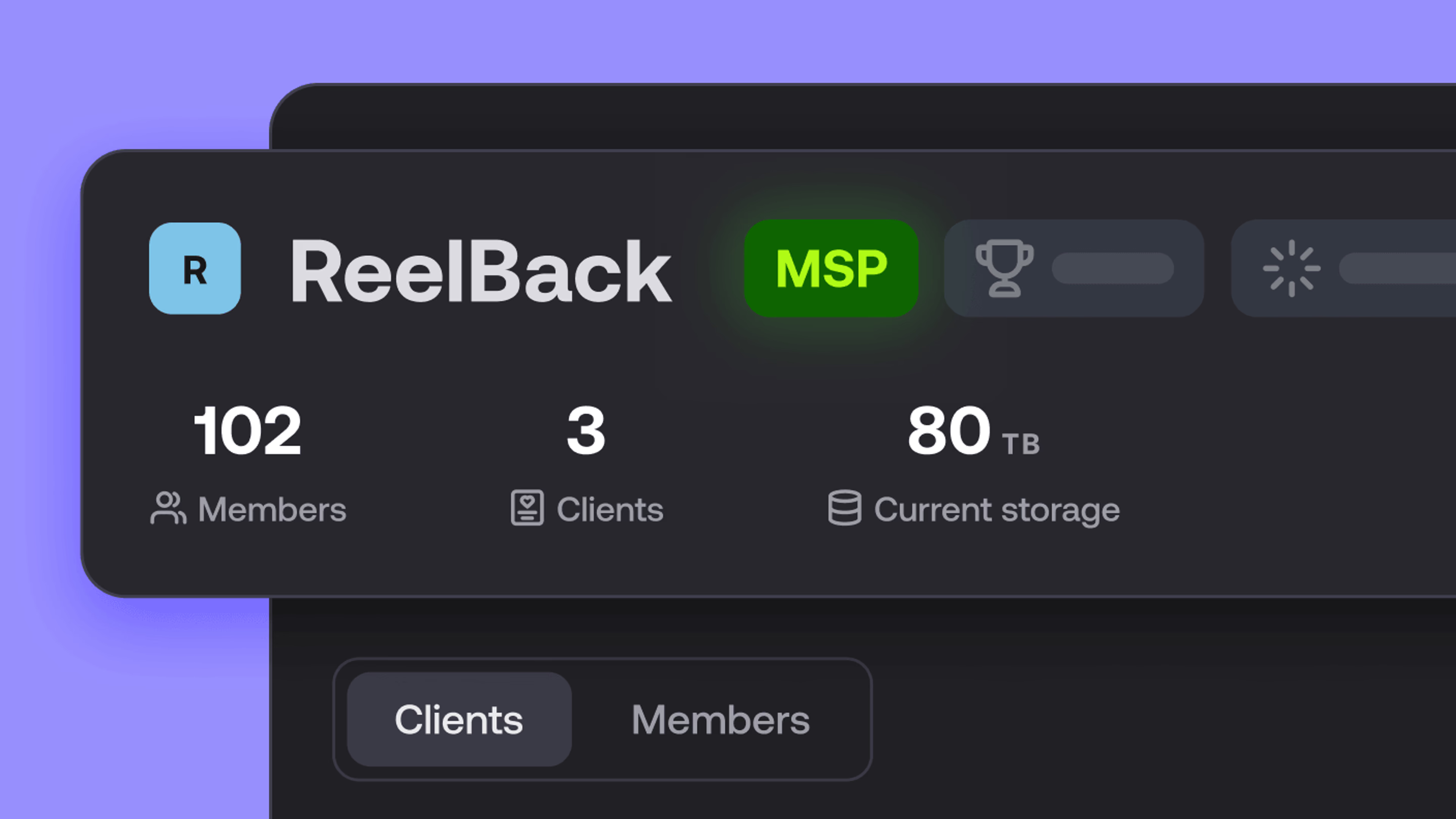
Introducing the new LucidLink MSP: one platform for your whole book
LucidLink MSP runs on the LucidLink Management Platform, giving MSPs centralized deployment management and pricing that scales with growth.
09 September 2026, 2 mins read

Product & news
Cloud storage
Beyond headline speeds: what cloud file streaming needs to succeed
Block-level streaming, smart prefetching and metadata coordination: here's the architecture behind how LucidLink performs on standard internet connections.
05 August 2026, 6 mins read
Join our newsletter
Get all our latest news and creative tips
Want the details? Read our privacy policy. Not loving our emails?
Unsubscribe anytime or drop us a note at support@lucidlink.com.