Collaboration
Cloud storage
The best Egnyte alternative for large files and collaboration
Last updated 03 July, 2026
6 mins

Egnyte has built a strong reputation around secure file governance, compliance and controlled collaboration. For regulated industries, it delivers on visibility, security and access management.
But governance isn’t where workflows break down.
As projects grow and teams become more distributed, the bottleneck shifts. Opening large files, accessing project data and collaborating across locations becomes tied to how those files are delivered.
At a certain scale, managing access isn’t enough. Teams also need fast, reliable access to their data. And waiting on file staging or cache readiness gets in the way.
That’s why organizations with large-file, distributed workflows start looking for an Egnyte alternative that delivers both control and real-time access to their data.
What is Egnyte and who is it built for?
Egnyte is a cloud-based file platform designed to help organizations manage, secure and govern data across cloud and hybrid environments.
It’s strongest in industries where compliance, auditability and structured review processes are critical.
Common use cases include:
Architecture, engineering and construction documentation workflows
Healthcare and life sciences data governance
Financial services compliance management
Marketing and advertising review and approval processes
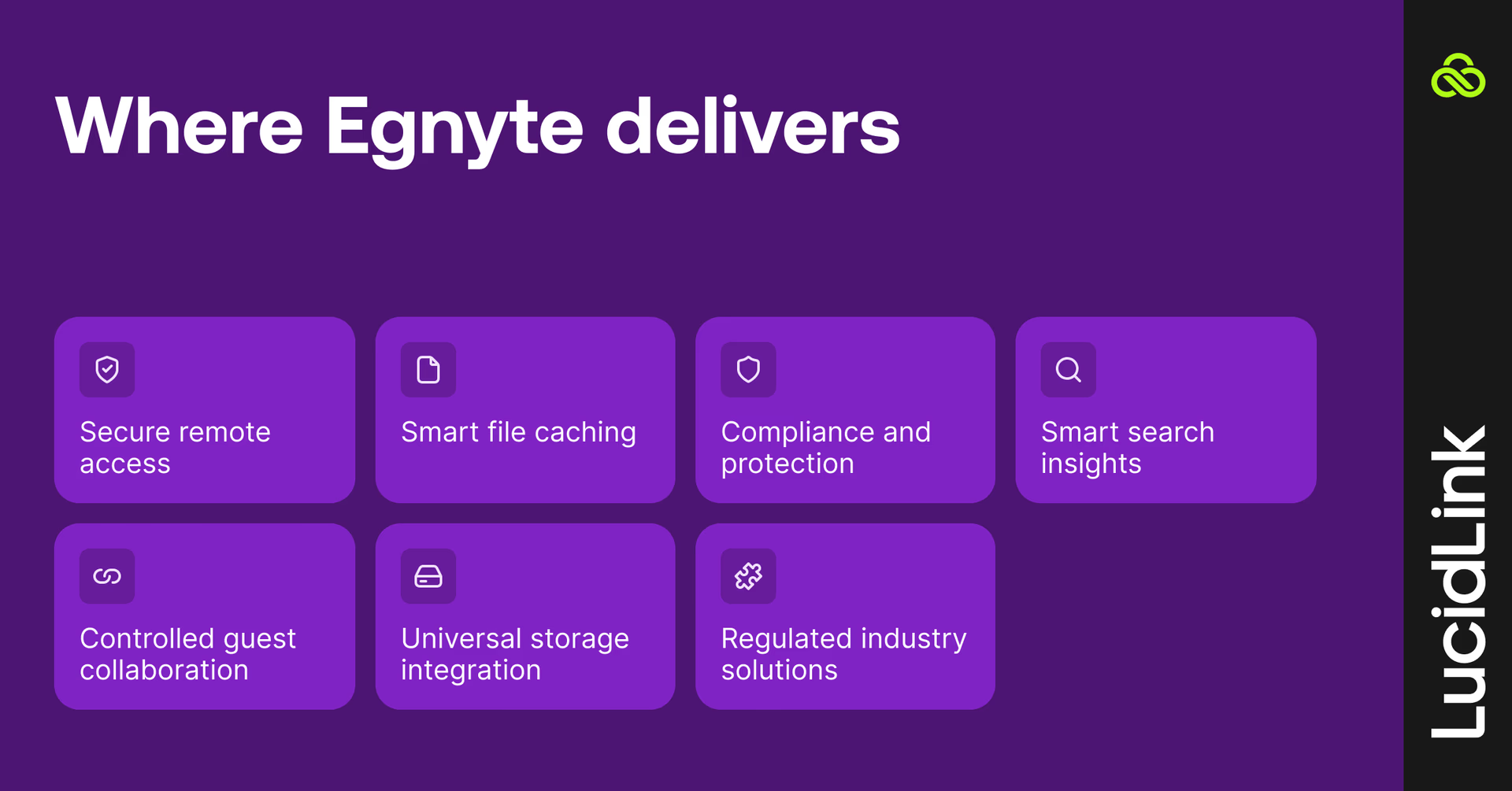
Core capabilities include:
Secure remote file access
Edge caching and file locking
Governance, compliance and ransomware protection
AI-powered search and insights
External collaboration controls
Cloud storage integrations
Industry-specific solutions for regulated industries
For many teams, this level of control is essential. The challenge comes when performance and access need to match that same standard.
Where Egnyte works and where it struggles
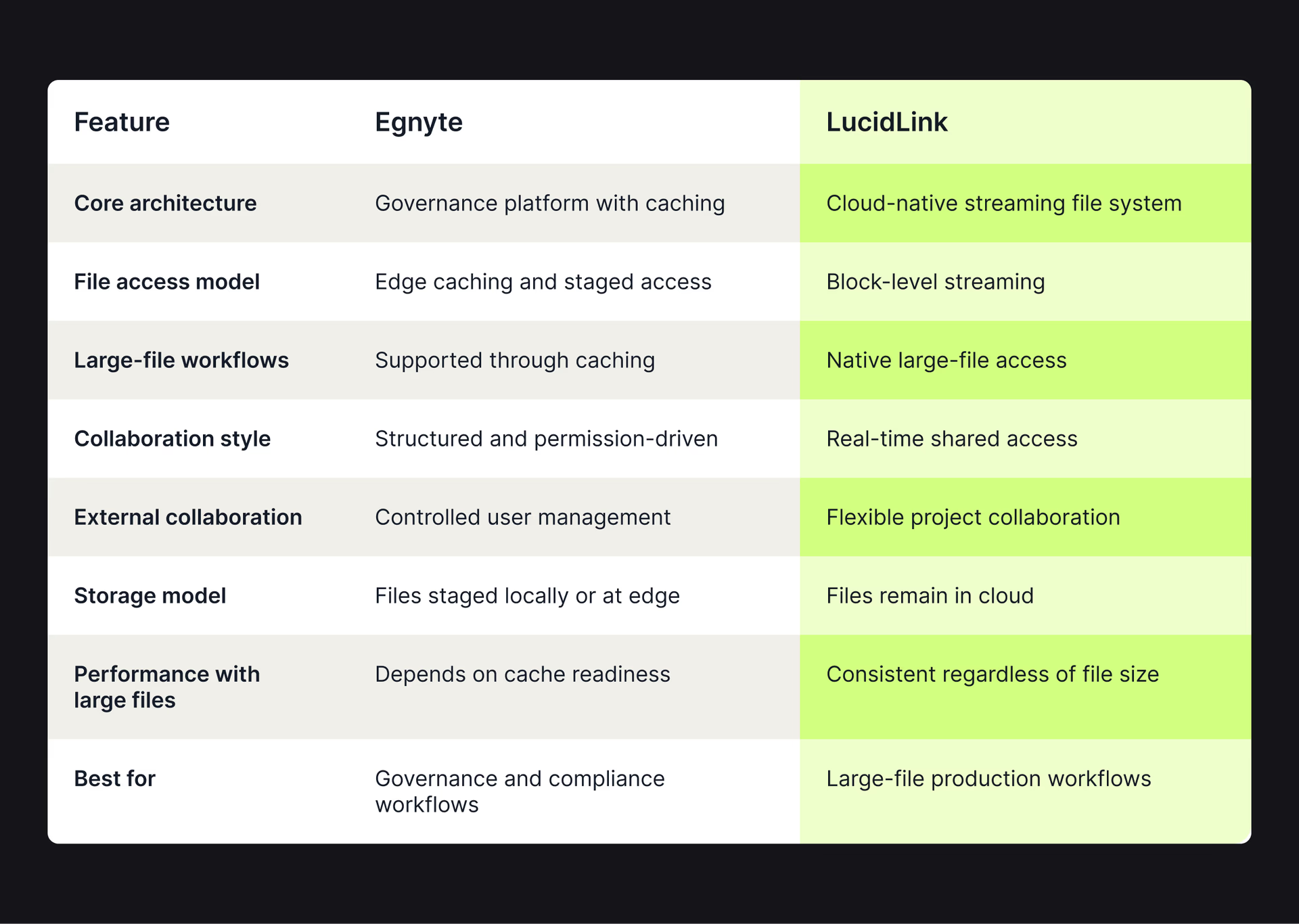
As we’ve mentioned, Egnyte is built for control, structure and governance-first collaboration.
But for teams with large files, fast iteration cycles and distributed production environments, file access is just as important as file management. And that’s where Egnyte starts to show its limits.
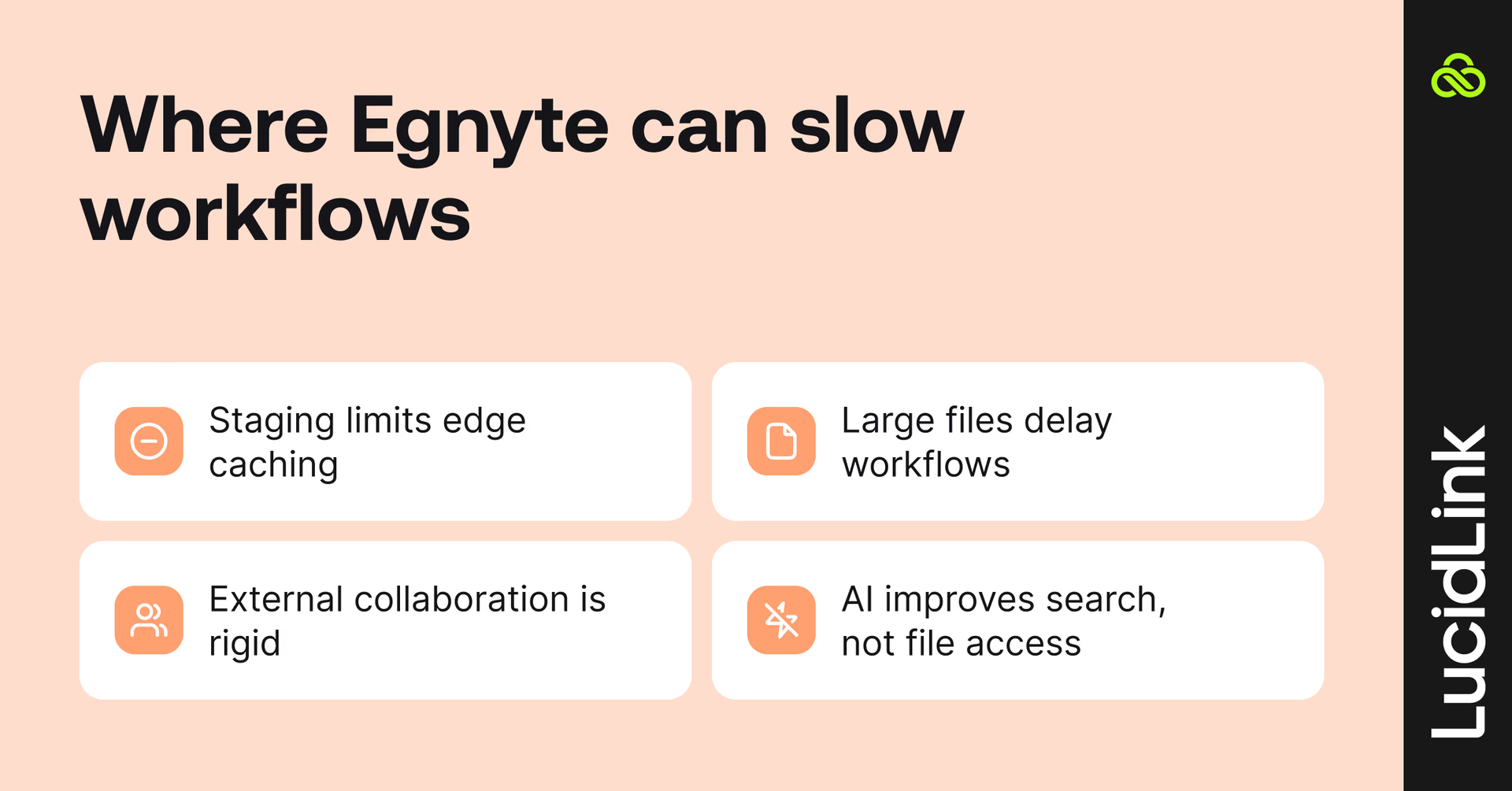
1. Edge caching still relies on file staging
Egnyte uses edge caching and local file availability to improve performance.
That works well for document-centric workflows. But with large files it introduces a dependency on preparation before work begins:
Data is partially or fully staged before use
Performance depends on cache readiness and network conditions
Files are still tied to synchronization workflows
For smaller files, this is usually invisible. For multi-gigabyte assets, it becomes part of the workflow.
2. Large files behave differently in practice
As file sizes grow into video, CAD or 3D workflows, access patterns change.
Opening a file depends on:
Whether data is already cached
How much needs to be transferred
Network latency between users and storage
The larger the files, the more these delays become part of day-to-day work.
3. External collaboration is structured and controlled
Egnyte supports external users well, but within a governed framework:
Access is permissioned and role-based
Collaboration follows structured review cycles
Less flexibility for fast-moving project teams
This works best in predictable, process-driven environments, but can feel rigid for production-heavy collaboration.
4. AI improves workflows, but doesn't change file access
Egnyte's AI capabilities help teams find information faster and extract insights from content.
Features include:
AI-generated summaries
Search and Q&A
Governance and compliance insights
Configurable AI agents
These capabilities improve how users interact with information. But they don't fundamentally change how files move between storage and users.
The underlying access model still depends on caching and staged availability.
How LucidLink solves the large-file collaboration problem
Most file platforms focus on managing files. LucidLink focuses on how teams access and work with them.
Instead of syncing or staging data, LucidLink streams files directly from cloud storage as they’re needed.
That removes the delay between 'file exists' and 'file is ready to use.'
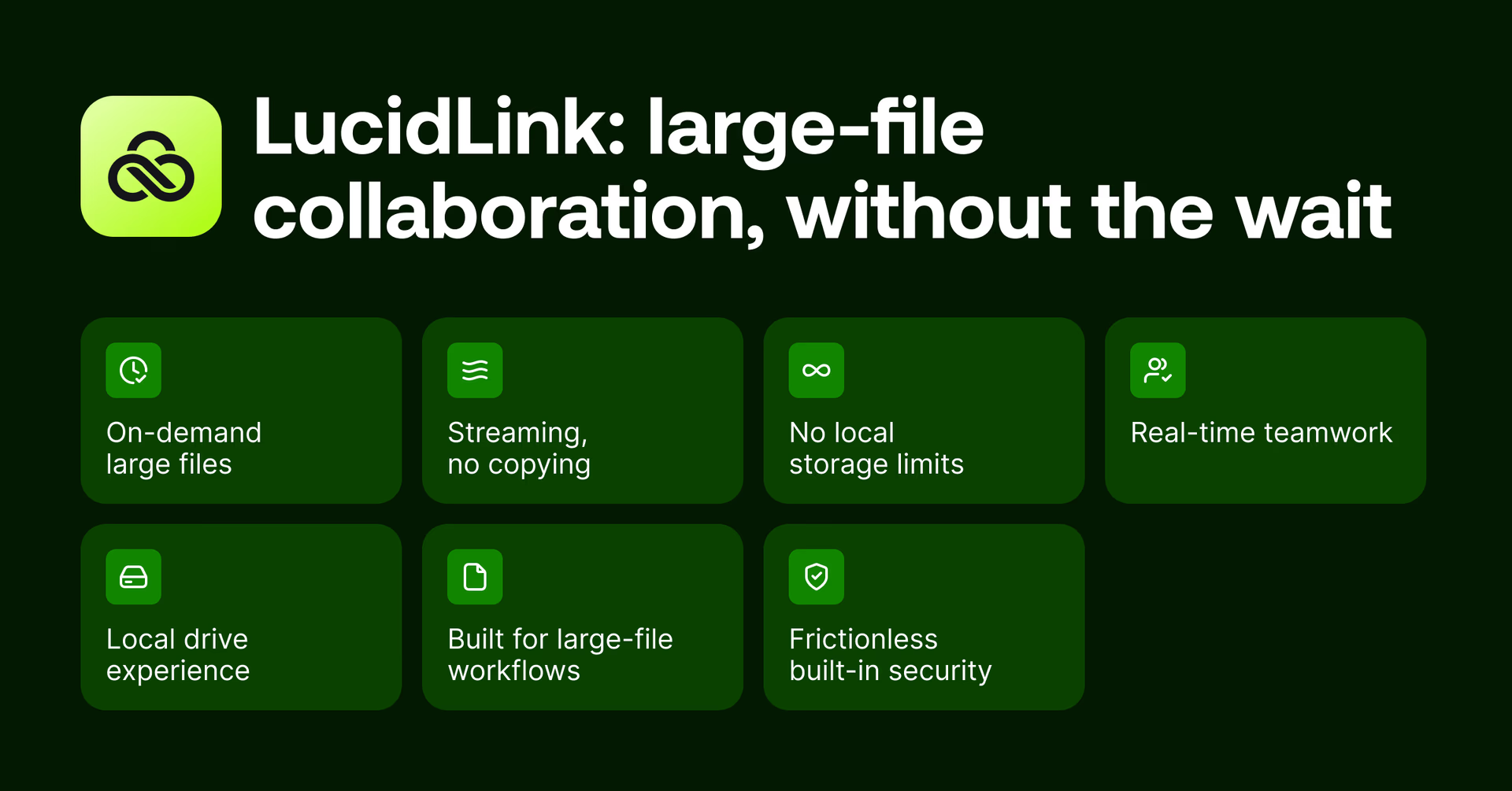
1. Instant access to large files
Teams can open multi-gigabyte and multi-terabyte files without waiting for full downloads or synchronization processes.
Work starts immediately.
2. Streaming instead of file replication
Only the data being actively used is streamed.
That removes the need for:
Full local copies
Background synchronization
Duplicate project folders
File replication across devices
Learn more about how file streaming works here.
3. No local storage constraints
Files remain in cloud storage rather than consuming local disk capacity.
Teams can work with projects that are significantly larger than the available storage on their devices.
4. Real-time collaboration without conflicts
Everyone works against the same shared filespace.
That reduces:
Duplicate files
Version sprawl
Conflicted copies
Uncertainty around which file is current
5. Works like a local drive
LucidLink mounts as a standard drive on Windows, macOS and Linux.
Existing tools continue working without workflow changes.
6. Built for large-file workflows
Designed for environments where file size and performance matter:
Video production
VFX and animation
CAD and BIM workflows
Large datasets and research collaboration
7. Security without additional friction
Security remains built into the workflow through:
Customer-controlled encryption keys
The result is secure remote access without introducing additional file movement.
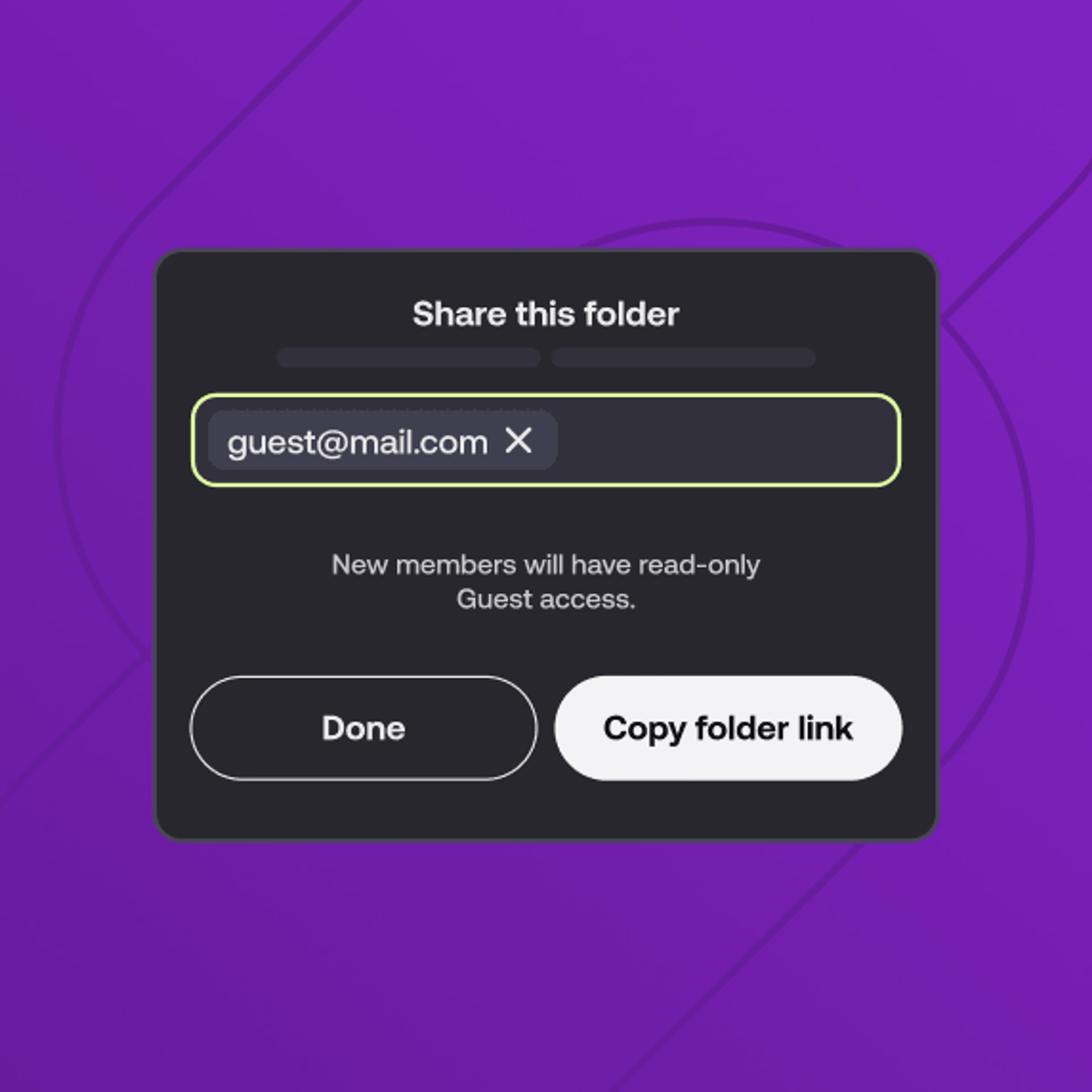
Egnyte vs LucidLink
Common Egnyte alternatives beyond LucidLink
Beyond LucidLink, most alternatives fall into two categories: sync-and-share platforms and edge filer platforms.
Both improve aspects of file management, but still struggle with large-file collaboration.
Sync-and-share platforms
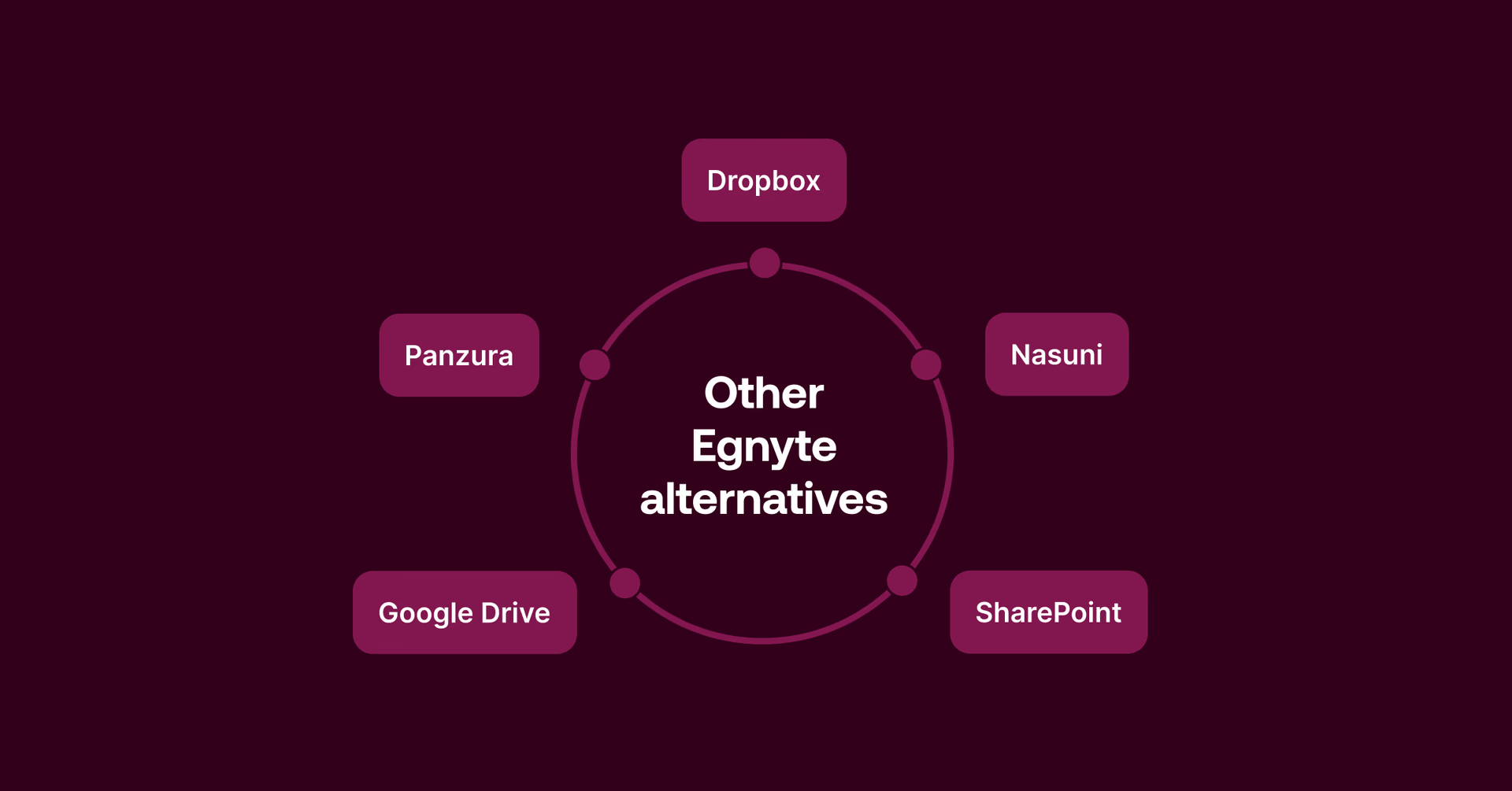
Sync-and-share solutions distribute files by copying them between devices and cloud storage.
They work well for documents, but as file sizes grow, workflows slow down and complexity increases.
Dropbox: familiar and widely used for lightweight collaboration. But because it relies on syncing, teams often need to download files before work can begin. With large files, that leads to long waits, duplicate copies and version conflicts.
Google Drive integrates deeply with Google Workspace and is great for doc and sheets. Less suited to large binary files like video, CAD or design assets, where performance and local storage become constraints.
SharePoint: widely used across Microsoft 365 environments and strong for document management. As file sizes grow and teams become more distributed, sync, versioning and performance can become harder to manage.
Edge filer platforms
Edge filers improve local office performance by placing hardware appliances between users and cloud storage. They often modernize legacy NAS environments but introduce additional infrastructure and operational complexity.
Nasuni: a common choice for organizations migrating away from traditional file servers. Strong for office-centric setups, but reliance on appliances and replication adds complexity at scale.
Panzura: follows a similar architecture with local appliances and cloud-backed storage. Effective for certain use cases, but dependence on edge infrastructure can limit flexibility for globally distributed teams that need immediate access from anywhere.
Across both categories, the pattern is the same: files still need to be moved, synced or staged before work can begin. That’s where large-file workflows start to break down.
Teams that switched to file streaming

Organizations facing large-file collaboration challenges often arrive at the same conclusion: how files move through the workflow often determines how smoothly teams can work.
Widseth: multi-office CAD and BIM collaboration
Challenge: distributed teams, large engineering files, branch appliances and inconsistent remote performance.
“Our users are on tight deadlines. They want to turn on the computer, open Civil 3D or MicroStation, and get to work. LucidLink makes that possible — without us babysitting storage,” Brent Morris, IT Manager, Widseth.
After moving to LucidLink, Widseth unified file access across 12 offices, reduced storage costs by 25%, eliminated appliance management and gave teams local-like access to large CAD and BIM files from anywhere.
Zaki Rose: centralized creative collaboration
Challenge: scattered project files, external drives, Dropbox transfers and increasingly tight production timelines.
"If you value your content and need fast, reliable collaboration, LucidLink is a no-brainer," Samer Abou-Zaki, Senior Director of Production & Creative.
Zaki Rose built a centralized creative workflow where editors, designers and social teams work from the same live files, eliminating physical drive dependencies and making content instantly available across teams.
WebMD: global video production at scale
Challenge: distributed production teams, large media files, VPN bottlenecks and dependence on a centralized NAS.
"There was no way we would have been able to keep up with this work without LucidLink," Zachary Bennett, Executive Director
WebMD moved from a single-site NAS and VPN-based workflow to a cloud-native file system, enabling editors and producers across multiple global studios to collaborate on 4K, VFX and 3D projects without downloads, syncing or remote desktop access.
Rethinking how files should be accessed
To wrap up, Egnyte is a strong platform for governed, secure and structured collaboration, especially where compliance and control are critical.
But as files grow larger and workflows become more distributed, access becomes just as important as governance.
Teams still need visibility, security and control. They also need to work with their data instantly, without waiting on staging, syncing or preparation.
For distributed and hybrid teams working with large files, LucidLink brings control and real-time access together in a single filespace so work can start immediately.
Try LucidLink free for 30 days and see how file streaming changes large-file collaboration.
FAQs
For teams working with video, CAD, BIM or other large assets, a strong alternative is often a file streaming platform like LucidLink. Instead of syncing or staging files locally, LucidLink lets teams open and work on massive projects instantly, removing the usual “wait for downloads” bottleneck.
Keep reading
In the field
Collaboration
Setting up AI agents for reality capture in AEC
How Diorama.studio used an AI agent connected to LucidLink to organize field data in real time, during a two-week deadline drone survey.
16 September 2026, 6 mins read
Cloud storage
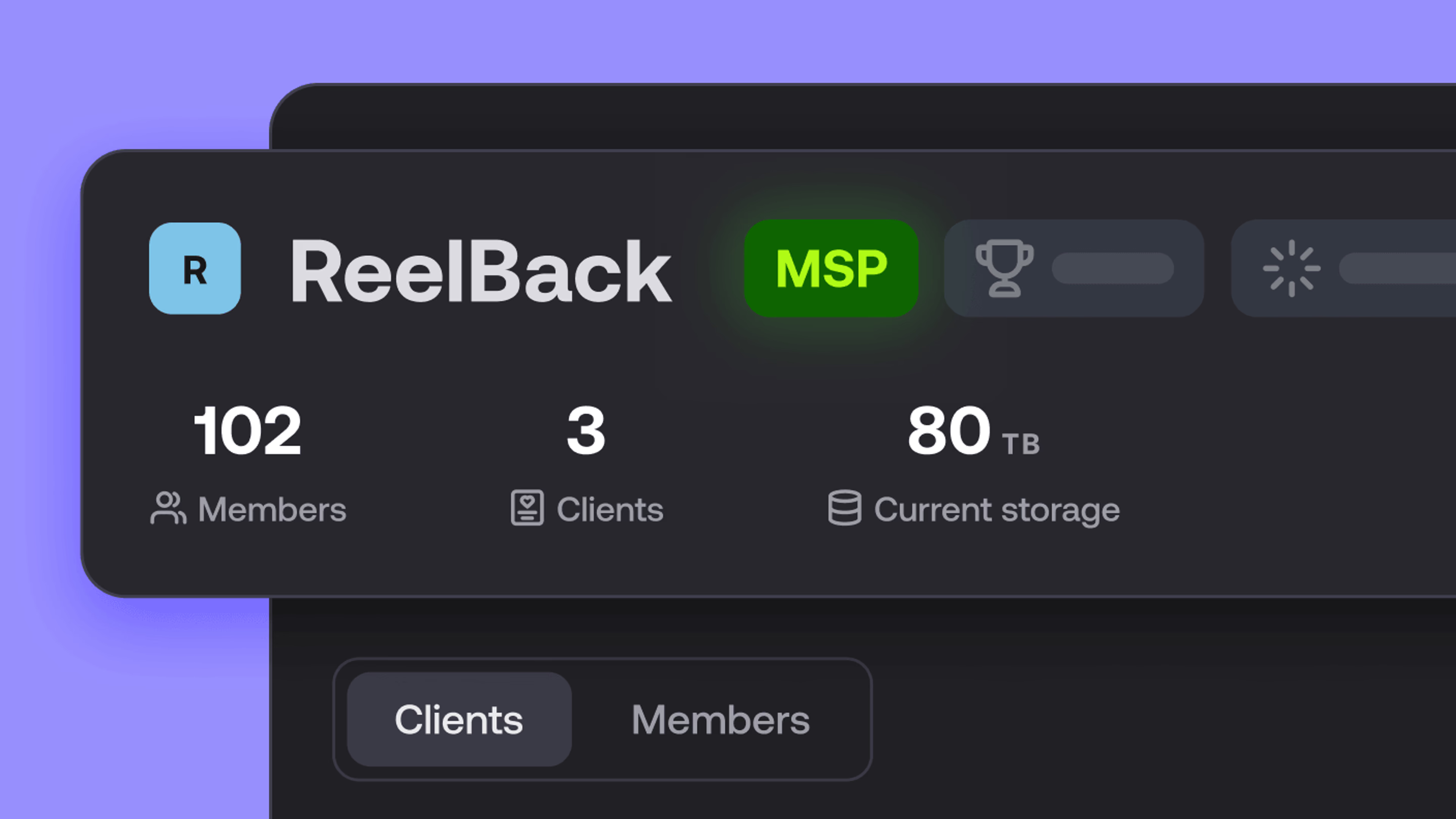
Introducing the new LucidLink MSP: one platform for your whole book
LucidLink MSP runs on the LucidLink Management Platform, giving MSPs centralized deployment management and pricing that scales with growth.
09 September 2026, 2 mins read
Collaboration
In the field
Access over movement: rethinking media infrastructure for distributed teams
Tim Burton from 7fivefive explores why the future of media infrastructure is less about moving data and more about making it accessible where it already lives.
08 September 2026, 6 mins read
Join our newsletter
Get all our latest news and creative tips
Want the details? Read our privacy policy. Not loving our emails?
Unsubscribe anytime or drop us a note at support@lucidlink.com.