In the field
Collaboration
Setting up AI agents for reality capture in AEC
Last updated 16 September, 2026
6 mins

There's no shortage of flashy AI agent demos out there. This is a practical use case from a real project with a tight deadline. It's a useful example for any AEC team asking:
Where can an agent actually help?
What needs to be in place first?
Can you trust agents with live project files?
Diorama.studio is an Athens-based reality capture studio. Like most teams in the space, every shoot wraps with more files than there's time to organize, and sorting through them eats into the time allocated to the actual project.
That was the challenge on a recent job: a one-day drone survey of a mountain road, with a hard two-week public-sector delivery deadline and no time to spare for cleanup.
To meet the deadline, cofounder Dimitris and his team set up an AI agent that connected to their files through the LucidLink MCP Server to organize, check and rename incoming files while the crew was still out shooting.
Read on to find out how, or watch the webinar below.
Context is the biggest bottleneck
Drones, laser scanners and photogrammetry rigs are prolific data producers. They're not so good at explaining what that data is.
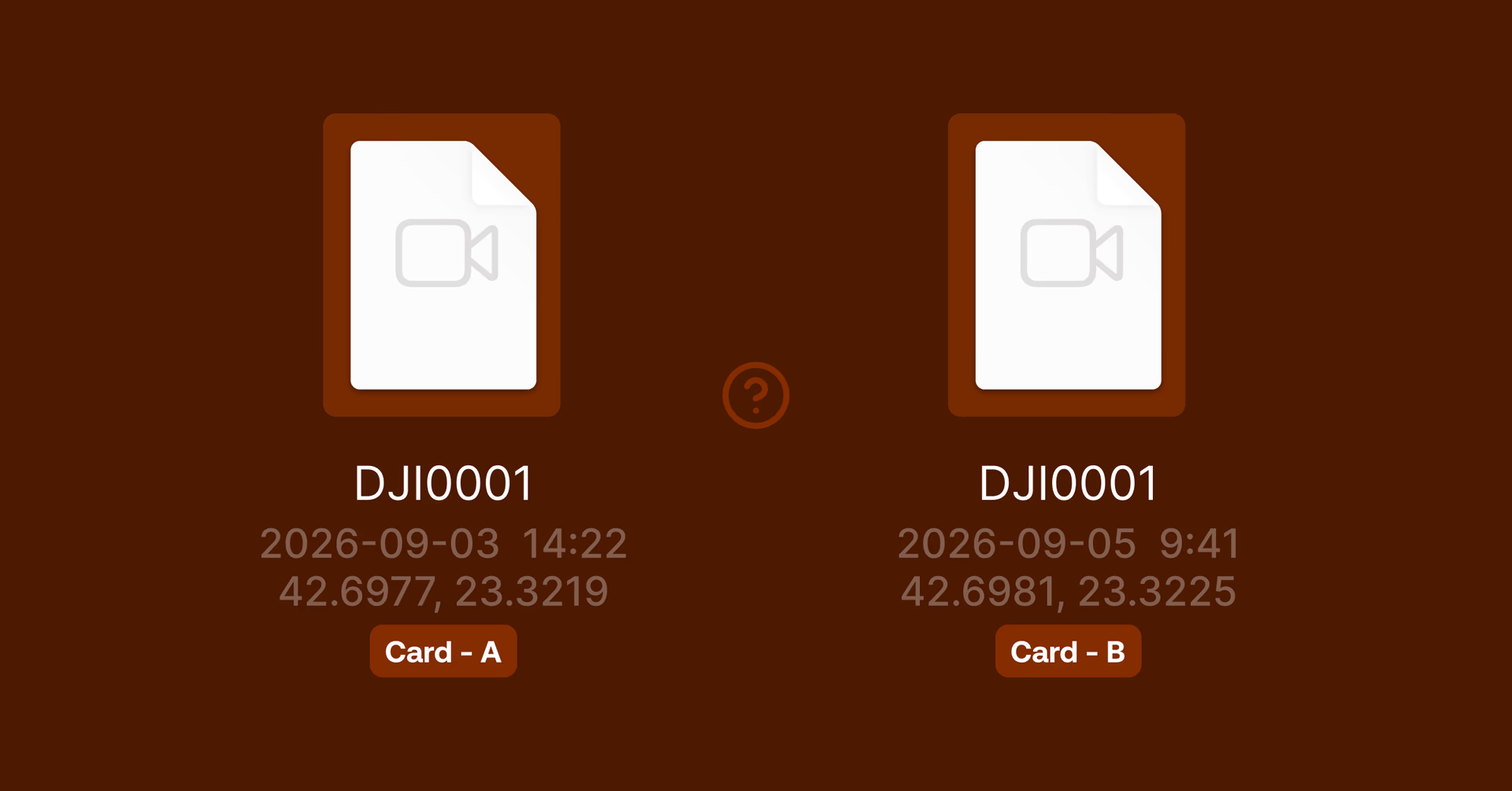
A raw capture session is just a folder of numbered files, like “DJI0001,” and “DJI0002,” with no record of which building, flight or client it belongs to.
Organizing these files is manageable for a single session, but that quickly changes once you have more than one project in flight.
On the road survey, the crew shot the same stretch of road on different days using different SD cards, and both sessions produced files with identical names. Nothing in the folder structure could tell them apart without someone manually cross-checking timestamps and metadata against what actually happened in the field.
This is where an agent comes into play. It can read the file's metadata (timestamp, GPS position, sensor type) and turn it into the project context a person would otherwise have to do manually.
"That metadata already exists in every file, it's just not written in a language most people take the time to read," says Dimitris.
By using an agent that checks files against a rulebook the metadata becomes usable without a team member wasting time cross-checking.
Why an SOP matters more than the AI model you choose
We just mentioned a rulebook. It's worth spending more time on, because your agent won’t work without one.
Agents can't invent your naming convention or decide what organized should mean for your projects. They can only apply a standard you've already written down.
In practice, that standard is a standard operating procedure (SOP). It gives a naming pattern, a folder structure and a rule for what goes where.
For Diorama, their SOP includes the project, session, flight and sequence number. They write their SOP as plain text, not code, and give them to the agent directly. Once it's written down, the agent can apply it consistently, project after project.
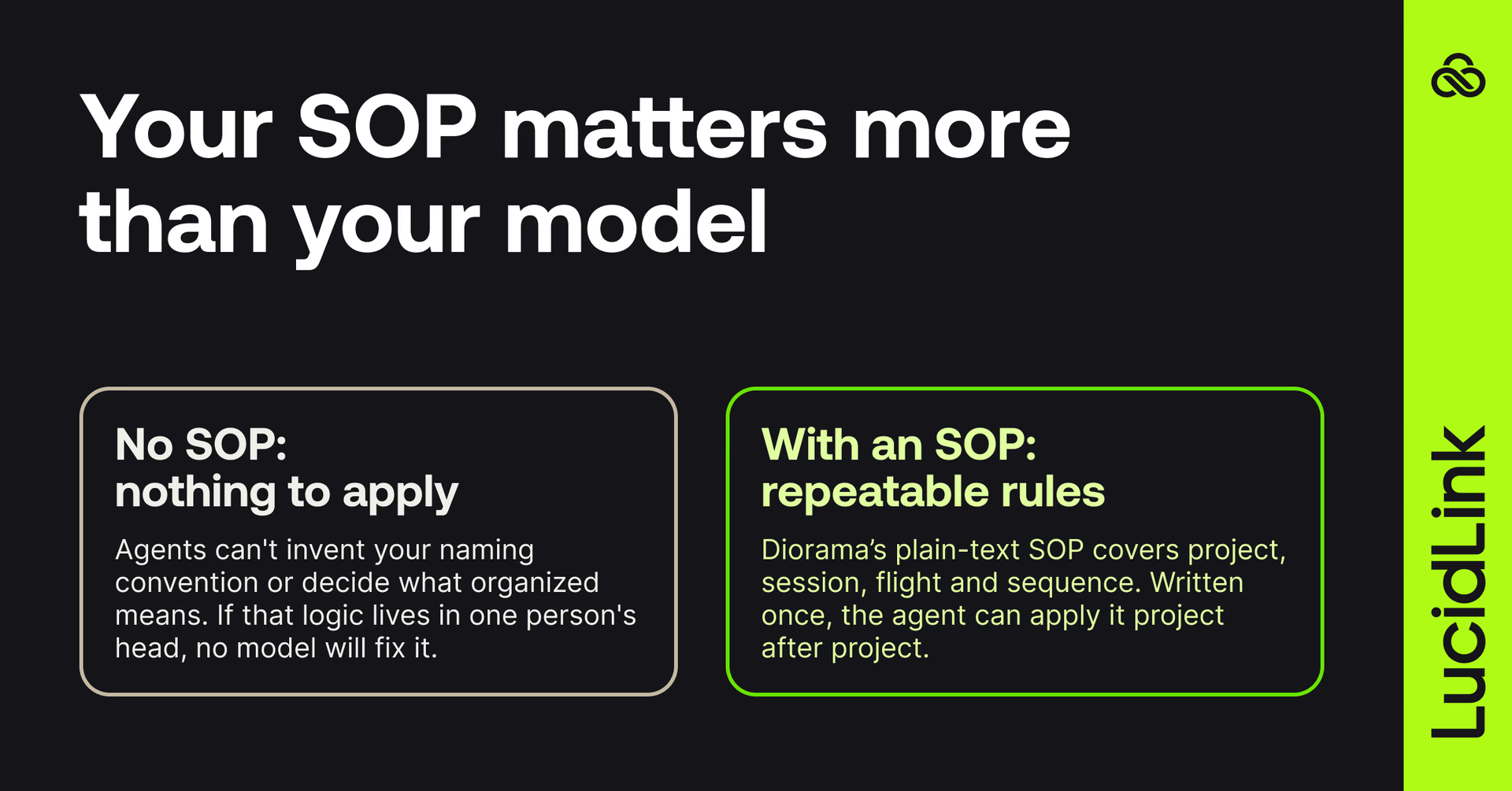
If you're evaluating AI agents for your own studio the lesson’s clear: if your naming convention and folder logic only live in one person's head, it will cause issues that no model will fix for you.
It’s not exciting or shiny, but the firms that are getting the most out of agentic AI early are the ones that already had their workflows written down.
Why streaming beats syncing and shipping drives

During the road survey project nobody had to wait for anything.
Capture, file transfer and agent action all happened at the same time. The crew kept shooting while files streamed back to the studio's filespace and the agent worked through what had just landed.
A colleague back in Athens could open the same project folder mid-shoot and confirm coverage was sufficient, well before the crew packed up.
That's a different workflow than the more familiar pattern: shoot everything, then either wait for it to sync back or physically carry it back on a hard drive, and review it days later.
Reality capture datasets run into hundreds of gigabytes per session, which is exactly where sync-and-share tools tend to struggle. Working on the files requires full downloads, local copies kept just in case and a review cycle based that revolves around waiting. Whether that’s for files to sync and download, or back to the office.
Streaming data as it lands makes it possible to catch a coverage gap while the crew is still in the field, rather than finding out once everyone's home.
Is it safe to give an AI agent access to your project files?
This is the question most studio owners worry about. Giving an agent access to live client data is worth being deliberate about.
Rather than blindly trusting the AI, Diorama had a specific set of guardrails, most of which don't need to be built from scratch:
The agent operates under its own identity rather than a shared login
Read-only mode means it can look at files without being able to change anything by default
Anything destructive gets flagged for a person to confirm before it happens
File locking keeps the agent off a file someone else already has open
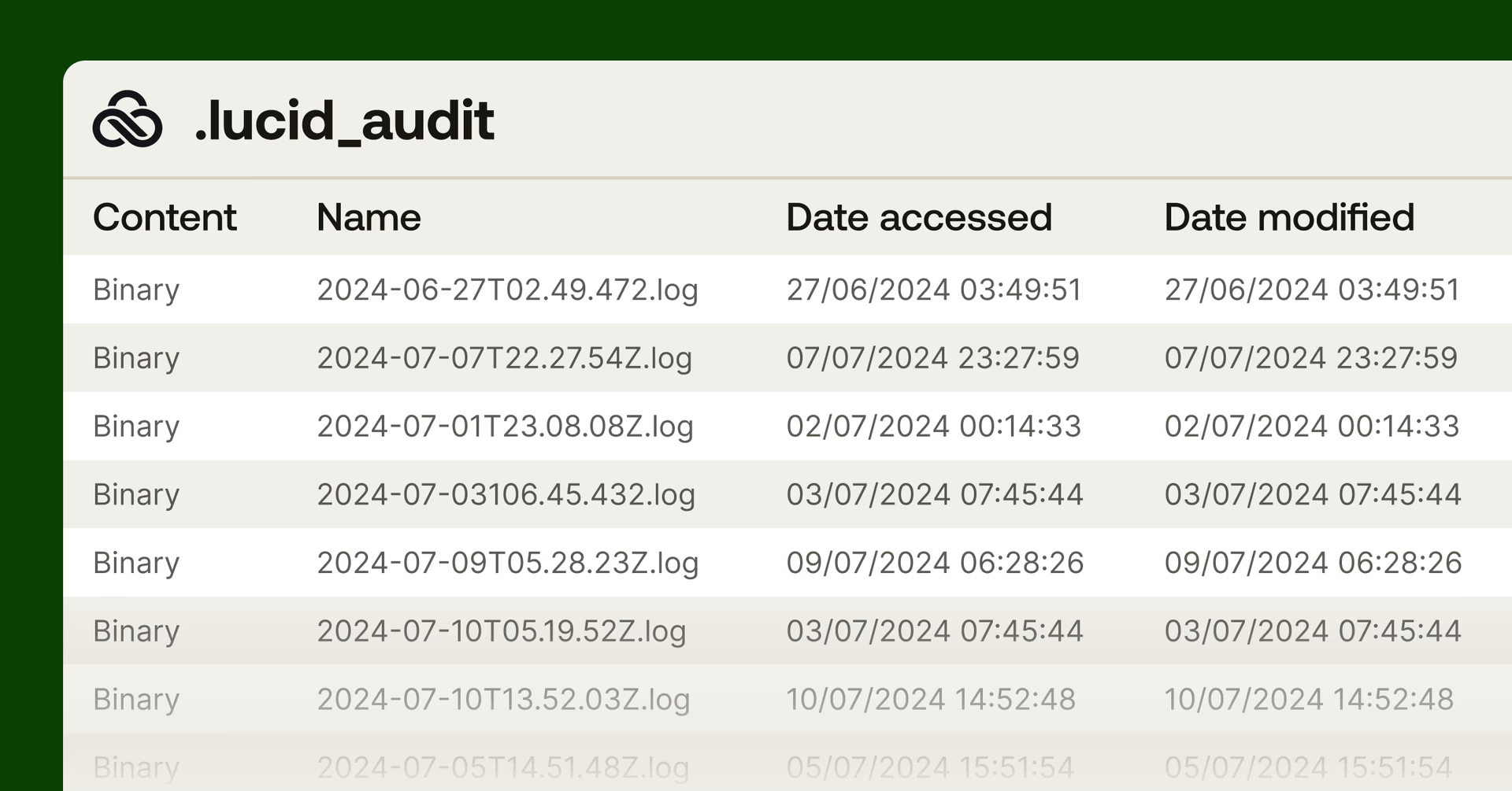
An audit trail records who changed what and when
Judgment about what to do with a file stays with a person. But the sorting, checking and renaming that otherwise eats up hours between fieldwork and delivery is automated.
"We didn't automate the judgment. We automated everything that was stopping the judgment from happening in time," Dimitris explains.
What happens when something breaks
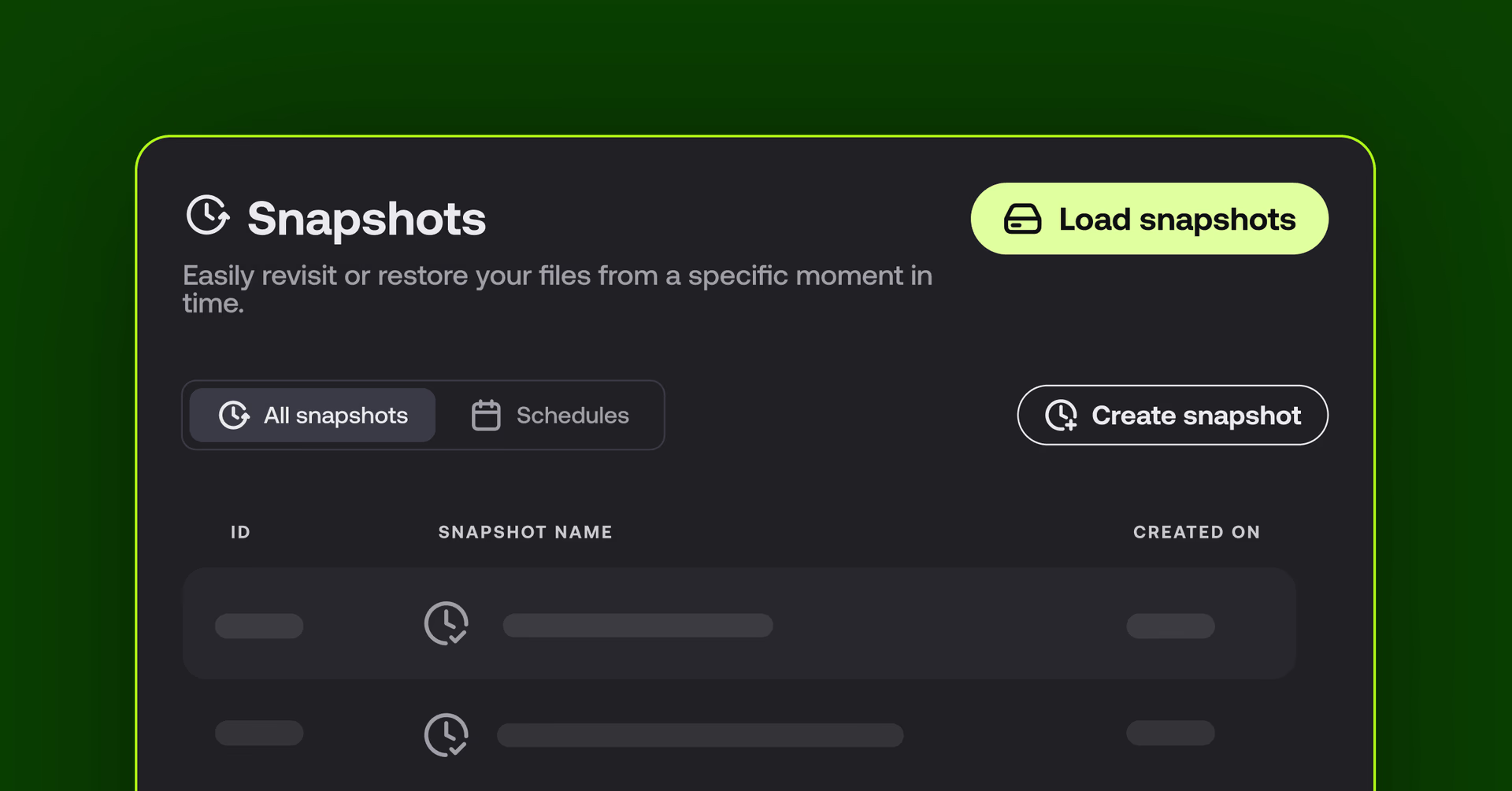
During the project, a 3ds Max scene crashed mid-project, with no backup in place.
But instead of redoing the work, the team used LucidLink to recover an earlier version of the scene by streaming a snapshot straight from the filespace without re-importing the underlying point cloud.
It seems like a small moment, but it’s an important consideration for any field workflow. Guardrails are useless if they’re implemented after the fact. So what’s the recovery time cost if and when something goes wrong?
Because it may end up being the difference between hitting the deadline or dealing with disappointed stakeholders.
A practical path for agentic workflows
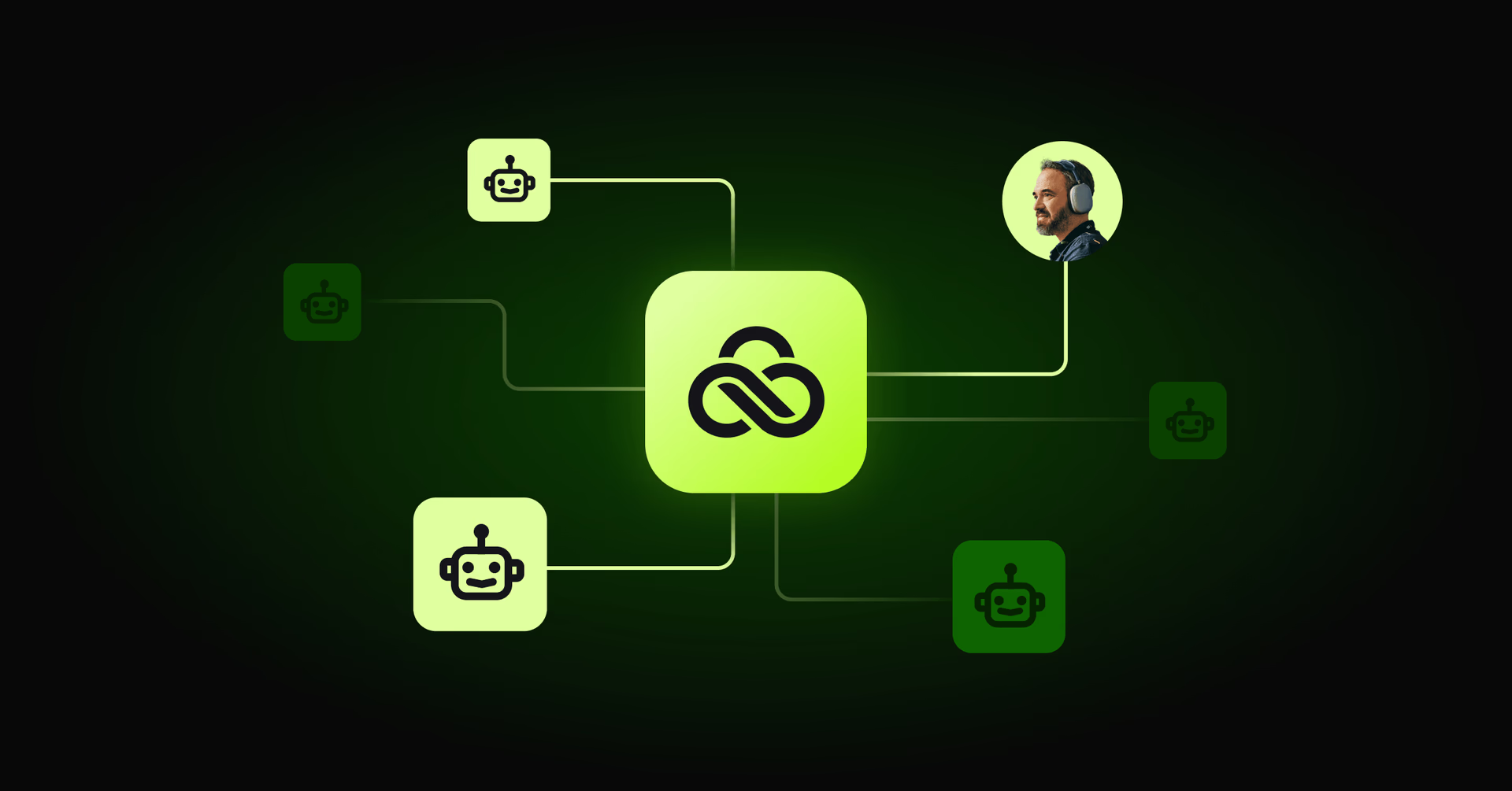
Point clouds, drone photos and Revit exports produce a lot of data.
Keeping track of the context around these files, like sessions, projects, which version is current and what's been checked by who, is important. But it’s also a time sink.
Diorama’s agent workflow shows a practical path to using agents.
And it’s not specific to drone photography. A laser scan can land in the same filespace and follow the same SOP. The agent doesn't need to know what kind of file it's looking at, only whether it matches a rule it's already been given.
For AEC teams generating field data faster than teams can organize it by hand, it’s a smart time saver. The time you'd traditionally lose to sorting happens in the field, and your files are ready for work at the office before you’re done shooting.
Want to run an agent in your filespace? Explore LucidLink for agent workflows.
Keep reading
Collaboration
In the field
Access over movement: rethinking media infrastructure for distributed teams
Tim Burton from 7fivefive explores why the future of media infrastructure is less about moving data and more about making it accessible where it already lives.
08 September 2026, 6 mins read
Collaboration
Creative production
Video editing workflow: a guide for collaborative teams
Discover how to create a collaborative video editing workflow. Get tips on how to turn your editing process into a seamless, team-based experience.
31 August 2026, 14 mins read

Collaboration
Revit Cloud Worksharing: how it works, where it falls short and alternatives
Understand how Revit Cloud Worksharing works, where it falls short for distributed teams and what AEC firms use for remote BIM collaboration.
18 August 2026, 8 mins read
Join our newsletter
Get all our latest news and creative tips
Want the details? Read our privacy policy. Not loving our emails?
Unsubscribe anytime or drop us a note at support@lucidlink.com.