Best BIM collaboration software tools for AEC teams in 2026
Last updated 01 July, 2026
11 mins

BIM collaboration has always been a pressure point for AEC teams.
As Revit models grow larger, project teams become more distributed and external consultants play a bigger role, traditional workflows are struggling to keep up.
VPN-based access, sync-driven storage and fragmented file systems continue to introduce delays, version conflicts and inconsistent access to central project data.
In this guide, we’ll break down the 10 best BIM collaboration tools for AEC teams: from cloud file systems and design coordination platforms to issue tracking and OpenBIM solutions.
We’ll focus on:
Where each platform fits in the project workflow
Key strengths and tradeoffs
The types of teams they’re best suited for
What actually matters when evaluating these systems today
What is BIM collaboration software?
Building information modeling (BIM) collaboration software helps architecture, engineering and construction (AEC) teams work together on shared building models, drawings and project data.
Instead of passing files back and forth manually, BIM collaboration tools create centralized environments where distributed teams can:
Access and coordinate shared BIM models in real time
Track changes, issues and approvals across the project lifecycle
Manage permissions and access for internal teams and external consultants
Reduce version conflicts and maintain a single source of truth
Support cloud BIM collaboration, file sharing and Revit workflows
Handle coordination, clash management and OpenBIM interoperability
Some tools focus primarily on design coordination inside ecosystems like Revit or Archicad. Others are built around file access performance, OpenBIM interoperability or construction coordination.
For many firms, these platforms have become essential infrastructure for remote and hybrid project delivery.
Why is BIM collaboration painful for modern AEC teams?
Most firms are still running some version of the same setup:
A central file server
VPN access for remote staff
Sync-based cloud storage for sharing
It worked when teams were in the same building. But as BIM workflows become more distributed, the delays and inefficiencies compound fast.
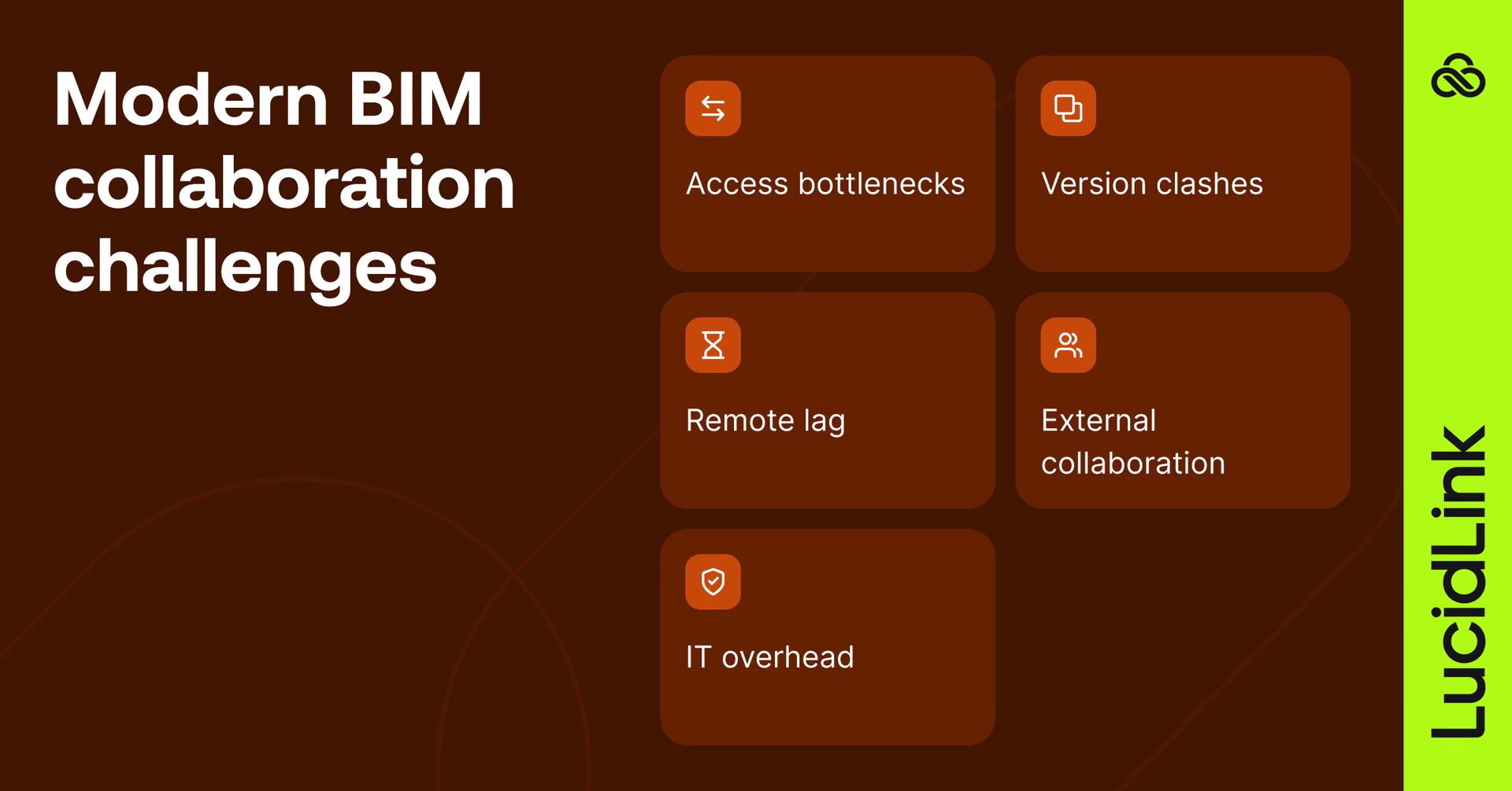
File size and access speed
Revit central models often exceed 1–2GB, and federated models with linked references, point clouds and CAD files can grow significantly larger.
Over VPN or sync-based systems, opening, saving and sharing these files becomes slow and unpredictable.
“Opening or saving a file could take five to ten minutes. Multiply that across dozens of engineers and you're burning expensive hours just waiting for files,” Wally Warwick, IT Manager at EVS.
This remains one of the most common bottlenecks in distributed BIM workflows.
Version conflicts on shared models
As more contributors enter the workflow, maintaining consistency across shared models becomes more difficult.
Even with Revit worksharing in place, firms still run into problems like:
Outdated linked references
Duplicate file copies
Overwritten consultant updates
Disconnected CAD dependencies
The more distributed the project team becomes, the harder it is to maintain a reliable source of truth.
Remote access performance
VPNs were never designed for large-scale, real-time BIM collaboration.
Latency, bandwidth limitations and packet loss create inconsistent experiences for remote users, especially when accessing large BIM files across long distances.
“With Panzura and Nasuni we would still have had to VPN into the office, which is sort of pointless. It didn't solve our work-from-anywhere initiative,” Omer Mushahwar, CTO at Torti Gallas + Partners.
Consultant and external collaboration
Modern AEC projects increasingly involve external consultants, contractors and stakeholders.
Granting secure access to project files without exposing entire storage environments becomes difficult with traditional infrastructure.
This creates friction around:
Permissions management
Consultant coordination
File governance
Version visibility
Secure sharing workflows
Infrastructure overhead
Many firms attempt to solve BIM collaboration challenges with:
Replicated storage appliances
WAN acceleration layers
While effective in some cases, these systems often increase operational complexity as teams scale.
As a result, many organizations are shifting toward cloud-native collaboration environments designed for distributed access.
What matters most when evaluating BIM collaboration software
The best BIM collaboration platform depends heavily on where your current workflow is breaking down.
For some firms, the biggest issue is remote file access and the associated hidden costs. Others struggle more with coordination, model governance or external consultant access.
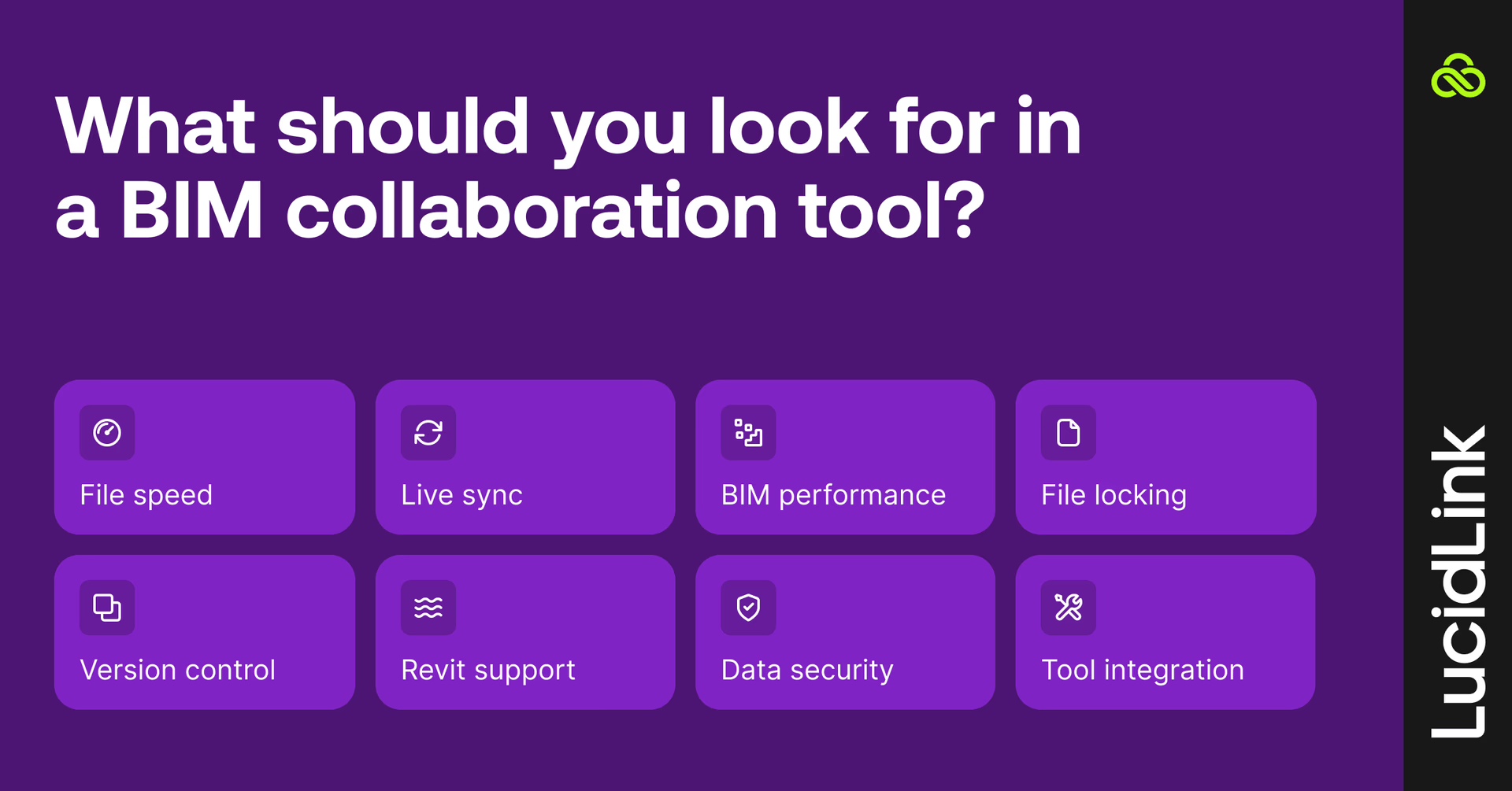
Here are the capabilities that tend to matter most in modern AEC environments.
1. Fast access to large project files
Large BIM environments demand fast, reliable access to project data without full downloads or sync delays.
This is especially critical for:
Large Revit models
Federated project structures
Point cloud datasets
Distributed teams
2. Real-time collaboration
Modern platforms should support:
Simultaneous editing
Real-time commenting
Live issue tracking
Notifications and approvals
Reduced version conflicts
3. BIM file sharing performance
Performance matters enormously in distributed BIM environments.
Look for platforms that support:
Fast handling of large Revit and CAD files
Streaming instead of full downloads
Better remote access performance
Reduced upload and sync delays
4. Native file locking
File locking is critical for multi-user BIM collaboration.
The best BIM coordination software should:
Prevent overwrites on shared files
Lock files across all locations
Support Revit central models and linked references
Protect CAD and BIM dependencies
5. Reliable version control
As more stakeholders contribute to shared projects, maintaining consistency across models becomes harder.
Strong collaboration platforms should make it easier to:
Prevent accidental overwrites
Track model history
Manage linked references
Maintain clear audit trails
6. Revit collaboration support
Many AEC firms rely heavily on Autodesk ecosystems.
Important Revit collaboration features include:
Revit Cloud Worksharing
Central model hosting
Autodesk integrations
Cloud-hosted BIM coordination
7. Security and permissions
Enterprise environments require:
Role-based access control
MFA support
Encrypted storage
Audit logging
Granular permissions
8. Integrations with AEC tools
AEC workflows rarely operate in a single toolset.
Support for formats like IFC and BCF, along with integrations for Revit, Navisworks, Archicad, Solibri and Civil 3D, is increasingly essential.
Cloud BIM collaboration vs traditional file server workflows
Traditional infrastructure models were designed for office-based workflows.
Modern systems are built for distributed access and real-time coordination.
That shift matters more than ever as hybrid AEC workflows become standard across the industry.
Traditional file servers
Cloud BIM collaboration
Feature
Access method
VPN-dependent access
Access from anywhere
File performance
Slow downloads of large BIM files
Optimized remote file access
Data management
Multiple duplicate file copies
Single source of truth
Team collaboration
Sync conflicts
Real-time collaboration
Scalability
Expensive infrastructure upgrades
Cloud-native scalability
Remote work support
Difficult remote access
Built for distributed teams
IT administration
IT-heavy maintenance
Reduced infrastructure overhead
10 best BIM collaboration software tools for AEC teams
Not all platforms solve the same problem.
Some focus on file access, others on coordination, issue tracking or interoperability. We’ve grouped tools based on their primary role in the project delivery stack.
Best for
Key strengths
Revit support
Pricing
Best fit
Software
LucidLink
Distributed AEC teams managing large BIM and CAD files
Cloud-native file streaming, fast remote file access, hybrid workflows
Yes
Subscription-based
Remote and hybrid BIM collaboration
Forma Design Collaboration
Enterprise AEC firms using Autodesk workflows
Revit Cloud Worksharing, coordination, issue tracking
Native
High (subscription)
Revit-heavy BIM coordination
Snaptrude
Architects and early-stage design teams
Browser-based BIM, real-time collaboration, intuitive UI
Limited
Free & paid plans
Conceptual and collaborative design
Graphisoft BIMcloud
Archicad-based architecture firms
Real-time co-authoring, WAN optimization, backups
No
Subscription-based
Archicad collaboration
Trimble Connect
Construction and multidisciplinary project teams
Common data environment (CDE), field collaboration, multi-format support
Yes
Free & paid plans
Construction coordination
BIMcollab
BIM managers and coordination teams
Clash management, issue tracking, OpenBIM workflows
Yes
Paid plans
BIM issue management
Solibri
QA/QC and compliance teams
Model validation, clash detection, rule-based checking
Indirect
Premium pricing
BIM quality assurance
Allplan BIMPLUS
Infrastructure and multidisciplinary BIM projects
OpenBIM workflows, task tracking, cloud coordination
Yes
Subscription-based
Infrastructure coordination
Speckle
Developers and computational design teams
Open-source workflows, APIs, automation
Yes
Open source
BIM automation and integrations
Catenda
General BIM project collaboration
OpenBIM support, issue tracking, document collaboration
Yes
Custom pricing
Mid-sized BIM collaboration workflows
Infrastructure layer (file access and performance)
1. LucidLink
LucidLink is not a BIM collaboration platform in the traditional sense. It sits one layer beneath that.
Instead of focusing on model coordination or issue tracking, it solves a more fundamental problem in modern BIM workflows: fast, reliable access to large project files across distributed AEC teams.
Traditional hybrid or remote BIM environments rely heavily on VPNs, file servers or sync-based storage systems. Those approaches struggle with large Revit models, CAD files and point cloud datasets, especially when teams are working remotely.
LucidLink takes a different approach. It streams files directly from cloud storage on demand, allowing users to work with large BIM datasets without waiting for full downloads or syncing entire project folders.
This makes it especially useful as the underlying infrastructure layer for tools like Revit, Rhino and Civil 3D, rather than a replacement for BIM coordination platforms.
LucidLink was the only solution that checked all the boxes: performance, security, true file locking and work-from-anywhere, without adding more hardware.
Brent Morris, IT Manager, Widseth
Best for:
Distributed AEC teams working with large BIM models
Remote BIM and CAD workflows
Firms struggling with VPN or sync-based storage performance
Hybrid architecture and engineering environments
Features
Cloud-native file streaming
Global filespace architecture
Fast remote access to large BIM files
Native Windows file locking
Real-time file access
Revit, CAD, Rhino and Civil 3D support
Granular permissions and security controls
Pros
Excellent remote collaboration performance
Reduces infrastructure overhead
Eliminates many VPN workflow limitations
Supports hybrid AEC workflows
Works alongside existing BIM tools
Cons
Not a full BIM coordination platform
Requires reliable internet connectivity
Some onboarding for teams moving from legacy infrastructure

2. Forma Design Collaboration
Forma Design Collaboration is best suited for firms already deeply invested in Autodesk ecosystems.
Its biggest strength is tight integration with Revit Cloud Worksharing and Autodesk Construction Cloud, making it a natural fit for enterprise teams that want centralized coordination without stitching together multiple systems.
The platform focuses heavily on model coordination, document management and multidisciplinary review workflows across architecture, engineering and construction teams.
For firms standardized around Autodesk products, that integration can simplify collaboration significantly. For teams working across broader or more mixed ecosystems, the experience can feel more constrained.
Best for:
Revit-centric AEC firms
Enterprise BIM coordination
Autodesk-based project delivery
Features
Revit Cloud Worksharing
Browser-based model review
Design coordination tools
Clash workflows
Issue tracking
Centralized document management
Pros
Deep Revit integration
Mature coordination workflows
Strong support for multidisciplinary review
Widely adopted across enterprise AEC
Cons
Premium pricing
Less flexible outside Autodesk ecosystems
Performance can vary on very large models
Steeper onboarding for smaller firms
Design collaboration
3. Snaptrude
Snaptrude takes a browser-first approach to BIM collaboration, with a stronger emphasis on design iteration than heavyweight coordination.
The platform is particularly appealing for architecture teams that want faster collaboration during conceptual planning, early-stage modeling and design reviews without relying on traditional desktop BIM workflows.
Its interface is significantly more approachable than many legacy BIM platforms, which helps reduce onboarding friction for smaller firms and collaborative design teams.
Snaptrude is still evolving compared to more established enterprise coordination systems and is generally better suited for early design phases than highly complex production environments.
Best for:
Architecture firms
Early-stage design collaboration
Browser-based BIM workflows
Features
Browser-based BIM modeling
Real-time collaboration
In-app commenting
Automatic version control
Cloud project access
Design visualization tools
Pros
Easy onboarding
No local installation required
Strong user experience
Great for collaborative design reviews
Cons
Less mature than enterprise BIM coordination platforms
Limited advanced coordination capabilities
Better suited for conceptual workflows
4. Graphisoft BIMcloud
Graphisoft BIMcloud is designed specifically for firms working inside Archicad environments and remains one of the stronger options for real-time architectural collaboration.
Its biggest advantage is performance optimization for distributed Archicad teams. Features like Delta Cache reduce the amount of data transferred between users, helping improve responsiveness when teams are working remotely or across multiple offices.
For architecture firms standardized on Graphisoft products, BIMcloud offers a relatively mature and stable collaboration environment without requiring the same level of infrastructure complexity many traditional systems depend on.
Best for:
Archicad-based firms
Distributed design teams
Real-time co-authoring workflows
Features
Real-time Archicad collaboration
Delta Cache optimization
Team messaging
Backup management
Advanced permissions
Remote collaboration support
Pros
Strong Archicad integration
Optimized remote collaboration
Reliable backup workflows
Lower infrastructure requirements
Cons
Primarily beneficial for Archicad users
Limited outside Graphisoft ecosystems
Some administrative complexity
Coordination and CDE platforms
5. Trimble
Trimble Connect sits closer to a project coordination layer than a traditional BIM authoring platform.
It combines model access, document coordination and field collaboration into a shared environment designed for multidisciplinary construction workflows. That makes it particularly useful on projects where architects, engineers, contractors and field teams all need visibility into the same information.
Its support for a wide range of file formats also makes it one of the more flexible coordination environments for mixed-software ecosystems.
Compared to design-centric BIM tools, however, the platform can feel more operational and technical in day-to-day use.
Best for:
Construction coordination
Multidisciplinary project environments
Office and field collaboration
Features:
Cloud-based CDE
Real-time commenting
Activity tracking
Mobile access
Offline support
Support for 60+ file formats
Pros
Strong multidisciplinary coordination
Useful field collaboration capabilities
Broad compatibility
Good for large-scale project coordination
Cons
Interface can feel technical
Requires onboarding
Governance complexity on large deployments
6. BIMcollab
BIMcollab focuses less on file storage and more on coordination accountability.
The platform is built around issue management, helping BIM managers and coordination teams identify, assign and resolve clashes across multidisciplinary projects. Its OpenBIM compatibility and BCF-based workflows make it especially useful in environments where multiple authoring tools are involved.
Rather than acting as a centralized BIM platform, BIMcollab works best as a coordination layer that connects existing modeling and review tools together.
Best for:
BIM coordination teams
Clash management workflows
OpenBIM project environments
Features
BIM issue tracking
Clash management
BCF support
OpenBIM workflows
Dashboards and reporting
Integrations with Revit, Solibri and Navisworks
Pros
Excellent issue tracking workflows
Strong OpenBIM compatibility
Useful integrations
Improves coordination efficiency
Cons
Not a complete document management platform
Requires integration with other systems
Limited outside coordination-focused workflows
7. Solibri
Solibri is primarily a BIM quality assurance and model validation platform.
Where many collaboration tools focus on communication and coordination, Solibri is designed to help teams verify that models meet project requirements before issues become costly downstream problems.
Its rule-based checking system is particularly valuable for firms managing compliance-heavy workflows, complex multidisciplinary coordination or strict QA standards across large projects.
The platform is powerful, but also more specialized — and typically better suited for dedicated BIM coordinators and QA teams than casual project stakeholders.
Best for:
QA and compliance workflows
BIM coordinators
Model validation and checking
Features
Automated model checking
Clash detection
Rule-based QA workflows
3D model review
Commenting and issue tracking
OpenBIM support
Pros
Excellent QA and compliance workflows
Strong clash detection
Cross-platform BIM support
Helps reduce costly downstream issues
Cons
Not a full BIM file-sharing platform
Steeper learning curve
Premium pricing
8. ALLPLAN BIMPLUS
ALLPLAN BIMPLUS is geared toward large-scale coordination workflows, particularly in infrastructure and multidisciplinary project environments.
The platform combines cloud-based model coordination, issue management and task tracking with a strong emphasis on interoperability across BIM systems.
Its OpenBIM approach makes it useful for teams operating across multiple tools and disciplines, especially on projects where coordination extends beyond traditional building design into civil and infrastructure workflows.
The tradeoff is complexity. Compared to lighter collaboration platforms, BIMPLUS often requires more structured onboarding and administration.
Best for:
Infrastructure coordination
Multidisciplinary BIM projects
OpenBIM collaboration environments
Features
Cloud model coordination
Task assignment
Issue management
IFC support
API integrations
Role-based access controls
Pros
Strong interoperability
Useful coordination features
Supports infrastructure-scale projects
Flexible OpenBIM workflows
Cons
Relies heavily on cloud connectivity
Technical onboarding requirements
Interface can feel complex
OpenBIM and extensibility
9. Speckle
Speckle is less a traditional BIM coordination platform and more a programmable data layer for AEC workflows.
Its open-source architecture makes it particularly attractive for computational design teams, BIM developers and firms building custom automation pipelines across multiple design tools.
Rather than trying to replace existing BIM software, Speckle focuses on improving interoperability and enabling more flexible data exchange between platforms.
Best for:
Computational design teams
Developers
Advanced BIM automation workflows
Features
Open-source platform
Real-time synchronization
API integrations
Cross-platform compatibility
Shareable model viewing
Automation workflows
Pros
Extremely customizable
Strong developer ecosystem
Open and extensible
Excellent automation flexibility
Cons
Steeper learning curve
Less polished for non-technical teams
Requires technical expertise for advanced setups
10. Catenda
Catenda focuses on making BIM collaboration more accessible for mixed project teams.
Rather than positioning itself as a highly specialized coordination platform, it emphasizes usability, transparency and OpenBIM compatibility across everyday project workflows.
That makes it a practical option for firms that want cloud-based coordination and issue tracking without the operational complexity of larger enterprise systems.
While it may not offer the depth of customization or advanced governance capabilities found in heavier platforms, its simplicity is part of the appeal.
Best for:
Mid-sized BIM project teams
General coordination workflows
Mixed technical stakeholders
Features
Cloud BIM collaboration
Model commenting
BCF support
Dashboard reporting
Role-based permissions
BIM integrations
Pros
Simple interface
Easy onboarding
Strong transparency and tracking
OpenBIM-friendly
Cons
Fewer advanced enterprise capabilities
Limited customization
Less scalable for highly complex workflows
The future of BIM collaboration
BIM collaboration is no longer just about model coordination.
Modern AEC teams need fast, reliable and secure access to massive project files from anywhere in the world.
The best BIM collaboration software now combines:
Real-time coordination
Cloud-native access
Secure BIM file sharing
Scalable remote workflows
Better performance for distributed teams
As workflows continue to evolve, firms are moving away from VPN-heavy infrastructure toward cloud-native environments designed for modern project delivery.
Try LucidLink for free and see how we help AEC teams access large BIM files instantly from anywhere.
FAQs
BIM collaboration software helps AEC teams coordinate building models, drawings and project data across distributed teams. These platforms support cloud collaboration, issue tracking, file sharing and multidisciplinary coordination.
Keep reading
Product & news
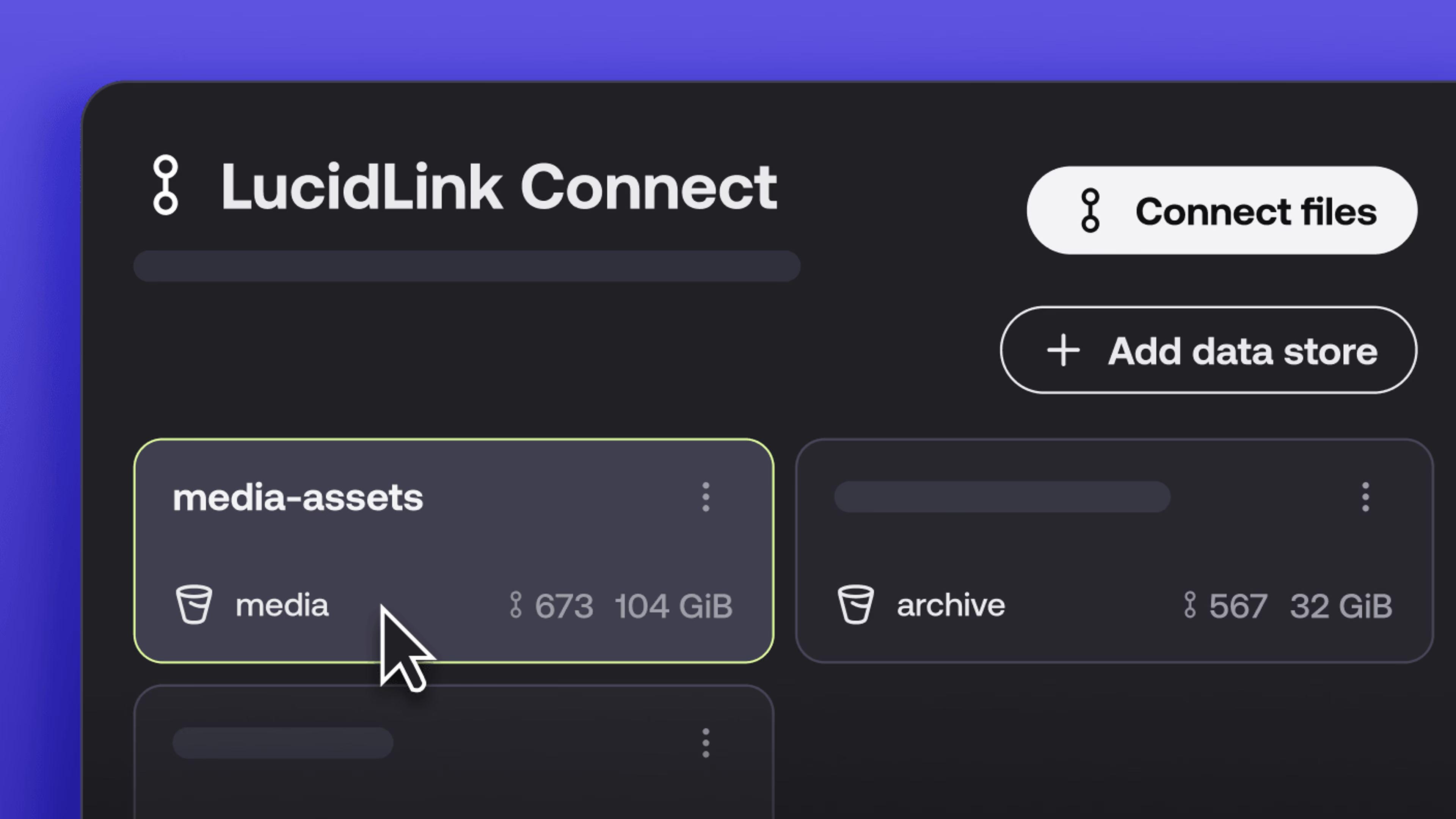
What’s new in LucidLink Connect: simpler storage management
LucidLink Connect makes distributed storage easier to manage, with a new UI for connecting and managing data available through LucidLink.
06 October 2026, 2 mins read
In the field
Collaboration
Setting up AI agents for reality capture in AEC
How Diorama.studio used an AI agent connected to LucidLink to organize field data in real time, during a two-week deadline drone survey.
16 September 2026, 6 mins read
Cloud storage
Introducing the new LucidLink MSP: one platform for your whole book
LucidLink MSP runs on the LucidLink Management Platform, giving MSPs centralized deployment management and pricing that scales with growth.
09 September 2026, 2 mins read
Join our newsletter
Get all our latest news and creative tips
Want the details? Read our privacy policy. Not loving our emails?
Unsubscribe anytime or drop us a note at support@lucidlink.com.