Cloud storage
Collaboration
File streaming: the future of cloud storage for large files
Last updated 30 April, 2026
8 mins

Tired of waiting for massive files to download just to open them?
Or watching progress bars crawl while your deadline draws ever closer?
When file sizes get larger, your normal tools become harder to work with. A 4K timeline won't open until it finishes downloading. A dataset takes hours to sync before anyone can get to work.
The real bottleneck isn’t storage. It’s access.
File streaming is a fundamentally different approach to cloud file access. Teams can open and work with any file in the cloud right away, regardless of size.
In this guide, we’ll cover what file streaming is, how it works, why it’s better than traditional alternatives and why it matters for remote teams working with large files.
What is file streaming?
File streaming is a cloud technology pioneered by LucidLink that lets users access and work on large files instantly, without downloading them in full.

Instead of transferring entire files to a local device, only the data needed at that moment is streamed from the cloud in real time. This is made possible by streaming file technology for cloud storage, which changes how files are accessed, not where they live.
Put simply, cloud file streaming shifts file access from download first to work immediately.
So rather than waiting for a full file transfer, you start working immediately while data loads as needed.
And once access is no longer tied to full downloads, workflows start to change across the board.
How file streaming works
On-demand file streaming works by changing when data is transferred, not just how much.
When you open a file, it opens immediately. Only the data blocks your application needs are delivered first, with additional data streaming in continuously as you work.
So instead of waiting for a full file download, you begin working instantly while the file continues to load as needed.
The key shift is: the file still lives in the cloud, but access is no longer blocked by size.
Which is why traditional storage models start to break down when file size increases.
File streaming vs traditional alternatives
Most teams don’t start with streaming. They start with what they know.
And over time, those systems start to show the same limitation: they all assume files must move before work begins.
Sync-and-share
For example, traditional cloud storage like Dropbox or Google Drive relies on sync-and-share. These tools copy files between devices and the cloud.
It’s familiar, but it creates challenges:
You wait for full downloads before opening anything
Changes take time to show up for everyone else
Version confusion creeps in fast
Local storage fills up constantly
As file size grows, sync becomes less about collaboration and more about coordination overhead.
And when that overhead increases, teams start looking for alternatives.
Edge filers
Edge filers (local caching systems) like Nasuni, CTERA or Panzura, help when everyone is in the same place.
But once teams go remote or distributed, things fall apart:
Performance depends on location
Remote users lose the speed advantage
Sync still happens in the background
Version gaps still show up
So while edge filers improve speed locally, they don’t solve access consistency globally.
File acceleration tools
File acceleration tools like IBM Aspera or Signiant make transfers faster, but they’re still transfers.
So you’re still:
Downloading before working
Uploading to share changes
Waiting for large files to move around
Speed improves, but dependency on file movement remains.
VPN and on-premise storage
On-prem works in the office.
But relying on VPNs for remote work exposes the cracks:
Latency slows access
Bandwidth gets capped
Connections get congested
Performance depends on network stability
Across all of these, the pattern is the same: they move files better, but they still require files to move before work can begin.
That’s where things start to break at scale.
Why file streaming matters for large files
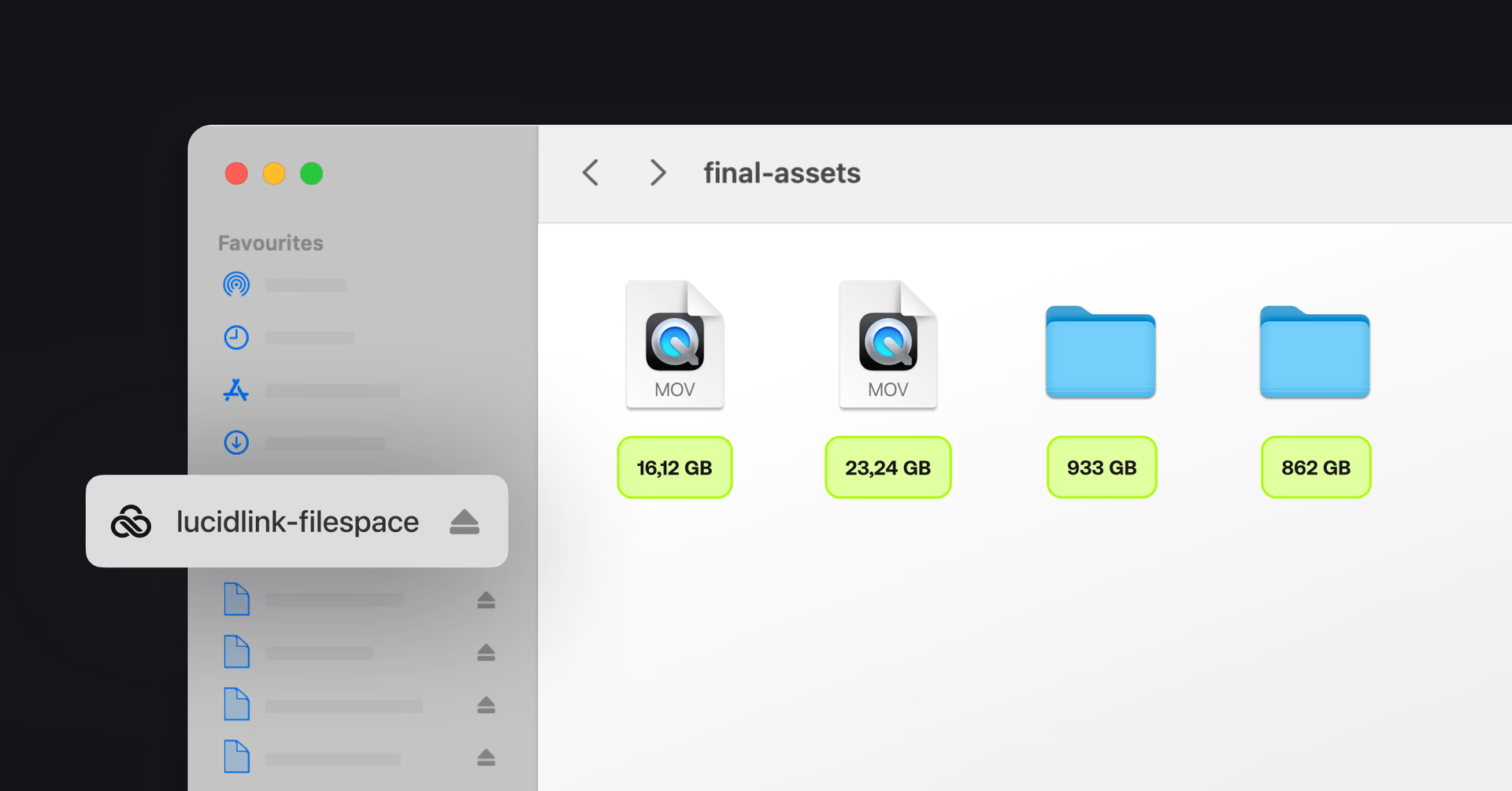
Large files don’t just take longer to open. They also reveal the limits of systems that rely on moving entire files before you can start working, collaborating or sending large files across teams.
Everything feels fine when you’re working with small assets. A few images, a lightweight project, a quick edit. But once you step into 20GB video files, CAD assemblies or massive datasets, things start to break down fast.
Sync slows down. VPNs get unreliable. Storage fills up. And suddenly, “just open the file” isn’t simple anymore.
You see it play out across the team:
Editors wait for downloads before they can even start
Designers avoid pulling the latest version because it’ll take too long
IT gets pulled into file access issues, sync errors and storage cleanups
Work tends to stall at the point of access rather than effort.
Which is exactly where streaming changes the model.
How streaming file systems eliminate download wait times
With most tools, there’s still a built-in pause before work can begin.
Download first, open second and hope sync behaves in the background.
File streaming removes that delay:
Files open immediately, even at large sizes
Only the parts you’re working on are delivered locally
Data streams continuously as you move through the file
Teams can jump straight into projects instead of waiting for them to load
The impact is simple but noticeable.
Less time sitting idle.
Fewer interruptions to momentum.
Less “waiting on files” built into the day.
File management stops getting in the way of the work.
Once that is no longer an issue, the next question becomes how performance holds up when file size actually scales.
Performance that scales with file size
The real stress test for any file system is size.
Not just because they’re big, but because they force everything (storage, network, sync tools) to work harder at the same time.
File streaming changes that.
Because files aren’t fully downloaded, performance stays consistent even as projects scale.
That means:
Large files open as fast as small ones
No slowdown when projects grow
Less pressure on local storage
Only active data affects performance
The size of the file stops dictating how you work.
And for distributed teams, that consistency matters just as much as speed. Whether someone’s in the office or working remotely, the experience stays the same.
Once performance becomes predictable, the workflow itself starts to simplify.
What changes when you move to file streaming

Once teams move to file streaming, everything about the workflow structure changes.
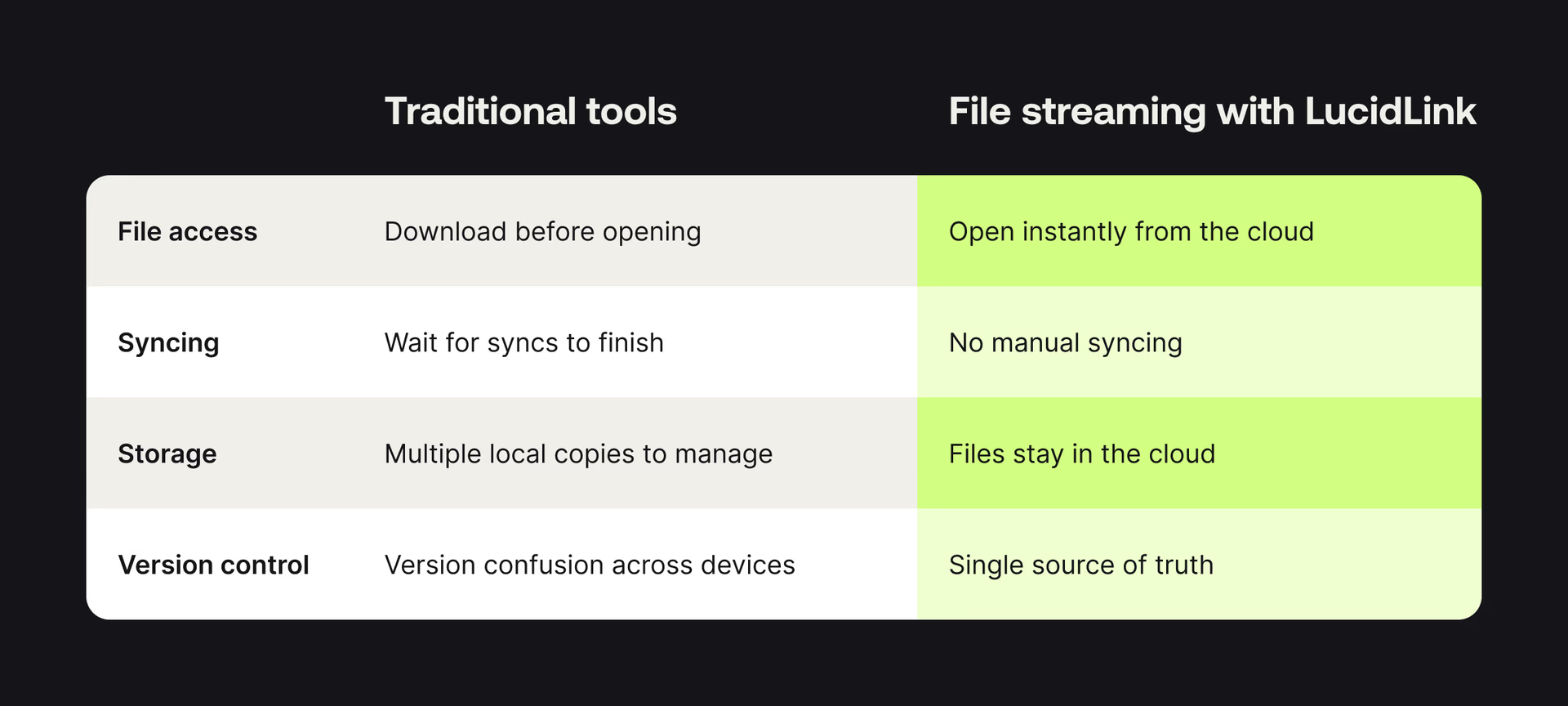
With file streaming, you can stop managing files and just focus on the work.
How LucidLink file streaming enables large file collaboration
LucidLink turns cloud storage into a shared filespace that behaves like a local drive.
Everyone gets instant access to the same files, no matter where they are. No downloads, waiting for syncs or version confusion. You open the file and start working.
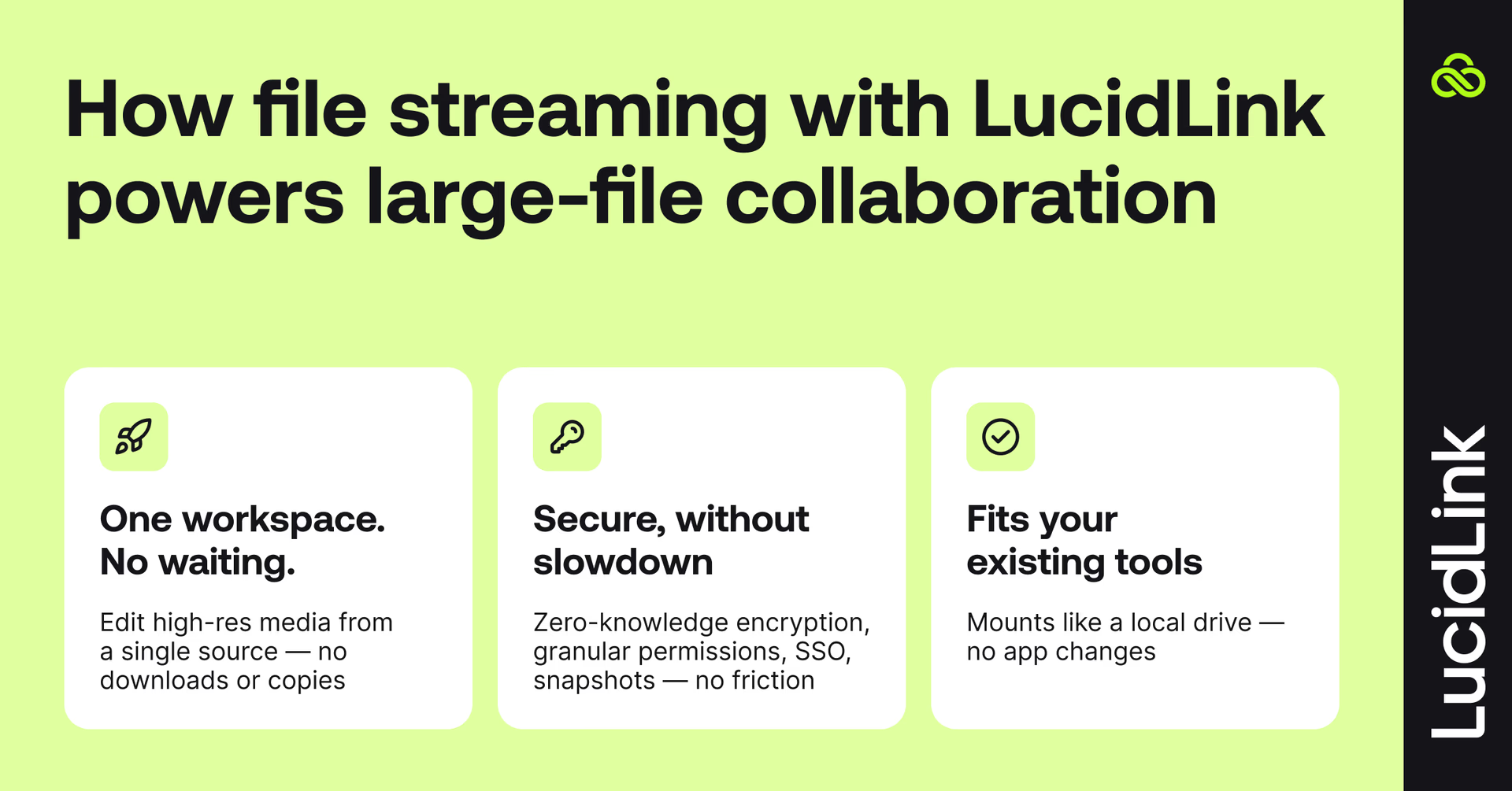
Real-time collaboration, one shared workspace
That changes the way teams collaborate.
Editors jump straight into timelines without waiting, even when working with high-resolution video and massive project files. Post-production teams can collaborate on video editing in real time, with editors, colorists and VFX artists all accessing the same media without duplicating or transferring files.
Designers open and iterate on large assets instantly, without delay. Teams work from a single live project instead of juggling duplicated copies.
Everyone stays aligned on one shared set of files, not scattered versions across different devices.
Secure by design
Security doesn't have to slow anyone down.
With zero-knowledge encryption, only your team holds the keys — not LucidLink, not your cloud provider.
IT gets the granular permissions, SSO integration and snapshot controls they need, without file access becoming a helpdesk problem.
Works with the tools you already use
LucidLink mounts like a local drive, so your existing tools work exactly as they do today, from Adobe Creative Cloud and AutoCAD to Figma, Revit, Unreal Engine. No retraining or workflow changes.
Teams that made the switch to file streaming
Behind Sky Sports’ record-breaking Ryder Cup coverage with LucidLink

The challenge: collaborating on live coverage across 3,000 miles required editors, EVS operators and digital teams in London and Long Island to work from the same media in real time. Transfers, proxies and file duplication slowed workflows and threatened deadlines during high-stakes live events.
“With LucidLink, we can basically operate anywhere,” said Jamie Przygrodzki, Sky Sports Post Production Technical Lead. “It improved our output by taking away unnecessary technical challenges.”
Results:
Real-time collaboration between Long Island and London
Highlights and content delivered in minutes, not hours
Eliminated multiple transfers, syncs and manual file handling
Centralized media with no duplication, even on standard internet connections
From VPN delays to real-time access: how EVS scales with LucidLink

The challenge: EVS’s VPN-based file access couldn’t support a fast-growing, distributed engineering team. Opening or saving large AutoCAD and design files often took 5–10 minutes, creating costly delays at scale. Alternative tools didn’t integrate with core workflows, and scaling on-prem infrastructure would have required significant investment without guaranteed performance gains.
“LucidLink lets us replicate our shared drive experience, just in the cloud,” said Wally Warwick, IT Manager, EVS.
Results:
90% faster file access, reducing load times from 5–10 minutes over VPN to under 30 seconds
200+ billable hours per month recovered through reduced waiting time
$80K saved by avoiding a planned SAN infrastructure upgrade
IT overhead significantly reduced, eliminating ongoing VPN file access issues from daily operations
How Projective helps IT deliver secure creative workflows with LucidLink

The challenge: creative teams needed fast access to large media files while IT required strict governance, security and audit controls. Without the right infrastructure, onboarding freelancers, managing permissions and retrieving archived content created delays and bottlenecks across distributed teams.
“Thanks to LucidLink’s enterprise filesystem capabilities, we can manage permissions, access rights and security policies while maintaining a full audit trail for IT teams,” said Andrew Wierzan, Solutions Consultant, Projective.
Results:
Freelancers onboarded in seconds with just a few clicks
Reduced infrastructure friction and faster proof-of-concept setups
Hybrid and cloud workflows supported without breaking production
Enterprise governance enforced without slowing creative teams
Who benefits from file streaming?
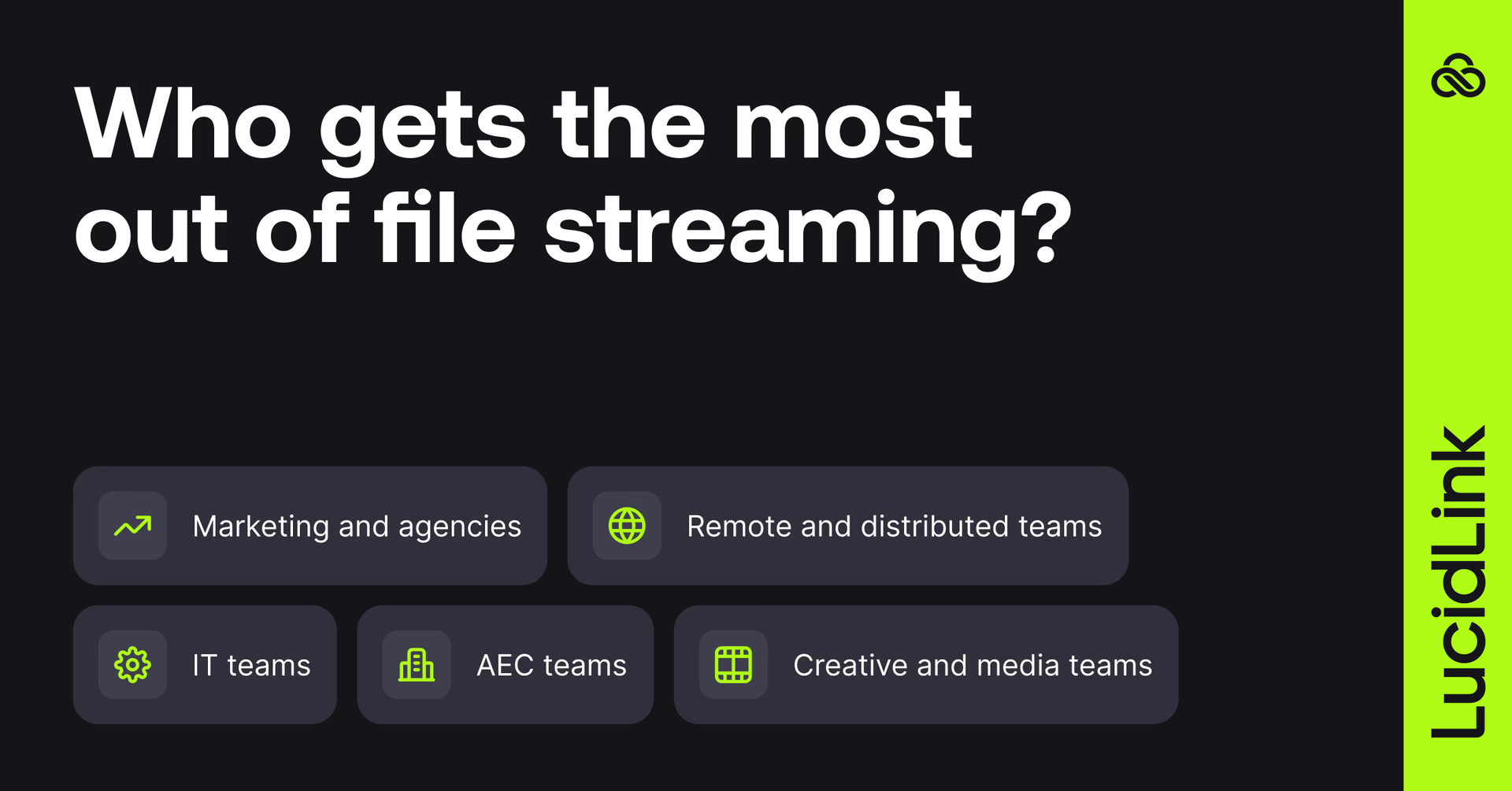
Creative and media teams: video editors, VFX artists, animators — stream massive media files without downloading.
AEC teams: work with large CAD files, models and simulations without performance slowdowns.
Marketing and agencies: teams, clients and contractors share and iterate on high-res assets without juggling versions or re-uploads.
IT teams: deliver secure, high-performance file access without trade-offs. Zero-knowledge architecture, instant access controls and no residual data risk across distributed users, contractors and endpoints.
Remote and distributed teams: collaborate in real time from anywhere, built for modern cloud file streaming workflows.
Why file streaming is the future of cloud storage
The shift is simple: collaboration is faster, smoother and safer when your files stay in one place, but remain accessible on demand. That’s what file streaming offers.
LucidLink is the original (and Emmy-winning) file streaming platform. For over a decade, we’ve underpinned the most demanding workflows in the world.
If your team is constantly waiting on files, try LucidLink for free and see how file streaming changes the way you work.
FAQs
File streaming is a cloud technology pioneered by LucidLink that lets users access and work on large files instantly, without downloading them in full. Instead of storing files locally, data is streamed from the cloud as you need it. This makes it much easier to work with large files in real time, especially across remote teams and distributed workflows.
Keep reading

Cloud storage
New research: what your storage bill doesn’t tell you
New research from Situation Publishing explores the hidden costs around file infrastructure, from egress and duplication to lost time and manual work.
14 October 2026, 4 mins read
In the field
Collaboration
Setting up AI agents for reality capture in AEC
How Diorama.studio used an AI agent connected to LucidLink to organize field data in real time, during a two-week deadline drone survey.
16 September 2026, 6 mins read
Cloud storage
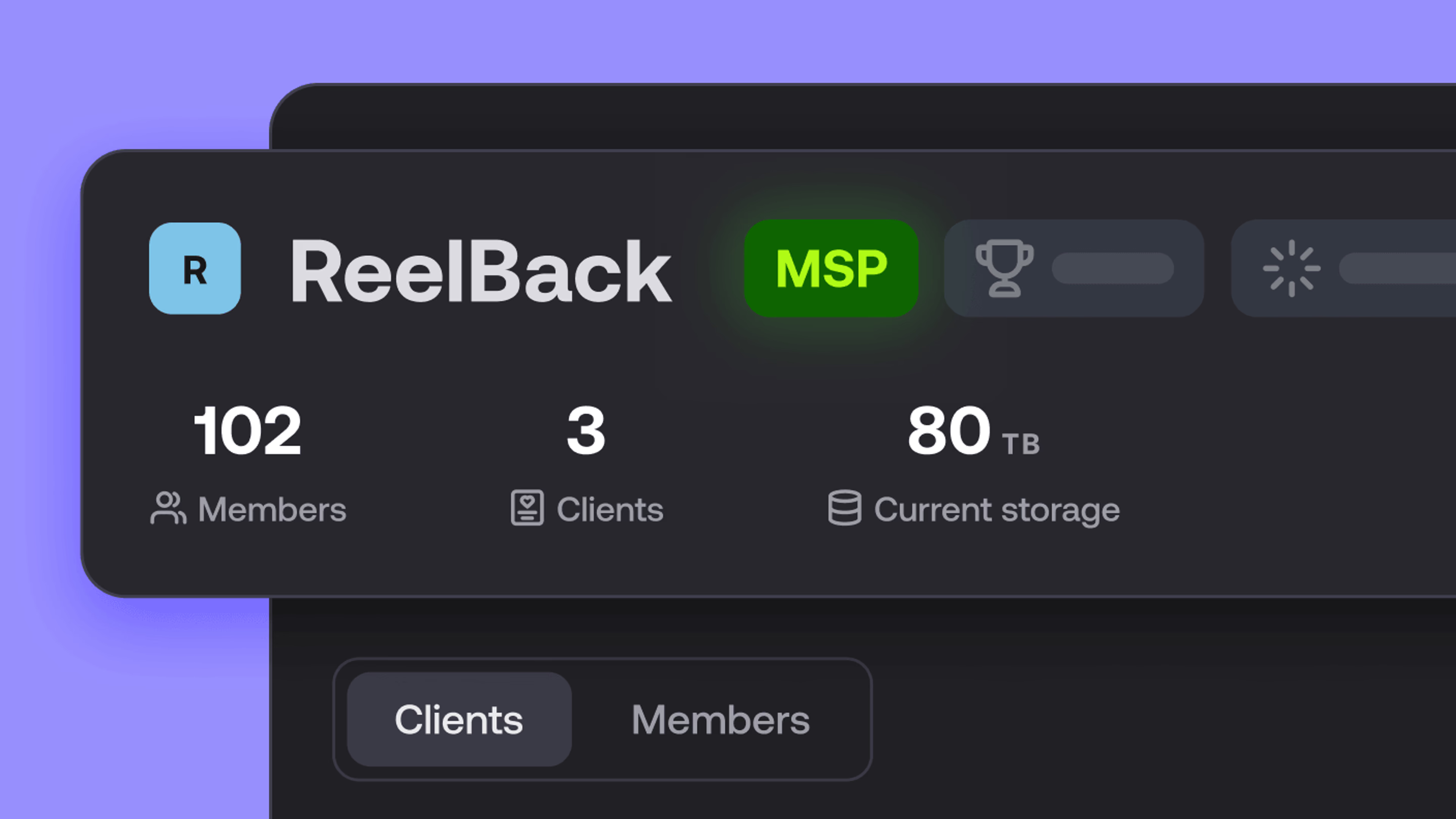
Introducing the new LucidLink MSP: one platform for your whole book
LucidLink MSP runs on the LucidLink Management Platform, giving MSPs centralized deployment management and pricing that scales with growth.
09 September 2026, 2 mins read
Join our newsletter
Get all our latest news and creative tips
Want the details? Read our privacy policy. Not loving our emails?
Unsubscribe anytime or drop us a note at support@lucidlink.com.