Product & news
New in LucidLink: share and review work without the workarounds
Last updated 22 January, 2026
3 mins
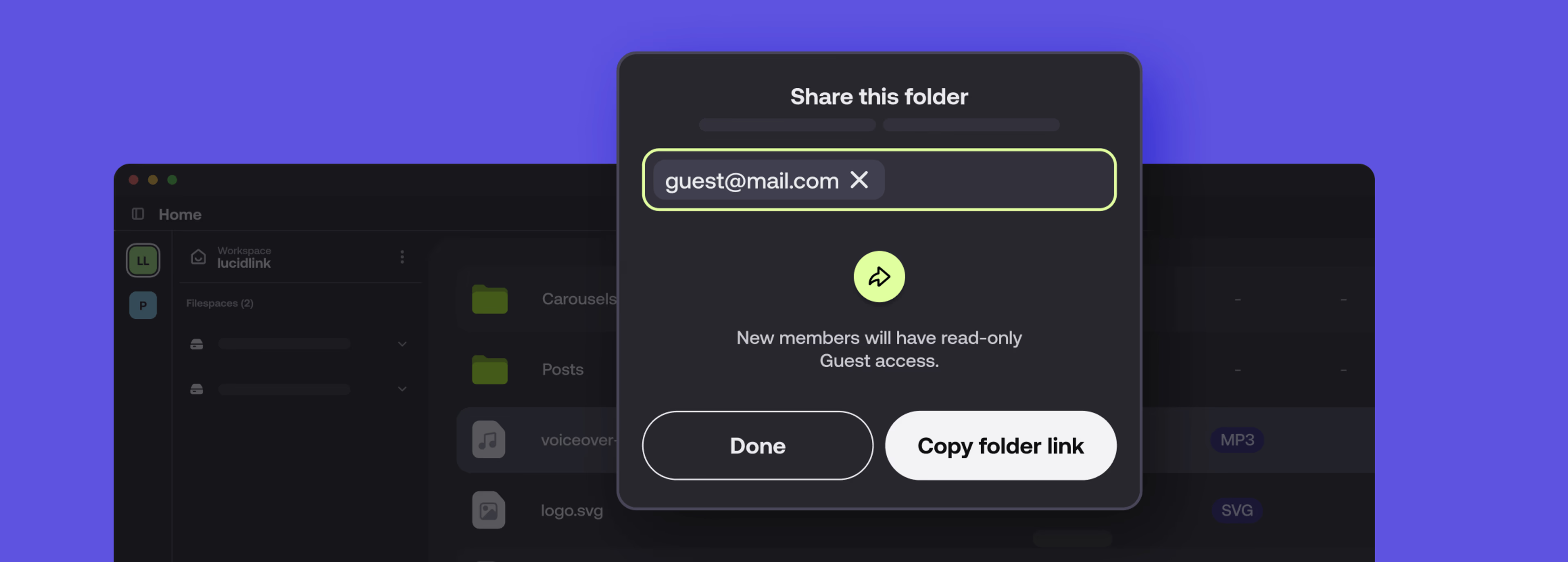
The hardest part of a project shouldn’t be getting it over the line.
That’s why we’re kicking off 2026 with a hotly-anticipated feature, built to remove one of the most common friction points in modern workflows: the handoff.
This new LucidLink release cleans up last-mile reviews, access and delivery, without adding more tools or complexity.
The wait’s over: introducing Guest Access
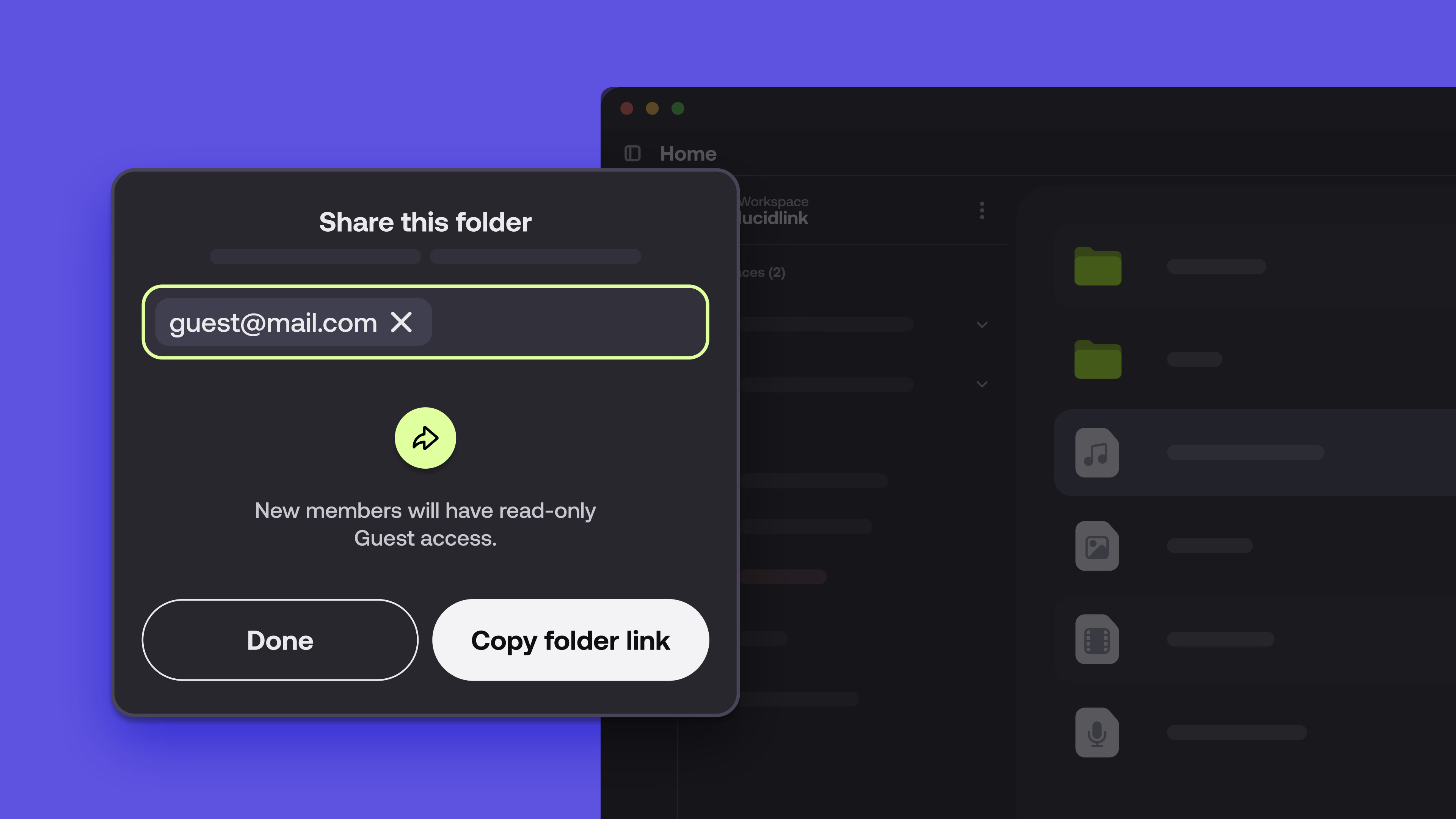
Guest Access is a new way to securely share work with external collaborators who don’t have a LucidLink account. No extra seats, installs or side-channel file transfers needed.
Collaboration without handoff headaches
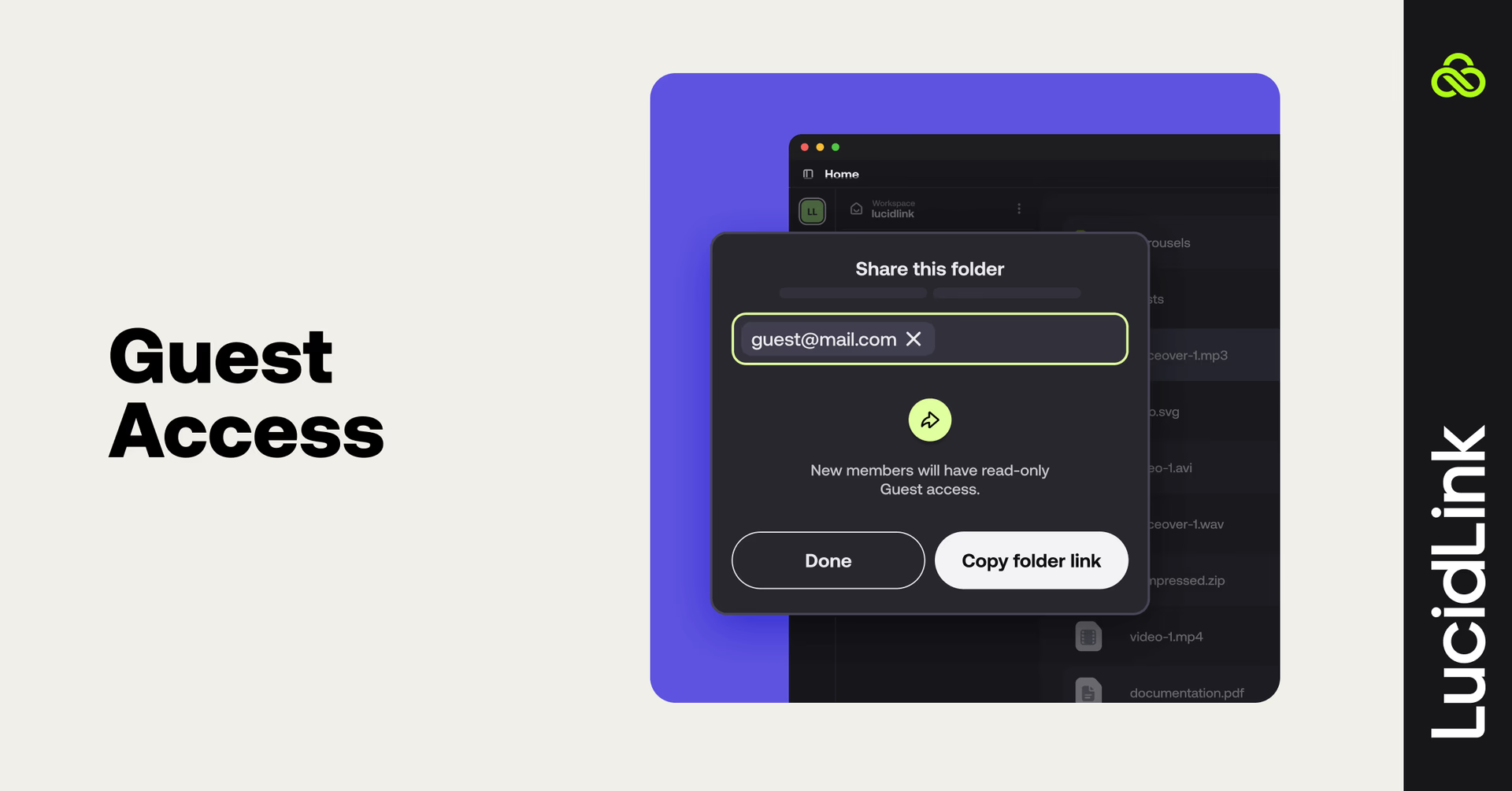
Most review workflows still rely on a patchwork of external tools, temporary accounts or “just upload it somewhere and hope for the best.” Guest Access removes these workarounds entirely.
No software, no problem
Clients can view and download large assets straight from their browser. No LucidLink client, no account setup and no learning curve.
Stop the third-party shuffle
Share directly from your filespace instead of copying data to an external transfer service. Files stay where they belong, under your control.
Zero-knowledge security, unchanged
Many shared links quietly give the provider access to your data. Guest Access doesn’t. It’s protected by LucidLink’s zero-knowledge security model, so only you and your recipient hold the keys. LucidLink never sees your files.
It’s the same filespace and security model, but with a much cleaner handoff for collaborators that don’t use LucidLink.
Simple, secure authentication
Guests authenticate using a temporary code sent to their email. No passwords or account creation necessary.
Full admin control
Revoke access at any time, or upgrade a guest to a full member if they need editing capabilities later.
Available now on all new LucidLink plans through the web dashboard (not available on Classic filespaces).
See Guest Access in action
Want to see how it works in practice? Watch a walkthrough of Guest Access in the new LucidLink.
More updates, designed for scale
We’ve also added updates for teams that are scaling fast and IT environments that don’t leave room for compromise.
Automated directory management API
For teams scaling fast in 2026, manual folder setup doesn’t hold up.
The new Directory Management API lets technical teams programmatically manage folder structures and permissions across a filespace.
That means you can:
Automate project onboarding
Standardize folder hierarchies
Apply access controls consistently, at scale
The result is less manual work, fewer mistakes and more predictable operations.
Enterprise-ready connectivity and security
For organizations with strict network and security requirements, we’ve expanded how LucidLink fits into locked-down environments.
FQDN-based proxy support
LucidLink now supports proxy configurations by domain name, making it easier to integrate with complex corporate firewalls without custom workarounds.
Built for global deployment
By removing the need for static IPs, global enterprises can deploy and manage LucidLink more easily across secure networks — without adding operational overhead.
New iOS release: v3.3.14
Mobile workflows have had a tune-up too.
The latest iOS update brings more file management features to mobile:
Move and multi-select: reorganize files, move folders or delete multiple items at once — all from the app.
New sorting options: organize files and folders the way you want with customizable sorting.
Upload indicators: see at a glance which files are uploading or being updated by teammates in real time.
Stability improvements: performance and reliability updates for smoother work on the go
Available now in the App Store.
Let’s recap
This release kicks off 2026 with:
Guest Access: secure, web-based reviews with zero friction
Directory Management API: automated folder structure and access at scale
FQDN-based proxy support: better fit for enterprise networks
An updated iOS app: faster, smoother mobile access
Log in today to try the new features and keep your workflows moving, without the workarounds.
Keep reading
Product & news
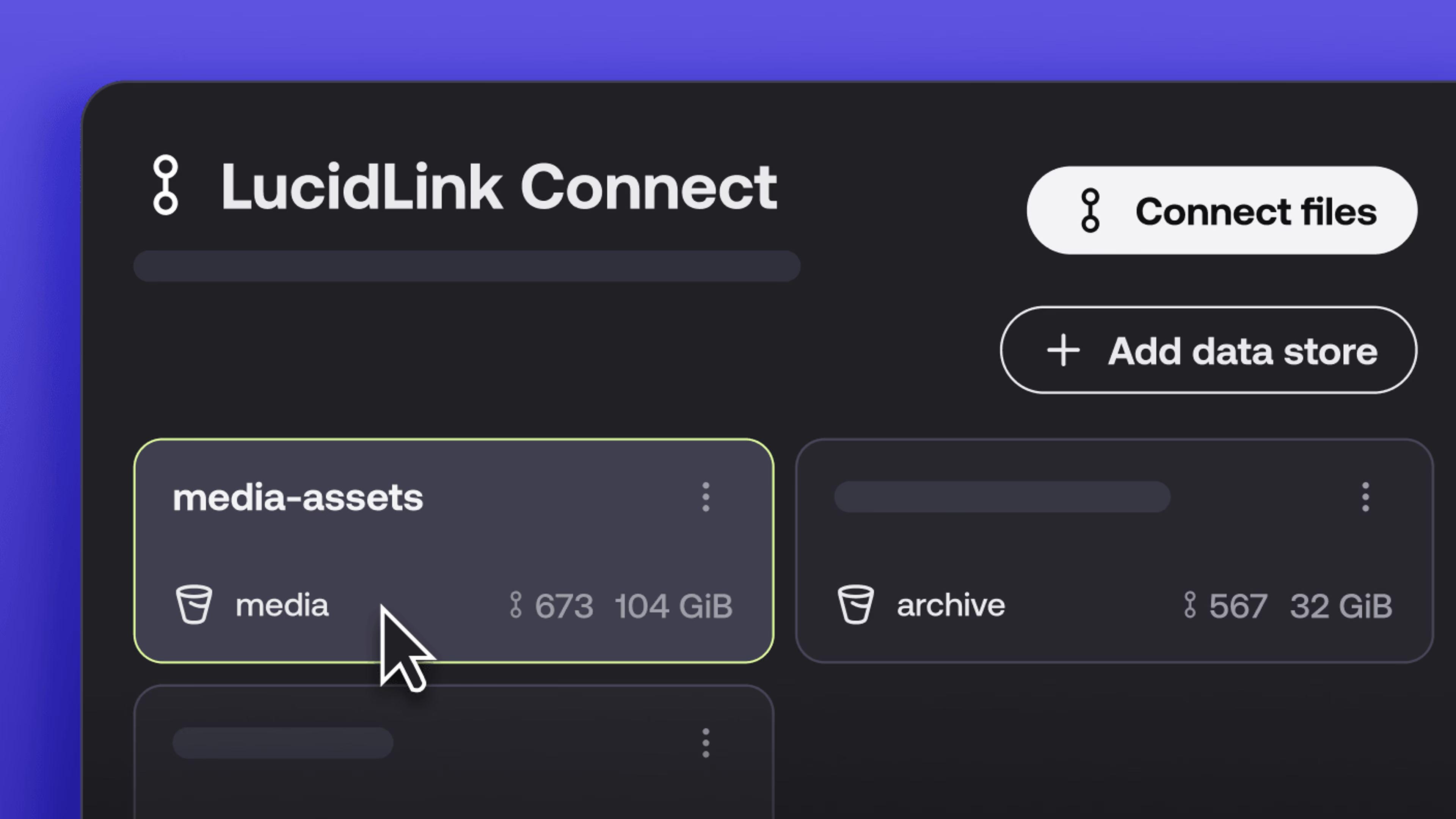
New in LucidLink Connect: simpler storage management
LucidLink Connect makes distributed storage easier to manage, with a new UI for connecting and managing data available through LucidLink.
06 October 2026, 2 mins read

Product & news
LucidLink named Leader in G2's Cloud File Storage report: here’s what customers say
See why LucidLink is a leader and rated #1 for customer satisfaction on G2’s Cloud File Storage report.
03 September 2026, 3 mins read
Product & news
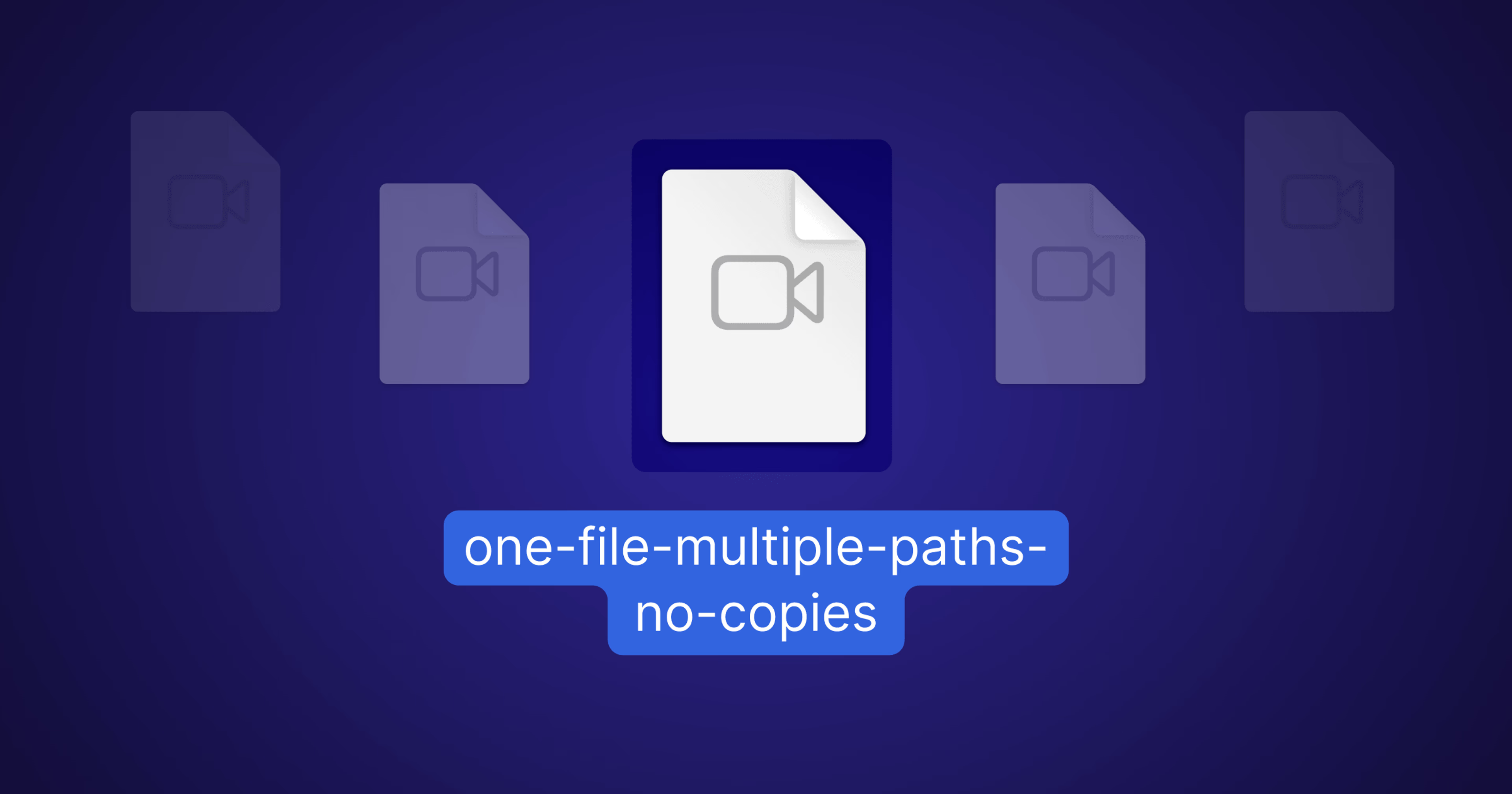
Hard links: one file, multiple paths, no duplication
Hard links let VFX teams reference the same file across multiple paths without duplicating data. Available now at no additional cost.
02 September 2026, 4 mins read
Join our newsletter
Get all our latest news and creative tips
Want the details? Read our privacy policy. Not loving our emails?
Unsubscribe anytime or drop us a note at support@lucidlink.com.