Collaboration
Revit Cloud Worksharing: how it works, where it falls short and alternatives
Last updated 18 August, 2026
8 mins

Revit collaboration across multiple offices, remote staff and external consultants can be a frustrating experience.
Files are too large for standard cloud sync and VPNs introduce the latency that can eventually corrupt models. The other solutions that promise to fix it either lock you into Autodesk's licensing model or require hardware at every office.
This piece covers how Revit Cloud Worksharing works, where it gets complicated and what the alternatives are for distributed AEC teams.
What is Revit Cloud Worksharing?
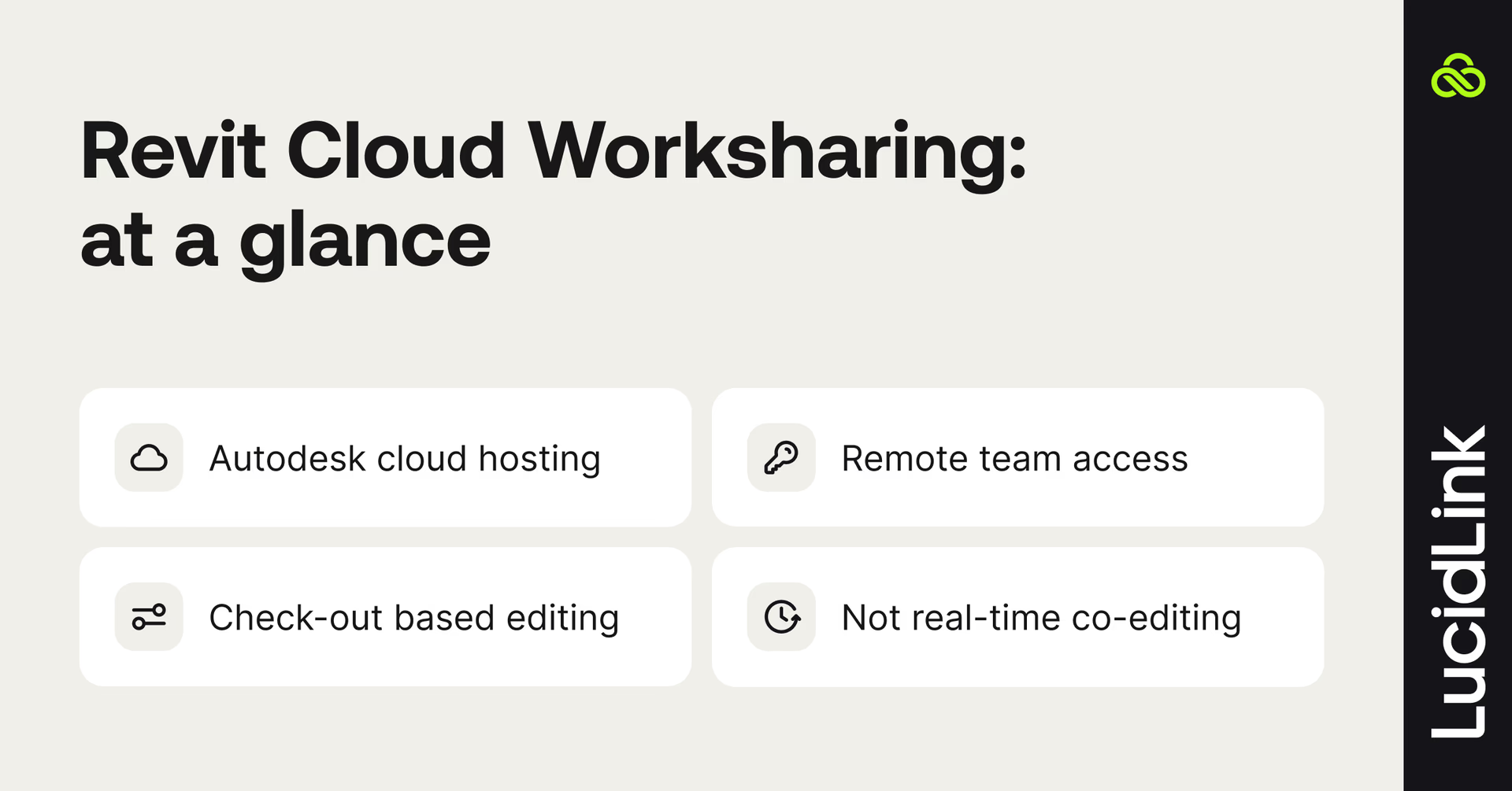
Revit Cloud Worksharing is Autodesk's cloud-based collaboration system that lets multiple architects, engineers and BIM teams work on the same Revit central model from different locations.
Instead of storing the central model on a local file server, Revit Cloud Worksharing stores it in Autodesk Forma (formerly Autodesk Construction Cloud), using Forma Design Collaboration (formerly BIM Collaborate Pro) to coordinate multi-user access over the internet.
One user holds the master file. Others check out elements, make changes and sync back to central. It's a structured check-in, check-out workflow built around a single authoritative file, rather than a real-time co-editing experience like Google Docs.
Classic Revit worksharing vs Revit Cloud Worksharing
Classic Revit worksharing runs over SMB, the same file-sharing protocol your office uses on a local network. That works fine when everyone's in the same building — SMB is fast and stable on LAN — but it was never designed for internet transmission.
Revit Cloud Worksharing replaces SMB with HTTP, making collaboration across hybrid AEC workflows far more reliable. Today, this is the only remote worksharing architecture Autodesk officially supports.
It's worth being precise here because the term cloud worksharing gets used loosely. VPN access to a file server, Revit Server, edge filers aren’t Revit Cloud Worksharing. They're different setups with their own different tradeoffs, as we’ll cover below.
Where Revit Cloud Worksharing gets complicated
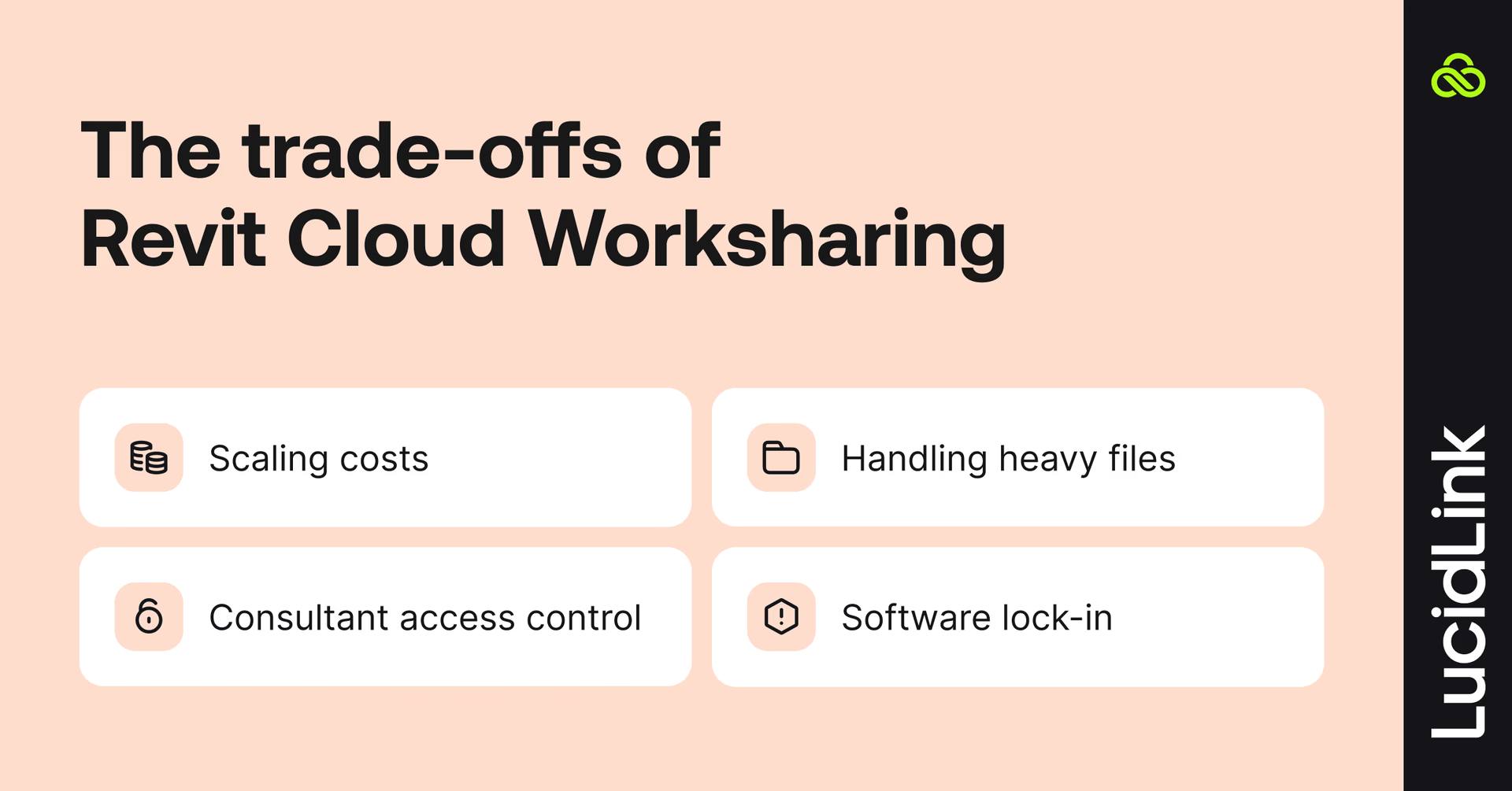
Even Autodesk's supported approach comes with compromises that become more noticeable as teams grow or projects become more complex.
Cost at scale: Forma Design Collaboration licenses are approximately $1,000 per user per year. For a firm of 50, that's $50,000 annually before consultants are factored in. Consultants need licenses too, which makes external collaboration a recurring procurement conversation.
Large model performance: Forma handles worksharing well, but very large central models, 2GB and above with extensive linked Revit files, CAD references, families and point clouds, can still be slow to sync. The protocol is stable but not instant.
External collaborators: getting a structural engineer or MEP consultant onto Forma requires Autodesk accounts, appropriate licenses and someone to manage access. Some firms find this straightforward, others find it a consistent source of friction and admin.
Platform dependency: choosing Forma means tying your collaboration workflow to Autodesk's ecosystem, licensing and roadmap. That may be the right decision, but it's important to understand the trade-off.
Revit Cloud Worksharing alternatives: where LucidLink fits in
This is a LucidLink blog, so let's be clear about what we do and don't do.
With LucidLink, Revit central models can be worked on concurrently by multiple users located anywhere in the world. The experience is the same as being in one office on shared local storage, without a VPN or hardware.
LucidLink doesn't replace Revit worksharing. Unlike edge filers like Panzura and Nasuni, we don't try to run Revit's SMB protocol over the internet, which means we avoid issues around file locking delays and model corruption associated with that approach.
LucidLink is a cloud-native file streaming platform that mounts as a local drive on Windows.
Instead of downloading files or replicating them across devices, files stream on demand from cloud storage. This means large Revit models, point clouds and CAD assemblies open right away for users everywhere.
Revit doesn't know we're there. It sees a fast local drive, which means worksharing keeps working normally because LucidLink operates at the OS file system level, not the Revit application level.
Everything outside the central model
A typical Revit project extends well beyond the central model. Linked CAD drawings, families, point clouds, PDFs and IFC exports don't use Revit worksharing at all. Even linked Revit models, while workshared individually, create file access and version challenges across distributed teams that worksharing alone doesn't solve.
LucidLink provides fast cloud access to these files while preserving native Windows file locking, helping distributed teams avoid overwrites and version conflicts.
LucidLink was the only solution that checked all the boxes: performance, security, true file locking and work-from-anywhere, without adding more hardware.
Brent Morris,IT Manager, Widseth
Replacing VPN and infrastructure overhead
Instead of relying on VPNs, edge filers or expensive VDI deployments simply to access project data remotely, every user connects directly to the same cloud filespace. Files stream on demand at local-drive speed, whether someone is in the office, at home or on a job site.
For firms already using Forma, LucidLink complements it by simplifying access to the wider project ecosystem. For firms not using Forma, LucidLink provides fast, consistent access to project files without the complexity of traditional infrastructure.
As Jeremy Gaskins, Director of Technology Solutions at BGE, puts it:
"LucidLink gives us VDI-level speed without VDI. Engineers forget it's in the background — and that's exactly what we wanted."
Read how BGE cut annual six-figure VDI costs, eliminated VPN bottlenecks and gave 600 staff real-time access to CAD and GIS projects with LucidLink.
Can LucidLink and Forma be used together?
Yes, and for larger firms, this is often the answer. Forma handles Revit central model worksharing.
LucidLink handles everything else: linked files, point clouds, CAD references and all non-Revit project data. The two solve different problems and work alongside each other without conflict.

The other options for distributed Revit collaboration
There are more ways to approach this than vendors would have you believe. None of them are perfect.
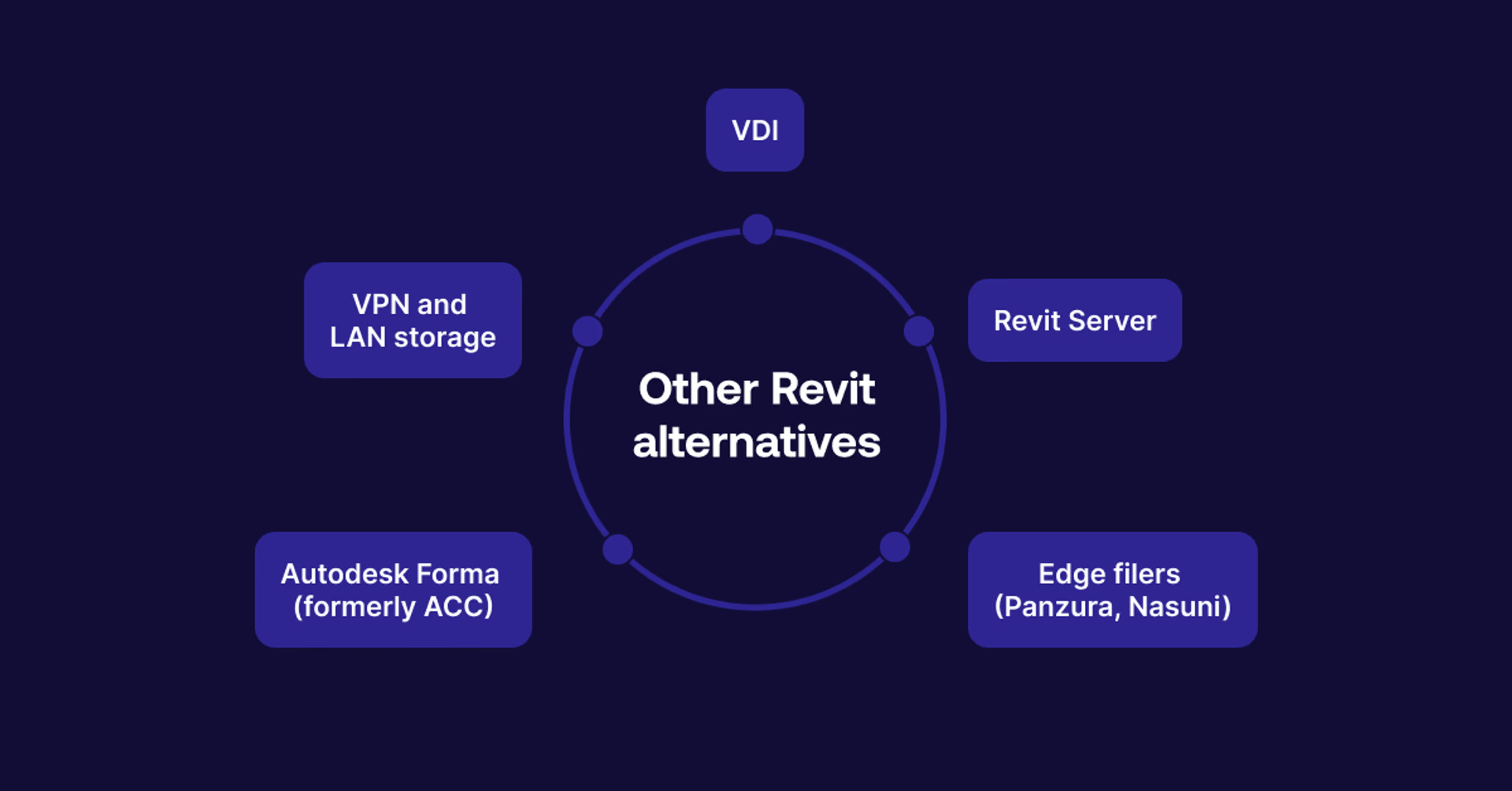
Autodesk Forma (formerly ACC): the supported option
Forma is Autodesk’s recommended solution and the only architecture they officially support for remote worksharing.
The central model lives in Autodesk's cloud. HTTP protocol handles sync, which makes it stable over internet connections and lets teams work from offices, home or a job site without VPN.
For firms already invested in the Autodesk ecosystem, it's a natural fit.
As we already mentioned, the tradeoff is price: Forma Design Collaboration licenses cost roughly $1,000 per user per year. For a firm with multiple full-time engineers and a rotating cast of consultants, that adds up fast.
External collaborators need Autodesk accounts and when Forma goes down work stops. You're dependent on one vendor's infrastructure.
Revit Server: free but fixed
Revit Server comes included with Revit and requires physical server machines at each connected office acting as Server Accelerators. It synchronizes model data between locations and works reasonably well for a two-office setup.
The limitation is significant: it only works from within one of the connected offices. The moment you need genuine remote access, Revit Server stops being a solution.
It also requires Windows Server at each end, someone to maintain it and some tolerance for fiddly configuration. It's free in terms of licensing, but not in terms of time.
VPN and LAN storage: risky but common
Many firms run Revit worksharing over VPN connected to on-prem file servers or NAS.
With solid infrastructure (gigabit WAN, reliable ISP, site-to-site VPN) it can work well enough. Some firms have run it this way for years without incident.
Autodesk doesn't support it, and for good reason. Revit worksharing is SMB-based and SMB over VPN is inherently unstable. It's not a matter of if a model gets corrupted, more like when. The risk increases with file size, team size and the reliability of your internet connection.
Whether that risk is acceptable is a business decision. But it’s a risk, not a workaround.
VDI: the expensive fix
Virtual Desktop Infrastructure runs Revit on virtual machines in a data centre. Users connect remotely and work on a virtualised desktop. Done correctly, the performance can be great.
The problem is the cost. A properly specced vGPU server for Revit starts at $45,000 to $50,000, plus annual licensing for VMware or Citrix, Nvidia and Microsoft. Standard VDI and vGPU VDI are different products. Revit requires vGPU. Many firms have discovered this only after investing in the wrong infrastructure.
Ongoing management is complex and requires genuine expertise. A significant number of AEC firms have attempted VDI and abandoned it, either because the cost kept climbing or because the implementation wasn’t right.
Edge filers (Panzura, Nasuni): not for Revit
Edge filers require physical appliances installed at each office location, with remote access still routed through VPN back to the nearest appliance.
Panzura and Nasuni both say they support Revit worksharing, but users often complain of file lock delays of several minutes and model corruption. Edge filers replicate SMB across appliances, which introduces the same instability as VPN over SMB. The replication layer creates a window where two users can overwrite each other's work.
Edge filers have legitimate uses in AEC. For distributed teams or active Revit worksharing on a central model, the hardware dependency and architectural issues compound.
Read more about how distributed teams can securely access files without a VPN.
Choosing the right setup for your team
Small firm, single office, everyone on the same network: a local NAS or file server is fine. No need for cloud worksharing unless remote access is a genuine requirement.
Multi-office firm, committed to the Autodesk ecosystem: Forma is the supported, stable answer. Budget for BCP licenses and factor in consultant access costs.
Multi-office firm, not committed to Autodesk, wants to reduce infrastructure overhead: LucidLink gives fast file access without edge filers, VPN or on-prem hardware at each office. Pair with Forma for central model worksharing if needed, or manage carefully with a single hosted central model.
Firm currently on VDI: worth a serious evaluation. BGE's experience isn't unusual. Firms consistently find that LucidLink delivers equivalent performance at a fraction of the cost, and the six-figure annual saving isn't edge case math.
Firm currently on Panzura or Nasuni for Revit: the problems the AEC community describes are architectural, not fixable through configuration. LucidLink doesn't replicate SMB across filers. We stream directly to each user's device. If you're experiencing file lock delays or occasional corruption on Revit files, the root cause is the replication layer, not Revit.
Firm with frequent external consultants: compare Forma's per-user licensing model against LucidLink's Guest Access for project-specific collaboration. Depending on how many external collaborators you bring in and for how long, the math can differ significantly.
Try LucidLink free and see how distributed AEC teams access large Revit and CAD files instantly, without VPN, hardware or Autodesk licensing.
FAQs
Revit Cloud Worksharing refers to Autodesk's official implementation of multi-user Revit collaboration via Autodesk Forma and Forma Design Collaboration. It lets distributed teams work on shared Revit central models over the internet using HTTP protocol, unlike traditional worksharing which uses SMB and requires a local network.
Keep reading
Collaboration
Creative production
The decision bottleneck: when AI output outpaces your workflow
AI can accelerate content creation, but review, approval and access still take time. Learn what to measure when output starts outpacing the workflow.
05 November 2026, 4 mins read
Collaboration
Creative production
The content readiness gap: why finished doesn’t mean ready
Content creation has never been faster. But here's why finished still doesn't mean ready to use, and what the readiness gap is costing your team.
27 October 2026, 4 mins read
In the field
Collaboration
Setting up AI agents for reality capture in AEC
How Diorama.studio used an AI agent connected to LucidLink to organize field data in real time, during a two-week deadline drone survey.
16 September 2026, 6 mins read
Join our newsletter
Get all our latest news and creative tips
Want the details? Read our privacy policy. Not loving our emails?
Unsubscribe anytime or drop us a note at support@lucidlink.com.