Product & news
New in LucidLink: Developer Tools, Connect integrations and more
Last updated 11 May, 2026
2 mins

Our April release picks up right where NAB 2026 left off.
With LucidLink Connect recognized as Product of the Year, this release focuses on turning what we showed on the floor into tools you can use in production.
The highlight is the launch of our Developer Tools, alongside new Connect integrations and added security controls for global teams.
LucidLink Developer Tools (GA)
LucidLink Developer Tools is now generally available.
It’s a single place for everything you need to build on LucidLink (documentation, tutorials and onboarding resources) making it easier to integrate, automate and scale workflows programmatically.
SDK
The standout of our developer launch is the SDK.
It lets teams directly interact with LucidLink using Python, without a desktop client or mounted filespace. With the LucidLink daemon embedded, it runs anywhere Python runs, from local scripts to cloud environments.
Clientless operations: read, write, list, delete, move and copy files without mounting a filespace
Built for automation: secure, headless authentication using service account tokens
LucidLink Connect support: interact programmatically with S3-compatible storage
LucidLink Connect integrations
We’ve expanded LucidLink Connect with a growing set of integrations.
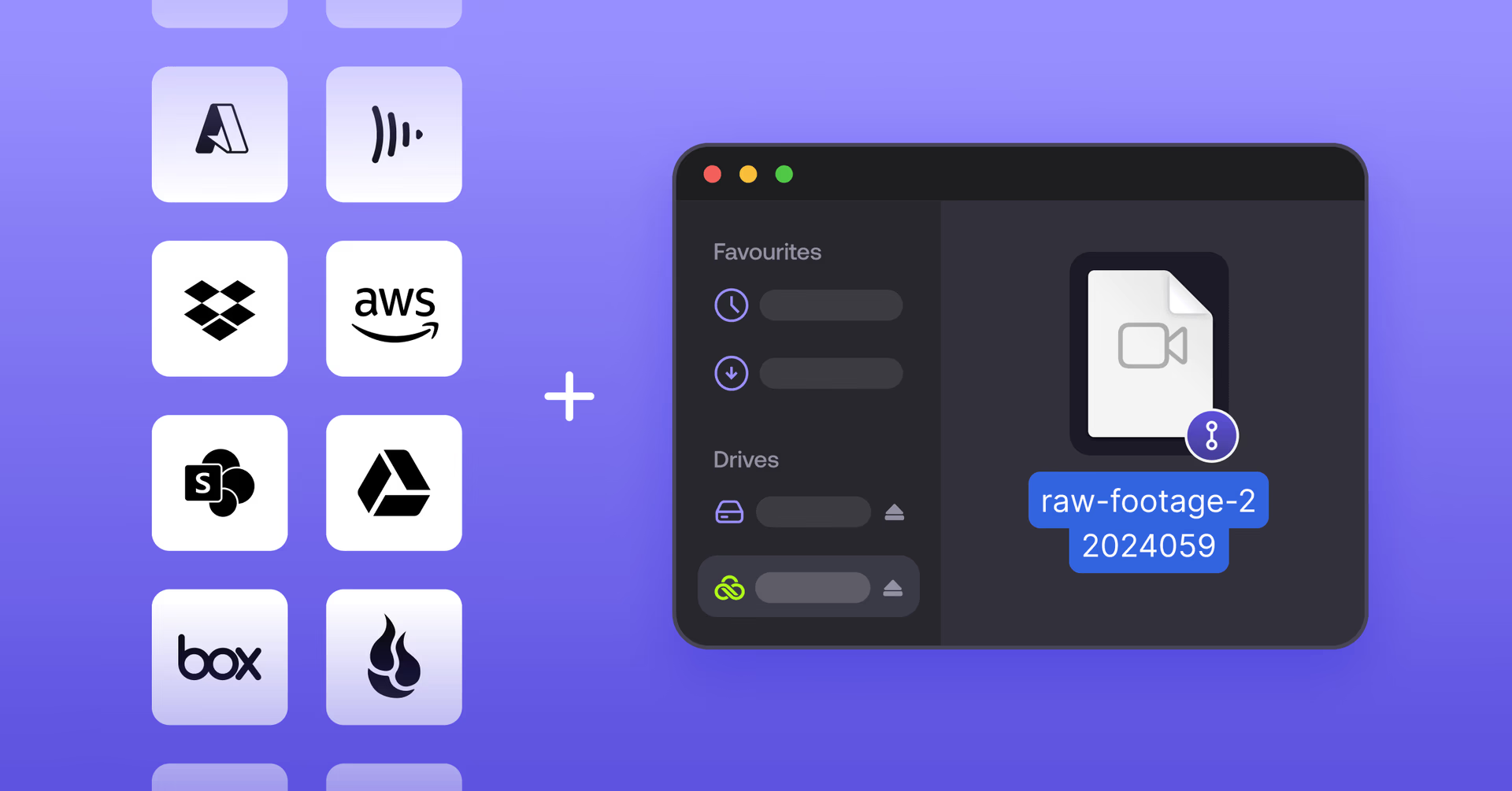
You can now link and stream assets directly from platforms like Google Drive, Microsoft OneDrive, SharePoint, Dropbox and Frame.io, without moving or duplicating data.
No migrations: assets stay where they are
Unified access: everything appears in a single LucidLink filespace
Streamed workflows: work across fragmented storage as if it’s one system
It’s a simpler way to bring distributed storage together without adding overhead.
Security: two-factor authentication (2FA)
We’ve added two-factor authentication for all password-based (non-SSO) accounts.
Admins can configure 2FA at the workspace level with three options:
Optional: users enroll when ready
At next login: prompted on their next session
Enforced immediately: access blocked until configured
Available across desktop, web and mobile, 2FA adds another layer of protection while maintaining LucidLink’s zero-knowledge architecture.
Mobile updates
Two useful improvements for teams working in the field or on the go:
In-app previews (Android): view images, audio, video and PDFs without downloading
MDM support (iOS): deploy domain keys automatically via mobile device management
Both platforms also received stability and performance improvements this month.
That’s a wrap on April. Log in today to explore what’s new.
Keep reading

For developers
Product & news
A dashboard for your filespace, built where your keys are
Build a dashboard for your LucidLink filespace from its audit trail with an agent skill for Claude Code and Codex, without touching zero-knowledge encryption.
19 October 2026, 4 mins read
Product & news
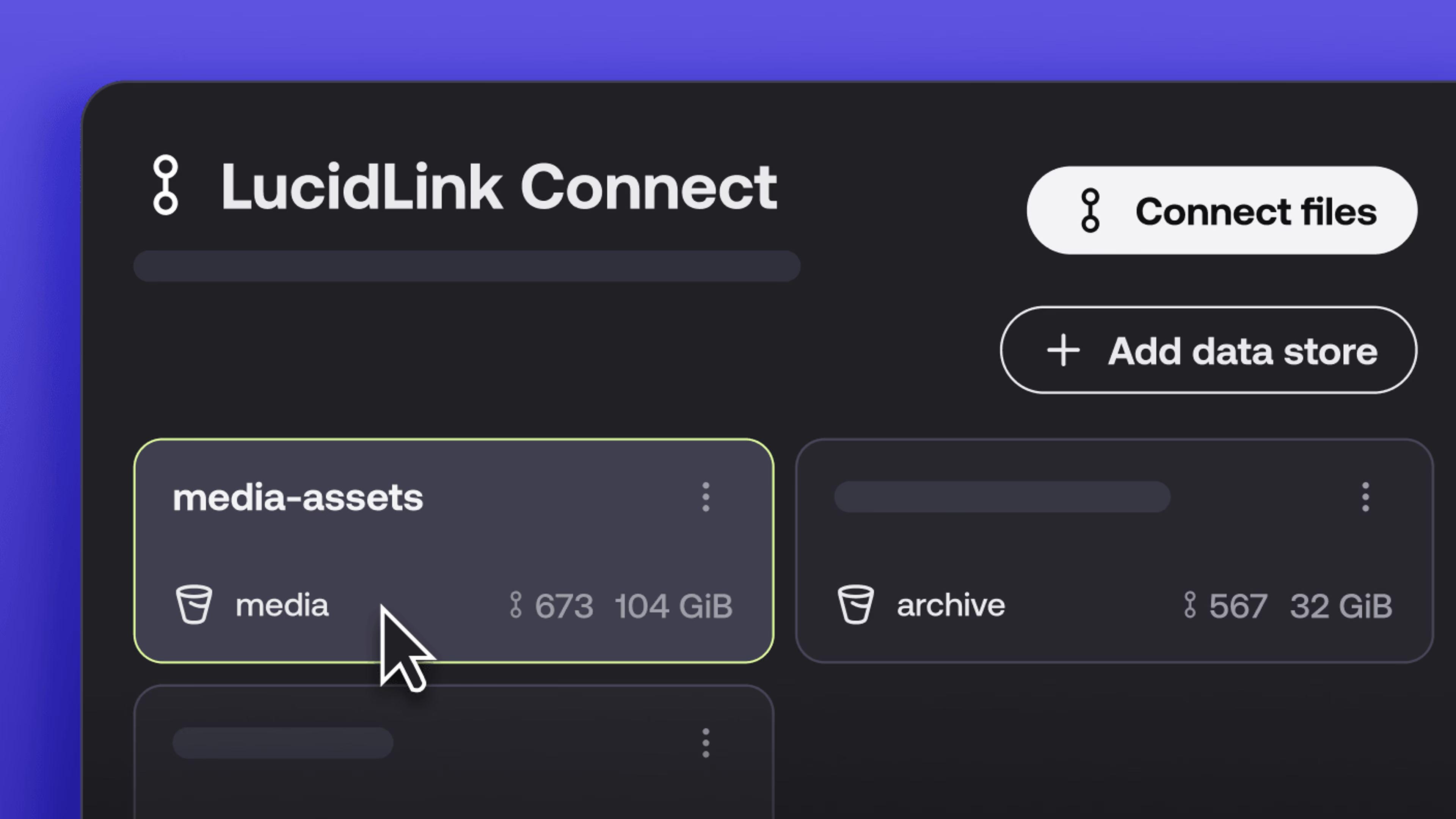
New in LucidLink Connect: simpler storage management
LucidLink Connect makes distributed storage easier to manage, with a new UI for connecting and managing data available through LucidLink.
06 October 2026, 2 mins read

Product & news
LucidLink named Leader in G2's Cloud File Storage report: here’s what customers say
See why LucidLink is a leader and rated #1 for customer satisfaction on G2’s Cloud File Storage report.
03 September 2026, 3 mins read
Join our newsletter
Get all our latest news and creative tips
Want the details? Read our privacy policy. Not loving our emails?
Unsubscribe anytime or drop us a note at support@lucidlink.com.