Product & news
Introducing LucidLink Connect integrations: one filespace for your existing cloud tools
Last updated 16 April, 2026
4 mins
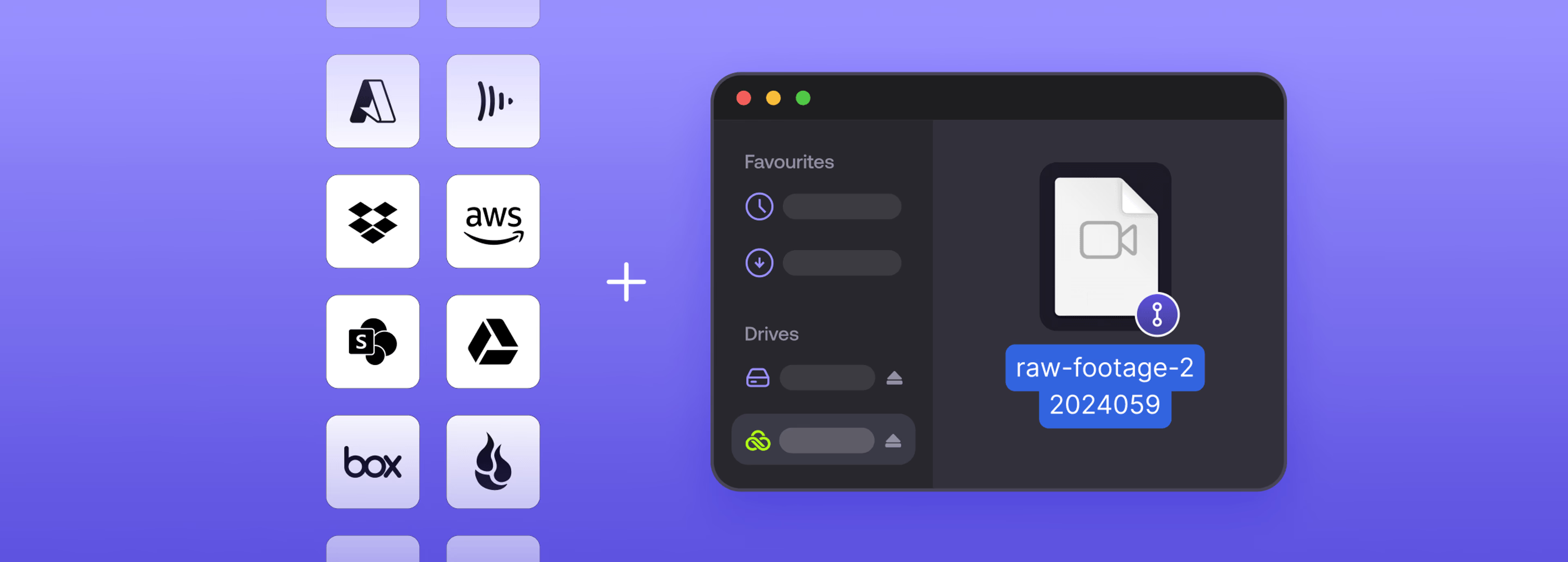
Last month, we introduced LucidLink Connect to make your external data, like cloud object storage, instantly accessible without migration or duplication.
Today we're extending that experience. LucidLink Connect integrations (now GA) bring real-time file streaming to the cloud drives and workflow tools your teams use every day — from OneDrive, Google Drive, Dropbox and SharePoint to Frame.io, MAM/DAM platforms and more.
Your tools don’t change. Your data stays exactly where it is. Now you can access and work with all your files from one unified filespace, without migrations, downloads or delays.
Your cloud tools are disconnected
You already invest in powerful productivity suites like Google Workspace or Microsoft 365. These platforms are excellent at what they’re designed to do: collaboration, sharing and increasingly, AI-driven workflows.
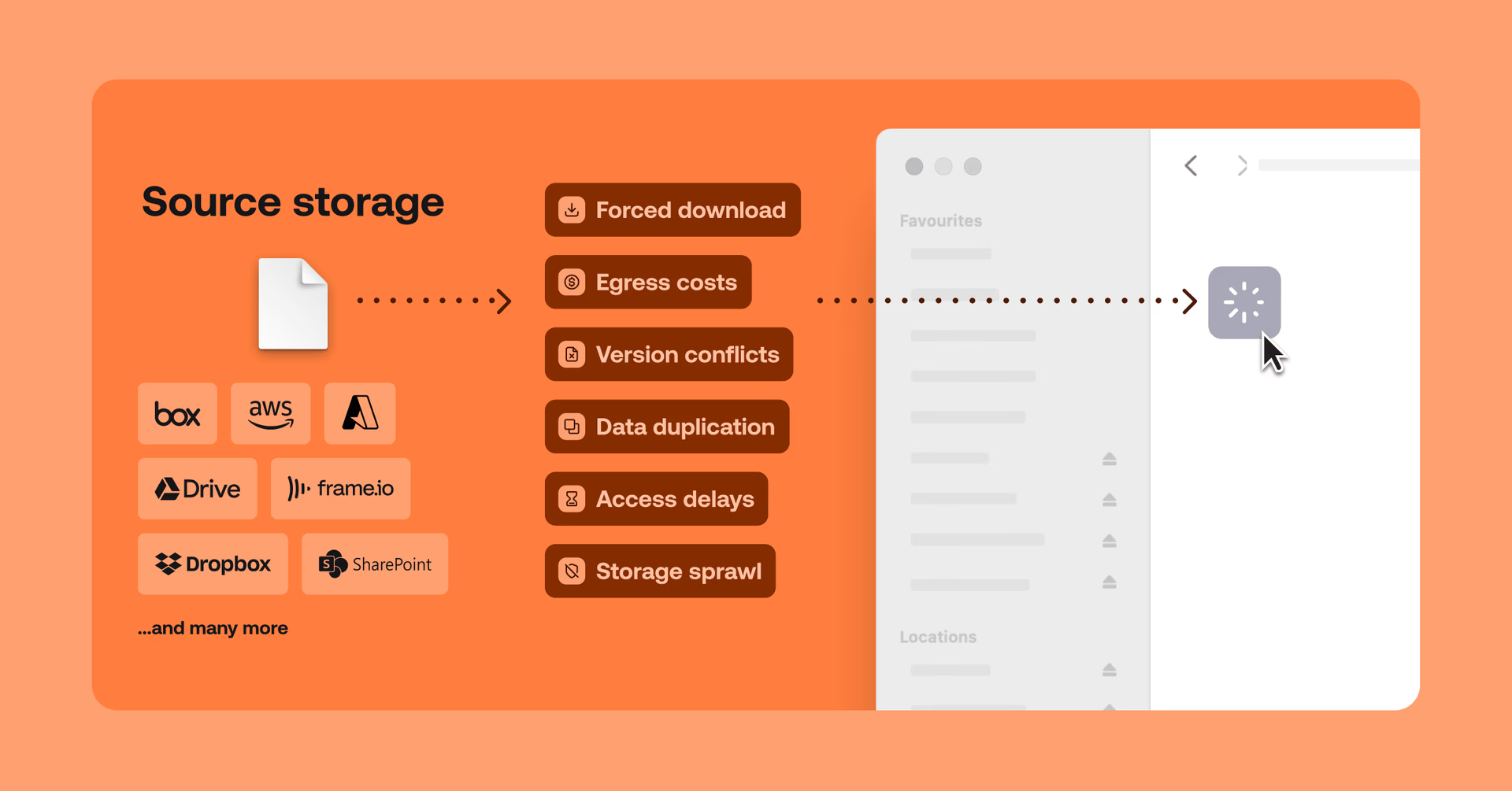
But there's a disconnect. Your creative applications — like Premiere Pro, DaVinci Resolve, Avid, Autodesk, Revit — can't access files directly from these cloud drives.
To bridge the gap, teams are forced into a familiar loop: download full files (wasting time and disk space for data you don't need), create duplicates so you can edit locally, then re-upload finished work back to the cloud. Rinse and repeat.
For a video editor in post, that means downloading entire footage bins just to use a single clip, wasting time and filling up local storage.
For an architect or engineer, it means downloading full project files manually, leading to version conflicts and fragmented data across teams.
The result is slow workflows, wasted time and software you're paying for but can't fully use.
Your office tools and your production data live in two different worlds, separated by downloads, duplication and reuploads. LucidLink Connect closes that gap.
Get more from the tools you already pay for
LucidLink Connect unlocks the potential of your existing storage, tools and data.
Get more from your existing tools: keep using Microsoft 365 or Google Workspace with your current security and workflows, no disruption needed.
Work without duplicating data: access files directly where they live, without storing the same data twice.
Turn storage into active data: make archival storage instantly accessible, so your applications can work with it in real time.
Connect lets your enterprise applications browse your existing cloud storage as if it were a local high-speed drive. There’s no need to fetch or download files before work begins. Data is instantly accessible and streamed on demand.
A unified filespace across your cloud tools
LucidLink Connect extends LucidLink’s cloud-native file streaming and API-driven integration to your existing storage systems and workflow tools.
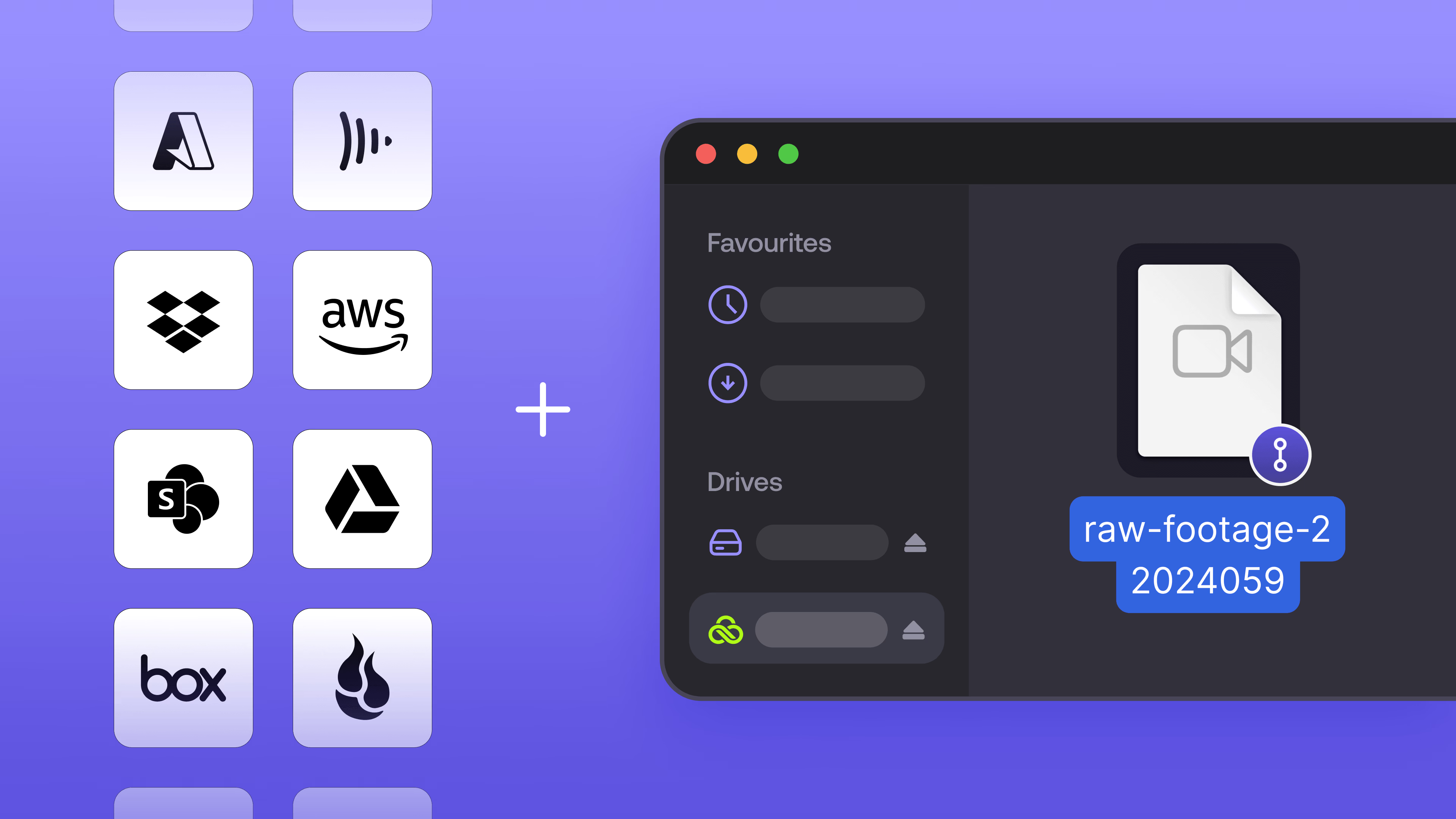
Large datasets become accessible on demand across distributed teams, without moving them. Here’s what that means in practice:
Instant visibility: connected assets appear immediately in a clean, unified filespace.
Stream on demand: open files instantly by streaming only the data you need.
No duplication: the same data can be used across workflows without copying.
No disruption: data stays in place, with existing tools, permissions and automations unchanged.
The result is a true single source of truth; a team in London and a team in LA work on the exact same data, in real time.
It’s the same Emmy-winning technology trusted by Oscar-winners and enterprise teams for over a decade, extended to your cloud drives and workflow tools.
Connect & TeamCache: access meets local performance
LucidLink Connect is your access layer to external cloud storage. TeamCache is your performance layer for the office.
Together, they close the gap between massive cloud libraries and high-bitrate local workflows. Here’s how:
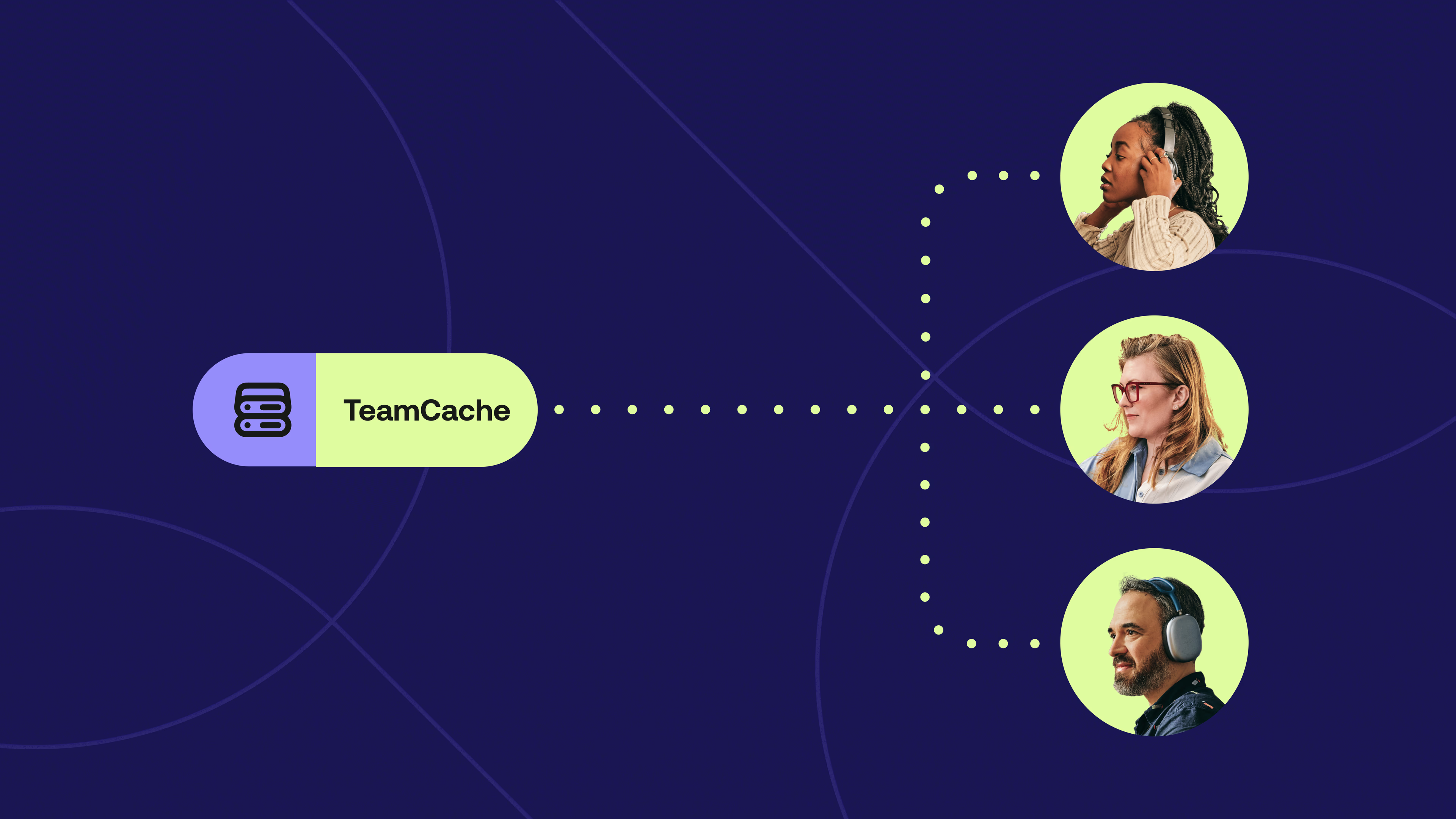
When the first person at your site opens a file from a connected source — whether that's an S3 bucket, a OneDrive folder or a Frame.io library — TeamCache anchors it locally. Instead of every workstation pulling individual streams over the ISP, everyone else at that site reads it at local-network speed, bypassing the internet entirely.
The result: Connect pulls the data once. TeamCache serves it to the whole office. This eliminates redundant egress and provides the extreme throughput required for high-resolution media that exceeds standard internet bandwidth.
For teams working with large files across limited office bandwidth, this combination changes what's possible. It transforms your external cloud storage into a shared, high-speed local resource instantly accessible to everyone on site, maximizing performance while minimizing your ISP footprint.
Stop moving data, start streaming it
LucidLink Connect integrations are available now on Enterprise plans, the AWS Marketplace and through partners.
Already using LucidLink?
Discover how LucidLink Connect activates your existing storage and tools.
New to LucidLink?
Try our file streaming platform free for 30 days.
For partners
Unlock new workflows on top of your customers’ existing storage. Talk to our partner team at partners@lucidlink.com.
Keep reading
Product & news
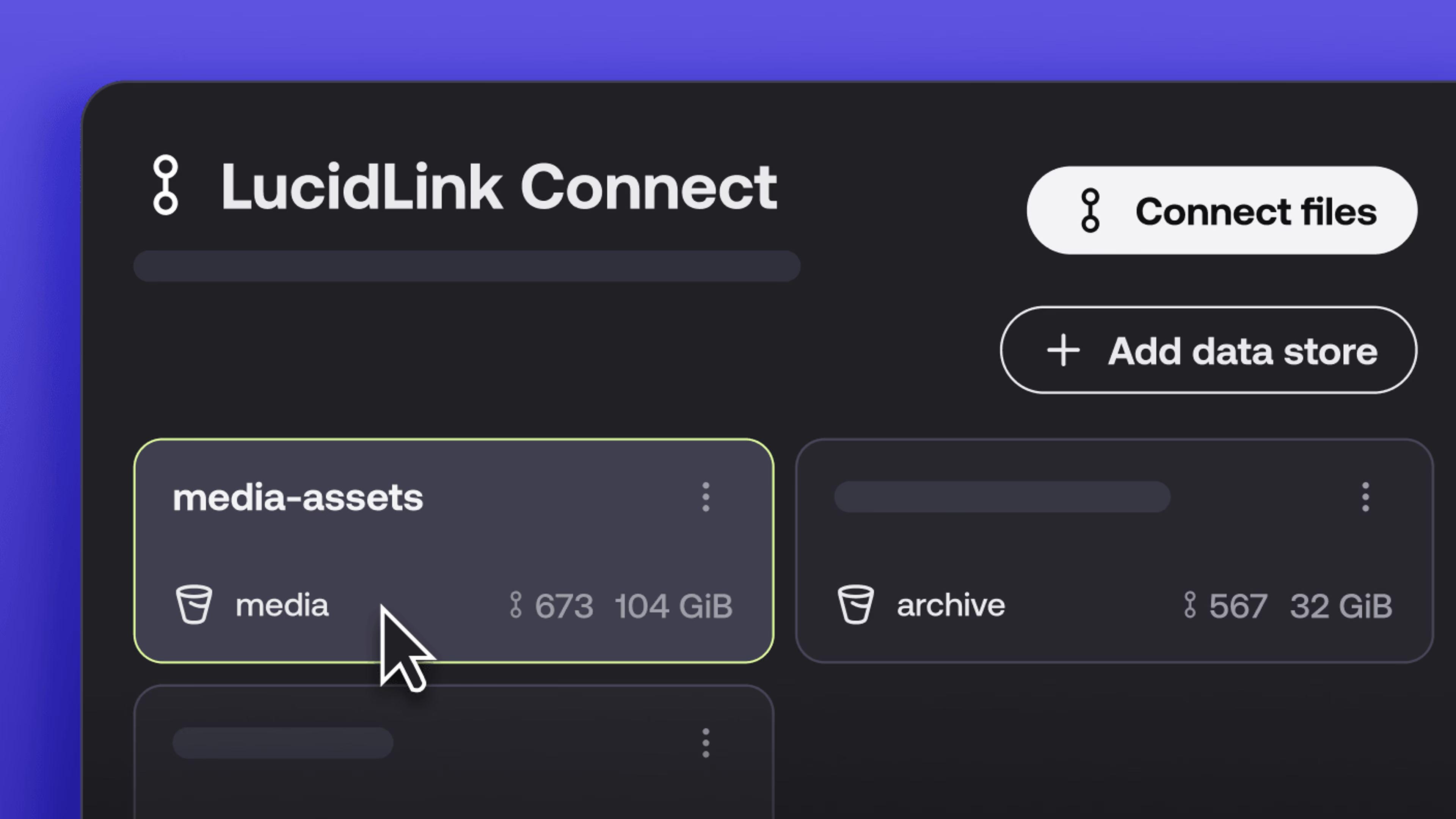
New in LucidLink Connect: simpler storage management
LucidLink Connect makes distributed storage easier to manage, with a new UI for connecting and managing data available through LucidLink.
06 October 2026, 2 mins read

Product & news
LucidLink named Leader in G2's Cloud File Storage report: here’s what customers say
See why LucidLink is a leader and rated #1 for customer satisfaction on G2’s Cloud File Storage report.
03 September 2026, 3 mins read
Product & news
Hard links: one file, multiple paths, no duplication
Hard links let VFX teams reference the same file across multiple paths without duplicating data. Available now at no additional cost.
02 September 2026, 4 mins read
Join our newsletter
Get all our latest news and creative tips
Want the details? Read our privacy policy. Not loving our emails?
Unsubscribe anytime or drop us a note at support@lucidlink.com.