Cloud storage
Cloud egress fees explained: how to avoid surprise costs
Last updated 24 April, 2026
8 mins

You moved to the cloud to save money. Fewer hardware refresh cycles or capacity planning headaches, more pay-as-you-go simplicity. Then the first bill arrives with the line “data transfer out” or “cloud egress fees” and the math doesn’t seem so simple.
Cloud egress fees are the most predictable surprise in IT budgeting.
For teams handling terabytes of video, engineering files or big datasets, cloud egress costs can exceed storage costs altogether. And for IT leaders forecasting infrastructure spend or finance teams building project budgets, egress fees are the line item that can’t be predicted until after they’re incurred.
According to a recent cloud storage index report, 56% of organizations experienced IT or business delays caused by cloud storage fees like data egress fees and access charges. To avoid these issues, getting a handle on cloud egress costs is essential for anyone storing large datasets.
This guide covers what egress fees are, common triggers, egress cost comparison across providers, plus ways to reduce egress fees.
What is data egress?
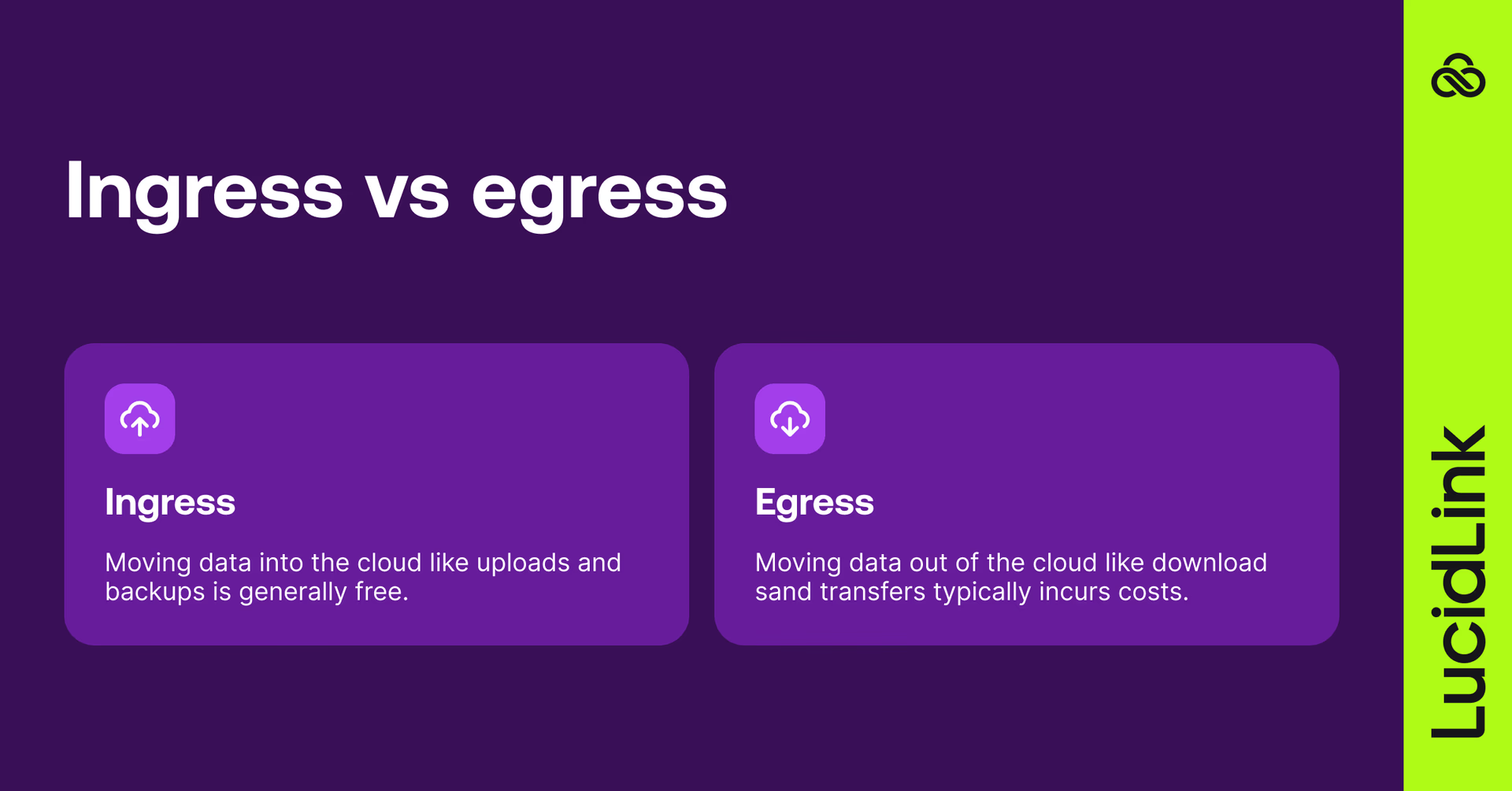
Data egress refers to data leaving a cloud provider's network. Any download, outbound transfer or cross-region movement counts as egress.
What are cloud egress fees?
Cloud egress fees are the charges applied by cloud providers, including AWS, Azure and Google Cloud, when data leaves their network. While ingress (uploading data into the cloud) is typically free, egress is billed per gigabyte. The more data that moves out, whether through downloads, cross-region transfers or external sharing, the higher the cost.
Common workflows that generate egress charges include:
Downloading files to local devices
Moving files between cloud regions
Transferring data to another cloud provider
Delivering content to users or applications outside the cloud network
Syncing files across multiple endpoints or locations
Egress vs ingress: what’s the difference?
Ingress refers to data entering the cloud. Most providers charge nothing for ingress: uploading files, syncing backups and migrating data in are typically free.
Egress refers to data leaving the cloud. Every download, outbound transfer or cross-region data movement can generate a charge.
Providers often make uploading free but charge for outbound data transfers. These egress fees protect infrastructure and encourage vendor retention.
How much are egress fees across cloud providers
Egress pricing varies by provider, region and traffic type. The following figures reflect standard internet-bound egress rates.
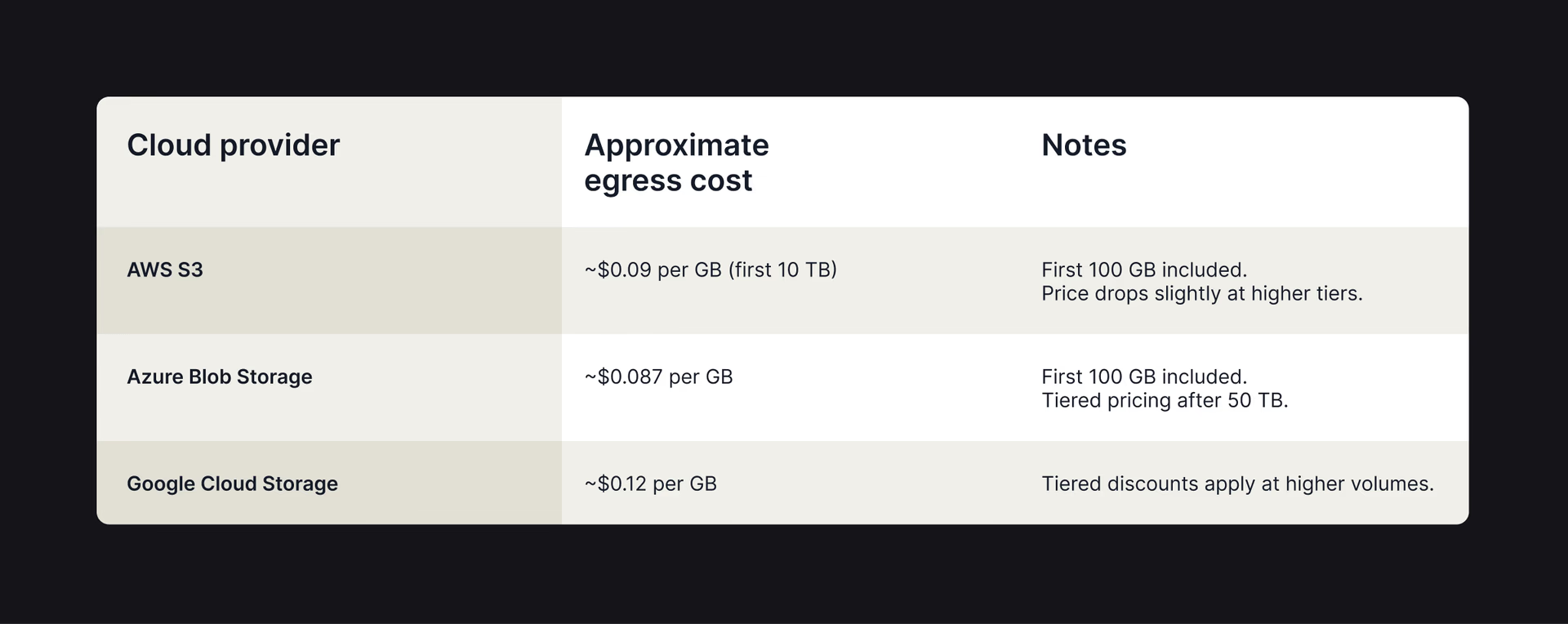
These are per-gigabyte rates for outbound traffic to the internet. Inter-region transfers are charged separately and vary by route.
Workflow example: a 500 GB video project downloaded by five editors generates 2.5 TB of outbound transfer. At Google Cloud's standard rate of $0.12 per GB, that's approximately $300 in egress charges, on top of storage costs.
For a team using 1 TB of AWS S3 storage with 2 TB of internet-bound egress monthly, storage costs approximately $23 while egress runs $184. Egress is eight times the storage cost.
Unlike storage, which is predictable and fixed, outbound data fees depend on access patterns. A client requesting downloads, an editor relinking media or a contractor accessing files can all trigger fees weeks later.
What triggers cloud egress fees?
Many teams assume egress fees only happen during big downloads. In reality, everyday workflows generate costs continuously.
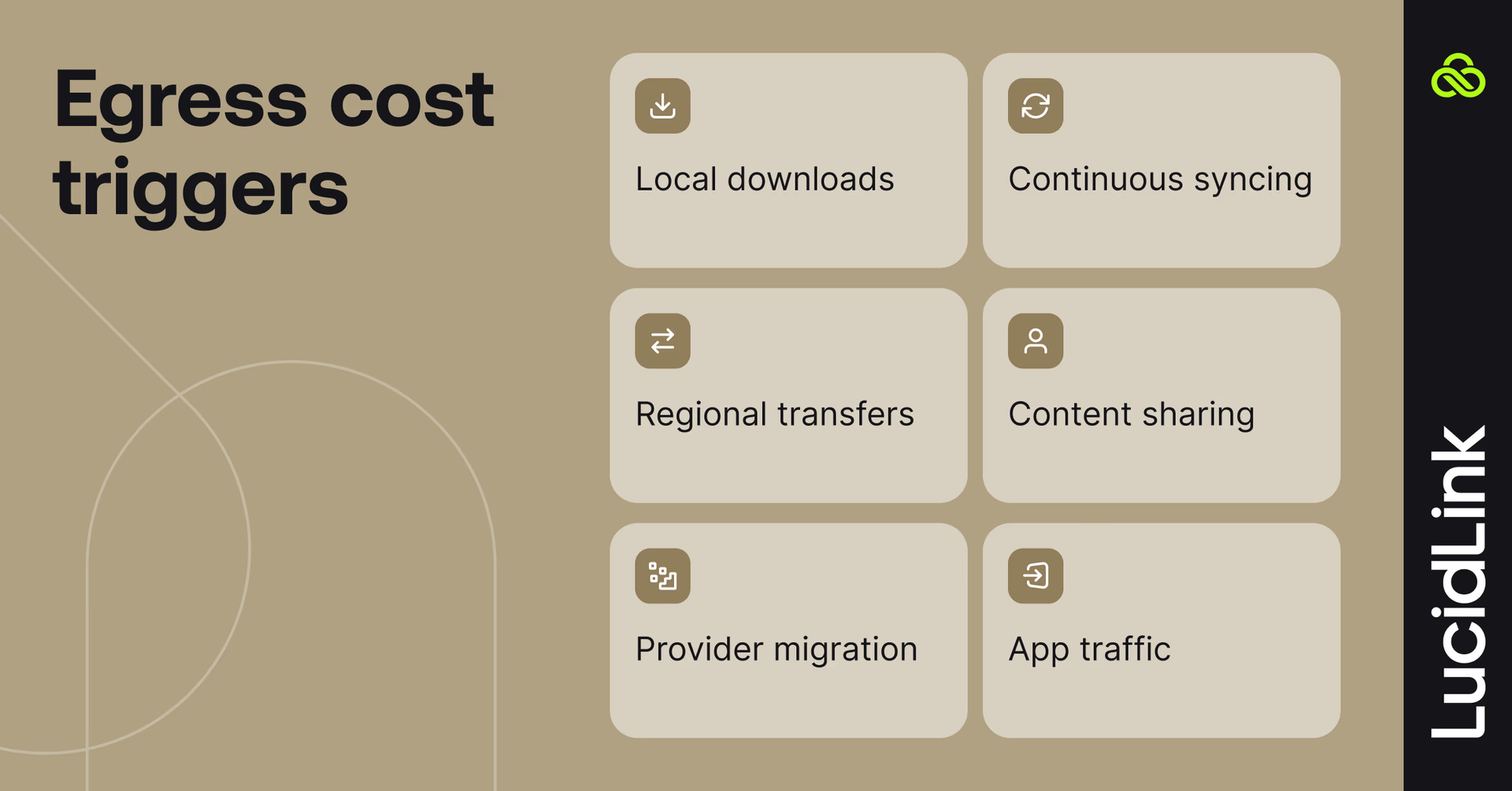
Common egress triggers:
File downloads: video editors, engineers or data scientists moving raw files can trigger hundreds of gigabytes of egress per session.
Sync and replication tools: collaboration platforms that replicate full files across devices multiply egress charges with every sync cycle.
Multi-region transfers: moving data between regions can generate inter-region fees on top of standard egress.
Content delivery: sharing files externally, such as client downloads or media distribution.
Cloud provider migration: exporting data from one provider to another can create massive egress costs.
Application traffic: web apps, virtual machines and database traffic also contribute, especially without CDNs.
The key pattern is repetition. Files accessed frequently by distributed teams generate egress on every access, not just the first. For teams working with large files, costs can be particularly painful.
Why cloud egress fees hurt large-file workflows
Standard egress pricing is manageable for small files. It becomes operationally significant when files are bigger, teams are distributed and workflows involve repeated access.
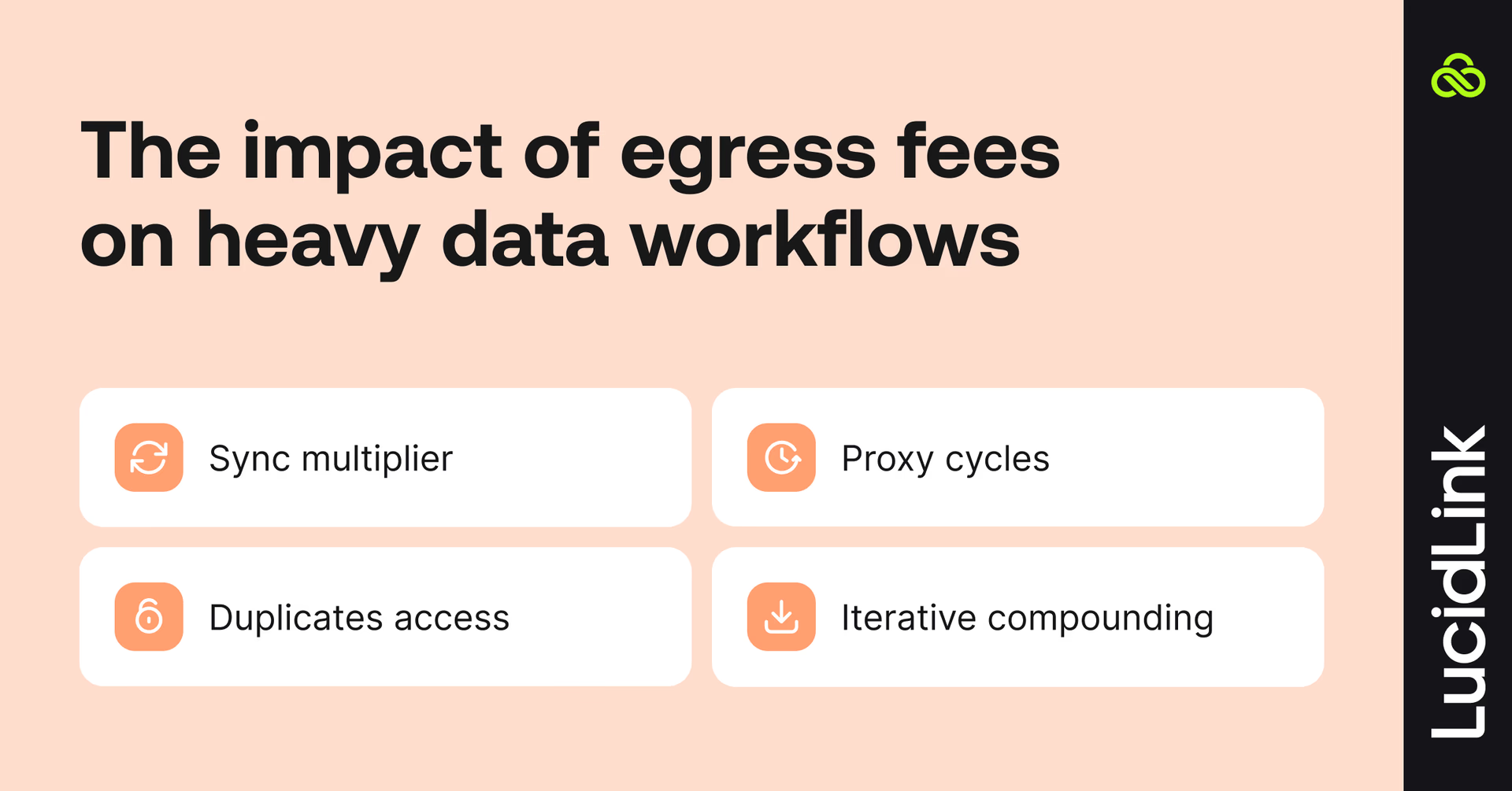
Sync-and-share tools multiply the problem: a 500 GB project synced to five users generates 2.5 TB of outbound transfer. Sync that project twice a day and the monthly egress cost exceeds the storage cost within the first week.
Proxy-based workflows create hidden transfer cycles: high-resolution files are uploaded, proxies are downloaded for review, edits are uploaded, high-resolution versions are pulled again for delivery. Each step generates egress.
Remote collaboration multiplies access: each office, contractor or client accessing files from a different region multiplies outbound transfer. A project accessed from three locations generates three times the egress of centralized access.
Iteration compounds costs: creative, engineering and data workflows involve repeated access to the same files. Every review cycle, every round of revisions and every client approval request generates another egress event.
The result: unpredictable costs, slower collaboration and budget headaches. For many teams, egress costs end up higher than storage costs.
How to calculate cloud egress costs

A straightforward formula for estimating your monthly egress spend:
Monthly egress cost = average file size (GB) x number of accesses x number of users x egress rate per GB
Example:
Average project file: 50 GB
Accesses per user per month: 20
Users: 10
AWS egress rate: $0.09/GB
Monthly egress = 50 x 20 x 10 x $0.09 = $900/month
Scale this to a team of 50 users accessing 100 GB files and the monthly figure exceeds $9,000, before accounting for inter-region transfers or external sharing.
To get an accurate picture of current egress spend, most cloud providers offer cost explorer tools that break down transfer charges by service, region and time period. Running this report monthly is the most reliable way to understand where costs are accumulating.
How to reduce data transfer costs and egress fees
Egress fees aren’t predictable, but there are ways to keep them in check.
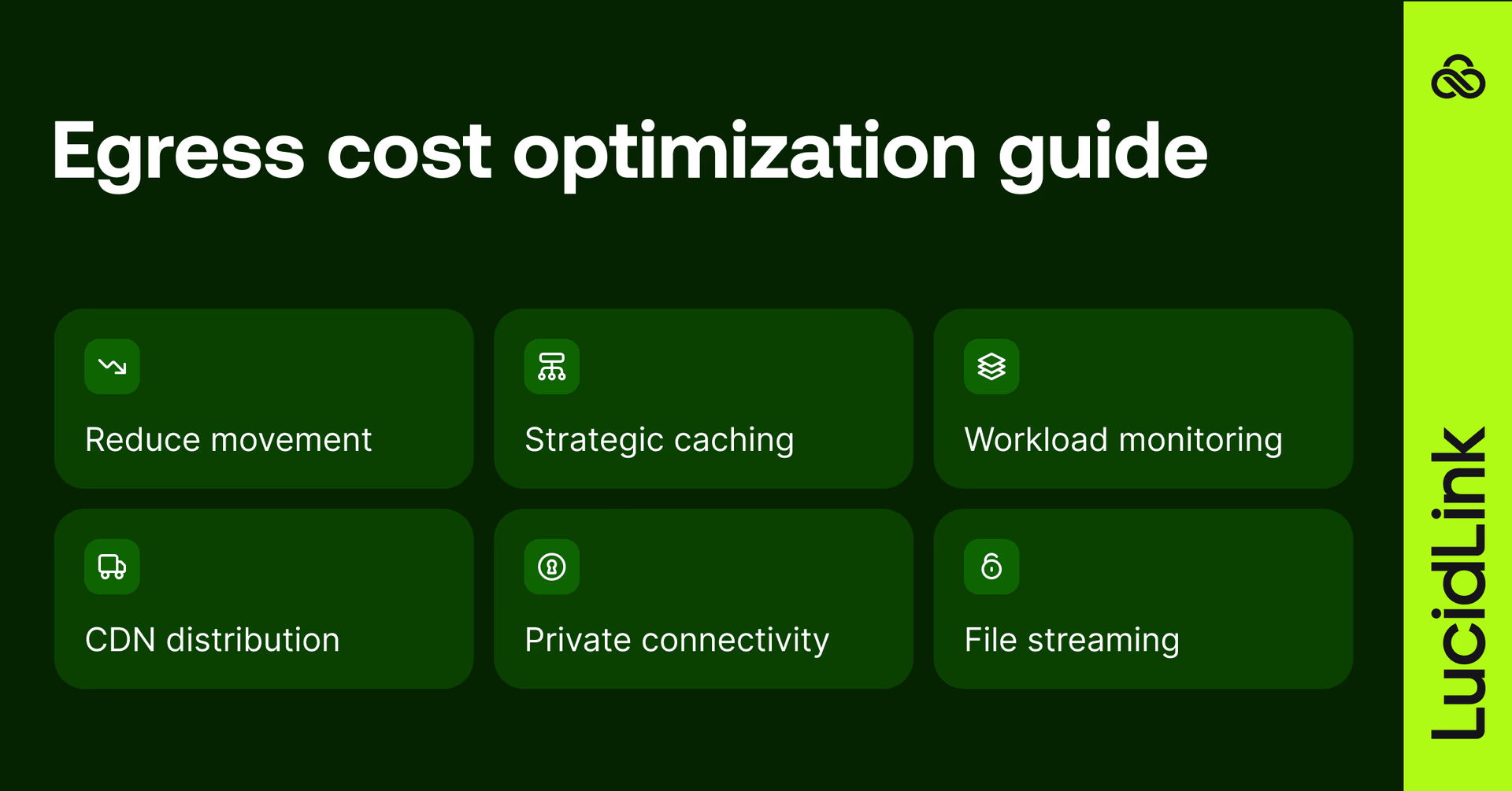
Minimize data movement
Keep files in a single region, avoid full-file downloads when partial access is sufficient and compress files before transfer where possible. Removing duplicate copies across machines or clouds also cuts the volume of data moving through your network.
Use caching to reduce repeated transfers
Frequently accessed files served from local cache eliminate repeated egress charges. This applies at the team level through shared on-site caches and at the individual level through local caching of recently accessed data.
Monitor and tag egress by workload
Most egress accumulates invisibly. Setting up cost allocation tags by project, team or workflow identifies which workloads generate the most transfer and where policy changes will have the most impact. Most providers also allow budget alerts to flag spend before it compounds.
Use CDNs for external distribution
For content delivered externally, CDNs serve files from edge locations rather than directly from object storage, reducing both egress charges and latency for end users.
Private connectivity for large transfers
For organizations regularly transferring very large volumes, private connectivity options like AWS Direct Connect or Azure ExpressRoute offer lower per-GB rates than standard internet egress, though these require dedicated infrastructure investment.
Stream files instead of downloading them
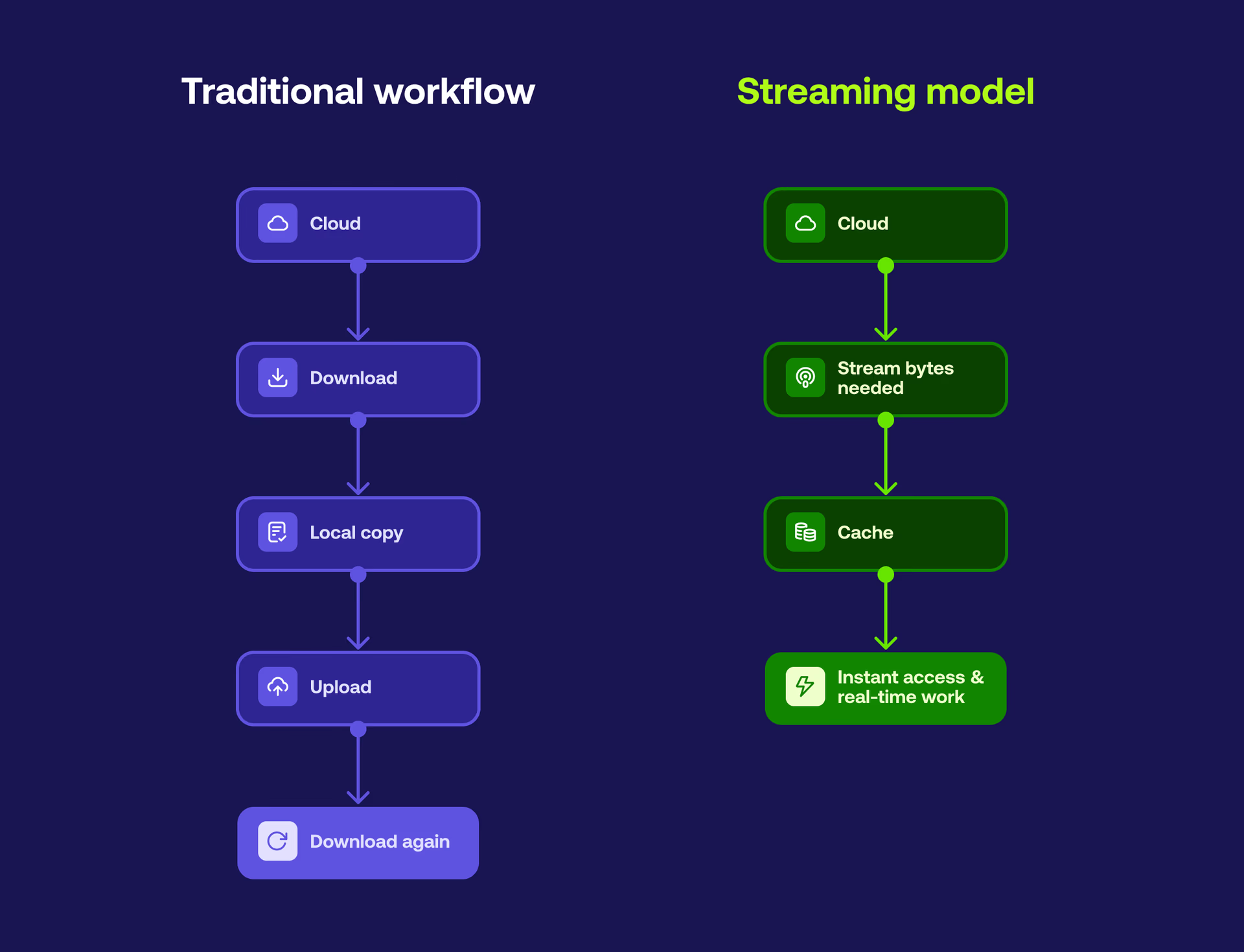
The most architecturally significant change is shifting from download-based to stream-based file access. Streaming delivers only the bytes an application actively needs. For large assets, this can reduce data transferred by 90% or more. This is the approach tools like LucidLink are built around.
How LucidLink reduces cloud egress costs
LucidLink addresses egress at the architectural level. Here’s how.
File streaming: use only the data you need
Files remain in your cloud storage. LucidLink streams only the data blocks an application actively needs:
Scrolling through a video timeline streams just the frames being viewed
Opening a CAD or design file loads only the required components
There are no pre-downloads, full-file syncs or unnecessary transfers, reducing outbound data and egress fees.
Intelligent local caching
LucidLink caches recently accessed data locally. When users revisit files or regions, data is served from cache instead of being re-downloaded. This reduces repeated transfers, speeding up access and keeping egress costs predictable.
TeamCache for office environments
Organizations with busy offices or sites can use TeamCache, a shared on-site cache node.
The first user at a site streams from the cloud. Everyone else at that location reads from the local cache node at local network speed. One node serves the entire site, eliminating repeated per-user egress for shared project files.
LucidLink pricing options
LucidLink offers two approaches to reduce egress for large-file workflows:
Bundled AWS storage (egress free)
With LucidLink + AWS, storage and streaming are included in a single monthly price. No separate egress line items, no usage-based billing surprises. Your team gets a predictable per-terabyte rate.
Bring your own storage (BYOS)
Available on Enterprise plans, BYOS lets you deploy LucidLink on your own cloud object storage — AWS S3, Azure Blob, IBM or other S3-compatible providers.
Files are streamed directly from existing buckets, with only the bytes accessed transferred outbound. Egress charges depend on the underlying storage provider, but are reduced using our streaming access model.
LucidLink Connect: access existing object storage without egress overhead
Many teams already store petabytes of data in cloud object storage. The problem? Using that data efficiently isn’t straightforward.
Downloading massive files, hopping between consoles or migrating assets into local drives slows workflows and drives up cloud egress fees.
LucidLink Connect surfaces existing data stores within your filespace without migration or duplication. Teams can:
Browse instantly: navigate massive datasets without waiting for indexing or downloads.
Preview in place: inspect files without copying them locally.
Stream on demand: only the bytes your application needs are transferred, minimizing egress and speeding up access.
Work without disruption: your existing data stays in place, so automations, pipelines and systems that depend on it continue to run without changes.
Learn more about LucidLink Connect here.
Reducing egress costs in practice
Distributed teams managing large files often cite predictability as the biggest win.

AEC firm Widseth moved to LucidLink to support CAD collaboration across 250 users and 12 offices, while controlling costs.
By consolidating storage and eliminating unpredictable access charges, they reduced overall infrastructure spend by 25% while gaining clearer budget visibility, making infrastructure planning far easier for both IT and finance.
Across industries, the pattern is consistent. Teams handling large files save money, but just as importantly they increase confidence that collaboration won’t trigger unexpected egress costs.
When egress costs should drive your storage decision
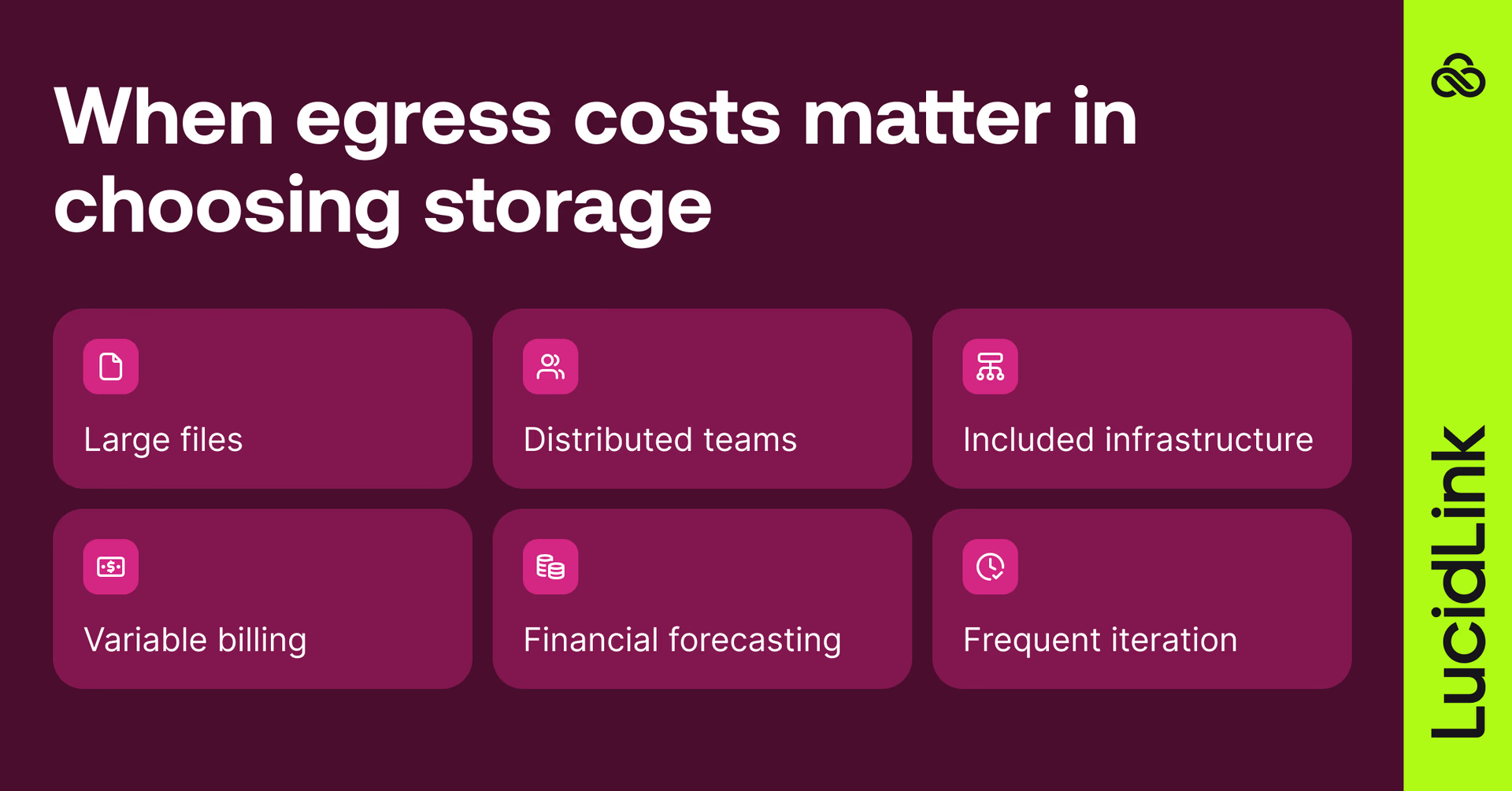
You should keep an eye on egress if:
Your team regularly works with files larger than 10 GB
Projects involve remote or distributed collaboration
Infrastructure costs are included in project quotes or BOMs
Monthly cloud bills fluctuate significantly based on activity
Finance requires predictable forecasting
The same files are accessed repeatedly for editing, review or iteration
If several of these apply, egress is probably costing more than storage and adding unnecessary financial risk.
Addressing the problem architecturally rather than through monitoring alone will give you the most significant and sustained savings.
For teams handling large files across distributed locations, minimizing data movement and using solutions like LucidLink turns egress into a manageable, forecastable line item rather than an unpredictable expense.
Talk to our team to see how LucidLink eliminates egress uncertainty.
FAQs
Cloud egress fees are charges applied by cloud providers when data leaves their network. This includes file downloads, transfers between regions and data delivered to external users or applications. Most providers charge per gigabyte, with rates typically ranging from $0.08 to $0.12 per GB.
For teams handling large files, egress can quickly surpass storage costs and create unpredictable bills. Tools like LucidLink help by streaming only the data you actually need, keeping egress low.
Keep reading

Cloud storage
New research: what your storage bill doesn’t tell you
New research from Situation Publishing explores the hidden costs around file infrastructure, from egress and duplication to lost time and manual work.
14 October 2026, 4 mins read
Cloud storage
Introducing the new LucidLink MSP: one platform for your whole book
LucidLink MSP runs on the LucidLink Management Platform, giving MSPs centralized deployment management and pricing that scales with growth.
09 September 2026, 2 mins read

Product & news
Cloud storage
Beyond headline speeds: what cloud file streaming needs to succeed
Block-level streaming, smart prefetching and metadata coordination: here's the architecture behind how LucidLink performs on standard internet connections.
05 August 2026, 6 mins read
Join our newsletter
Get all our latest news and creative tips
Want the details? Read our privacy policy. Not loving our emails?
Unsubscribe anytime or drop us a note at support@lucidlink.com.