Cloud storage
10 best video cloud storage options for creative teams
Last updated 19 May, 2026
9 mins
As video files get bigger, so do the headaches of storing them.
Hard drives fill up fast. Transfers crawl. And someone's always working from the wrong version…
The right video cloud storage fixes these issues. The wrong one just shifts the problem elsewhere.
In this guide, we’ll help you find the right video cloud storage for your team, highlight key features and review ten of the best options out there.
Why creative teams need dedicated video storage
General-purpose storage wasn't built for video. Consumer cloud tools handle documents and small files well, but large media projects expose their limits fast.
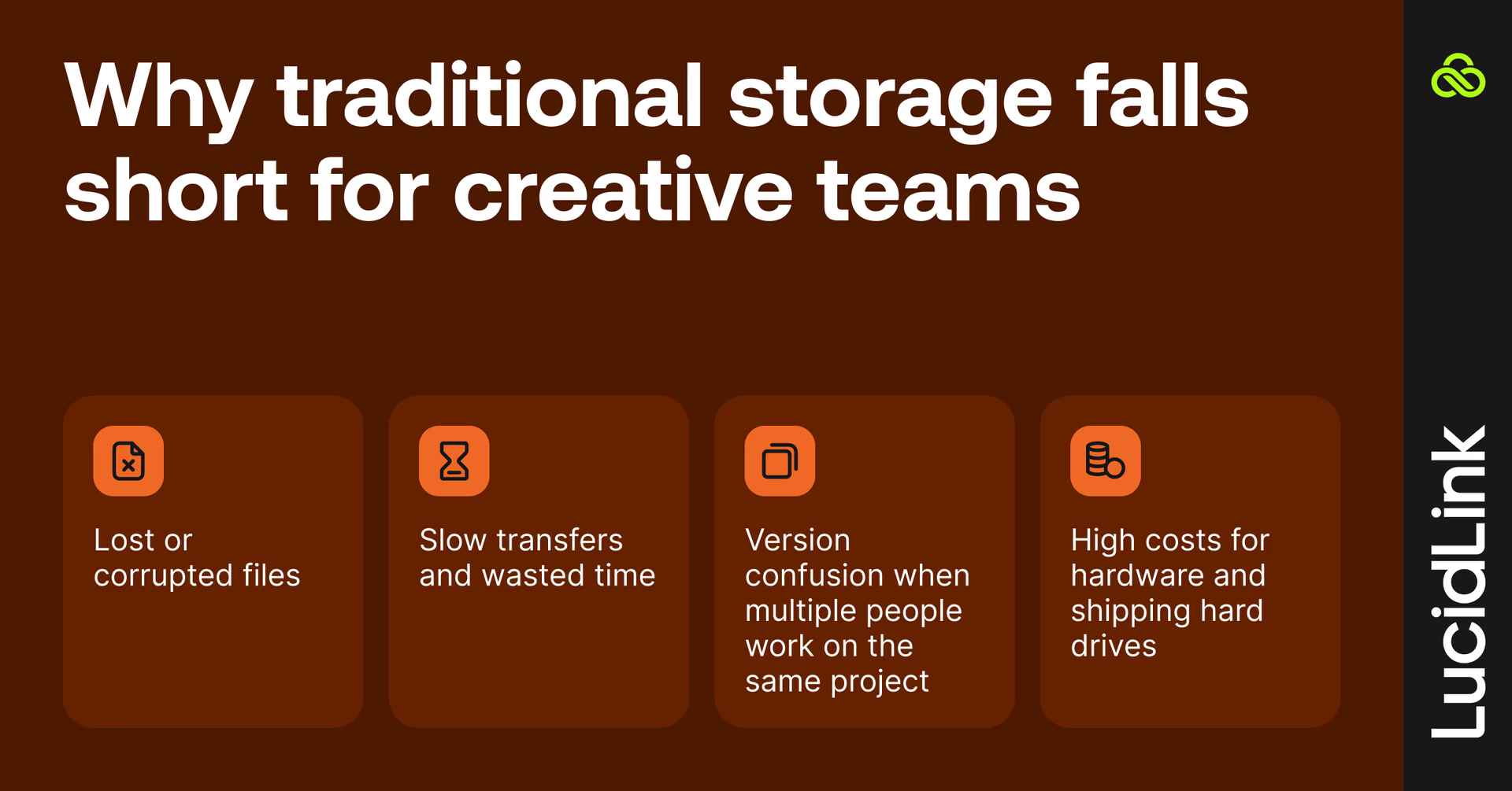
Without reliable storage, teams face:
Lost or corrupted files
Slow transfers and wasted time
Version confusion when multiple people work on the same project
High costs for hardware and shipping hard drives
Dedicated video storage solutions, especially cloud-based ones, solve these problems while giving your team flexibility and scalability.
From hard drives to the cloud: how video storage has evolved

Let’s take a whistle-stop tour of video storage history.
In the early days, footage lived on tape and physical media: fragile, manual and slow to move.
External drives and NAS systems sped things up but brought new headaches: cables, shipping delays and hard limits on space.
Then came sync-and-share tools like Dropbox. Great for documents, not so great for giant video files. Slow transfers, downloads and version control chaos made collaborative video editing an ongoing headache.
Today, file streaming platforms like LucidLink let teams access and edit 4K, 8K and RAW footage directly from the cloud, making real-time video editing possible from anywhere.
Cloud vs on-premises: which is best for video storage
Not long ago, on-premises storage was the default for production teams. Fast local access made sense when everyone worked under one roof.
But creative teams today are distributed. And enterprises also need flexible, secure solutions that scale without major hardware investments. Tight deadlines and huge file sizes mean cloud storage is quickly becoming the go-to.
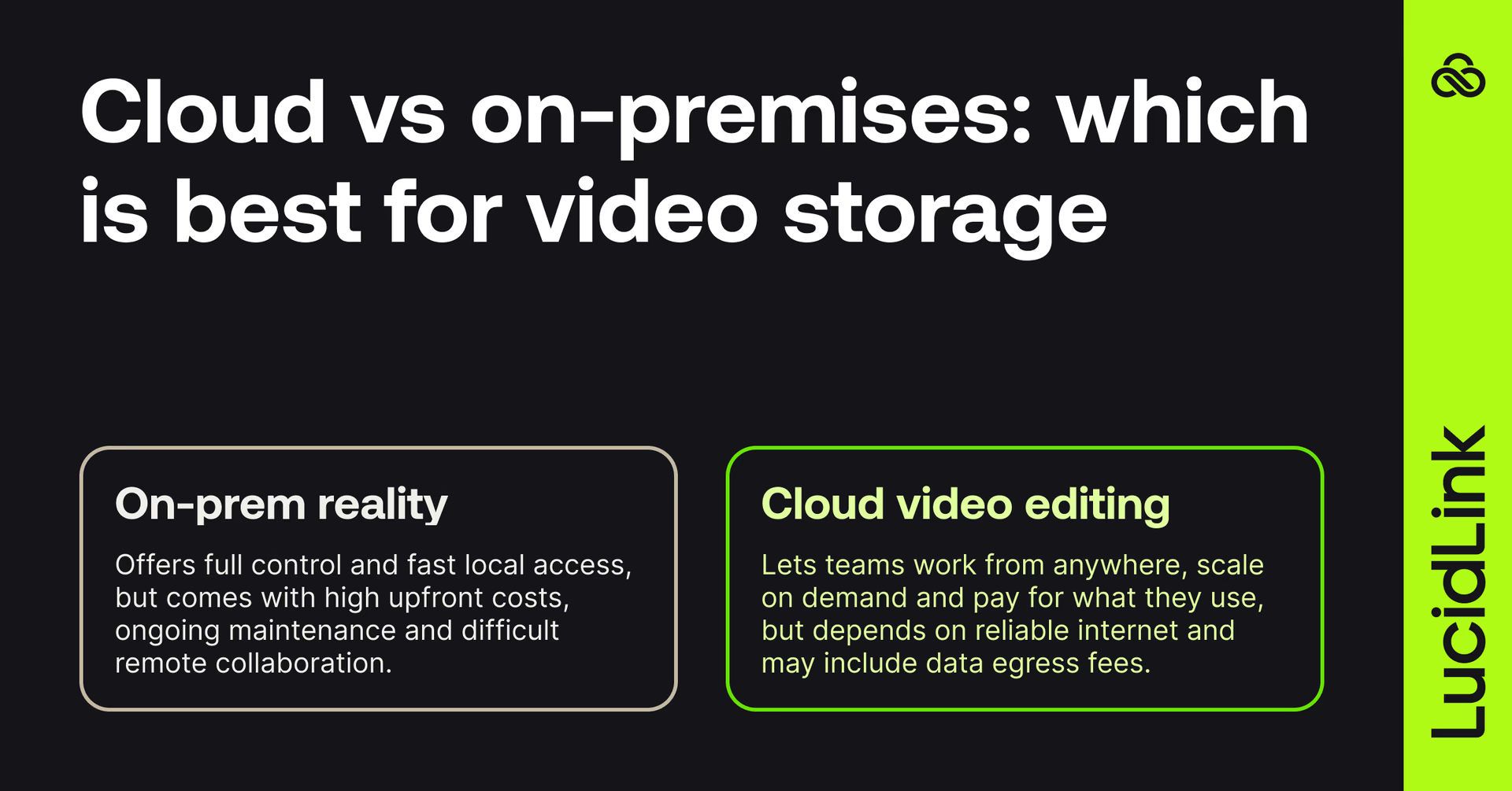
On-premises storage
This is your traditional setup: local servers, NAS systems and hard drives.
Pros:
Full control over your hardware and data
Extremely fast local access
Works well if your team is all in one location
Cons:
High upfront costs
Maintenance headaches
Rely on VPNs or even shipping hard drives to collaborate remotely
Cloud storage
Media cloud storage is becoming the default for distributed creative teams that need to access video files from anywhere.
Pros:
Work from anywhere
Scales up or down without new hardware
Pay only for what you use
Ideal for remote and hybrid teams
Cons:
Needs reliable internet
Some providers charge data egress fees
For most modern creative teams, cloud storage is the clear winner, especially when collaboration is key.
6 things to look for in video cloud storage
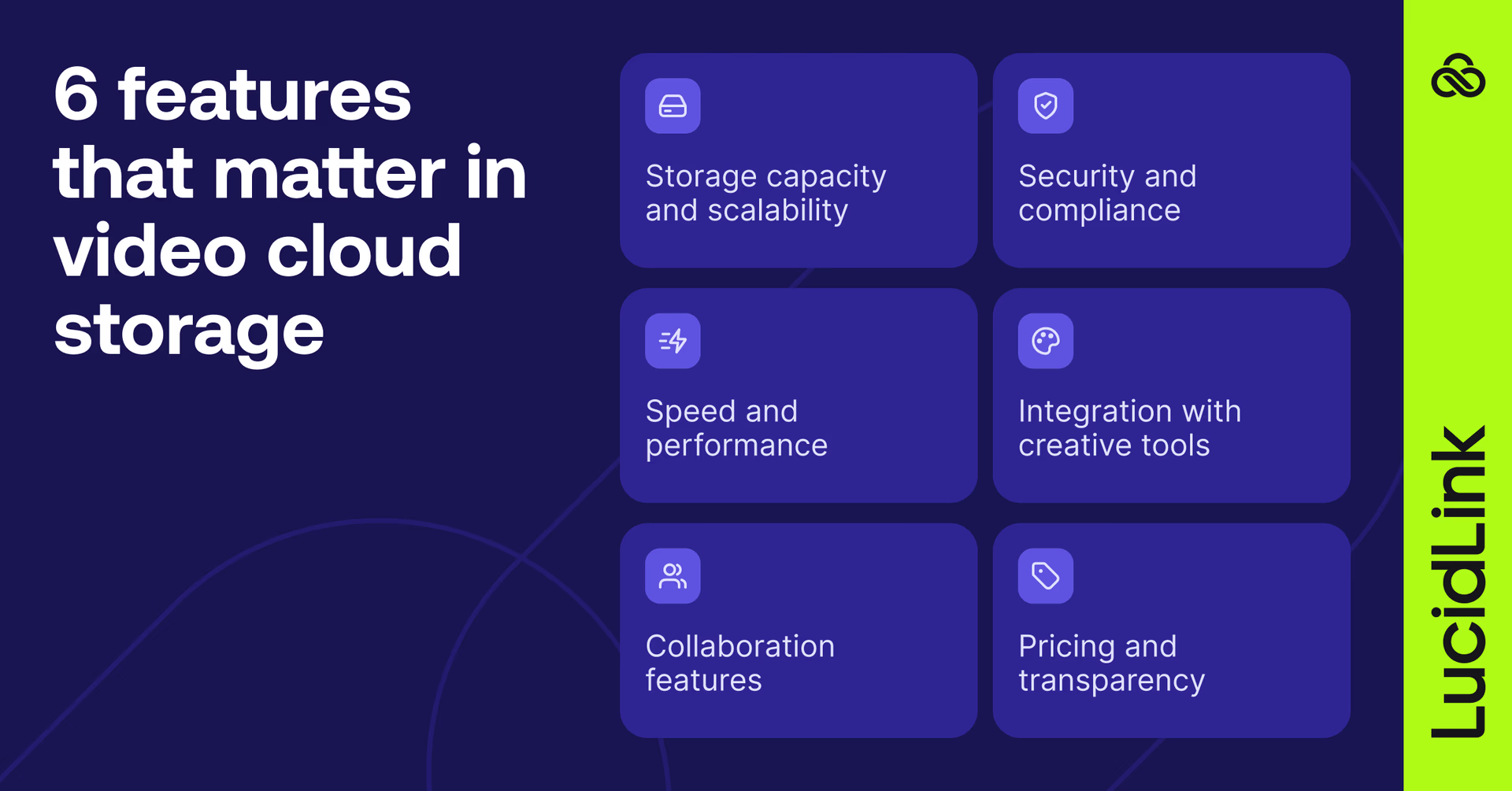
Before diving into options, think about how your team operates and what’s most important. These are the things to consider:
1. Storage capacity and scalability
You need storage that grows with your workflow. The best platforms scale effortlessly as your projects expand, with zero downtime.
2. Speed and performance
Handling 4K or 8K footage demands low-latency access and smooth playback. The best cloud storage for video editors uses file streaming rather than download-first workflows, allowing teams to work on large media assets instantly without waiting for transfers. Look for file streaming rather than download-first approaches.
3. Collaboration features
Modern video teams rarely work in silos. Choose a system built for teamwork with version control, shared workspaces and live editing support.
4. Security and compliance
End-to-end encryption and user access controls are non-negotiable. If you handle client or confidential content, check for GDPR, SOC2 and TPN compliance.
5. Integration with creative tools
Your storage should work natively with the software you use daily like Premiere Pro, DaVinci Resolve, Avid or Autodesk.
6. Pricing and transparency
Look for flexible, predictable pricing. Watch out for egress fees or hidden costs that can add up quickly for large video files.
Keep these factors in mind and you’ll be ready to pick the best video cloud storage for your team, projects and budget.
10 best video cloud storage solutions
Not all video storage tools serve the same purpose.
The best choice depends on what your team actually needs, whether that's real-time collaboration on large files, a smooth review process, affordable archiving or fast delivery to clients.
Here's how the leading options break down.
Best cloud storage for real-time video editing and collaboration
1. LucidLink
LucidLink streams massive video files directly from the cloud, making even 8K footage feel local. It's one of the best cloud storage solutions for video editors and creative teams that need fast, secure cloud storage for large files.
It’s especially useful for teams sending videos without losing quality while collaborating remotely on high-resolution footage.
Key features
Stream files directly from the cloud (no downloads)
Real-time collaboration across teams
Secure single source of truth
Native integrations with Premiere Pro and DaVinci Resolve
Fast on/off-boarding and guest access
Works on macOS, Windows and Linux
Pros
Edit high-res video directly from the cloud
Real-time, multi-user collaboration
Scales on demand
Secure, end-to-end encryption
Cons
Needs solid internet for smooth playback
Higher cost than basic storage tools
LucidLink is built for teams collaborating on large files across multiple locations, where speed, security and real-time access all matter. For distributed post-production teams, it combines the flexibility of cloud storage for large files with the performance needed for professional video editing workflows.
For teams with large amounts of existing data already in cloud storage, LucidLink Connect extends that access without migration or duplication. Your data stays where it is, including many of the tools on this list, and LucidLink Connect surfaces it directly in your filespace.
Best for post-production review
2. Frame.io
Frame.io, part of Adobe, streamlines post-production review with annotations, comments and real-time approvals. It integrates tightly with editing tools for smoother workflow management.
Key features:
Timeline-based comments and annotations
Adobe integration
Collaborative review and approval
Pros
Real-time feedback and annotations
Tight Adobe integration
Cons
Limited long-term storage
Not designed for raw footage editing
Frame.io Drive, Adobe's newer mounted drive feature, offers cloud file access across Adobe apps. It's tied to the Adobe ecosystem and manages access at the project level, without the granular, folder-level permissions or zero-knowledge encryption that enterprise IT and compliance teams typically require.
Best for archiving and backup
3. Backblaze B2
Backblaze B2 is one of the most cost-effective cloud storage options available, making it a practical choice for archiving completed projects. It's not built for collaboration or live editing, but it's reliable and affordable for keeping finished work safe and retrievable.
Key features:
Budget-friendly cloud storage
Fast data recovery
Easy setup
Pros
Budget-friendly
Easy setup
Fast data recovery
Cons
Lacks collaboration tools
Not for live editing
Good for teams that need affordable, dependable long-term storage for completed projects.
4. pCloud
pCloud focuses on security and long-term retention, with client-side encryption and lifetime storage plan options. Like Backblaze, it's better suited to archiving than active production.
Key features:
Strong encryption with optional lifetime plans
Straightforward interface
Cross-platform access
Pros
Strong encryption and lifetime plans
Simple interface
Cons
Not built for real-time editing
Slower for large files
A good option for post-production teams that want a safe vault for completed work.
Best for enterprise infrastructure
5. AWS S3
AWS S3 is the infrastructure layer many large studios and enterprises build on. It's not a collaboration tool on its own, it's highly scalable, reliable object storage that works best alongside a platform that adds a workflow layer on top. Lots of LucidLink customers run their filespace on top of AWS S3, combining enterprise-grade storage with real-time file streaming.
Key features:
Virtually unlimited storage
Enterprise-level security and compliance
High availability and reliability
Pros
Virtually unlimited scalability
Enterprise-grade security
High uptime
Cons
Complex setup
Can be expensive at scale
6. Microsoft Azure Blob Storage
Azure Blob Storage provides cloud storage built for compliance-heavy industries like healthcare or finance. It’s a scalable and secure solution for enterprise teams managing sensitive data, rather than a collaboration platform.
Key features:
Strong compliance tools (HIPAA, SOC2, GDPR)
Global availability
Integration with Azure ecosystem
Pros
Strong compliance and analytics tools
Global availability
Cons
Complex for smaller teams
Less intuitive for creative workflows
A solid choice for large organizations balancing security and scalability.
7. IBM Cloud Object Storage
IBM Cloud Object Storage supports both cloud and on-premises environments, making it suitable for teams managing archived footage and ongoing projects simultaneously.
Key features:
Hybrid cloud capabilities
AI-enhanced tools for media management
Secure, scalable storage
Pros
Great for hybrid setups
AI-enhanced tools
Secure and scalable
Cons
Learning curve for setup
Good for enterprises transitioning from local servers to the cloud.
Best for lightweight sharing
8. Dropbox
Dropbox is widely used for straightforward file sharing and backup. It's familiar, easy to set up and works well for small teams managing short-form content or sharing supplementary assets. While it’s not optimized for high-resolution video editing, it works well for managing short-form projects or supplementary content.
Key features:
Familiar interface with robust syncing
Easy sharing and collaboration
Integrates with common productivity
Pros
Simple and widely recognized
Easy to share and collaborate
Reliable syncing
Cons
Struggles with large 4K or 8K files
Version conflicts common with large assets.
A good option for quick-turnaround content or social video, not large productions.
9. Google Drive: accessible and affordable
Google Drive is cost-effective and deeply integrated with Google Workspace, making it a natural choice for teams already in that ecosystem. For video, it works for storing and sharing smaller assets or internal review cuts, not for live editing or large-scale production.
Key features:
Cloud storage integrated with Google apps
Easy sharing and permissions management
Accessible from any browser
Pros
Cost-effective
Integrates with Google apps
Cons
Limited performance for large video files
No direct video editing support
Best for small projects or internal collaboration rather than full-scale production.
Best for fast file delivery
10. Massive.io: lightning-fast transfers
Massive.io specializes in moving very large video files quickly. It’s ideal for teams that need to send footage to editors or clients without waiting for drives to ship.
Key features:
Extremely fast file transfers
Secure delivery platform
Simple interface
Pros
Fast file transfers
Secure and simple
Cons
No long-term storage
Pay-per-use
Great for time-sensitive deliveries where speed matters more than storage.
How Casual runs global video production with LucidLink

Managing massive video projects across multiple offices and time zones is no small feat.
Casual, a leading video production agency, faced exactly this challenge: coordinating 1,000+ projects a year, each ranging from 500GB to 5TB, across eight offices and three continents.
The challenge: collaborating globally
Before LucidLink, Casual relied on physical drives and local servers for video storage.
Shipping drives, slow transfers and version confusion were slowing teams down and creating constant frustration.
Editors waited for files to arrive, wrestled with version control and dealt with slow transfers. Without a central system, teams couldn't pick up projects seamlessly, creating workflow gaps across offices.
The solution: centralized video cloud storage and seamless collaboration
With LucidLink, every team member, in-house and freelance, has secure, instant access to all projects.
Editors stream massive files directly from the cloud, pick up where teammates left off and collaborate in real time. Freelancers can be onboarded from anywhere without compromising security or file structure.
The results: round-the-clock productivity without overtime
The result is a 24-hour global production workflow:
Australia shoots during its daytime
London edits overnight
New York handles color grading
LA finalizes sound
Downloading, syncing and shipping delays are eliminated, meaning no single editor has to work outside normal hours, but projects move faster.
"We've minimised the wait time significantly so that we're less rushed and can give the client more bang for their buck,"Katie Wade, US Head of Post Production, Casual.
Read the full story here.
Picking the right video storage for your team

Every team's needs are different.
But the best cloud storage for video editors should do one thing well: get out of the way. Your team focuses on the creative work while the storage handles performance, collaboration and secure access behind the scenes.
Try LucidLink free and see the difference for yourself.
FAQs
Video cloud storage lets you save, access and manage large video files online instead of on physical drives. Your footage lives securely in the cloud, so you can stream, share and collaborate from anywhere without bulky hardware.
Keep reading
Cloud storage
Introducing the new LucidLink MSP: one platform for your whole book
LucidLink MSP runs on the LucidLink Management Platform, giving MSPs centralized deployment management and pricing that scales with growth.
09 September 2026, 2 mins read

Product & news
Cloud storage
Beyond headline speeds: what cloud file streaming needs to succeed
Block-level streaming, smart prefetching and metadata coordination: here's the architecture behind how LucidLink performs on standard internet connections.
05 August 2026, 6 mins read

Product & news
Cloud storage
Why cloud storage speed claims don't reflect reality
Many cloud storage vendors promise 20Gbps+ speeds. Here's why those numbers rarely match real-world performance, and what to look for instead.
30 July 2026, 5 mins read
Join our newsletter
Get all our latest news and creative tips
Want the details? Read our privacy policy. Not loving our emails?
Unsubscribe anytime or drop us a note at support@lucidlink.com.