Product & news
Introducing LucidLink Connect: put data to work, wherever it lives
Last updated 05 March, 2026
4 mins
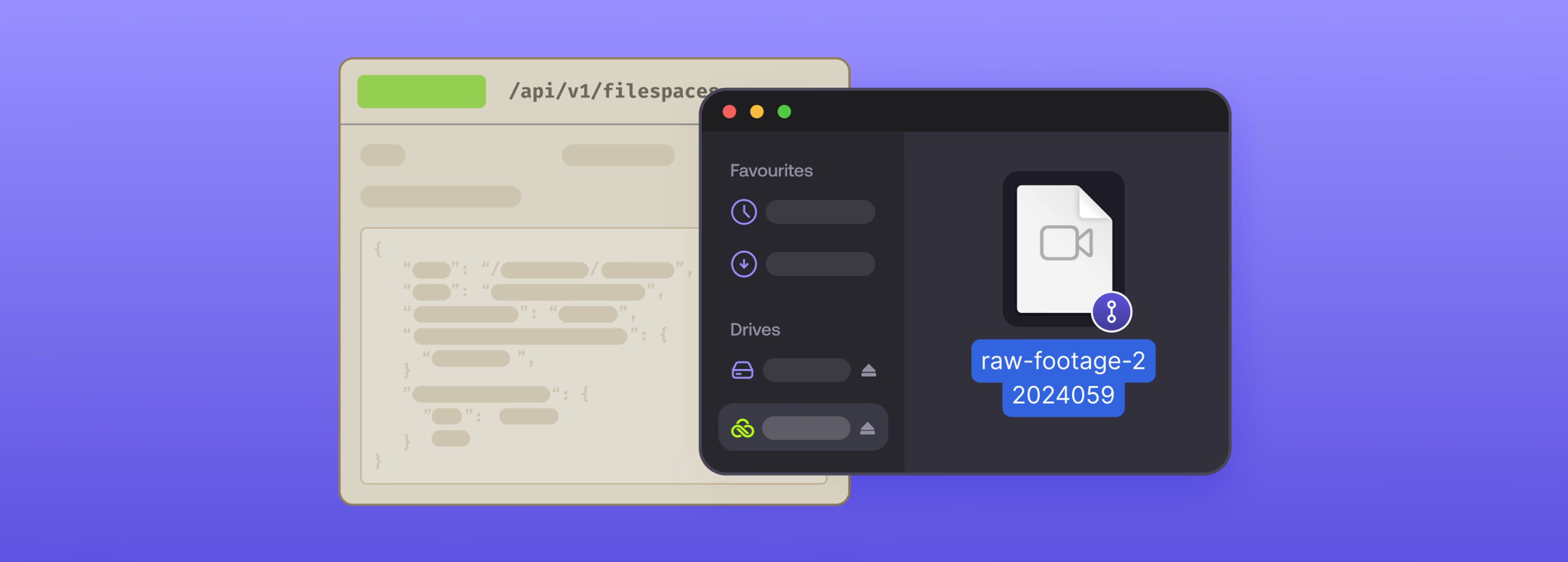
LucidLink disrupted file access and collaboration by making large files instantly accessible from anywhere.
Now we’re changing how enterprises activate existing data wherever it lives, while delivering the same LucidLink experience users and administrators love and trust.
With LucidLink Connect, your data stores (like S3-compatible storage) become immediately usable for work — without migration, duplication or re-architecting existing workflows.
Teams preserve the systems and automations you rely on. But static data becomes streamable and usable for real-time work. LucidLink Connect is available now for customers on Enterprise plans.
Bridge the gap between your data and your team
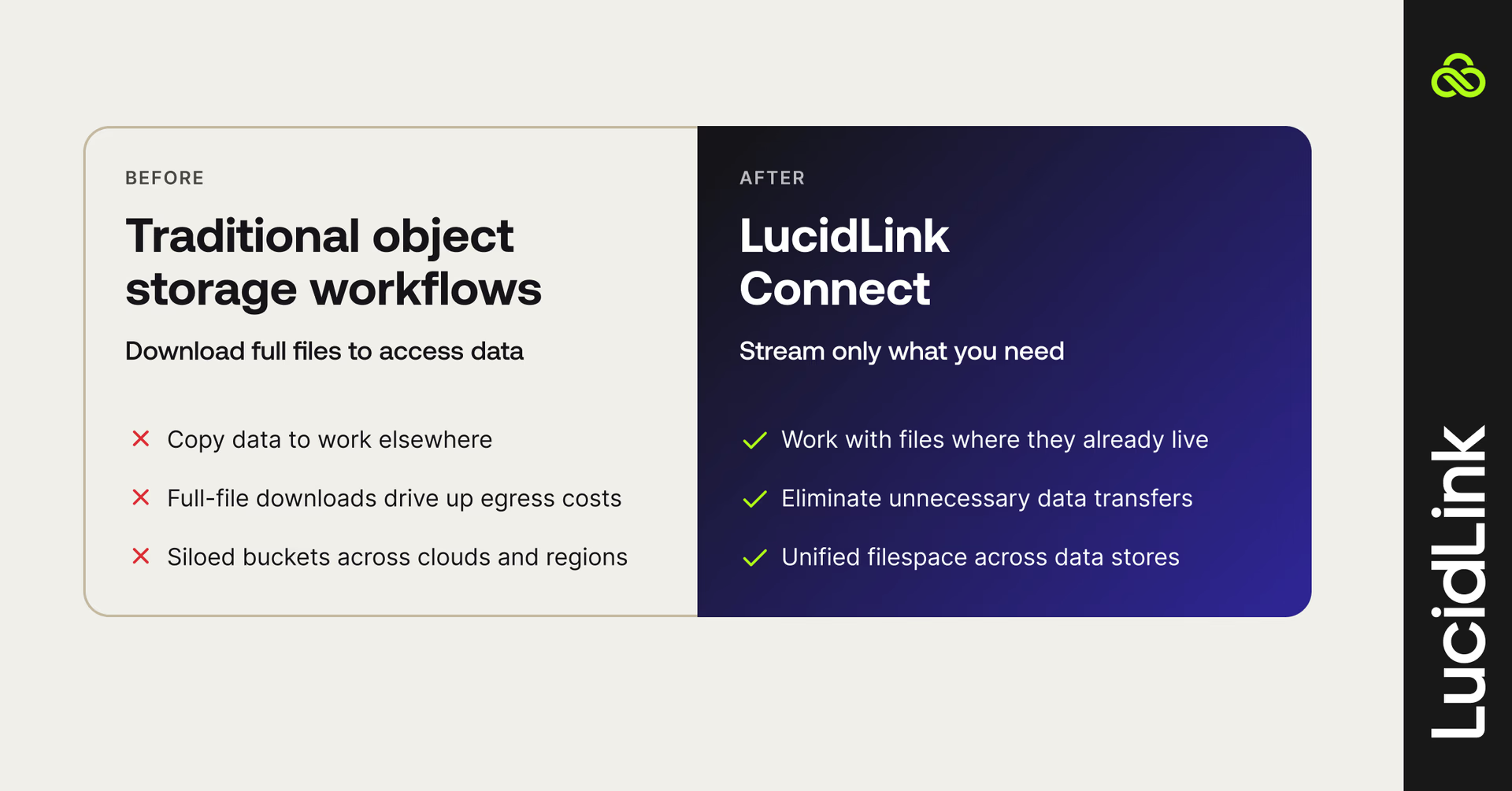
Cloud data stores were built for durability and scale. They’re perfect for cloud workloads, media libraries, data lakes, backups and AI datasets. But their access model wasn’t designed for real-time team workflows.
Typically, working with a file requires you to download the entire file first. A 50GB file becomes a 30-minute wait... A terabyte media library becomes an overnight transfer.
Even a quick preview triggers a full download (and a full egress charge).
This creates a barrier for teams:
Valuable data sits idle in buckets
Duplicate copies spread across systems
Egress fees pile up
Work waits while files move
LucidLink Connect removes that friction by activating your data where it already lives.
How LucidLink Connect works
LucidLink Connect extends LucidLink’s cloud-native file streaming platform and API-driven integration to your existing data stores.
Large datasets become accessible and programmable across distributed teams, without moving them.
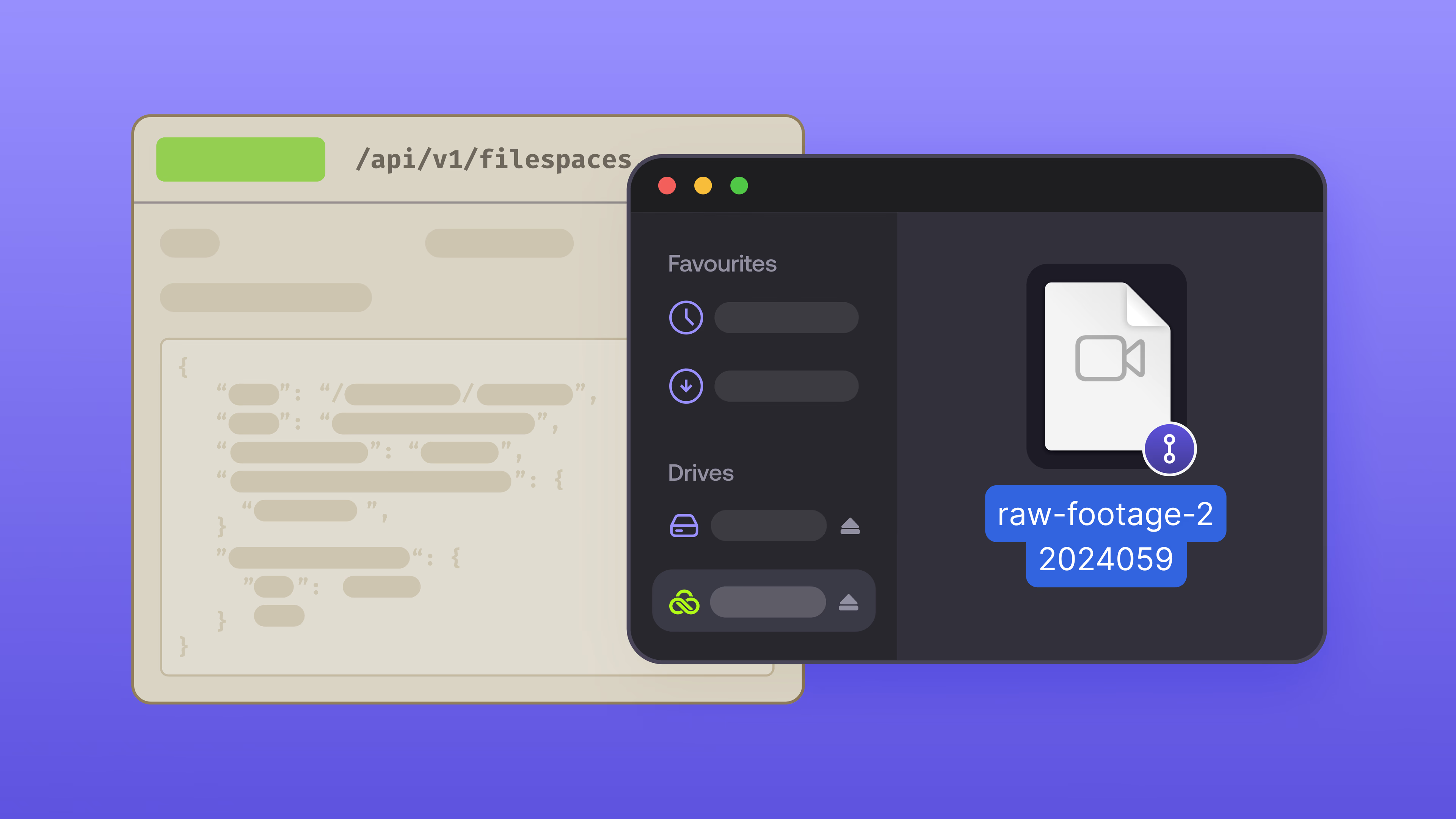
Once assets are linked through the LucidLink API, they immediately appear inside your filespace. Linked assets provide a clean, logical view of your data without exposing the complexity of your underlying storage structure.
Think of it like a curated view of your storage. The same asset can appear across multiple projects without creating duplicate copies or disrupting existing workflows.
Browse instantly: navigate large-scale datasets through organized folders without hopping between storage consoles or waiting for storage indexing delays.
Stream on demand: click a file and it opens. LucidLink streams only the bytes your application needs. Preview a 4K clip without downloading the full file. Open a CAD model to check dimensions without transferring the full assembly.
Data remains in its original location and format, and existing tools and automations continue operating against the same source objects.
How Connect delivers instant access
Traditional storage workflows are built around full-file retrieval before work can begin.
LucidLink Connect changes that model.
When you open a 50GB video file, your player might need 10MB to start playback. Connect streams that 10MB instantly. As you scrub through the timeline, additional segments are fetched on demand.
The full file remains in its source storage system, no full download is required.
It’s the same Emmy-winning tech that’s delivered instant access for over a decade. Now we’ve extended that experience to data wherever it lives.
Workflows reimagined
LucidLink Connect unlocks new high-performance workflows by making external data immediately available through a unified filespace. Now teams can spend less time moving data and more time working with it.
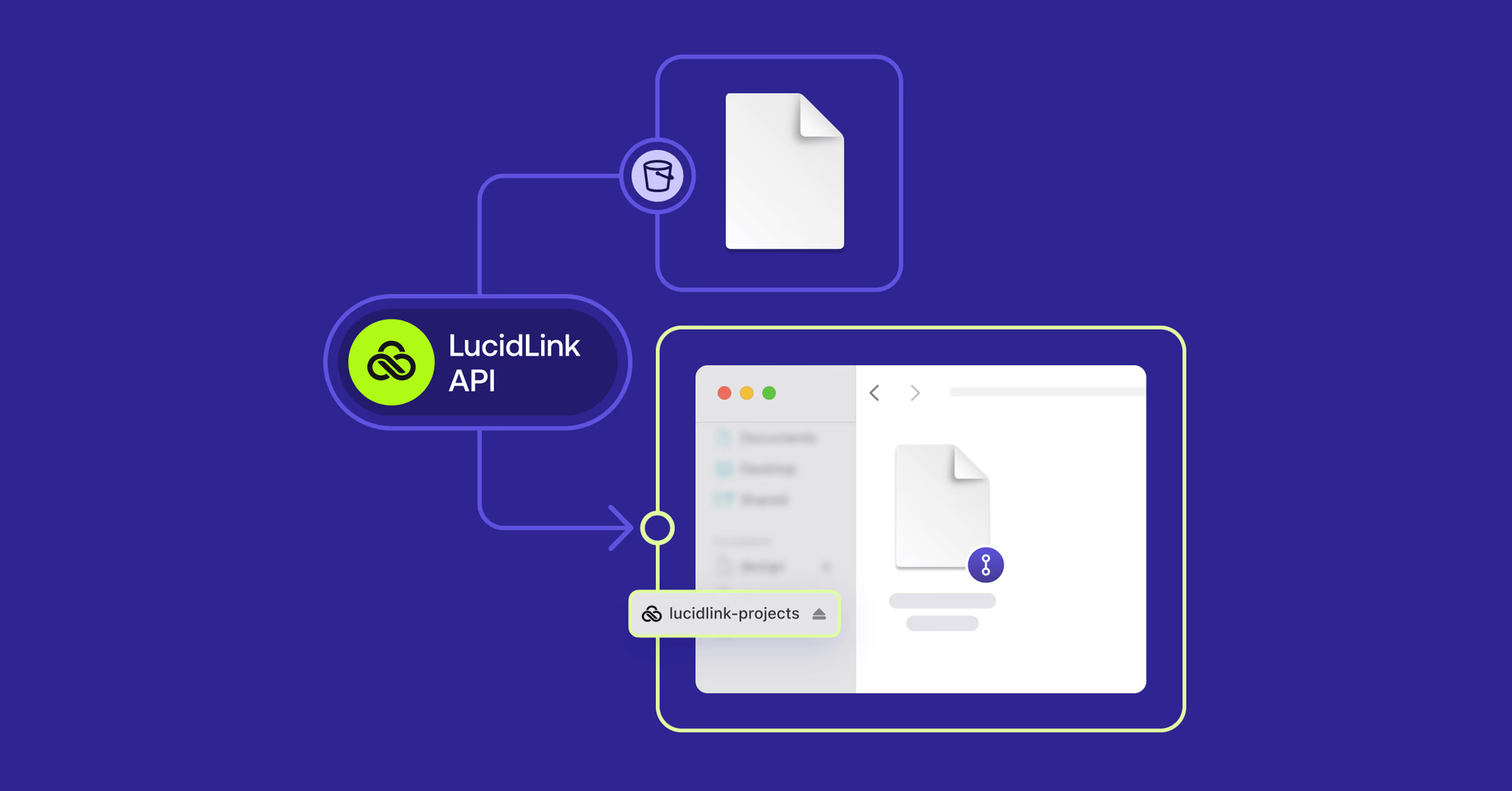
Media & entertainment: turn cloud buckets into active libraries. Editors pull only the footage they need without transferring terabytes locally.
AEC: general project data and design documents for instant access. Preview, measure and inspect high-resolution assets on demand without full downloads.
Enterprise IT: automate workspace operations at scale. Standardize how teams access and work with data across external data stores without manual file management or risky migrations.
MAM/DAM platforms: maintain a single source of truth in your data stores (like S3-compatible storage) while enabling faster creative workflows through a unified filespace.
AI & data science: expose training datasets to distributed teams without duplicating environments. Stream only the data required while preserving the source of truth.
The common thread: less moving data around, less waiting, more time actually getting work done.
For developers: programmable access to data, wherever it lives
Beyond the core LucidLink Connect experience, developers can now build on LucidLink with precise, API-driven control over how data is linked, exposed and made accessible to teams.
Build workflows, not workarounds
With LucidLink APIs, developers can integrate external data stores directly into the workflows their organizations already run.
Instead of asking teams to manually manage file locations, duplicate data or maintain synchronization logic, developers can programmatically define how data appears and is organized inside a filespace.
Scripts, services and internal applications can tap into high-performance, on-demand access with consistent behavior across environments. There’s no need to build custom gateways or synchronization layers to expose large datasets.
From storage to infrastructure
Developers can trigger access the moment a new project is created, wire LucidLink into internal systems, integrate with MAM or DAM systems or build lightweight services that make external data available in the LucidLink experience.
Access becomes embedded in your business logic. For teams that care about scale, repeatability and cleaner operations, that changes everything.
LucidLink Connect turns data stores from a place you store files, into infrastructure you can build on.
Getting started: put your storage to work
LucidLink Connect is available today on Enterprise plans.
Already using LucidLink?
LucidLink Connect activates the data stores you already have. Find out more here.
New to LucidLink?
Try our file streaming platform free for 30 days.
Keep reading
Product & news
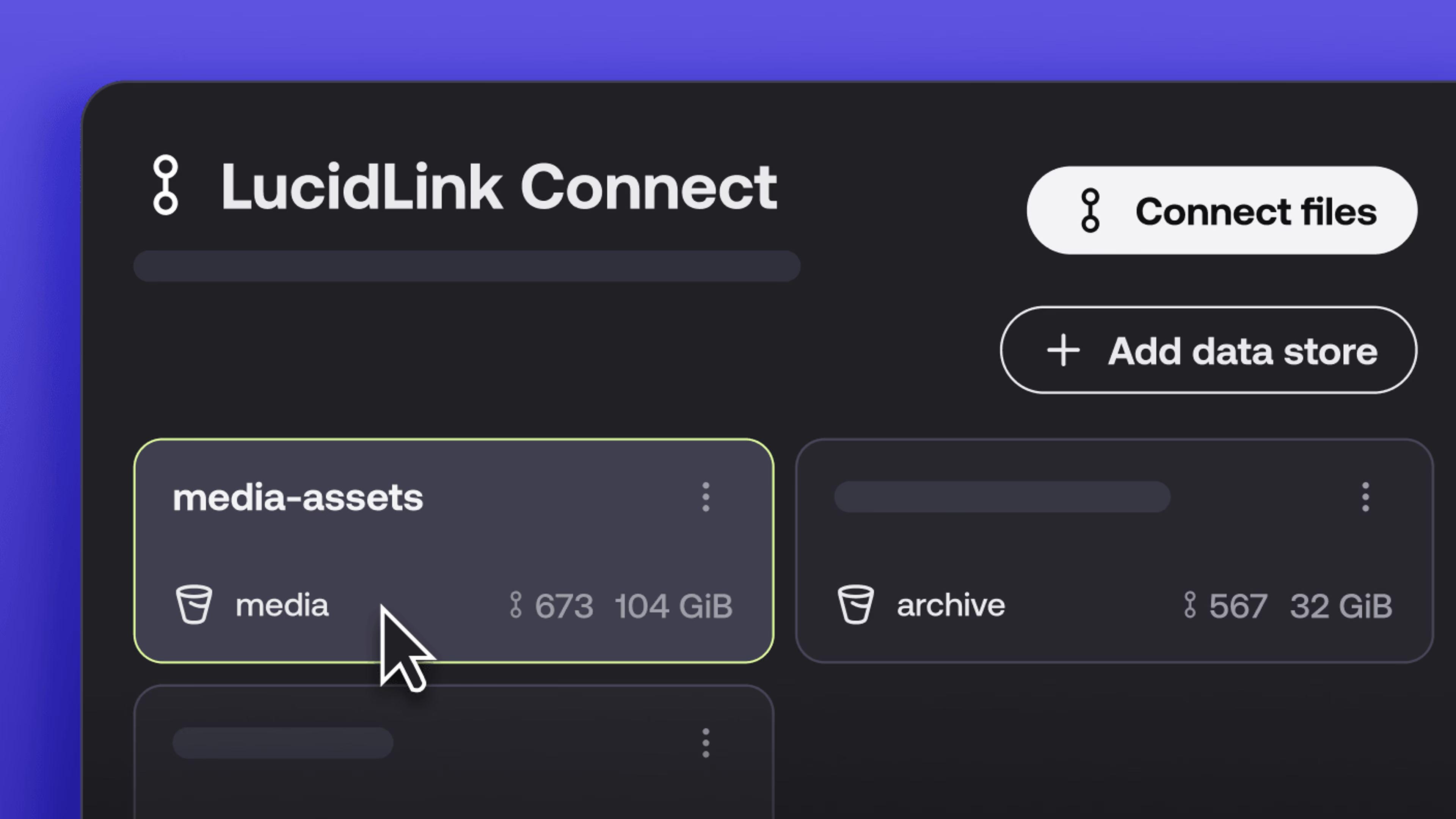
New in LucidLink Connect: simpler storage management
LucidLink Connect makes distributed storage easier to manage, with a new UI for connecting and managing data available through LucidLink.
06 October 2026, 2 mins read

Product & news
LucidLink named Leader in G2's Cloud File Storage report: here’s what customers say
See why LucidLink is a leader and rated #1 for customer satisfaction on G2’s Cloud File Storage report.
03 September 2026, 3 mins read
Product & news
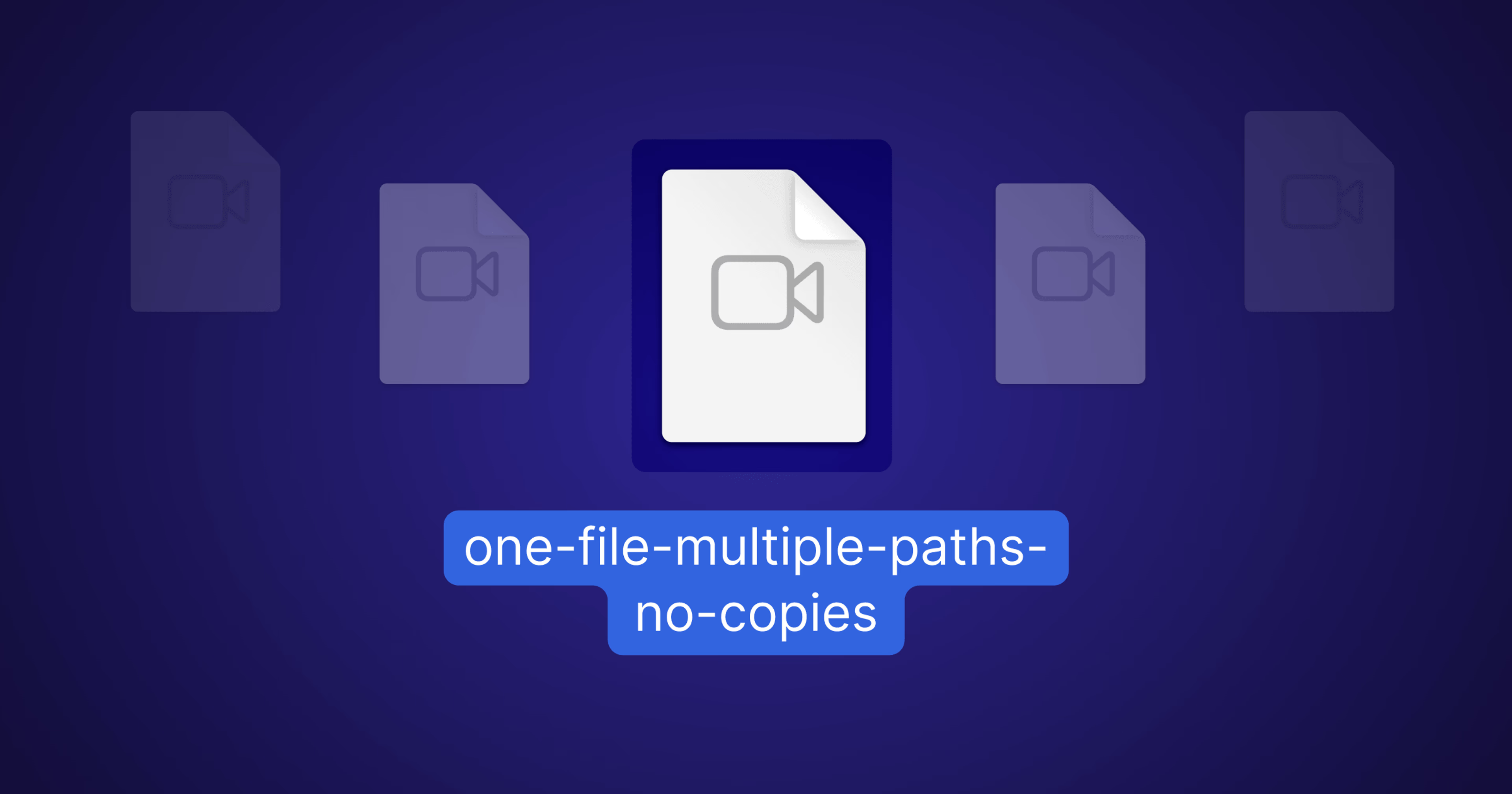
Hard links: one file, multiple paths, no duplication
Hard links let VFX teams reference the same file across multiple paths without duplicating data. Available now at no additional cost.
02 September 2026, 4 mins read
Join our newsletter
Get all our latest news and creative tips
Want the details? Read our privacy policy. Not loving our emails?
Unsubscribe anytime or drop us a note at support@lucidlink.com.