Product & news
New in LucidLink: SDK for production, faster Windows reads and Android MDM
Last updated 16 June, 2026
2 mins

A busy May and start of June at LucidLink means plenty of new features for your team.
The Python SDK moves into production, Connect gets CLI support and Windows gets a meaningful performance upgrade. Here's everything we shipped.
Developer Tools and advanced automation
Build production pipelines with the SDK (beta)
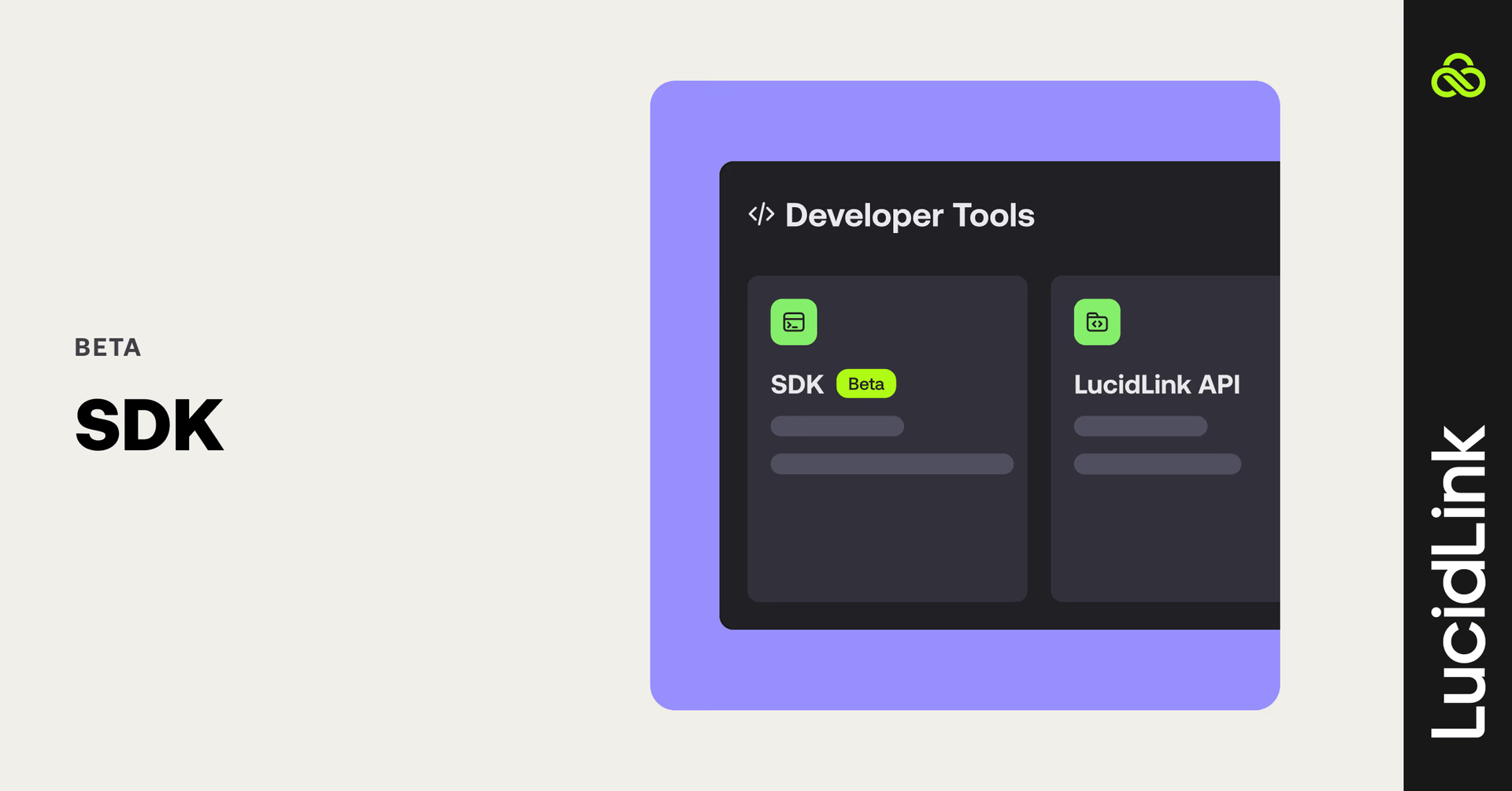
The SDK is no longer just for trial environments. Administrators can now enable it for production filespaces.
This means teams can embed LucidLink directly into pipelines, automated data ingestion workflows and AI/ML training environments using service account credentials for headless authentication. No desktop client required.
For teams building on top of LucidLink, this opens up more opportunities to automate previously manual workflows at scale.
LucidLink Connect gets desktop CLI support
Media engineers and DevOps teams can now fold external file linking and metadata inspection directly into script-based workflows using LucidLink Connect.
Users can now use CLI commands like: link to attach external files to a LucidLink Connect-enabled filespace and info to inspect external file metadata.
Note: HTTP-based files aren't supported at this time.
Enterprise networking and performance
Faster reads from local cache on Windows
Windows users will notice a more responsive experience when working with cached files. We've improved how the LucidLink client reads data from the local cache, delivering significantly faster performance for applications that access files in small chunks.
In some workflows, cached read performance is up to 6x faster than previous versions. So, whether you're opening project files, scrubbing through media or working across large datasets, that means less waiting and more working.
Domain keys now cached automatically on desktop
A small change with a noticeable impact: the desktop client now caches your domain key automatically after it's been uploaded once. No more re-supplying it after a restart or between sessions.
Mobile experience upgrades
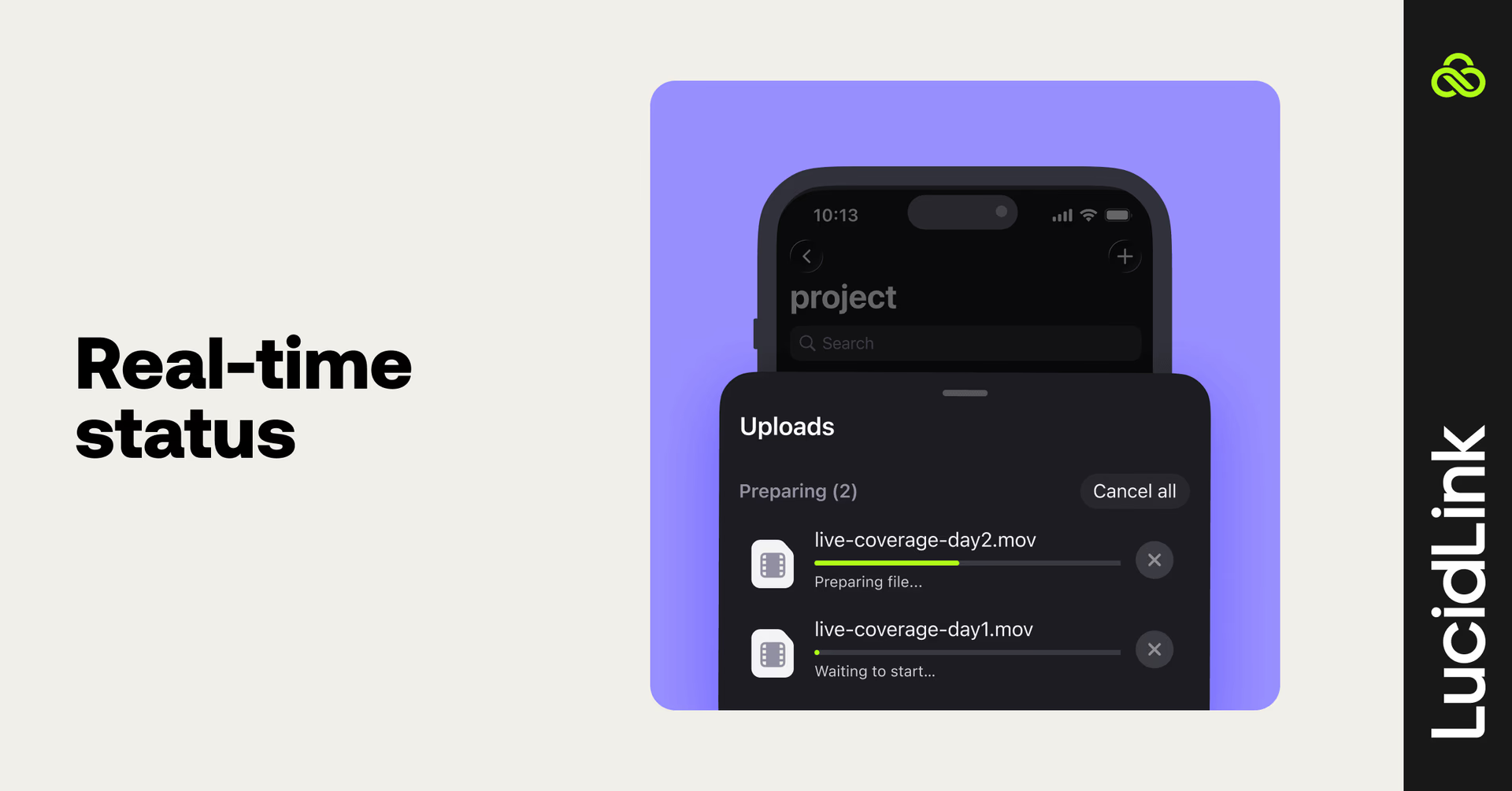
Real-time status and file visibility
iOS (v3.7.2) and Android (v3.7.41/42) both receive updates in this release.
On Android, a new file operations screen gives you real-time visibility into active uploads and downloads, and an initialization indicator shows exactly when a filespace is ready to use.
Both platforms now surface a pending workspace status so you can see when you've been invited to a new filespace.
Android MDM support
IT administrators can now provision, configure and manage the LucidLink Android app across managed devices using Mobile Device Management tools. It’s the same centralized control you have on iOS, now available on Android.
Read more about our latest mobile updates and use cases here.
That’s a wrap this month. Log in to explore and use the feedback button in your dashboard to let us know what you think.
Keep reading
Product & news
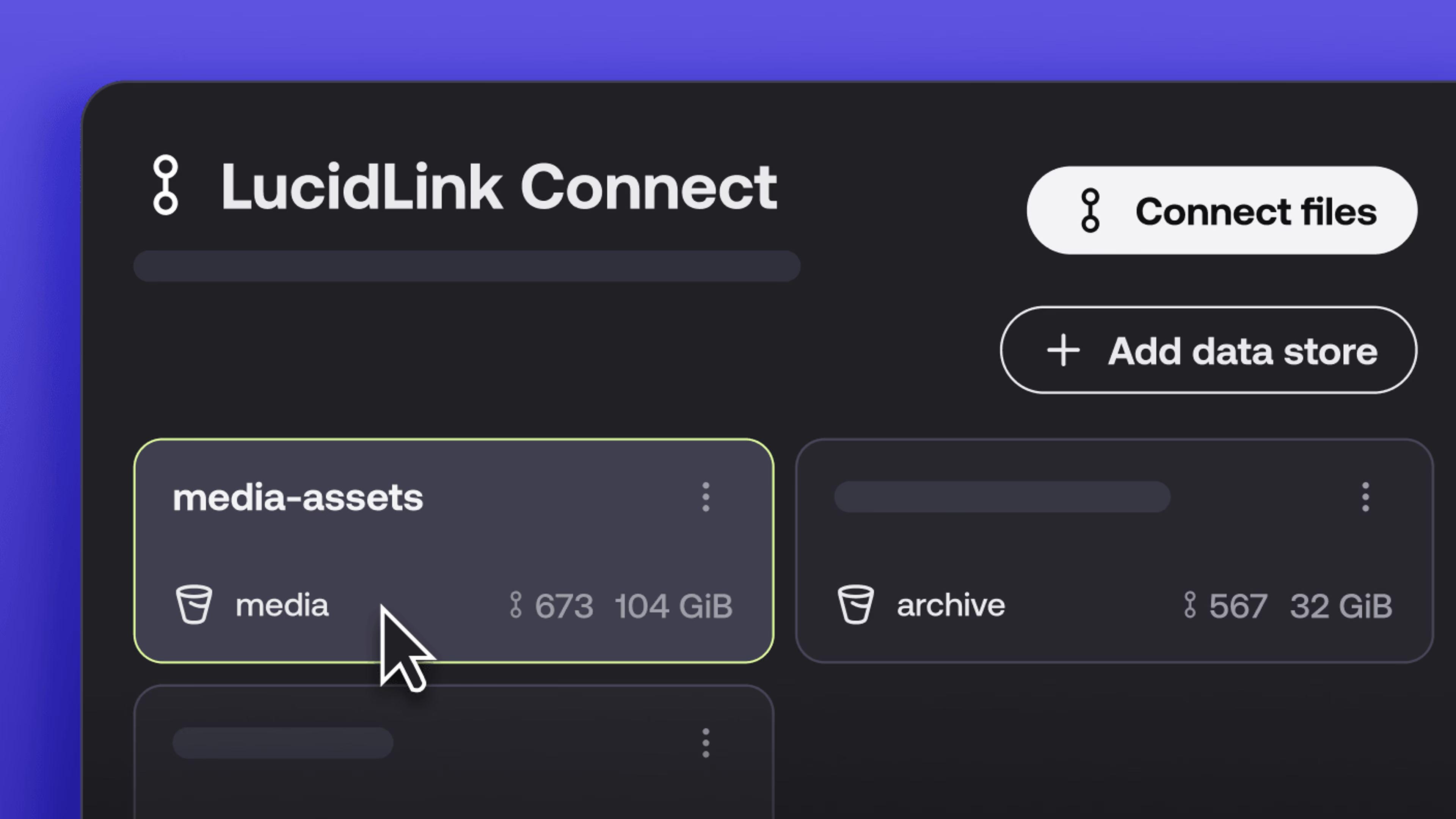
New in LucidLink Connect: simpler storage management
LucidLink Connect makes distributed storage easier to manage, with a new UI for connecting and managing data available through LucidLink.
06 October 2026, 2 mins read

Product & news
LucidLink named Leader in G2's Cloud File Storage report: here’s what customers say
See why LucidLink is a leader and rated #1 for customer satisfaction on G2’s Cloud File Storage report.
03 September 2026, 3 mins read
Product & news
Hard links: one file, multiple paths, no duplication
Hard links let VFX teams reference the same file across multiple paths without duplicating data. Available now at no additional cost.
02 September 2026, 4 mins read
Join our newsletter
Get all our latest news and creative tips
Want the details? Read our privacy policy. Not loving our emails?
Unsubscribe anytime or drop us a note at support@lucidlink.com.