Collaboration
How to send large files fast and collaborate without bottlenecks
Last updated 23 February, 2026
6 mins

You export the final cut. It’s massive.
You hit upload.
“Uploading… 2 hours remaining.”
Slack pings. A client needs a tweak. Someone else can’t open the link. The transfer fails.
Sending large files fast shouldn’t derail your workday. But with most tools, it still does.
This guide explains why large-file workflows are painful, what to look for in modern file-sharing tools and how to securely send and share large files without slowing your team. We’ll also show how LucidLink file streaming and Guest Access remove bottlenecks, especially for external collaborators.
The headaches of sending large files
Most file-sharing tools were never designed for modern creative and media workflows. High-res video, RAW images, complex project files and tight deadlines expose the cracks quickly.
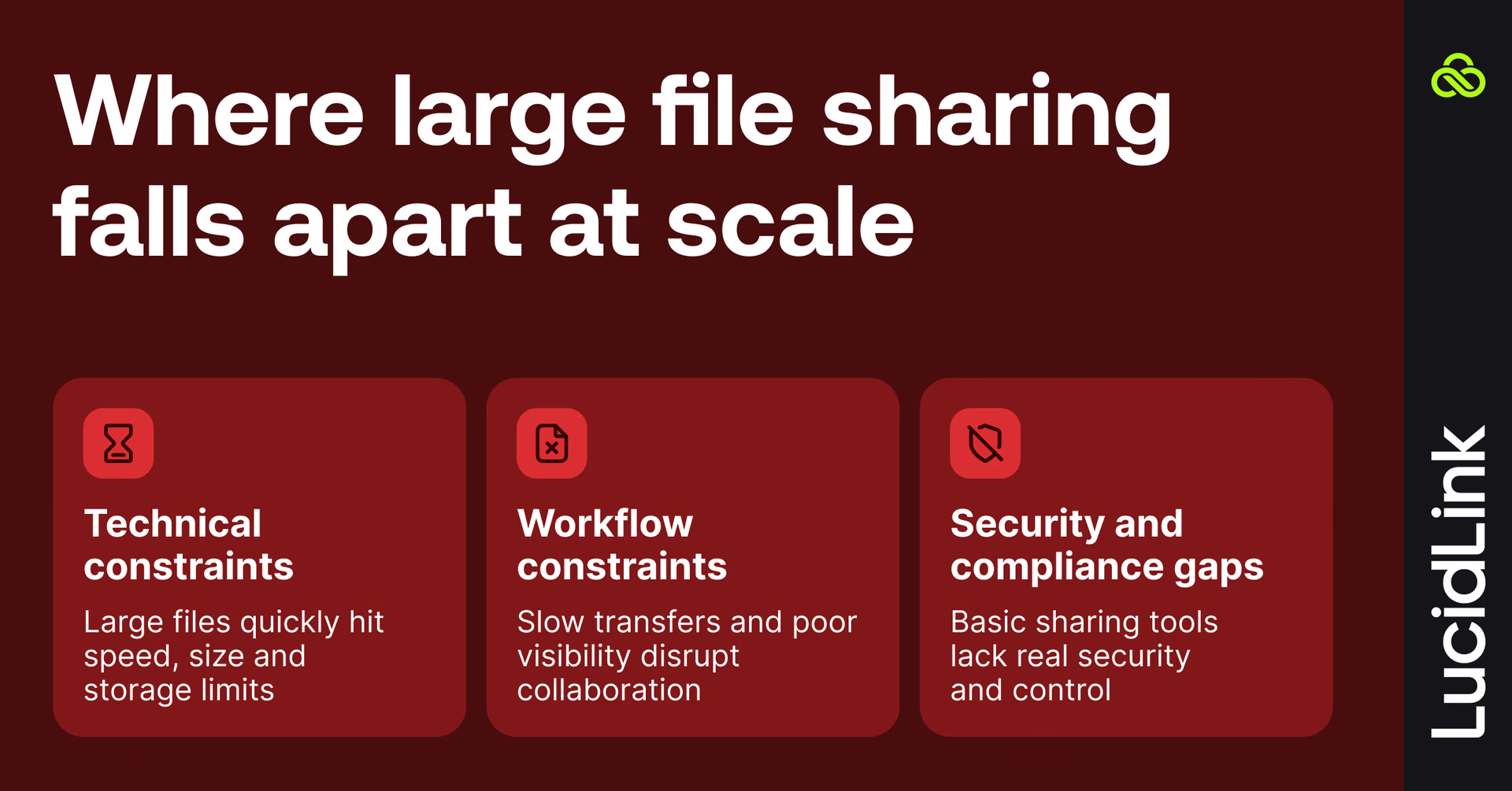
Technical constraints
Large files hit limits everywhere.
Upload and download bottlenecks slow teams to a crawl
Storage caps force constant cleanup or extra fees
Sending large file sizes can break email, messaging apps and many consumer cloud tools
Long transfer times turn simple handoffs into overnight events
Workflow constraints
Even when transfers work, the workflow often doesn’t.
Waiting for uploads or downloads kills creative flow.
Version control turns into guesswork: “is this V12_final_final_REAL.mov?”
There’s no shared visibility when working with clients, freelancers or partner teams. Feedback gets scattered across email threads, Slack messages and project tools. Context slips and momentum follows.
Security and compliance gaps
Public links are easy. They’re also risky.
No audit trails
No granular permissions
Limited expiration controls
Weak compliance support for client or confidential work
That’s a problem when you’re handling IP, sensitive footage or client-owned assets.
This risk shows up clearly in large-file workflows like video, but it applies just as much to design files, audio projects and other high-value assets.
What to look for in a large-file sharing tool
Not all file-sharing tools are created equal, especially once files get big and teams get distributed.
Here’s what actually matters.
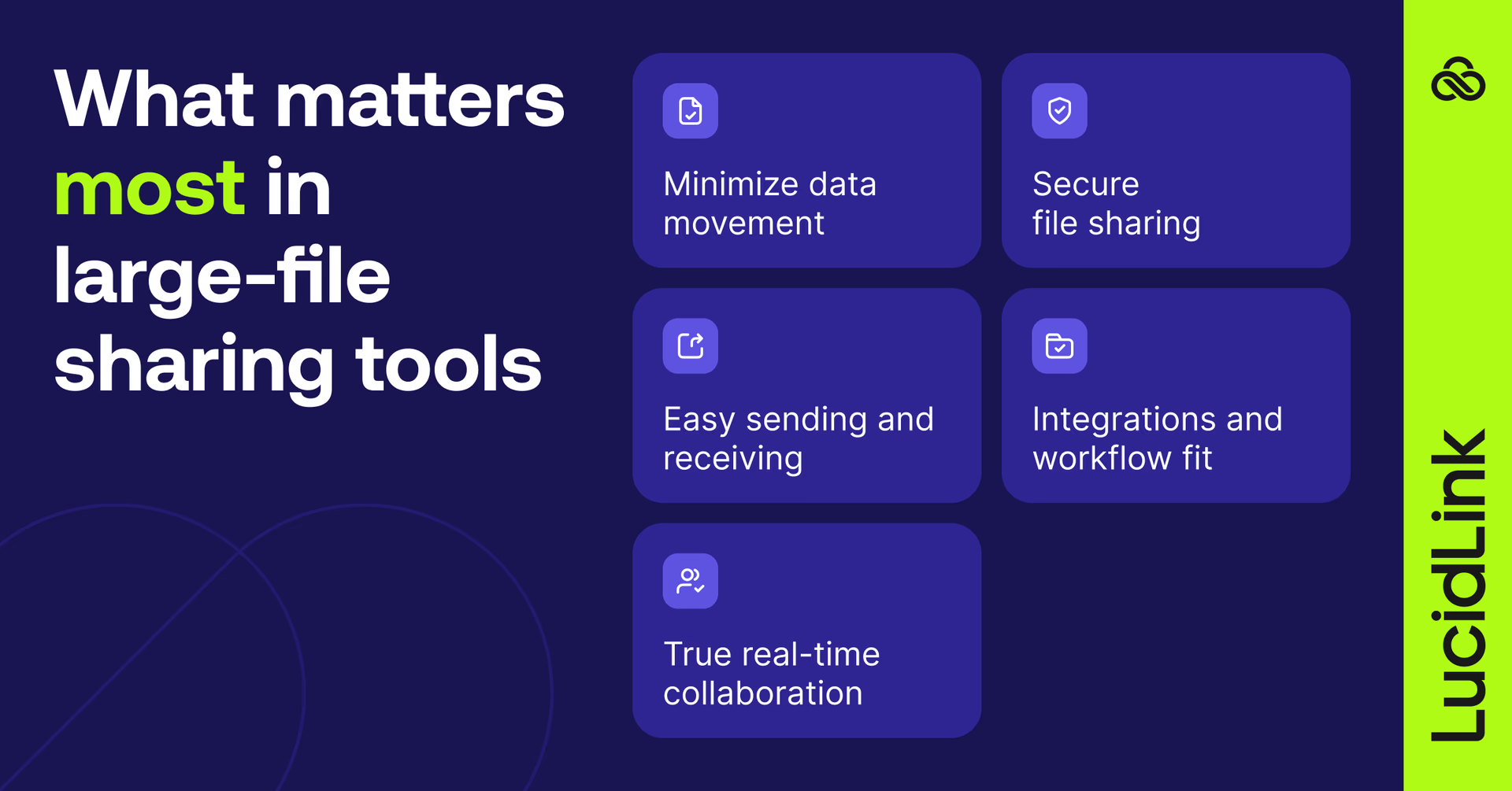
Ability to handle large files efficiently
If a tool relies on full uploads and downloads, it struggles with large media — video, high-res images and multi-gig audio files. Look for technology that minimizes data movement instead of doubling it.
Easy sending and receiving
Many tools focus on sending files out. Fewer make it easy for clients and partners to send files back without creating accounts or learning new systems.
True real-time collaboration
Sharing files is one thing. Working from the same files at the same time is another.
The right tool lets multiple people open, edit and review assets without creating copies or waiting on syncs.
Secure external and cross-organization file sharing
Modern projects rarely live inside one company. Agencies work with clients, studios bring in freelancers and enterprises collaborate with partners and vendors.
That’s why you shouldn’t have to choose between speed and security when sharing files outside your organization. Secure cross-organization file sharing depends on granular permissions, strong encryption and clear access controls, so everyone can collaborate without putting data at risk.
Integrations and workflow fit
If a tool doesn’t fit how your team already works, it won’t stick. Desktop access, familiar file structures and compatibility with creative apps matter more than shiny features.
How to send large files
There’s no shortage of ways to send big files. Each comes with trade-offs.
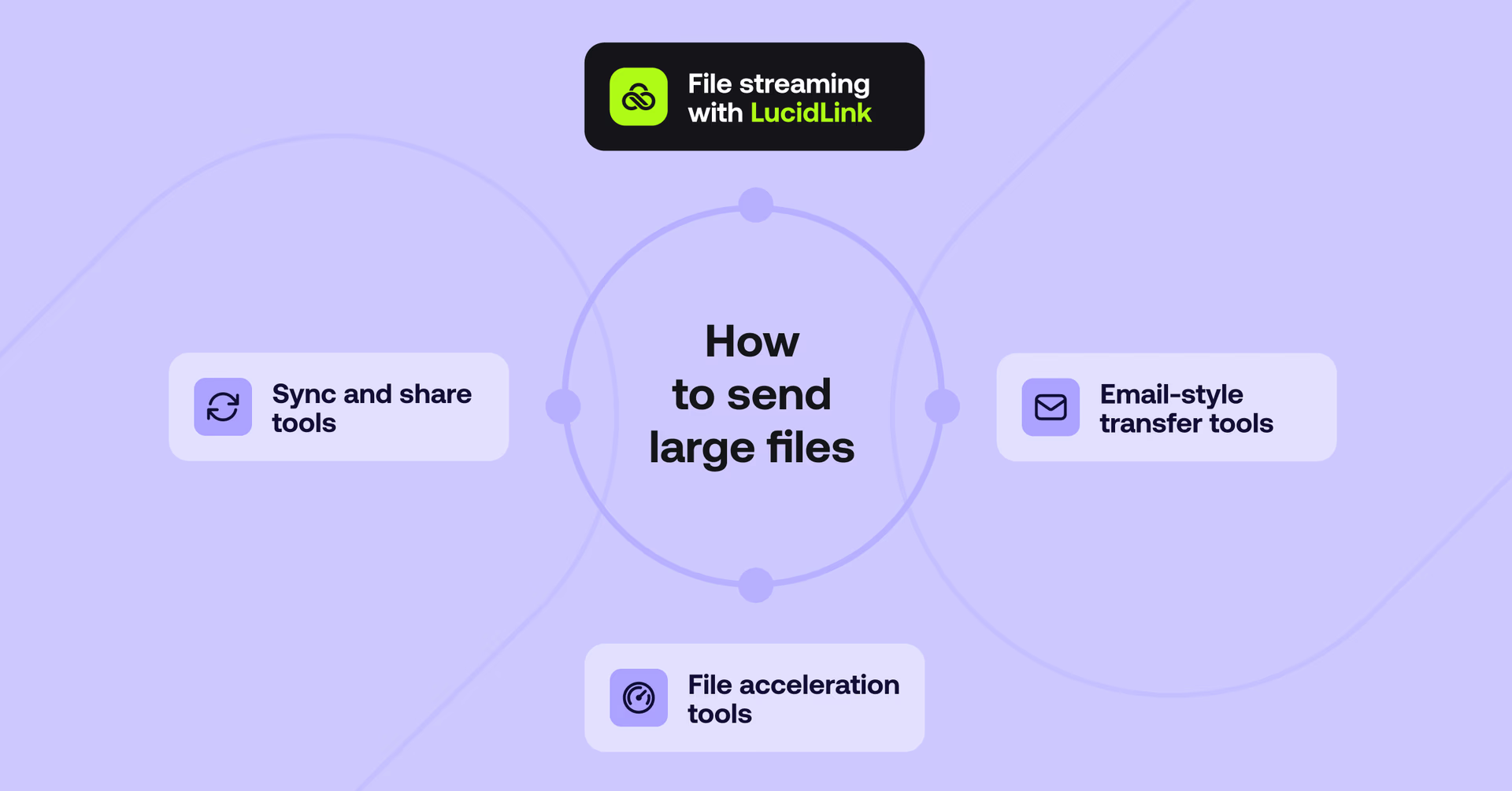
File streaming with LucidLink
LucidLink streams files directly from the cloud, so teams can access and work with large files instantly without downloading them first.
Files open as if they’re local. Only the data you actually use is streamed. No waiting for full transfers and no duplicate storage.
It’s built for real-time collaboration, not just delivery.
Sync and share tools like Dropbox or Drive
Sync and share tools are familiar and easy to start with. But they rely on full uploads and downloads, which creates delays, version conflicts and ballooning storage costs as files grow.
They work best for smaller files and asynchronous workflows.
File acceleration tools like Signiant or Aspera
File acceleration tools are powerful for point-to-point transfers, especially in broadcast environments. But they’re typically expensive, complex to manage and focused on delivery, not collaboration.
Once the transfer finishes, the collaboration problem still exists.
Email and WeTransfer-style tools
Quick for one-off sends. Not built for ongoing work.
File size limits, expiring links and lack of access control make these tools risky for professional workflows.
LucidLink Guest Access: fast, secure external collaboration
Guest Access lets teams share files with people outside their organization — without exporting, uploading or re-sending massive files.
No accounts to create
No software to install
No extra seats to buy
Guests authenticate using a temporary code, open files in the browser and view the same source of truth as your internal team.
Files stay where they are. Nothing gets copied to third-party tools. Versions stay aligned.
Security stays intact too. Guest Access uses LucidLink’s zero-knowledge encryption model. You control permissions, can revoke access at any time and decide exactly how your data is used.
It’s built for client reviews, freelancer approvals and partner handoffs without slowing production or increasing risk.
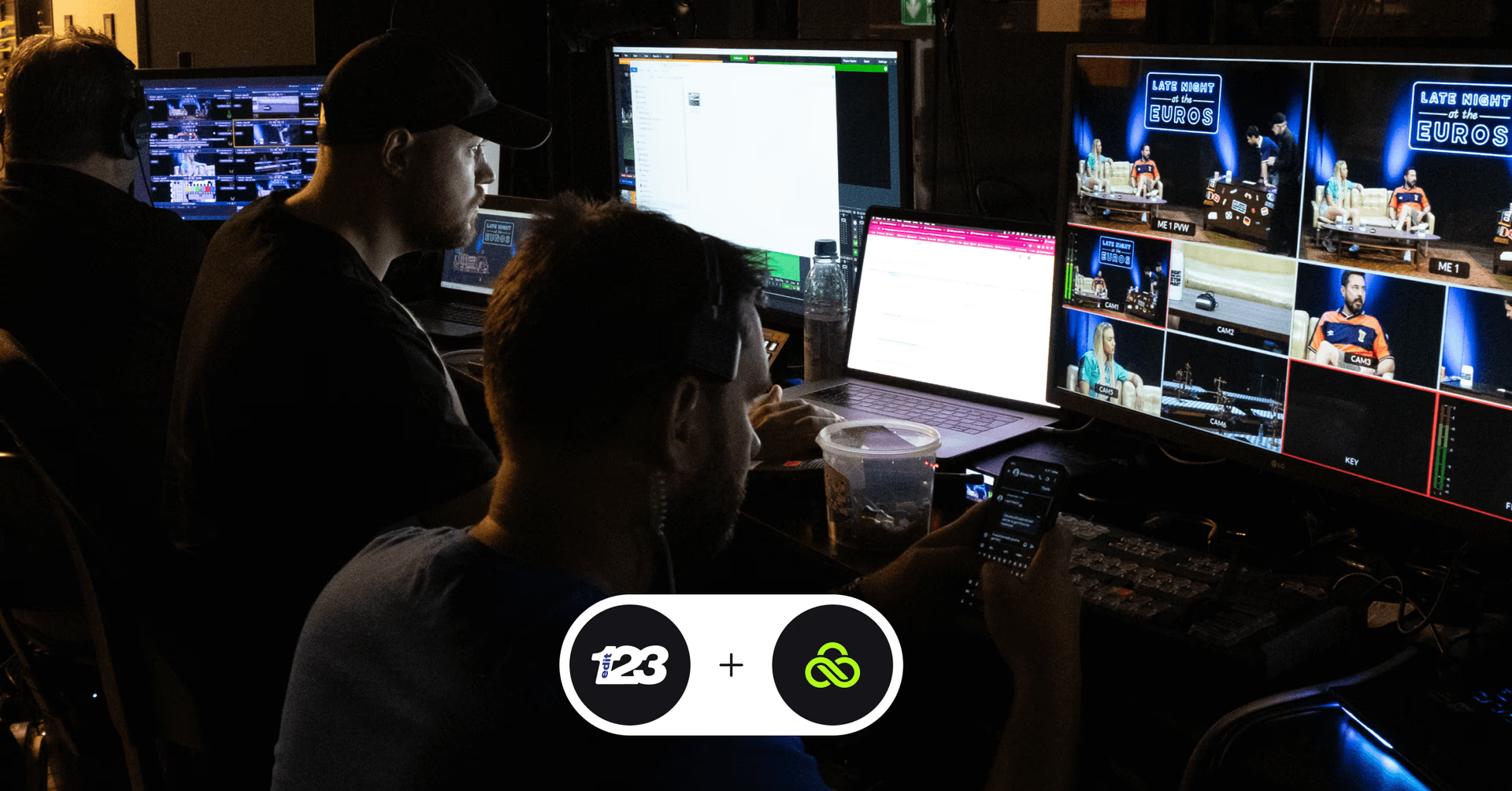
How Edit123 shares large files faster with LucidLink
During UEFA Euro 2024, Edit123 had a high-pressure brief: film in Munich, edit in Glasgow and broadcast the same night.
Hundreds of gigabytes of footage. Multiple teams working in parallel.
The old way
Previously, fast-turnaround shows relied on:
Shipping hard drives across Europe
FTP or MediaShuttle transfers
Duplicate storage and relocated staff
The result: high costs, lost hours and constant delivery risk.
The LucidLink workflow: instant access, everywhere
With LucidLink, Edit123 replaced transfers with real-time access.
Footage shot across Germany was ingested live into a shared LucidLink filespace via LiveU 5G. Editors in Glasgow accessed the media immediately: cutting highlights, reviewing changes and delivering content as if everyone were on the same local server.
“It’s basically like we’re all working off the same server, even though we were in Munich and the rest of the staff were in Glasgow.” Lewis Holleran, Technical Operations Manager
Edit123 delivered:
9 episodes in 13 days, plus setup
Near-live clips within minutes for social
3–5× higher audience engagement
£20k+ saved in travel and courier costs
Fewer staff on the road, more work delivered
Read the full story here.
7 tips for sending and receiving large files
Large-file workflows break down when files are copied, scattered or stuck waiting on transfers.
These best practices help teams move faster, stay aligned and avoid unnecessary rework.
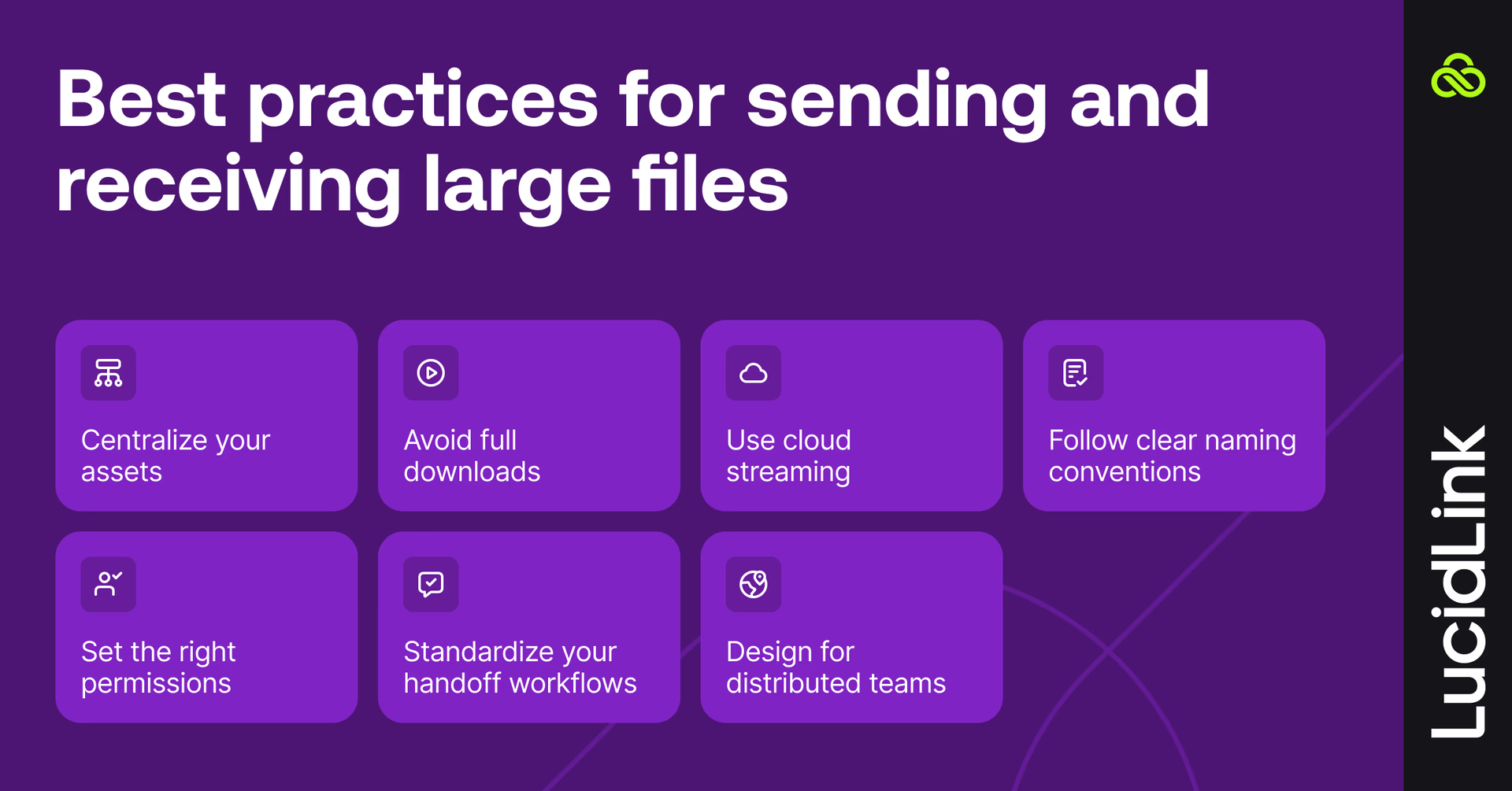
1. Centralize your assets
Keep all project files in a single, shared location rather than spreading them across drives, inboxes and transfer tools. A centralized workspace gives everyone access to the same source of truth and eliminates version confusion.
2. Avoid full downloads whenever possible
Downloading entire files before you can work slows everything down, especially with video, audio and design assets. Look for tools that let teams access files immediately without waiting for full transfers to complete.
3. Use cloud streaming instead of copying files
Cloud streaming lets users open and work with large files as if they were local, while only the data being used is streamed. This minimizes data movement, speeds up access and reduces storage duplication.
4. Follow clear naming conventions
Consistent file and folder naming prevents mistakes and saves time, especially when multiple people are working in parallel. Clear conventions beat “final_final_v12” every time.
5. Set the right permissions
Not everyone needs the same level of access. Use role-based permissions to control who can view, download or edit files — especially when working with clients, freelancers or external partners.
6. Standardize your handoff workflows
Define how files are shared, reviewed and approved before a project starts. Clear handoff rules reduce back-and-forth, missed feedback and last-minute scrambles.
7. Design for distributed teams
Your team probably won’t all work in the same place, all the time. Cloud-first pipelines make it easy to collaborate across locations, scale projects and share digital assets without changing how work gets done.
Large file sharing that just works
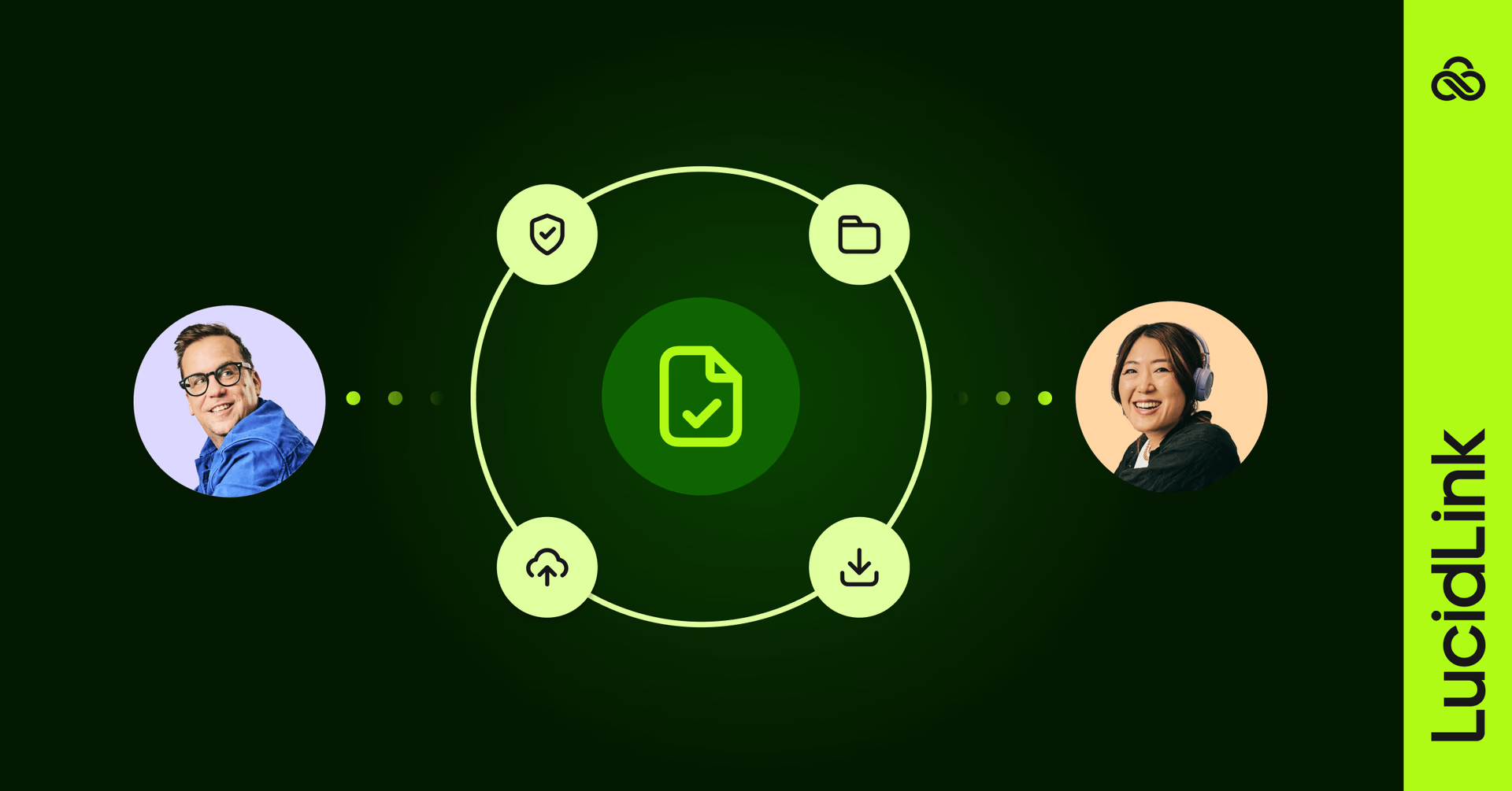
Traditional ways of sending and receiving large files are slow, insecure and expensive.
With cloud file streaming and guest access, LucidLink lets your team collaborate in real time, share securely and keep projects moving, no matter where your people are located.
No bottlenecks, no broken links and no waiting around.
Try LucidLink and Guest Access to send large files fast and collaborate seamlessly today.
FAQs
To send large files fast, avoid tools that rely on full uploads and downloads. Cloud-based file streaming lets people access files instantly, so work can start right away instead of waiting hours for transfers to finish.
Keep reading
In the field
Collaboration
Setting up AI agents for reality capture in AEC
How Diorama.studio used an AI agent connected to LucidLink to organize field data in real time, during a two-week deadline drone survey.
16 September 2026, 6 mins read
Collaboration
In the field
Access over movement: rethinking media infrastructure for distributed teams
Tim Burton from 7fivefive explores why the future of media infrastructure is less about moving data and more about making it accessible where it already lives.
08 September 2026, 6 mins read
Collaboration
Creative production
Video editing workflow: a guide for collaborative teams
Discover how to create a collaborative video editing workflow. Get tips on how to turn your editing process into a seamless, team-based experience.
31 August 2026, 14 mins read
Join our newsletter
Get all our latest news and creative tips
Want the details? Read our privacy policy. Not loving our emails?
Unsubscribe anytime or drop us a note at support@lucidlink.com.