Product & news
The LucidLink web experience: instant access for any role, on any device
Last updated 25 February, 2026
3 mins
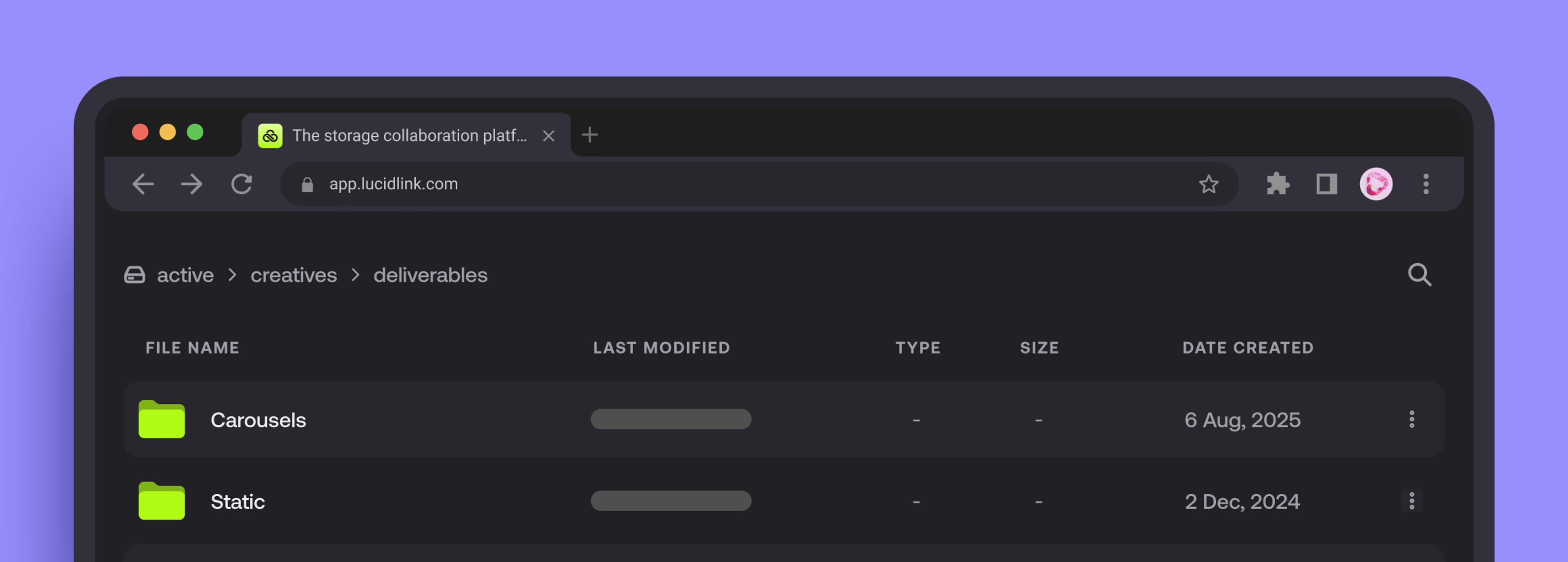
Most platforms limit the web browser to light work.
That’s fine for viewing PDFs. But try accessing a 50GB ProRes master or a multi-gigabyte Revit model, and you’ll be forced to download the whole file first.
That means long waits, delays or complete workflow disruption.
LucidLink treats the browser differently.
Our web experience streams data directly from your cloud filespace. No local copies, syncing or waiting for full files to arrive. You can open what you need right away, see what matters and keep moving.
The browser becomes a window into your live workflow, no matter how big the files are.
With no duplicate files, workarounds or waiting, collaboration becomes much simpler and decisions happen faster.
Built for access, right when it’s needed
The LucidLink web experience isn’t a lightweight companion. We see it as a high-speed window into your filespace.
Every role interacts with the same data, in the same place, without changing how or where they work.
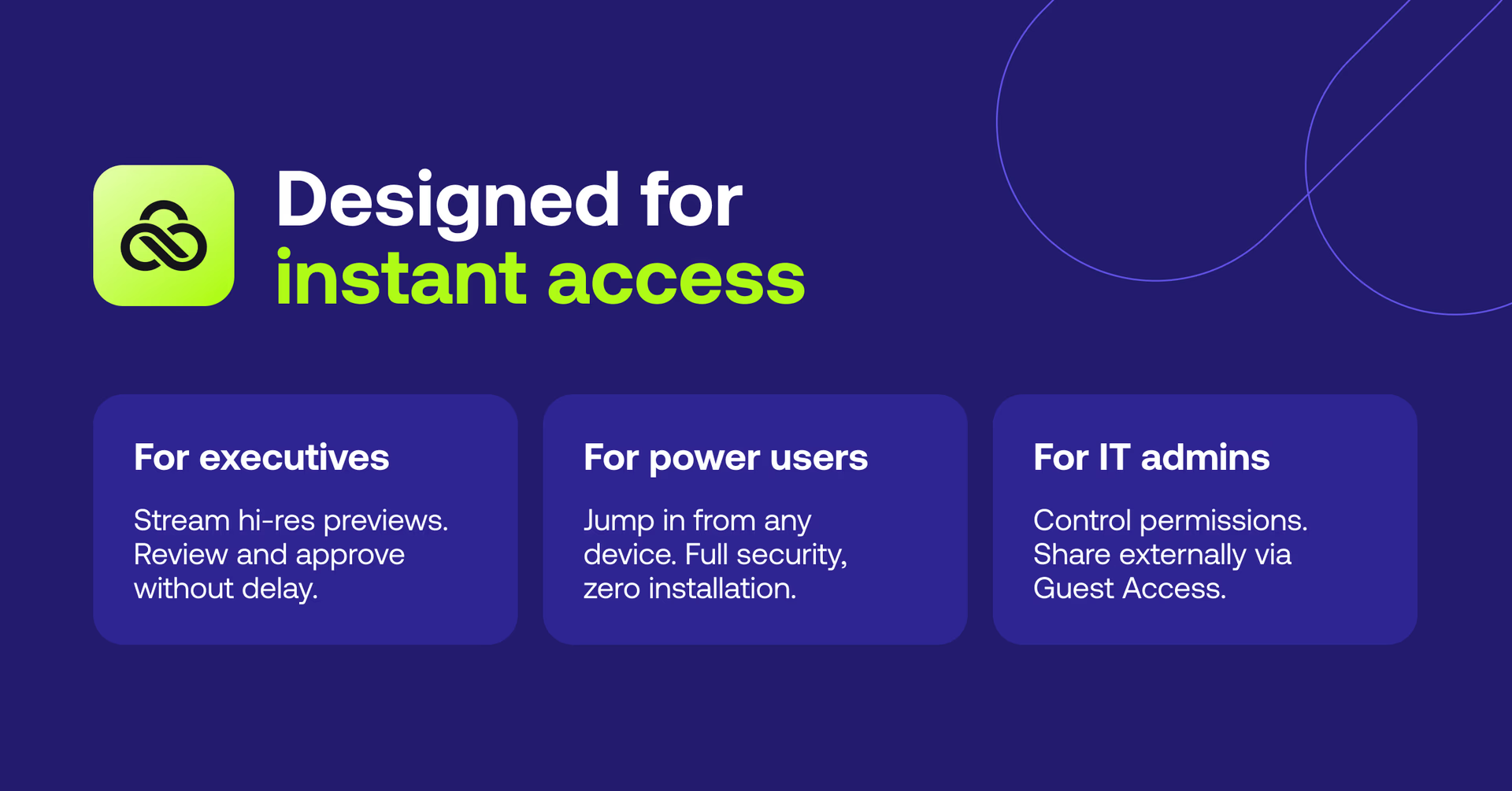
For executives
Open a tablet. Stream high-resolution previews. Review and approve without waiting for exports or downloads. Decisions happen while the context is still fresh.
For power users
Away from your main workstation? Jump into your filespace from a shared or temporary device. Clientless access, full security, zero setup. When you’re back at your desk, nothing to clean up.
For IT admins
Keep control without becoming the bottleneck. Manage permissions centrally and share files with external partners at no extra cost using Guest Access. That means no shadow IT and no unmanaged copies leaving the building.
Same filespace, but different needs and one experience that flexes to the moment.
The web experience in action
Preview files instantly in your browser
Stream files directly without waiting for the entire file to download, so you can get to what matters right away.

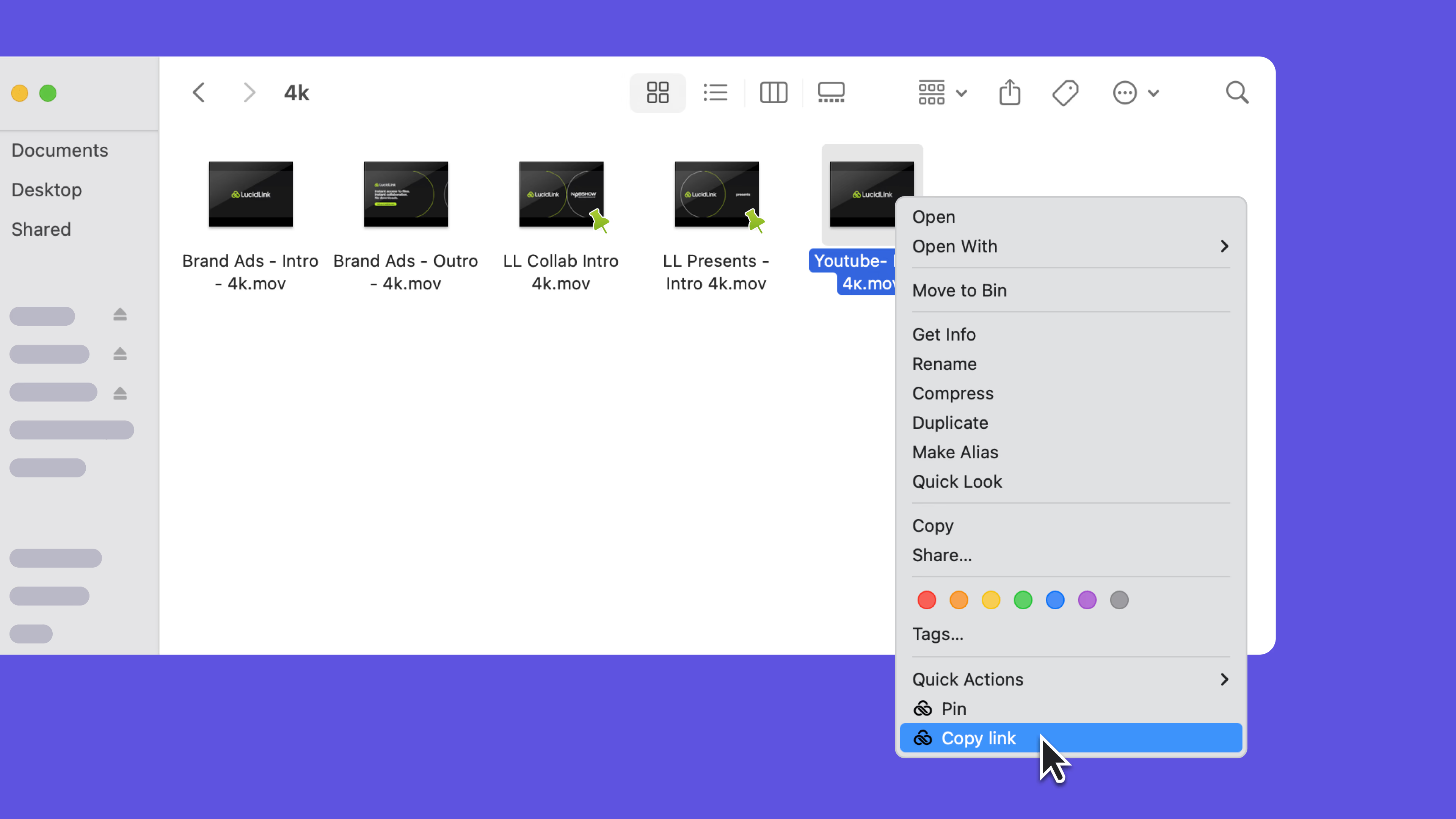
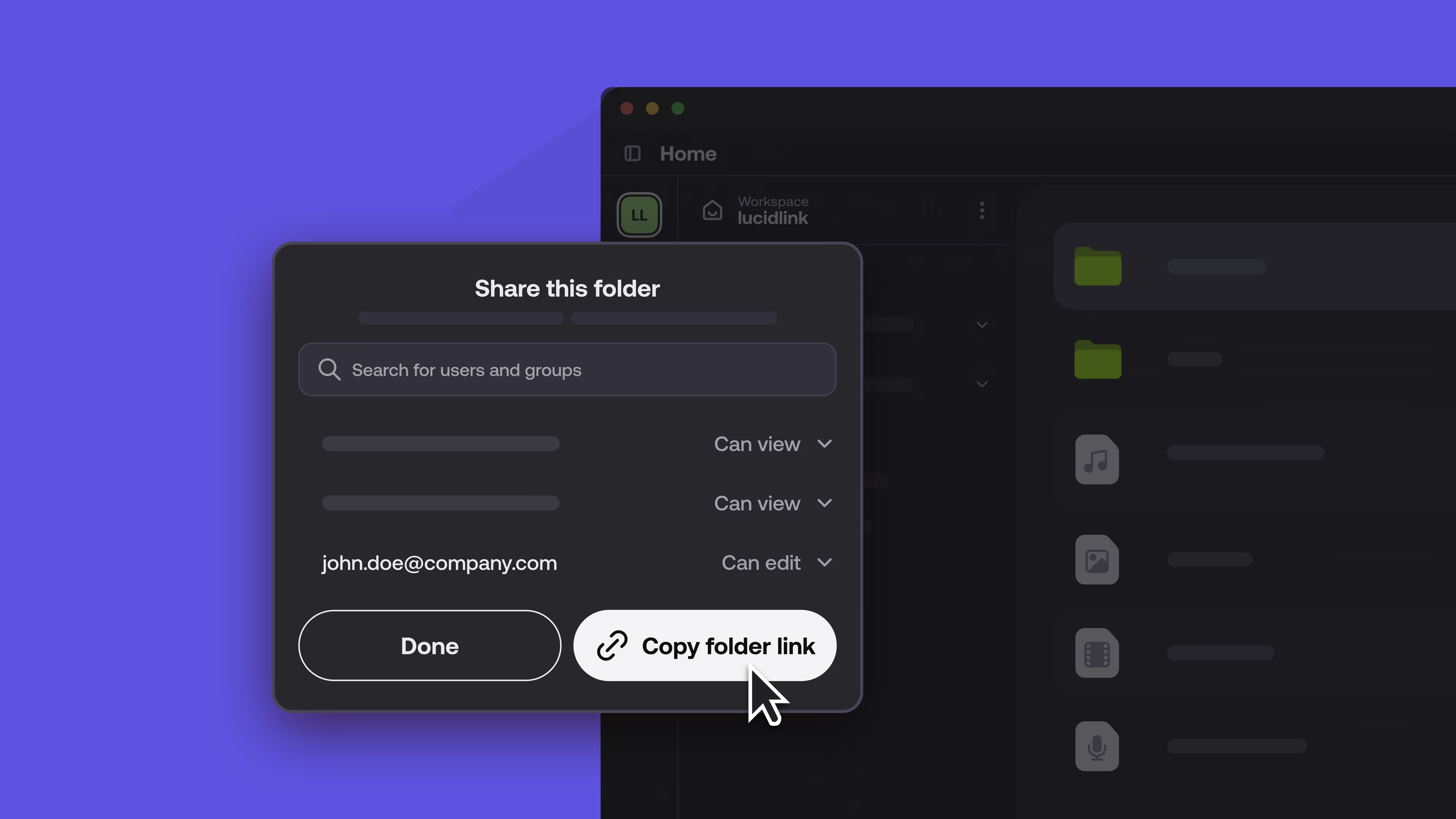
Share direct links with built-in permissions
Share a link to a specific folder or file. Access respects existing permissions, so people only see what they’re allowed to see.
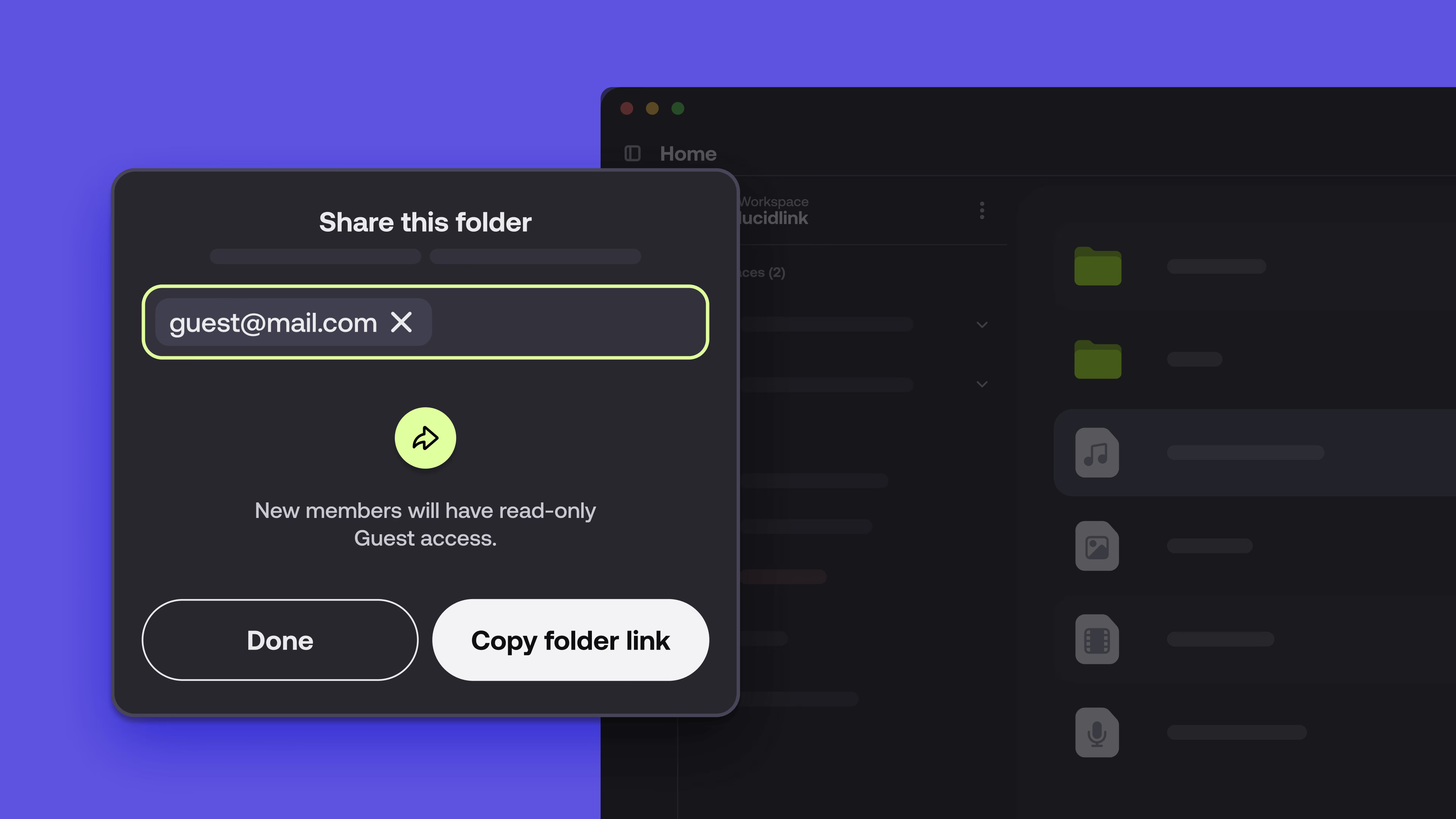
Invite guests without copying data
Guest Access lets you share work quickly and securely with clients, partners or reviewers via browser. No LucidLink account, software install or paid seat needed.
Move fast on time-sensitive reviews
Admins can move quickly when deadlines are tight, without sacrificing governance or security.
Each feature is designed to remove a small point of friction. Together, they keep work moving.
One workflow across desktop, web and mobile
LucidLink is a streaming-first platform.
Use the desktop app for heavy production work, jump into the web for instant access and check in from mobile when you’re on the move. The experience stays consistent across devices, with everything streaming from a single, trusted source.
That means fewer handoffs, fewer copies and fewer “which version is this?” moments. For IT, it means predictable control and lower risk. For creatives, it means the work stays in flow.
The web experience makes your project accessible to every role, on any device, without slowing work down.
Curious to see how it fits into your workflow? Explore the platform or start your 30-day free trial.
Keep reading

Product & news
LucidLink wins 2026 Inc. Power Partner Award in AI, Technology & Development
LucidLink has been named a 2026 Inc. Power Partner in AI, Technology & Development, recognizing the results we deliver with customers and partners.
23 October 2026, 3 mins read

For developers
Product & news
A dashboard for your filespace, built where your keys are
Build a dashboard for your LucidLink Filespace from its audit trail with an agent skill for Claude Code and Codex, without touching zero-knowledge encryption.
19 October 2026, 4 mins read
Product & news
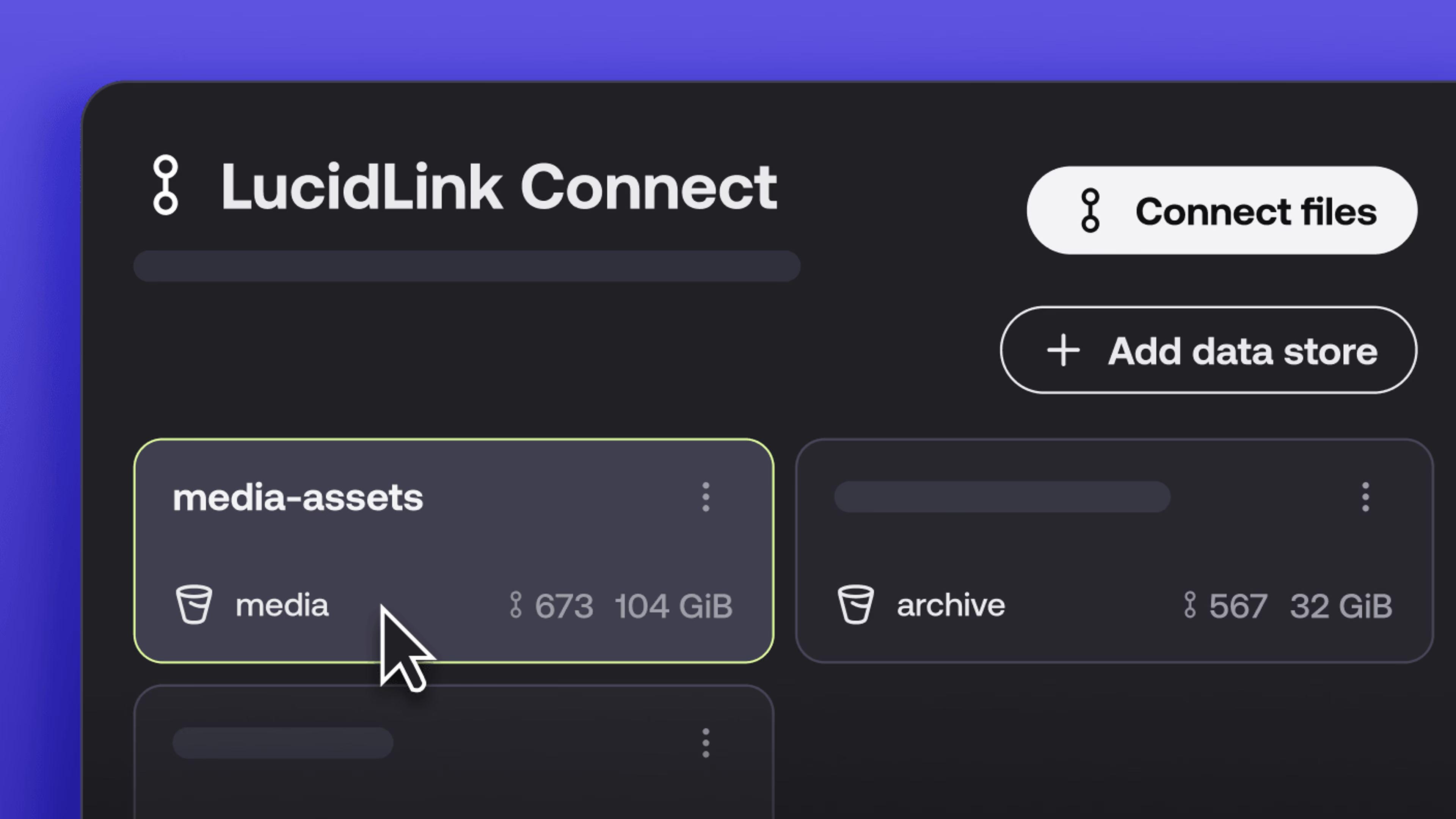
New in LucidLink Connect: simpler storage management
LucidLink Connect makes distributed storage easier to manage, with a new UI for connecting and managing data available through LucidLink.
06 October 2026, 2 mins read
Join our newsletter
Get all our latest news and creative tips
Want the details? Read our privacy policy. Not loving our emails?
Unsubscribe anytime or drop us a note at support@lucidlink.com.