Cloud storage
The best Dropbox alternative for large files
Last updated 03 February, 2026
7 mins

If you've ever downloaded a 50GB file from Dropbox and had time to make lunch, you know the problem.
For small files and simple sharing, Dropbox does the job. But as file sizes grow and teams become more distributed, the cracks start to show.
Sharing files is one thing. Working from them — especially with large files and multiple teammates — is another. That’s where sync-based tools break down.
That’s why more teams are looking for a Dropbox alternative built for large files.
Where Dropbox works (and where it breaks)
Dropbox was designed around one core idea: sync files to every device and keep them aligned.
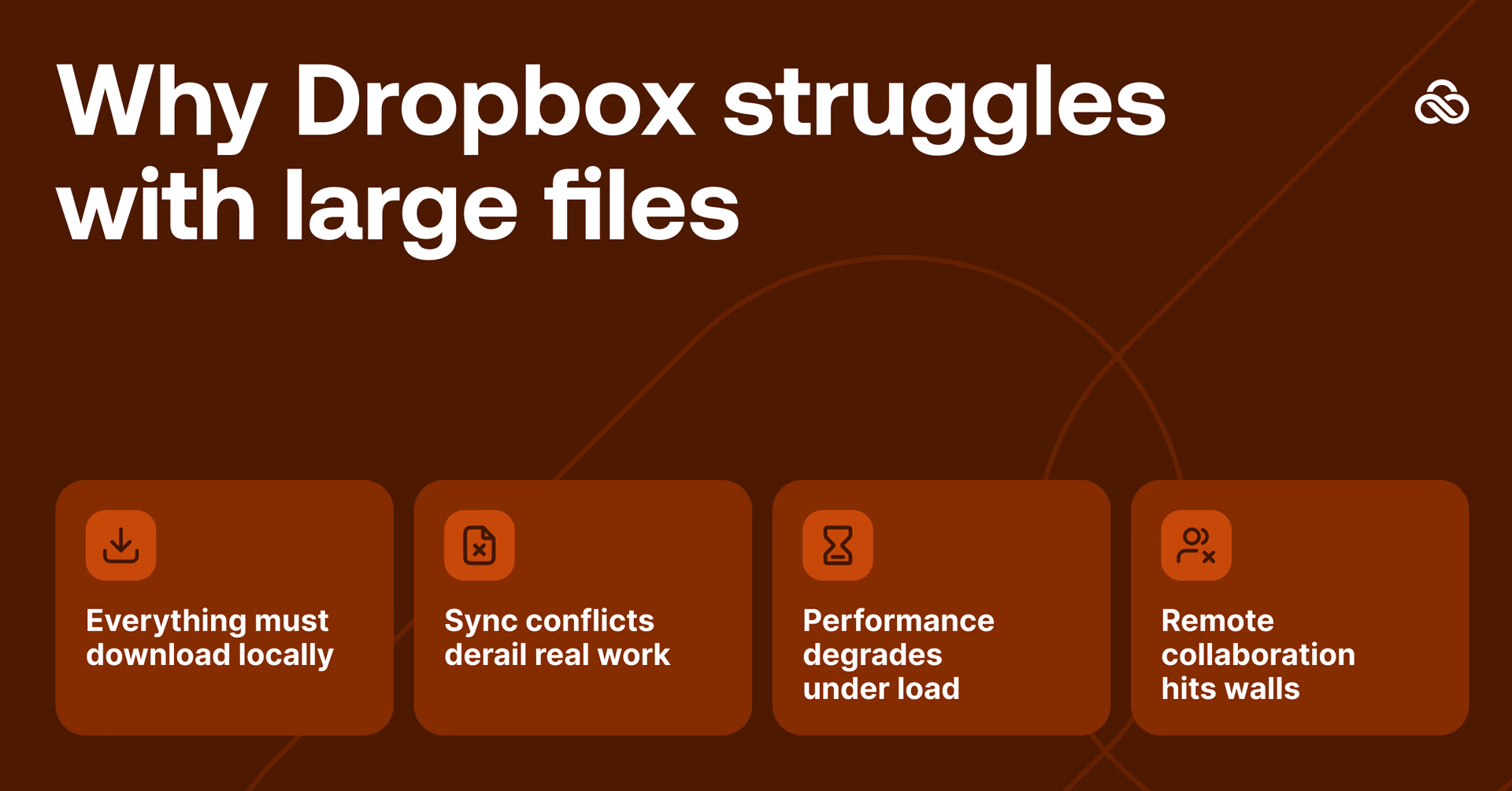
For documents, images and small assets, that model works well. But once you’re dealing with large files, real-time collaboration or globally distributed teams, sync becomes the bottleneck.
The fundamental mismatch:
Dropbox is optimized for small files, local storage and periodic syncing. Large-file workflows need instant access, no local copies and real-time collaboration.
You can't retrofit a sync-based architecture for streaming workflows. You need something built differently from the start.
Why teams look for Dropbox alternatives for large files
Dropbox's foundational principle is synchronization: copy files to every device, keep them in sync. This works nicely for small files. But for large files, it creates cascading problems:
1. Everything must download locally
Sync means every file lives on every device.
A single 50GB file shared with five teammates turns into 250GB of downloads.
Local drives fill up fast. Laptops struggle. And teams wait hours — sometimes overnight — for files they may only need to open once.
2. Sync conflicts derail real work
Two people open the same file at the same time and suddenly you’re choosing between:
Conflicted copy (John’s version)
Conflicted copy (Sarah’s version)
FINAL_v3_ACTUALLY_FINAL.mp4
Large binary files don’t merge cleanly. One wrong sync and hours of work disappear.
3. Performance degrades under load
As files get bigger:
Uploads slow to a crawl or fail outright
The desktop client eats CPU tracking changes
Background syncing drags down your whole machine
Dropbox wasn’t built for constant access to massive files.
4. Remote collaboration hits walls
Distributed teams make the problem worse.
Every location has to download full projects. Version management becomes manual. And real-time global collaboration simply doesn’t exist when everyone is working on local copies.
What to look for in a Dropbox alternative for large files
If Dropbox isn't working, the solution isn't "Dropbox but slightly better." You need a fundamentally different architecture.
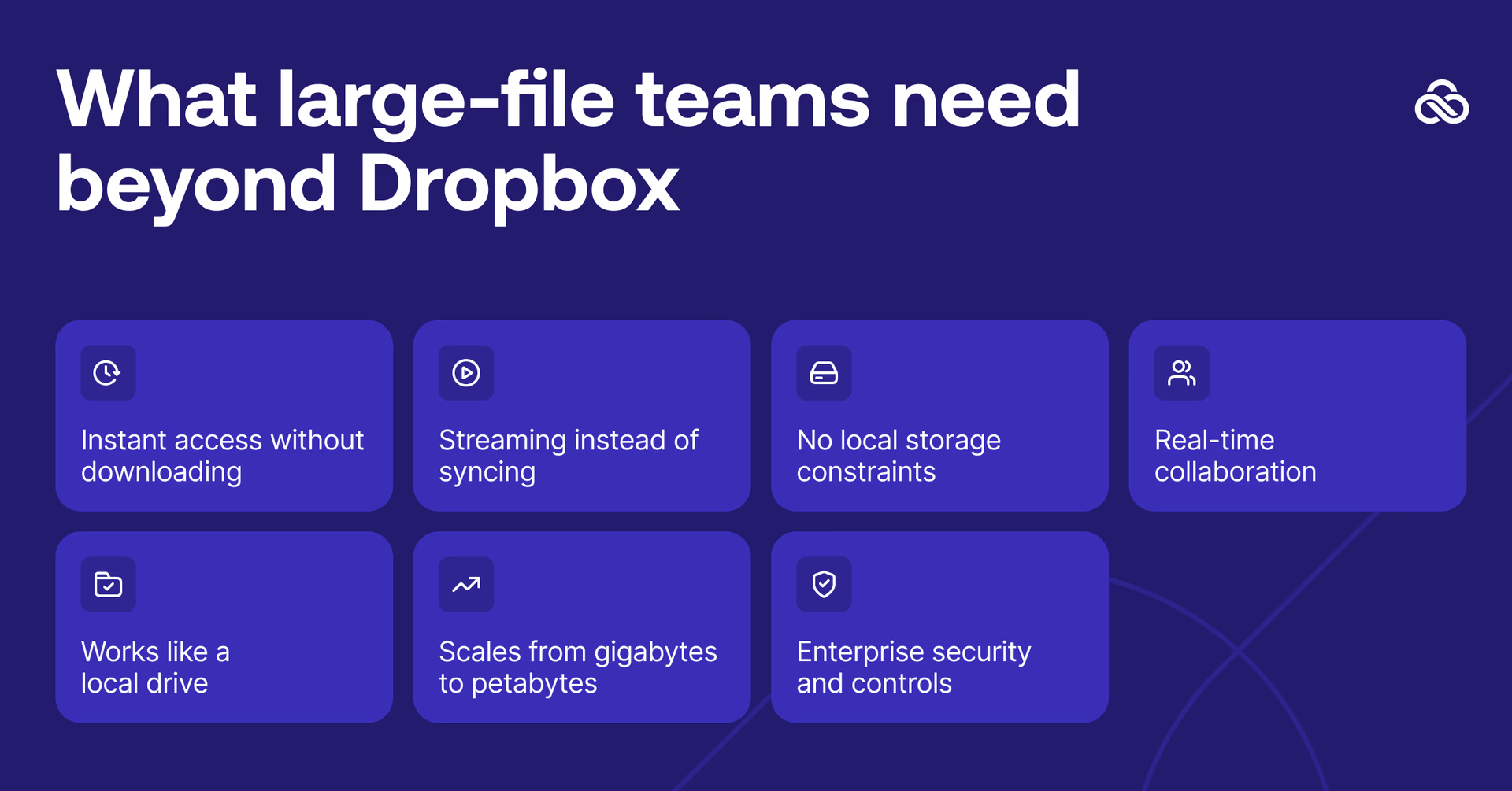
Essential requirements for large-file workflows
1. Instant access without downloading
Open a 50GB file in seconds, not hours. Work begins immediately, not after overnight transfers.
2. Streaming instead of syncing
Access files where they live. Don't create local copies that eat storage and create version chaos.
3. No local storage constraints
Your team shouldn't need 2TB hard drives to work on 2TB projects. Files live in the cloud, accessed on demand.
4. Real-time collaboration
Multiple team members work on the same project simultaneously. Changes appear instantly. No "conflicted copies."
5. Works like a local drive
Mounts as a normal drive letter. Your existing applications (CAD, NLE, design tools) work without modification.
6. Scales from gigabytes to petabytes
Start with 100GB, grow to 100TB. Infrastructure scales with your needs, not against them.
7. Enterprise security and controls
Granular permissions, SSO integration, instant access revocation. Security that doesn't slow collaboration.
The key shift
Go from syncing files to devices to streaming files directly from cloud.
Go from everyone gets a copy to everyone accesses the same file.
Go from “wait for transfers” to start work immediately.
For a deeper dive, read our breakdown of file streaming vs sync-and-share.
How LucidLink solves the large-file problem
LucidLink was built specifically for what Dropbox struggles with: instant, collaborative access to massive files.
Instead of syncing files to every device, LucidLink streams data on demand. Like Netflix, but for the huge files in your day-to-day workflow. You don’t download the whole file before you start. You stream only what you need to get to work, when you need it.
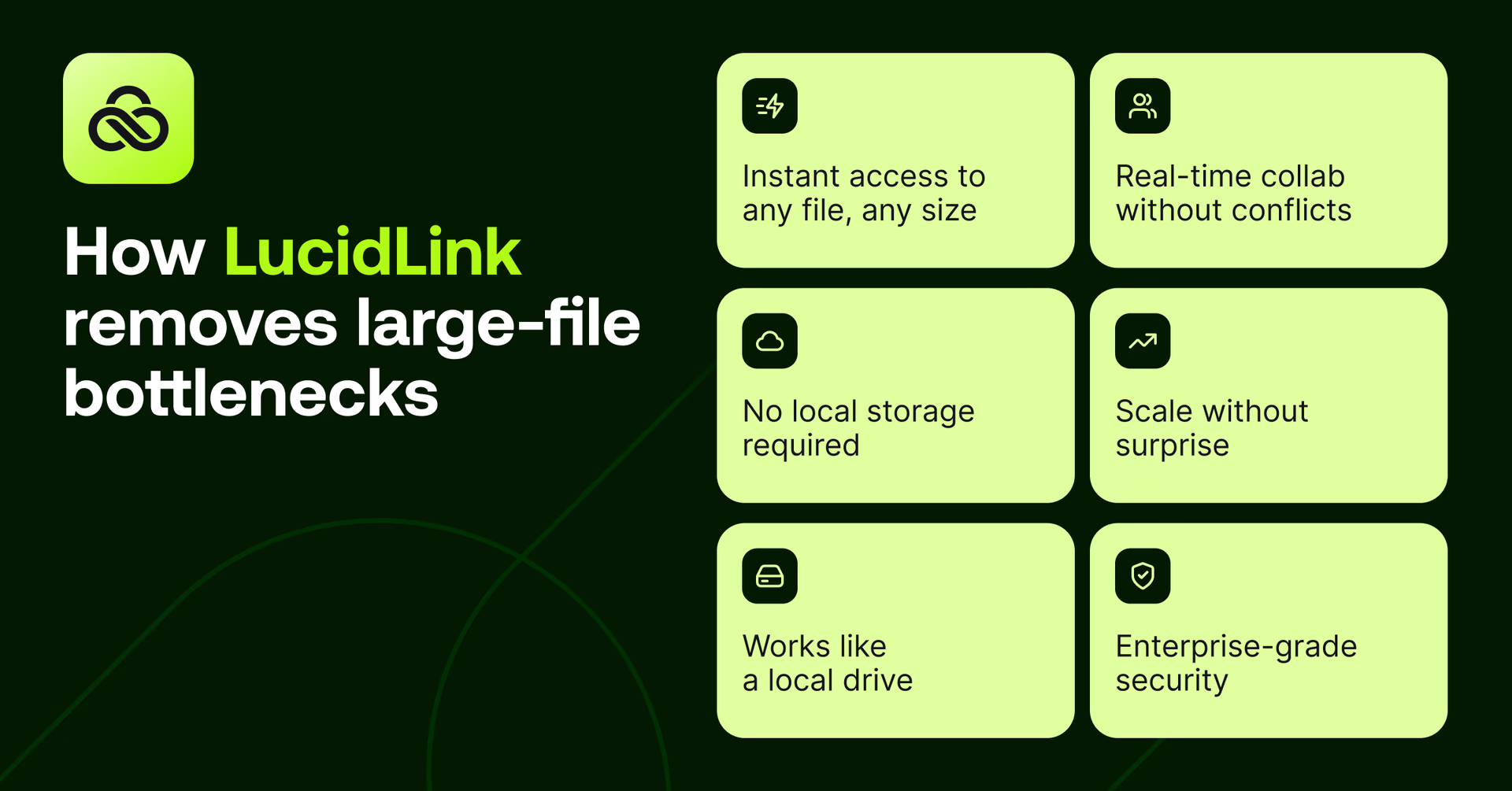
Here’s what this looks like in practice:
Instant access to any file, any size
Open a 50GB CAD assembly in seconds. Start editing a 4K timeline immediately. Access terabytes of research data without downloading.
This same streaming approach also changes how teams send large files — removing the need to upload, wait and re-download every time someone new needs access.
LucidLink streams only the specific blocks your application needs right now.
No local storage required
Files don’t live on your device. Work on projects ten times larger than your hard drive. Storage limits stop dictating what your team can take on.
Works like a local drive
LucidLink mounts as a standard drive (E:, F:, etc.). Your software, video editor or design tools see it as local storage. That means no workflow changes or new software to learn.
Real-time collaboration without conflicts
Multiple team members work on the same project simultaneously. Changes appear instantly for everyone. No sync delays, no "conflicted copy" files, no version confusion.
Instead of packaging, transferring and re-uploading files, teams can easily share digital assets by working directly from the same live files.
One source of truth, always up to date, globally accessible.
Scale without surprise
Start with 100GB. Grow to 100TB. Add users without adding infrastructure. Scale matches your needs, and costs are predictable (no surprise egress charges).
This is exactly what modern media teams expect from a media cloud storage solution — shared, scalable storage designed for high-performance access to large files.
Enterprise security that doesn't slow you down
LucidLink’s zero-knowledge encryption means only you hold the keys to your data (even we can’t see your files). Add permissions, instant access revocation, secure guest sharing and SSO and security and speed are no longer trade-offs, you get both.
The result:
Teams stop wrestling with their tools and get to work. Engineers open assemblies remotely. Editors cut footage from anywhere. Researchers collaborate on massive datasets. Marketing teams access brand libraries instantly.
All without the download, sync or storage limits that made Dropbox unworkable for large files.
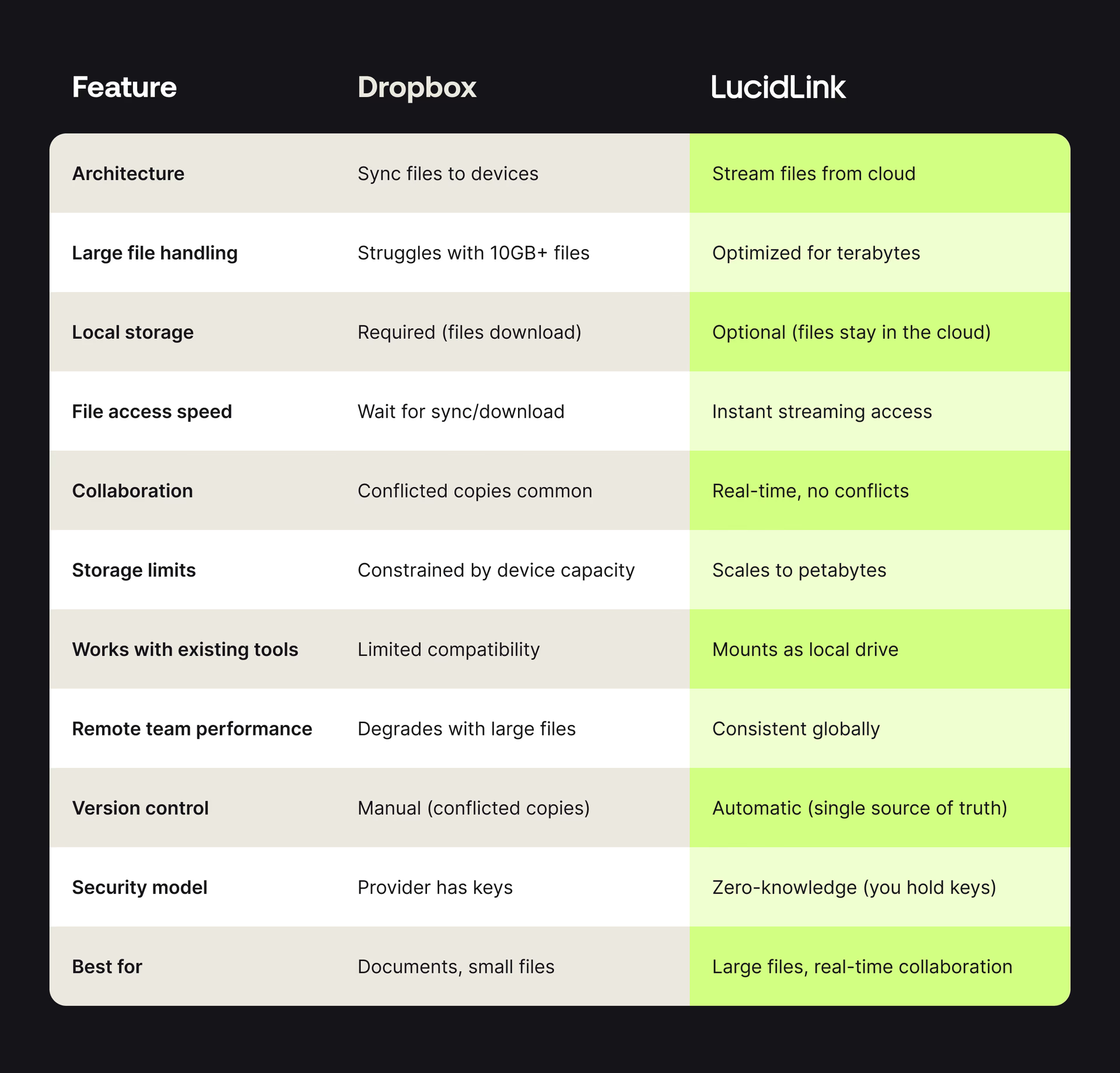
Dropbox vs LucidLink
Teams that switched from Dropbox to LucidLink
How Sandwich escaped Dropbox version headaches

Challenge: remote video production, massive media files, needed real-time collaboration without version chaos.
When remote work hit, Sandwich tried Dropbox, but quickly hit the walls of sync sharing systems.
"Until you experience the chaos of sharing a folder via Dropbox and someone says 'where's that thing?' — it's like, I don't know, where did you put it? Dropbox and similar solutions aren't built for the same collaboration you have at a studio…LucidLink was a huge upgrade from that."
“LucidLink mounts as a drive on your computer. Everyone has the same files in the same places. The consistency and predictability is essential for building any sort of workflow on top of it,” Dan Sturm, VFX Supervisor, Sandwich.
When Dropbox hit its limits, Torti Gallas + Partners chose LucidLink
Challenge: large CAD/BIM files, distributed design teams, need for instant access without VPN bottlenecks
"We looked at Dropbox and Box and nothing fit. A lot of them didn't work with all of our file types — linking to CAD files was a nightmare. The decision to go with LucidLink was a no-brainer,” Omer Mushahwar, CTO, Torti Gallas
When Dropbox couldn’t keep the team in sync, NoneMore chose LucidLink
Challenge: scattered assets across Dropbox, OneDrive, SharePoint and more made it difficult to track who had what and where
“It was very confusing with all the data scattered across lots of different services with different subscriptions. We had dozens of users working on their own machines in different countries, in different time zones and we needed to crack on with the job quickly,”
“Everyone had the same response to using LucidLink. It worked from the get-go and was accepted and understood across the board,” Ben Wood, Animation Senior Support Specialist, NoneMore.
When LucidLink is the right Dropbox alternative
LucidLink is often a better fit than Dropbox if your team:
Regularly works with files over 10 GB
Sees uploads/downloads delaying progress
Deals with sync conflicts and version chaos
Has local storage limits that constrain project work
Needs to work together in real time across locations
Works with CAD, video editing, 3D rendering, or large datasets
If your work is mostly documents and small assets, Dropbox is still a solid choice. But once files get big and fast collaboration is essential, LucidLink is purpose-built for that next phase.
Industries making the switch
These are the types of teams with large-file workflows embracing file streaming over sync and share.
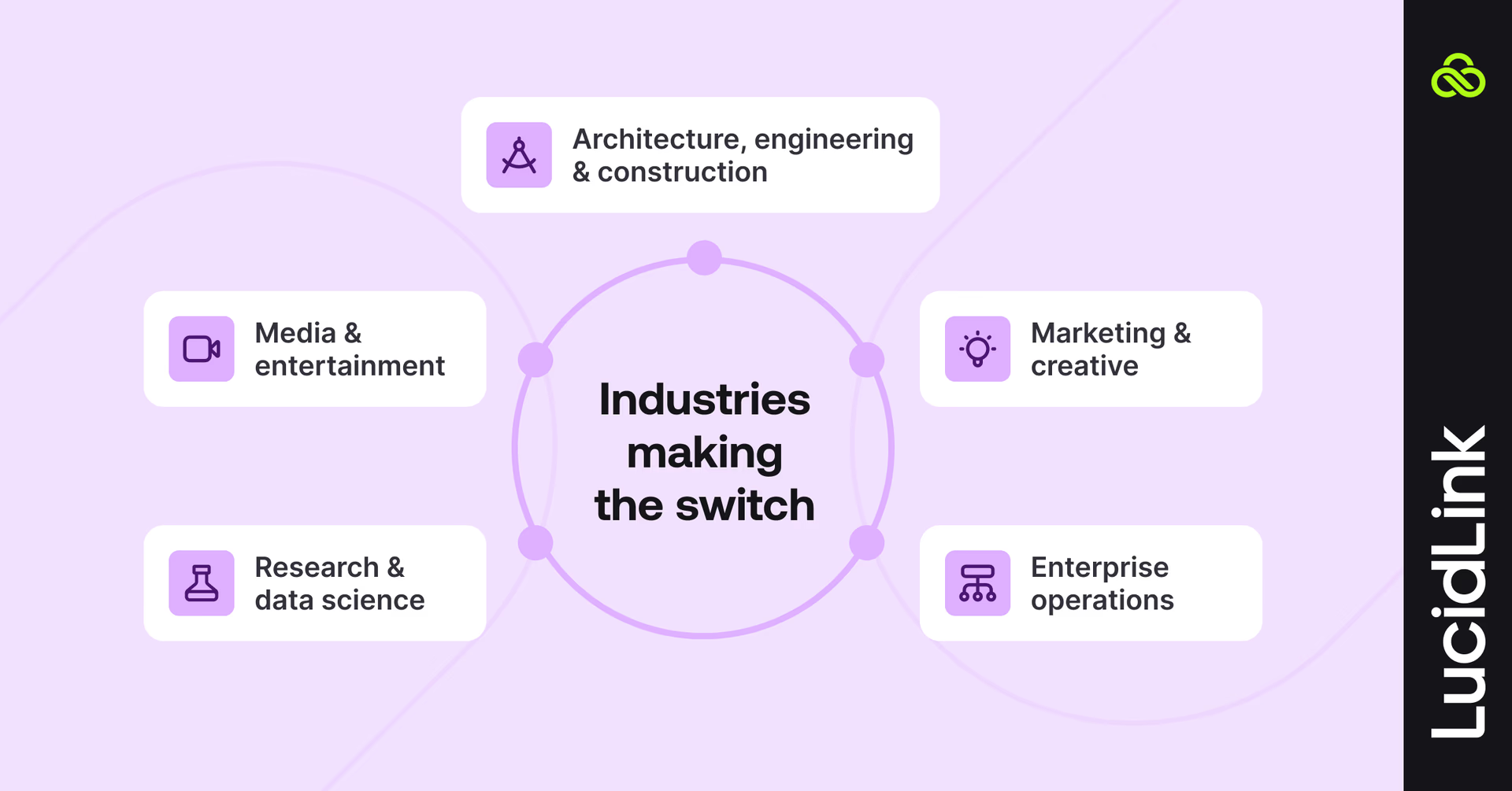
Architecture, engineering & construction: CAD assemblies, BIM models, renderings, project documentation
Media & entertainment: video editing, VFX, audio production, motion graphics
Research & data science: datasets, analysis files, collaborative research
Marketing & creative: brand assets, video libraries, design systems
Enterprise operations: document repositories, training materials, global collaboration
Getting started without disrupting your workflow
You don’t need to rip and replace everything to try LucidLink:
Pilot with a real project. No test folders or throwaway data.
Run alongside Dropbox or Box while your team gets comfortable.
Scale gradually — add users and files as adoption grows.
Keep your existing tools. No retraining, no workflow overhaul.
Your tools stay the same. Your files stay where they are. The only real difference? Your team will work faster.
Stop syncing. Start streaming.
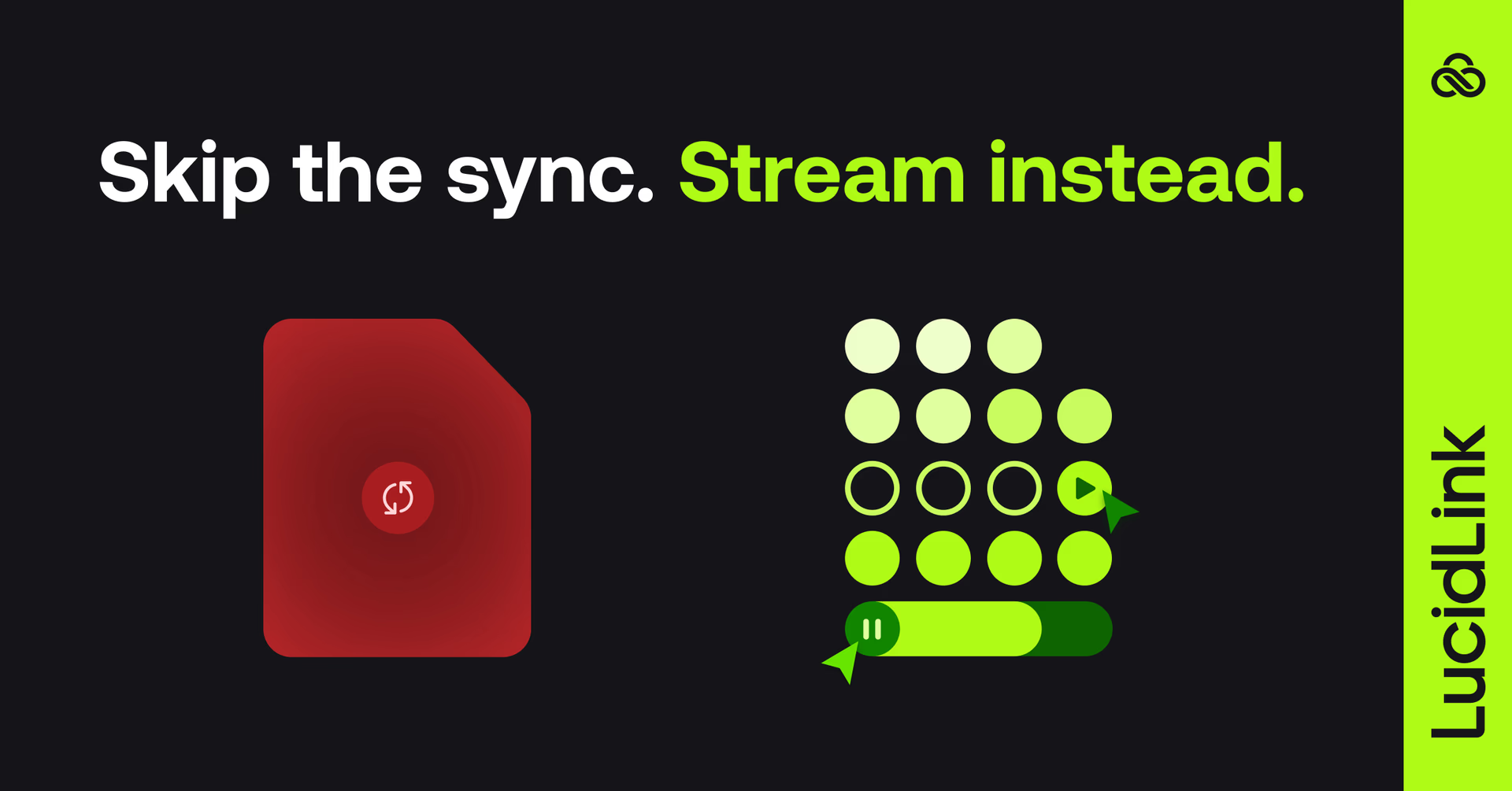
Dropbox served teams well for years. But if you’re fighting endless upload/download cycles, sync conflicts, storage limits and collaboration bottlenecks, you’ve outgrown what it was designed to do.
LucidLink was built for exactly this moment — large files, real-time collaboration and global teams who need instant access, not progress bars.
Try LucidLink for free and see how file streaming changes the way you work.
FAQs
LucidLink is purpose-built for large-file workflows. Unlike Dropbox (which syncs files to devices), LucidLink streams files from the cloud, giving teams instant access to terabytes without downloading. Teams in engineering, media, architecture and research rely on LucidLink when Dropbox can't handle file sizes or collaboration demands.
Keep reading

Cloud storage
New research: what your storage bill doesn’t tell you
New research from Situation Publishing explores the hidden costs around file infrastructure, from egress and duplication to lost time and manual work.
14 October 2026, 4 mins read
Cloud storage
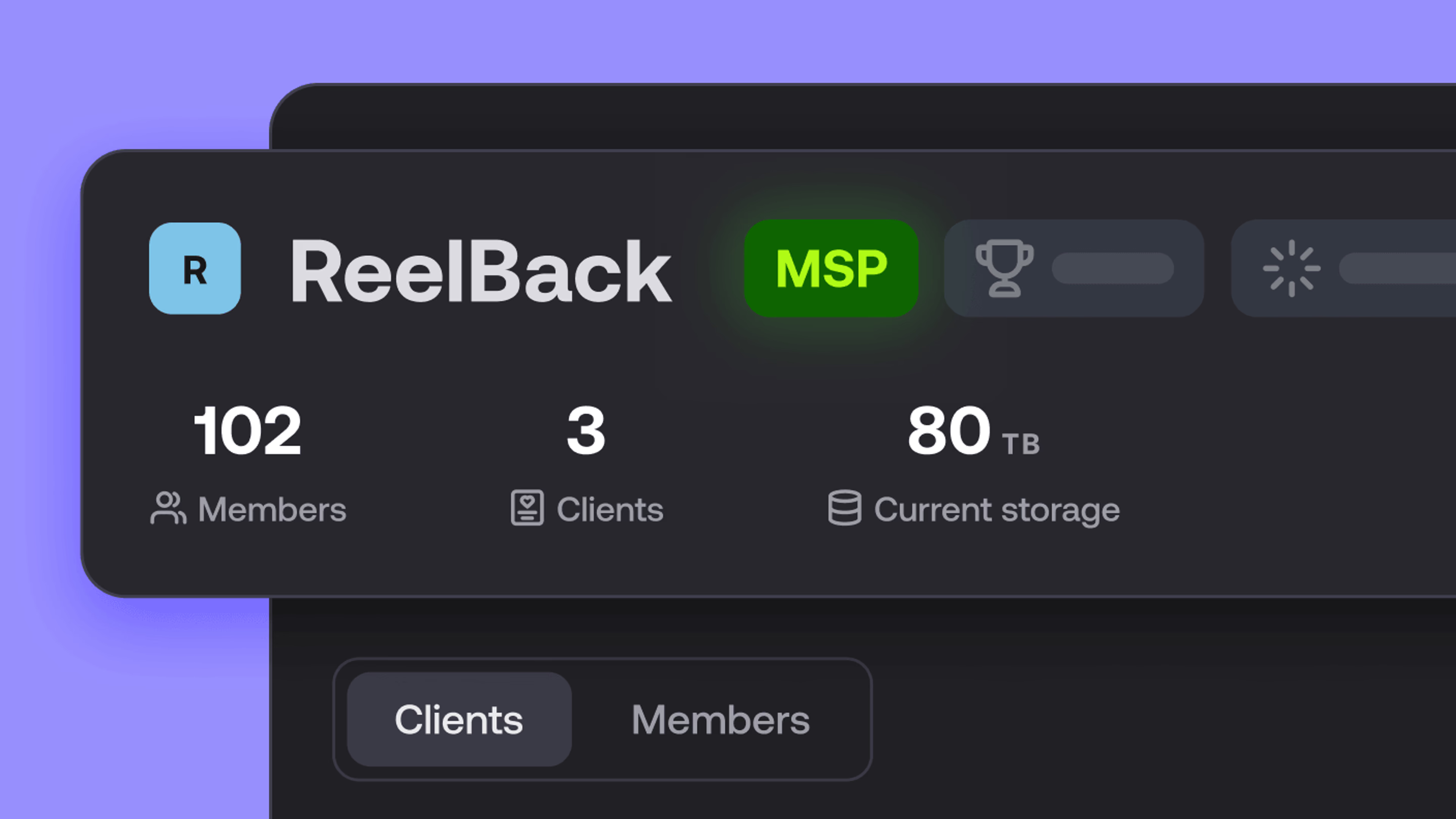
Introducing the new LucidLink MSP: one platform for your whole book
LucidLink MSP runs on the LucidLink Management Platform, giving MSPs centralized deployment management and pricing that scales with growth.
09 September 2026, 2 mins read

Product & news
Cloud storage
Beyond headline speeds: what cloud file streaming needs to succeed
Block-level streaming, smart prefetching and metadata coordination: here's the architecture behind how LucidLink performs on standard internet connections.
05 August 2026, 6 mins read
Join our newsletter
Get all our latest news and creative tips
Want the details? Read our privacy policy. Not loving our emails?
Unsubscribe anytime or drop us a note at support@lucidlink.com.