Collaboration
How to improve BIM collaboration in Revit across remote teams
Last updated 11 June, 2026
6 mins

Hybrid BIM workflows sound simple in theory:
Your architects are in one office. Engineers are remote. Consultants are spread across different cities. Everyone needs access to the same Revit models, at the same time.
But distributed collaboration gets harder as projects scale.
You don’t usually notice the problem inside Revit itself. You notice it in the waiting. Opening central models, syncing changes, hunting down the latest linked file or watching a save stall halfway through over VPN while everything else stops.
Your Revit works just fine. It’s the file infrastructure underneath that slows everything down.
As BIM teams become more distributed, traditional storage systems are struggling to support the way people actually work. This piece breaks down why BIM collaboration slows at scale and how to fix the problem.
Why remote BIM collaboration feels harder
If you manage BIM infrastructure or work across distributed teams, this probably sounds familiar:
“Why does opening this model take so long?”
Revit central models are large on their own. Once you add linked files, CAD references, point clouds, IFCs and families, projects quickly grow into hundreds of gigabytes.
And the more distributed the team becomes, the harder it is to move that data around efficiently. Every open, save or sync action depends on transferring large amounts of information across networks that introduce delay.
That’s where things start to compound.
“Which version are we actually working on?”
Files end up scattered across NAS drives, VPN servers, synced cloud folders, local copies and consultant transfers.
At that point, the issue shifts from access to alignment.
Multiple versions start circulating and one outdated linked file can ripple into rework across the entire project.
“Why is IT constantly fixing storage instead of supporting delivery?”
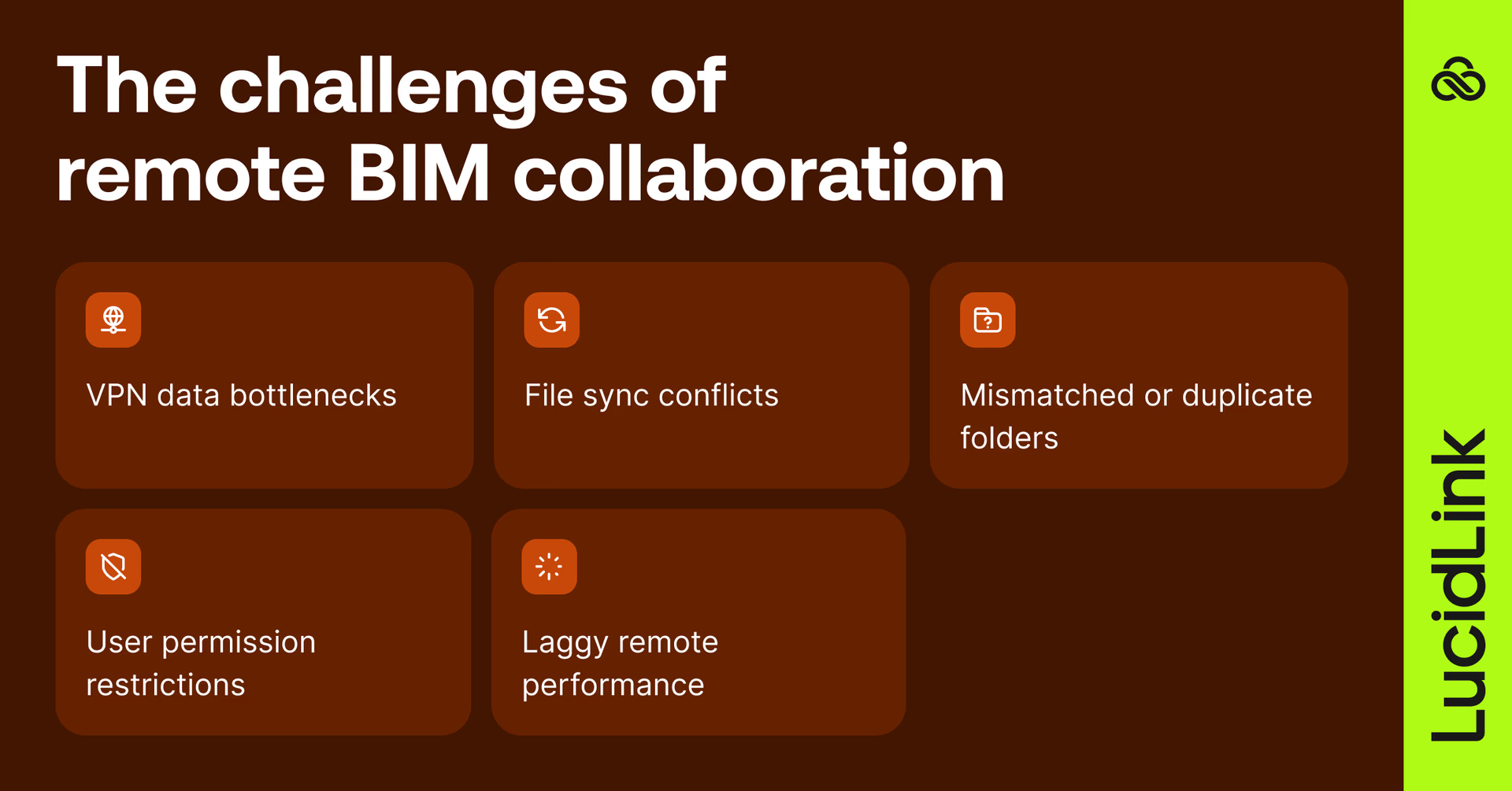
Because the workload shifts. Instead of supporting BIM workflows, internal teams end up managing infrastructure problems that keep showing up in different forms:
VPN bottlenecks
Sync conflicts
Broken or duplicated project folders
Permission issues
Slow remote performance
The work becomes operational maintenance rather than enablement.
Why traditional storage workflows break down at scale
BIM workflows put unusual pressure on infrastructure because everything is connected.
A single Revit model is a system of linked data. CAD drawings, families, materials, schedules, IFCs, point clouds and shared libraries all sit on top of each other.
So even small actions trigger large downstream effects: opening a model, syncing changes, updating links, saving work.
And once teams spread across offices and time zones, those effects don’t stay local, they spread.
That’s the real issue: not the files themselves, but how much movement they require just to keep collaboration going.
Traditional storage creates bottlenecks
Most BIM teams still use a combination of three setups:
NAS storage in a physical office
VPN access to central servers
Sync-based cloud storage platforms
All of them rely on the same basic workflow. Move the file first. Then work on it.
The result is a workflow where almost every action introduces some kind of delay: opening models, saving changes, syncing updates or coordinating files across teams.
The bigger the project becomes, the more delays creep into daily work.
Bigger servers and faster VPNs only partially help
When performance slows down, the usual response is infrastructure expansion:
Upgrade servers
Add bandwidth
Improve VPN throughput
Deploy VDI environments
Increase local storage

But those upgrades mostly reduce symptoms.
As BIM datasets continue growing, that approach becomes harder and more expensive to maintain.
The shift toward real-time remote BIM collaboration
At a certain point, the issue becomes the workflow itself rather than performance alone.
Work starts to feel less like collaboration and more like repetition. You download the files, wait for them to sync, push your changes and then repeat the cycle every time something updates.
That approach worked when teams were centralized in a single office.
But distributed collaboration changes everything.
The more offices, consultants and linked datasets involved, the harder it becomes to keep everyone working against the same live project state.
And once that breaks down, delays become part of the workflow rather than an occasional annoyance.

How LucidLink changes the workflow
With LucidLink, teams connect to one shared cloud filespace that behaves like a local drive.
But instead of downloading entire Revit projects before work can begin, only the data you're actively using is streamed in real time.
That removes a huge amount of friction from day-to-day BIM collaboration.
Teams spend less time:
Waiting for large models to open
Syncing duplicate project folders
Tracking down the latest linked files
Rebuilding broken VPN workflows
Real-time access to BIM data
File streaming lets you open and work on large Revit models without waiting for full project downloads first.
Whether people are:
In the office
Remote
On-site
Collaborating across countries
Everyone works against the same shared project environment in real time.
One shared project environment
Instead of maintaining separate project copies across offices, VPNs and synced folders, teams work from the same shared filespace from the start.
That means fewer situations where:
You open outdated linked models
Teams sync over each other’s work
Project folders drift out of alignment
Everyone sees the same live data, without version guesswork or duplicate files floating around.
File locking built for distributed collaboration
A lot of BIM coordination issues don’t actually happen inside the Revit central model itself.
They show up across all the files surrounding it: linked CAD drawings, Rhino models, IFC exports, point clouds and shared project resources spread across teams.
When multiple teams touch those files across different locations, version conflicts become difficult to avoid.
LucidLink adds native Windows file locking on top of shared storage, helping teams avoid accidental overwrites and conflicting revisions before they become coordination problems downstream.
Works across every environment
Windows, Mac or Linux, teams can access the same files using the tools they already work in.
No complex infrastructure rebuild required.
Just one shared global filespace accessible from anywhere.
From download cycles to live project access

The larger and more distributed BIM teams become, the harder it is to keep everyone aligned around the same live project state. At that point, the issue is no longer Revit itself, it’s the file workflow underneath it.
Traditional BIM collaboration often settles into a slow, repetitive rhythm where teams download files, wait for them to load, deal with sync issues, troubleshoot problems and then start the cycle all over again.
Real-time file streaming changes the underlying model of collaboration for distributed teams.
Instead of preparing files before work can begin, teams simply open the model and start working against shared live project data immediately. Here’s what that looks like in practice.
How Widseth simplified multi-office BIM collaboration

Widseth is a full-service AEC firm with 12 offices and around 250 users. Like many distributed teams, they were running into the same challenges, just at scale.
Across Civil 3D, MicroStation and Revit workflows, teams were constantly working with large CAD and BIM files. Over time, performance issues, VPN instability and file management overhead started to become real blockers to day-to-day work.
Their previous appliance-based setup added another layer of constraint, introducing issues like:
Slow file performance across offices
Occasional risk of corruption during brief service interruptions
Ongoing maintenance overhead just to keep storage running reliably
As collaboration expanded, opening a model or saving changes became inconsistent depending on where teams were working from.
After moving to LucidLink, Widseth unified file access across all offices without relying on local appliances or VPN-heavy workflows. This improved performance while reducing overall storage cost by 25%.
The impact showed up quickly in day-to-day work:
Consistent access to large design files
Eliminated overwrite risk through reliable file locking
Reduced operational burden on IT teams managing distributed storage infrastructure
Hybrid BIM workflows don’t need to feel fragmented
Most collaboration issues in distributed Revit environments don’t come from Revit itself, they come from the file workflows underneath it.
VPN delays, syncing workflows, scattered versions and unclear file states all add friction as projects scale.
With LucidLink, teams work from a shared cloud filespace that behaves like a local drive, enabling direct access to live project data without constant copying or syncing.
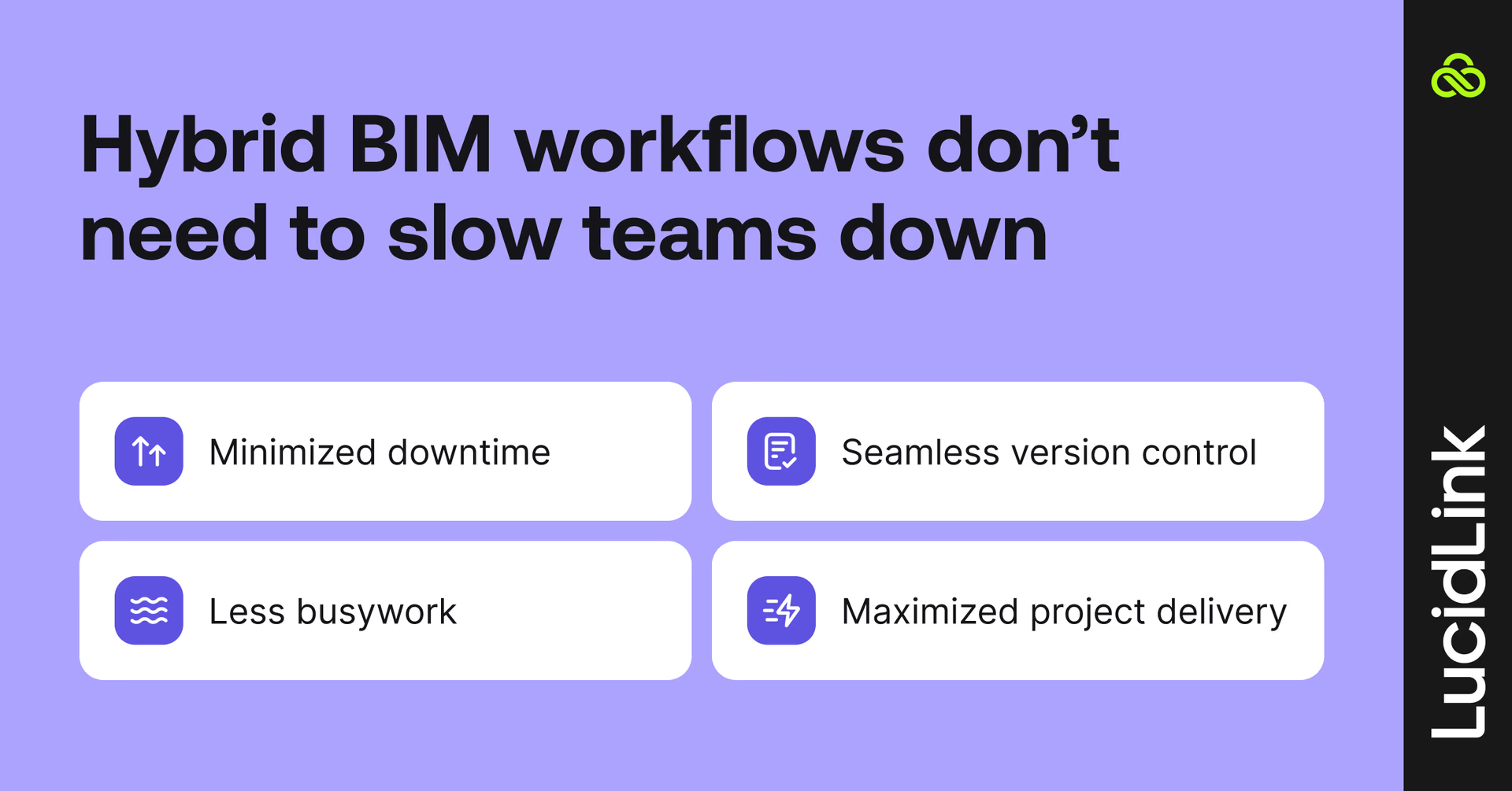
Architects, engineers and consultants can work on large BIM models in real time, with fewer delays and fewer coordination issues.
The result:
Less waiting
Fewer version conflicts
Lower operational overhead
More time delivering projects
Try LucidLink for free and see how distributed BIM teams simplify remote Revit collaboration and reduce VPN and sync bottlenecks.
FAQs
Improving BIM collaboration in Revit starts with reducing file transfer delays. Remote teams work more efficiently when everyone accesses the same live project data instead of downloading and syncing separate copies. Platforms like LucidLink help by streaming BIM files directly from the cloud, which keeps collaboration faster and more consistent across offices.
Keep reading
In the field
Collaboration
Setting up AI agents for reality capture in AEC
How Diorama.studio used an AI agent connected to LucidLink to organize field data in real time, during a two-week deadline drone survey.
16 September 2026, 6 mins read
Collaboration
In the field
Access over movement: rethinking media infrastructure for distributed teams
Tim Burton from 7fivefive explores why the future of media infrastructure is less about moving data and more about making it accessible where it already lives.
08 September 2026, 6 mins read
Collaboration
Creative production
Video editing workflow: a guide for collaborative teams
Discover how to create a collaborative video editing workflow. Get tips on how to turn your editing process into a seamless, team-based experience.
31 August 2026, 14 mins read
Join our newsletter
Get all our latest news and creative tips
Want the details? Read our privacy policy. Not loving our emails?
Unsubscribe anytime or drop us a note at support@lucidlink.com.