Cloud storage
Secure remote access: how to access files without a VPN
Last updated 04 June, 2026
7 mins

VPNs were built to support remote network access, not modern large-file collaboration.
For IT teams supporting distributed workforces, contractors and cloud-first workflows, that mismatch now creates both performance and security issues.
Secure remote access is no longer solely about extending the corporate network. Today, it’s about providing fast, controlled access to files from anywhere, without the bottlenecks, complexity and operational overhead of VPN infrastructure.
What is secure remote access?
Secure remote access is the ability for users to connect to organizational files, systems and data from outside the corporate network using authentication, encryption and access controls.
It includes both network-level access (VPN, ZTNA) and application-level access through cloud platforms that provide direct, controlled access to data.
In distributed, cloud-first environments, this increasingly means secure remote file access: where users connect directly to data rather than tunnelling into a corporate network.
The growing need for secure remote access
Work is no longer centralized. Teams are distributed across cities, time zones and organizations.
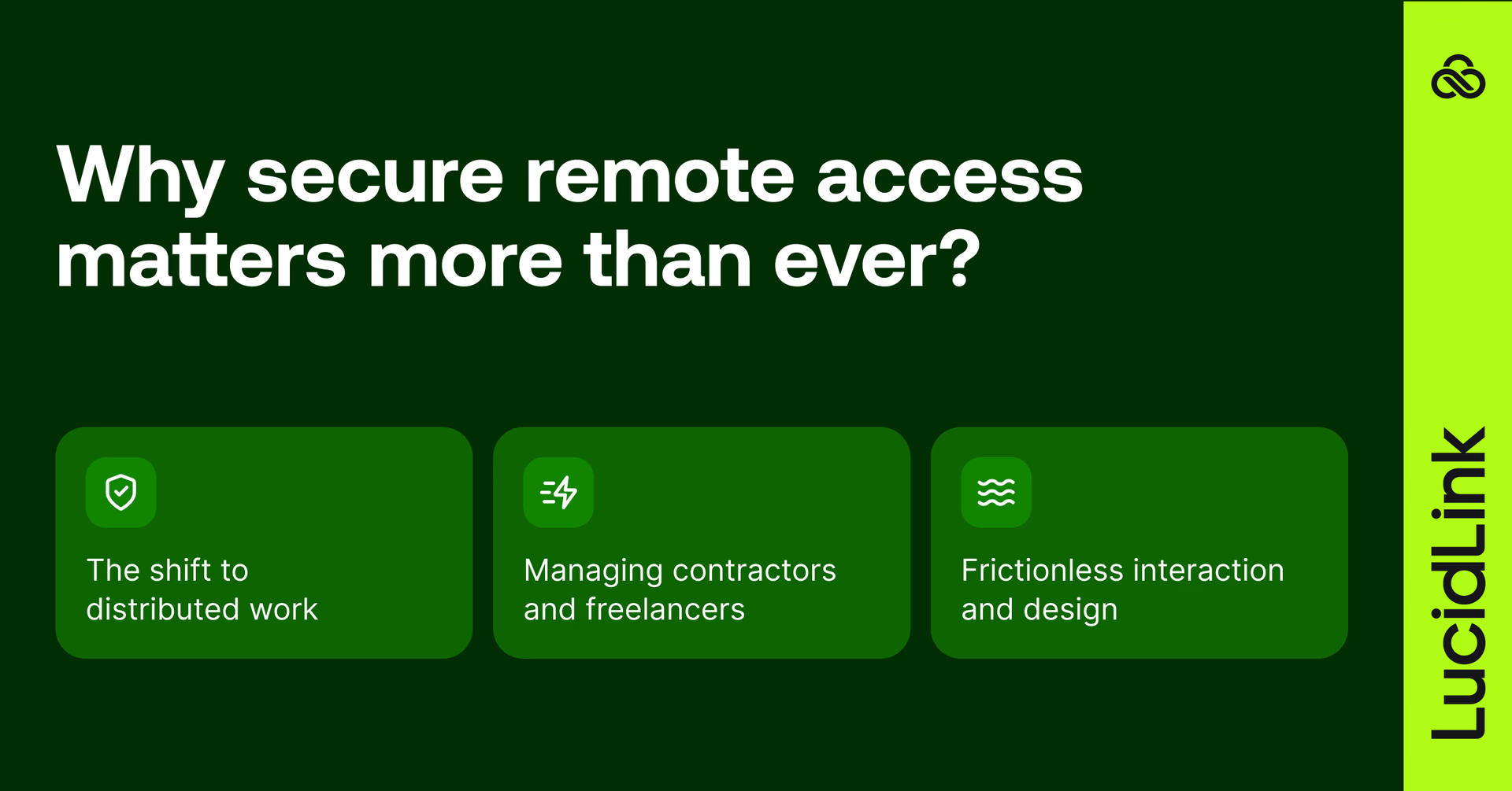
That shift makes one requirement unavoidable: files must be accessible securely from anywhere. Ideally, without operational overhead.
At the same time, risk is more fragmented than ever. Shadow IT, unmanaged file sharing and personal storage tools create exposure points that traditional IT struggles to fully control.
As a result, secure remote access now has to balance:
Strong security and compliance
High performance at scale (especially for large files)
A seamless user experience
Most legacy approaches struggle to deliver all three and that's where VPN-based models start to break down.
The rise of distributed work
Hybrid workflows are now standard. Whether it’s an editor working from home, an engineer on-site or a designer collaborating globally, users expect files to behave as if they are local.
Traditional file access infrastructure wasn’t designed for this level of distribution.
The contractor and freelancer challenge
That gap becomes more visible when external collaborators are involved.
Modern workflows depend heavily on freelancers, agencies, contractors and vendors. Granting VPN-based access in these scenarios introduces consistent workflow disruptions:
Complex onboarding
Limited control over unmanaged devices
Difficult or incomplete offboarding
Poor performance over remote connections
Each external user increases both operational overhead and security exposure, highlighting the limits of network-based access models.
What makes remote access secure?
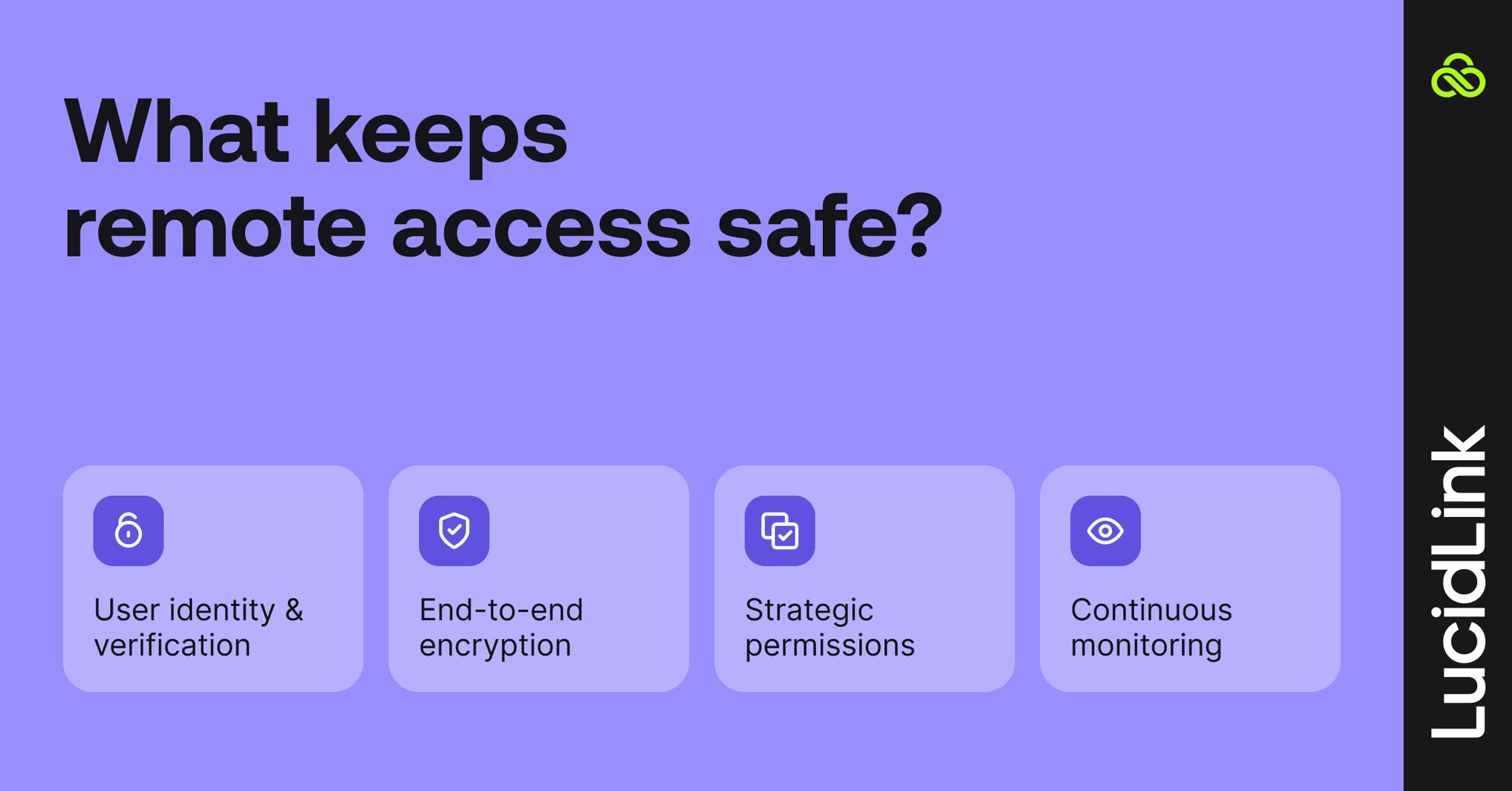
To understand what needs to change, it helps to define what secure means in practice.
Secure remote access is built on four core components: identity, encryption, access control and visibility.
Authentication and identity
Strong identity verification ensures only the right users gain access:
Multi-factor authentication (MFA)
Single Sign-On (SSO)
Integration with identity providers like Okta or Azure AD
Identity becomes the first enforcement layer for access.
Encryption
Security depends on protecting data:
Data in transit (while moving across networks)
Data at rest (while stored in infrastructure)
In zero-knowledge architecture, encryption goes further:
Data is encrypted on the user’s device before leaving it
Only the customer holds encryption keys
The platform and storage provider cannot decrypt the data
This means infrastructure is trusted for durability, not access.
Access controls and permissions
Secure systems limit access precisely:
File-and-folder level permissions
Role-based access control
Instant revocation of access
Permissions align with how real work happens: at the project and folder level, not just the network level.
Audit and visibility
Finally, security must be verifiable:
Audit logs of file access
User activity tracking
Compliance reporting
Without visibility, access cannot be audited or enforced effectively.
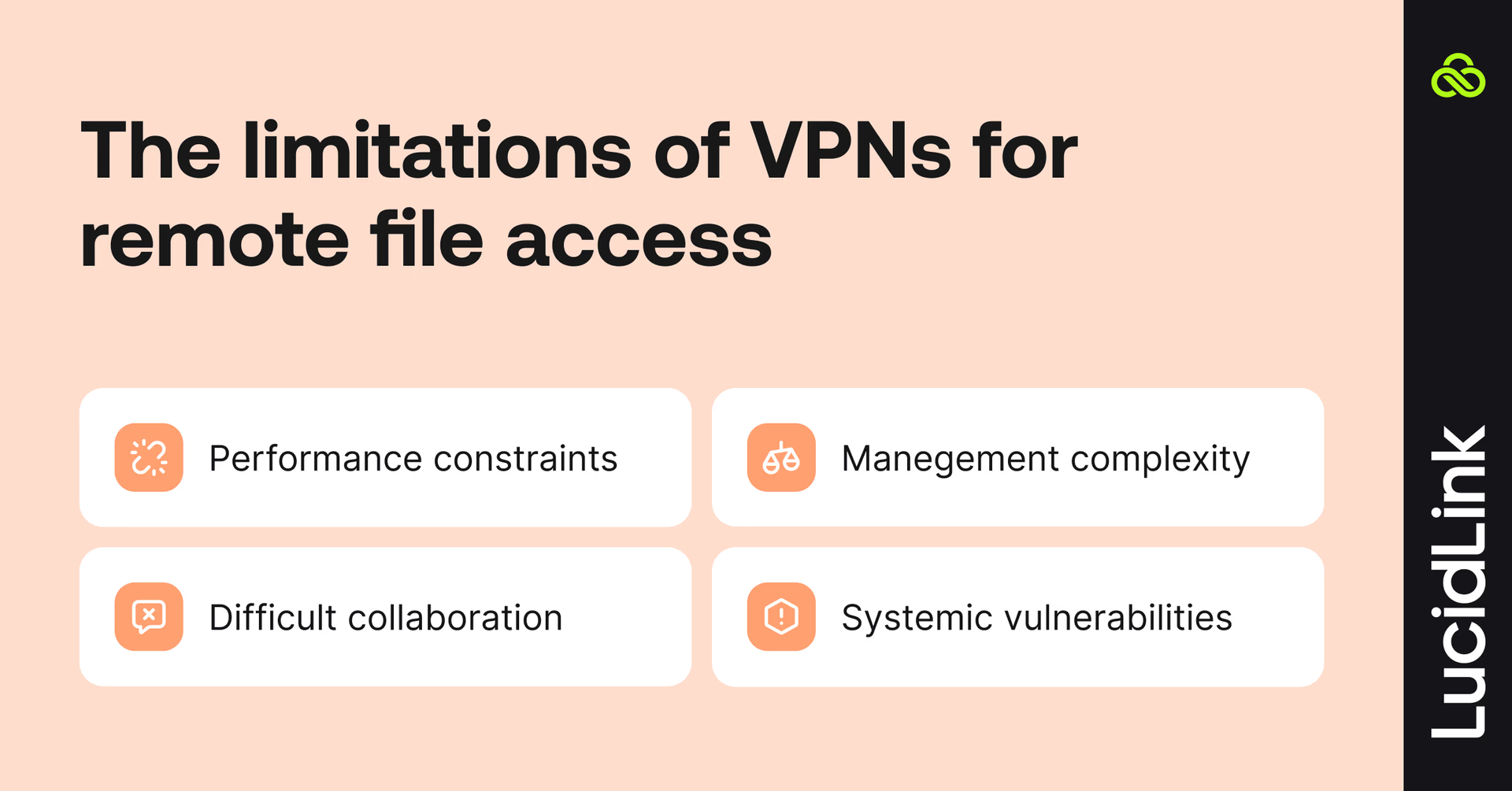
The problem with VPNs for remote file access
VPNs were designed to extend network access, not to support high-volume, large-file collaboration across distributed teams.
As a result, performance degrades as teams scale, especially when working with media, engineering or design files.
1. Performance bottlenecks
VPNs route all traffic through centralized infrastructure, which creates:
Latency increases over distance
Bandwidth constraints under load
Slow performance for large assets (video, CAD, 3D, datasets)
Performance degrades as teams scale.
2. Operational complexity
VPN environments require:
Device-level configuration
Ongoing IT maintenance
Troubleshooting across diverse endpoints
For external users, onboarding becomes a barrier rather than a control point.
3. Poor experience for external users
External users often cannot (or will not) use corporate VPNs.
This leads to:
Workarounds via file sharing tools
Shadow IT adoption
Uncontrolled data duplication
Security policies weaken in practice, even if they remain strong in theory.
4. Centralized risk and failure points
VPNs concentrate traffic through central gateways, creating:
Single points of failure
Performance choke points
High-value targets for attackers
They extend the network surface instead of reducing it.
How LucidLink provides secure remote access without a VPN
LucidLink removes the dependency on VPN-based network access.
Users work with files as if they’re local, while data remains centrally stored in the cloud.
Instead of granting access to infrastructure, users authenticate directly to data, with permissions applied at the file and folder level.
This shifts secure remote access from the network layer to the data layer.
In this model:
Identity defines access
Permissions define scope
Data is accessed on demand
No network-level exposure is required.
Zero-knowledge encryption
Reliable access without a VPN depends on a different security architecture.
With LucidLink, secure remote access is built on a zero-knowledge model:
Files are encrypted on the user’s device before upload
Data remains encrypted in transit and at rest
Only the customer holds encryption keys
LucidLink cannot access or decrypt customer data
Storage providers (AWS, Azure, etc.) store encrypted data blocks but have no visibility into file contents.
This architecture changes how security is evaluated:
Vendor risk is reduced (no provider access to data)
Compliance and audit processes are simplified
Data sovereignty requirements are easier to enforce
The trust model shifts from provider access to cryptographic guarantees.
File streaming instead of full downloads
Security issues in traditional systems extend beyond access to include data replication.
Sync-and-share tools distribute full copies of files:
Entire datasets stored locally
Sensitive files duplicated across multiple devices
Increased exposure from lost or unmanaged endpoints
LucidLink cuts this risk through file streaming:
Only the required data blocks are accessed
Files are not fully replicated locally, unless intentionally pinned for offline access
Cached data remains encrypted and unusable outside the session
This reduces both performance overhead and the attack surface.
Instant access revocation and clean offboarding
LucidLink’s security model also changes what happens when access is removed.
In traditional systems, revocation is incomplete, files may still exist locally.
With LucidLink:
Access is revoked instantly
Streams are terminated immediately
Residual file exposure is significantly reduced
For contractors, freelancers and BYOD environments, this removes an entire category of offboarding risk.
Secure remote access for large-file teams
These security differences are most visible in environments where large files, distributed teams and external collaborators collide.

Editors and VFX artists access and scrub high-resolution footage remotely without downloading entire files. External collaborators can be granted project-based access, then removed instantly when work is complete.
Architecture, engineering and construction (AEC)
Engineers open and work on Revit and BIM models directly from job sites or remote offices, without latency from VPN backhauling. With cloud-native file access platforms like LucidLink, teams can collaborate on centralized project data while maintaining granular access controls across internal teams and external partners.
Marketing and creative agencies
Teams collaborate with freelancers and clients on large creative assets without duplicating files across devices. Permissions ensure that external contributors only access what they need, with no residual data left behind after projects end.
IT teams standardize secure remote file access across distributed offices while maintaining centralized control. Solutions such as LucidLink help organizations provision and revoke contractor access instantly, without exposing the corporate network through traditional VPN infrastructure.
Across all of these use cases, the requirement is consistent: fast, secure access to large files, without the performance and security limitations of VPN-based infrastructure.
How to replace a VPN file server with cloud-native file access
Moving away from VPN-based file servers does not require workflow disruption.

LucidLink is designed to integrate into existing environments:
Mounts as a local drive
Applications behave normally
No retraining is required
Authentication integrates with existing identity providers (SSO/MFA), maintaining centralized control without relying on network tunnels.
This allows teams to transition gradually alongside existing infrastructure rather than replacing it all at once. When the fastest way to work is also the governed way to work, adoption improves naturally.
For a deeper dive into how cloud-native file streaming compares to traditional edge-based approaches, read file streaming vs edge filers.
What to look for in a secure remote access solution
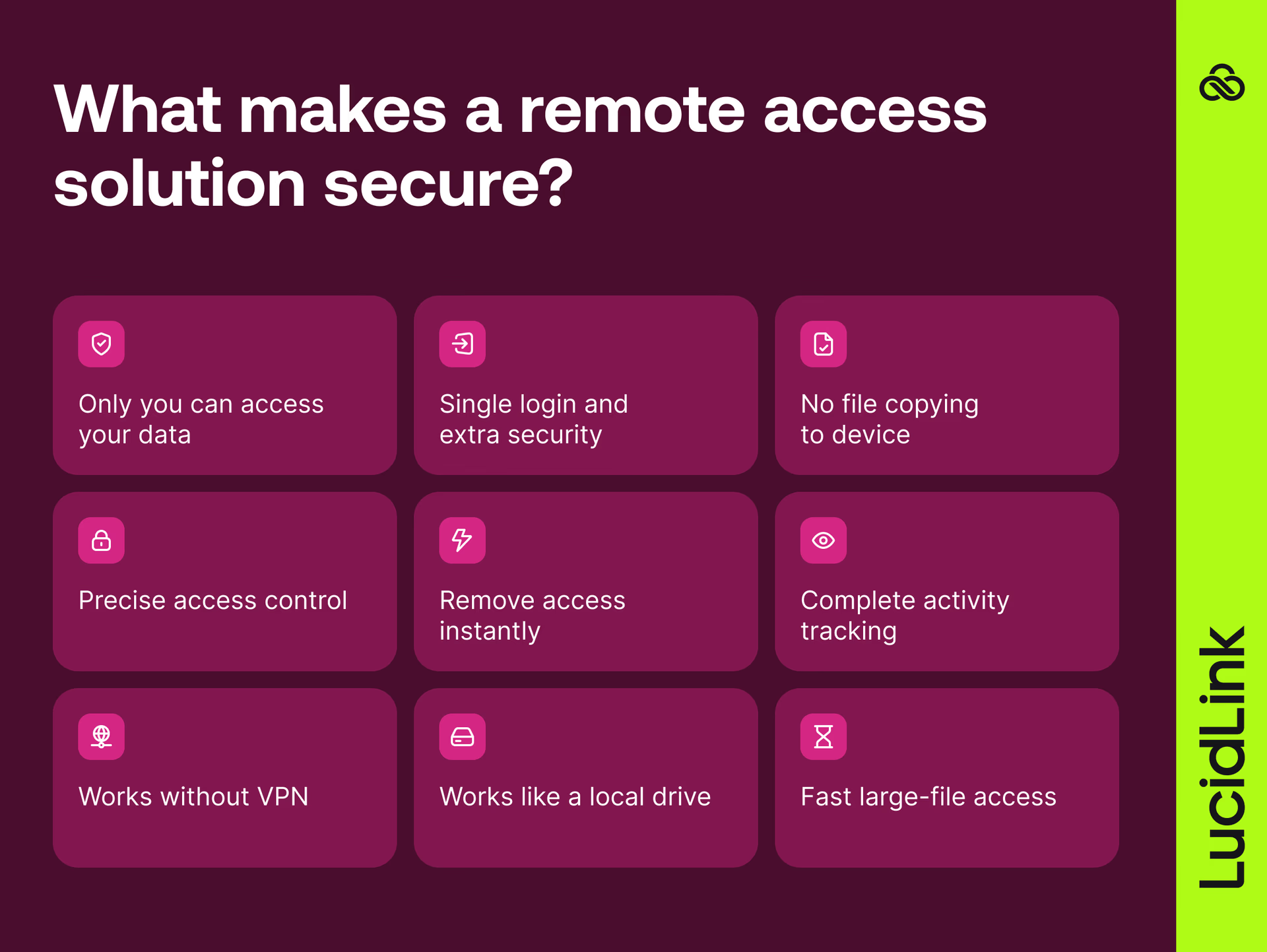
When evaluating secure remote access platforms, IT and security teams should prioritize:
Zero-knowledge encryption architecture
SSO and MFA integration
No local file replication
Granular file and folder permissions
Instant access revocation
Full audit logging and visibility
No dependency on VPN infrastructure
Local-drive user experience
High performance for large-file workflows
Solutions that meet these can replace VPN-based file access while improving both security and performance for distributed teams.
Secure access anywhere, without trade-offs
Secure remote access should not force a trade-off between control and usability.
LucidLink is designed to deliver both:
Zero-knowledge model (provider cannot access data)
SOC 2 Type II, GDPR and TPN alignment
File-level audit visibility and identity integration
Fast access to large files for distributed teams
For IT teams replacing VPN-based file servers, this simplifies both operations and vendor risk, while delivering the performance distributed teams expect.
Start a 30-day free trial, or book some time with our team.
FAQs
Secure remote access is the ability to connect to company files and systems from anywhere while using authentication, encryption, and access controls to protect data.
Keep reading

Cloud storage
New research: what your storage bill doesn’t tell you
New research from Situation Publishing explores the hidden costs around file infrastructure, from egress and duplication to lost time and manual work.
14 October 2026, 4 mins read
Cloud storage
Introducing the new LucidLink MSP: one platform for your whole book
LucidLink MSP runs on the LucidLink Management Platform, giving MSPs centralized deployment management and pricing that scales with growth.
09 September 2026, 2 mins read

Product & news
Cloud storage
Beyond headline speeds: what cloud file streaming needs to succeed
Block-level streaming, smart prefetching and metadata coordination: here's the architecture behind how LucidLink performs on standard internet connections.
05 August 2026, 6 mins read
Join our newsletter
Get all our latest news and creative tips
Want the details? Read our privacy policy. Not loving our emails?
Unsubscribe anytime or drop us a note at support@lucidlink.com.