Collaboration
6 best collaboration software tools for architects in 2026
Last updated 13 July, 2026
7 mins

Architecture projects span multiple offices, consultants, job sites and time zones.
But your collaboration infrastructure hasn't kept up. Teams still rely on fragmented storage systems, slow VPNs and sync tools that weren't built for large BIM and CAD workflows.
The result is time wasted resolving version conflicts, slow file access and coordination issues that compound as your projects scale.
In this guide, we’ll break down the best collaboration software for architects, including BIM collaboration software, cloud collaboration platforms and architecture project coordination tools.
Common collaboration challenges for architects
Hybrid AEC workflows are now the norm, but most legacy infrastructure was designed for teams working in the same building.
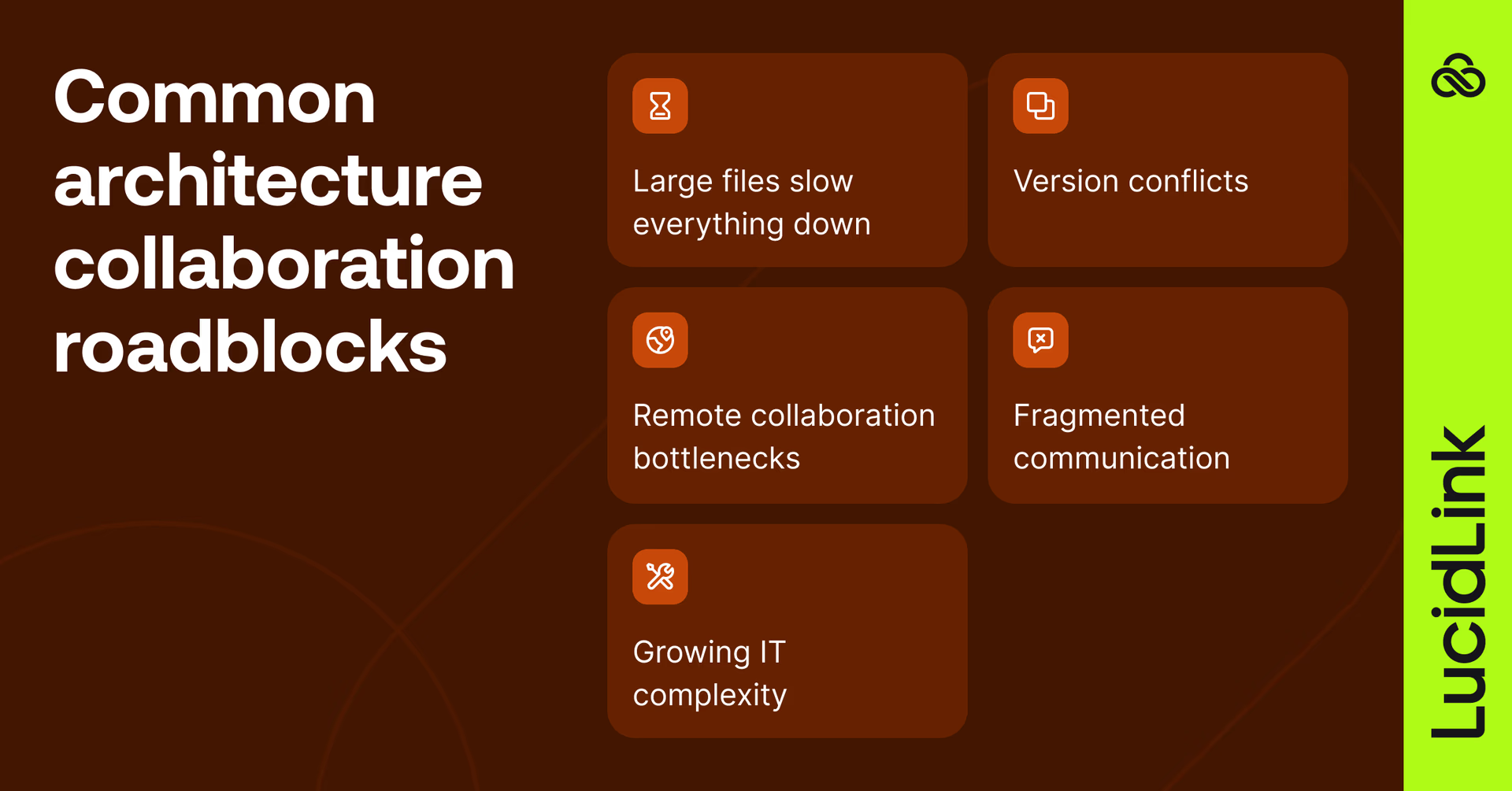
As projects become more distributed, this creates a few recurring problems:
Large CAD and BIM files slow everything down
A single Revit model can easily reach multiple gigabytes. Add linked models, render assets, point cloud scans and consultant packages and suddenly teams are moving enormous datasets across infrastructure that was never designed for real-time collaboration.
The problem gets worse in hybrid environments.
Someone in the office may have fast LAN access while remote users wait minutes just to open or save files over VPN connections. Multiply that across dozens of architects and engineers every day and the productivity loss becomes massive.
Read more about the hidden cost of AEC file access here.
Version conflicts break trust in the workflow
If you’ve ever seen files like: “Final_v8_REAL_FINAL.rvt” you’ve experienced the problem.
Once teams stop trusting where files live, they create workarounds. Local desktop copies, external hard drives, ‘temporary’ Dropbox folders and email attachments.
That fragmentation creates even more risk, especially on fast-moving projects where multiple stakeholders need access to the same BIM environment simultaneously.
Remote collaboration bottlenecks
VPNs, remote desktops and slow sync tools were never designed for real-time BIM workflows.
You’re collaborating across satellite offices, freelancers, construction sites and international partners. The old model of everyone connecting through the office VPN simply doesn't scale.
For a closer look at how edge filer and VPN-based setups compare to file streaming, read our Nasuni alternative guide.
Fragmented communication
Feedback gets scattered across email threads, PDFs, chat apps and RFIs. Critical decisions get lost in the noise.
Growing IT complexity
IT teams end up managing NAS infrastructure, permissions, storage scaling and security policies instead of focusing on things that move the business forward.
The challenges we’ve touched on share a common root: infrastructure built for centralized teams trying to support distributed ones.
What to look for in architecture collaboration software
Not all architecture collaboration software solves the same problem.
Some tools focus on BIM coordination. Others improve document reviews, construction workflows or cloud file access. The best setup often combines multiple platforms together.
But regardless of the stack, the goal stays the same: faster coordination with fewer workflow bottlenecks.
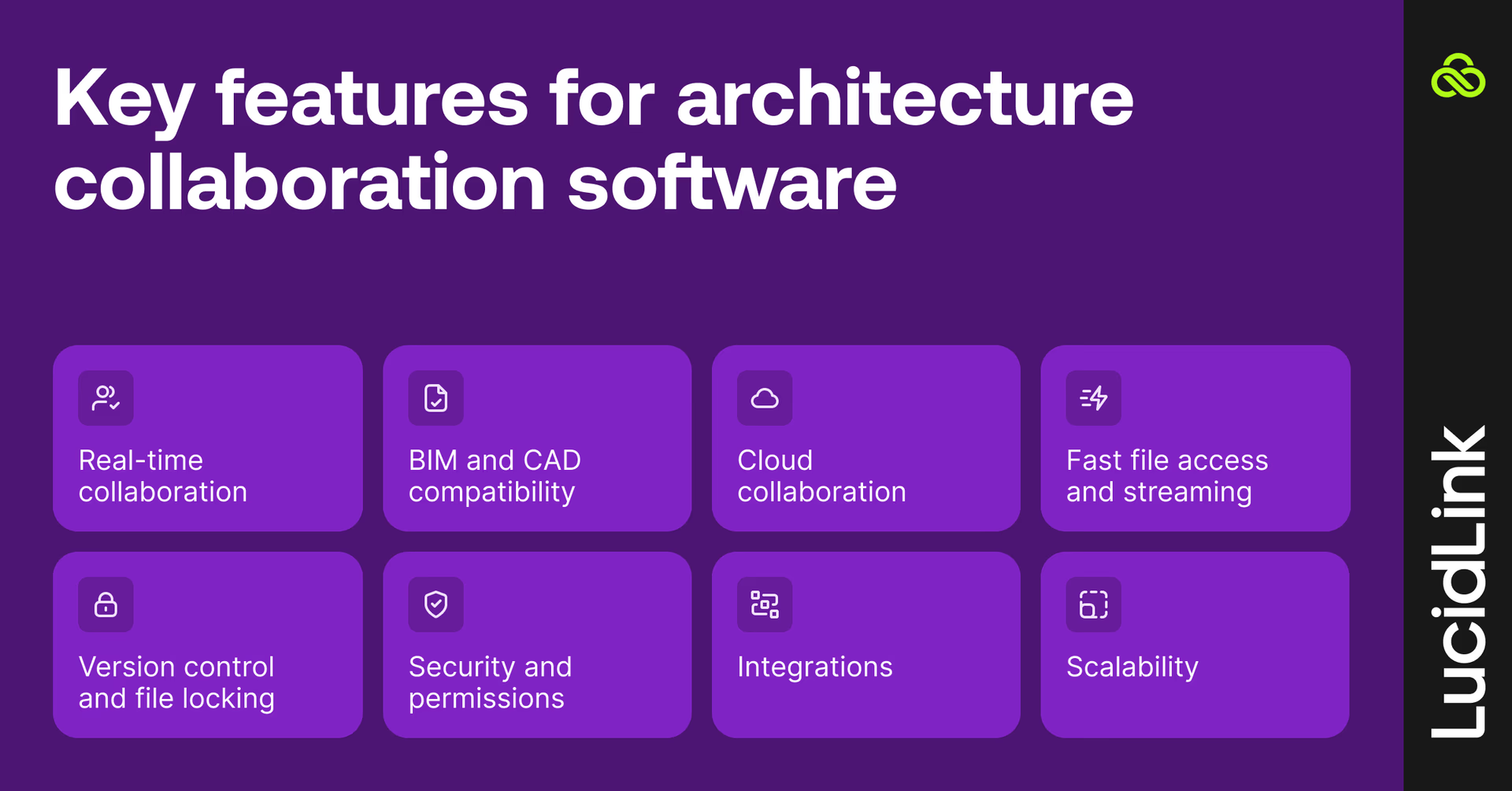
Here are some key features to prioritize in your architecture collaboration software:
Real-time collaboration
Multiple stakeholders should be able to work on the same project simultaneously with live updates.
This becomes especially important on fast-moving architecture projects where architects, consultants and contractors all need visibility into the latest project data.
BIM and CAD compatibility
Support for tools like Revit, AutoCAD, Navisworks, Rhino and Archicad. Collaboration software for architects should fit into existing workflows without forcing your team to change design tools or rebuild project processes from scratch.
Cloud collaboration
Modern architecture collaboration tools must support cross-office teams and remote access without introducing delays around file access or project coordination.
As hybrid AEC workflows become the norm, centralized cloud collaboration is increasingly replacing office-bound infrastructure.
Fast file access and streaming
Traditional file servers and sync-based storage duplicate project data across every workstation. Newer collaboration approaches like file streaming provide fast access to files in the cloud without unnecessary storage overhead.
Instead of copying entire datasets to every workstation, architects can stream what they need, when they need it, from wherever they're working.
That means no waiting for a full sync or routing files through a VPN which makes a significant difference when you’re collaborating on large Revit models, point clouds and CAD drawings across offices.
Version control and file locking
Critical for BIM workflows. File locking prevents overwrites and ensures teams aren’t stepping on each other’s work. Without strong version control, even small coordination mistakes can create major downstream delays.
Security and permissions
Enterprise-grade encryption, role-based access and audit trails are essential, especially when architecture firms collaborate with external consultants, contractors and project stakeholders.
Integrations
Collaboration tools are only worth considering if they work cleanly with the software architecture firms already rely on every day.
Scalability
As firms take on larger projects and more external collaborators, collaboration platforms need to support growing datasets, additional users and increasingly complex project coordination.
6 best collaboration software tools for architects in 2026
Before we go into more detail, here’s a quick comparison of the top architecture collaboration tools.
Best for
Key strength
BIM/CAD support
Cloud collaboration
Ideal team size
Tool
Autodesk Forma (formerly Autodesk Construction Cloud)
BIM coordination
Centralized BIM workflows
Revit, Navisworks, AutoCAD
Excellent
Mid to enterprise
LucidLink
Real-time file collaboration
Instant file streaming
Revit, AutoCAD, Rhino, Civil 3D
Excellent
Mid to enterprise
Bluebeam Revu
Drawing reviews
PDF markup collaboration
PDF-based workflows
Good
Small to enterprise
Procore
Construction-phase collaboration
RFIs and field coordination
BIM integrations
Excellent
Mid to large
Trimble Connect
Cross-discipline coordination
Common data environment
IFC, RVT, DWG
Good
Small to large
Miro
Early-stage design collaboration
Visual brainstorming
Limited BIM support
Excellent
Small to mid
1. Autodesk Forma: best for BIM coordination
Autodesk Forma is the most widely used BIM collaboration platform. For firms running Revit-heavy workflows, it's often the natural starting point.
Its strength is deep integration across the Autodesk ecosystem: Revit Cloud Worksharing, clash detection, document management and construction coordination all in one place.
Where it gets complicated is cost and flexibility. BCP licenses add up fast, especially for firms with external consultants. And for teams managing large file access across distributed offices, many pair ACC with a dedicated file streaming layer to handle performance outside the Revit environment.
Why architects use it
Centralized BIM coordination
Model sharing and clash detection
Integrated construction workflows
Strong Autodesk ecosystem integration
Key features
BIM Collaborate Pro
Document management system
Version tracking and issue management
Field collaboration tools
2. LucidLink: best for real-time AEC collaboration
Where Autodesk Forma handles model coordination, LucidLink solves the problem that sits underneath every tool on this list: getting large project files to distributed teams instantly, without VPN delays, syncing or duplicate storage.
Files stay in the cloud while architects stream only the data they need on demand. That means your team can work with large BIM and CAD datasets without maintaining duplicate local copies across every workstation.
LucidLink works alongside Autodesk Forma rather than replacing it, and supports every major AEC tool including Revit, AutoCAD, Rhino, Civil 3D and point clouds.
LucidLink was the only solution that checked all the boxes: performance, security, true file locking and work-from-anywhere, without adding more hardware.
Brent Morris,IT Manager, Widseth
Why AEC teams use LucidLink
Stream large BIM and CAD files instantly
Eliminate duplicate project folders
Replace VPN-based workflows
Enable true remote architecture workflows
Support Revit, AutoCAD, Rhino, Civil 3D and point clouds
Native Windows file locking for BIM coordination
Key features
Cloud-native file streaming
Global file namespace (single source of truth)
Real-time file access from anywhere
Secure permissions and access control
Works across Windows, Mac, and Linux
Read how Widseth unified 12 offices, eliminated appliance dependency and cut storage costs by 25% with LucidLink.

3. Bluebeam: best for drawing reviews and markups
Bluebeam remains one of the most common collaboration tools during review and documentation phases because it mirrors how many architecture teams already communicate visually.
Instead of replacing BIM workflows, it complements them.
Why architects use it
Real-time PDF markup
Drawing review workflows
Construction document collaboration
Key features
Advanced markup tools
Studio Sessions for collaboration
Version comparison tools
It’s especially useful during design review and coordination phases.
4. Procore: best for construction-phase collaboration
While many architecture tools focus on design collaboration, Procore is heavily optimized for field execution and construction coordination.
That makes it especially useful once projects move from design development into active construction phases.
Why architects use it
RFI and submittal management
Field coordination tools
Construction project tracking
Key features
Project management suite
Budget and schedule tracking
Mobile collaboration tools
Best suited for later-stage construction workflows rather than design-heavy collaboration.
5. Trimble Connect: best for multidisciplinary coordination
Trimble Connect acts as a common data environment for multidisciplinary architecture, engineering and construction teams.
One of Trimble Connect’s biggest strengths is interoperability.
Architecture projects often involve multiple disciplines working across different software ecosystems.
Trimble Connect helps centralize coordination across those environments without forcing everyone into the same authoring platform.
Why architects use it
Centralized coordination platform
Cross-discipline collaboration
Strong field integration
Key features
Cloud-based CDE
Issue tracking and commenting
Version control across disciplines
Support for 60+ file formats
It’s often used to bridge design and construction teams.
6. Miro: best for early-stage design collaboration
Not every collaboration challenge is a file problem. Miro solves some of the issues that happen before anyone opens Revit.
Early design conversations are often messy and highly visual. Teams need a space to brainstorm before detailed modelling begins. Miro gives architecture teams an infinite canvas for workshops, workflow mapping and client sessions that don't fit inside a BIM tool.
Why architects use it
Remote brainstorming sessions
Client workshops
Workflow mapping
Key features
Infinite whiteboard canvas
Visual ideation tools
Real-time collaboration
Miro shines before BIM and CAD workflows begin.
Better collaboration starts with better file access

Hybrid work is now standard across many AEC teams. Consultants are increasingly global, and BIM datasets continue to grow in size and complexity.
But many firms are still trying to support modern workflows using infrastructure designed for a much more centralized world.
The right collaboration software helps architecture teams access files faster, coordinate more effectively and reduce the friction that slows distributed projects down.
Try LucidLink free and see how architecture teams stream project files instantly and collaborate from anywhere.
FAQs
The best collaboration software for architects depends on how your firm works. Some teams prioritize BIM coordination and construction workflows, while others need faster access to large CAD and Revit files across offices and consultants. Many architecture firms combine tools like Autodesk Forma, Bluebeam and LucidLink to support different stages of project collaboration.
Keep reading
In the field
Collaboration
Setting up AI agents for reality capture in AEC
How Diorama.studio used an AI agent connected to LucidLink to organize field data in real time, during a two-week deadline drone survey.
16 September 2026, 6 mins read
Collaboration
In the field
Access over movement: rethinking media infrastructure for distributed teams
Tim Burton from 7fivefive explores why the future of media infrastructure is less about moving data and more about making it accessible where it already lives.
08 September 2026, 6 mins read
Collaboration
Creative production
Video editing workflow: a guide for collaborative teams
Discover how to create a collaborative video editing workflow. Get tips on how to turn your editing process into a seamless, team-based experience.
31 August 2026, 14 mins read
Join our newsletter
Get all our latest news and creative tips
Want the details? Read our privacy policy. Not loving our emails?
Unsubscribe anytime or drop us a note at support@lucidlink.com.