Product & news
7 questions to ask your cloud file streaming vendor
Last updated 26 August, 2026
8 mins

If you're in the market for a cloud file streaming solution, you have more options than ever.
We welcome the competition. It means the approach LucidLink pioneered a decade ago has proven out.
But more options also means more claims to sort through, and they don’t always hold up under scrutiny.
In reality, no vendor deck or demo can reveal how a platform actually behaves under real production conditions. But getting the answers to these seven questions will help you narrow the field before you commit to a proof of value.
1. Security architecture: who generates, controls and can use the encryption keys?
Most platforms in the market will tell you they use AES-256 encryption in transit and at rest. That’s expected.
The question that matters is: who controls the encryption keys, and what happens if the vendor is breached or subpoenaed? Zero-knowledge removes that possibility.
Ask directly:
"If you were compromised or received a government subpoena, could you produce our unencrypted data?"
"Where do the encryption keys live, on your infrastructure or ours?"
"Does your architecture let any of your employees access our files?"
Watch for:
Encryption describes how data is protected, not necessarily who can access it. Be wary of security claims that have no clear explanation of who controls the encryption keys.
LucidLink's answer:
LucidLink's zero-knowledge architecture means only the customer controls the encryption keys. There are no customer keys stored on LucidLink's side, so neither LucidLink employees nor legal orders can decrypt customer data.
2. Identity, permissions and auditability
SAML SSO and SCIM are commonly listed features.
The real question is what happens after an incident. If footage leaks before launch or someone accidentally deletes production assets, can you identify exactly who accessed, modified, moved or deleted the file — and when?
Ask directly:
"Can IT see which user and device accessed, modified, moved or deleted a specific file, and when?"
"Are users and groups provisioned and deprovisioned automatically through SCIM?"
"Can administrators enforce SSO and MFA org-wide directly, or does that mean contacting the vendor?"
"Who can share content externally, and can that access be revoked immediately?"
Watch for:
“Audit logging” that only covers administrative actions or login events rather than per-file, per-device activity. If the audit log can't answer which device accessed this file at 11pm on Tuesday, it won't hold up when you really need it.
LucidLink's answer:
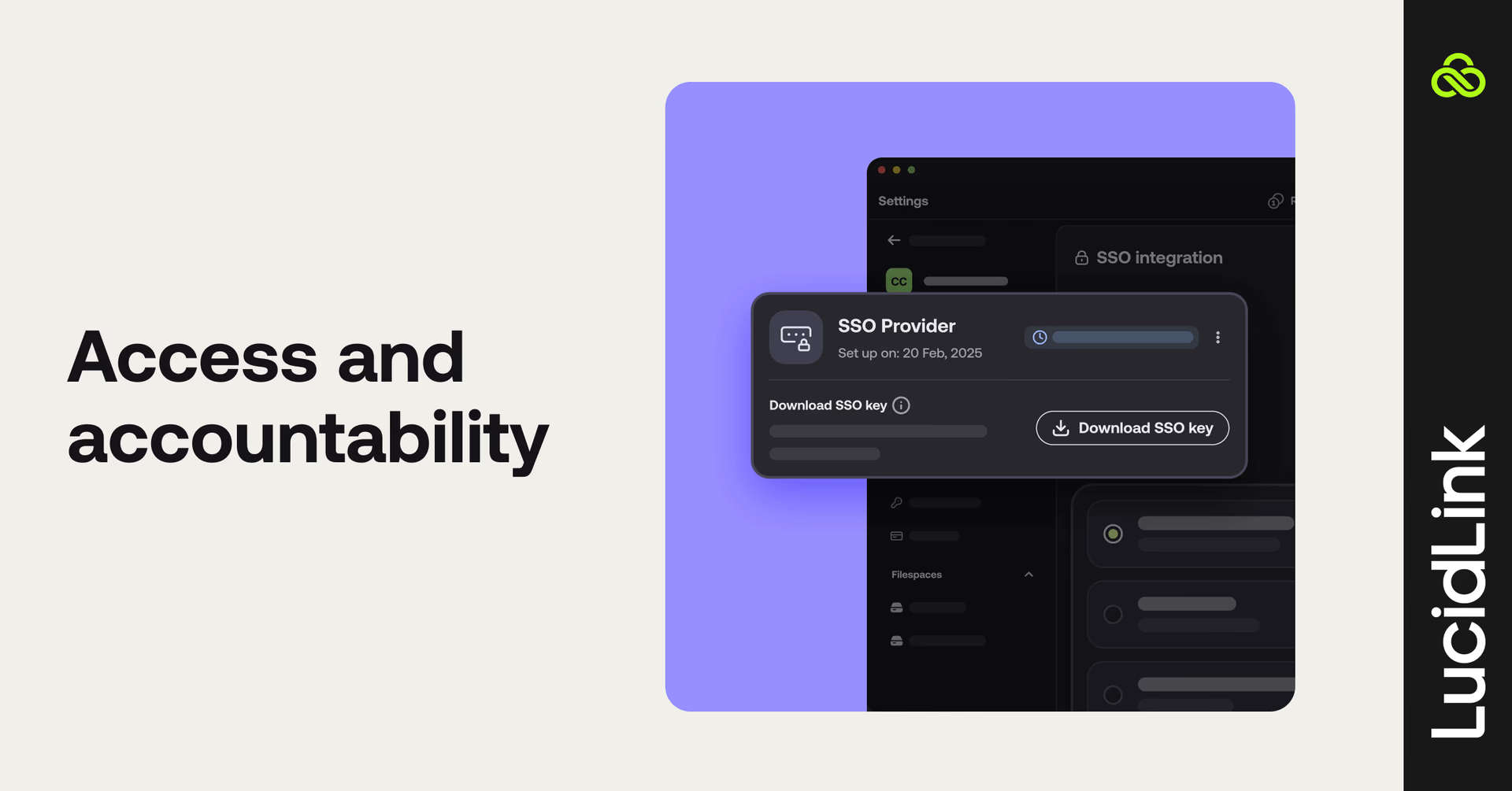
An audit trail that records which user and device accessed, modified, moved or deleted files, and when. SAML SSO, SCIM and MFA simplify identity management and help ensure only authorized users retain access.
External sharing is administrator-controlled, protected by LucidLink's zero-knowledge architecture and access can be revoked immediately.
3. Operational resilience: separate availability from recovery
Many vendors emphasize multi-region redundancy and failover, but those features don't automatically provide point-in-time recovery.
As with any cloud service, it's important to understand where the provider's responsibility ends and yours begins.
Ask directly:
“If someone accidentally deletes a production folder today, how do I restore it? Can I do it myself, or do I need to contact support?”
“Is there a hard cap on how far back I can recover? What happens to data older than that window?"
“Can I create or schedule snapshots before a major production milestone or migration?”
“What's your documented recovery workflow? Can you point me to the public documentation?”
Watch for:
Recovery described in availability terms rather than recovery terms. Watch for short fixed retention windows, 7 or 30 days is meaningful protection against accidental deletion but offers little coverage against ransomware discovered weeks later.
LucidLink's answer:
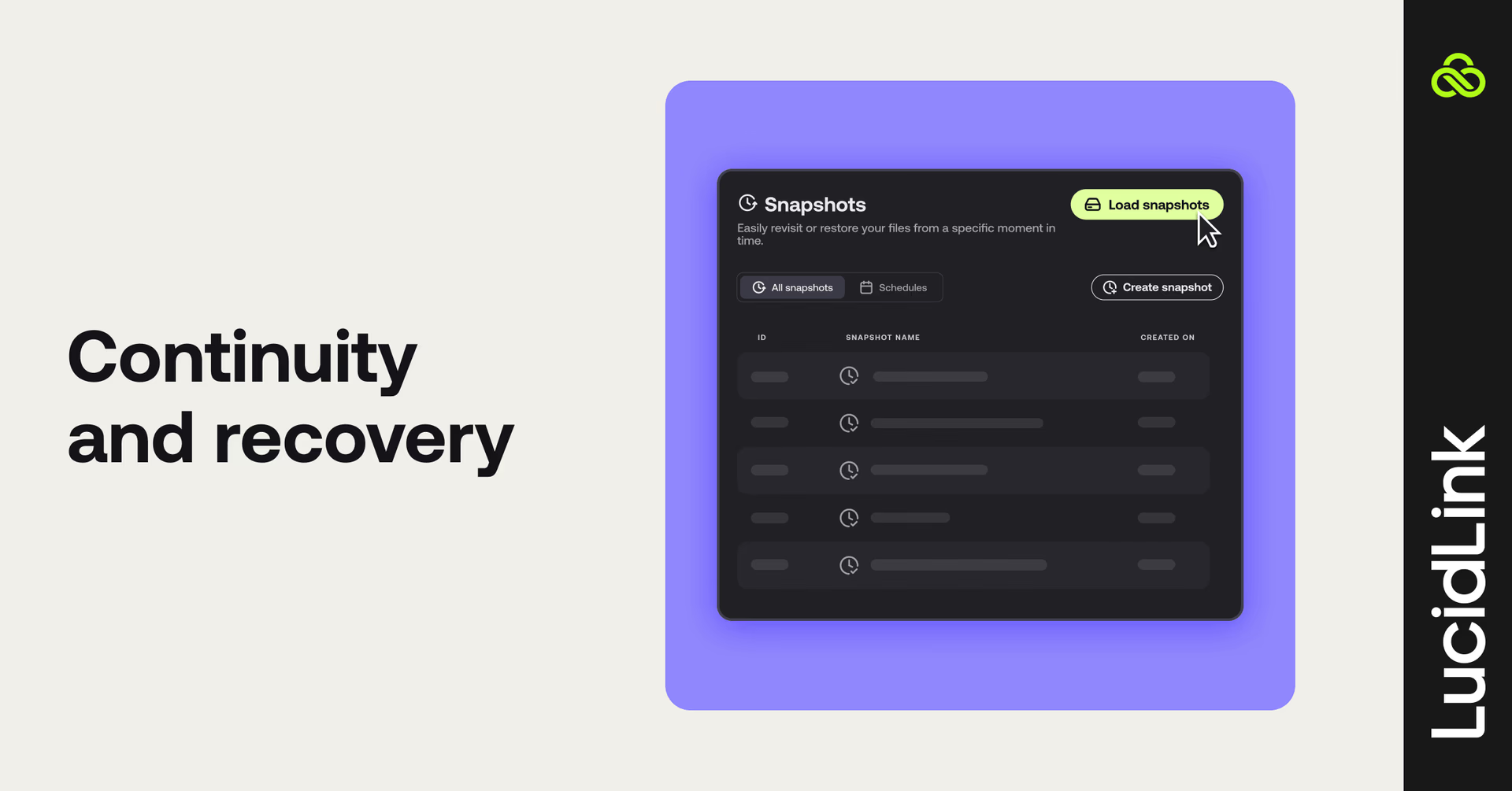
LucidLink combines published snapshot retention (30 days for Business to unlimited for Enterprise) with customer-controlled recovery. Administrators can schedule snapshots, restore previous points in time themselves and follow documented backup workflows using Veeam, Rsync and Rclone.
4. Collaboration integrity: what happens when things go wrong?
Every platform promises smooth collaboration. That’s easy to demo on regular workflows. The real test is how the platform behaves when collaboration doesn't go as planned.
Think about what could happen when two people save changes at nearly the same time, a laptop crashes mid-upload or someone opens a file that's still transferring.
These are the moments that reveal whether a platform protects your team's work or leaves them in limbo, unsure whether a save went through, a transfer completed or the version they're looking at is truly current.
Ask directly (then test):
“Have two users save changes to the same file at nearly the same time. How does the platform prevent silent data loss? Does it preserve both versions, warn users of a conflict or overwrite one user's changes?”
“Force-close the client or disconnect the network during a large upload. Can collaborators tell the upload was interrupted? When the user reconnects, does the upload resume where it left off or restart from the beginning?”
“While one person is uploading a large file, what do everyone else see? Can collaborators tell the file is still uploading, or do they have to assume it's ready?”
Watch for:
Overwrite behavior that isn't documented, interrupted uploads that require manual recovery or no visibility into files that are still transferring.
LucidLink's answer:
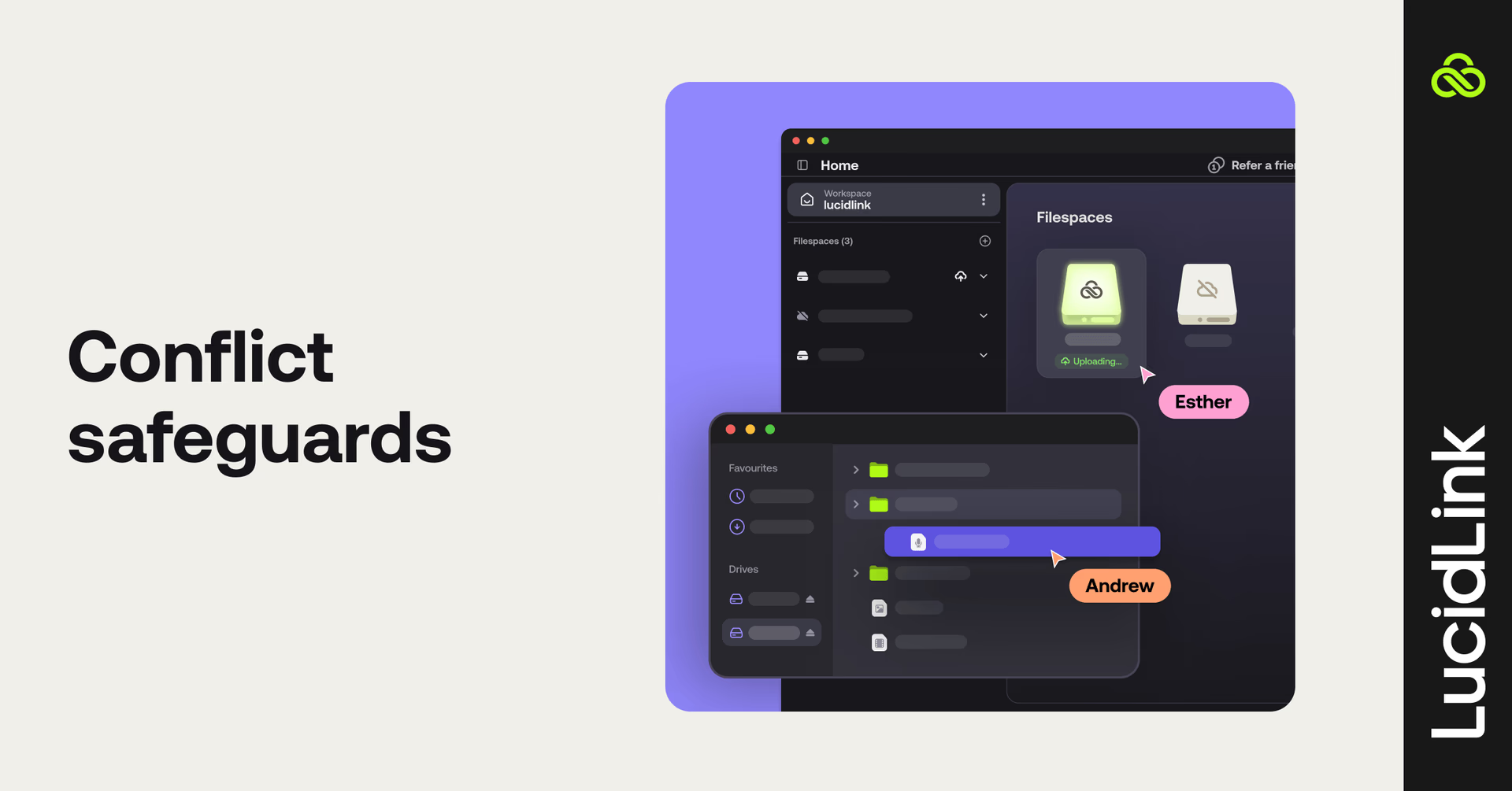
LucidLink is designed to prevent silent data loss. In the rare event of simultaneous writes, both versions are preserved rather than one user's changes being overwritten.
On Windows, LucidLink provides OS-level file locking, so the more common scenario — two people opening the same file at different times — is actively prevented at the OS level before a conflict can occur.
On macOS, protection depends on the application holding its own file lock, which is true of any platform on macOS today. If an upload is interrupted, reconnecting to the filespace resumes the remaining upload, while a live remote upload indicator lets collaborators see when a file is still uploading or has become interrupted.
5. Access everywhere: can everyone work from the same data?
Modern teams work across locations, devices and disciplines. Not everyone is at a desk, and not everyone is in the same tool. And not every platform gives you access to files that already live in another cloud without migrating them first.
Ask directly:
“Which platforms have native clients: Windows, macOS, web, iOS and Android?”
“If I open the same file from my laptop, phone and a teammate's desktop, are we all working from the same data or separate synced copies?”
"Can you send content to external users for review and approval without requiring them to install software or pay for a seat?"
“Can I access content already stored in Frame.io, Dropbox, SharePoint, Google Drive or S3-compatible storage without migrating it first?”
Watch for:
No native mobile clients (iOS, Android). External sharing that requires reviewers to install software or create an account. Platforms that won't surface your existing cloud storage without migration.
LucidLink's answer:
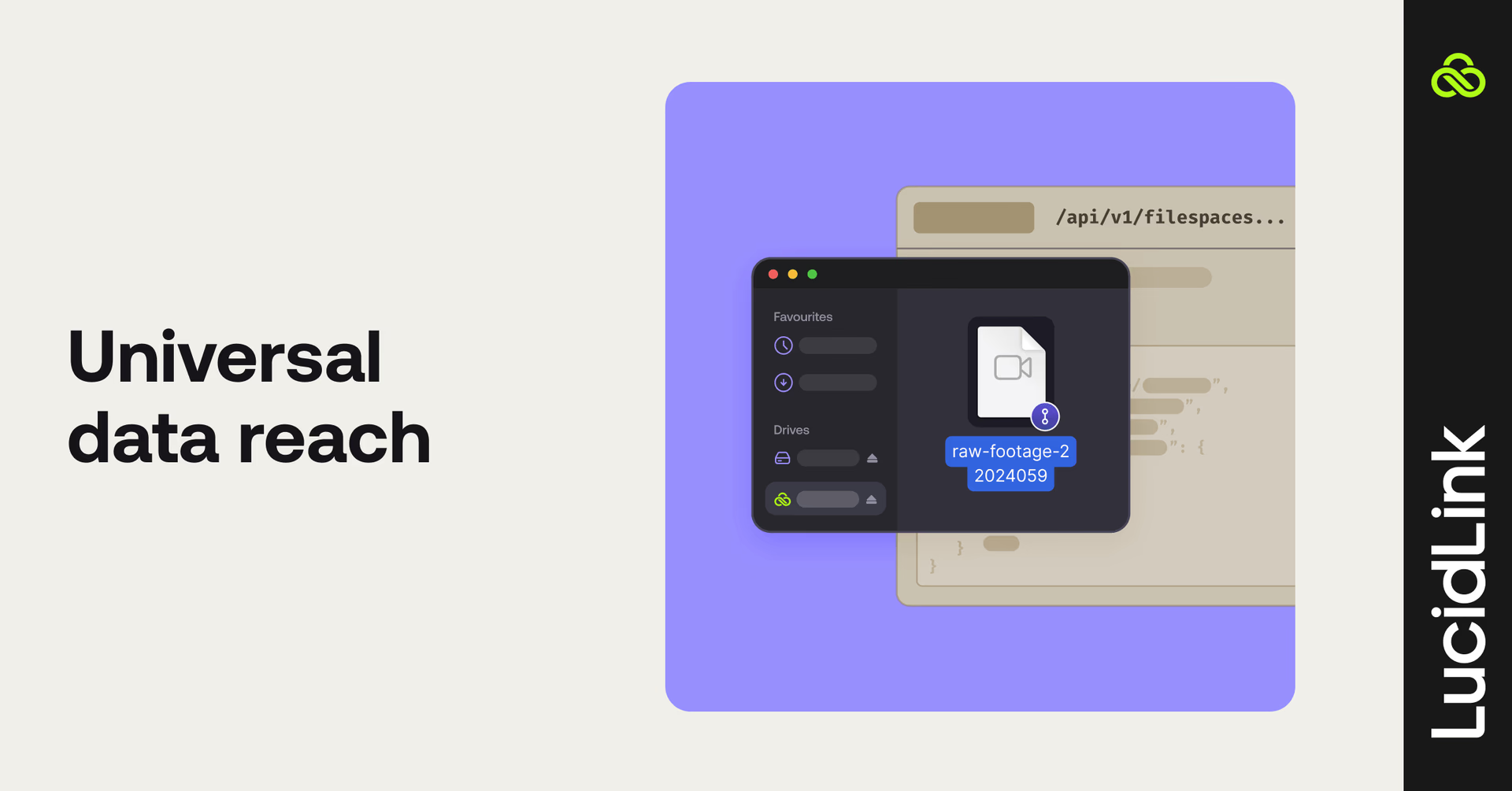
We provide native desktop, web and mobile (iOS and Android) clients streaming from the same data.
For external review and approval, Guest Access lets teams share via email verification, without software or an account. LucidLink Connect surfaces content from Frame.io, Dropbox, SharePoint, OneDrive, Google Drive, S3 and other cloud drives without migration.
6. Cache architecture: how much ongoing tuning does performance require?
Every cloud file streaming platform caches data locally. How a vendor thinks about cache sizing reveals a lot about how confident they are in their own performance.
Cache default philosophy matters: a single large default for all users is a different posture than letting administrators set defaults users can adjust to their actual workload.
Ask directly:
"Can administrators set cache defaults, or is there one fixed default for all users?"
"Does cache size need to be configured differently per application to get reliable performance?"
Watch for:
Default cache recommendations like 250GB. A large default may signal performance limitations the platform is compensating for locally.
LucidLink's answer:
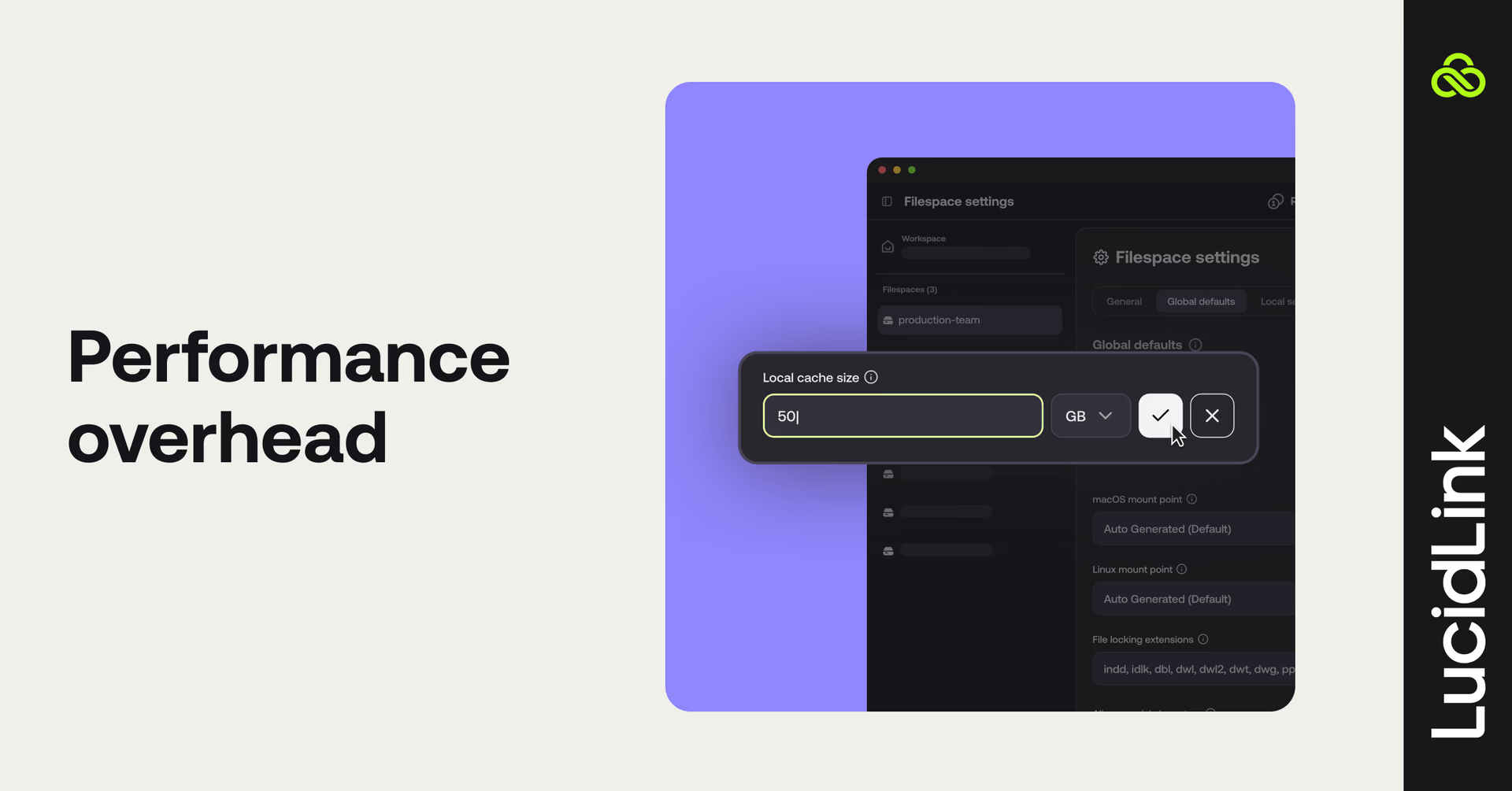
LucidLink lets administrators set a filespace-wide cache default that users can adjust to their workload. Different workflows have different needs, and the platform performs reliably at both. The default cache is not sized large because performance doesn't depend on it. Users size their cache to what they're working on, not to what the platform needs to keep up.
7. Ecosystem maturity: how much of the platform has already been tested for you?
Newer platforms often haven't encountered the edge cases that large production workloads reliably surface.
Years of deployments, enterprise-scale customers and independent third-party recognition represent risk that has already been absorbed, rather than risk your team will discover.
Ask directly:
"How many organizations are using the platform in production today, and how much data are they managing in aggregate?"
"What's the typical number of simultaneous users — tens, hundreds or thousands — all working at the same time across these deployments?"
“Can you provide references from organizations similar to ours in size and complexity?”
“Has the platform received independent industry recognition, or are its performance and reliability claims primarily self-reported?”
"Does the platform have verified customer reviews on independent sites like G2 or Gartner Peer Insights?"
"What does support look like at enterprise scale? Is there 24/7 availability, dedicated account management and documented SLAs?"
Watch for:
Customer references that skew toward small teams or early adopters, proof points based primarily on company-reported metrics or platforms where most enterprise deployments are recent.
A platform that describes itself as "production-ready" while still shipping core features in private beta is asking you to absorb more risk than its marketing implies. Vendors with few verified reviews on independent platforms, or where support beyond business hours requires a separate enterprise contract are worth questioning further.
LucidLink's answer:

LucidLink has spent over a decade supporting production workloads at enterprise scale. We have more than 110,000 users across 4,000+ businesses managing over 95 petabytes of data and provide 24/7 support.
Our technology has also received independent recognition, including an Engineering, Science & Technology Emmy® Award from the Television Academy. We’re also a G2 Leader in Cloud File Storage, rated #1 for customer satisfaction with a 4.5/5 across 700+ reviews.
File streaming POV checklist
None of these seven areas can be judged from a sales deck. Only a structured POV shows how a platform behaves. Platforms that hold up under this scrutiny tend to welcome the questions.
Evaluation area
What good looks like
✓
☐
Security architecture
The vendor cannot decrypt customer data because only the customer controls the encryption keys.
☐
Identity & auditability
Every file action is attributable to a specific user and device, with enterprise identity controls and administrator-managed sharing.
☐
Operational resilience
Customers can restore data themselves using documented recovery workflows without relying on vendor support.
☐
Collaboration integrity
Simultaneous saves don't silently overwrite each other, interrupted uploads resume automatically and teams have visibility into work that's still in progress.
☐
Access everywhere
Everyone works from the same data across desktop, web, mobile, guests and an option to access existing cloud storage, without migration or duplicate copies.
☐
Cache architecture
Cache defaults are administrator-controlled and workload-adjustable. The platform doesn't rely on a large default cache to perform.
☐
Ecosystem maturity
Years of enterprise production deployments, independent third-party recognition and customer references at meaningful scale.
Ready to put LucidLink to the test? Start a free 30-day trial or book a demo to see how it fits with your workflows.
Keep reading
Product & news
LucidLink wins 2026 Inc. Power Partner Award in AI, Technology & Development
LucidLink has been named a 2026 Inc. Power Partner in AI, Technology & Development, recognizing the results we deliver with customers and partners.
23 October 2026, 3 mins read

For developers
Product & news
A dashboard for your filespace, built where your keys are
Build a dashboard for your LucidLink Filespace from its audit trail with an agent skill for Claude Code and Codex, without touching zero-knowledge encryption.
19 October 2026, 4 mins read
Product & news
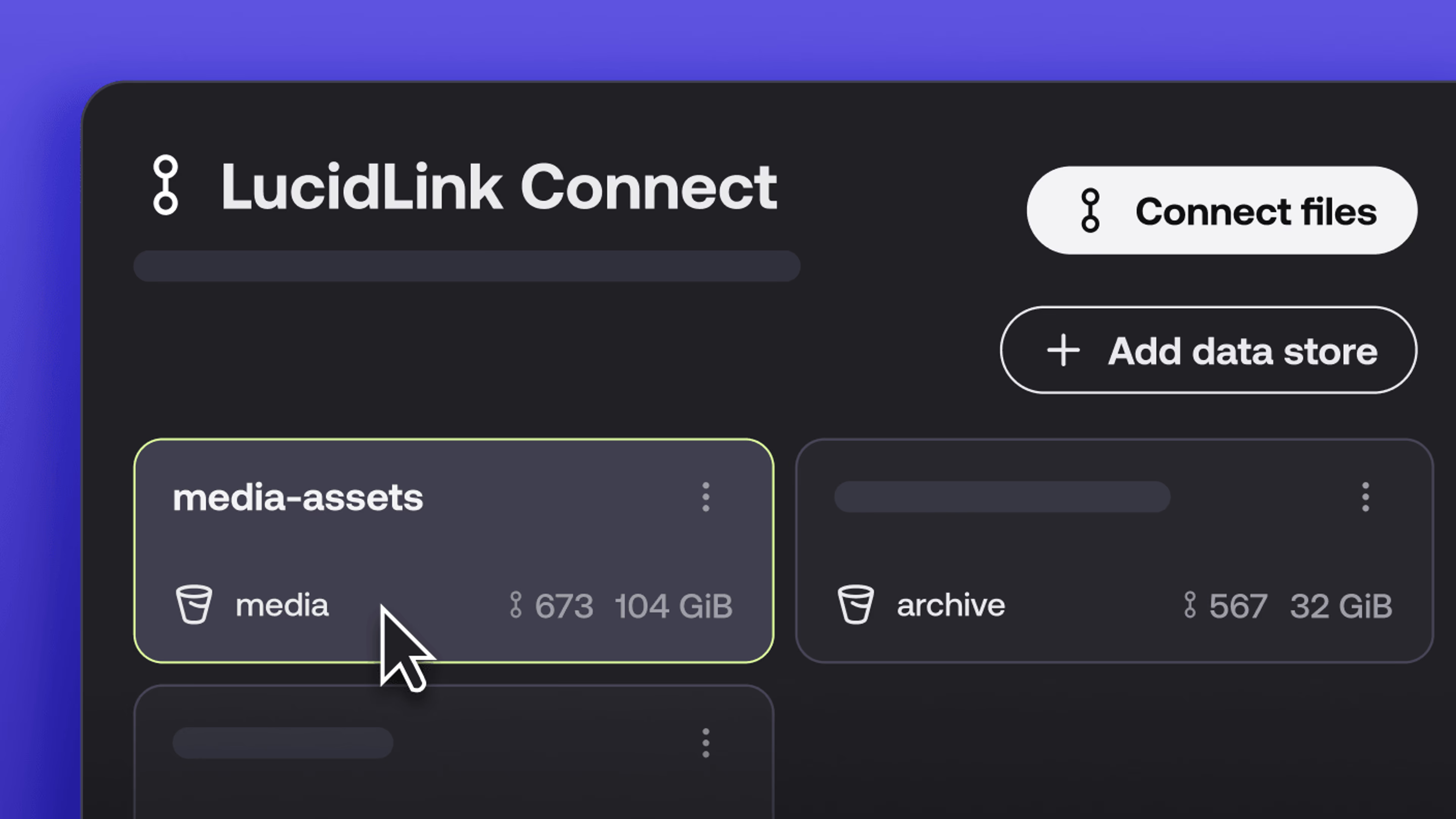
New in LucidLink Connect: simpler storage management
LucidLink Connect makes distributed storage easier to manage, with a new UI for connecting and managing data available through LucidLink.
06 October 2026, 2 mins read
Join our newsletter
Get all our latest news and creative tips
Want the details? Read our privacy policy. Not loving our emails?
Unsubscribe anytime or drop us a note at support@lucidlink.com.